Search "AI tools for nannies" and you get two kinds of result, neither for you. One kind is software sold to nanny agencies for managing their roster. The other is AI tools sold to parents. The person actually doing the job, the professional nanny who wants to run better days and build a real career, is missing from the page entirely.
This guide is written for that person. AIToolsBakery has no agency software to sell, so here is the honest, practical, mostly-free shortlist, split into the two things AI genuinely helps a nanny with: doing the daily job well, and growing the career around it. And because this is childcare, it ends with a safety section that is not optional reading.
The 30-second answer: A general AI model (ChatGPT or Claude, free tier) is the one tool worth learning: it generates age-appropriate activities, rainy-day plans, daily parent updates, and helps with resumes and interviews. Canva makes printable activities. The hard rule: AI is for planning and communication, never for supervising a child, and never put a child's details into it.
The short list at a glance
Before the detail, here is the whole toolkit in one view. Notice how short it is. You do not need a stack of apps. You need one general AI model you know well, plus a design tool, and that is most of it.
| Tool | What it does | Best for | Free tier reality |
|---|---|---|---|
| ChatGPT | General AI model: activities, updates, resume help, interview practice | The one tool to learn first | Free plan runs on GPT-5.5 Instant with tight daily caps. Enough for occasional planning. Plus is around $20/month if you want more. |
| Claude | General AI model, strong at longer writing and natural tone | Daily parent updates, sensitive messages, career writing | Free plan runs on Sonnet 4.5 with roughly 15 to 40 messages per 5-hour window. Generous enough for nanny use. Pro is $20/month. |
| Canva | Design tool for printable activity sheets, charts, craft templates | Polished printables and visual schedules | Free plan covers most nanny needs: 250,000+ templates, free photos and graphics. Pro is $15/month, mostly unnecessary here. |
| Khanmigo | Khan Academy's AI tutor with learning guardrails | Homework support for school-age children | $4/month for parents and learners ($44/year). Free for teachers. The family usually pays, not you. |
| Care.com / UrbanSitter / Sittercity | Placement platforms with AI-assisted matching | Finding families and presenting your profile | Free to create a profile and apply. Some background-check and premium features cost extra, usually paid by families. |
A note on the two general models. ChatGPT and Claude do nearly the same things for a nanny, and the free tier of either is enough to start. ChatGPT is the more familiar name. Claude tends to write daily updates and sensitive messages in a slightly warmer, less robotic tone, which matters when a parent reads them. Pick one, learn it well, and ignore the rest. Switching tools constantly is its own kind of busywork.
Part one: tools for the daily job
The everyday work of nannying has a creative load: constantly inventing activities, adapting to weather and moods, keeping kids engaged and learning. That is where AI genuinely lightens the day.
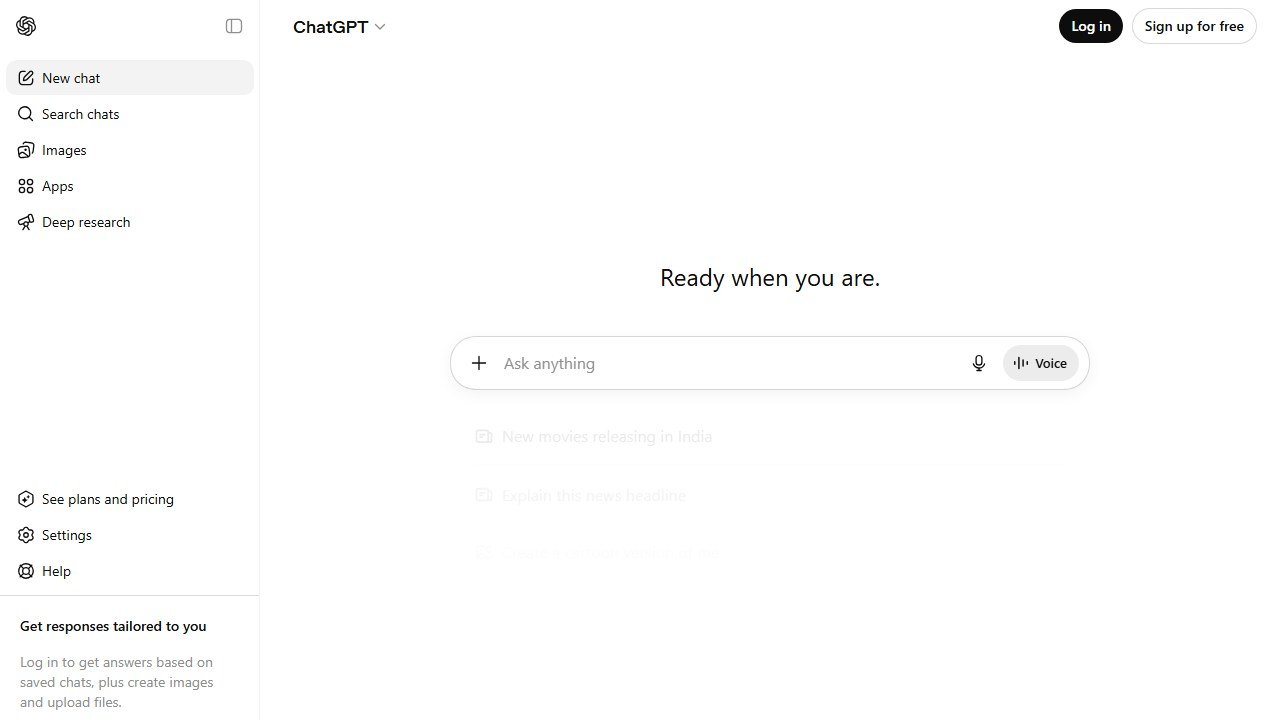
Activity and play planning. A general model like ChatGPT or Claude is an endless source of age-appropriate ideas. The skill is in the prompt. Be specific and you get something usable instead of generic. Vague prompts get vague answers, so load the prompt with the real constraints of your day: the children's ages, how much time you have, the weather, the energy in the room, and what is actually in the house. For example:
"Give me 5 indoor activities for a 3-year-old and a 6-year-old to do together on a rainy afternoon. They should be calm, need only common household items, and take about 20 minutes each."
That returns a genuine plan, not a list of clichés. Here are a few more you can copy, paste, and adjust:
"It's a hot day and the 4-year-old is overtired and cranky. Suggest 4 low-energy, low-stimulation activities we can do indoors that will help him wind down before nap."
"Plan a simple themed afternoon for two children, ages 2 and 5, around the theme of 'ocean.' Include one craft, one game, one snack idea, and one quiet activity. Everything should use basic supplies."
"Give me 6 outdoor activities for a 7-year-old who gets bored easily, that build gross motor skills and can be done in a small backyard with no special equipment."
Keep a short file of go-to prompts like these saved on your phone, and the daily "what do we do now" problem mostly disappears. Over a few weeks you build a personal library you can pull from in seconds.
Parent updates. Many families want a daily recap, and writing a warm, clear one at the end of a tiring day is a small recurring chore. Jot rough notes through the day, then ask a model to turn them into a friendly summary. A prompt that works:
"Turn these rough notes into a warm, concise daily update for parents, about 4 sentences, friendly but professional tone: ate well at lunch, two short tantrums before nap, napped 90 minutes, great mood at the park, started a painting we'll finish tomorrow."
Important: write the notes in general terms (see the safety section) and let AI polish the wording, not store the child's life. The model never needs the child's name to write a good update.
Learning support. For school-age children, AI helps you help with homework and reading. Khanmigo, Khan Academy's AI tutor, is built for learning support with guardrails. It is designed to coach a child toward an answer rather than hand it over, which is exactly what you want during homework time. It costs $4 a month for parents and learners, and in most cases the family pays for it rather than the nanny. Our Khanmigo review covers how it works. A general model with voice can also generate a quick read-aloud story on request, or rephrase a tricky homework concept in simpler words when a child is stuck. Used alongside you, with you, these are good. Used to park a child in front of a screen, they are not, and that distinction is the whole point of the safety section below.
Printables and crafts. Canva produces printable activity sheets, learning charts, reward charts, visual daily schedules, and craft templates in minutes. The free plan is genuinely enough for this: it includes hundreds of thousands of templates and a large free photo and graphic library, and the $15-a-month Pro tier adds little a nanny actually needs. A visual schedule taped to the fridge, a colour-by-number sheet, a chore-and-reward chart for an older child: this is the kind of polished, prepared material that makes a family see you as a professional rather than a babysitter.
Meal and snack ideas. A small but real daily question is what to feed the children. A general model handles this well when you give it the constraints. A prompt:
"Suggest 5 quick, healthy snack ideas for a 2-year-old and a 5-year-old, no nuts, nothing that needs cooking, using common fridge and pantry items. Keep them low-sugar."
Always confirm allergies and dietary rules with the parents directly. AI suggests options; the family sets the rules, and you follow theirs.
Part two: tools for your career
Nannying is a profession, and AI is genuinely useful for advancing in it. The honest truth is that good nannies and good self-presentation are two different skills, and the second one is teachable. This is where a free AI tool closes a real gap.
Resume and profile. A general model will turn your experience into a strong, well-written nanny resume, tailor it to a specific family's posting, and sharpen your profile on a placement site. Describe your experience plainly and let the model do the polishing. A prompt:
"I'm a nanny with 6 years of experience, mostly with toddlers and infants, including potty training, meal prep, and light housekeeping. I have a CPR certification and a clean driving record. Write a concise, warm professional summary for the top of my nanny resume, around 4 sentences."
You can go further and tailor for a specific role:
"Here is a family's job posting: [paste posting]. Here is my background: [paste your experience]. Rewrite my resume summary and bullet points to match what this family is asking for, without inventing anything I haven't told you."
That last instruction matters. Tell the model not to invent. It should sharpen what is true, never add what is not.
Interview preparation. Ask a model to role-play a family interview: have it ask you common nanny-interview questions one at a time, then critique your answers. A prompt:
"Act as a parent interviewing me for a full-time nanny position for a 1-year-old. Ask me one interview question at a time and wait for my answer before the next. After 6 questions, give me honest feedback on my answers and how to improve them."
Practising the "tell me how you would handle…" questions out loud, with feedback, is the kind of preparation that wins placements. You can also ask the model to suggest good questions for you to ask the family, which signals professionalism in an interview.
Handling tough situations. Every nanny meets hard moments: a nap strike, sibling conflict, a tricky conversation with a parent about screen time, hours, or pay. A model is a useful, private sounding board for thinking through an approach and rehearsing how to phrase a sensitive conversation. A prompt:
"I need to talk to a parent about renegotiating my hours because the schedule has crept later than we agreed. Help me think through how to raise this professionally and respectfully. Suggest an opening sentence and the key points to make."
It is a thinking aid, not a decision-maker. But talking a problem through, even with AI, often clarifies it, and rehearsing the wording takes the fear out of a hard conversation.
Negotiating pay and contracts. AI can explain standard nanny-contract terms, help you understand what a guaranteed-hours clause or paid-time-off arrangement usually looks like, and draft questions to raise before signing. It is not legal advice, and employment rules vary by location, so treat it as a starting point and verify anything important locally. But for a nanny who has never seen a written contract, having AI walk through the typical sections in plain language is genuinely useful.
Finding good families. Placement happens on platforms like Care.com, UrbanSitter, and Sittercity, which increasingly use AI-assisted matching. Creating a profile and applying is free; some background-check and premium features cost extra. AI does not replace your judgment about whether a family is right. It just helps surface options and present yourself well. Use a general model to draft a short, warm message to a family you want to apply to, then edit it in your own voice so it does not read as generic.
The safety section: read this one twice
This is childcare, so two rules are non-negotiable.
One: AI never supervises a child. Not for a minute. AI is a planning tool you use when you are off the clock or while a child is safely occupied with your full attention available. It does not watch, it does not babysit, it does not replace the attention a child is owed. A child's safety is continuous human supervision, full stop. No "AI for nannies" app changes this. If a tool's pitch hints that it can keep an eye on a child so you can do something else, that is the moment to close the tab.
Two: never put a child's identifying information into an AI tool. Not their full name, address, school, routine, photos, medical details, or the family's name. When you draft a parent update or talk through a situation, generalize: "the 4-year-old," "the older child," "the family." AI services process and may retain what you type. A child's private life is not yours to feed into one, and a professional nanny protects that family's privacy as fiercely as their safety. This is also why agency software, not a consumer chatbot, is where any actual child records belong.
A practical habit makes this easy: before you type anything into an AI tool, do a quick scan of your message and strip out anything that could identify the child or family. Names become roles. Addresses and schools come out entirely. Photos never go in. It takes five seconds and it becomes automatic.
Stand-alone "AI for nannies" apps are starting to appear; treat newer ones with normal caution and check exactly what they do with data before trusting them. Read what they store, where it is stored, and who can see it. A general model used carefully, within these two rules, covers most of what a nanny needs, and you can always discuss any tool with the family before using it on the job. When in doubt, ask the parents. Their child, their call.
What AI cannot do
It cannot comfort a crying toddler, catch the developmental thing a parent should know about, or be the warm, consistent, attentive presence that is the entire value of a great nanny. It cannot make a child feel safe and seen. It cannot read the small shift in a child's mood that tells you something is wrong. It cannot build the trust that makes a family keep you for years. That is not a job AI is bad at. It is a job AI is not in.
Use AI for the planning and the paperwork and the career-building. Let it give you better activities and easier evenings and a stronger resume. Then close it, and give the children the one thing the job is actually for: your full, undistracted, human attention.
AI tools for related roles
See how AI helps adjacent roles:
- AI Tools for Pet Groomers: stop Losing Bookings, Cut the Admin.
- AI Tools for Dog Trainers: a Working Trainer’s Honest Guide.
More AI tool guides worth reading: Brightwheel vs Famly and Procare Review.

Written by
FazFaz is the founder of AIToolsBakery. Some tools here are tested hands on. Others are assessed from vendor documentation and pricing verified on the live page, and every review says which one it is. Sponsors can buy a position in a guide. They cannot buy the score, the criticism, or silence about a better option.
How we test and how we make money →