Special education teachers spend an average of 5 to 8 hours per week on IEP paperwork alone. That’s time not spent with students who need you most. Between drafting goals, tracking accommodations, writing progress notes, and staying compliant with IDEA requirements, the administrative load on SPED teachers is genuinely unsustainable.
AI tools are starting to change that picture. Not by replacing the expertise you bring to your students, but by handling the repetitive documentation, helping differentiate content faster, and giving you a starting point instead of a blank page. This guide covers the seven most relevant AI tools for special education specifically, with honest notes on pricing, compliance, and which scenarios each tool actually fits.
The best AI tools for special education teachers in 2026 are MagicSchool AI (IEP drafting and differentiation), Playground IEP (goal writing), Goalbook Toolkit (standards-aligned supports), IEP Smart (compliance-focused IEP builder), AudioPen (voice-to-notes), Brainly for Education (student support), and Diffit (materials differentiation).
What to Look for in AI Tools for Special Education
Not every AI writing or productivity tool belongs in a SPED classroom. The stakes are higher here: student data is more sensitive, compliance requirements are stricter, and the output needs to hold up in an IEP meeting with parents and administrators. When evaluating AI tools for special education teachers, these criteria matter most.
- FERPA and COPPA compliance: Any tool touching student data needs explicit compliance documentation, not just a vague privacy policy.
- IEP-specific output: Generic AI writing tools produce generic output. Look for tools trained on or explicitly designed for special education goals and language.
- Differentiation depth: Can it actually adjust reading level, output format, and scaffolding, or does it just simplify vocabulary?
- Practical pricing: Most SPED teachers are buying tools out of pocket or from a small budget. Free tiers and affordable plans matter.
- Integration: Tools that connect to your existing systems (Google Classroom, your district’s SIS) reduce friction significantly.
The 7 Best AI Tools for Special Education Teachers in 2026
1. MagicSchool AI
| Quick Facts | |
|---|---|
| Best for | IEP drafting, differentiation, communication |
| Free plan | Yes (limited runs per month) |
| Paid price | ~$3/month (individual), school/district plans available |
| FERPA/COPPA compliant | Yes (documented) |
| Key SPED feature | Dedicated IEP goal generator and accommodation writer |
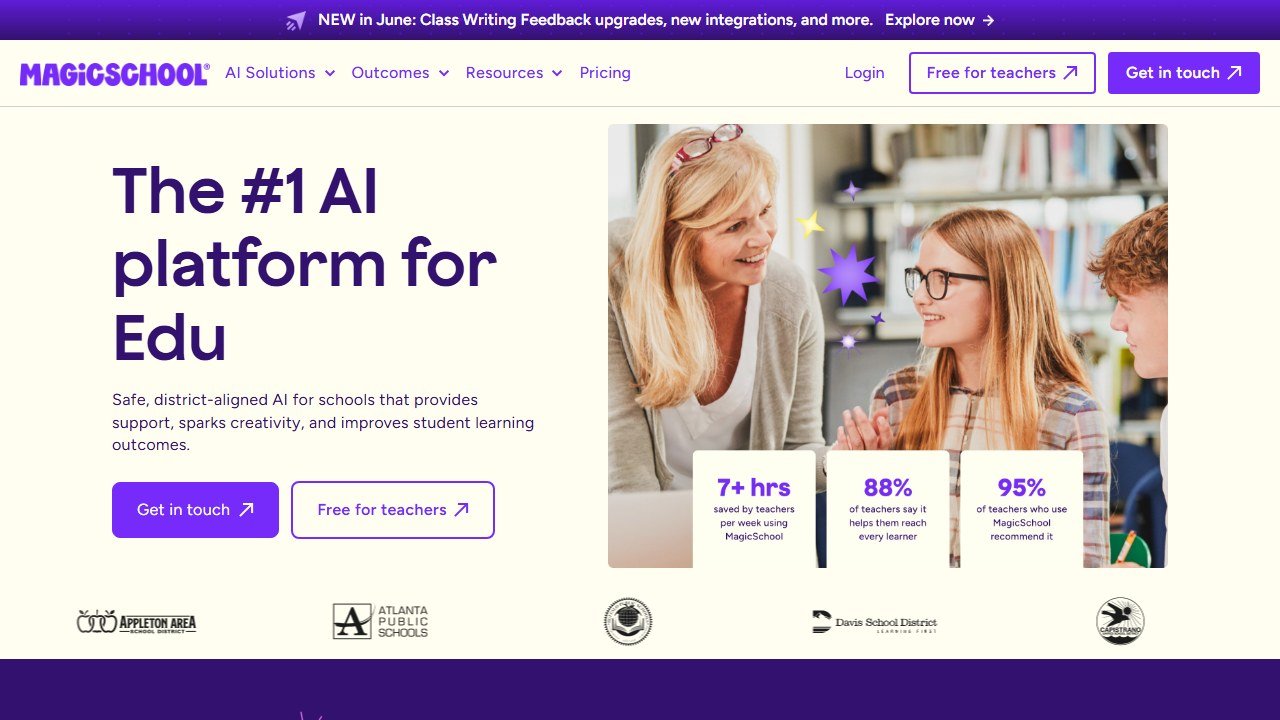
MagicSchool AI is arguably the most SPED-aware general education AI tool available right now. It was built specifically for teachers and includes over 60 dedicated tools, several of which are directly relevant to special education: an IEP goal generator, accommodation and modification writer, behavior intervention plan (BIP) assistant, and a communication writer for parent letters in plain language.
The IEP goal generator is genuinely useful. You input the student’s grade level, area of need, and current performance level, and MagicSchool produces SMART goals with measurable criteria. Based on publicly available information and user reports from SPED teachers, the output is a solid first draft that still requires professional review. It is not a finished document you send without editing. That’s the right framing for any AI-generated IEP content.
The free plan limits the number of generations per month, which can be a constraint during IEP season. The paid individual plan is priced low enough that most teachers can self-fund it. District licensing brings additional admin controls and data agreements that satisfy most school data governance requirements.
- Pros: Purpose-built for teachers, dedicated SPED tools, FERPA compliant, very affordable paid tier, active product development
- Pros: IEP goal language is actually standards-aware, not just generic
- Pros: Parent communication tools are a real time-saver
- Cons: Free plan generation limits frustrate heavy users during IEP season
- Cons: Output still requires significant editing for complex or low-incidence disability profiles
- Cons: Not a full IEP management system. It generates content, not a complete document workflow
2. Playground IEP
| Quick Facts | |
|---|---|
| Best for | IEP goal writing, progress monitoring language |
| Free plan | Yes (trial access) |
| Paid price | Subscription-based; school plans available (contact for pricing) |
| FERPA/COPPA compliant | Yes |
| Key SPED feature | AI goal bank with IDEA-aligned language |
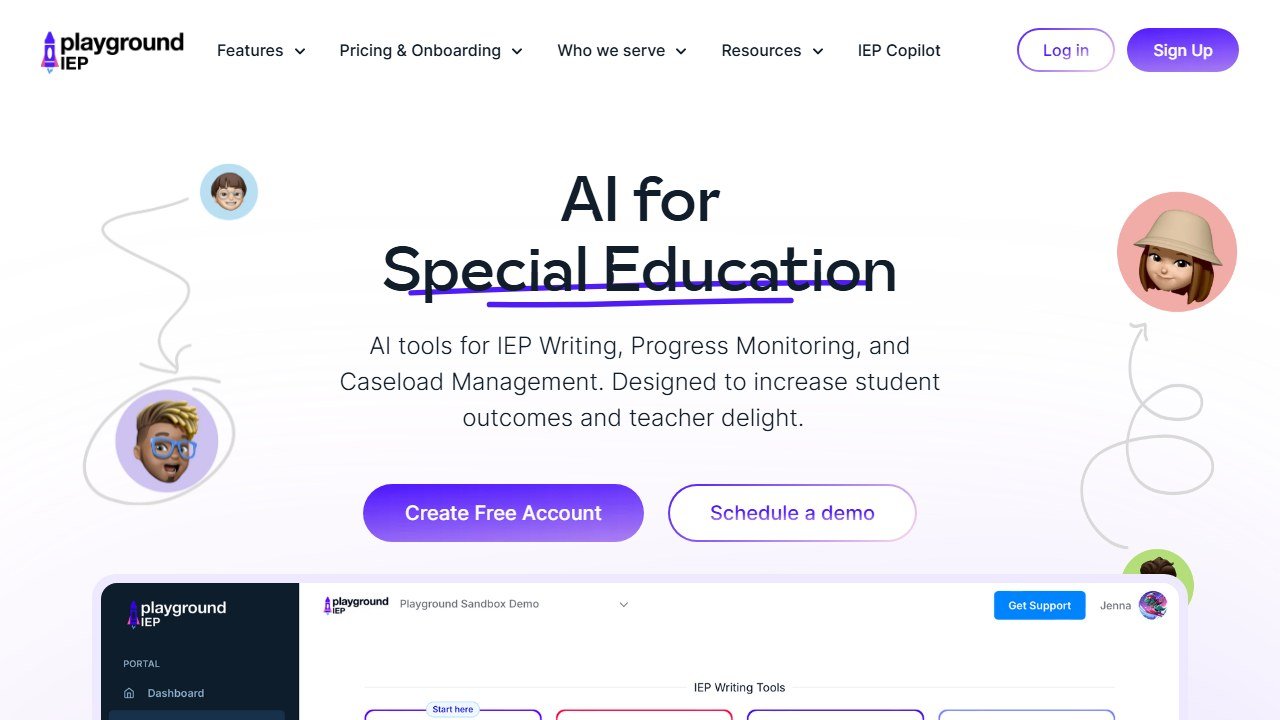
Playground IEP is purpose-built for special education and focuses almost entirely on the IEP workflow. Where MagicSchool covers a broad range of teacher tasks, Playground IEP goes deep on goal writing specifically, with a goal bank structure that maps to disability categories, grade bands, and academic or functional domains.
The platform lets you filter goals by area (reading, math, communication, behavior, social-emotional, daily living) and then customize the selected goal with student-specific performance data. The output uses IDEA-compliant language, which matters when your IEPs go through compliance review. Based on publicly available information, the platform is used by individual SPED teachers and by district special education coordinators who want consistent goal language across their schools.
Pricing is not fully public at the individual level, which is a minor friction point. School and district contracts appear to be the primary commercial model. Individual teachers may need to push for a trial or reach out for single-seat pricing.
- Pros: Deeply SPED-specific, not a general AI tool adapted to education
- Pros: Goal bank structure makes compliance review easier
- Pros: Reduces blank-page paralysis for new SPED teachers
- Cons: Narrower scope than tools like MagicSchool, primarily IEP goals, less useful for differentiation or parent comms
- Cons: Pricing transparency could be better for individual teachers
3. Goalbook Toolkit
| Quick Facts | |
|---|---|
| Best for | Standards-aligned IEP goals, UDL supports, professional development |
| Free plan | Limited free resources; paid subscription required for full toolkit |
| Paid price | District/school licensing (individual pricing not publicly listed) |
| FERPA/COPPA compliant | Yes |
| Key SPED feature | UDL-aligned instructional strategies tied to IEP goals |
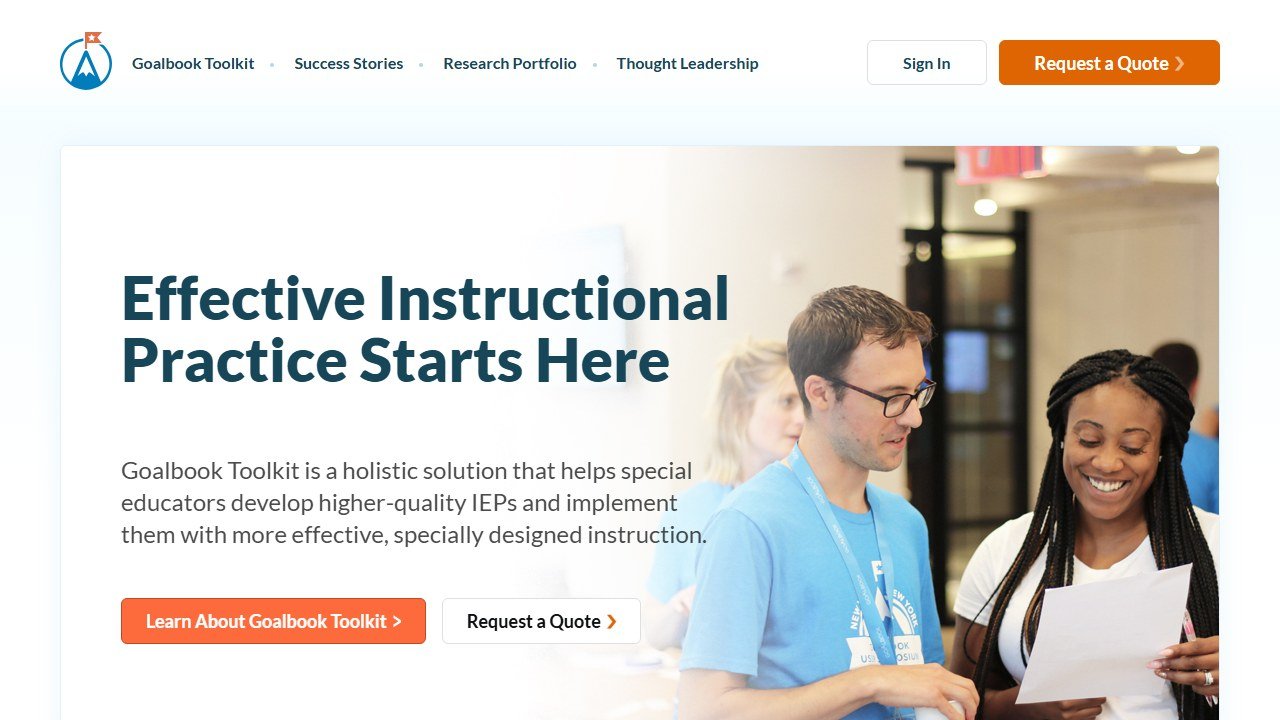
Goalbook Toolkit takes a different approach from pure AI generation tools. It combines a structured goal bank with Universal Design for Learning (UDL) instructional strategy recommendations, connecting the IEP goal directly to classroom implementation. If you write a goal around reading fluency, Goalbook suggests specific UDL supports and accommodations aligned to that goal.
This makes Goalbook particularly valuable for SPED teachers who are also responsible for co-teaching or pushing into general education classrooms. The bridge between the IEP document and day-to-day instruction is where a lot of students fall through the cracks, and Goalbook addresses that gap more directly than most tools in this space.
- Pros: UDL framework integration is genuinely useful for co-teachers and inclusion specialists
- Pros: Standards alignment across multiple state frameworks
- Pros: Professional development resources included
- Cons: Primarily a district tool, so individual teachers may not have access
- Cons: Less generative AI capability than newer tools
- Cons: Pricing structure limits accessibility for self-funded teachers
4. IEP Smart
| Quick Facts | |
|---|---|
| Best for | Full IEP document drafting and compliance tracking |
| Free plan | Trial available |
| Paid price | Subscription; individual and school tiers available |
| FERPA/COPPA compliant | Yes |
| Key SPED feature | AI-assisted full IEP builder with compliance flagging |
IEP Smart positions itself as a more complete IEP workflow tool rather than just a goal generator. The platform guides you through the full IEP document structure, uses AI to help draft each section based on student data you input, and flags potential compliance issues before you finalize the document.
The compliance flagging is the standout feature. IEP documents that go out with missing required elements or language that doesn’t meet IDEA standards create real legal exposure for schools. Having an AI layer that checks for these issues before the document leaves your desk is a meaningful addition to the workflow, not just a productivity feature.
- Pros: Full IEP document workflow, not just goal generation
- Pros: Compliance flagging reduces legal risk
- Pros: Structured format helps newer SPED teachers learn IEP requirements
- Cons: More rigid structure may frustrate experienced SPED teachers with established workflows
- Cons: Pricing not fully transparent at the individual level
5. AudioPen
| Quick Facts | |
|---|---|
| Best for | Voice-to-structured-notes, progress monitoring dictation |
| Free plan | Yes (limited recordings) |
| Paid price | ~$8/month (individual) |
| FERPA/COPPA compliant | Review privacy policy; do not include student names in recordings |
| Key SPED feature | Converts spoken notes into clean structured text |
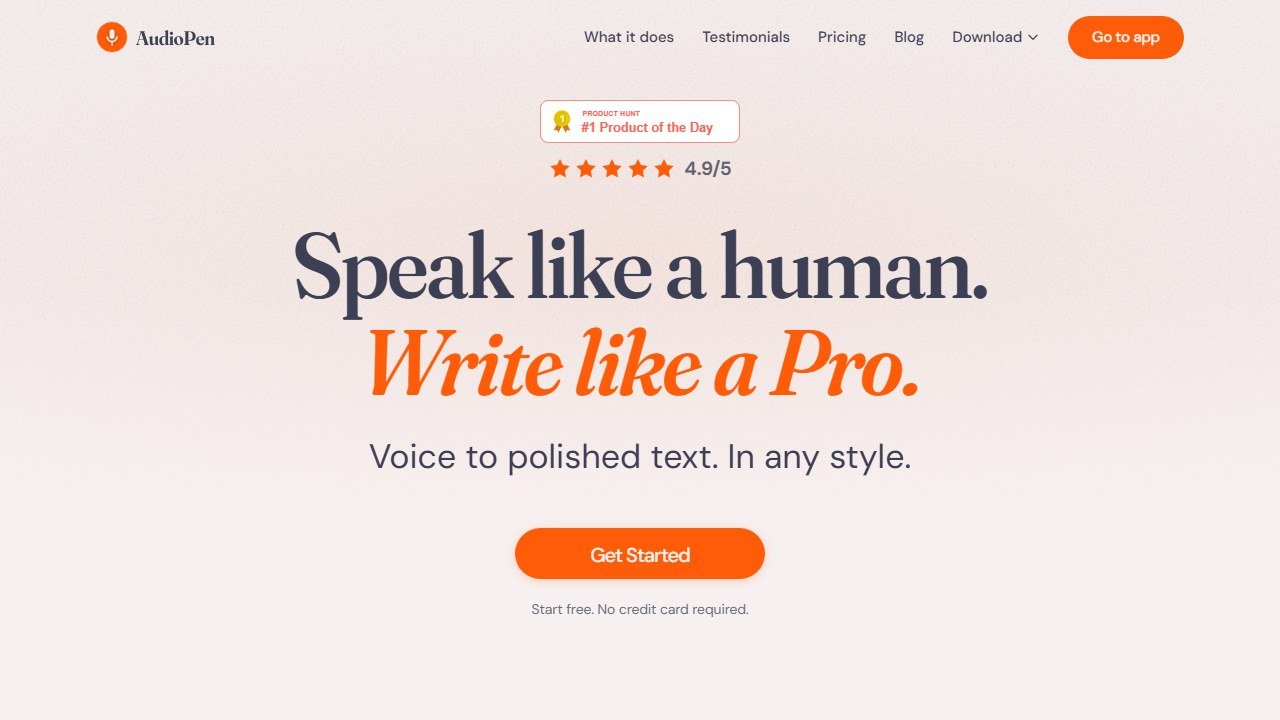
AudioPen is not a SPED-specific tool, but it solves a real SPED teacher problem: the gap between observation and documentation. You notice something important during a student session, but by the time you get back to your desk to write it up, the detail is gone. AudioPen lets you speak your observations into your phone and converts them into clean, structured text you can drop into progress notes or anecdotal records.
- Pros: Genuinely useful for real-time observation capture
- Pros: Affordable individual pricing
- Pros: Works across subjects and use cases, not just SPED
- Cons: Not purpose-built for education, so use with caution around student data
- Cons: No FERPA-specific data processing agreement publicly available
- Cons: Requires discipline to avoid including identifying student info
6. Brainly for Education
| Quick Facts | |
|---|---|
| Best for | Student academic support, homework help, accessible explanations |
| Free plan | Yes (with ads; school version available) |
| Paid price | School licensing available (contact for pricing) |
| FERPA/COPPA compliant | Yes (school version) |
| Key SPED feature | Step-by-step explanations at adjustable complexity levels |
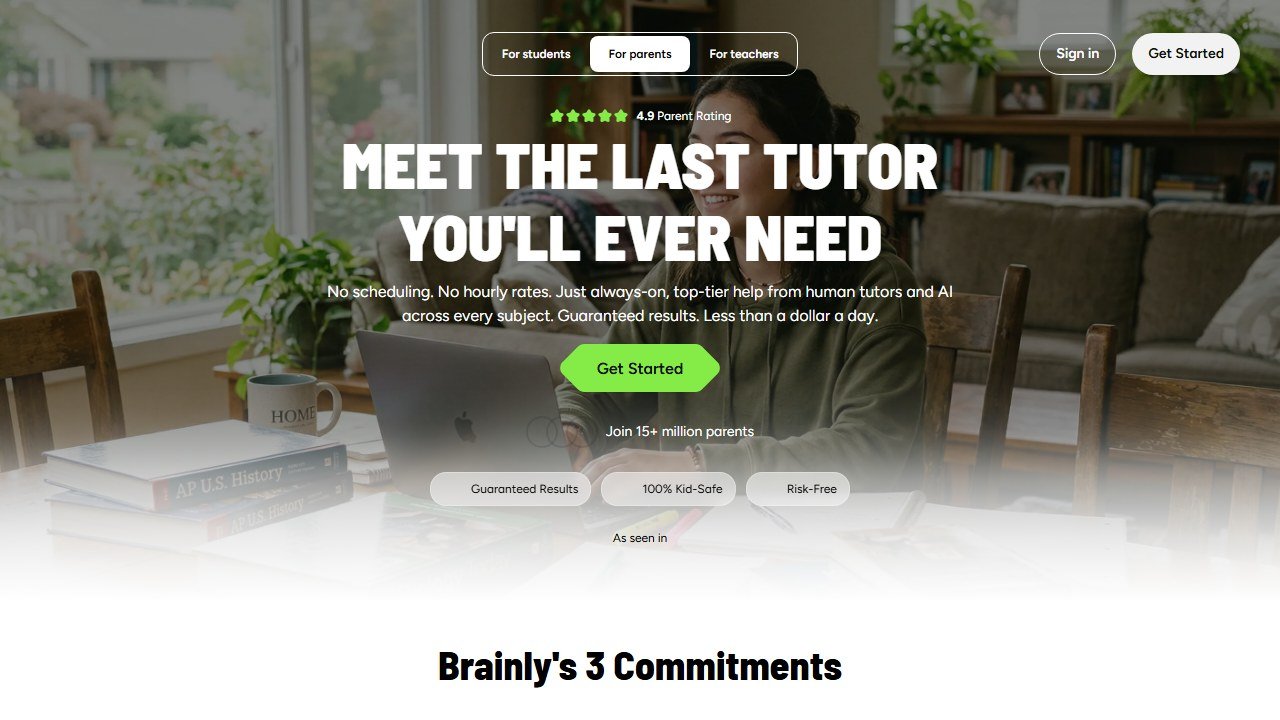
Brainly for Education is primarily a student-facing tool rather than a teacher productivity tool. Its relevance to special education is in its ability to provide step-by-step explanations at multiple complexity levels, which makes it useful for students with learning disabilities who need content broken down differently than the textbook presents it.
- Pros: Student-facing tool that supports independence goals
- Pros: Step-by-step explanations at variable complexity
- Pros: Widely recognized platform students may already know
- Cons: Not a teacher productivity tool, so it is less useful for IEP or documentation tasks
- Cons: School version pricing not publicly listed
- Cons: Requires teacher oversight to ensure students use it for learning, not just answer-getting
7. Diffit
| Quick Facts | |
|---|---|
| Best for | Differentiating reading materials and texts by level |
| Free plan | Yes |
| Paid price | ~$12/month (individual); school plans available |
| FERPA/COPPA compliant | Yes |
| Key SPED feature | Instant text differentiation across multiple reading levels |
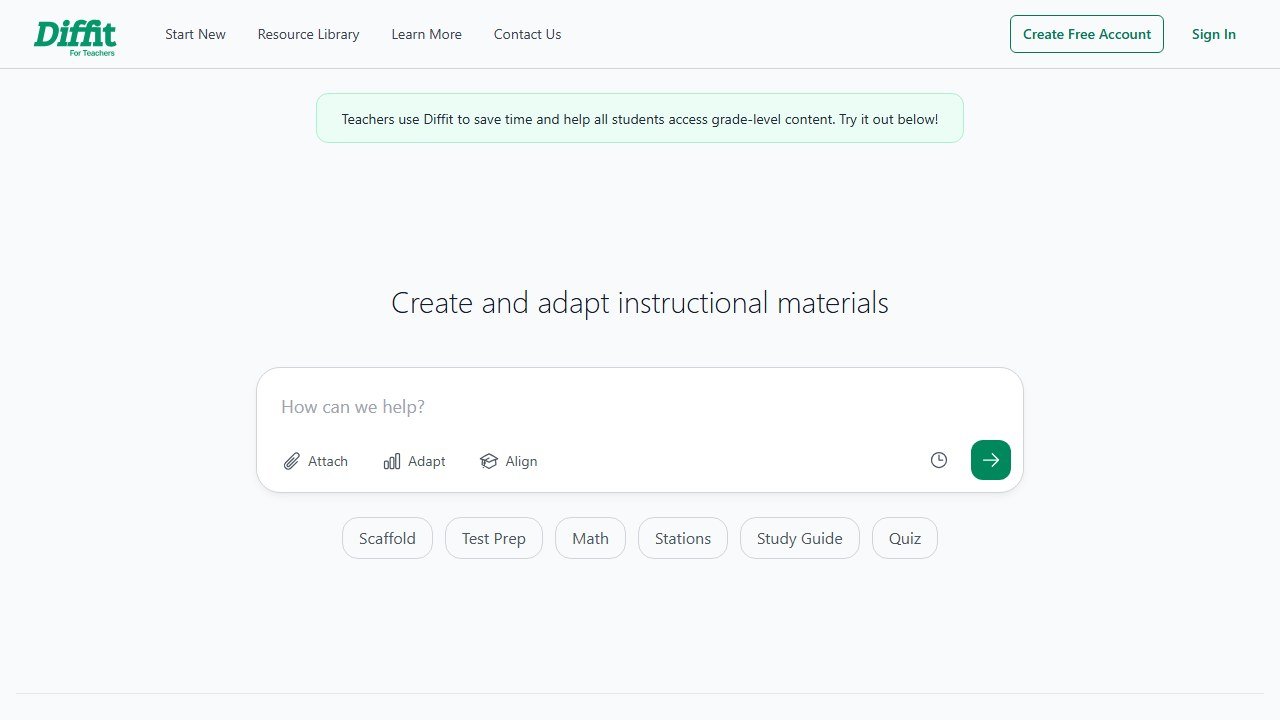
Diffit solves one of the most time-consuming tasks in special education: creating differentiated reading materials. You paste in a text or URL, choose the target reading level, and Diffit produces a version of that content adapted to that level, complete with comprehension questions and vocabulary support. It takes about 30 seconds for a task that used to take 20 to 40 minutes of manual rewriting.
- Pros: Saves significant time on materials differentiation
- Pros: Works across all content areas
- Pros: Produces multiple levels from one input, not just one simplified version
- Pros: Free plan gives genuine access, not just a teaser
- Cons: Less effective for small reading level adjustments
- Cons: Better with expository than narrative text
- Cons: Output still needs teacher review before distributing to students
Diffit’s leveling also makes it a favorite with language teachers. Our roundup of the best AI tools for ESL teachers tests it with real CEFR leveling tasks.
Comparison Table: AI Tools for Special Education
| Tool | Primary SPED Use | Free Plan | Paid (approx) | FERPA Compliant | Best Audience |
|---|---|---|---|---|---|
| MagicSchool AI | IEP goals, differentiation, parent comms | Yes | ~$3/mo | Yes | All SPED teachers |
| Playground IEP | IEP goal writing | Trial | Contact | Yes | IEP coordinators |
| Goalbook Toolkit | Goals + UDL supports | Limited | District only | Yes | District/school teams |
| IEP Smart | Full IEP document workflow | Trial | Contact | Yes | Compliance-focused districts |
| AudioPen | Observation/progress note dictation | Yes | ~$8/mo | Use caution | Classroom teachers |
| Brainly for Education | Student academic support | Yes (school) | Contact | Yes (school) | Inclusion/resource teachers |
| Diffit | Materials differentiation | Yes | ~$12/mo | Yes | Co-teachers, resource teachers |
Which Tool Is Right for Your Classroom?
You carry a large IEP caseload and need to write or update goals faster. Start with MagicSchool AI for its combination of IEP goal generation and affordability. If your district has Playground IEP or Goalbook already licensed, use those first since they offer deeper compliance-focused goal structures.
You support students in general education inclusion classrooms and spend hours modifying materials. Diffit is your tool. It handles the most time-intensive part of inclusive instruction: getting grade-level content into an accessible format, faster than anything else in this list.
You’re responsible for your district’s IEP compliance and want audit-ready documentation. IEP Smart’s compliance flagging and Goalbook’s structured goal bank are worth evaluating together. Both are positioned for district-level use rather than individual teachers, but they’re worth advocating for if your district is shopping for a compliance solution.
You want one tool that covers the most ground. MagicSchool AI is the closest thing to an all-in-one option specifically designed for teachers. It won’t replace a dedicated IEP management system, but it handles goal drafting, parent communication, behavior planning, and differentiation support in a single affordable package.
If IEP writing specifically is where you need the most help, our dedicated comparison of the best AI IEP writing tools goes deeper on drafting quality, compliance, and student data privacy.
A Note on Compliance: FERPA, COPPA, and Student Data
Special education teachers work with some of the most sensitive student data in any school. IEPs, evaluation reports, behavior intervention plans, and progress notes all contain information protected under FERPA (Family Educational Rights and Privacy Act) and, for students under 13, COPPA (Children’s Online Privacy Protection Act). Using AI tools in this context carries real compliance obligations that go beyond just checking a box on a vendor’s website.
Before using any AI tool with information related to identified students, you should: confirm that the tool has a signed data processing agreement (DPA) with your district; verify that the vendor explicitly documents FERPA compliance and does not train its AI models on student data; and check whether your district’s IT or legal team has already approved the tool. Many districts maintain an approved software list, and routing student information through an unapproved tool creates liability for you and your school.
The tools on this list that are purpose-built for education (MagicSchool AI, Playground IEP, Goalbook, IEP Smart, Diffit, Brainly for Education school version) all publicly document FERPA compliance. AudioPen is the exception: treat it as a personal productivity tool and keep student-identifiable information out of it until you have written clarity from your district.
For a broader look at AI in the classroom beyond special education, see our full guide to the best AI tools for teachers.

Written by
FazFaz is the founder of AIToolsBakery. Some tools here are tested hands on. Others are assessed from vendor documentation and pricing verified on the live page, and every review says which one it is. Sponsors can buy a position in a guide. They cannot buy the score, the criticism, or silence about a better option.
How we test and how we make money →