A prompt is application logic. The moment your LLM feature ships to real users, that fact stops being a slogan and starts being a problem. Someone tweaks a system prompt to fix one edge case, redeploys the whole service, and silently regresses three behaviors nobody tested. A product manager has a better wording in mind but cannot touch it without a pull request. Six weeks later, a customer complaint lands and no one can say which prompt version produced the bad output, on which model, at what cost.
Prompt management tools exist to make that chaos boring. At their best they give you a versioned registry, a way to change prompts without redeploying code, an experimentation loop, and a record of what actually ran in production. At their worst they are a glorified text box with a changelog.
We are AIToolsBakery. We sell none of these tools and take no affiliate cut from any of them. That matters here, because the highest-ranking guides for this keyword are almost all published by the vendors themselves: Braintrust ranking its own roundups, PromptLayer’s blog comparing PromptLayer favorably, Langfuse explaining why you want Langfuse. Each is useful and each has a thumb on the scale. This guide does not.
The 30-second answer: If your team is engineer-heavy and wants data ownership, run Langfuse (open source). If you want the slickest non-engineer prompt editor, use PromptLayer. If evaluation is the center of gravity, Braintrust. LangSmith if you live in LangChain. Self-host Agenta or Helicone to avoid per-seat fees.
Versioning and a prompt registry: the non-negotiable
This is the floor. Every serious tool here treats a prompt as a versioned object with a history, a unique identifier, and the ability to roll back. The differences are in the model.
LangSmith stores prompts in a hub that loads directly into LangChain and LangGraph code. Every version is tracked with full change history, and if you already build on LangChain it is the path of least resistance. The free Developer plan covers a single seat and roughly 5,000 traces a month; paid plans start around $39 per seat per month, with trace volume billed separately on top. The honest limitation: it is most comfortable inside the LangChain ecosystem, and if you are not there, the gravity works against you.
Langfuse takes the open-source route. Prompt management, versioning, and a registry sit under an MIT license you can run in Docker on your own infrastructure. The managed cloud starts around $29 a month with a usable free tier, but the real draw is full data ownership, which is the deciding factor in regulated or privacy-sensitive shops. The trade-off is that the open core gives you storage and versioning, and you assemble some of the evaluation and alerting yourself.
PromptLayer leans the other direction: a visual registry built so a product manager can edit a prompt without opening an IDE. The free tier is small (on the order of a couple thousand requests and a handful of prompts), and the Pro plan sits around $49 a month per user with usage overages. It is the friendliest on this list for mixed teams, with the caveat that overage billing can surprise you at scale.
Decoupling prompts from your deploy pipeline
The single biggest reason teams adopt these tools is to stop shipping code every time they reword a prompt. When prompts live in a registry and your application fetches the current published version at runtime, a wording change becomes a config change, not a release.
This is where the distinction between a deploy and a publish matters. Good tools let you pin production to a specific labeled version (say, `production` or `v12`) so an experiment in the editor never leaks to live users until someone promotes it. Braintrust builds its whole story around this: separate development, staging, and production environments, with prompts moving forward only after they clear a quality gate. A prompt that fails evaluation in staging does not reach production on its own. That is closer to real software delivery than most of the field.
The risk to understand: decoupling prompts from code means a prompt change can now break production without going through your normal code review. You have traded deploy friction for a new surface that needs its own guardrails. Treat the registry like the deploy pipeline it has quietly become.
There is also a caching question most teams discover the hard way. If your app fetches the published prompt on every request, you have added a network hop and a dependency on the vendor’s uptime to your hot path. Every tool here offers a local cache or SDK fallback for exactly this reason, but you have to configure it deliberately. The pattern we trust: fetch and cache the published version, fall back to a bundled copy if the registry is unreachable, and refresh on a sensible interval rather than per call. Get this wrong and your prompt manager becomes a single point of failure for a feature it was supposed to make safer.
A/B testing and experimentation
Versioning answers “what changed.” Experimentation answers “did the change help.” This is where prompt managers diverge from plain version control.
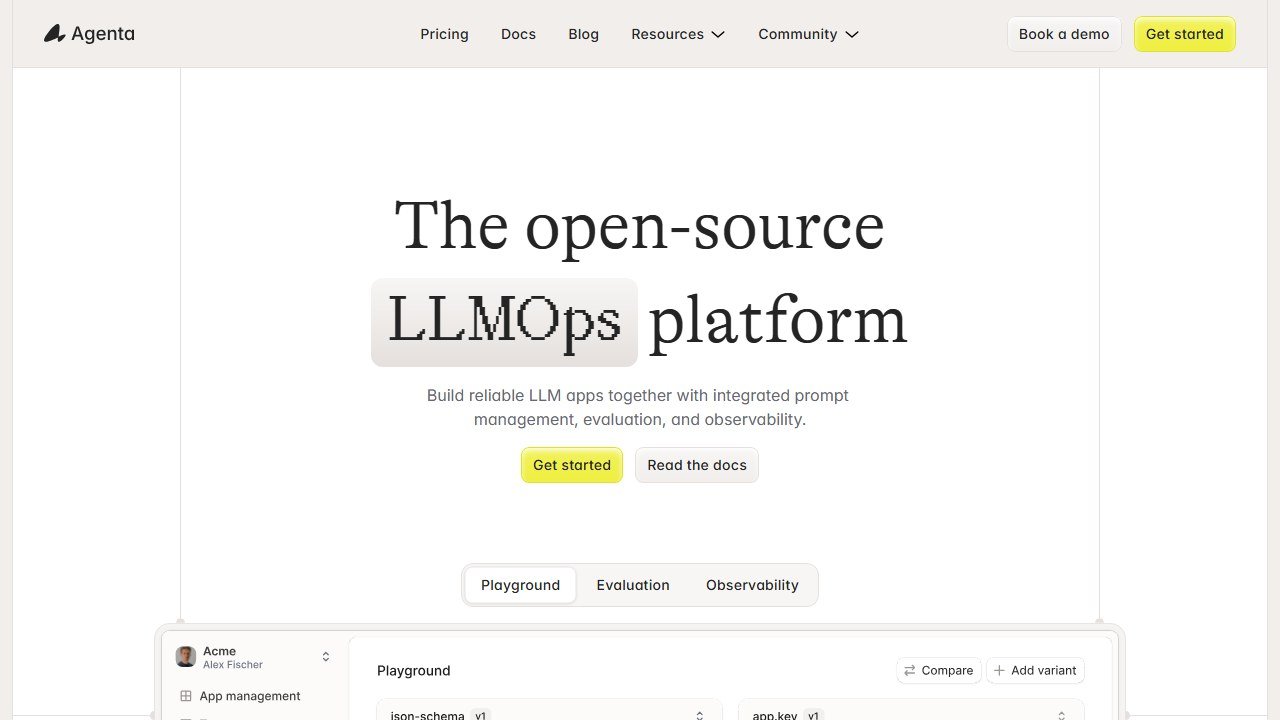
Agenta is the open-source option built around variants. You branch a prompt into parallel variants, each with its own commit history, and compare them against the same inputs without touching production. It is MIT licensed, self-hostable, and a strong fit for a team that wants a Git-like mental model without a per-seat bill. The limitation is the usual open-source one: you own the hosting, the upgrades, and the occasional rough edge.
Latitude is open source with a wider scope, aimed at building and deploying AI agents as much as managing prompts. It ships its own prompt templating language and a large integration catalog. If your roadmap is heading toward agents rather than single-shot prompts, that breadth is useful. If you only need prompt management, it is more platform than you strictly require.
For pure experimentation rigor, Braintrust and LangSmith both let you run a new prompt version against a saved dataset and diff the results side by side before anything ships. That offline comparison loop, run the candidate against last month’s hard cases, is the highest-value habit in this entire category. Live A/B testing, where you split real traffic between two prompt versions and measure on a business metric, is the next step up, and it is genuinely harder. It needs enough traffic for the result to mean something, a metric that is not just “model score,” and a way to attribute outcomes back to the version a user saw. Braintrust and Langfuse support this, but be honest about whether your volume justifies it. Most teams get more from a tight offline loop than from an underpowered live test that takes a month to read. Pair it with the discipline from a proper LLM evaluation tool and you stop guessing whether an edit was an improvement.
Collaboration between engineers and non-engineers
The political problem these tools solve is real: the person with the best instinct for prompt wording is often not the person who can merge a pull request. A copywriter, a domain expert, a support lead. Without a shared surface, every prompt tweak becomes an engineering ticket.
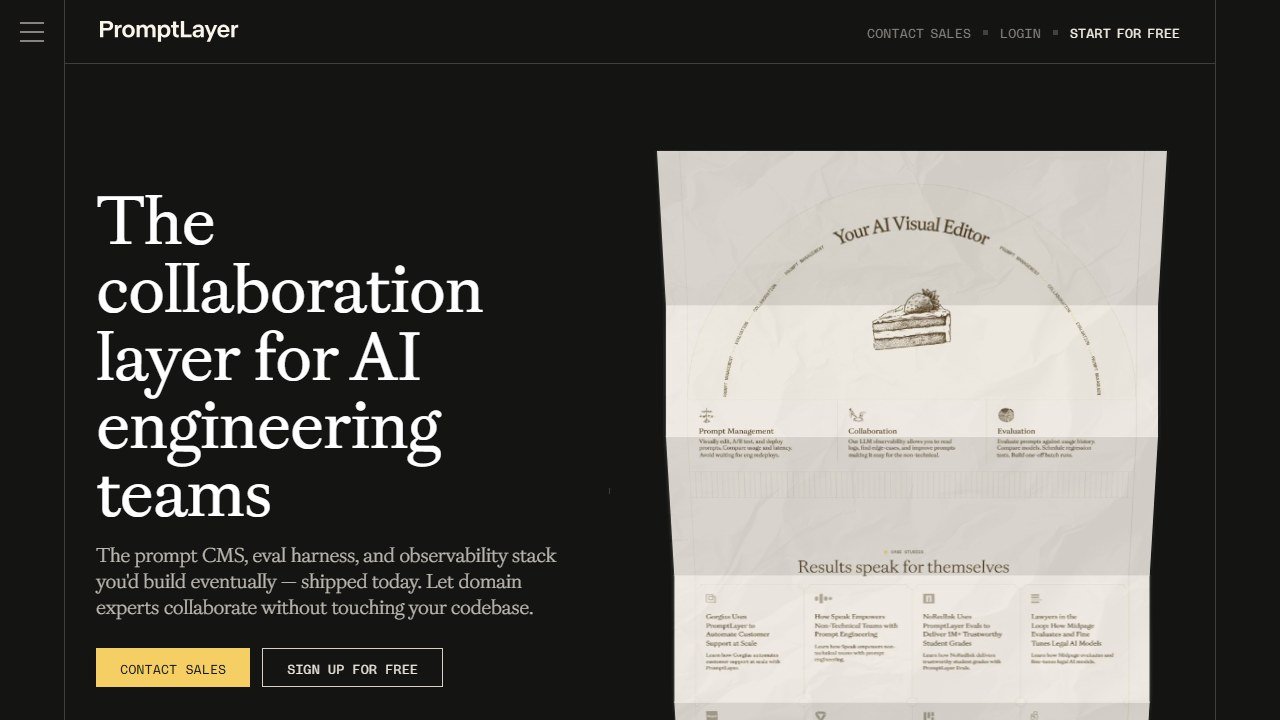
PromptLayer is the clearest answer here, with a non-technical editor and a workflow built so a PM can iterate, preview, and propose changes that an engineer then reviews and promotes. PromptHub is explicitly collaboration-first, with versioning, testing, and team workflows aimed at organizations rather than solo developers. Confident AI takes a Git-flavored approach with branches and pull-request-style review on prompts, which suits teams that want the engineering ritual extended to prompt authors.
Evaluation, observability, and the LLMOps overlap
Here is the distinction that trips up most buyers. There are dedicated prompt managers, and there are broad LLMOps platforms that happen to include prompt management. They look similar on a feature checklist and feel very different in use.
A dedicated prompt manager (PromptLayer, PromptHub) is focused: registry, editor, versioning, some testing. A broad platform (Langfuse, LangSmith, Braintrust, Helicone, Agenta) treats prompt management as one module inside tracing, evaluation, cost tracking, and observability. The broad platforms reduce tool sprawl. The dedicated ones are easier to adopt and harder to outgrow into a mess.
Helicone sits at the observability end: an open-source proxy that logs every LLM call with minimal setup, then layers prompt management on top. It is the lightest integration here (often a one-line base-URL change) and excels at logging and analytics. The trade-off is that its prompt and evaluation features are less deep than a tool built prompt-first.
On evaluation specifically, the strongest pattern is to connect your prompt registry to an automated eval suite so a new version is scored before it ships. If your evals depend on labeled examples, the workflow leans on solid annotation tooling for model evaluation, because an eval is only as good as the dataset behind it. The deeper you go on scoring, the more it pays to treat evaluation as its own decision rather than a checkbox inside the prompt tool, which is why we keep a separate guide to LLM evaluation tools for teams ready to invest there.
Cost and latency tracking
Every call has a price and a wait. Once you are at any volume, knowing which prompt version costs what, and how slow it is, stops being a nice-to-have.
This is observability territory, and the LLMOps platforms own it. Helicone, Langfuse, LangSmith, and Braintrust all attribute token spend and latency back to specific prompts, models, and users, so you can see that your shiny new system prompt is more accurate and also doubled your bill. Dedicated prompt managers tend to track this more thinly. If cost attribution is a first-class concern, that pushes you toward the broader platforms rather than the focused editors.
Two patterns are worth setting up early. First, tag every traced call with the prompt version and the model name so you can answer “did the cost jump because of my edit or because we switched models” without guessing. Second, watch latency at the percentile level, not the average. A prompt change that adds a few hundred tokens barely moves the mean but can push your slowest requests past a timeout, and the users who feel that are the ones most likely to churn. Helicone and Langfuse make percentile latency easy to read; if your tool only shows averages, treat that as a gap to fill elsewhere.
How the main prompt management tools compare
| Tool | What it is | Open source | Best for | Free tier |
|---|---|---|---|---|
| Langfuse | LLMOps platform, prompt-aware | Yes (MIT) | Data ownership, regulated teams | Yes, self-host or cloud |
| LangSmith | LangChain-native platform | No | Teams already on LangChain | Yes, 1 seat, ~5k traces |
| PromptLayer | Dedicated prompt manager | No | Mixed engineer/non-engineer teams | Yes, small |
| Braintrust | Eval-centric AI quality platform | No | Eval gates and staged deploys | Yes, 1M spans |
| Agenta | Open-source LLMOps, variant-first | Yes (MIT) | Self-hosted experimentation | Yes, self-host |
| Helicone | Observability proxy, prompt-aware | Yes | Lightweight logging and cost | Yes |
| Latitude | Open-source agent and prompt platform | Yes | Teams heading toward agents | Yes, self-host |
| PromptHub | Collaboration-first prompt manager | No | Non-engineer-heavy teams | Yes, limited |
A note on Humanloop, because the SERP still recommends it
You will see Humanloop on most older lists, often near the top. Be careful. Anthropic acqui-hired the Humanloop team in August 2025 and the product ceased operations on September 8, 2025. The founders and core team moved to Anthropic; the platform is gone. Several vendors (PromptLayer, Agenta) published migration guides for stranded customers. We mention it only so you do not waste a week evaluating a tool you cannot buy. This is a fast-moving category, and a list that still pitches Humanloop as a live option is a list to distrust.
A lean starter stack
You do not need five tools. For most teams shipping their first or second LLM feature:
- Pick one home. If you want zero vendor lock-in and have an ops person, self-host Langfuse or Agenta. If you want managed and friendly, PromptLayer. If evaluation is your obsession, Braintrust. If you live in LangChain, LangSmith. Resist running two.
- Move prompts out of code immediately. The registry plus runtime fetch is the single highest-leverage change. Do it before you optimize anything else.
- Pin production to a labeled version. Never let the live app pull “latest.” Promote deliberately.
- Wire one offline eval before you publish. Even a small dataset of past failures, scored automatically, catches more regressions than any amount of eyeballing.
- Turn on cost and latency tracking from day one. It is far easier to watch the curve than to reconstruct a spike after the invoice arrives.
Start there. Add experimentation depth and richer evals once the basics are boring.
One adjacent note for teams whose LLM features touch search visibility: the way models surface and cite content is its own discipline, and worth understanding alongside prompt work if that is your product. We cover that separately in our look at AI mode SEO checking tools.
What prompt management tools still cannot do for you
These tools version, test, and deploy prompts. They do not write good ones, and they do not tell you what “good” means for your product. That judgment is the job, and it stays human.
A registry will faithfully store a prompt that is subtly biased, factually loose, or tone-deaf for your users. An eval suite only checks what you thought to measure; the failure mode that sinks you is usually the one nobody wrote a test for. A diff tool shows that version 12 scored higher than version 11, but deciding that the higher score reflects real quality and not a metric you accidentally gamed is your call.
They also cannot own the relationship with the model underneath. When a provider updates a model and your carefully tuned prompt quietly degrades, the tool will log the regression. It will not redesign your approach, renegotiate your reliance on one vendor, or decide whether the feature should exist at all. And no platform can supply the domain knowledge that separates a prompt written by someone who understands the user from one written by someone who understands prompts.
Buy these tools to remove toil, to make change safe, and to know what ran. Keep the taste, the skepticism, and the responsibility for what the model says to a real person. That part does not come in a paid tier.

Written by
FazFaz is the founder of AIToolsBakery. Some tools here are tested hands on. Others are assessed from vendor documentation and pricing verified on the live page, and every review says which one it is. Sponsors can buy a position in a guide. They cannot buy the score, the criticism, or silence about a better option.
How we test and how we make money →