You are standing in a garden center, or on a trail, or in front of a volunteer that has appeared in a flower bed, and you want a name. You point your phone at the leaf, the app gives a confident answer, and a heartbeat later it asks for your card. That last part is the real story of plant ID apps in 2026. Identification is mostly solved. The business model is where these apps differ, and where most buyers get burned.
Last updated: 3 November 2026. Based on each vendor’s site and app store listing, plus published studies. We have not run our own accuracy test on these apps, and no vendor paid for a spot on this page.
The 9 plant ID apps at a glance
| App | Best for | Free tier | Paid | Care and diagnosis |
|---|---|---|---|---|
| Pl@ntNet | Wild and native plants | Fully free | None | No |
| Seek | Families and privacy | Fully free, no account | None | No |
| PictureThis | One polished app | Short trial | Subscription, price in app | Yes |
| Planta | New plant parents | Reminders and scanner | $47.99 a year (US) | Yes, with Premium |
| Google Lens | A quick answer | Fully free | None | No |
| PlantSnap | Unusual species | Limited | Subscription, web offers vary | Behind subscription |
| Blossom | Browsing and learning | A few scans | Subscription, price in app | Yes |
| Plantalya | A plant that is struggling | ID, reminders, encyclopedia | Subscription, price in app | Yes, with Premium |
| Bloom | One iPhone app for all of it | 2 IDs a month, reminders | $39.99 a year (US) | Yes, with Premium |
Which plant ID app should you use?
| If you want | Use |
|---|---|
| A free, accurate name for a wild plant | Pl@ntNet |
| Something private for the kids | Seek |
| An instant answer with nothing to install | Google Lens |
| Watering reminders that work for free | Planta |
| Help for a plant that is dying | Plantalya, Bloom or PictureThis |
| One polished app, and you will watch the trial | PictureThis |
What accuracy really looks like
Published work is more useful here than marketing. A 2020 University of Dundee study in AoB PLANTS tested nine free apps on 38 images of British and Irish plants, and Plant.id scored best. A 2024 University of Lleida study compared Plant.id, Pl@ntNet and Seek on street trees. Vendor figures are less comparable, because they are often measured differently, such as the correct species appearing somewhere in the top three suggestions.
Accuracy falls for every app on bark, dead winter stems, seedlings and anything blurry, so treat disagreement between two apps as a flag. Also, the apps that ask for least are often very capable. Spend money only where a free app cannot do the job, which usually means care reminders and diagnosis rather than basic identification.
A privacy note: most of these apps upload your photo to a server, and many use rough location to improve the match. That is usually harmless for a leaf, but check the data policy if you are documenting a rare plant on private land.
Pl@ntNet: the free, science-first choice
Price: Free | Platforms: iPhone, Android, web
Best for: Wild and native plants, and anyone who wants a free, serious tool.
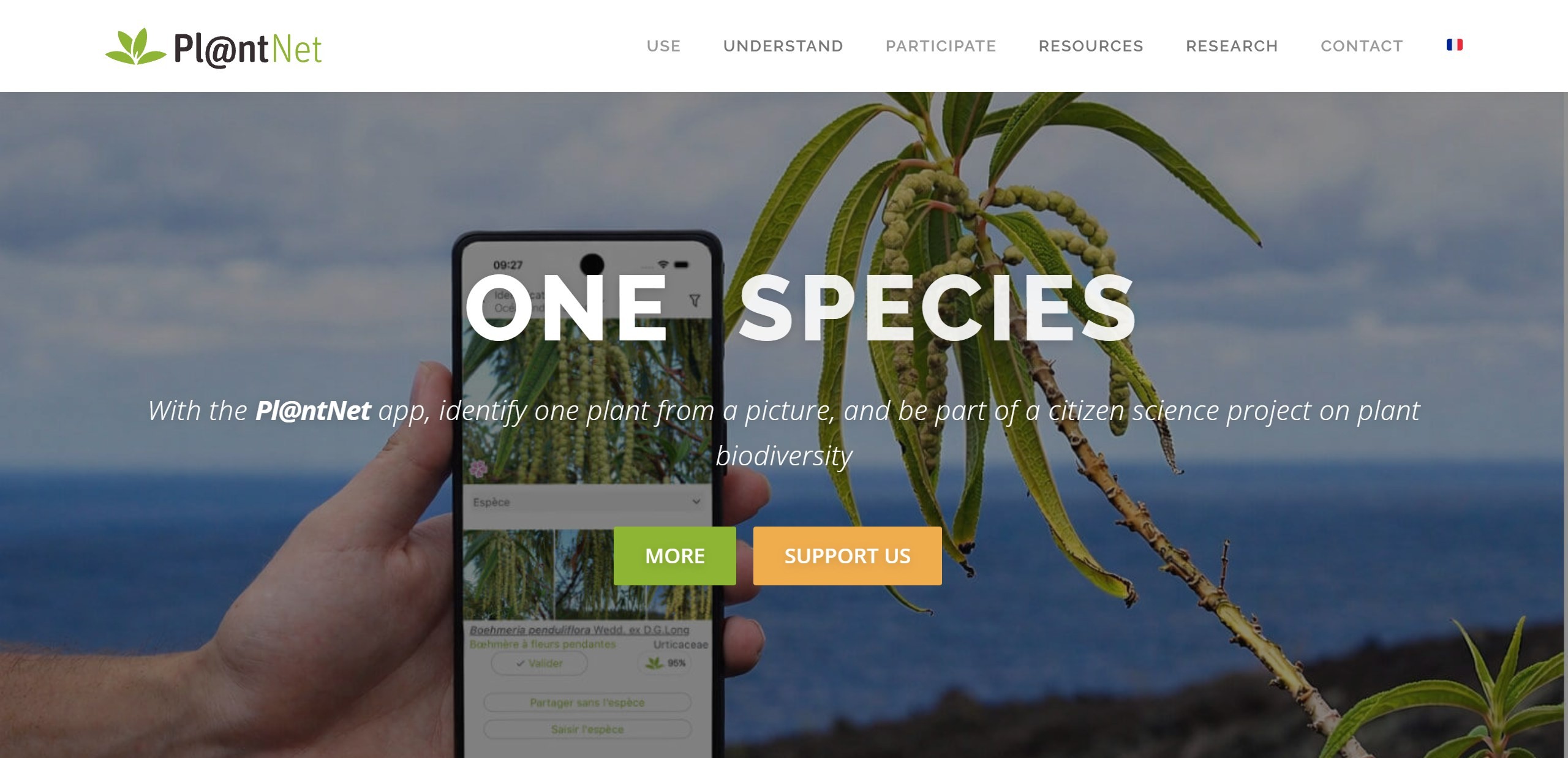
Pl@ntNet is a citizen-science project rather than a startup chasing subscriptions, and it behaves like one. You photograph a leaf, flower, fruit or bark, tell it which part you shot, and it returns ranked matches from a community-built database that improves as users confirm IDs.
Because it asks which plant part you photographed and accepts several shots of the same plant, it suits tricky wild specimens where a single flower photo is ambiguous. Gardeners identifying volunteers, weeds and native species get a lot from it.
What it does well:
- Free with no meaningful paywall
- Ranked matches, so you see the alternatives
- Contributes to a real science project
Where it falls short: it is a reference tool rather than a hand-holder. There are no watering schedules, and the interface feels utilitarian next to consumer apps.
Seek by iNaturalist: free, private and built to teach
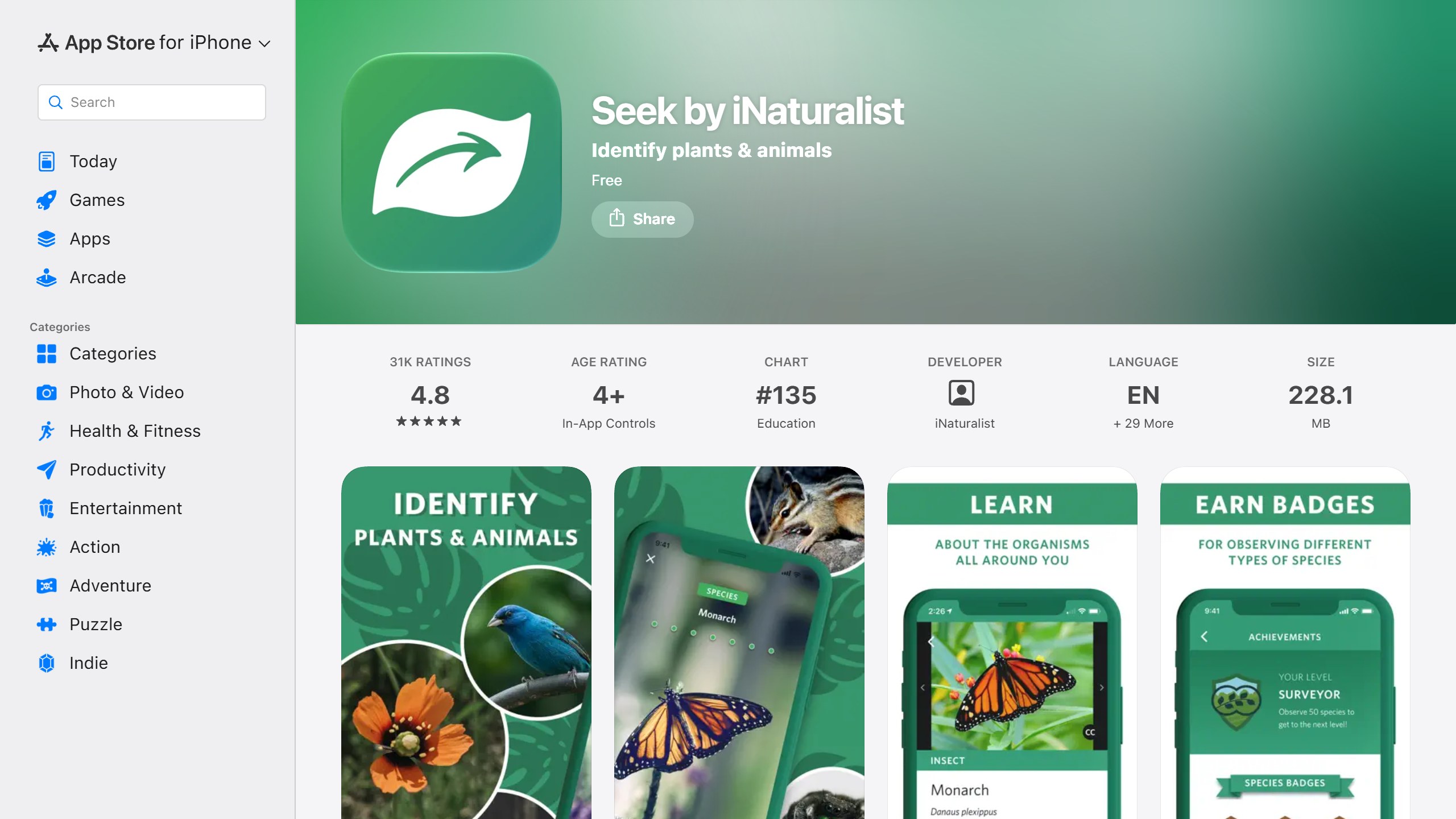
Price: Free | Platforms: iPhone, Android
Best for: Families, students and anyone uneasy about handing photos to a commercial app.
Seek, from the iNaturalist team, identifies in real time through the camera and needs no account. It is free with no ads or subscription, and the full iNaturalist app sits behind it for people who want expert verification and to contribute to biodiversity research.
What it does well:
- No account needed
- On-device identification, which also helps with no signal
- Badges and challenges that suit children
Where it falls short: results depend heavily on photo quality, and it often stops at genus or family rather than risk a species call. That caution is honest, but frustrating when you want a definite name.
PictureThis: the most polished, and the most aggressive
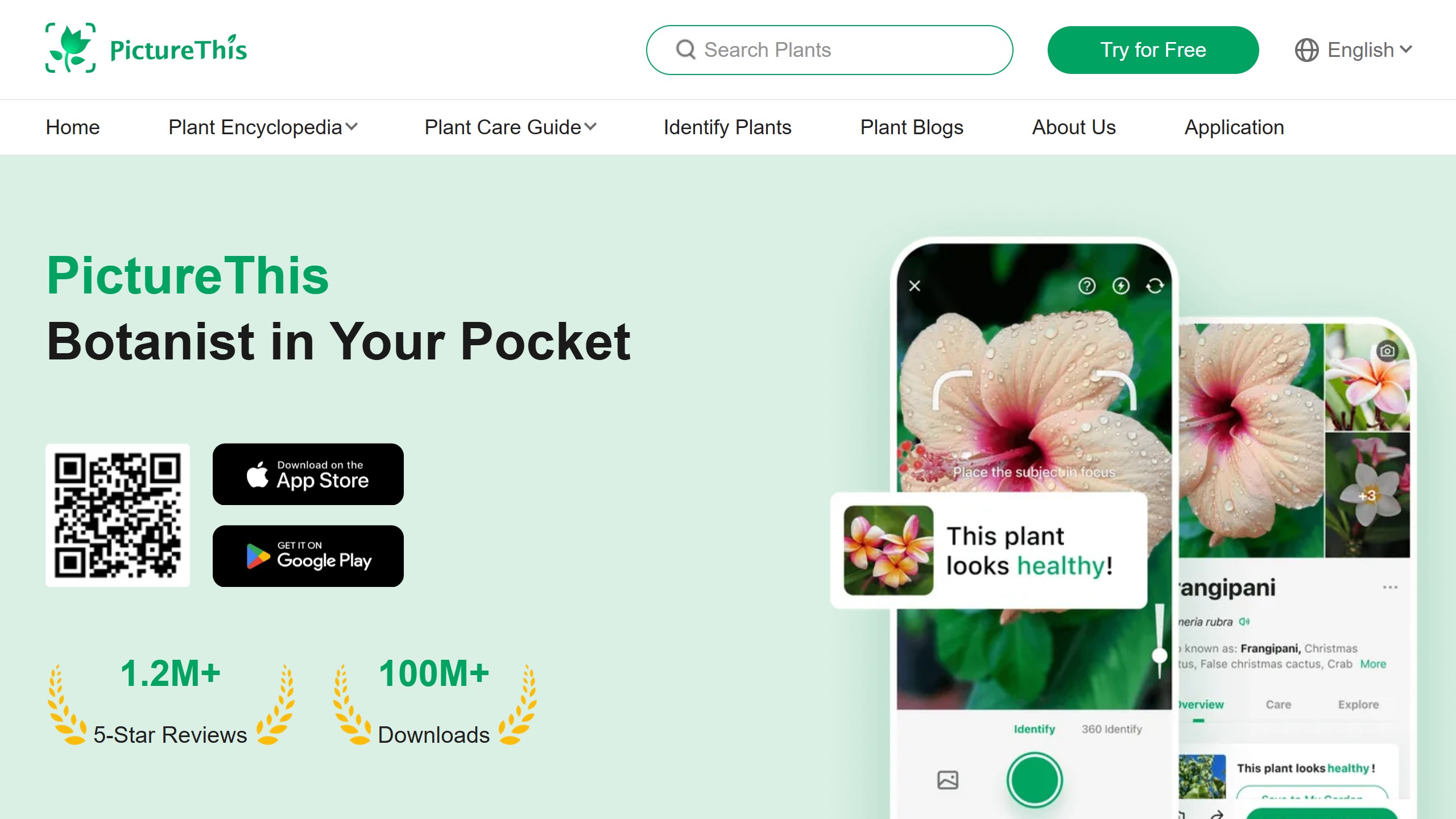
Price: Subscription, with a 7-day trial. Confirm the price in the app | Platforms: iPhone, Android
Best for: Houseplant owners who want one polished app and will manage the trial carefully.
PictureThis is the app most people have heard of. It bundles fast identification, disease diagnosis, care reminders and a light meter into a clean interface, with more than a million App Store ratings.
The problem is the sales model. Reviews on app stores and consumer forums report people being charged for a full year after expecting a trial, and subscriptions that are hard to cancel. Deleting the app does not stop billing, so cancel through your phone’s subscription settings at least 24 hours before the trial ends.
What it does well:
- The most complete single app here
- Strong on houseplants and garden ornamentals
- Diagnosis and care in one place
Where it falls short: not the technology but the friction, and the risk of an unexpected charge. Set a calendar alarm or do not start the trial.
See our PictureThis vs PlantNet vs Planta comparison.
Planta: the care app with the fairest free tier
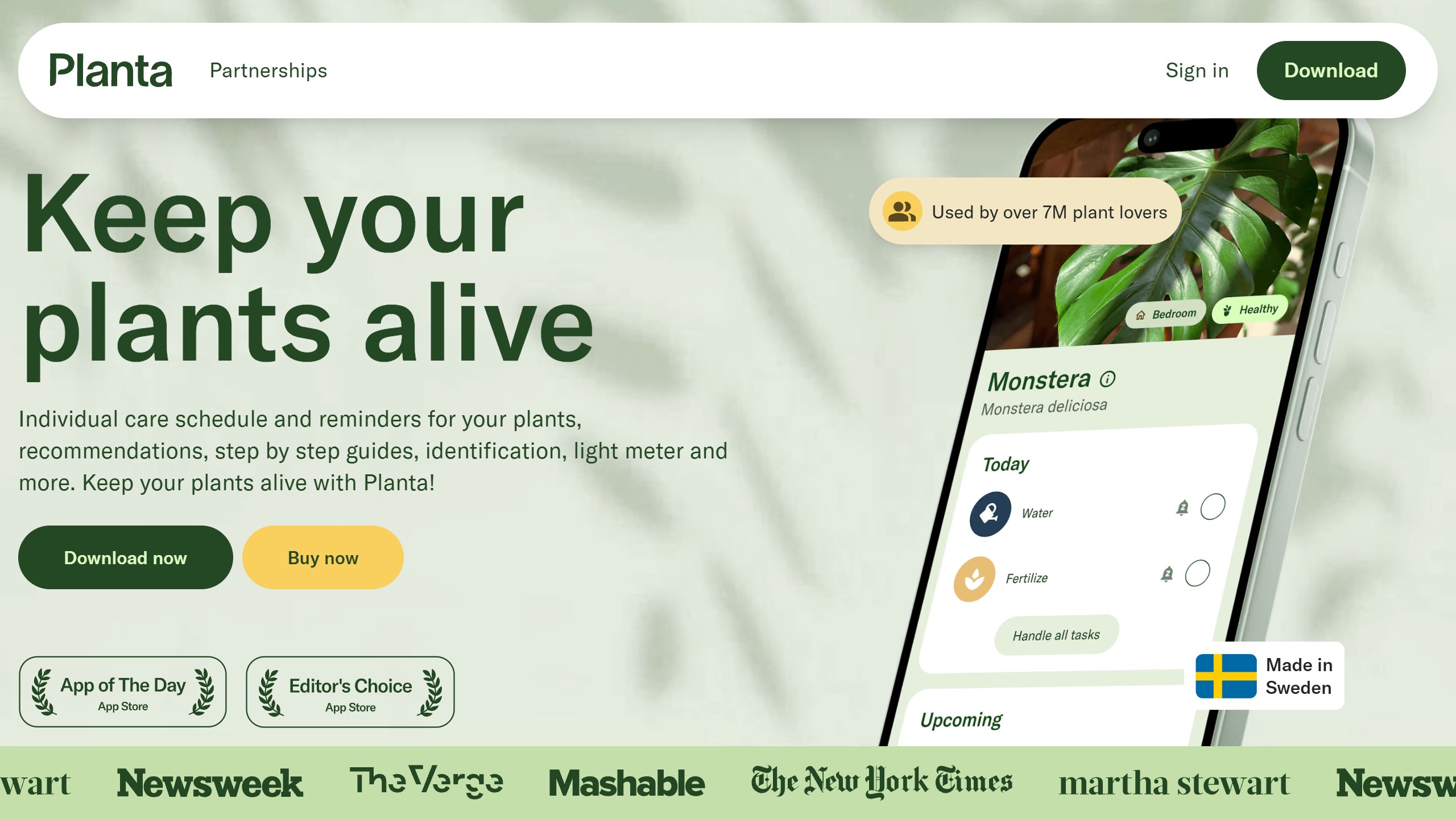
Price: Free, Premium $47.99 a year on the US App Store | Platforms: iPhone, Android
Best for: New plant parents who want help keeping plants alive.
Planta is built around keeping plants alive rather than just naming them. Watering reminders, plant logging and a usable scanner all work without paying, and the schedule adapts to each plant and the conditions in your home.
What it does well:
- A generous free version
- A schedule that adapts to each plant
- Light meter and fuller diagnosis on Premium
Where it falls short: identification is solid on common houseplants but is not its main strength, and some users find the watering schedule errs on the frequent side. Treat reminders as a starting point.
Planning outdoors too? See our AI garden design tools guide.
Google Lens: free, instant and already on your phone
Price: Free | Platforms: iPhone, Android, Chrome
Best for: A quick “what is that” on a walk.
Google Lens is not a plant app at all, which is the point. It lives in the Google app, Photos and Chrome, so there is nothing new to install or pay for. Point it at a plant and it pulls visual matches and web results in seconds.
What it does well:
- Nothing to install or pay for
- The lowest friction option here
- Handy for far more than plants
Where it falls short: it is a general visual search rather than a botanical tool, so it can return a shopping result or a close lookalike, with no care features or diagnosis.
PlantSnap: broad database, paywalled features
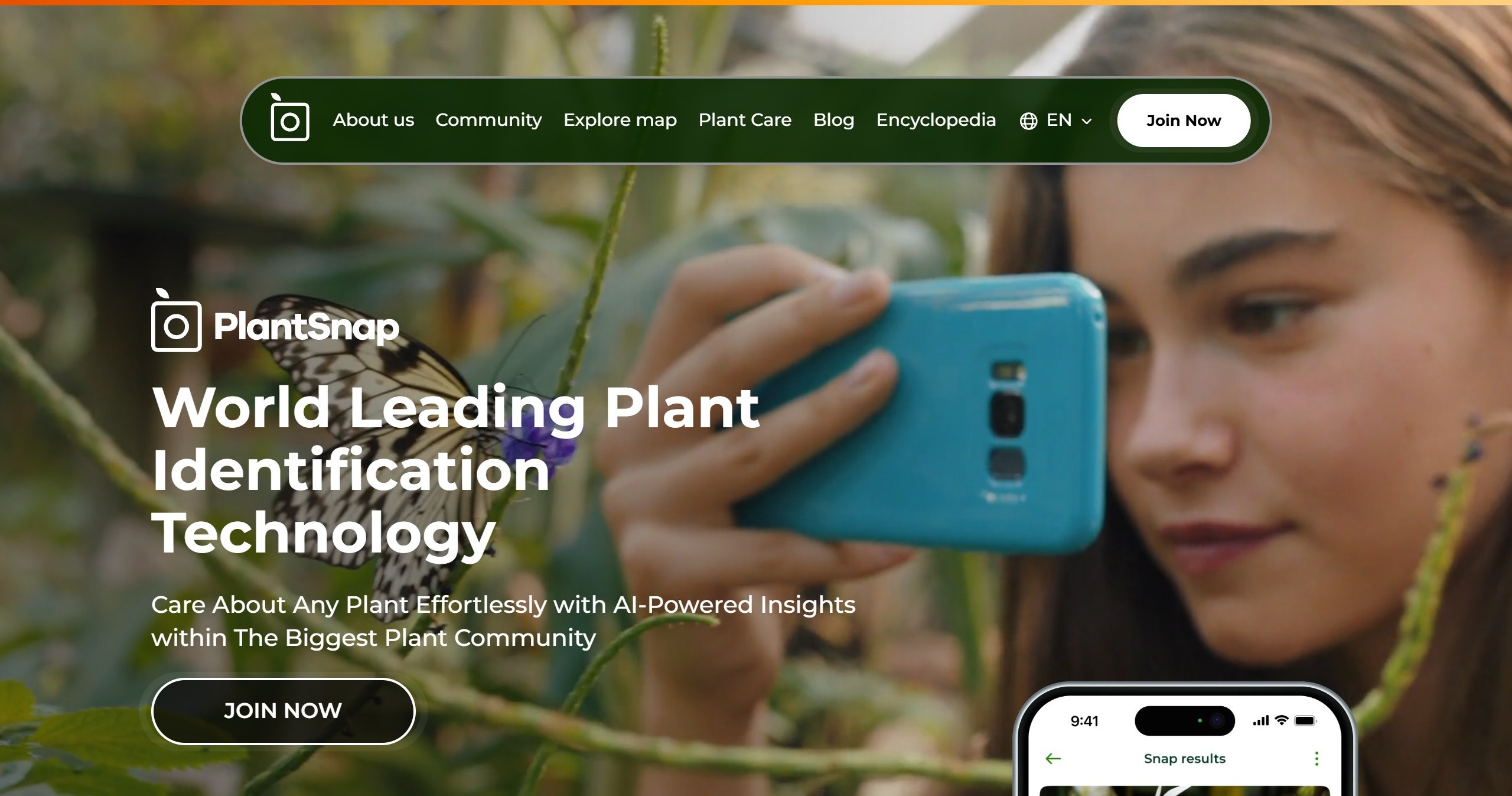
Price: Subscription, with changing web offers | Platforms: iPhone, Android, web
Best for: People who regularly hit species the other apps miss.
PlantSnap markets one of the largest databases in the category, including succulents, cacti and some mushrooms. The pitch is breadth and a quick snap-and-go workflow, and it now adds plant care guidance.
What it does well:
- A very wide range of species
- A simple identify-first flow
- Community and encyclopedia features
Where it falls short: most useful features sit behind a subscription and the free experience is thin. For most people, the free options above cover the same ground.
Blossom: best-looking, education-led
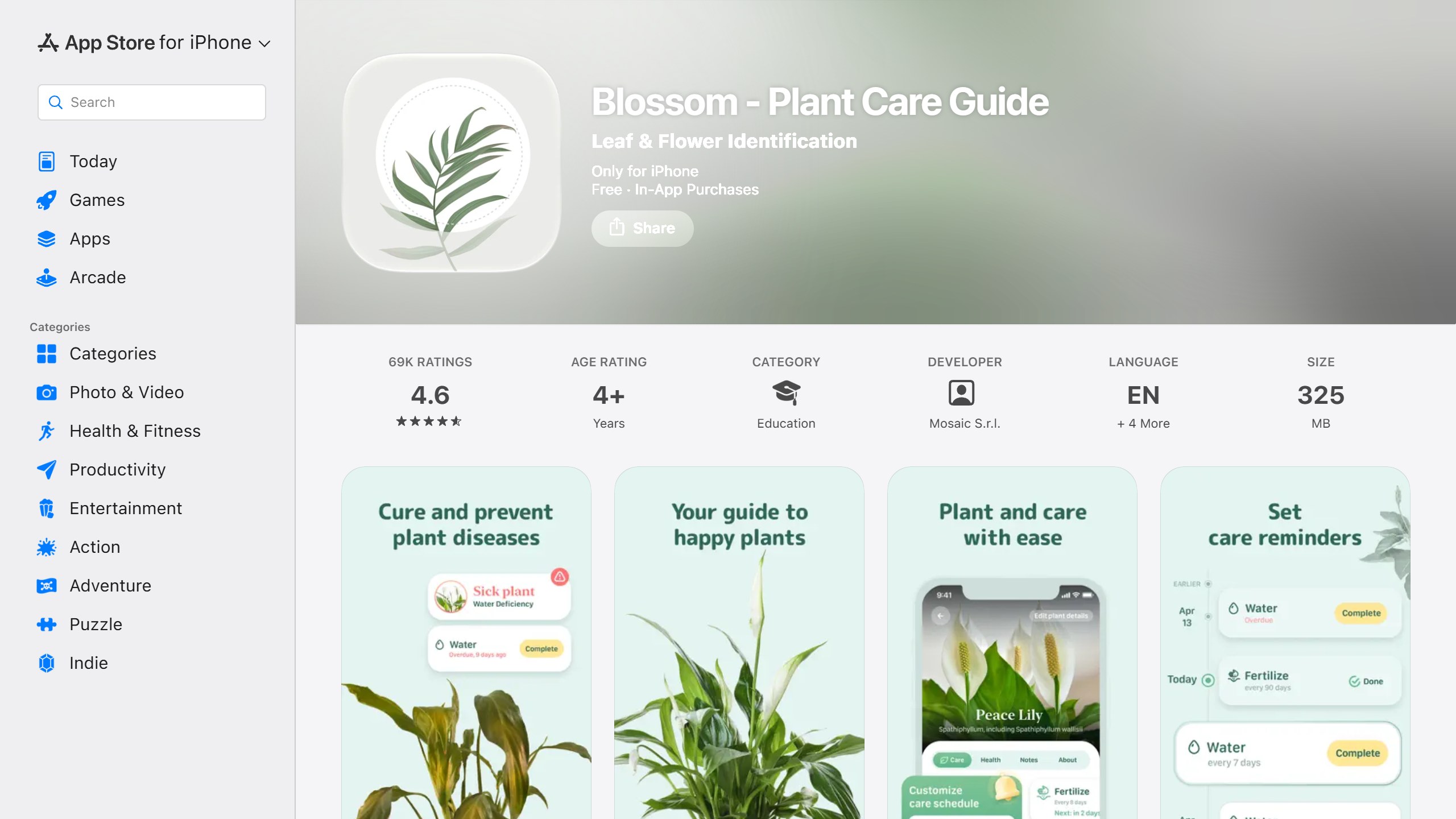
Price: Subscription, price in the app | Platforms: iPhone, Android
Best for: Hobbyists who enjoy browsing and learning about their plants.
Blossom, listed on the App Store under Mosaic S.r.l., has one of the nicest interfaces in the category and leans toward plant education and structured care guidance, especially for popular houseplants.
What it does well:
- A pleasant, polished design
- Structured care content
- Disease identification as well as naming
Where it falls short: identification feels secondary to the care and content, and the free tier is tight. Choose it for the care experience rather than as your main ID engine.
Plantalya: for a plant that is already struggling
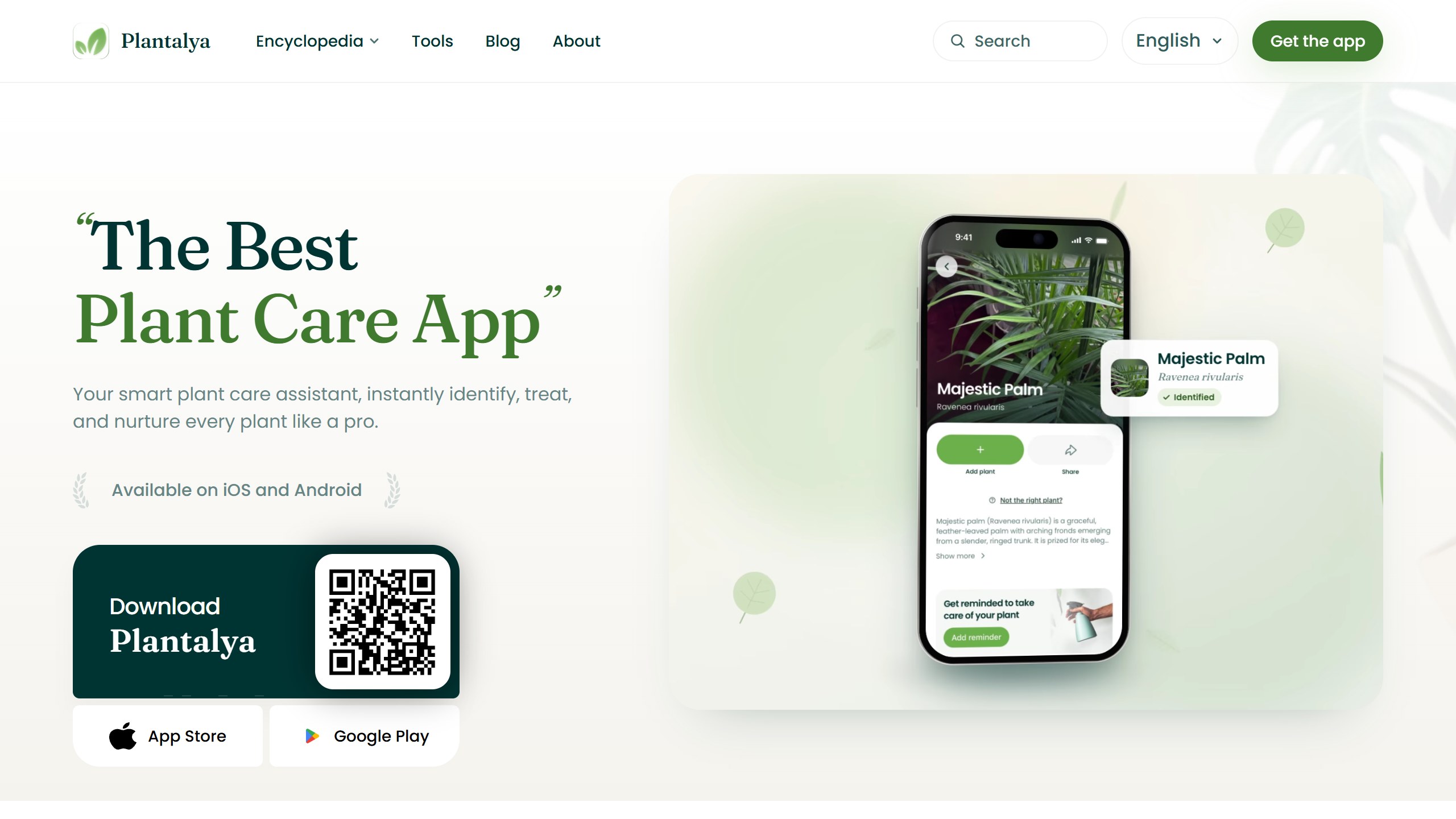
Price: Free, Premium price shown in the app | Platforms: iPhone, Android
Best for: A plant that already has a name and a problem.
Plantalya, made by GotenLab, is built around the moment a plant starts to fail. Its FAQ says its Diagnose tab covers pests such as aphids and spider mites, diseases such as root rot and powdery mildew, and care problems such as under-watering and sunburn, giving “a likely cause plus a step-by-step recovery plan”.
What it does well:
- A diagnosis-first design
- Free identification, reminders and encyclopedia
- A confidence score with the top three candidates
Where it falls short: it is very new, its site and listing do not state the Premium price, and identification and diagnosis need an internet connection. We have not used it ourselves.
Bloom: Plant.id identification with care and diagnosis
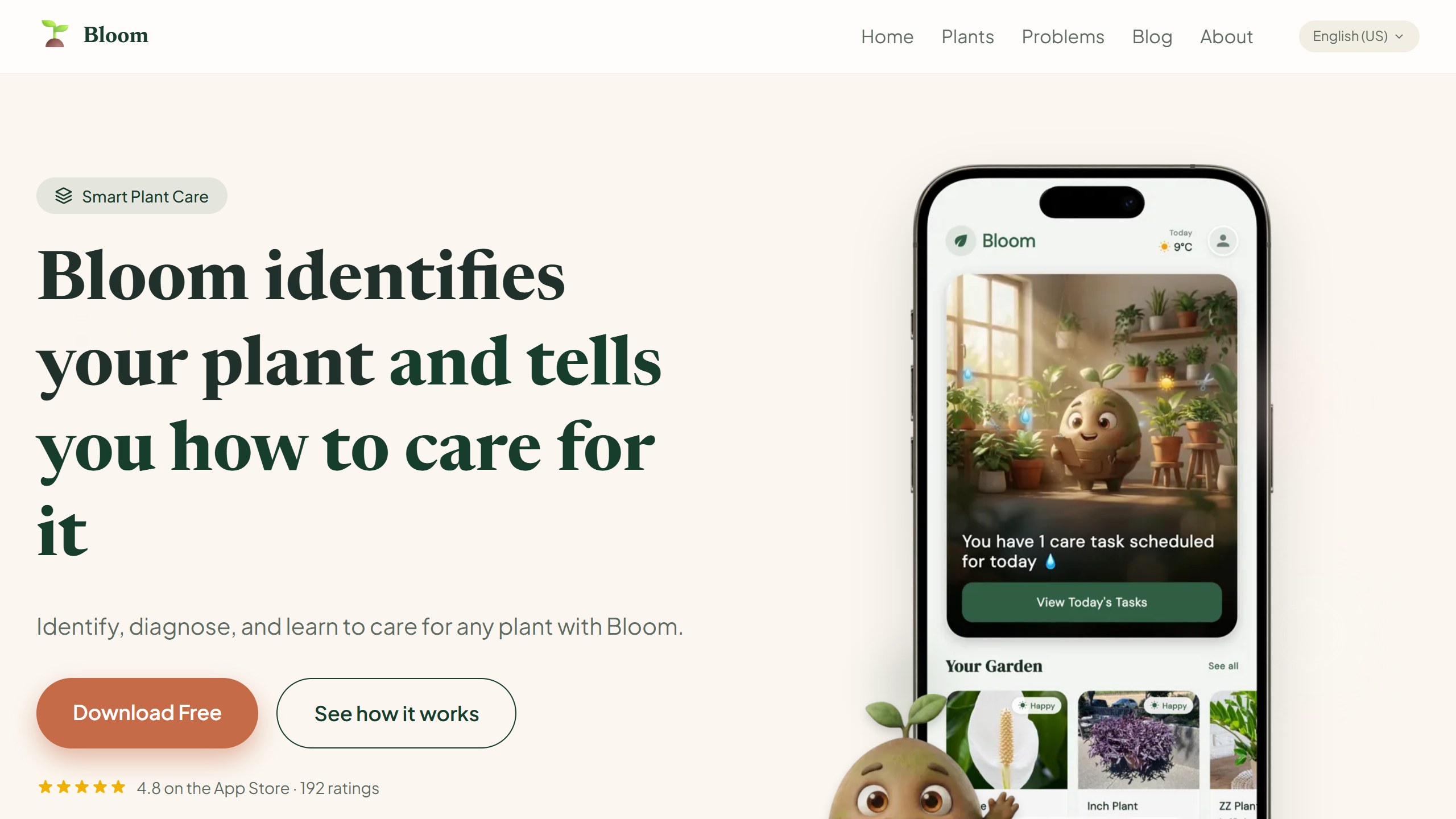
Price: Free, Premium $39.99 a year in the US | Platforms: iPhone, iPad
Best for: iPhone owners who want naming, care and diagnosis in one app.
Bloom, listed as Plant Identifier: Bloom and published by GAMA TECH APPS LTDA, runs identification on Plant.id from Kindwise rather than its own algorithm. Plant.id scored best in the 2020 Dundee study above, and Kindwise gives its own figure of 93% for the correct species within the top three suggestions.
The free tier gives two identifications a month plus watering reminders. Premium, for unlimited identifications and diagnosis, comes through a 7-day free trial or a $0.99 first month, and both renew at $39.99 a year. The App Store page still lists a weekly plan, but Bloom says the app no longer offers it.
Bloom was also clear about photos when we asked. It says it does not use them to train anything, and keeps one only if you save that plant to your garden. Photos sent for identification also go to Plant.id, and under Kindwise’s API terms may be used to develop its models, with faces blurred first.
What it does well:
- A strong identification engine
- Reminders and diagnosis in one app
- Available in 20 languages
Where it falls short: the free tier is small, Android is still coming, and it is a young app with 192 App Store ratings on its site. We have not tested Bloom ourselves, even though the company gave us an account, so this comes from its website and what the company told us.
A lean way to start
- Try Google Lens for an instant guess. It costs nothing and is already on your phone.
- For a real species ID, install Pl@ntNet or Seek. Both are free.
- Photograph the right part. A clear flower or leaf in good light beats ten blurry whole-plant shots.
- Consider a paid app only when you need care reminders or diagnosis the free apps cannot give you.
- If you start a paid trial, set a calendar alarm to cancel before it converts.
What plant ID apps still cannot do
Never trust any of these apps for foraging or toxicity decisions. They are pattern matchers, not safety tools, and a confident-looking answer can be flat wrong. This is most dangerous with mushrooms, where deadly species closely resemble edible ones. If toxicity matters, consult a human expert or your local poison control resource.
They are also unreliable on hard inputs. Bark, dormant winter stems, seedlings, hybrids and poor light push accuracy down sharply for every app here. When apps disagree, slow down rather than picking the most confident one.
And they identify rather than design. If your real goal is reworking the space, see our AI landscaping tools and AI landscape design apps guides, or our Neighborbrite review.
Verdict
Get the name right with a free app first: Pl@ntNet for accuracy on wild plants, Seek for privacy, Google Lens for speed. Pay only when you want care and diagnosis, and then pick Planta for its fair free tier, Bloom or Plantalya for diagnosis, or PictureThis if you want the most complete app and will manage the trial. Keep your card in your pocket until then, and never eat anything an algorithm told you was safe.

Written by
FazFaz is the founder of AIToolsBakery. Some tools here are tested hands on. Others are assessed from vendor documentation and pricing verified on the live page, and every review says which one it is. Sponsors can buy a position in a guide. They cannot buy the score, the criticism, or silence about a better option.
How we test and how we make money →