Search this topic and the results split into two unhelpful piles. One is consumer apps for dog owners: "train your puppy at home." The other is novelty products promising to translate your dog's emotions. Neither is written for a professional running a training business.
The practical stack at a glance
Here is the useful side in one view. Prices are approximate as of May 2026 and change often, so confirm on each tool's own site before you commit. The point of the table is not the exact dollar figure; it is to show that a working stack can start at zero.
| Tool | What it does | Best for | Free tier |
|---|---|---|---|
| ChatGPT / Claude | Turns your assessment into client plans, homework sheets, intake forms, case summaries | Every trainer; the workhorse of the stack | Yes, usable for text work; paid around $20/mo for higher limits |
| Gingr | Scheduling, client records, automated reminders, business operations | Day training, daycare, boarding facilities at volume | No, roughly $114-175/mo per location |
| Calendly | Simple consult-booking link, removes scheduling back-and-forth | Solo trainers needing one booking link | Yes, permanent free tier (one event type) |
| Acuity Scheduling | Booking with intake forms, packages, and group classes on one account | Trainers selling packages or running classes | No, short trial only; from around $20/mo |
| Canva | Handouts, social graphics, course thumbnails | Marketing and client materials | Yes, generous; Pro around $15/mo |
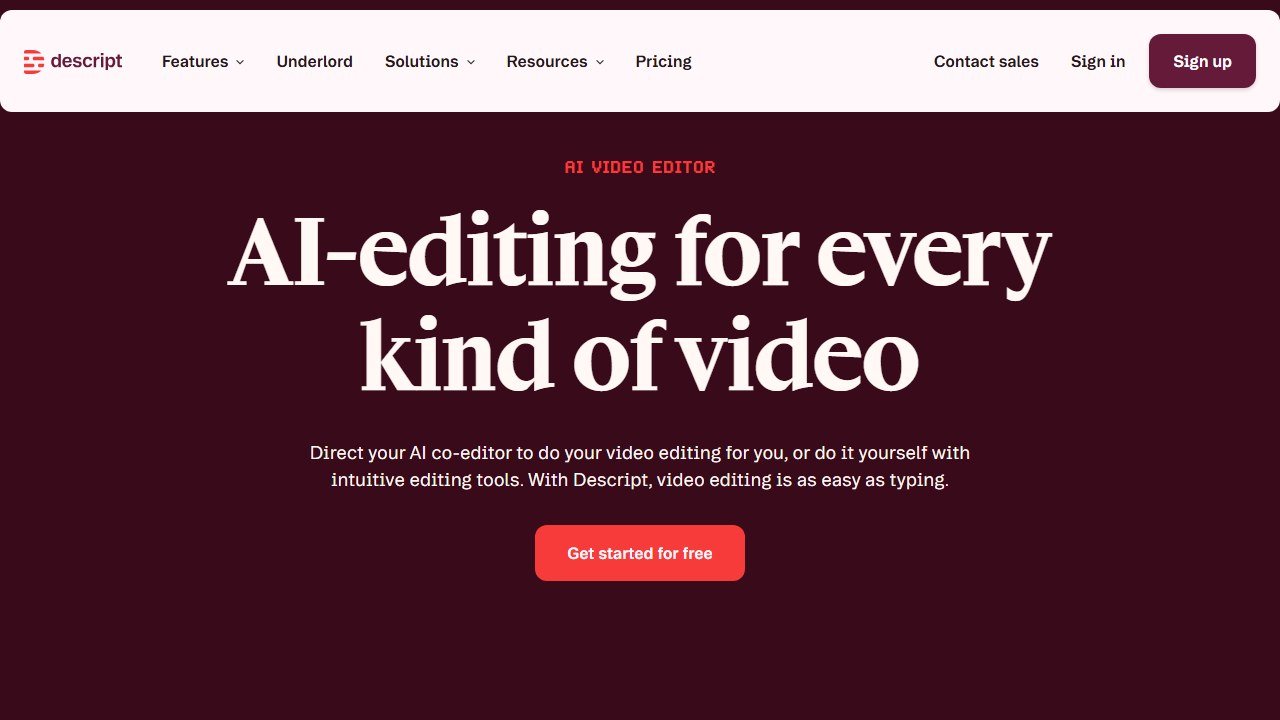
| Descript | Edits video by editing its transcript | Trainers filming session demos who are not editors | Yes, with usage limits |
| Opus Clip | Auto-clips long videos into short captioned social posts | Building a short-video referral pipeline | Yes, watermarked; paid from around $15-19/mo |
| CapCut | Quick edits and captions for phone-shot tips | Fast mobile-first social content | Yes, free for the basics |
So let us draw the line that actually matters, because it runs through this entire topic:
AI is genuinely useful for running a dog-training business. AI is not useful, and is sometimes counterproductive, for the training itself. Everything below is sorted by that line. AIToolsBakery does not sell a dog-training product, so this is the honest version.
The 30-second answer: Use a general AI model (ChatGPT or Claude) to draft client training plans, homework sheets, and intake forms; business software like Gingr for scheduling; Canva and a video tool for marketing. Be skeptical of any app claiming to train your dog with AI or read its emotions: that is marketing, not science.
The useful side: AI that helps you run the business
A dog trainer's day is not only training. It is intake calls, written plans, client follow-up, scheduling, invoicing, and the marketing that keeps the calendar full. That administrative tail is exactly what AI is good at, and it is where every minute you reclaim is a minute you can put back in front of a dog.
Client materials and training plans. A general model (ChatGPT or Claude) will take your professional assessment and turn it into a clean, client-ready training plan, a between-sessions homework sheet, an intake questionnaire, or a behavior-case summary. The critical word is your assessment. You diagnose the behavior; AI formats and explains it. Done that way, it turns an hour of writing into ten minutes of editing. Both have free tiers that are genuinely usable for this kind of text work, so you can test the workflow before paying. A paid plan (around $20 a month) mostly buys you higher usage limits and the stronger reasoning model, which matters once you are drafting documents every day rather than occasionally.
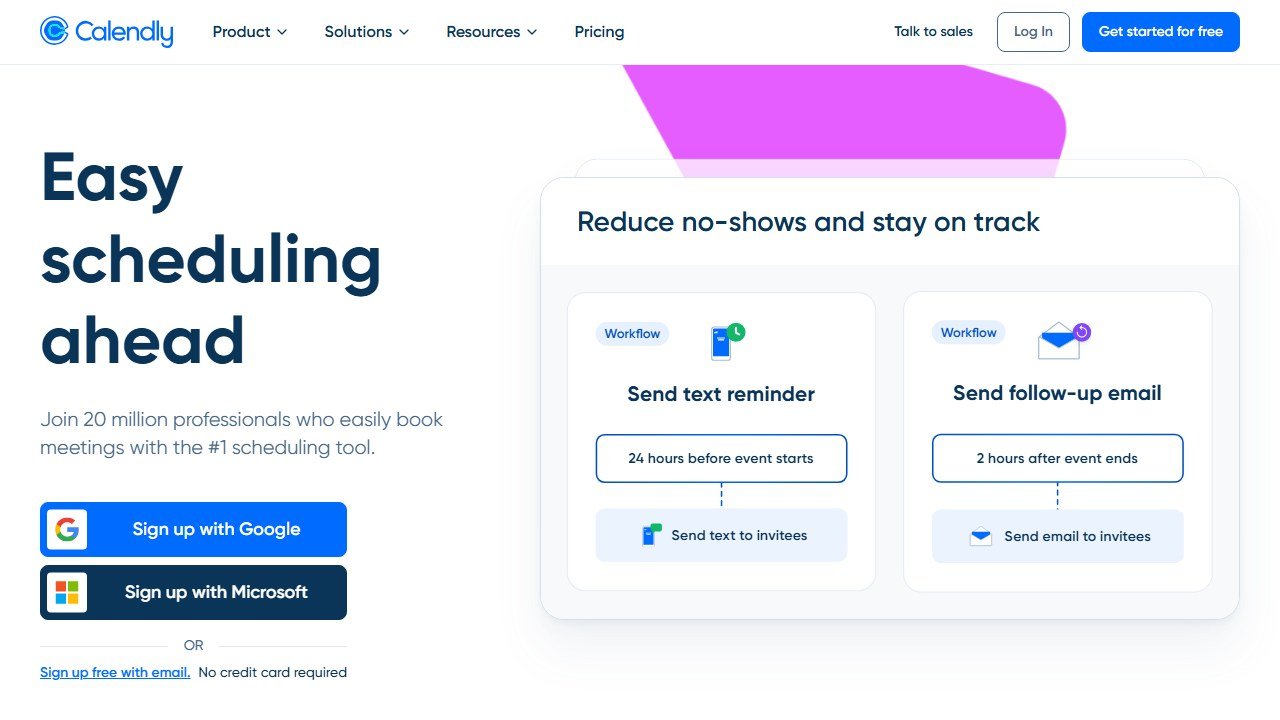
Business management. Software like Gingr handles the operational side of a dog-training or dog-care business: scheduling, client records, automated reminders, and communication. Gingr is not cheap and is not aimed at a solo trainer doing a few private lessons a week. Its plans run roughly $114 to $175 per month per location, and it earns that price for facilities running day training, daycare, or boarding at volume. If you are a one-person operation doing in-home or private sessions, you do not need it yet. For booking specifically, Calendly or Acuity Scheduling remove the back-and-forth of setting consults, in person or virtual. Calendly has a permanent free tier that covers one event type, which is enough for a single consult-booking link. Acuity has no free plan, only a short trial, and starts around $20 a month, but it handles intake forms, packages, and group classes on one account, so a trainer selling multi-session packages or running classes will usually outgrow Calendly's free tier and find Acuity the better fit.
Marketing. Canva produces training handouts, social posts, and course thumbnails that look professional without design skill. The free plan covers the large majority of what a trainer needs: templates, a drag-and-drop editor, and a limited pool of AI image credits. Canva Pro, around $15 a month, adds background removal, brand kits, and more AI generations, which is worth it once your visual output is constant rather than occasional. If you film training demos, Descript edits video by editing the transcript: you delete a sentence of text and the matching footage goes with it, which is the fastest way for a non-editor to cut a session video. Opus Clip takes a long video and automatically pulls short, captioned clips for social. Both have free tiers; Opus Clip's free output carries a watermark and a monthly clip cap, with paid plans starting around $15 to $19 a month. CapCut handles quick edits and captions for phone-shot tips and is free for the basics. Trainers who post consistent, useful short video build the most reliable referral pipeline there is, and these tools remove the editing friction that stops most of them.
A solo trainer can run this entire stack on free tiers, plus one paid AI subscription, for around $20 a month. Add Acuity and Canva Pro and you are near $55. Gingr only enters the picture when you are running a facility, not a calendar of private lessons. There is no version of this where you need to spend hundreds on AI to compete.
The consult-to-plan workflow
The single highest-value use, made concrete:
- Run the consult as you always have. Observe the dog, ask the questions, make your professional assessment. AI is nowhere near this part, and it should not be.
- Capture your notes immediately. Dictate or type them straight after the session, while the detail is fresh: the behaviors, the triggers, the environment, the owner's goals, the plan forming in your head. Voice dictation into your phone is fine here; you are recording raw observations, not writing prose.
- Hand those notes to a general model with a clear instruction. Tell it the client's reading level and tone, the format you want (a week-by-week plan, a one-page homework sheet, a "what to expect" section), and any house rules, for example, force-free language, or no jargon. The more structure you give the prompt, the less editing you do later.
- Edit it like a professional, not a proofreader. This is the step that protects your name. Fix anything the model softened, oversimplified, or got subtly wrong. Cut any advice you did not actually give. Add the specifics only you know: the dog's particular triggers, the owner's living situation, the realistic timeline. The model produces a competent draft; you make it correct.
- Reuse, do not restart. Once you have edited two or three plans, save them as your own templates. Feed the model your preferred template alongside the new consult notes and it will match your structure and voice. Within a month you are not writing plans, you are populating them.
That is a polished, professional client deliverable in fifteen minutes instead of an hour, and clients who get a clear written plan follow through more, which gets better results, which gets you referrals. The same loop works for follow-up emails, progress check-in messages, and the "graduation" summary at the end of a program. The AI did not train anything. It removed the paperwork between you and the next client.
One caution worth stating plainly: do not paste a client's full name, address, or other identifying details into a general AI tool, and check whether your settings allow your inputs to be used for model training (the paid business tiers usually let you turn this off). Use initials or "the dog" in your notes. The model does not need the client's identity to write a good plan.
The overhyped side: AI that claims to train or "translate" the dog
Here is where a trainer needs a clear head.
A wave of products claims to train your dog with AI, analyze its behavior from video, or translate its emotions and "language." Treat these with real skepticism. Dog training is the reading of live body language, timing, and relationship, a skilled, physical, real-time craft. An app cannot do it, and the "dog emotion translator" category in particular makes claims the science does not support. There is no validated technology that reads a dog's emotional state from a bark or a short video clip. Dogs communicate through a whole-body signal stream that even experienced trainers read in context, not through a fixed vocabulary an algorithm can decode. When a product tells an owner their dog is "feeling anxious" or "wants to play," it is producing a confident-sounding guess, and a guess delivered with that much confidence can be worse than no answer at all. It is marketing.
There is a narrower, legitimate version: client-facing apps like Dogo or Pupford give owners structured at-home guidance and lesson content between sessions. Dogo runs on a subscription (roughly $10 a month, less on a yearly plan, with a free trial period). Pupford offers a well-known free 30-day course, with an optional paid academy at around $10 a month. Used as a recommendation to your clients to reinforce your plan between sessions, those apps have a place. They keep an owner engaged and practicing on the days you are not there. Used as a substitute for a trainer, they do not work, and you should be clear with clients about that distinction rather than letting an app set the expectations. Newer behavior-analysis apps appear regularly too, but verify what any of them actually do on their current site, and what evidence they offer, before you put your professional name behind a recommendation.
What AI gets dangerously wrong
This is not an abstract caution for dog training, it is a safety one.
AI cannot read a dog's body language in the room: the freeze, the whale eye, the lip lick, the weight shift that tells a trainer a bite is seconds away. It cannot assess bite risk, temperament, or whether a behavior is fear-based, pain-related, or something else. It cannot make the real-time judgment call that keeps a session, a handler, and a dog safe. A client following an AI-generated plan for a serious behavior case, without a professional's eyes on the dog, is a genuine risk, and that is precisely the gap a professional fills.
The danger is sharpest with the cases that look simple in text and are not in the room. "My dog growls when I take his bowl" reads like a basic resource-guarding prompt, and a general model will happily produce a tidy protocol for it. But resource guarding sits on a spectrum from mild to dangerous, the protocol that helps a mild case can escalate a severe one, and only a person watching the dog can tell which is which. The same is true of leash reactivity that may be fear, of a "stubborn" dog that may be in pain, and of a sudden behavior change that may be medical. An AI tool has no way to know what it is not seeing. It will give a fluent answer to an incomplete question every time, and that fluency is exactly what makes it risky for an untrained owner to lean on.
So be the professional in the loop. Use AI to draft the plan after you have assessed the dog, never as the thing that assesses it. Tell clients plainly that the written plan and any app you recommend are there to support the work you do in person, not replace it. And keep your own escalation line clear: cases involving real aggression, bite history, or sudden change need a hands-on professional and, where relevant, a vet, not a chatbot and not an app.
So use AI for the business. Let it draft the plans, build the marketing, run the schedule, and hand you back the evening hours the paperwork was eating. Then put those hours where they belong: in front of the dogs, doing the skilled, physical, irreplaceable work that no app has any idea how to do.
If you also run or work alongside a grooming operation, the same business-versus-craft split applies there too, and our guide to AI tools for pet groomers covers the booking and missed-call tools that matter most in that trade.
AI tools for related roles
See how AI helps adjacent roles:
- AI Tools for Nannies: a Practical Guide for the Nanny, Not the Agency.

Written by
FazFaz is the founder of AIToolsBakery. Some tools here are tested hands on. Others are assessed from vendor documentation and pricing verified on the live page, and every review says which one it is. Sponsors can buy a position in a guide. They cannot buy the score, the criticism, or silence about a better option.
How we test and how we make money →