Search "AI tools for wedding planners" and you will mostly find articles written for the bride. Apps to pick your own colors, chatbots to build your own timeline, tools for the one wedding that is yours.
You are not planning one wedding. You are planning fifteen or thirty a year, and the thing eating your margin is not creativity, it is admin: the proposals, the vendor briefs, the client emails, the timelines, the chasing. AIToolsBakery does not sell wedding software, and this guide is built around your business: organized along the client lifecycle, from the first inquiry to the review that books the next couple, with the tools that genuinely move each stage.
The 30-second answer: A general AI model (ChatGPT or Claude) plus Notion AI handles a planner's admin: proposals, emails, timelines, client portals. Canva covers mood boards and design, and a meeting transcriber turns client and venue calls into action items. Keep AI on the admin side so your time goes to clients and vendors.
The main tools at a glance
| Tool | What it does | Best for | Free tier |
|---|---|---|---|
| ChatGPT / Claude | Drafts inquiries, proposals copy, vendor briefs, timelines, client emails, review requests | Every planner, as the admin workhorse | Yes, capable free tier; ~$20/mo lifts limits |
| Canva | Proposals, mood boards, day-of stationery, social content, Magic Studio AI | Visual planners and those doing their own marketing | Yes, permanently free; Pro $15/mo |
| Notion (+ Notion AI) | Client portals, vendor trackers, master checklists, note summaries | Planners who want one structured operational hub | Free plan exists; Notion AI on paid plans |
| Fireflies / Otter.ai | Transcribes client and venue calls into decisions and action items | Planners who run frequent recorded meetings | Yes, with monthly limits; paid ~$10-20/mo |
| HoneyBook | Proposals, contracts, invoicing, scheduling, workflow automation | Planners whose bottleneck is sales admin and cash flow | 7-day trial; from $36/mo |
| Dubsado | Contracts, invoicing, forms, deep workflow customization | Planners who want highly tailored automations | 3-client free trial; from $35/mo |
| Aisle Planner | Wedding-native: timelines, floor plans, design studios, RSVPs, plus business tools | Planners who want one wedding-specific platform | Trial available; from ~$39.99/mo |
| Prismm | 3D venue layouts and virtual walkthroughs for planning and pitching | Planners selling concepts and briefing venues | Paid; check current plans |
Stage one: the inquiry, turning leads into booked couples
The inquiry stage is sales, and most planners are better at planning than at selling. AI narrows that gap.
A general model, ChatGPT or Claude, will draft a warm, on-brand reply to an inquiry, a follow-up sequence for couples who go quiet, and the FAQ answers you retype constantly. The win is speed of response: the planner who replies thoughtfully within the hour books more couples than the one who replies in three days, and AI makes the fast reply easy without making it generic. Both have capable free tiers that are genuinely enough to start; the paid plans (around $20 a month) mainly buy higher usage limits and the latest models, which matters once AI is woven into your daily routine rather than used occasionally.
The practical move is to build a small library of prompts you reuse. Feed the model your tone, your package names, your typical price bands, and a couple of past replies you were proud of, and ask it to match that voice. From then on a new inquiry becomes a thirty-second task: paste the couple's message, get a draft, edit the two lines only you would know, send. The couple feels attended to, not processed, and you have not lost an evening to your inbox.
For the proposal itself, Canva with its Magic Studio features turns your packages into a designed, persuasive document, and Notion with Notion AI is where a lot of planners now build proposal templates and client-facing pages. A polished proposal sent same-day, while the couple is still excited, is worth more than a perfect one sent next week. Canva's free plan is permanently free and covers occasional design work; Canva Pro at $15 a month adds the brand kit, background remover, and the larger pool of AI credits that make sense once you are producing proposals and social content every week.
Stage two: the proposal and the pitch, helping couples see it
This is where wedding-specific AI has produced genuinely new capability, and also where the honest caveat lives.
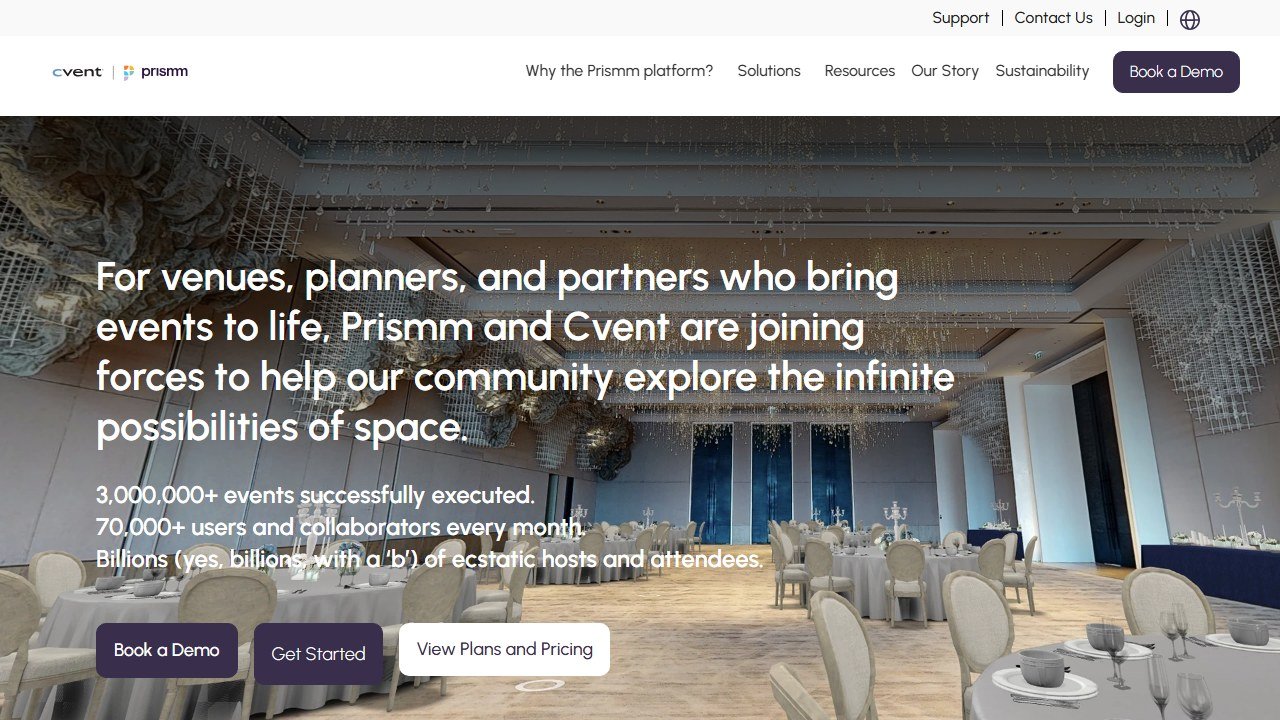
Venue-visualization tools can take a photo of an empty or plain venue and render it decorated, with your floral concept, your lighting, your layout, so a couple can see the wedding you are describing instead of imagining it. Prismm (formerly AllSeated) offers 3D venue layouts and virtual walkthroughs that double as a planning tool and a sales tool: you can build the floor plan once and use it both to pitch the couple and to brief the venue and caterer. Newer AI-render products turn empty-venue photos into photorealistic decorated previews in minutes, which is faster than a 3D build when all you need is a single hero image to land a concept.
The caveat is real and you should build it into how you use these: an AI render can promise a look the real budget, real flowers, and real venue lighting will not deliver. Used to communicate a concept, with the couple clearly understanding it is a concept, these tools sell beautifully. Used to set an expectation you cannot meet on the day, they manufacture a disappointed client. Show the render, name it as a render, and keep it tethered to the actual budget. A useful habit is to caption every AI image you send with one honest line, something like "concept visual, final look depends on final florals and venue lighting." It costs you nothing and protects the relationship.
A general model also earns its place in this stage as a pitch editor rather than an image tool. Paste in your draft proposal text and ask it to tighten the language, pull the couple's own words from their inquiry into the framing, and flag anything that reads as generic. You are not asking it to write the pitch, you are asking it to sharpen yours. The couple should still hear you on the page.
Treat the table as a map, not a shopping list. Most planners need one model, one design tool, one note system, and one client-management platform. Adding more rarely adds time back.
Stage three: planning, the admin engine
This is the bulk of the work and the bulk of the time saving.
A general AI model drafts the things that fill a planner's week: vendor briefs, detailed run-of-show timelines from a set of constraints, client update emails, packing and logistics checklists. Give it the ceremony time, the venue's access and curfew windows, the vendor arrival slots, and the meal service plan, and it will return a minute-by-minute timeline you can then correct with the judgment only you have. The draft is never final, but starting from a structured draft instead of a blank page is where the hours go back into your week.
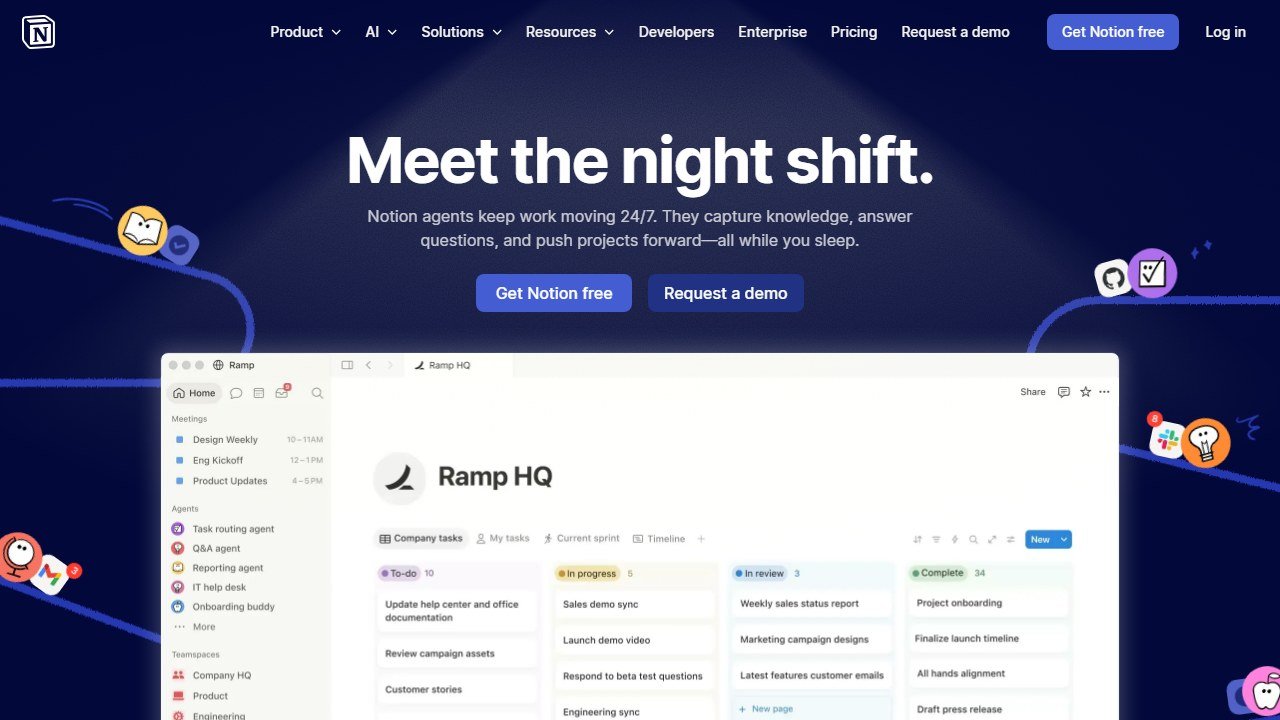
Notion AI is where many planners run the operational core: client portals, vendor trackers, master checklists, with AI summarizing notes and surfacing what is overdue. One Notion workspace can hold a template you duplicate for every new couple, so each wedding starts with the same checklist, the same vendor fields, and the same payment-schedule table already in place. Notion AI is bundled into paid Notion plans, and for a planner managing several weddings at once the structure alone is worth more than the AI features.
Client and venue meetings are their own leak. Fireflies and Otter.ai transcribe a call and turn it into a clean list of decisions and action items, so a venue walkthrough or a tasting does not depend on how good your notes were while you were also talking. Both have free tiers with monthly transcription limits that suit a planner doing a handful of recorded calls a month; the paid plans (roughly $10 to $20 a month) lift those limits and add better search across past meetings, which becomes useful once you are referencing what a couple decided three calls ago.
For the client-management backbone, contracts, invoices, payment schedules, and workflow automation, planners commonly run on a dedicated platform rather than stitching general tools together. Three are worth knowing:
- HoneyBook is a broad client-management platform with proposals, contracts, invoicing, scheduling, and automation, and it now layers AI assistance over the admin. Plans run from $36 a month (Starter) to $129 a month (Premium) on monthly billing, less on annual, after a 2025 price increase that roughly doubled the entry tier. There is a 7-day free trial. Note that payment processing carries the usual card fee on top, around 2.9% plus a fixed amount per transaction.
- Dubsado covers similar ground, contracts, invoicing, forms, and workflow automation, and is known for deep customization. It runs $35 a month (Starter) or $55 a month (Premier). Its free trial is not time-limited in the usual way: you get full access until you have managed three clients, which is a genuinely fair way to test it on real weddings before paying.
- Aisle Planner is the most wedding-specific of the three. Alongside the business tools (lead tracking, proposals, contracts, invoicing) it includes wedding-native features: design studios, floor plans, style guides, guest management, and RSVP websites. Pricing is project-based, starting around $39.99 a month for a set number of active events and scaling with volume, with unlimited users included.
The honest read: HoneyBook and Dubsado are business platforms that happen to be popular with planners, while Aisle Planner is built for the wedding workflow specifically. If your bottleneck is contracts and cash flow, the first two are strong. If it is timelines, floor plans, and design assets, Aisle Planner removes more friction. All three are paid, and for a planner past a handful of weddings a year they typically pay for themselves in recovered hours and fewer dropped balls.
Stage four: the day-of and the review
AI does little on the wedding day itself, and that is correct: the day is pure presence and problem-solving. Where it returns afterward is the review and referral loop. A general model drafts the thank-you, the feedback request, the photos-and-recap email, and the vendor shout-outs that keep your referral network warm. The review you remember to ask for is the one that books next year's couple, and "remember to ask" is exactly the kind of task that slips. Let AI draft it so it actually goes out.
It is also worth using AI on the part of the post-wedding loop planners skip most often: the vendor relationship. After every wedding, ask the model to draft a short, specific note to each vendor who delivered, referencing the actual moment they nailed. Specific praise is remembered, and remembered planners get the early call when a vendor hears of a couple looking. Five short notes is a fifteen-minute task with AI and a real deposit in the network that quietly feeds your inquiries.
Marketing between weddings: staying visible without it owning your week
There is a fifth stage that sits outside any single couple: the marketing that keeps inquiries arriving at all. For most solo planners this is the first thing dropped in a busy season, which is exactly when the pipeline goes quiet two months later.
AI does not fix the discipline problem, but it lowers the effort enough that the habit survives a busy month. A general model will turn one real wedding into a week of content: a blog recap, three social captions, an email-newsletter section, and a few lines for your inquiry page. Canva's Magic Studio then handles the visuals around it. The work that used to be an afternoon becomes thirty minutes, and thirty-minute tasks survive a busy season in a way afternoon tasks do not.
Keep the same guardrail that applies everywhere else in this guide. AI drafts, you decide what is true and what is yours. A recap that lists what actually happened, in your voice, with your taste visible, markets you. A generic "magical day" post markets nobody. The tool buys you the time; the judgment about what to say is still the job.
A planner's working stack
You do not need every tool. A capable setup for a working planner:
- ChatGPT or Claude for inquiries, proposal copy, vendor briefs, timelines, client emails, and review requests. The workhorse, and a free tier is enough to begin.
- Canva for proposals, mood boards, day-of stationery, and social content. Free to start; Pro once you design weekly.
- Notion (with Notion AI) for client portals, vendor trackers, and master checklists, ideally as one duplicable template per couple.
- Fireflies or Otter to turn every client and venue meeting into action items.
- A client-management platform (HoneyBook, Dubsado, or Aisle Planner) once volume justifies it, for contracts, invoicing, and workflow. Aisle Planner if you want wedding-native planning features in the same place.
- Optionally a venue-visualization tool such as Prismm when a pitch needs to show, not tell.
Start with the free tiers, run them for a season, and only pay for the tool whose limit you keep hitting. The bottleneck tells you what to buy.
What AI cannot touch
It cannot walk a venue and feel that the ceremony space turns cold at 4pm in October. It cannot read a couple's body language and catch the tension between them about the guest list. It cannot calm a panicking bride an hour before the doors open, manage a vendor who has let you down, or make the hundred silent judgment calls that hold a wedding day together. It cannot build the vendor relationships that are, quietly, a planner's real asset.
The wedding day is human from end to end, and so is the trust a couple places in you to run it. AI does not touch any of that. What it touches is the proposal you were dreading, the timeline you were rebuilding from scratch, the email you forgot to send. Hand it that work, and put the hours it gives back into the couples and the craft. That is the whole strategy, and it is how a solo planner books more weddings without becoming an agency.
This is part of our series of honest, profession-specific AI guides. See also: AI tools for math teachers, AI tools for yoga instructors, AI tools for volunteer coordinators.
AI tools for related roles
See how AI helps adjacent roles:
- AI Tools for Nannies: a Practical Guide for the Nanny, Not the Agency.
- AI Tools for Pet Groomers: stop Losing Bookings, Cut the Admin.
- AI Tools for Dog Trainers: a Working Trainer’s Honest Guide.
More AI tool guides worth reading: Swoogo Review and Bizzabo Review.

Written by
FazFaz is the founder of AIToolsBakery. Some tools here are tested hands on. Others are assessed from vendor documentation and pricing verified on the live page, and every review says which one it is. Sponsors can buy a position in a guide. They cannot buy the score, the criticism, or silence about a better option.
How we test and how we make money →