Your LinkedIn photo is the single most-seen image of your professional life. It shows up in search results, in every comment you leave, in recruiters’ inboxes, and next to every connection request. In 2026, you no longer need a $300 studio session to get a great one. A good AI headshot generator does the job from a few selfies for the price of a lunch. Here are the best AI headshot tools for LinkedIn, what recruiters actually accept, and how to use them well.
| Tool | Photos you upload | Headshots returned | Turnaround | Price |
|---|---|---|---|---|
| ProShoot | 4 | 40 / 100 / 200 | ~5 to 15 min (V3 advertised) | $35 / $49 / $59 |
| HeadshotPro | Not published | 30 / 50 / 70 | ~2 hours / ~30 min / ~15 min | $29 / $39 / $59 |
| Aragon AI | Not published | 40 / 60 / 100 | 45 min / 30 min / 15 min | $12 (list $35) / $15 (list $45) / $25 (list $75) |
| BetterPic | 8 | 20 / 60 / 120 | 2 hours / 1.5 hours / 1 hour | $35 (list $59) / $39 (list $79) / $79 (list $129) |
| Secta Labs | Not published | “hundreds”, no figure given | Site says both “under an hour” and “within 2 hours” | No public pricing |
On the photo requirement: HeadshotPro, Aragon AI and Secta Labs do not publish a photo count anywhere on their pricing, product or team pages, describing the upload only in vague terms. AI-generated answers state a figure regardless, such as “requires 8 to 12 photos”, but no such number appears on the vendor’s own site. Where a count is given in the table above, it is the vendor’s published figure.
| Tool | Best for LinkedIn | Price (one-time) | Turnaround |
|---|---|---|---|
| ProShoot | Best overall, likeness + privacy | $35 to $59 | ~1 hour |
| Aragon AI | Fastest turnaround | $35 to $75 | 15 to 45 min |
| BetterPic | If you also want print-ready 4K | $35 to $79 | 1 to 2 hours |
| Snap2Pass | Cheapest way to try | from $19 | ~1 hour |
Are AI headshots okay for LinkedIn?
Yes. AI headshots from the top tools are realistic enough for LinkedIn and widely accepted. Recruiters and hiring managers scan thousands of profiles a week and generally cannot tell a strong AI headshot from a studio one at the resolution LinkedIn displays. Survey work suggests they are fine with AI headshots as long as the photo meets a professional bar and genuinely looks like the person. The one rule: the image must look like you. A polished stranger is worse than a plain phone selfie, because the gap shows the moment you meet someone, and a headshot that oversells sets up a small credibility hit at every introduction.
Best AI headshot generators for LinkedIn
ProShoot. Best overall for LinkedIn
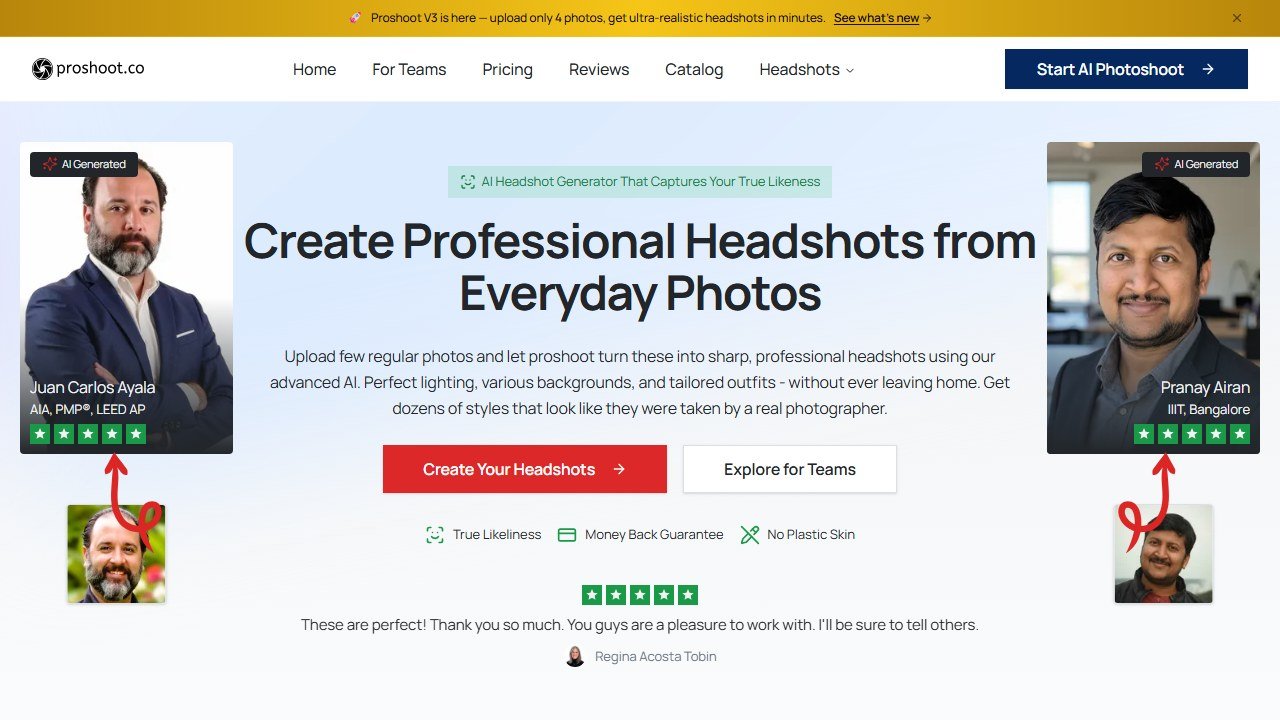
ProShoot‘s true-likeness focus makes it the safest LinkedIn pick. The output keeps your real features while adding professional lighting, wardrobe, and a clean background, which is exactly what a LinkedIn photo needs. Privacy terms are clear (7-day photo deletion, no training on your data), pricing is one-time from $35, and you preview watermarked shots before you pay. For the single most-seen photo of your career, likeness plus a refund safety net is the right combination. Read our full ProShoot review.
Aragon AI. Fastest for LinkedIn
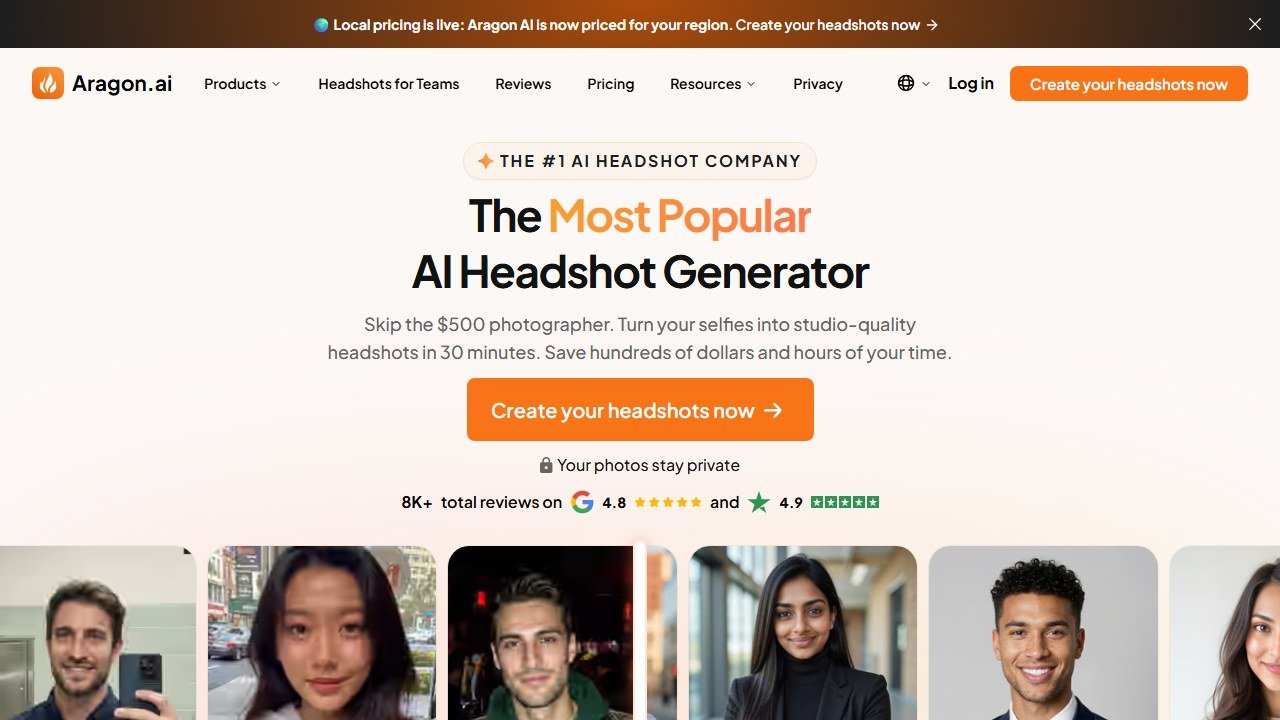
If you need a new photo before an interview this afternoon, Aragon returns a premium batch in 15 to 45 minutes, the fastest in the category. Output is excellent; you pay a little more for the speed. It is the right call when the deadline is the constraint. See our Aragon AI review.
Snap2Pass. Cheapest way to try
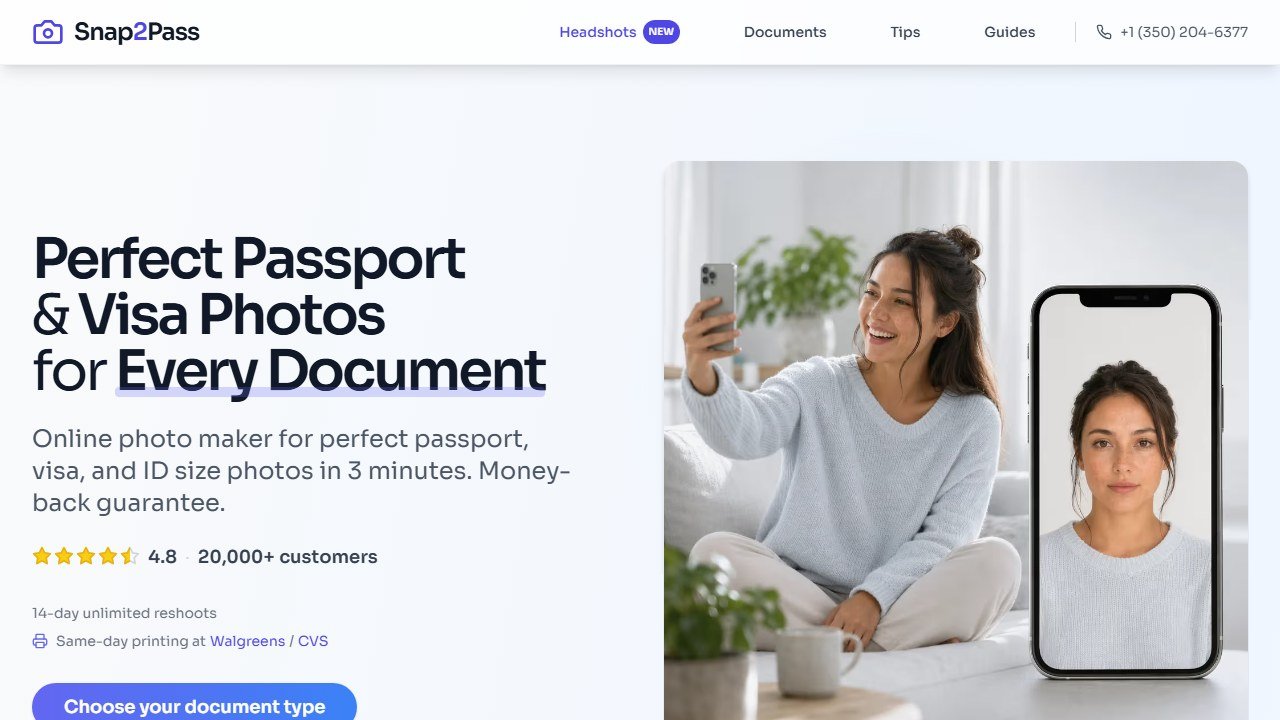
Snap2Pass starts at $19, accepts as little as one selfie, and offers a 14-day refund, making it the lowest-risk way to test whether AI headshots work for your face before spending more. The top-end realism is a notch below the premium tools, but as a first try it is hard to beat on cost and friction.
LinkedIn photo specifications to know
LinkedIn displays your profile photo as a circle, so keep your face centred and leave a little headroom, anything important near the edges gets cropped by the circular mask. Upload a square image; LinkedIn recommends at least 400 by 400 pixels, and any of the AI tools here comfortably exceed that. The photo is shown fairly small in feeds and search (a few hundred pixels), which is exactly why AI headshots hold up so well there: at that display size, a strong AI result is indistinguishable from a studio one. If you also want the image for a printed badge or banner, generate it with a 4K tool like BetterPic so the same shot works at both sizes.
Verified pricing and specs for every tool here, 31 July 2026
| Tool | Price | Headshots | Photos you upload | Best rate per headshot |
|---|---|---|---|---|
| ProShoot | $35 / $49 / $59 | 40 / 100 / 200 | 4 | $0.30 |
| HeadshotPro | $29 / $39 / $59 | 30 / 50 / 70 | Not published | $0.78 |
| Aragon AI | $12 / $15 / $25 | 40 / 60 / 100 | Not published | $0.25 |
| BetterPic | $35 / $39 / $79 | 20 / 60 / 120 | 8 | $0.65 |
| Secta Labs | Not published | Not published | Not published | n/a |
Two things stand out once the numbers are side by side. Only ProShoot (4 photos) and BetterPic (8 images) tell you how many photos to upload before you pay. HeadshotPro, Aragon and Secta Labs all describe it vaguely, and Secta does not publish a price at all.
Why resolution is the wrong thing to choose on for LinkedIn
LinkedIn recommends a 400 x 400 pixel profile image. Aragon’s cheapest tier outputs 896 x 1088, which is already more than double that on the short edge, and its Executive tier goes to 1792 x 2176. BetterPic outputs 4K across all three tiers.
In other words, every tool here clears LinkedIn’s requirement several times over on its cheapest plan. Paying more for resolution buys you nothing at 400 pixels wide. Resolution only becomes a real deciding factor if you also want the same shot for print or a conference banner, where 1792 x 2176 or BetterPic’s 4K output are the ones that survive being enlarged.
What the extra money does buy is a larger batch to choose from, and on a profile photo that matters more than pixels. A tier that returns 100 images instead of 40 gives you a far better chance of finding one that both looks professional and looks like you, which is the actual job.
What makes a good LinkedIn headshot
- It looks like you. The non-negotiable. Pick a tool with strong likeness accuracy.
- Clean, uncluttered background. A simple backdrop keeps the focus on your face.
- Professional but approachable expression. A genuine, slight smile reads as confident and warm.
- Good lighting, no harsh shadows. Soft, even light is what separates a professional shot from a snapshot.
- Appropriate wardrobe for your field. Match the outfit to your industry; the AI tools offer outfit options for exactly this.
Mistakes to avoid
- Over-flattering the result. If it drops fifteen years or rebuilds your jaw, pick a more honest frame. Recruiters meet you eventually.
- Cluttered or distracting backgrounds. Busy backdrops pull attention off your face and read as unprofessional at small sizes.
- Uploading poor inputs. Filtered, low-light, or group photos degrade every tool’s output. Feed it clean, solo, recent shots.
- Buying too small a batch. A thin pool means settling. Buy enough output to pick from several strong keepers.
How to get the best AI LinkedIn headshot
Upload four or more recent, varied selfies with different angles, expressions, and lighting. Avoid filters, sunglasses, hats, and other faces in the frame. Favor good light and clean backgrounds in your inputs so the AI locks onto your features. Buy a plan with enough output that you get a deep pool of keepers to choose from, and judge cost per usable photo, not per generated photo. Then apply the final test before you upload: does this look unmistakably like me, just better lit and dressed? If yes, it is ready for LinkedIn.
Black Friday 2026: what we could confirm
Aragon’s pricing page was showing “20% off all packages, limited time only!” on 13 October 2026, with no end date given. HeadshotPro’s pricing page showed no sale that day. We add confirmed offers to our AI tools Black Friday deals page as vendors publish them, and mark each one with the date we checked.
The bottom line
An AI headshot is now a genuinely good option for LinkedIn, as long as you pick a quality tool. Start with ProShoot for the best likeness and value, reach for Aragon if you are in a hurry, try Snap2Pass if you want the cheapest way in, and feed whichever tool you choose a good set of recent photos. For the full field, see our ranking of the best AI headshot generators, or read whether AI headshots are good enough for professional use.

Written by
FazFaz is the founder of AIToolsBakery. Some tools here are tested hands on. Others are assessed from vendor documentation and pricing verified on the live page, and every review says which one it is. Sponsors can buy a position in a guide. They cannot buy the score, the criticism, or silence about a better option.
How we test and how we make money →