
One entry in this guide is a sponsored placement: ProShoot. It is labelled Sponsored in the guide itself. Sponsorship buys a position, and it never buys the score, the criticism, or silence about a better option. Everything else on this page is here on merit. How we make money.
A professional headshot used to mean booking a photographer, blocking out an afternoon, and paying anywhere from $150 to $400 for a handful of usable frames. In 2026, a good AI headshot generator does the same job from a few selfies, sometimes just one, often in under an hour, for the price of a nice lunch. The technology crossed the “good enough for LinkedIn” line a while ago. The harder question now is not whether AI headshots work. It is which tool to trust with your face, your money, and your photos.
| Tool | Photos you upload | Headshots returned | Turnaround | Price |
|---|---|---|---|---|
| ProShoot | 4 | 40 / 100 / 200 | ~5 to 15 min (V3 advertised) | $35 / $49 / $59 |
| HeadshotPro | “A few” selfies | 30 / 50 / 70 | ~2 hours / ~30 min / ~15 min | $29 / $39 / $59 |
| Aragon AI | “A few” selfies | 40 / 60 / 100 | 45 min / 30 min / 15 min | $35 (list $44) / $45 (list $56) / $75 (list $94) |
| BetterPic | 8 | 20 / 60 / 120 | 2 hours / 1.5 hours / 1 hour | $35 (list $59) / $39 (list $79) / $79 (list $129) |
| Secta Labs | Not published | “hundreds”, no figure given | Site says both “under an hour” and “within 2 hours” | No public pricing |
| Portreya | 1 | 2 / 10 / 15 | Under a minute per photo (advertised) | $5.99 / $27.49 / $34.99 |
On the photo requirement: HeadshotPro and Aragon AI say only that you need a few selfies, and Secta Labs gives no count on its homepage. AI-generated answers state a figure regardless, such as “requires 8 to 12 photos”, but we did not find that number on these vendors’ pages. Where a count is given in the table above, it is the vendor’s published figure.
We looked at the tools people actually buy, judged them on the things that separate a usable headshot from an uncanny one, and ranked them for real buying decisions rather than feature-sheet bragging. Below is the full breakdown, the comparison table, and an honest read on where each tool earns its price.
Best AI headshot generators in 2026 at a glance
Output quality across the top tier is genuinely close in 2026. The differences that decide your purchase are turnaround, privacy policy, how much your likeness is preserved, and price per usable photo. Here is how the field stacks up.
| Tool | Best for | Price (one-time) | Turnaround | Standout |
|---|---|---|---|---|
| ProShoot | Likeness + privacy + value | $35 to $59 | ~5 to 15 min advertised | True-likeness output, 7-day photo deletion, 7-day refund |
| Aragon AI | Speed + premium realism | $35 to $75 | 15 to 45 min | Fast turnaround, Remix post-editing |
| HeadshotPro | Teams and business | $29 to $59 | 15 min to ~2 hours | Team dashboard, bulk invites, SOC 2 |
| BetterPic | 4K print quality | $35 to $79 | 1 to 2 hours | 4K resolution, human edits on top tier |
| Secta AI | Widest style range | No public price found | Under 2 hours | 130+ styles, hundreds of portraits by its own count |
| Snap2Pass | Budget and low friction | from $14 | ~2 min | One-selfie minimum, 14-day refund |
| PhotoPacks.AI | Skin texture realism | $24 | ~1 hour | Natural skin texture, low cost |
| AI SuitUp | Team value (FLUX-based) | $27 to $57 | 1 to 6 hours | FLUX output, consistent team styling |
| Portreya | One selfie, no subscription | $5.99 to $34.99 | Under a minute per photo | One-selfie minimum, no model training, 14-day refund |
How we evaluated these AI headshot tools
We scored every tool on the four things that actually decide whether an AI headshot is worth using:
- Likeness accuracy. Does the output unmistakably look like you, or like a polished stranger who shares your haircut? This is the number one failure mode of cheap tools, and the hardest thing to fake on a feature page.
- Realism. Natural skin texture, believable lighting, and facial structure that holds up at full resolution rather than only as a thumbnail. The “plastic AI skin” tell is what gets a headshot flagged as fake.
- Privacy and data handling. What happens to your uploaded selfies and your trained model after you are done? Deletion timelines, whether your photos train future models, and how images are stored all matter when you are handing over your face.
- Value. Price per usable photo, refund terms, commercial rights, and whether the free-redo or preview policy protects you if the first batch misses.
The 9 best AI headshot generators, ranked
Sponsored
1. ProShoot. Best overall for likeness, privacy, and value
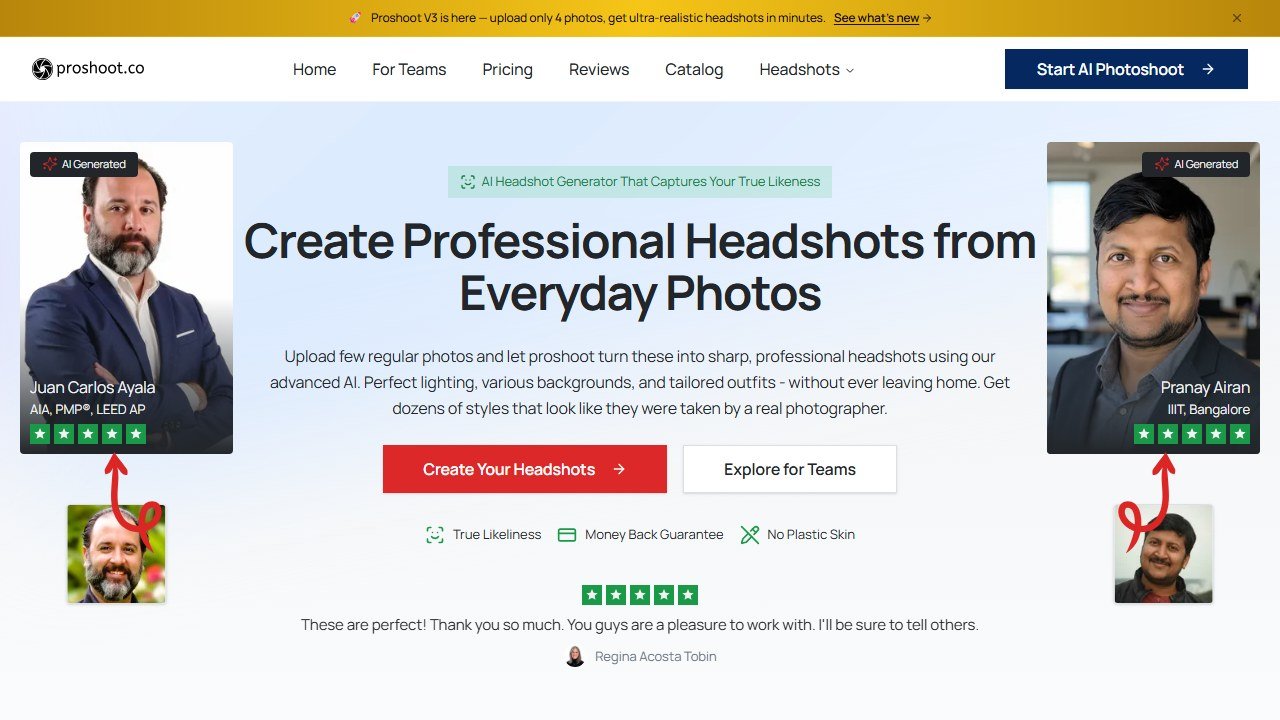
ProShoot is built around professional use rather than novelty filters, and it shows in the output. In independent side-by-side tests it consistently produced one of the strongest face resemblances of any tool in this category: the skin reads as natural more often than not, and the facial structure stays close to the person who uploaded the photos. For LinkedIn, business bios, and clean profile shots, that likeness fidelity is the whole game, because a headshot that does not look like you is worse than no headshot at all.
You upload four or more casual photos, and its plans advertise a finished batch in about 5 to 15 minutes depending on the tier. Pricing is a one-time payment with no subscription: the $35 Starter gives you 40 HD headshots across two styles, the $49 Professional (the popular pick) gives you 100 headshots across five styles, and the $59 Studio gives you 200 headshots across ten styles. Behind that sit 232 professional outfits and 143 backdrops, with an editor that lets you swap outfits, change backgrounds, adjust expressions, and clean up blemishes after the fact. You get full commercial rights to everything you generate.
Where ProShoot genuinely separates itself is buyer protection and privacy, the two areas most tools gloss over. You preview watermarked headshots before you commit, can request a free redo if the batch misses, and can still ask for a refund within seven days. On privacy, uploaded photos are deleted after 7 days and the trained AI model after 30, your images are not used to train future models, and storage is encrypted. For anyone in legal, real estate, corporate, or any field where a stranger holding your biometric data is a real concern, that policy is a deciding factor, not a footnote.
Where it falls short: its turnaround claims are not consistent. The plans advertise about 15, 10 and 5 minutes, while another section of its site still says about an hour, so allow for the longer figure on a deadline. And while likeness is excellent, a minority of outputs still need a second pass on outfit or body polish before they are perfect. Neither is a dealbreaker for most buyers.
Best for: professionals who want the closest likeness, the cleanest privacy terms, and strong value without a subscription. Pricing: $35 to $59 one-time. Try ProShoot.
Read our full ProShoot review for the detailed breakdown.
2. Aragon AI. Best for speed and premium realism
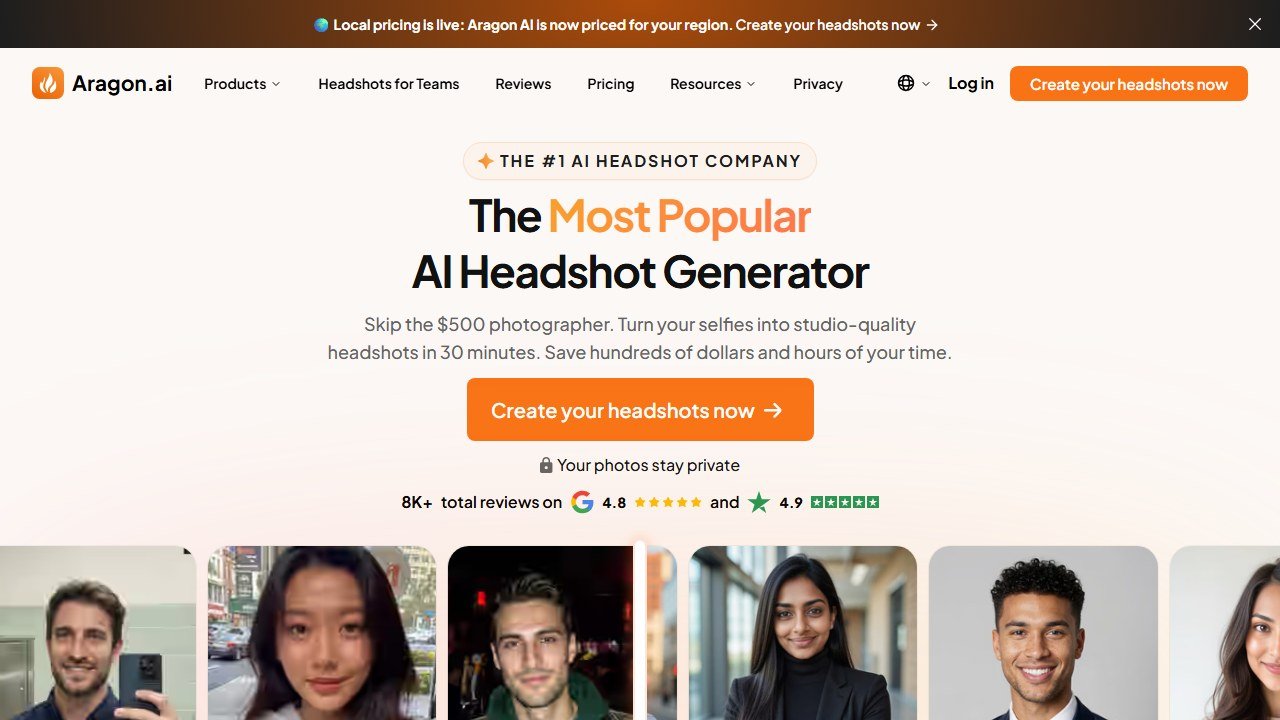
Aragon is the tool to reach for when you needed the headshots an hour ago. Its fastest tiers return a finished batch in 15 to 45 minutes, which is quick for a tool that trains on your photos, and the realism at the top end is genuinely premium. Aragon also goes beyond straight headshots with creative filters and a Remix feature that lets you re-edit a generated shot rather than re-rolling the whole batch, which is useful when one photo is almost perfect.
Pricing runs from about $35 to $75 depending on how many photos and styles you want. The output competes directly with ProShoot and BetterPic on quality, and for many users the deciding factor between them comes down to speed versus privacy terms versus price. If raw turnaround is your top priority and you are willing to pay a little more at the premium tier, Aragon is the pick.
Where it falls short: the top tier is among the pricier options, and the privacy and refund terms are less generous than ProShoot’s. Best for: people who need fast, premium results and will pay for speed. Pricing: $35 to $75. Visit Aragon AI.
Read our full Aragon AI review for the detailed breakdown.
3. HeadshotPro. Best for teams and businesses
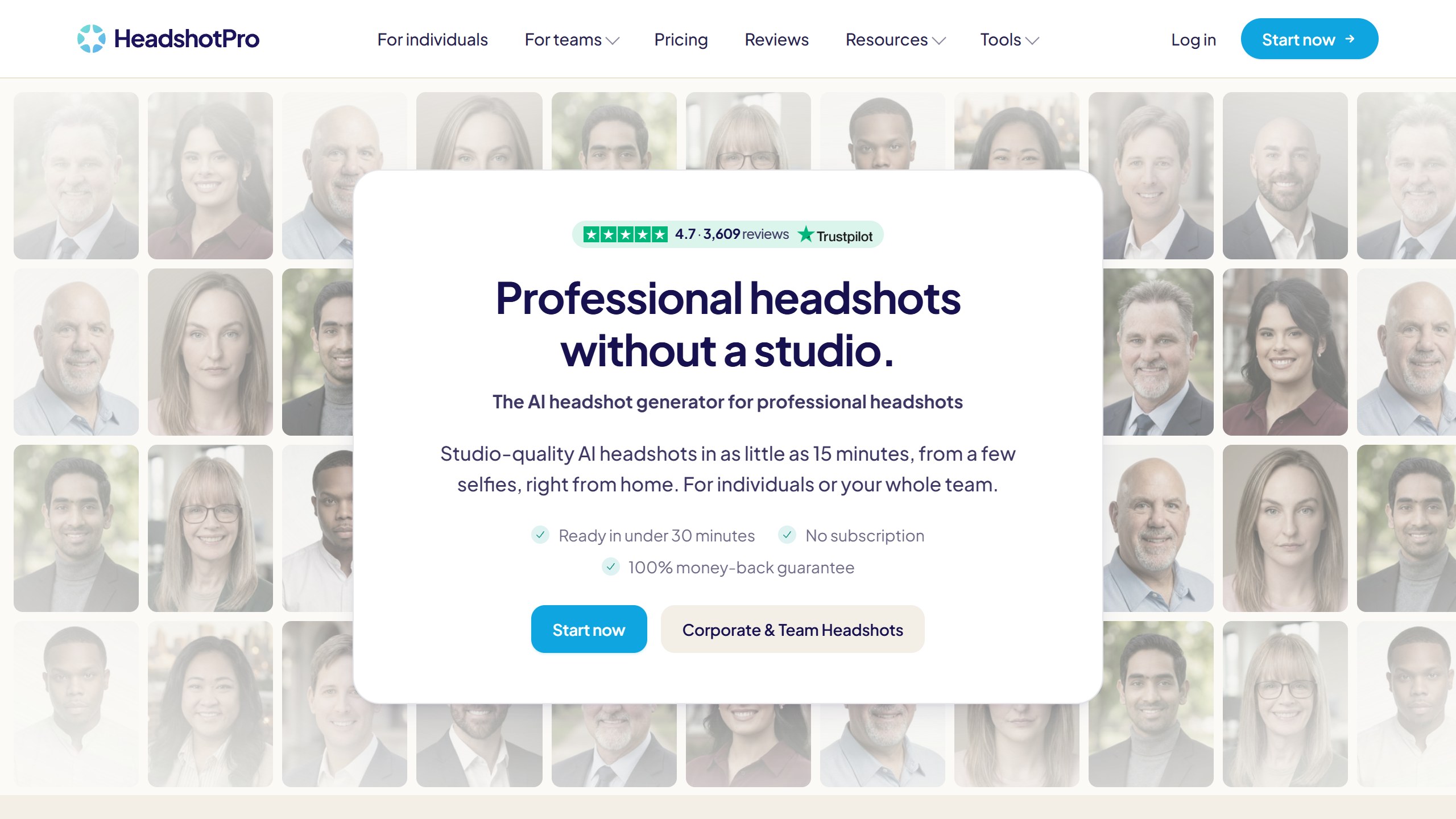
HeadshotPro was built for the exact problem a remote company faces: getting forty employees consistent, on-brand headshots without flying everyone to one city for a photographer. The team dashboard lets an HR or marketing lead send bulk invites, set style presets so everyone matches, and collect finished portraits while each person uploads from their own desk. Team pricing starts at $39 per person for 5 to 1,000 people, with automatic volume discounts up to 50 percent, and the company offers a SOC 2 Type II report, which procurement teams will ask about.
For individuals, HeadshotPro is still competitive: Basic is $29 for 30 headshots in about two hours, Professional is $39 for 50 in about 30 minutes, and Executive is $59 for 70 in about 15 minutes. But the team tooling is what makes it the obvious choice when you are buying for more than one person.
Where it falls short: for a single individual chasing the absolute best likeness, ProShoot and Aragon edge it on output. Best for: companies and teams that need consistent, on-brand headshots at scale. Pricing: $29 to $59 individual, teams from $39 per person before volume discounts. Visit HeadshotPro.
Read our full HeadshotPro review for the detailed breakdown.
4. BetterPic. Best for 4K print quality

BetterPic competes on resolution and editorial control. Every tier ships at 4K, which most rivals reserve for their top plans or do not offer at all, and independent testing has rated its output among the most photorealistic in the category. The Expert plan adds something genuinely rare: unlimited human edits on one selected photo, plus paid redo options, so a real person can fix the one detail an AI keeps getting wrong. If your headshot will be printed large, on a banner, a badge, or a press kit, that 4K standard and human polish are worth the premium. If you need a larger file than any headshot tool exports, our AI image upscalers guide shows what each upscale gives you in inches at 300 DPI.
Pricing runs from $35 to $79, and turnaround is one to two hours. It sits in the same quality conversation as ProShoot and Aragon, with the trade chosen around resolution and editing rather than likeness.
Where it falls short: it is the priciest mainstream option at the top tier, and turnaround is slower than Aragon. Best for: anyone who needs print-ready 4K or wants a human to touch up the final image. Pricing: $35 to $79. Visit BetterPic.
Read our full BetterPic review for the detailed breakdown.
5. Secta AI. Best for the widest style range

Secta AI’s pitch is breadth: 130+ styles and, by its own count, hundreds of portraits from one upload, which matters if you want a deep pool to pick from or need shots for several different contexts (formal, casual, creative) from one purchase. The output quality is solid and the styling options are broad. Its homepage showed no price when we checked on 3 November 2026, so confirm the cost before you commit.
Where it falls short: it does not lead on any single axis the way ProShoot does on likeness or Aragon on speed; its strength is breadth. Best for: people who want maximum choice and styles from one purchase. Pricing: no public price found. Visit Secta AI.
Read our full Secta AI review for the detailed breakdown.
6. Snap2Pass. Best budget and lowest friction
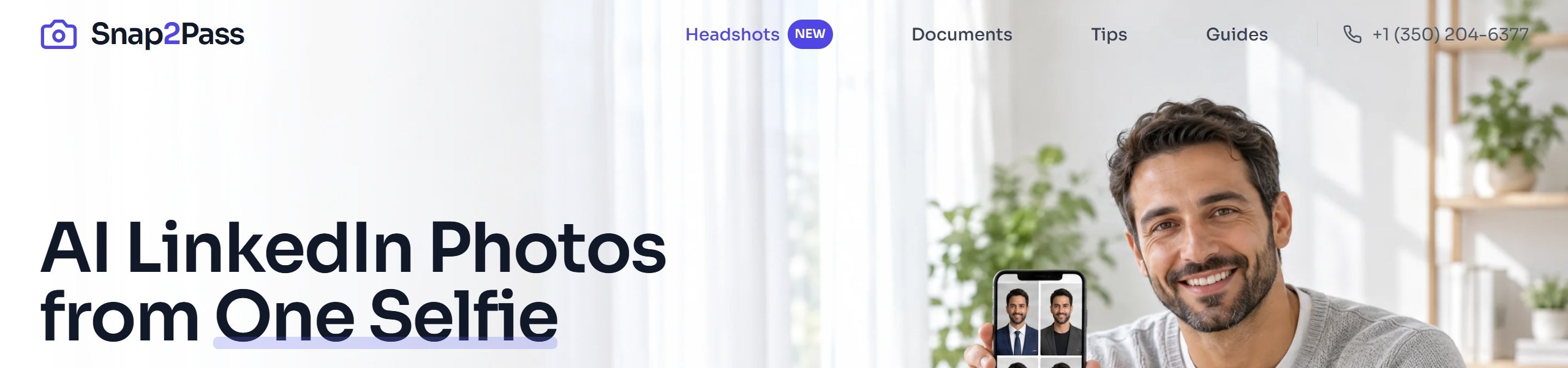
Snap2Pass is the easiest entry point in the category. It starts at $14 for 20 photos, or $29 for 40, shows you a free preview before you pay, accepts as little as a single selfie (most tools want several), and backs it with a 14-day no-questions refund. Its main business is passport and visa photos, with headshots as the newer product. That combination, a low price plus a free preview plus a generous refund, makes it the right first try for anyone who wants to test whether AI headshots work for them before spending more.
Where it falls short: the absolute top-end realism is a notch below the premium tools, and the one-selfie convenience can cost some likeness accuracy compared with uploading a fuller set. Best for: budget buyers and first-timers who want the lowest-risk way in. Pricing: from $14. Visit Snap2Pass.
7. PhotoPacks.AI. Best for natural skin texture

PhotoPacks.AI punches above its roughly $24 price on one specific axis: skin texture. Where cheaper tools betray themselves with the smooth, plastic “AI skin” that gets a headshot flagged as fake, PhotoPacks renders pores, fine lines, and natural surface detail that hold up on close inspection. If realism at full resolution is your priority and you do not need team tooling or 4K print files, it is a lot of quality for the money.
Where it falls short: fewer styles and less buyer protection than the leaders, and no team features. Best for: individuals who care most about believable skin and texture on a budget. Pricing: around $24. Visit PhotoPacks.AI.
8. AI SuitUp. Best team value on FLUX

AI SuitUp pairs aggressively low pricing with FLUX-based generation, which gives it strong realism for the price and notably consistent results across multiple people. That consistency is what makes it a real team contender: if you want everyone in the company photo grid to share a coherent look without paying HeadshotPro’s per-seat rate, AI SuitUp is the value play. It is the budget-conscious alternative when team consistency matters more than a dashboard full of admin tooling.
Where it falls short: lighter on the enterprise dashboard, presets, and procurement-grade compliance that HeadshotPro offers. Best for: small teams that want consistent, realistic output on a tight budget. Pricing: $27, $37 and $57 for 50, 100 and 150 headshots at the current limited-time prices, with turnaround of 6, 3 and 1 hours. Visit AI SuitUp.
9. Portreya. Best for a one-selfie headshot with no subscription
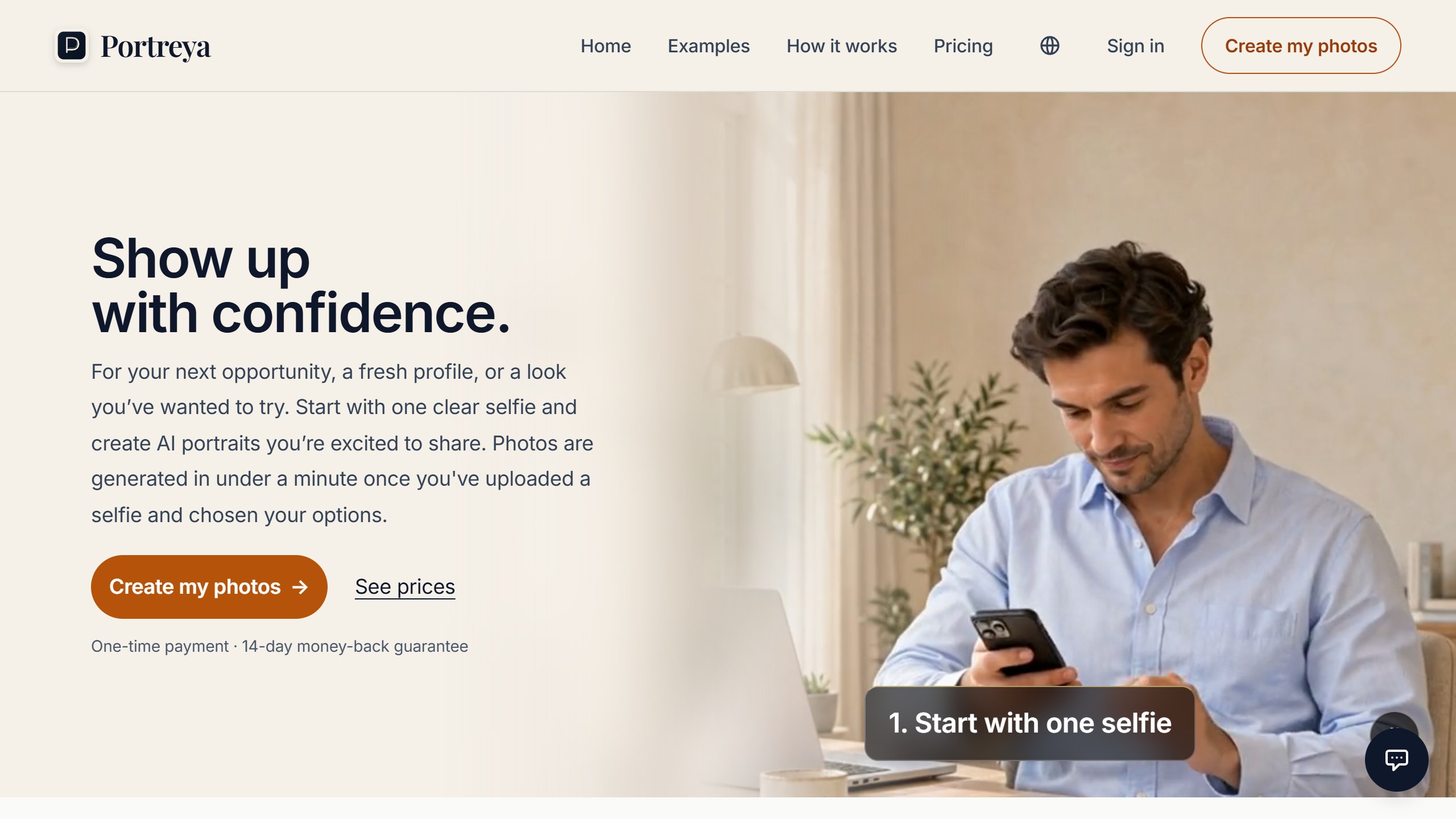
Portreya asks for one clear phone selfie, where most tools here ask for several. There is no private model to train first. Each photo is generated individually, which the site says takes under a minute once you have uploaded a selfie and chosen your options. For professional use, its packs include LinkedIn, CV, Speaker and Industry looks.
Pricing is one-time: 1 Pack is $5.99 for 2 photos from one pack, Try-On is $27.49 for 10 photos with your own outfit, hair and eyewear references, and Studio is $34.99 for 15 photos with control over pose, clothing and scene. Every photo includes at least one edit, and there is a 14-day money-back guarantee.
Where it falls short: the sets are small, 2 to 15 photos where most tools here return 20 or more, so you have a shallower pool to pick from. The account is free, but generating needs a paid pack. Selfies and generated photos may stay while your account exists unless you delete them, and they pass through third-party AI providers, so the terms are less tight than ProShoot’s fixed deletion schedule. Best for: individuals who need one or two usable photos quickly from a single selfie. Pricing: $5.99 to $34.99. Visit Portreya.
Which AI headshot generator should you choose?
The ranked list answers “what is best overall.” These shortcuts answer “what is best for me.”
- If you want the closest likeness and the cleanest privacy: ProShoot. The true-likeness output plus the 7-day deletion and refund terms make it the safest all-round choice.
- If you need a premium batch in the next 20 minutes: Aragon AI, whose top tier advertises 15 minutes.
- If you are buying for a team or company: HeadshotPro for the dashboard and compliance, or AI SuitUp if budget is tight and consistency matters more than admin tools.
- If it will be printed large: BetterPic, for 4K at every tier plus human editing.
- If you want the widest range of styles: Secta AI.
- If you want the cheapest credible way to try AI headshots: Snap2Pass, or PhotoPacks.AI if skin realism is your top concern.
- If you only need one or two photos from a single selfie: Portreya, from $5.99 with no subscription.
Are AI headshots good enough for professional use?
Yes, with one condition: the tool has to be good. In 2026, headshots from the top tools are realistic enough for LinkedIn, company bios, speaker pages, and resumes, and they are widely accepted. Recruiters and hiring managers who scan thousands of profiles a week generally cannot distinguish a strong AI headshot from a studio one at the resolution these images are displayed, and survey work suggests they are fine with AI headshots as long as the photo meets a professional bar and genuinely looks like the person.
The caveat is the same as the ranking: quality varies sharply by tool. A premium generator produces an image that is hard to tell from a $300 studio shoot. A cheap one can return something that looks like a heavily filtered video game character, which is worse for your credibility than a plain phone selfie. The deciding factor is likeness accuracy. The photo must look unmistakably like you, just with better lighting, composition, and wardrobe. That is exactly why we weight likeness first, and why ProShoot’s true-likeness focus puts it at the top.
How to get the best results from any AI headshot tool
The output is only as good as what you feed it. These habits lift results on every tool in this guide:
- Upload variety, not duplicates. Give the AI different angles, expressions, and lighting from different days. Ten near-identical selfies teach it less than five varied ones.
- Use recent photos. The model learns the face you upload. If your photos are five years and one haircut out of date, the output will be too.
- Favor good light and clean backgrounds in your inputs. Soft, even lighting and an uncluttered background help the model lock onto your features instead of fighting noise.
- Avoid heavy filters, sunglasses, hats, and other faces. Anything that hides or competes with your face degrades likeness. Solo, unfiltered, face-clear shots win.
- Pick the plan with enough output. More generated photos means a deeper pool to choose from, which raises your odds of several keepers. This is why cost per usable photo beats cost per photo.
How AI headshot generators actually work
Under the hood, most of these tools fine-tune an image model on your face. You upload a set of photos, the system trains a small personalized model that learns your specific features, and then it generates new images of you in professional settings: different outfits, backdrops, lighting, and expressions you never actually photographed. The better tools are the ones whose training preserves your real facial structure and skin rather than averaging you toward a generic “attractive professional” template, which is the failure mode that produces a polished stranger. Snap2Pass and Portreya skip the training step and generate each photo from a single selfie.
This is also why privacy terms matter so much. To do this, a tool holds your photographs and a model of your face, both sensitive. The responsible ones delete the photos and the model on a clear schedule, encrypt what they store, and never feed your images into training data for other customers. The deletion timelines and the “we do not train on your data” commitment are not marketing fluff; they are the difference between a vendor you can trust with your biometric likeness and one you cannot.
Privacy: what to check before you upload your face
Before you hand any tool a set of photos, confirm four things. First, how long uploaded photos are kept and when they are deleted. Second, whether the trained model of your face is deleted, and when. Third, whether your images are used to train models for other users (the answer you want is no). Fourth, whether stored data is encrypted. ProShoot publishes clear answers to all four, which is a large part of why it leads this guide. Tools that are vague on these points are asking for more trust than their terms earn.
Black Friday 2026: what we could confirm
Aragon’s pricing page was showing “20% off all packages limited time only!” on 3 November 2026, with no end date given. HeadshotPro’s pricing page showed no sale that day. We add confirmed offers to our AI tools Black Friday deals page as vendors publish them, and mark each one with the date we checked.
The verdict
AI headshots are a solved problem in 2026 for anyone who picks a good tool. The output across the top tier is close enough that your decision should turn on the things that actually differ: likeness fidelity, privacy terms, turnaround, and cost per usable photo. ProShoot wins the all-round case on the strength of its likeness, its genuinely protective privacy and refund policy, and one-time pricing that does not punish you with a subscription. Aragon is the fast premium pick, HeadshotPro owns the team use case, BetterPic owns 4K print, and Snap2Pass is the lowest-risk way to try the category, while Portreya has the lowest entry price if you only need a couple of photos. Start with the one that matches your priority, feed it good photos, and judge it on whether the result looks unmistakably like you.
Adjacent guides
- Best AI Headshots for Teams and Business (2026): Consistent Photos at Scale
- Best AI Headshots for LinkedIn (2026): Tools, Tips, and What Recruiters Accept
More AI tool guides worth reading: ProShoot vs BetterPic, ProShoot vs HeadshotPro and ProShoot vs Aragon AI.
Turning your AI portraits into short clips next? See our roundup of the Best Free AI Image to Video Tools.

Written by
FazFaz is the founder of AIToolsBakery. Some tools here are tested hands on. Others are assessed from vendor documentation and pricing verified on the live page, and every review says which one it is. Sponsors can buy a position in a guide. They cannot buy the score, the criticism, or silence about a better option.
How we test and how we make money →

