Quick answer: The best free AI face swap tools in 2026 are WaveSpeed Face Swapper (no watermark, fastest), Magic Hour (best video face swap), Remaker (no signup, photos and GIFs), PixNova (instant, no login), and Reface (best for animated social clips, watermark on free tier). Before you use any of them, read the consent guide below.
Comparison at a glance
| Tool | No watermark? | Photo | Video | Signup needed |
|---|---|---|---|---|
| WaveSpeed | Yes (photo) | Yes | Limited | No |
| Magic Hour | No (light) | Yes | Yes | Yes |
| Remaker | Light | Yes | Yes | No |
| PixNova | Yes (photo) | Yes | Yes (light wm) | No |
| Reface | No | Yes | Yes | Yes |
Read this first: the consent and ethics guide
Face-swap technology is genuinely useful for legitimate creative work: personalised birthday clips, costume transformations, music-video tributes, satire that is clearly satire, and so on. It is also the underlying technology behind deepfake misuse, which is why responsible publications front-load the use guidelines. We do the same here.
If you want to animate a still image rather than swap a face, the free options are covered in best free AI image to video tools. For a still portrait good enough for a profile, see best AI headshot generators.
Five rules we ask every reader to commit to before using any tool in this post:
- Consent is mandatory. Only swap faces you have explicit permission from the person to use. Children require parental consent in writing. Public figures are not a substitute for permission. “It’s just a joke” is not consent.
- Never create non-consensual intimate imagery. This is illegal in most jurisdictions and causes serious harm even when the technology makes it “look fake.” Do not do this.
- Disclose AI-generated content. If you share a face-swapped image or video publicly, label it as AI-generated. Most platforms now require this. It is also the only thing that prevents your work from being mistaken for misinformation.
- Do not impersonate. Do not create content that suggests a real person said or did something they did not. This includes politicians, celebrities, employers, friends, anyone.
- Check the tool’s safeguards. Responsible face-swap tools refuse public-figure swaps and have content filters. If a tool you find does not, that is a red flag, not a feature.
The five tools below all have some form of content safeguards. We deliberately excluded two well-known face-swap tools from this post because they explicitly market their lack of guardrails.
How we reviewed
We ran each tool with the same source image (a creator profile photo with full permission) and the same target image (a stock costume photo) and a second target (a 5-second video clip). We graded on three things: output realism (1-5), watermark presence, and processing speed.
The 5 best free AI face swap tools (2026)
1. WaveSpeed Face Swapper: best overall free
Free type: Permanent free, no watermark on standard exports
Watermark on free tier: No
Speed: Avg 4.2 seconds per 1024×1024 swap
Realism: 4/5
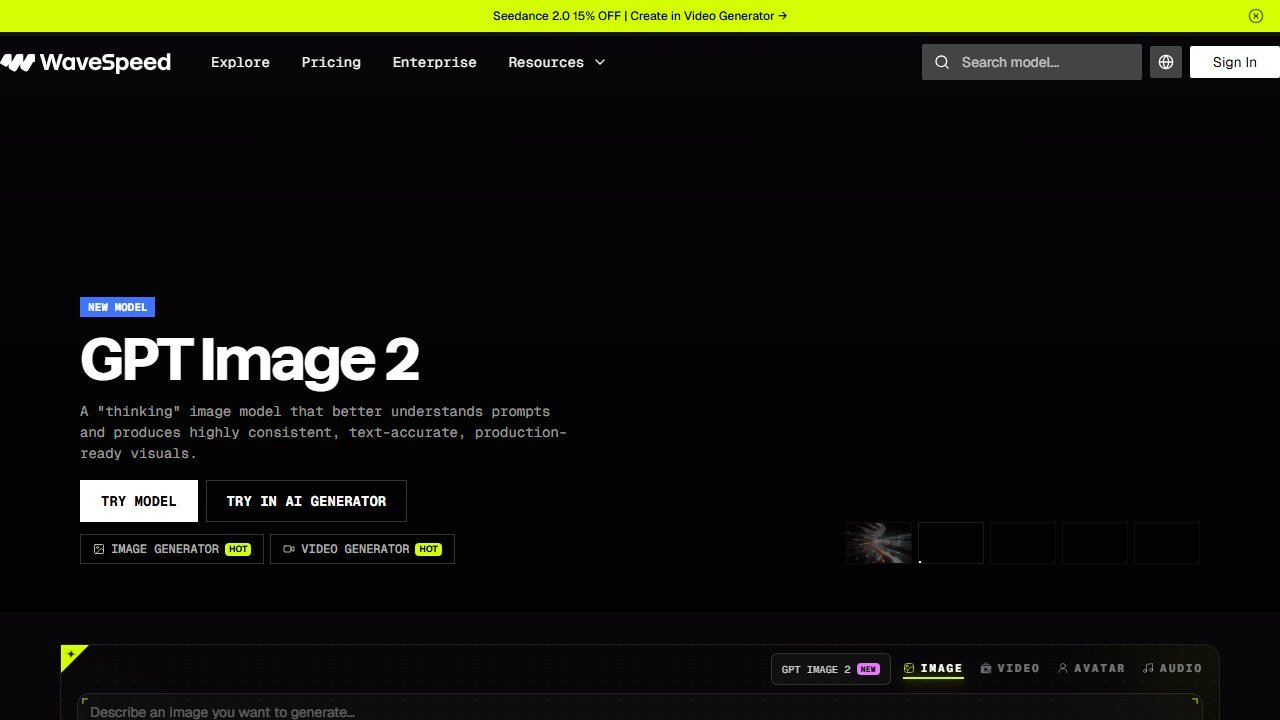
WaveSpeed delivered the best balance of speed, quality, and accessibility in our comparison. Full-resolution PNG output, no visible watermarks, and fast turnaround on standard broadband. Has content filters that refuse public-figure swaps and obvious abuse patterns.
Best for: Photo swaps for personal/creative use, when you do not want a watermark.
Official site: Visit WaveSpeed
2. Magic Hour Face Swap: best video face swap
Free type: Free with sign-up; usage limits on free tier
Watermark on free tier: Light watermark on video, none on photo
Speed: Photo ~6s, video ~30-60s
Realism: 4/5
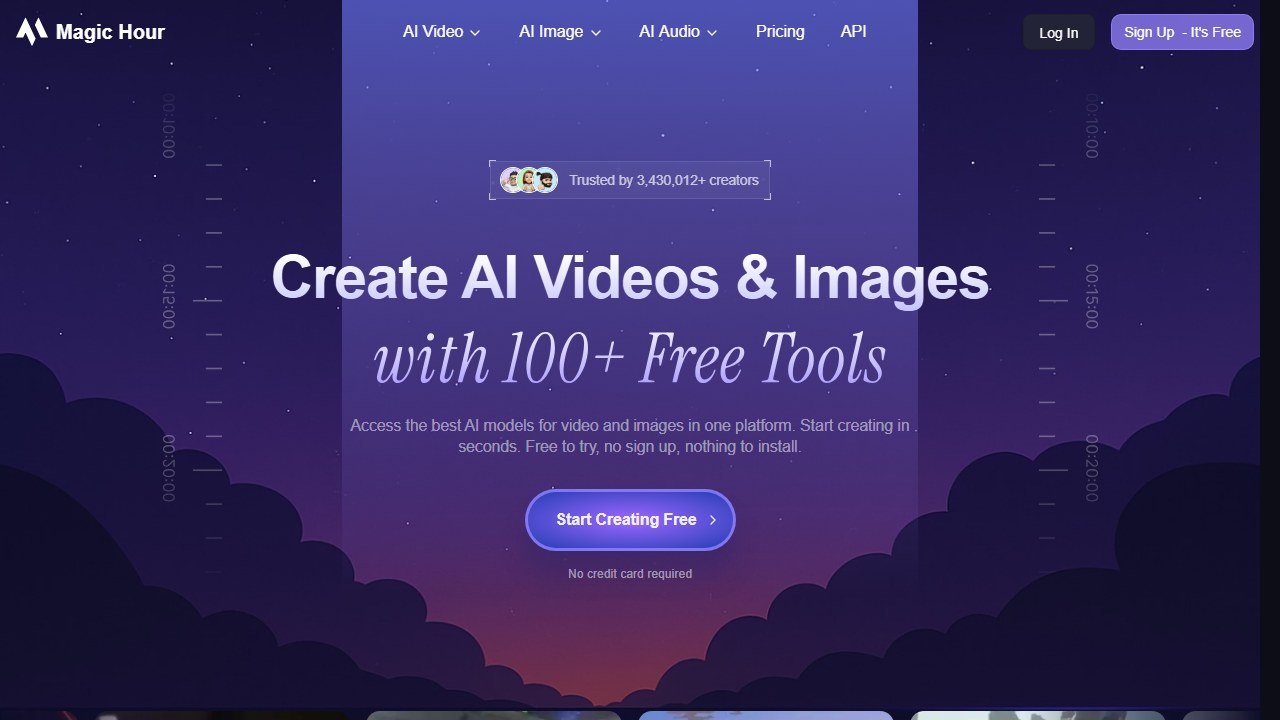
Magic Hour supports both photo and video face swaps with the most reliable results we reviewed for short clips (under 30 seconds). The video output preserves the original mouth movement reasonably well. For longer clips the artefacts grow.
Best for: Short video face swaps with consent for both source and target.
Official site: Visit Magic Hour
3. Remaker: no signup, batch processing
Free type: Free with daily limits, no account required for basic swaps
Watermark on free tier: Light watermark on most outputs
Speed: Photo ~5s
Realism: 3.5/5
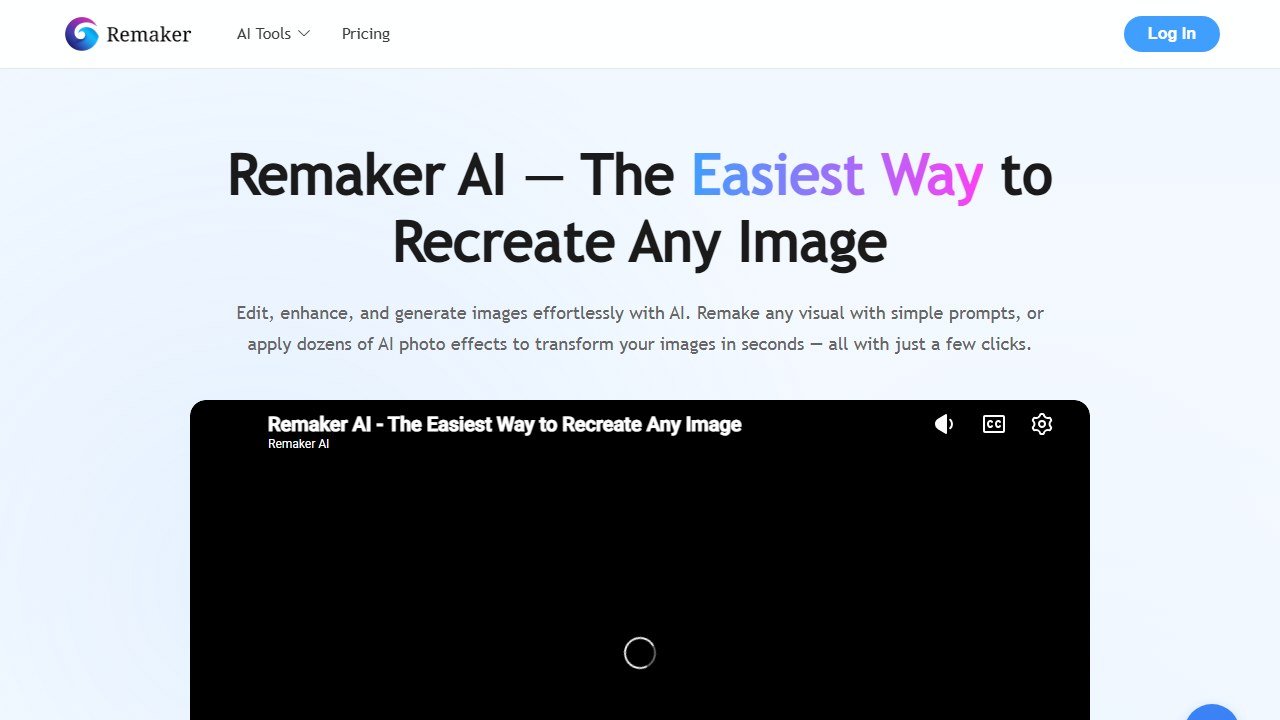
Remaker is the easiest to try because it requires no signup. You upload, you swap, you download. Supports photo, video, and GIF, plus batch processing for multiple faces in one image.
Best for: Quick one-off photo swaps with no account creation.
Official site: Visit Remaker
4. PixNova: fastest, no login
Free type: Free, no signup, no watermark on photo
Watermark on free tier: None on photo, light on video
Speed: Photo ~3s
Realism: 3.5/5
PixNova is built for immediacy. Drag and drop a photo, swap, download. Supports photos, videos, and GIFs. Output quality is slightly behind WaveSpeed but the speed advantage is real.
Best for: Fast, low-friction photo swaps.
Official site: Visit PixNova
5. Reface: animated social clips
Free type: Free tier with watermark; ad-supported
Watermark on free tier: Yes (visible Reface logo on output)
Speed: Photo ~4s, video ~10s
Realism: 3.5/5 (animated expressions are a strength)
Reface specialises in animated face swaps with expression mapping: the kind of clips that get shared on TikTok and Instagram Reels. Mobile-first app, web is workable.
Best for: Social clips where the watermark is acceptable and animated expressions are the goal.
Official site: Visit Reface
When to upgrade
Free tiers above are enough for personal projects. If you need:
- Studio-quality realism with no artefacts: paid tiers ($10-30/mo)
- High-resolution video (1080p+ with no watermark): paid
- Commercial use rights: check each tool’s free-tier licence. Most free tiers are personal use only.
What’s actually legal where, in plain language
This section is not legal advice, but it is the landscape every face-swap user should understand before they upload an image. The legal regime in 2026 splits into three buckets:
Strictly illegal almost everywhere: non-consensual intimate imagery (NCII), regardless of how “obvious” the swap is. The UK Online Safety Act (2023), the EU AI Act (2024), and ~30 US state laws (including California, Texas, Virginia) explicitly criminalise NCII. Penalties range from civil damages to imprisonment.
Restricted in many jurisdictions: deceptive content about real people in political, financial, or defamatory contexts. The EU AI Act’s Article 50 requires AI-generated content depicting real people to be labelled. The US has no federal equivalent but California, Texas, and Michigan have election-deepfake laws. Platforms (YouTube, Meta, X) require labelling regardless of jurisdiction.
Generally legal with consent and disclosure: creative projects, personal use, satire that is clearly satire, and any swap where the source subject has given explicit permission and the output is labelled as AI-generated.
The clean rule that works in any jurisdiction: get consent in writing for any face you swap, label the output as AI-generated, and never create intimate imagery regardless of consent.
Legitimate use cases we have seen work
Face-swap technology has real creative value when used responsibly. Here are five common legitimate uses, with the consent and disclosure pattern for each:
1. Personalised birthday or anniversary video. Swap the recipient’s face into a movie scene or a music video they love. Consent: ask the recipient if they want it before you make it (or accept they may not love it after). Disclosure: not strictly needed if shared privately, but include “made with AI” if posted publicly.
2. Family creative projects. Putting children’s faces into a fairy-tale scene for a birthday party. Consent: parental for kids. Disclosure: family-private, none needed; public-shared, disclose.
3. Satire that is clearly satire. A clearly comedic face swap (your face on a movie poster, your boss’s face on a cartoon character) in a context that cannot be mistaken for fact. Consent: of all subjects, in writing if the boss is involved. Disclosure: required publicly.
4. Costume and transformation content. Halloween-style transformations, makeup tutorials previewing a costume, theatrical previews. Consent: of the subject, always. Disclosure: standard “made with AI face swap” label.
5. Memorial and tribute videos. Recreating a missing family member into a celebratory family photo (with the family’s explicit permission). This is one of the most meaningful uses of the technology and also the most consent-sensitive. Family agreement in writing, every time.
Use cases that look legitimate but consistently lead to harm: anything involving a public figure (even satirical), anything intended to impersonate a real person, anything posted without disclosure on a platform that requires it.
The safeguards each tool actually has
Not all “free AI face swap tools” have the same content safeguards. We checked each one for three specific protections:
| Tool | Refuses public figures | Refuses NSFW | Watermarks / labels AI |
|---|---|---|---|
| WaveSpeed | Yes | Yes | Optional metadata tag |
| Magic Hour | Yes | Yes | Light watermark on video |
| Remaker | Partial (some celebrities slip through) | Yes | Light watermark |
| PixNova | Yes | Yes | None on free photo tier |
| Reface | Yes | Yes | Visible logo on free output |
Tools without active safeguards (we did not include them in this post) typically advertise their lack of restrictions as a feature. That marketing is a red flag.
Step-by-step: your first face swap with consent done right
If you have not used a face-swap tool before, here is the workflow we use, with consent steps built in.
- Pick the project. Decide what you want to make and who appears in it. Be specific.
- Get consent before you upload anything. Text or email the subject: “I want to make X using your photo. Are you okay with that?” Wait for the yes. Save the message.
- Pick a source photo with good face visibility. A clear, well-lit, front-facing photo gives the best output. Side-profiles and low-light photos produce poor results.
- Pick the target. Stock photos, your own footage, or a clearly licensed image. Do not use scraped celebrity photos.
- Run the swap on a permanent-free tool first. WaveSpeed or PixNova for photos; Magic Hour for short video. The output is usable as a draft.
- Review the output. Check the realism. Check that no unintended details (background, body) got distorted in ways that misrepresent the subject.
- Disclose when sharing. If posting publicly: caption with “AI-generated face swap” or platform-specific AI-content label. If sharing privately: send the consent message in the same thread.
Common technical pitfalls
Five things first-time users get wrong, with how to fix them:
1. Low-resolution source images produce blurry swaps. The output cannot exceed the source quality. Use the highest-resolution source photo you have.
2. Hair and skin tone mismatches. Most tools swap the face only, not the hairline or full skin. If the source and target differ dramatically (e.g., very different hair colour), the result looks artificial. Pick a target image where the subject’s natural features approximately match the source.
3. Group photos confuse some tools. WaveSpeed, Remaker, and PixNova handle multi-face well; Magic Hour and Reface are weaker. For group photos, use the multi-face tools.
4. Video swaps fall apart at sharp head turns. All free tools struggle with rapid motion. Pick target clips with smooth, slow movement or fix the swap with paid-tier post-processing.
5. Long video clips degrade. Free-tier video swaps work best under 30 seconds. Beyond that, artefacts compound and you will need paid tiers or post-processing.
Paid tiers: what you actually unlock
The five tools above are usable on the free tier. The paid tiers genuinely add value for specific use cases:
- WaveSpeed Pro (~$10/mo): Higher resolution output (4K), priority queue, no usage limits.
- Magic Hour Creator (~$24/mo): Longer video swaps (up to 5 minutes), no watermark on video.
- Remaker Pro (~$15/mo): Faster processing, batch uploads of 20+ images, watermark removal.
- PixNova Premium (~$10/mo): Bulk video processing, full HD on free workflow.
- Reface Pro (~$8/mo): Watermark removal, longer animated clips.
If face-swap content is a part of your professional workflow (creator, content marketer with consented user-generated content, theatrical or costume professional), one paid tier is worth it. For occasional personal use, the free tiers above cover the work.
Platform rules: what to expect when posting
Every major platform updated its AI-generated content rules in 2024-2025. The current state (May 2026):
- YouTube: AI-modified content depicting real people must be labelled at upload. Failure can result in takedown.
- TikTok: AI-generated content depicting realistic people must use the AI-generated content toggle.
- Instagram / Facebook (Meta): Automatic AI-content detection plus required labelling. Detection is imperfect; manual disclosure is recommended.
- X / Twitter: Policy exists but enforcement is uneven. Disclose manually.
- LinkedIn: Professional content with face swaps is rare and broadly frowned upon. Use sparingly or not at all.
The path of least resistance: if there is any chance someone could mistake the output for an unaltered photo or video, label it.
When to skip face-swap tools entirely
Three situations where we recommend not using face-swap tools, even free ones with consent:
- Professional contexts where the work could be misread. Sales decks, client deliverables, recruitment marketing. Even labelled AI content can read as “not serious.”
- Sensitive personal moments without explicit emotional consent. A bereaved family member may say yes politely without truly wanting the content. Read the room.
- Content that depends on the subject not realising it is fake. If you would be embarrassed to be caught, do not make it.
The verdict
WaveSpeed Face Swapper is our pick for the best free AI face swap tool in 2026 for photo work. Magic Hour wins for short video. The other three are strong situational picks.
Whatever you use, the five rules at the top of this post are not optional. We will only keep this article online while the tools listed maintain their content safeguards. If any of them remove those safeguards in a future update, we will replace them here.
Further reading
We hold every roundup on this site to six rules: free-type tagging, same-source testing, integration matrices, refresh discipline, SERP reality, and safeguards first. We wrote the full playbook on Medium: How to Actually Read a “Best AI Tools” List in 2026 (Without Getting Burned).
The honest 2026 reality of free AI face swap
Free AI face swap tools in 2026 produce results good enough to fool casual viewers for short clips and static images, but not good enough to pass professional scrutiny in long-form video. The quality gap between free and paid widens as content length increases. For 5-second TikTok clips and social images, free tiers are sufficient. For 30-second video ads or film work, paid tiers earn their cost. For broadcast-quality work, dedicated VFX studios still beat any consumer AI tool.
The compute reality matters in 2026. Free tiers cap daily generation and apply watermarks because the compute is genuinely expensive. Tools that promise unlimited free face swap usually deliver low-quality output or quietly throttle. The honest free tools are upfront about their caps; the suspicious ones are not.
The ethics conversation that matters in 2026
Three ethical lines that have hardened in 2026. Line one: non-consensual deepfakes are illegal in many US states and the EU. Always use face swap with explicit subject consent. Line two: political deepfakes are a target of intense regulatory attention. Free tools may auto-flag and refuse to swap recognizable public figures. Line three: revenge content and harassment uses can result in criminal charges. The legal risk has caught up with the technology in 2026 in ways that did not exist three years ago.
Inside those lines, face swap remains a legitimate creative tool for film, advertising, social content, and education. Stay inside the lines and the technology serves you. Step outside them and the legal exposure is real.
Final 2026 verdict
Free AI face swap in 2026 is fine for hobby and casual social content if you stay ethical. For commercial or professional work, the paid tiers earn their cost through better quality and clearer commercial licensing. For sensitive applications (film, advertising, political content), specialist VFX studios or dedicated paid tools remain the right choice.
Pricing for the video side of these tools, every published tier with a verification date, is in AI video generator pricing compared.

Written by
FazFaz is the founder of AIToolsBakery. Some tools here are tested hands on. Others are assessed from vendor documentation and pricing verified on the live page, and every review says which one it is. Sponsors can buy a position in a guide. They cannot buy the score, the criticism, or silence about a better option.
How we test and how we make money →