Quick Answer: QuillBot excels at controlled paraphrasing with 9 modes and a synonym slider, starting at $9.95/mo. Grammarly is a broader AI writing assistant covering grammar, tone, and content generation at $12/mo. Pick QuillBot for rewriting, Grammarly for all-around writing improvement.
[Faz] QuillBot and Grammarly are the two most popular AI writing tools, but they solve different problems. QuillBot rewrites your text into a better version. Grammarly fixes what’s wrong with your existing text. Choosing between them depends on what you actually need. We tested both extensively for our best AI rewriting tools roundup. Here’s the head-to-head breakdown.
Quick Verdict
| Category | QuillBot | Grammarly | Winner |
|---|---|---|---|
| Paraphrasing | 7 modes, synonym slider, paragraph-level | Basic full-sentence rewrites (Premium) | QuillBot |
| Grammar Checking | Basic, catches fundamentals | Deep, contextual, real-time | Grammarly |
| Tone Control | Formal/Simple modes | Tone detection + GrammarlyGO adjustments | Grammarly |
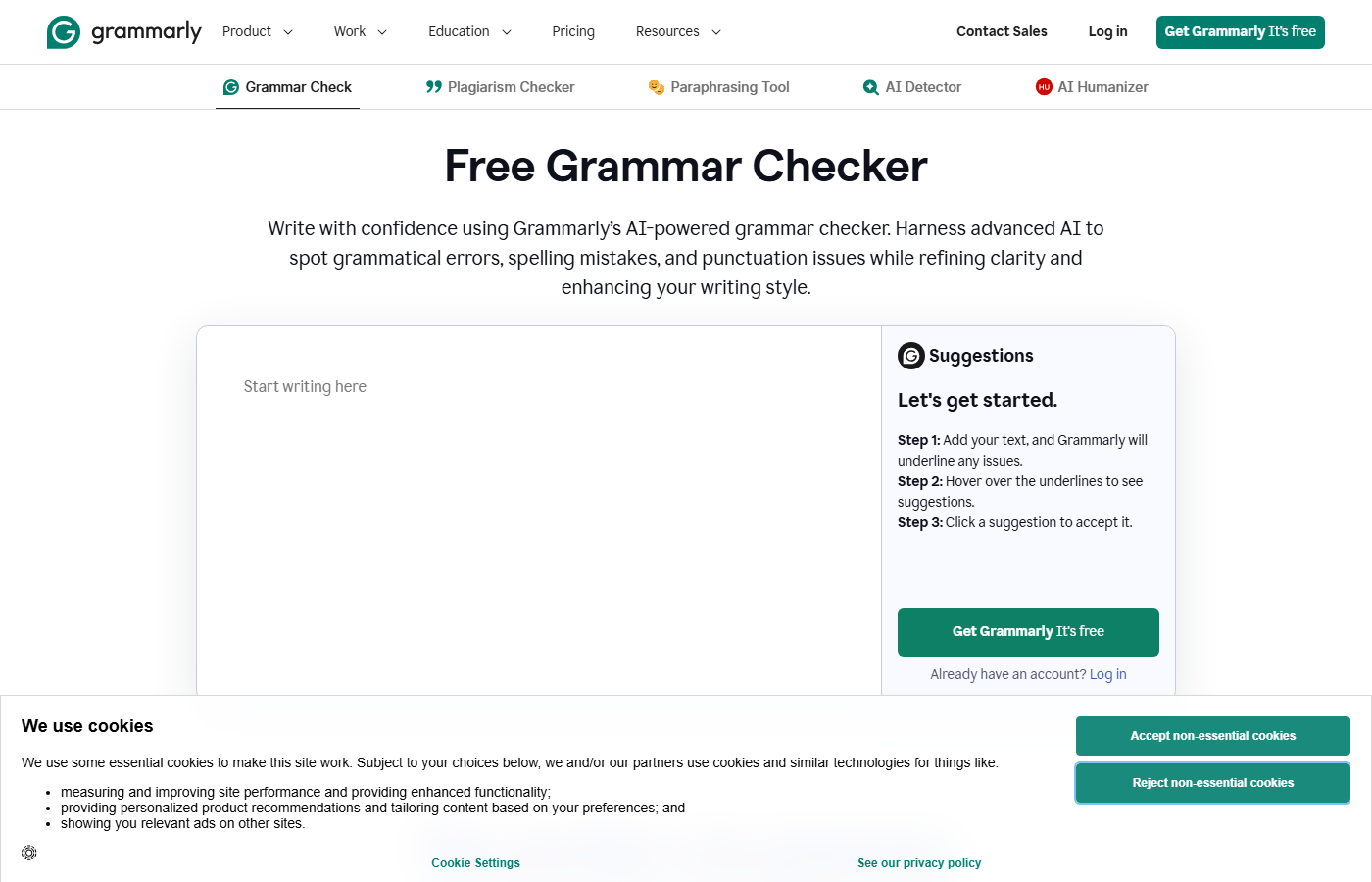
| Free Plan | 125 words/rewrite, 2 modes | Unlimited grammar checks, tone detection | Grammarly |
| Pricing (Annual) | $8.33/mo | $12/mo | QuillBot |
| Integrations | Chrome, Google Docs, Word | Chrome, desktop, mobile keyboard, IDE, email | Grammarly |
| Best For | Rewriting existing text | Improving everything you write | Depends |
How We Compared These Tools
We didn’t just read feature lists. We used both QuillBot Premium and Grammarly Premium daily for three weeks, running them through identical tests on the same content.
Our comparison methodology:
- Same-text testing – We ran 20 identical paragraphs through both tools’ rewriting features and had three independent readers rank the outputs blind (without knowing which tool produced which version).
- Error detection benchmark – We created a 1,000-word document with 50 seeded errors and ran it through both grammar checkers, comparing catch rates and false positive rates.
- Real-world workflow test – We used each tool exclusively for one week of real work (emails, blog posts, social media) and tracked friction points, time saved, and moments where we wished we had the other tool.
- Integration audit – We tested both tools’ browser extensions across the same 10 websites and apps, noting compatibility issues and performance differences.
This isn’t a theoretical comparison. Every point below comes from hands-on testing.
Paraphrasing and Rewriting
QuillBot wins this category decisively. QuillBot offers 7 paraphrasing modes (Standard, Fluency, Formal, Simple, Creative, Expand, Shorten) with a synonym slider that lets you control how aggressively words get swapped. You can rewrite entire paragraphs. This is QuillBot’s core purpose and it shows.
Grammarly’s rewriting is limited to full-sentence rewrites on Premium. It suggests a rewritten version of individual sentences that could be improved. There’s no mode selection, no synonym control, and no paragraph-level rewriting. GrammarlyGO can rewrite text on request, but it’s a conversational AI feature, not a dedicated paraphrasing engine.
Bottom line: If you need to take existing text and turn it into something different, QuillBot is the clear choice.
Grammar and Writing Quality
Grammarly wins here. Grammar checking is Grammarly’s foundation, and it shows in the depth. Grammarly catches grammar errors, spelling mistakes, punctuation issues, commonly confused words, passive voice, wordy phrases, hedging language, and unclear sentences. Premium adds clarity suggestions and full-sentence rewrites.
QuillBot has a grammar checker, but it’s basic. It catches spelling, grammar, and punctuation errors. It doesn’t flag style issues, wordiness, or clarity problems. If you’re looking for a tool that improves your writing quality (not just rewrites it), Grammarly is significantly better.
Bottom line: If you want someone catching every mistake and suggesting improvements, Grammarly is the better tool.
Integrations and Availability
Grammarly wins on breadth. Grammarly works in more places than any writing tool:
- Browser extensions (Chrome, Firefox, Safari, Edge)
- Desktop apps (Windows, Mac)
- Mobile keyboard (iOS, Android)
- Microsoft Office (Word, Outlook)
- Google Docs
- IDE plugins (VS Code, JetBrains)
- Email clients
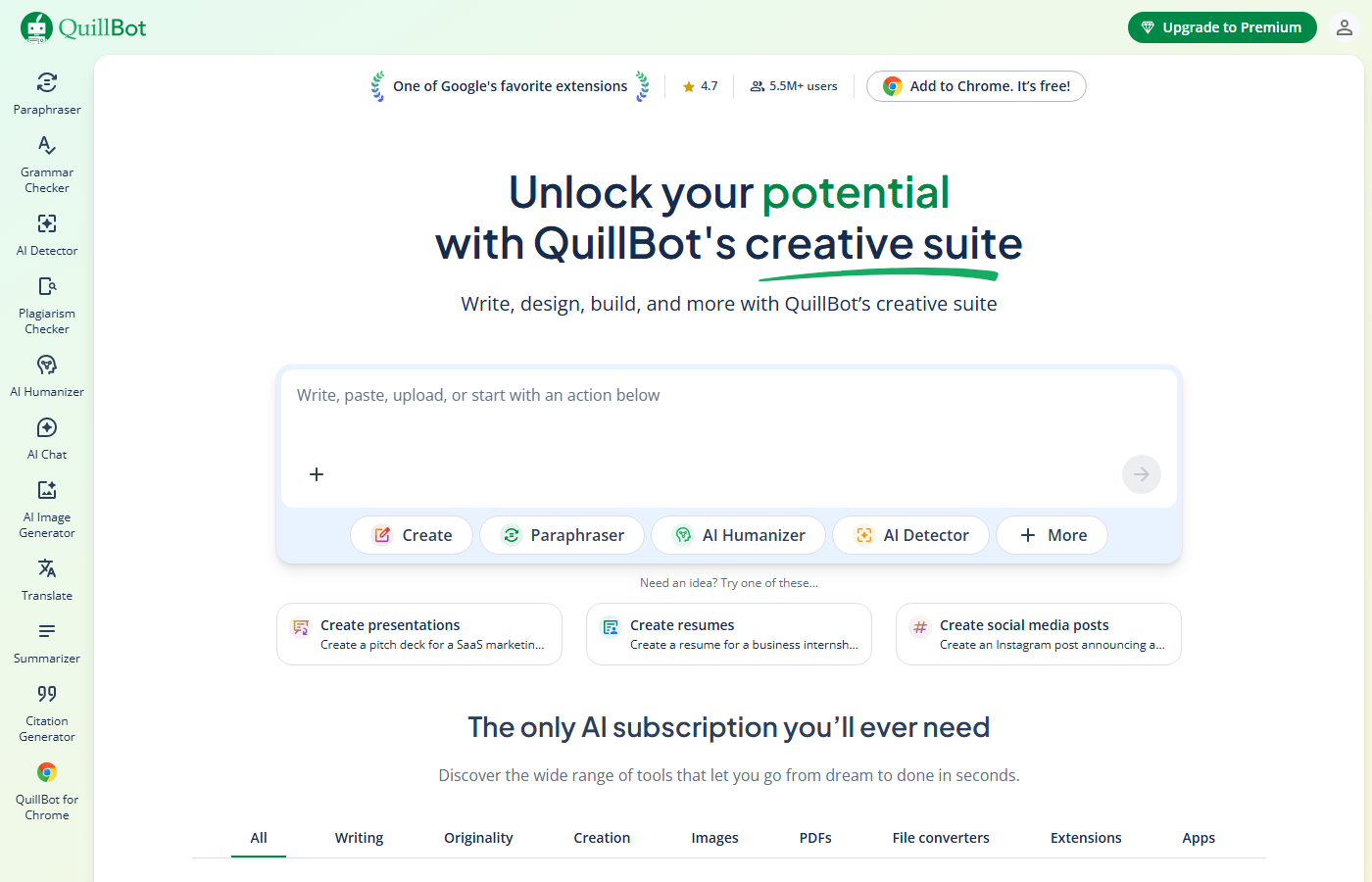
QuillBot has a Chrome extension, a Google Docs add-on, and a Microsoft Word add-in. That covers the basics but doesn’t match Grammarly’s mobile keyboard, desktop apps, or IDE integrations.
Bottom line: If you want a tool that works literally everywhere you type, Grammarly is the only option.
Real-World Testing Results
Here’s what we found when we actually used both tools for a full week each:
For Blog Writing
Grammarly was more useful during the initial drafting and editing phase. Its real-time error catching meant we spent less time proofreading. QuillBot came in handy when we needed to rewrite paragraphs that felt stale or repetitive, specifically its Creative and Expand modes gave us genuinely different phrasings.
For Email Communication
Grammarly wins clearly here. The tone detector is invaluable for professional emails where you want to sound confident but not aggressive, or friendly but not casual. QuillBot’s full-paragraph rewrite approach is overkill for most emails since you don’t want to rewrite an entire email, you want to fix specific sentences.
For Academic Writing
QuillBot has the edge for students and researchers. The Academic mode preserves technical terminology and formal structure while rewording enough to avoid self-plagiarism. Grammarly’s rewrite suggestions tend to simplify academic writing, which can strip out necessary nuance. QuillBot’s citation generator is also relevant here, and something Grammarly doesn’t offer.
For Social Media
Neither tool is ideal, but Grammarly’s brevity suggestions help tighten social media posts. QuillBot’s Shorten mode is useful for condensing long captions. Call it a tie.
The Verdict From Daily Use
If we could only keep one, it depends on the use case. For general writing improvement across all types of content, Grammarly provides more consistent daily value. For writers who specifically need to rewrite and paraphrase existing text, QuillBot is more capable. Many writers will benefit from having both.
Pricing Comparison
| Feature | QuillBot Free | QuillBot Premium | Grammarly Free | Grammarly Premium |
|---|---|---|---|---|
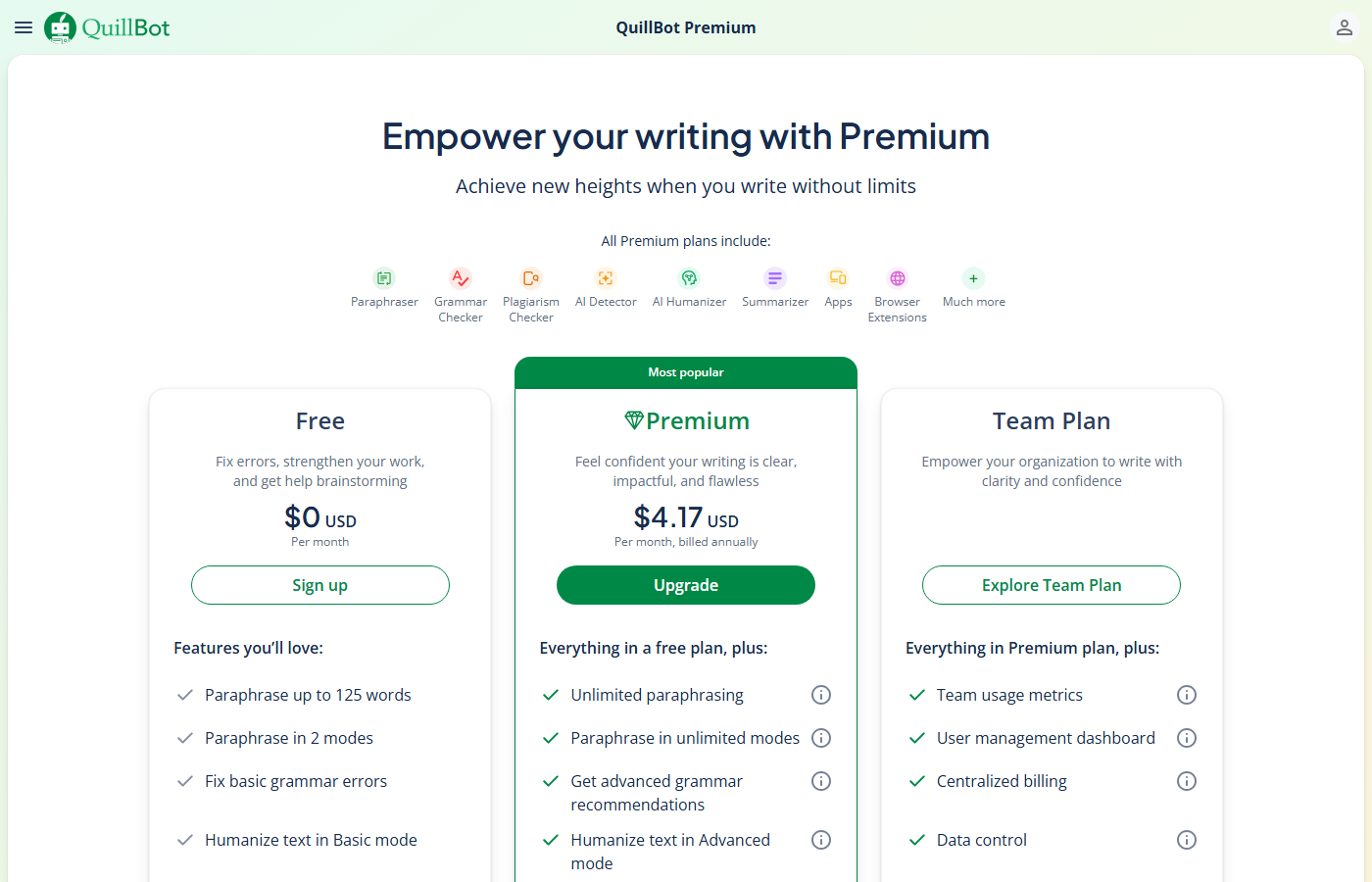
| Price | $0 | $8.33/mo (annual) | $0 | $12/mo (annual) |
| Paraphrasing | 125 words, 2 modes | Unlimited, 7 modes | N/A | Full-sentence rewrites |
| Grammar | Basic | Basic | Full grammar + spelling | Full + clarity + style |
| Plagiarism | No | 20 pages/mo | No | Yes |
| Tone | No | Tone detection | Tone detection | Tone detection + adjustment |
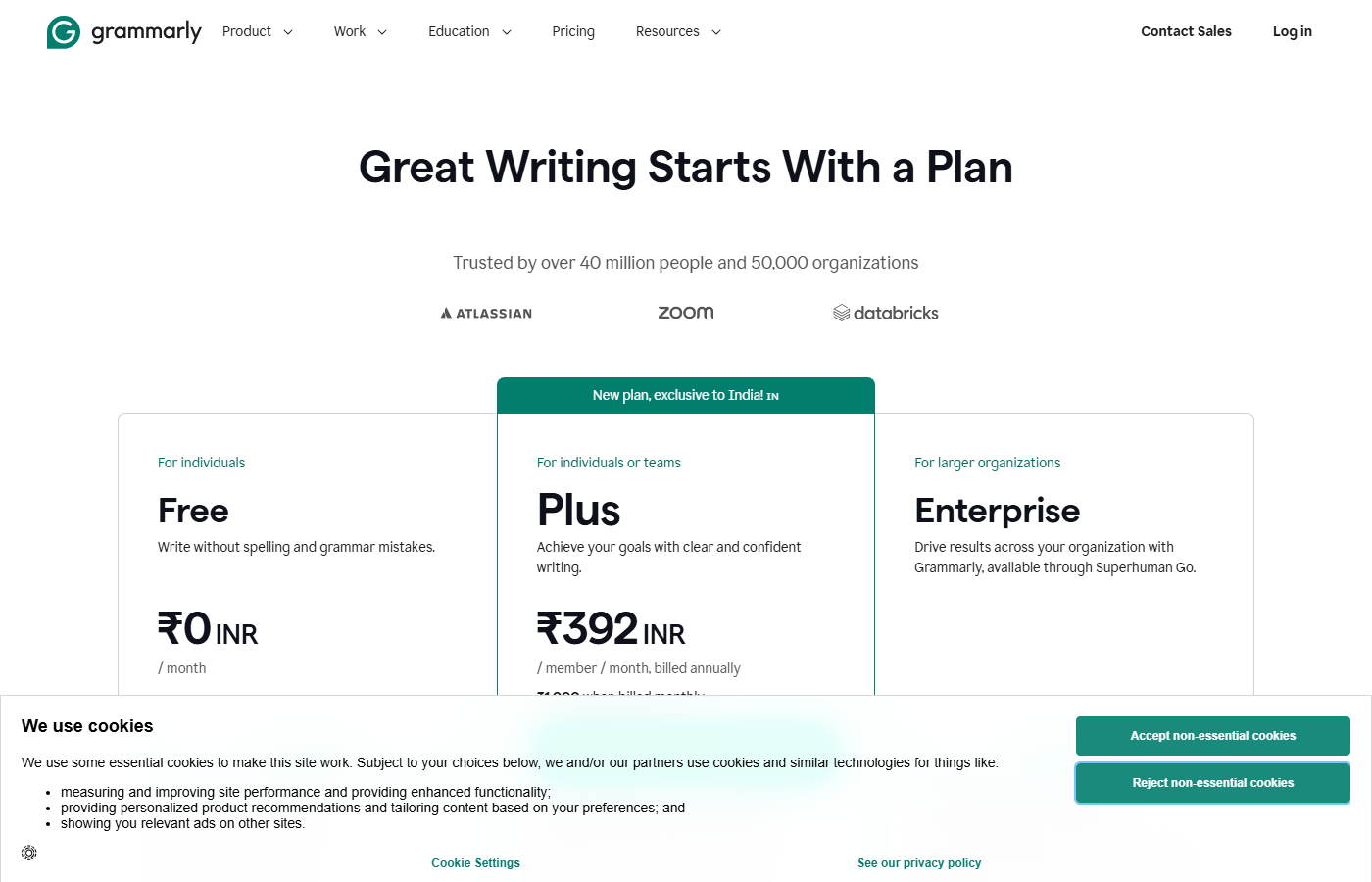
QuillBot is cheaper at $8.33/mo vs $12/mo (annual billing). But you’re comparing a paraphrasing tool to a full writing assistant. The $3.67/mo difference buys you significantly more features with Grammarly.
Free plans: Grammarly’s free plan is more generous for everyday use (unlimited grammar checking, tone detection). QuillBot’s free plan is more generous for paraphrasing (limited but functional rewriting vs. no rewriting on Grammarly free).
Detailed Pricing Breakdown
Both tools offer free and premium tiers, but the free plans differ significantly:
Free Plans
QuillBot Free gives you Standard and Fluency modes with a 125-word input limit per paraphrase. The grammar checker is available with basic suggestions. No plagiarism checking, no AI Humanizer, and no access to the other 7 modes. It’s usable for light work but the word limit is restrictive.
Grammarly Free gives you full grammar, spelling, and punctuation checking with no word limits. You also get basic tone detection. No advanced style suggestions, no full-sentence rewrites, and no GrammarlyGO. The free tier is more generous than QuillBot’s and genuinely useful for everyday writing.
Premium Plans
QuillBot Premium costs $8.33/month on the annual plan ($74.95/year) or $9.95/month paid monthly. Students get a discounted annual rate. This unlocks all 9 modes, unlimited word count, the plagiarism checker (20 pages/month), AI Humanizer, and the full summarizer.
Grammarly Premium costs $12/month on the annual plan ($144/year) or $30/month paid monthly. This adds full-sentence rewrites, advanced style and tone suggestions, GrammarlyGO, and the plagiarism checker. There’s also a Business tier at $15/member/month with brand style guides and team analytics.
Bottom line: QuillBot Premium is about 48% cheaper than Grammarly Premium annually. If budget is a concern and rewriting is your primary need, QuillBot offers better value. If you want comprehensive writing improvement across all dimensions, Grammarly’s higher price is justified.
Who Should Pick Which
Pick QuillBot if you:
- Need to paraphrase or rewrite existing text regularly
- Want fine-grained control over how text gets rewritten (7 modes, synonym slider)
- Are a student rephrasing research notes into your own words
- Want the cheapest premium option ($8.33/mo)
- Already have a grammar checker you’re happy with
Pick Grammarly if you:
- Want an always-on writing assistant that catches mistakes everywhere
- Need grammar, clarity, and style suggestions (not just rewriting)
- Write a lot of emails and want tone detection
- Need mobile writing support (iOS/Android keyboard)
- Want one tool that covers grammar, rewriting, and plagiarism
Use both if you:
- Write regularly and need both paraphrasing power and grammar checking
- QuillBot for dedicated rewriting sessions, Grammarly for everyday writing improvement
- Many serious writers use both tools because they complement each other
[Faz] These aren’t competing tools. They’re complementary. QuillBot is a power tool for rewriting. Grammarly is a safety net for everything you write. If I had to pick one, I’d pick Grammarly because it works everywhere and catches things I miss. But for dedicated rewriting work, nothing matches QuillBot’s 7 modes and synonym slider. The best setup for serious writers: both. QuillBot for when you need to rephrase, Grammarly for everything else.
[Saru’s Verdict] QuillBot: 4.5/5 for paraphrasing. Grammarly: 4.3/5 overall. QuillBot wins on rewriting metrics (readability, originality, mode variety). Grammarly wins on writing improvement metrics (grammar accuracy, tone detection, integration breadth). At a combined cost of $20.33/mo (annual), using both is still cheaper than Copy.ai’s Starter plan ($49/mo).
Frequently Asked Questions
Can I use QuillBot and Grammarly together?
Yes. Many writers use both. Grammarly runs in the background catching errors as you type. QuillBot is used when you specifically need to rephrase or rewrite a passage. They don’t conflict with each other, though running both browser extensions simultaneously can occasionally cause minor performance issues in Google Docs.
Which has a better free plan?
Depends on what you need. Grammarly’s free plan is better for everyday writing (unlimited grammar checking, tone detection, no word limits). QuillBot’s free plan is better for paraphrasing (125 words per rewrite, 2 modes). If you can only use one free tool, Grammarly provides more daily value.
Is QuillBot or Grammarly better for students?
Both are useful but for different reasons. QuillBot helps students rephrase research and notes into their own words. Grammarly helps students write better papers with fewer errors. For academic writing specifically, Grammarly’s clarity and style suggestions are more valuable. For rephrasing source material, QuillBot is better. Many students use both.
Which catches more grammar errors?
Grammarly. It’s not close. Grammarly’s grammar engine is deeper, catches more contextual errors, and provides explanations for corrections. QuillBot’s grammar checker covers the basics but misses nuance. If grammar checking is your priority, Grammarly is the clear winner.
Final Verdict
QuillBot and Grammarly are the best at what they do, but they do different things. QuillBot is the best paraphrasing tool. Grammarly is the best overall writing assistant. If you rewrite text regularly, get QuillBot. If you want an always-on writing helper, get Grammarly. If you write seriously, get both. The combined cost ($20.33/mo annual) is still less than most premium AI writing platforms, and you get the best of both worlds.

Written by
FazFaz is the founder of AIToolsBakery. Every tool on this site is personally tested with real-world writing tasks before a single word gets published. No sponsored rankings, no recycled press releases.
Read more about how we test →Frequently Asked Questions