Building an AI-powered training program means selecting the right tools for your specific gaps, creating practical modules, piloting with one team, and measuring results against clear KPIs. This guide walks you through the process in five steps, from identifying where AI helps most (onboarding, compliance, sales enablement, soft skills) to choosing between video generators, roleplay simulators, course authoring tools, and AI coaching platforms. Whether you run L&D for a 50-person startup or a 5,000-person enterprise, you will walk away with a concrete plan to launch your first AI training module within two weeks.
To build an AI training program: identify your training gaps, match each gap to a tool type (video generator, roleplay simulator, course authoring, or coaching), pilot with one team against a KPI baseline, then roll out through your LMS. Most teams see measurable results within 4-6 weeks. Tool shortlists: AI roleplay tools and AI corporate training tools.
Last updated: July 27, 2026.
Related: Best AI roleplay tools for corporate training | Best AI corporate training tools | Yoodli review | Best AI onboarding tools
Step 1: Identify Your Training Gaps
The first thing to do is figure out where your current training is failing. AI is not a solution looking for a problem. It works best when you can point to a specific metric that needs improvement and a specific bottleneck that human-led training cannot solve at scale.
According to LinkedIn’s 2024 Workplace Learning Report, 90% of organizations are concerned about employee retention, and providing learning opportunities is the number one retention strategy. Yet Training Industry research shows the average employee gets just 33 hours of training per year. That is roughly 4 days. If your onboarding takes 90 days and most of it is self-directed reading, there is a gap AI can fill.
Where AI Makes the Biggest Impact
Start by auditing these four areas:
Onboarding speed. How long does it take a new hire to become productive? Brandon Hall Group found that organizations with strong onboarding improve new hire retention by 82% and productivity by over 70%. If your time-to-productivity exceeds 90 days, AI-generated training videos and automated onboarding workflows can compress that timeline.
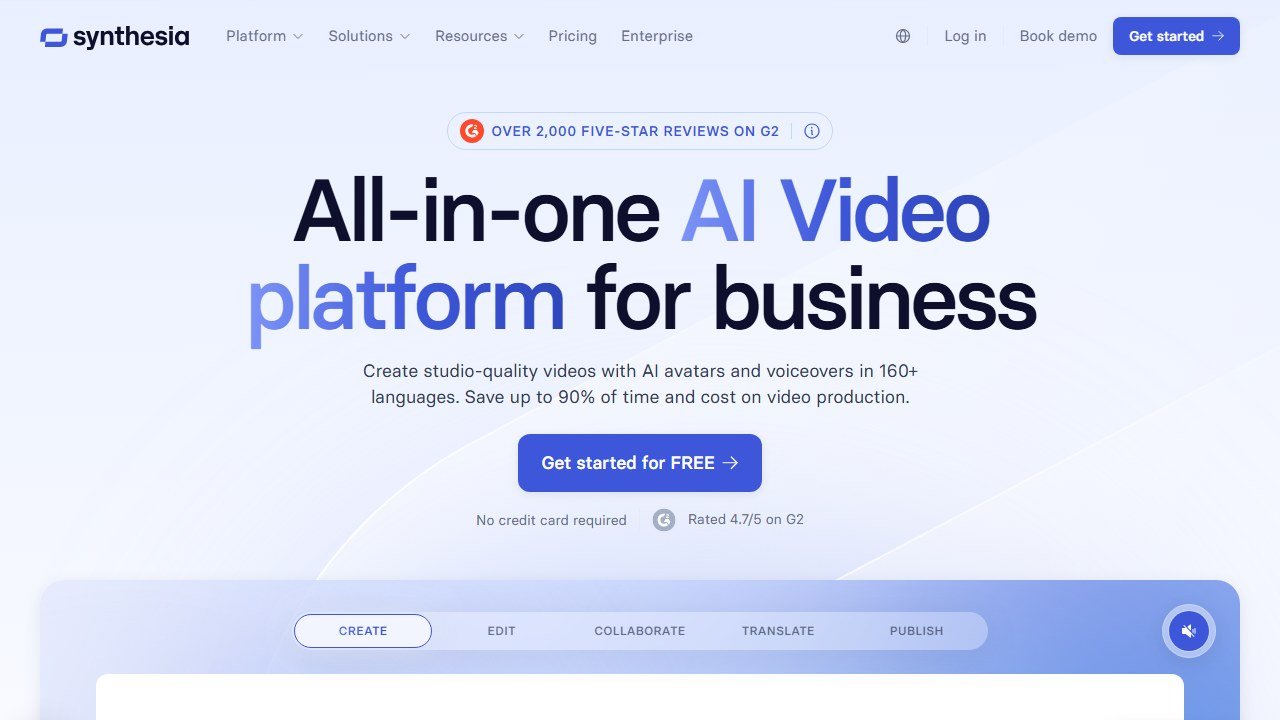
Compliance completion rates. If your completion rates sit below 90%, the problem is usually engagement, not access. AI video tools like Synthesia and Colossyan turn static compliance PDFs into interactive branching scenarios where employees make decisions and see consequences.
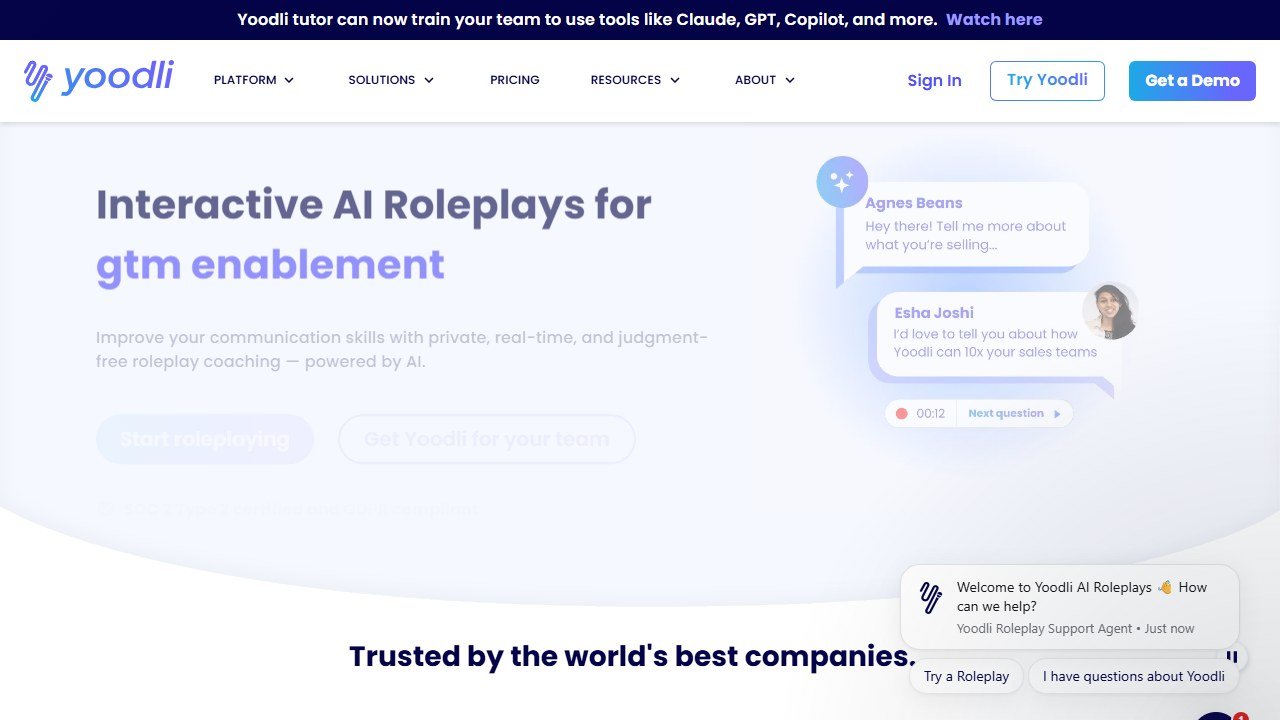
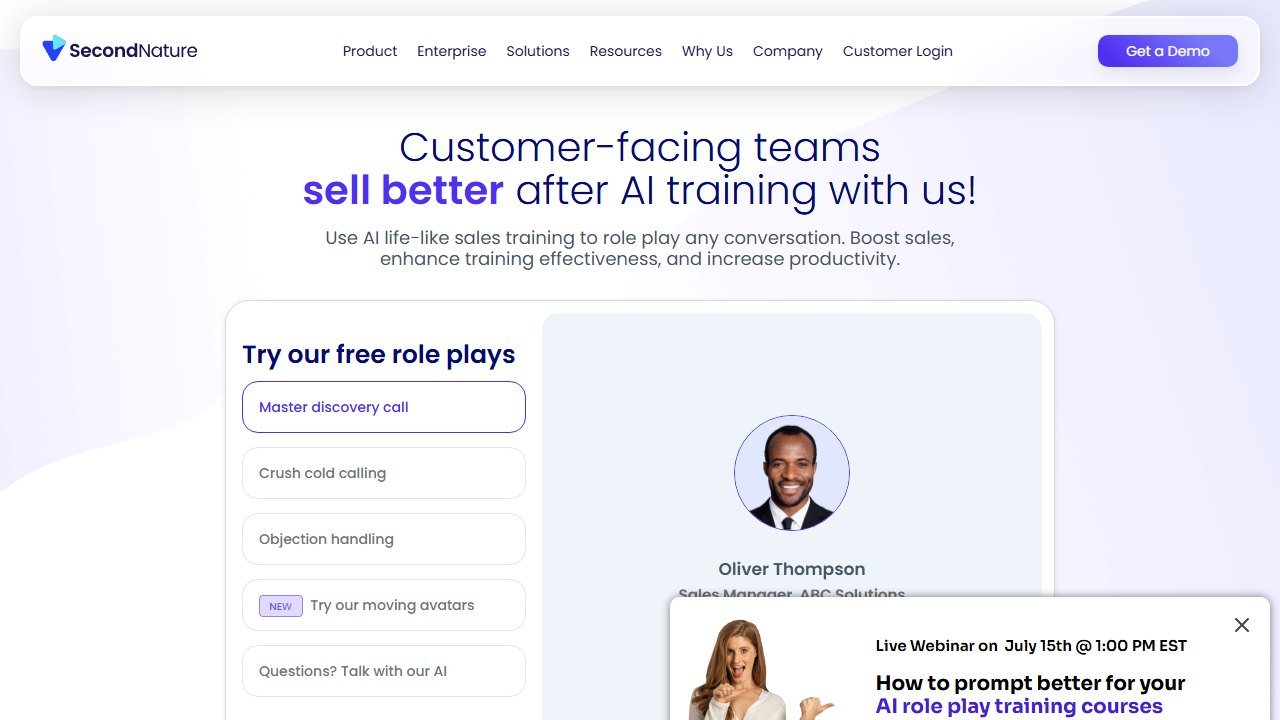
Sales ramp time. The average sales rep takes 9.1 months to reach full productivity, according to Bridge Group research. AI roleplay tools like Yoodli and Second Nature let reps practice discovery calls, objection handling, and demos against AI personas without burning real prospects.
Soft skills development. Deloitte projects that soft-skill-intensive occupations will make up two-thirds of all jobs by 2030. AI coaching platforms like Rocky.ai and Risely deliver daily micro-coaching at a fraction of the cost of a human coach.
Faz says: I have seen companies skip this step and just buy the shiniest tool. Three months later, nobody is using it. Start with the gap, then find the tool. Not the other way around.
Training Gap Assessment Checklist
| Training Area | Current Metric | Target Metric | Gap Size | AI Solution Type |
|---|---|---|---|---|
| Onboarding time-to-productivity | ___ days | ___ days | ___ days | Video + onboarding automation |
| Compliance completion rate | ___% | 95%+ | ___% | Interactive video + branching |
| Sales ramp time | ___ months | ___ months | ___ months | AI roleplay + coaching |
| Soft skills scores (360 reviews) | ___/5 | ___/5 | ___/5 | AI coaching platform |
| Training cost per employee | $___ | $___ | $___ | Course authoring + LMS |
| Employee training satisfaction | ___% | 80%+ | ___% | Microlearning + personalization |
Fill this out before you look at a single tool. The gaps you identify in this table will directly determine which tool category you need in Step 2.
Step 2: Choose the Right Tool Type
There is no single AI training tool that does everything well. The market has fragmented into distinct categories, and picking the wrong type wastes both budget and time.
A 2025 study by Deloitte found that 94% of business leaders consider AI important for their organization’s success over the next five years, yet only 14% have fully deployed AI across their business. The gap is not awareness. It is knowing which tool to pick for which problem.
The Decision Framework
Here is the decision path. Match your gap from Step 1 to a tool type, then pick a specific tool.
| Your Problem | Tool Type | Recommended Tools | Starting Price |
|---|---|---|---|
| Need training videos at scale | AI Video Generator | Synthesia, Colossyan | Free / $18-19/mo |
| Need sales or communication roleplay | AI Roleplay Simulator | Yoodli, Second Nature | Free / ~$8/mo |
| Need to convert slides into courses | Course Authoring | iSpring Suite | $970/yr |
| Need a full learning management system | AI-Powered LMS | 360Learning, Axonify | $8/user/mo |
| Need leadership or soft skills coaching | AI Coaching | Rocky.ai, Risely | Free / $10/user/mo |
| Need automated onboarding workflows | Onboarding Platform | Enboarder, Trainual | ~$8/emp/mo |
For a deeper look at tools in each category, see our full roundup of the best AI tools for corporate training.
Budget Considerations
Budget determines your tier more than anything else. Here is what to expect:
- Under $500/year: You can use free tiers of Synthesia (3-10 min of video/month), Yoodli (limited roleplays), and Rocky.ai (basic coaching). Enough for a small team pilot.
- $500-5,000/year: iSpring Suite ($970/yr) for course authoring plus Colossyan Starter ($228/yr) for video. Covers a mid-size L&D team.
- $5,000-25,000/year: Enterprise tiers of Yoodli or Second Nature for sales roleplay plus Synthesia Creator for video production. Suits companies with 100-500 employees.
- $25,000+/year: Full stack with 360Learning or Axonify as your LMS, plus Synthesia Enterprise for video, plus dedicated roleplay tools.
Saru says: Companies using AI-powered training tools report an average 40-60% reduction in content creation time and 30-50% reduction in translation costs compared to traditional methods, according to Brandon Hall Group’s 2025 Learning Technology study.
Don’t Try to Boil the Ocean
Pick one tool type first. Get it working. Then layer on additional tools. A common mistake is buying an LMS, a video tool, a roleplay simulator, and a coaching platform all at once. Your L&D team will drown in configuration instead of creating content.
For a full list of roleplay-specific options, see our guide to the best AI roleplay tools for corporate training. If you are focused on building courses, check out the best AI tools for instructional design. And if onboarding is your priority, we cover dedicated platforms in our best AI onboarding tools roundup.
Step 3: Create Your First AI Training Module
Stop planning and start building. The fastest way to prove AI training works is to produce one module and test it with a small group. Below are two practical walkthroughs using tools from the cluster.
Example A: Creating a Compliance Training Video with Synthesia
This works for any topic where you need to deliver information consistently to a large group: compliance, company policies, product updates, process documentation.
What you need: A Synthesia account (free tier works for testing), your compliance content in text form (a policy document, bullet points, or existing slides).
Step 1: Start a new video. Log into Synthesia and click “Create video.” Choose a template or start from blank. For compliance training, the “Corporate Training” template category has pre-built layouts.
Step 2: Pick your avatar. Synthesia offers 240+ AI avatars. For compliance content, choose a professional-looking avatar. You can also create a custom avatar of your actual compliance officer for $1,000/year on Creator plans and above.
Step 3: Write or paste your script. Drop your compliance content into the script field. Synthesia’s AI assistant can rewrite dense policy language into conversational narration. Keep each slide to 30-60 seconds of narration, roughly 75-150 words.
Step 4: Add interactive elements. This is where AI video beats a PDF. Add branching scenarios (“An employee asks you to share their password. What do you do?”), embed quiz questions between sections, and add chapter markers so employees can jump to relevant sections.
Step 5: Set language and export. If you have a global team, Synthesia supports 160+ languages with lip-synced translation. Generate the video, then export as SCORM 1.2 or 2004 to upload directly to your LMS.
Time investment: A 5-minute compliance video takes roughly 30-45 minutes to create, compared to 5-8 hours for traditional video production with filming, editing, and post-production.
For a full breakdown of Synthesia’s features, pricing, and limitations, read our Synthesia review.
Example B: Setting Up a Sales Roleplay with Yoodli
This works for any scenario-based skill: sales calls, customer service, difficult conversations, interview preparation.
What you need: A Yoodli account (free tier gives 5 lifetime roleplays; Pro at ~$8/month gives 10/week), and a description of the scenario you want reps to practice.
Step 1: Create a custom roleplay scenario. In Yoodli, navigate to the roleplay section and create a new scenario. Define the AI persona: “You are a skeptical IT Director at a mid-market SaaS company. Budget is tight. You have been burned by vendors before. You need to see concrete ROI numbers before committing.”
Step 2: Set evaluation criteria. Define what “good” looks like. Yoodli can score on: discovery question quality, objection handling technique, use of social proof, closing confidence, filler word frequency, pacing, and eye contact (if using video).
Step 3: Configure the difficulty. Start with “Medium” difficulty for the AI persona. On higher settings, the AI will interrupt, give vague answers, and push back harder on pricing. Lower settings provide more cooperative responses for newer reps.
Step 4: Assign to your team. Enterprise plans let you create “Programs” with pass/fail thresholds. Set a minimum score of 70% to pass and require reps to complete 3 roleplays per week during ramp.
Step 5: Review analytics. After each session, Yoodli generates a detailed scorecard. Managers can review aggregate team data: average scores by criteria, improvement trends over time, and which objection types trip reps up most.
Time investment: Setting up a roleplay scenario takes 10-15 minutes. Each practice session runs 5-15 minutes. Compare that to scheduling a live roleplay with a manager, which requires coordinating calendars and typically eats 30-60 minutes for both people.
Faz says: The best part about AI roleplay is that reps actually do it. Nobody wants to roleplay in front of their manager. But practicing alone with an AI at 9 PM? Reps will do that voluntarily. Yoodli’s enterprise clients report 3-5x more practice time than traditional roleplay programs.
For the full comparison of roleplay options, see our Yoodli review and Colossyan review for branching video scenarios.
Step 4: Roll Out and Get Buy-In
Do not launch company-wide on day one. A phased rollout protects you from tool issues, content gaps, and the inevitable resistance to change.
Start with a Pilot
Pick one team of 10-25 people. Ideally, choose a team with a measurable training gap from your Step 1 assessment. Sales teams work well because ramp time and quota attainment are easy to measure. New hire cohorts are another good option because you can compare onboarding speed against previous cohorts.
Run the pilot for 4-6 weeks. Measure baseline metrics before you start and track them weekly. According to ATD (Association for Talent Development), organizations that use formal evaluation frameworks for training are 64% more likely to report business impact.
Get Manager Champions
The number one predictor of training adoption is whether the direct manager reinforces it. McKinsey research shows that capability-building programs with strong management involvement are 2.4x more likely to succeed. Brief managers on the program, show them the dashboards, and ask them to spend 5 minutes per week reviewing their team’s progress in the tool.
Address the “AI Replacing Trainers” Concern
This will come up. Be direct about it. AI handles the repetitive, scalable parts: delivering the same compliance video to 1,000 people, running roleplay practice at 10 PM, translating content into 12 languages. Human trainers handle the parts AI cannot: facilitating sensitive discussions, reading the room, adapting in real time to group dynamics, and coaching on nuanced interpersonal skills.
Frame it as: trainers spend less time on delivery and more time on high-impact coaching. A Gartner survey found that 76% of HR leaders believe AI will augment rather than replace L&D roles. The role shifts from content delivery to content curation and live facilitation.
Step 5: Measure Results
If you cannot measure it, you cannot justify the budget for year two. Every AI training tool provides some form of analytics, but you need to map tool metrics to business outcomes.
The KPIs That Matter
| KPI | What It Measures | How to Track | Target |
|---|---|---|---|
| Completion rate | Are people finishing the training? | LMS or tool dashboard | 90%+ |
| Knowledge retention | Do they remember it 30 days later? | Post-training quiz vs 30-day retest | Less than 10% score drop |
| Time-to-productivity | How fast are new hires ramping? | Manager assessment + CRM metrics | 20-30% reduction |
| Employee satisfaction | Do people like the training? | Post-training survey (NPS or 1-5 scale) | 4.0+/5 or NPS 30+ |
| Cost per learner | Total tool + admin cost / learners trained | Finance tracking | 30-50% below previous |
| Content creation time | Hours to produce one training module | L&D team time tracking | 50-70% reduction |
| Business impact metric | Revenue, safety incidents, support tickets | Department-specific KPIs | Varies |
How Each Tool Type Reports
AI video tools (Synthesia, Colossyan): Track video views, completion rates, quiz scores within interactive videos, and drop-off points. SCORM integration passes this data to your LMS for centralized reporting.
Roleplay tools (Yoodli, Second Nature): Track practice frequency, scores by evaluation criteria, improvement trends, and manager review completion. Enterprise plans typically include team-level dashboards.
Course authoring (iSpring Suite): Track SCORM completion data through your LMS, including time spent, quiz scores, and pass/fail rates.
AI coaching (Rocky.ai, Risely): Track coaching session frequency, self-reported skill improvement, goal completion rates, and assessment score changes over time. Risely reports an average 26% skill improvement over 12 weeks.
LMS platforms (360Learning, Axonify): Full analytics suites with completion tracking, knowledge retention curves, engagement metrics, and custom reporting. Axonify reports 83%+ daily engagement rates across its customer base.
Build Your Business Case
After the pilot, compile your before-and-after data into a one-page summary. Include: the specific problem you targeted, the tool you used, the cost, the timeline, and the measurable results. Mitsubishi Electric, using 360Learning, achieved 99% learner satisfaction and a 65% reduction in training costs. Oracle NetSuite, using Second Nature for sales roleplay, saw 32% more opportunities and a 21% increase in sales. Walmart, using Axonify for safety training, reported a 54% decrease in recordable safety incidents.
These are the numbers that get executive sign-off for a full rollout.
When NOT to Use AI for Training
AI is powerful, but it has clear limits. Forcing AI into the wrong training context wastes money and can actively harm your team.
Sensitive topics like harassment and DEI. These require human facilitators who can read emotional cues, manage difficult conversations, and create psychological safety. An AI avatar delivering harassment training feels tone-deaf and can undermine the seriousness of the topic. SHRM recommends live facilitation for all harassment prevention training, with discussion-based learning as the primary method.
Culture-specific nuance. If your training requires understanding local customs, team dynamics, or organizational politics, AI will miss the mark. AI tools are excellent at delivering standardized content globally, but cultural adaptation requires human judgment. A compliance scenario that works in New York may be inappropriate in Tokyo.
High-stakes certifications. Medical, legal, or financial certifications typically require accredited human instructors and proctored assessments. AI can supplement study preparation, but it cannot replace the credentialed instructor or proctored exam that regulatory bodies require.
Hands-on physical skills. If the training involves operating machinery, performing medical procedures, or any physical task, AI video can demonstrate the technique but cannot replace hands-on practice with real equipment and in-person supervision.
Early-stage team building. When a new team is forming and building trust, in-person workshops and facilitated exercises create bonds that AI cannot replicate. Use AI training after the team has established working relationships, not as a substitute for building them.
Faz says: The rule of thumb is simple. If the training topic makes someone uncomfortable or requires reading a room, keep a human in the loop. AI handles the “watch, learn, practice” cycle. Humans handle the “feel, discuss, reflect” cycle.
The best AI training programs treat AI as an amplifier, not a replacement. Use AI for the 80% of training that is information delivery and skills practice. Reserve human facilitators for the 20% that requires empathy, nuance, and real-time adaptation.
References & further reading
For deeper research on corporate L&D effectiveness and training science:
- ATD State of the Industry research. annual benchmarks on corporate training spend, hours, and outcomes from the Association for Talent Development
- Brandon Hall Group L&D research. analyst reports on training delivery, content strategy, and learning measurement
- Harvard Business Review on learning and development. peer-reviewed perspectives on adult learning, leadership development, and skill transfer
L&D leaders building cross-functional AI programs should also see our Free AI Recruiting Tools guide for the hiring side.
More AI tool guides worth reading: Best AI Tools for Retail Employee Training, Best AI Tools for Healthcare Compliance Training and Best AI Cybersecurity Awareness Training Platforms.
Tools mentioned in this guide

Written by
FazFaz is the founder of AIToolsBakery. Some tools here are tested hands on. Others are assessed from vendor documentation and pricing verified on the live page, and every review says which one it is. Sponsors can buy a position in a guide. They cannot buy the score, the criticism, or silence about a better option.
How we test and how we make money →