Most roundups of AI tools for nonprofits have the same problem: they list “free” options that are really just free trials, or free tiers so limited they’re effectively unusable without upgrading. Fourteen days before you’re charged. A monthly limit so low you hit it in the first week. Features locked behind “upgrade to unlock” prompts at every turn.
Update, 4 September 2026: Fundraise Up no longer publishes a percentage. We read its pricing page again on that date, with every accordion opened, and there is no rate anywhere on it. The page now reads “performance-based pricing” and asks for a demo. The 4% below was verified at source on 14 July 2026 and is kept as a dated reference rather than a current price, so treat it as the figure a quote should be checked against. Its published donor fee coverage claim has also moved, from 87% to 80%. Full detail in our Fundraise Up pricing breakdown.
Nonprofits don’t have unlimited software budgets. The average small nonprofit operates with a development team of one or two people who are already stretched thin. When someone promises a free tool, it needs to actually be free in a way that lets you get real work done.
This list is different. Every tool here has a genuinely usable free tier, meaning you can accomplish core tasks without paying anything and without needing to enter credit card information to start. Where tools have meaningful limits on the free tier, we explain exactly what they are so you can evaluate honestly.
The best free AI tools for nonprofits in 2026: Givebutter for fundraising (no platform fee), Funraise AppealAI for fundraising copy (fully standalone), and Grantboost for grant writing (40 AI boosts/month free). Google Workspace for Nonprofits and Canva Free round out the productivity and design stack. Full breakdown with eligibility and limits below.
Quick comparison: 8 free AI tools for nonprofits at a glance
| Tool | Best For | Free Tier Includes | Upgrade Trigger |
|---|---|---|---|
| Givebutter | End-to-end fundraising | Unlimited campaigns, donation forms, events, CRM | Custom branding ($79/mo Pro) |
| Funraise AppealAI | Donor appeal copy | 5 AI-generated appeals/month | Beyond 5 monthly appeals ($39/mo) |
| Grantboost Free | Grant draft writing | 1 grant draft/month, narrative builder | Multiple proposals/month ($29/mo) |
| ChatGPT Free + Claude Free | General writing, brainstorming | GPT-4o-mini and Claude Haiku, daily caps | Heavy daily use ($20/mo each) |
| Canva for Nonprofits | Visual content for campaigns | Full Pro features free for verified 501(c)(3)s | Already free for nonprofits |
| Google Workspace for Nonprofits | Productivity + Gemini AI | Gmail, Drive, Docs + Gemini for verified nonprofits | Advanced security needs ($5+/user/mo) |
| Microsoft 365 Nonprofit | Productivity + Copilot | $2-5/user/mo discounted, Copilot add-on $30/user/mo | Always paid, but heavily discounted |
| Notion Free | Internal knowledge base + Notion AI | Free for individuals, Notion AI add-on $10/mo | Team collaboration features ($10/seat/mo) |
Detailed write-up of each tool, including real-world fit by org size, follows below.
Faz’s Honest Take: The Hidden Strings on “Free” Nonprofit Tech
I want to be straight with you before we get into the list, because nonprofit tech has a particularly frustrating version of this problem.
Most “free” nonprofit tools fall into a few categories:
The bait-and-switch free trial. Technically free for 14 or 30 days, then full-price billing kicks in. This is marketed constantly as a “free tier.” It is not a free tier. It is a trial.
The crippled free tier. You get just enough functionality to understand what the tool does, but not enough to actually accomplish anything useful. Every meaningful feature is locked. The goal is to frustrate you into upgrading.
The time-bombed free tier. Generous limits when you sign up, quietly reduced after six months once you’re dependent on the tool.
The data-as-payment free tier. The tool is free because your org’s data is being used to train AI models. This is worth knowing before you upload your donor database. For free donor databases specifically, see our guide to free donor management software.
The tools in this post clear the bar I actually care about: can a small nonprofit use the free tier to do real work without feeling constantly pressured to upgrade? For each tool, I’ll call out exactly what the limits are and when upgrading actually makes sense.
Last updated: April 22, 2026.
Related: See also: Full nonprofit AI guide | Best AI grant writing tools | Best AI fundraising tools
Our Criteria for This List
Before getting into the tools, here’s the standard every entry had to meet:
- Truly free, not free trial. The free tier doesn’t expire.
- Usable without upgrading for core tasks. The fundamental function of the tool works on the free plan.
- No credit card required to access the free tier. If you can’t try it without payment info, it doesn’t qualify.
- Relevant to nonprofit work. Fundraising, grant writing, donor communications, content creation, operations, or program delivery.
1. Givebutter: Truly Free Fundraising Platform
Rating: 4.7/5 | Price: Free (0% platform fee with tips enabled)
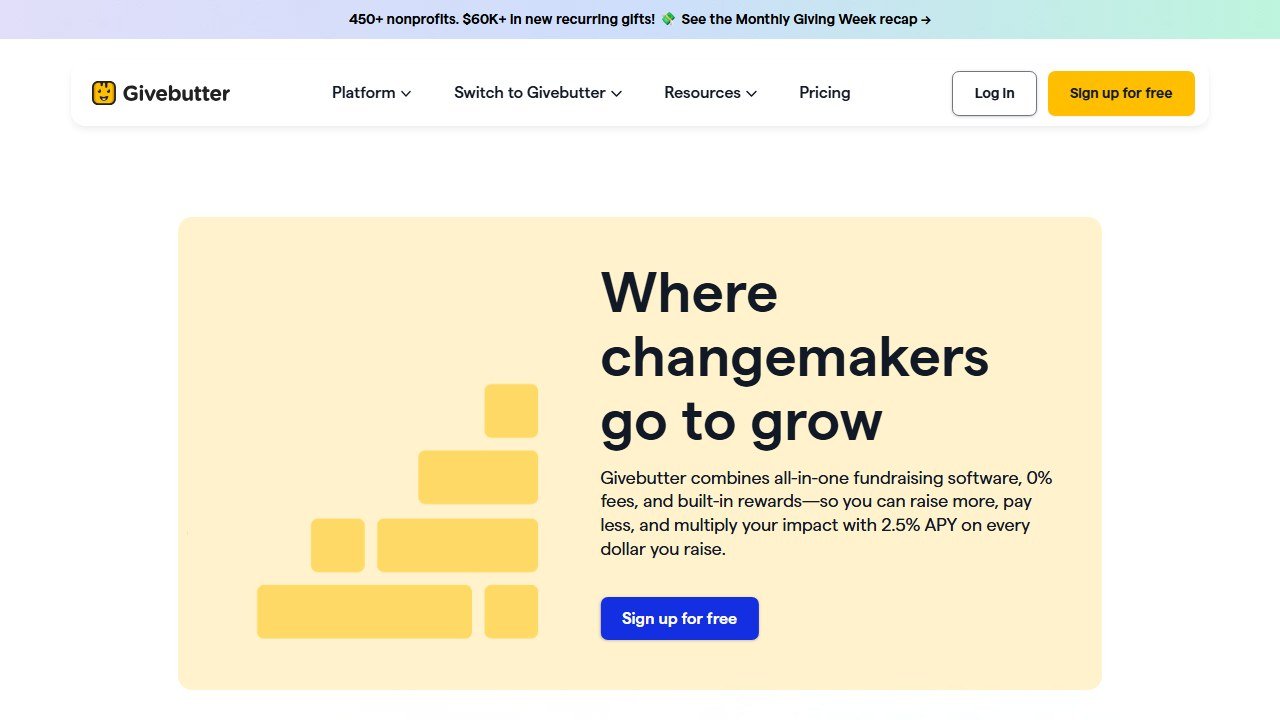
Givebutter is the best free tool on this entire list for nonprofits whose primary need is fundraising. The platform includes everything a small to mid-sized organization needs to run digital campaigns: donation forms, events, auctions, peer-to-peer campaigns, CRM, email communications, texting, and analytics. All on the free plan. All with unlimited users and unlimited contacts.
The free model is tip-based. When a donor completes a gift on your Givebutter page, they’re shown a suggested tip to Givebutter. The default is on; most donors keep it on. Your org pays nothing. Turn off tips, and Givebutter charges 3% per transaction. The overwhelming majority of nonprofits keep tips enabled.
What You Actually Get for Free
- Unlimited donation forms and campaign pages (branded to your org)
- Unlimited event ticketing and management
- Peer-to-peer fundraising
- Silent and live auction tools
- Donor CRM (unlimited contacts, unlimited users)
- Email blasts (unlimited)
- Text messaging to donors
- Reporting and analytics
- Integration with Stripe, PayPal, and other payment processors
This is not a stripped-down free tier. These are the full core features of the platform. 35,000+ nonprofits have voted with their usage, and Givebutter processed over $1 billion in donations on this model. A food bank running a year-end giving campaign, for example, can create a branded donation page, set up peer-to-peer fundraising for volunteers, send email blasts to their entire donor list, and track every gift in the CRM, all without paying a cent. The only limitation worth noting: the free plan does not include custom domain support for donation pages, so your forms will live on a givebutter.com URL.
The AI Features on the Free Plan
Givebutter’s AI is more automation-focused than flashy. You get:
- Smart audience segmentation for email campaigns
- Automated donor thank-you flows
- Analytics surfacing campaign performance patterns
- Givebutter Plus (paid) adds advanced marketing automation and deeper AI-driven analytics
For most small nonprofits, the free plan AI features are sufficient. You’re not getting predictive donor modeling, but you are getting automation that saves real hours.
When to Pay
Givebutter Plus layers on advanced marketing automation, enhanced analytics, and integrations. It’s priced by contact count. If you’re running sophisticated multi-segment campaigns or need more advanced CRM automation, Plus is worth evaluating. But the free plan handles the 80% use case extremely well.
Data Privacy Note
Givebutter does not use your organization’s donor data to train AI models. This is worth confirming with any tool that touches your donor database.
2. Funraise AppealAI: Free AI Fundraising Content Generator
Rating: 4.3/5 | Price: Free
AppealAI is a free, standalone AI tool for generating fundraising content. Built by Funraise (a fundraising platform founded in 2015), AppealAI is available to any nonprofit at no cost, with no subscription to Funraise required.
This is a genuinely unusual offering in nonprofit tech. Most AI content tools are either paid or require you to be a platform customer. Funraise made AppealAI free as both a public good and a smart marketing play, letting development staff experience their AI before potentially converting to the full platform.
What AppealAI Generates
AppealAI runs on OpenAI/ChatGPT technology but is purpose-tuned for fundraising communications:
- Fundraising appeal letters (full drafts)
- Email subject lines (with A/B variants)
- Social media posts for campaigns
- Campaign landing page copy
- Thank-you letter drafts
- Year-end and seasonal appeal content
The output quality is meaningfully better than prompting general ChatGPT without fundraising-specific guidance. The tool understands the conventions of nonprofit appeals: donor-centered storytelling, specific asks, urgency without manipulation, and the call-to-action structure that moves people to give.
Realistic Expectations
AppealAI generates drafts. You will need to edit the output to add your org’s authentic voice, real donor stories, specific impact numbers, and any program details the AI doesn’t know. The drafts are a strong starting point but not a finished product. Use them as a first draft that cuts your writing time by 50 to 70%, not as copy you paste directly into a campaign without touching.
No Limits, No Credit Card
AppealAI genuinely has no credit card wall and no meaningful usage limits on the free tier. You can generate as much content as you need. A small animal rescue could use it to draft a spring adoption campaign email, generate three subject line variants, create matching social media posts, and write a follow-up thank-you letter for donors, all in a single sitting. The main limitation is that AppealAI only covers fundraising content. If you need grant narratives, board reports, or operational documents, you will need a separate tool like ChatGPT or Claude.
3. Grantboost Free Tier: Genuinely Usable Grant Writing AI
Rating: 4.0/5 | Price: Free (40 AI boosts/month)
Grantboost is a dedicated AI grant writing tool, and its free tier is one of the more honest free offerings in the grant writing category. You get 40 AI “boosts” per month, access to best-practice grant writing templates, basic brand and tone controls, and the core proposal generation feature.
Forty boosts per month is enough for a small nonprofit applying for two or three grants per month. Each boost generates a section of a grant proposal based on your inputs. If you’re submitting one or two applications monthly, you can run your entire grant writing process on the free plan.
What the Free Tier Includes
- 40 AI boosts per month (each generates a grant proposal section)
- Access to grant writing templates
- Basic brand and tone settings
- Word and character count controls (fits funder-specific limits)
- Document upload for context
What Requires an Upgrade
- Unlimited AI boosts: Pro plan at $19.99/month
- Advanced team collaboration: Teams plan at $29.99/month
- Priority support and grant tracking dashboards
Who This Works For
Grantboost’s free tier is best for:
- Small nonprofits applying for foundation grants (not federal, which are far more complex)
- First-time grant writers learning proposal structure
- Development staff who want AI assistance but can’t justify a paid tool budget
- Organizations supplementing Grantboost free with ChatGPT or Claude for overflow
In practice, a development coordinator could use Grantboost to draft a needs statement, project narrative, and evaluation plan for a $25,000 foundation grant, spending roughly 15 boosts in the process. That leaves 25 boosts for a second application the same month. The main constraint: boosts do not roll over, so unused boosts at month’s end are lost.
For a broader look at grant writing tools, see our best AI grant writing tools guide.
4. ChatGPT Free and Claude Free: The Underrated Workhorses
Rating: 4.2/5 | Price: Free (with account)
This might feel like a cop-out entry, but ChatGPT’s free tier and Claude’s free tier are genuinely among the most powerful free AI tools available to nonprofits, and most organizations significantly underuse them.
The limitation isn’t capability; it’s knowing how to use them effectively for nonprofit-specific tasks. A development director who knows how to prompt these tools well can accomplish in 20 minutes what would otherwise take two hours.
What These Tools Can Do for Nonprofits
Grant writing:
- First drafts of grant proposal sections (with your org context in the prompt)
- Editing and tightening existing proposals for word count
- Research questions about specific funders
- Reviewing your draft for clarity and persuasion
Donor communications:
- Drafting appeal letters, thank-you messages, and cultivation emails
- Writing email subject lines and testing different framings
- Personalizing templated communications
Internal operations:
- Drafting board meeting agendas and reports
- Writing program documentation and logic models
- Summarizing donor feedback and survey responses
- Creating staff onboarding materials
Content creation:
- Social media posts, newsletter articles, blog content
- Event descriptions and registration copy
- Impact reports and case studies
The Prompt Quality Problem
The difference between a nonprofit that finds ChatGPT useless and one that finds it transformative is almost entirely about how they’re prompting it. Vague prompts produce vague outputs. Prompts that include your org’s mission, the specific funder’s priorities, your program’s impact data, and a clear output format produce dramatically better results.
For detailed guidance on getting the most from free AI tools for grant writing specifically, see our how to use AI for grant writing guide.
Free Tier Limits
ChatGPT free: Access to GPT-4o mini, with rate limits during high usage. Limited access to advanced features (code interpreter, image generation). No memory across conversations on free plan.
Claude free: Access to Claude Sonnet with daily message limits. No document uploads on the free tier beyond basic text paste.
Both free tiers are adequate for most nonprofit use cases. Power users running heavy daily AI workflows should consider the $20/month paid plans. For a concrete example: a program manager could paste a funder’s RFP into Claude, ask it to identify the key evaluation criteria, then use ChatGPT to draft a logic model that addresses each criterion. That entire workflow costs nothing and takes under 30 minutes.
5. Canva Free: Design and Visual Content for Nonprofit Campaigns
Rating: 4.4/5 | Price: Free (with significant upgrade available)
Canva is the tool that most small nonprofits already use for social media graphics, event flyers, and campaign visuals. The free tier is genuinely generous: access to the drag-and-drop design editor, thousands of templates, and basic asset library.
The AI features that matter for nonprofits are primarily on the paid tier (Canva Pro), but there’s an important exception: TechSoup discounts. TechSoup is a nonprofit tech marketplace that provides heavily discounted or free access to premium software for eligible 501(c)(3) organizations. Through TechSoup, eligible nonprofits can access Canva for Nonprofits at no or significantly reduced cost.
Canva’s AI Features (Mostly on Paid/Nonprofit Plan)
- Magic Design: Generates design concepts from a text prompt
- Magic Write: AI text generator for captions, headlines, and content
- Background Remover: AI-powered background removal for photos
- Text-to-Image: AI image generation from text descriptions
- Resize and Translate: AI-powered design reformatting for different platforms
Using Canva Effectively on Free
Even without AI features, Canva’s free tier is excellent for:
- Social media graphics (sized correctly for each platform)
- Event flyers and program materials
- Donation campaign visuals
- Email header graphics
- Annual report layouts
- Presentation decks for board meetings and funder presentations
If you’re eligible, applying for TechSoup’s Canva nonprofit access should be on your list. The process takes a few days but unlocks the full Pro feature set including the AI tools. Even on the purely free tier, a communications coordinator can build a full month of branded social media graphics using Canva’s templates, export them at the right dimensions for each platform, and create matching event flyers. The biggest gap on free: you cannot save brand kits (custom fonts, logos, color palettes), so you will need to manually apply your brand elements to each design.
Saru’s Cost Savings Analysis: What Free Tools Actually Save Nonprofits
Let me put real numbers on this. Here’s what the free tools in this post would cost at standard commercial rates, versus what a nonprofit pays:
| Tool | Commercial Annual Cost | Nonprofit Free/Discounted Cost | Annual Savings |
|.|….-|…..-|…-|
| Givebutter (vs. comparable paid platform) | $1,200-$3,600/year | $0 | $1,200-$3,600 |
| ChatGPT Plus (vs. free) | $240/year | $0 on free tier | $0-$240 |
| Canva Pro (vs. free) | $170/year | $0 with TechSoup | $170 |
| Google Workspace Business Starter | $720/year per 10 users | $0 for eligible nonprofits | $720 |
| Microsoft 365 Business Basic | $720/year per 10 users | $0-$36/year donated | $684 |
| Notion (team plan) | $1,200/year per 10 users | $0 on free tier | $1,200 |
Conservative annual total for a 5-person team: over $4,000 in software savings from free nonprofit tiers alone.
The 2026 Virtuous/Fundraising.AI report data adds broader context: AI automation saves development teams 15-20 hours per week in administrative work. At a $25/hour equivalent, that’s $19,500 to $26,000 per year in reclaimed staff time.
For small nonprofits, the combination of genuinely free tools plus the time savings from using AI effectively represents the most accessible productivity gain available.
6. Google Workspace for Nonprofits: Free Productivity Suite with Gemini AI
Rating: 4.5/5 | Price: Free for eligible nonprofits
Google Workspace for Nonprofits is arguably the most underutilized free resource in the nonprofit tech stack. Google donates the Google Workspace for Nonprofits tier (Business Starter equivalent) to eligible 501(c)(3) organizations at no cost. For a 10-person organization, that’s $720/year in free productivity software.
Workspace includes Gmail, Google Drive, Docs, Sheets, Slides, Calendar, Meet, and Forms. But in 2026, the more interesting story is Gemini, Google’s AI assistant, which is now integrated throughout the Workspace suite.
What Gemini Does in Google Workspace
The Gemini integration is live in several Workspace apps:
- Gmail: Gemini can draft email responses, summarize long email threads, and suggest reply content. For grant acknowledgment letters and donor outreach, this is a genuine time-saver.
- Google Docs: Gemini can generate first drafts based on a prompt, suggest edits, summarize documents, and help restructure grant narrative sections.
- Google Sheets: Gemini can write formulas, analyze data, and summarize spreadsheet contents in plain language.
- Google Slides: Gemini can suggest presentation outlines, generate speaker notes, and create slide content from a text description.
How to Apply
Nonprofits apply through Google for Nonprofits, which validates your 501(c)(3) status (in the US) through TechSoup partnership. The validation typically takes a few days. Once approved, you get the donated Workspace tier and access to several other Google for Nonprofits programs (Google Ad Grants, YouTube for Nonprofits).
Note on Gemini access: The full Gemini features (including Gemini in the sidebar across all Workspace apps) require the Gemini for Google Workspace add-on. Google for Nonprofits includes the donated Business Starter tier; the Gemini add-on may require separate application or be available at a nonprofit discount depending on your current eligibility tier. Check the Google for Nonprofits portal for current offers.
Who Should Prioritize This
Any nonprofit that doesn’t already use Google Workspace should apply immediately. This is the most high-value free resource on this list: a complete productivity suite with integrated AI, donated outright to qualifying organizations. The only work is the application and validation process. A youth mentoring program, for instance, could use Google Docs with Gemini to draft grant reports, Sheets to track mentor-mentee pairings, Gmail for donor communications, and Meet for virtual board meetings. One limitation: the donated tier includes 30 GB of storage per user, which is sufficient for most orgs but can fill up quickly if your team stores large video files.
7. Microsoft 365 Nonprofit: Discounted Productivity Suite with Copilot
Rating: 4.3/5 | Price: Free to heavily discounted for eligible nonprofits
Microsoft 365 for Nonprofits is the Microsoft equivalent to Google Workspace for Nonprofits, and it operates on a similar model: significant discounts or free tiers for qualifying 501(c)(3) organizations.
The tiers available through the Microsoft for Nonprofits program:
- Microsoft 365 Business Basic Donated: Free for up to 10 users ($0/user/month for first 10, then discounted). Includes Exchange email, Teams, SharePoint, OneDrive, and web versions of Office apps.
- Microsoft 365 Business Premium Nonprofit: Deeply discounted (around $5/user/month versus the standard $22) for organizations needing desktop apps and advanced security.
Microsoft Copilot for Nonprofits
Microsoft Copilot is the AI layer built into Microsoft 365. Like Gemini for Google Workspace, it integrates AI into the tools you’re already using:
- Copilot in Outlook: Draft email responses, summarize email threads, prepare for meetings
- Copilot in Word: Generate first drafts, edit existing documents, summarize long reports
- Copilot in Excel: Analyze data, create charts, explain trends in plain language
- Copilot in Teams: Meeting summaries, action item extraction, real-time conversation assistance
The important nuance: as of 2026, the full Copilot features require Microsoft 365 Copilot add-on licensing, which comes at additional cost even for nonprofits. The donated and discounted M365 tiers give you the apps; Copilot is a separate purchase. However, Microsoft regularly updates its nonprofit Copilot pricing, and the discounts are meaningful.
Google vs. Microsoft: Which Should Your Org Choose?
This is genuinely a matter of preference and existing workflow. If your team already lives in Gmail and Google Docs, get Google Workspace. If you’re already Microsoft-native (Outlook, Word, Excel), go Microsoft 365. Both have strong AI integration. Neither is dramatically superior to the other for typical nonprofit use cases.
The real answer: if you’re using neither, apply for both and choose the one your team adopts more readily. A practical example: a literacy nonprofit using the donated M365 tier could have its executive director draft a board presentation in PowerPoint, its development lead manage grant deadlines in Outlook calendar, and its program staff collaborate on case notes in SharePoint. The key limitation to watch: the donated Business Basic tier only includes web and mobile versions of Office apps, not the full desktop applications.
8. Notion: Free Internal Knowledge Base and AI for Operations
Rating: 4.0/5 | Price: Free tier (Notion AI available as add-on)
Notion is a flexible workspace that nonprofits use for internal documentation, grant tracking, board materials, project management, and team knowledge bases. The free tier is genuinely usable for individuals and very small teams.
Notion AI is available as a paid add-on ($10/user/month), but the base free plan includes enough to be useful, and Notion has historically offered nonprofit discounts through their Notion for Nonprofits program (check their current status directly, as terms have changed).
How Nonprofits Use Notion
Grant tracking: A Notion database is one of the most popular free ways to track grant applications, deadlines, reporting requirements, and funder relationships. You can build a grant pipeline view that shows every active application, its deadline, status, and required materials.
Internal documentation: Board meeting notes, program SOPs, staff onboarding guides, policy documents. Notion’s linked database structure makes it easy to cross-reference related information.
Project management: Campaign planning, event logistics, program delivery tracking. The Kanban view works well for multi-step campaign workflows.
Team knowledge base: Impact data, org history, frequently needed stats, approved messaging. Centralizing this information means AI tools (when you use them to draft content) have a reliable source to pull from.
Notion AI Features
With the paid Notion AI add-on:
- Generate document drafts from a prompt
- Summarize long documents (meeting notes, research, reports)
- Fix grammar and improve writing
- Translate content
- Extract action items from meeting notes
- Answer questions about content in your Notion workspace
Free Tier Limits
The free plan limits you to a certain number of blocks (units of content). For individuals and very small teams using Notion primarily for a few key databases, the free plan holds up. For organizations with multiple staff all using Notion heavily, you’ll likely hit limits and need to evaluate the Plus plan. A practical use case: a three-person afterschool program could build a grant pipeline database tracking 20 active opportunities, a board meeting notes archive, and a shared SOP library, all within the free tier’s block limits. The main constraint beyond block limits: guest collaborators (such as board members) can only view and comment, not edit, on the free plan.
When to Stop Using Free Tools and Upgrade
Free tools are the right starting point for most nonprofits. But there are clear signals that it’s time to invest in paid tools:
Signal 1: Your team is spending time on workarounds. If you’re hitting free tier limits regularly, spending time on manual processes that a paid tool would automate, or building complicated DIY systems to compensate for missing features, the time cost has probably exceeded the dollar cost of upgrading.
Signal 2: AI output quality is creating more editing work than it saves. Free AI tools are excellent for getting 70% of the way there. If you’re spending as much time fixing AI drafts as you would writing from scratch, either your prompting needs work or you need a more specialized tool.
Signal 3: Donor data management is genuinely strained. When your nonprofit’s CRM needs exceed what the free Givebutter plan covers (usually around the $1M-$2M revenue mark), a paid CRM with better segmentation and automation is worth the investment.
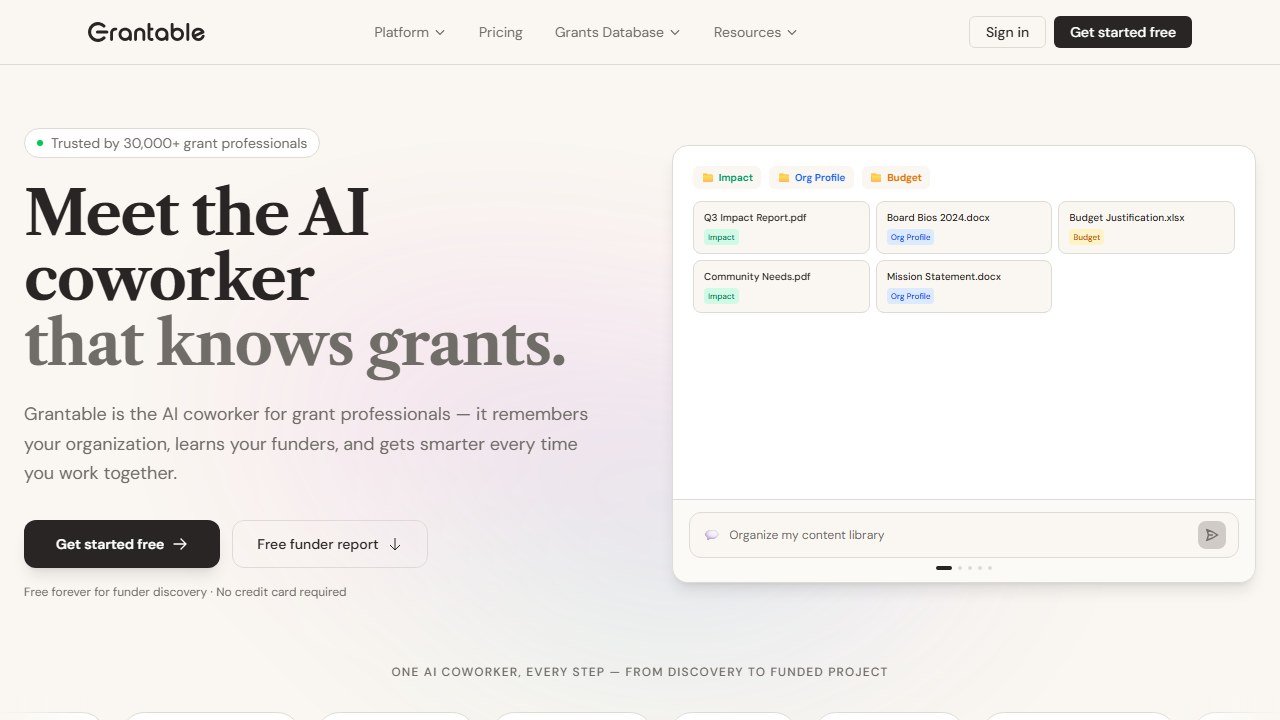
Signal 4: Grant activity justifies specialized tooling. If you’re submitting 5+ grant applications per month, a paid grant writing tool like Grantable ($50/month Pro) or Grantboost ($19.99/month Pro) will pay for itself in time savings. See our best AI grant writing tools guide for detailed comparisons.
Faz’s Budget Advice: Where to Spend When You Do Have Money
When nonprofits do have a software budget to allocate, the question shifts from “what’s free?” to “what has the best return?”
Here’s my honest ranking of where to spend:
First dollar: Email and communications. If you’re on Givebutter free and hitting its communications limits, upgrading to Plus or adding a dedicated email tool (Mailchimp has a nonprofit discount program) is almost always the highest-return investment. Donor retention is primarily driven by communication quality and frequency.
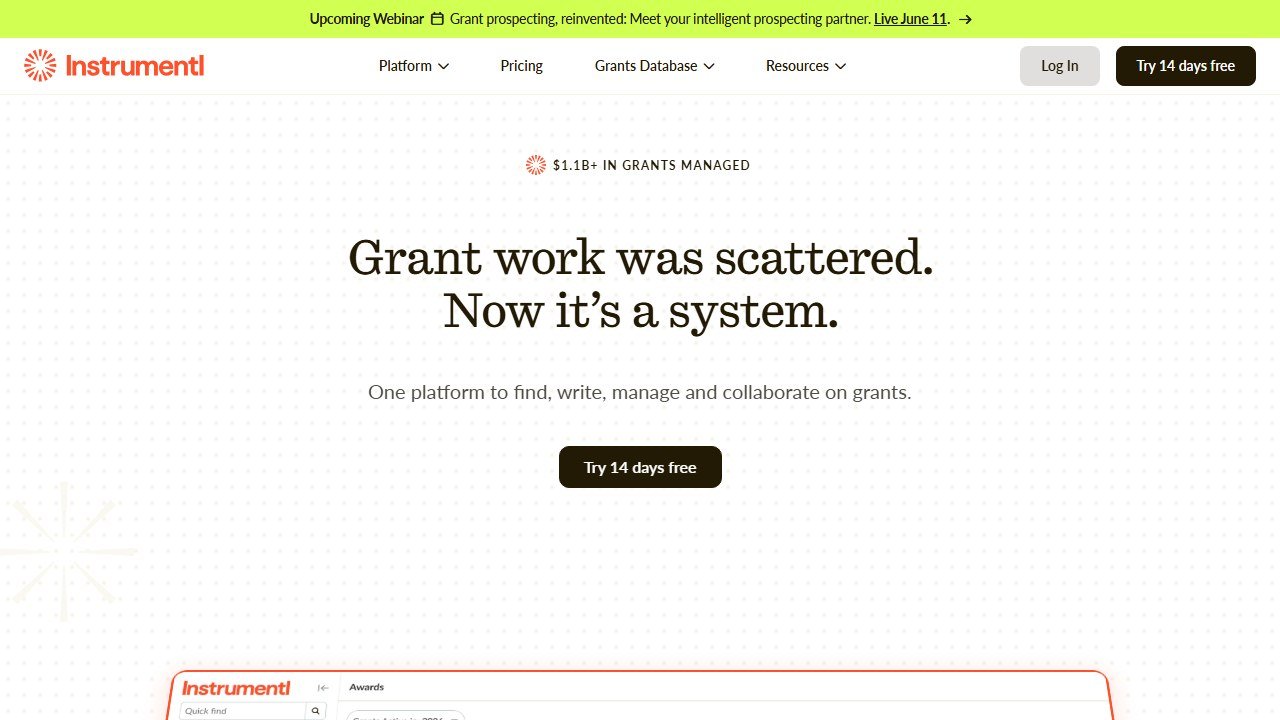
Second dollar: Grant discovery. If grants are a meaningful revenue channel, Instrumentl ($179/month) or Grantable ($50/month) can pay for themselves by finding one additional grant you’d have otherwise missed. The cost of not applying to a $10,000 grant you would have won exceeds a year of subscription costs.
Third dollar: Donation page optimization. If you have meaningful online giving traffic (500+ monthly unique visitors to your donation page), Fundraise Up’s 10-15% revenue lift claim deserves testing. At zero subscription cost, you’re only paying the 4% transaction fee, and donors often cover that anyway.
What I’d avoid spending on first: AI content tools. AppealAI is free. ChatGPT and Claude free tiers are excellent with good prompting. The marginal improvement from paying $22/month for Fundwriter is real but not the priority until your content production volume justifies it.
The most important AI skill for nonprofits in 2026 isn’t which tool you buy. It’s learning to prompt effectively with the free tools you already have access to.
How to Build a Free AI Stack for Your Nonprofit
You do not need eight different tools. A small nonprofit can cover nearly every operational need by combining just four free platforms into one workflow.
Step 1: Content and communications with ChatGPT Free. Use ChatGPT as your drafting engine for donor appeal letters, email newsletters, social media posts, board reports, and grant narrative sections. Paste in your org’s mission statement, recent impact data, and the specific audience you are writing for. The output will need editing, but it cuts first-draft time by half or more.
Step 2: Design and visuals with Canva Free. Take the copy ChatGPT drafted and build matching visuals in Canva. Social media graphics for your campaign, event flyers for your gala, email headers for your newsletter. Canva’s templates are sized correctly for every platform, so you are not guessing at Instagram dimensions or letterhead margins.
Step 3: Operations and collaboration with Google Workspace for Nonprofits. Run your day-to-day operations on the donated Google suite. Gmail handles donor and funder email. Google Docs stores grant drafts and board materials. Sheets tracks your grant pipeline and program metrics. Calendar manages deadlines. Gemini AI inside these apps adds a second layer of drafting and summarization help.
Step 4: Fundraising with Givebutter Free. Point all donation links to Givebutter. Set up your year-end campaign, recurring giving page, and event ticketing. Use the built-in CRM to track donors and the email tool to send acknowledgments and updates. Every dollar raised flows through one platform with zero subscription cost.
This four-tool stack covers content creation, design, productivity, and fundraising. Total annual software cost: $0. The only investment is the time it takes to learn each tool, which is measured in hours, not weeks.
Faz says: I have seen nonprofits spend months evaluating software before picking anything. Do not do that. Start with these four free tools tomorrow. Use them for 30 days. If a specific gap appears (maybe you need better grant discovery, or your donor list outgrows Givebutter’s free CRM), then research a targeted upgrade for that one gap. The worst decision is no decision.
For a closer look, see our AI donor research tools.
Tools mentioned in this guide

Written by
FazFaz is the founder of AIToolsBakery. Some tools here are tested hands on. Others are assessed from vendor documentation and pricing verified on the live page, and every review says which one it is. Sponsors can buy a position in a guide. They cannot buy the score, the criticism, or silence about a better option.
How we test and how we make money →