Last reviewed May 2026.
Quick comparison
| App | Best for | Pricing |
|---|---|---|
| Fitbod | Gym-based beginners | Paid |
| Hevy | Free tracking + community | Free tier strong |
| JEFIT | Free structured beginner programs | Free tier strong |
| Caliber | Hybrid AI + coach access | Paid tiers |
| FitnessAI | Pure AI strength programs | Paid |
Faz says: The fitness app category is crowded with AI-flavored products, most of which are not actually built for beginners. They assume you know proper form, can decode programming jargon, and will figure out which buttons to ignore. We reviewed the leading apps specifically through the lens of someone walking into their first month of consistent training. This is the honest shortlist for absolute beginners in 2026: the apps that are simple enough to actually use, smart enough to adapt as you progress, and honest enough not to oversell what AI can do for a first-year trainee.
Quick answer: best AI workout apps for beginners in 2026
For beginners starting from zero in 2026, the strongest AI workout apps are Fitbod (best overall for gym-based beginners), Hevy (best free starting point for tracking), JEFIT (best free with structured beginner programs), Caliber (best for guided beginner coaching), and FitnessAI (best for those who want pure AI-generated programs). The right pick depends on whether you train in a gym or at home, whether you want a coach involved, and your budget. None of these apps replace a real coach for week one, but the leaders make the learning curve manageable. We cover the trade-offs honestly so first-year trainees do not waste 6 months on the wrong tool.
How we reviewed every app on this list
This guide is research-based. We have not worked out with these apps ourselves. Each is compared on setup, daily workout flow, form cues, progression logic, and how it handles the points where beginners typically quit (week 3, week 6), using the app’s own documentation, store listing, and published pricing.
The criteria that matter for beginners specifically:
- Setup simplicity: time from install to first useful workout
- Form cue clarity: do exercise instructions make sense to someone who has never done the move before
- Progression logic: does the app increase weight/reps in a way that does not overwhelm
- Reasonable defaults: does the AI start beginners at appropriate intensity or assume they can already do advanced moves
- Recovery awareness: does the app respect recovery, not just push volume
- Cost-to-value at the beginner level: are paid features actually useful in the first 6 months
The leading AI workout apps for beginners in 2026
1. Fitbod: best overall for gym-based beginners
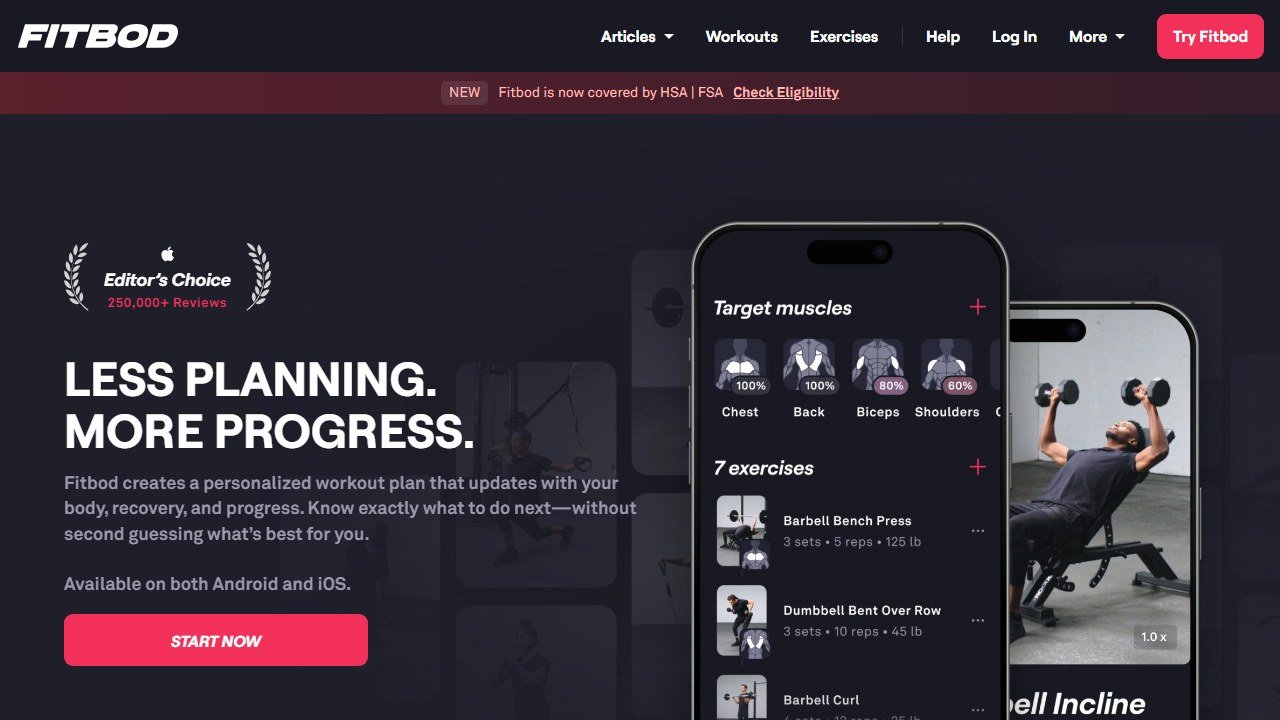
Fitbod uses AI to generate workouts based on your goals, available equipment, and what you have done in previous sessions. For beginners with gym access, the app's progression logic is the most reasonable in the category. It will not push you to fail a barbell back squat in week one.
Best for: gym-based beginners who want guided structure without hiring a coach.
Strengths: clean interface, sensible progression, equipment-aware programming, video form cues, strong on accessory exercise selection.
Limitations: paid app, no real beginner coaching outside the AI logic, less useful for home workouts with minimal equipment.
Pricing: paid app with free trial. Check current pricing on Fitbod's site.
2. Hevy: best free starting point for tracking
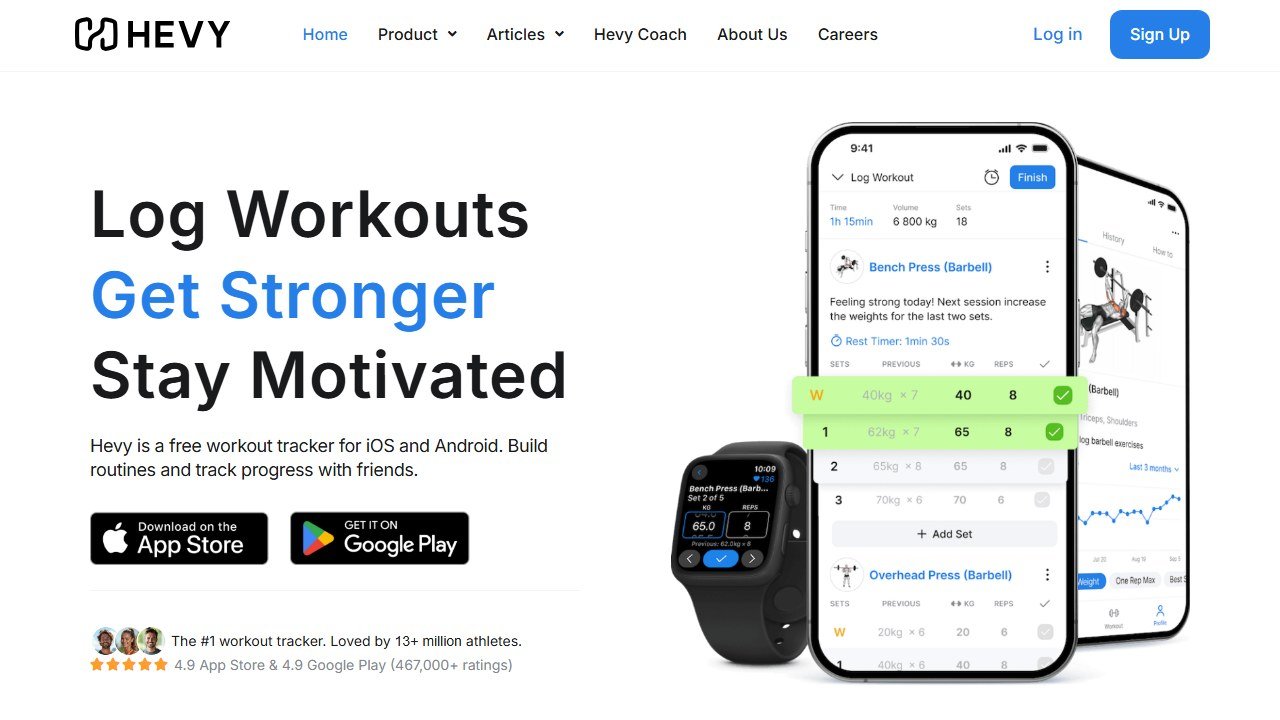
Hevy is a workout tracker that has become easy-to-use without trying to overwhelm with AI features. The free tier is genuinely free, so you can log every workout, see progression, and access a library of structured programs without paying. If cost is the deciding factor, our guide to the best free workout apps separates genuinely free apps from trials.
Best for: beginners who want to track workouts without a recurring subscription, beginners following a written program from a book or online source.
Strengths: free, clean interface, large exercise library, social features that build accountability, integrates with other fitness apps.
Limitations: less AI-driven programming than Fitbod. You bring the program; Hevy tracks it.
Pricing: free tier covers 95% of beginner needs. Paid tier adds features that most beginners do not need.
3. JEFIT: best free with structured beginner programs
JEFIT has a free tier with structured beginner workout programs built in. For first-year trainees who want "tell me what to do today", JEFIT delivers without a paywall.
Best for: beginners on a budget who want a structured program.
Strengths: free programs (Starting Strength-style routines), large exercise database, simple tracking, community.
Limitations: interface feels older than Fitbod or Hevy, AI personalization is shallow, paid tier exists but free covers beginner needs.
Pricing: free tier is sufficient. Paid tier adds polish.
4. Caliber: best for guided beginner coaching
Caliber combines a workout app with optional access to real human coaches. For beginners who want AI structure plus the option to message a coach when something feels off, Caliber's hybrid model works.
Best for: beginners who want the option of human guidance without committing to expensive personal training.
Strengths: hybrid AI + coach access, beginner-appropriate programming, video form review optional.
Limitations: coach access tier is expensive vs pure-AI options. Without coach access, it is similar to Fitbod at a similar price.
Pricing: tiered. Pure-AI tier comparable to Fitbod. Coach-access tier is much more expensive.
5. FitnessAI: best for those who want pure AI-generated programs
FitnessAI generates strength training programs based on your inputs. For beginners who want AI-generated programs and minimal manual involvement, this is the cleanest option.
Best for: beginners who want "AI tells me what to do" and minimal interface complexity.
Strengths: simple, focused on strength progression, generates programs from minimal input.
Limitations: narrower than Fitbod (strength-focused, less accessory variety). Less suitable if your goal is general fitness or weight loss rather than strength.
Pricing: paid. Check current pricing on the app store.
What separates easy-to-use apps from the rest
Many fitness apps claim "easy-to-use" but fail in practice. The leaders above pass these tests.
Setup time under 15 minutes
If a beginner cannot get from install to first workout in 15 minutes, retention drops. The leaders are fast to start.
Form cues that assume nothing
The exercise instructions should not assume you know what a "Romanian deadlift" or "rack pull" is. The leaders include video demonstrations and beginner-clear cues.
Progression that does not push beginners to fail
A common beginner-app failure is to push too much volume too fast, leading to soreness, missed sessions, and quitting. The leaders have sensible progression logic.
Recovery awareness
If your app does not respect 48 to 72 hour recovery windows for major muscle groups, you will overtrain. The leaders schedule appropriately.
Affordable enough for first-year experimentation
Beginners do not yet know if they will stick with training for 12 months. An app that costs $20/month is a real commitment. Free or low-paid options remove that risk.
What beginners actually need (vs what AI apps oversell)
Honest framing for anyone in their first 6 months.
What AI apps do well for beginners
- Reduce decision fatigue: telling you what to do today is more valuable than you might think for adherence
- Track progress: seeing measurable improvement in week 4 vs week 1 is a powerful retention mechanism
- Provide exercise library: knowing what an exercise looks like is more useful than starting from a YouTube search
What AI apps do NOT do well for beginners
- Form correction: AI cannot see your squat. A coach, training partner, or video review can. AI form cues are general; they do not replace human feedback.
- Injury management: AI does not know your specific physical history, surgeries, or current discomforts. For anything beyond baseline soreness, see a sports medicine professional.
- Nutrition for body recomposition: most AI fitness apps include nutrition modules. They are generic. For serious body composition goals, a registered dietitian beats any app.
- Motivation in week 6: every beginner hits a motivation wall around week 6. No app solves this. A training partner, in-person class, or coach makes the difference.
What to do in your first 6 months regardless of app choice
- Train consistently 3x per week minimum. The app you choose matters less than showing up.
- Focus on form over weight. Light weight done right beats heavy weight done wrong.
- Track sessions in any tool. The data is more useful than the AI predictions during this phase.
- Reach out to one experienced person (a friend who trains, a gym staff member, a coach) for monthly check-ins on form. A 15-minute review is worth more than a year of app use alone.
Saru says: Faz, the data on beginner fitness app retention is sobering. Across the category, the dropout rate at 90 days is high: typically 60 to 75% of new users have stopped logging workouts. The apps that retain better at that 90-day mark are the ones that handle the motivation moment well (week 6) and that pair AI structure with social or human accountability. Pure-AI apps with no social or human layer tend to have the highest dropout. For a beginner picking an app in 2026, the social/accountability features matter as much as the AI programming features. Pick an app where you will have a community or a coach connection, not just a recommendation engine.
Should you use an AI workout app as a beginner in 2026
Three paths.
You train in a gym, want structure, willing to pay. Fitbod or Caliber. Fitbod for pure AI; Caliber if you want coach access.
You train at home or in a gym, prefer free. Hevy or JEFIT. Hevy if you bring your own program; JEFIT if you want a program built in.
You want minimal app interaction, just want a strength program. FitnessAI. Inputs in, program out, get to the gym.
You are not sure if you will stick with training. Start with Hevy free tier. If you are still logging workouts at week 8, then consider whether a paid app adds value.
For a closer look, see our best AI running coach apps.
Bottom line: best AI workout apps for beginners 2026
For most beginners in 2026, the right answer is Hevy or JEFIT (free, structured) for the first 90 days, then graduating to Fitbod or Caliber if AI-driven programming starts to feel valuable.
The biggest mistake beginners make is spending money on the most expensive app before committing to consistency. Three months of consistent training in any tool beats one week of training in the fanciest tool. Pick the app that makes you show up, not the one with the most features.
For our broader fitness app coverage, see our pillar on AI tools for personal trainers and our AI workout apps roundup.
Sources
- NASM: National Academy of Sports Medicine
- ACE: American Council on Exercise
- Cleveland Clinic: exercise and training guidance
- CDC: physical activity guidelines
One more note for beginners
The app you pick matters less than your consistency in week six. Whichever app feels easy enough to open daily is the right one for you.
Which Should You Start With?
For absolute beginners, Nike Training Club or FitOn offer the lowest barrier to entry with free guided workouts. Once you have three to six months of consistency, move to an AI-adaptive app like Fitbod or Future for personalized progressive overload that keeps your results moving forward.
The honest beginner’s framework
Beginners shopping AI workout apps in 2026 should evaluate by three dimensions, not by feature lists. Dimension one: equipment fit. The best AI workout app for someone with a full home gym is different from the best app for someone with two dumbbells and a band. Dimension two: handholding. New lifters need clear video form cues, conservative load progression, and an obvious “what do I do today” answer. Dimension three: motivation model. Some beginners thrive on social features, others on streaks and badges, others on real coaches. The right app is the one that matches how you actually stay motivated.
Skip apps that lead with “AI-powered” but cannot answer those three questions clearly. The AI label has become so commodified in fitness apps that it tells you nothing about quality. What matters is whether the programming makes sense for a beginner, whether the videos teach form, and whether the experience pulls you back to the next workout.
The strongest 2026 apps by beginner profile
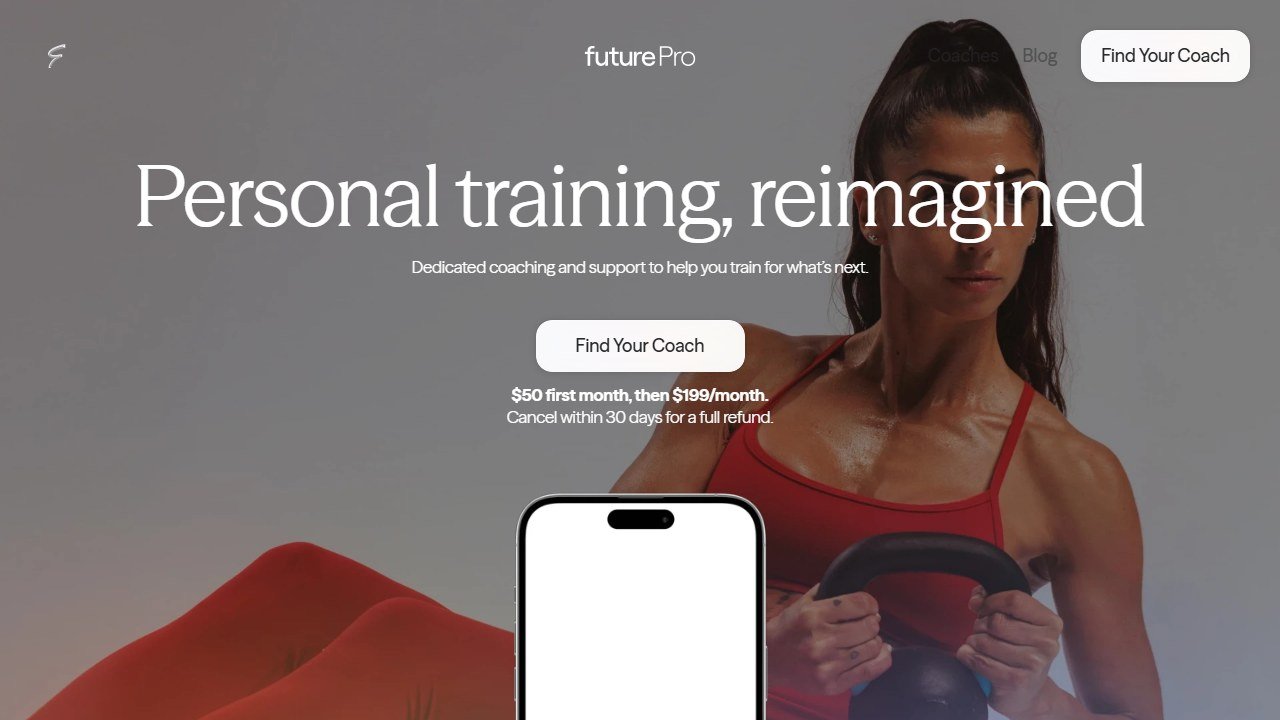
For pure-beginner home lifters with minimal equipment, Fitbod and Caliber lead the category. Fitbod’s adaptive AI handles equipment-aware programming better than any competitor, and Caliber adds real coach review for an extra layer of accountability. For beginners with gym access, Fitbod still leads on programming flexibility, but Future is a stronger pick if you want celebrity-trainer-level coaching layered on top. For total absolute beginners who need maximum handholding, Caliber, Future, and the Apple Fitness Plus AI features all do good work.
For beginners on tight budgets, the free tier of Hevy plus Strong’s free tier covers basic logging and the YouTube channel of any credible coach (Jeff Nippard, Mark Rippetoe, Eugene Teo) covers form and programming. The free tier route works but requires more self-direction than the paid apps. Match the spend to your actual likelihood of consistency.
What beginners get wrong about AI fitness apps
Three common mistakes wreck the AI fitness app experience. Mistake one: starting with the most complex program the app offers. The AI thinks you can handle it because you said you can. You usually cannot. Start one step easier than you think you should and add intensity over weeks. Mistake two: skipping the form videos and assuming you know the exercise. Most beginner injuries come from poor form on basic compound lifts. Watch the video before every new exercise for the first month.
Mistake three: paying for premium before testing consistency. Most fitness apps charge $10 to $20 a month, but the average beginner stops using the app within 60 days. Run the free tier for a month before you pay. If you are still using the app at day 30, the subscription is probably worth it. If you are not, the subscription would have been wasted spend.
How to evaluate whether an AI workout app actually works for you
Set a six week trial window per app. At the start, define two outcomes you care about: maybe “complete four workouts a week” and “increase reps on a baseline exercise by 30 percent.” At the end, audit honestly. Did the workouts get done? Did the strength metric move? Did the app pull you back consistently, or did you have to force yourself to open it?
If both outcomes hit and the experience pulled you back, keep the app. If only one outcome hit, switch to a different app at the next renewal. If neither outcome hit, the issue is probably not the app. It is the program design or your readiness for it. Talk to a coach about what changed. The biggest signal that an app is working is consistency: any app you actually use four times a week is better than the perfect app you use once.
Beyond the app: when to hire a real coach
AI workout apps in 2026 are excellent at the technical layer (programming, progression, form library) and weak at the human layer (motivation when life gets hard, sport-specific competition prep, injury recovery context). Most beginners do fine on apps alone for the first six to twelve months. Past that point, the next phase of progress usually requires either a real coach or a serious training community.
Hire a coach when one of three triggers fires: you have been consistent for six months and want to compete in something specific (powerlifting meet, marathon, hyrox); you have an injury that requires modification beyond what the app handles; or you have plateaued and need diagnosis. The hybrid apps (Caliber, Future) offer a halfway step: AI programming with light coach review. That hybrid model often covers the post-beginner phase well at half the price of a fully bespoke coach.
What a great first month looks like
The strongest beginner outcomes in 2026 follow a predictable first-month pattern. Week one: complete three 30-minute workouts at the easiest tier the app offers. Focus on form and consistency, not load. Week two: complete three to four workouts; increase load slightly on whatever feels easy; rest a day between if you need it. Week three: four workouts; the app should be adjusting program complexity based on your progress; this is the week most beginners hit a small wall and consider quitting (do not). Week four: four workouts; first noticeable strength or endurance gain becomes obvious; commitment usually solidifies here.
The beginners who follow this pattern consistently stay with their app at six months at three to four times the rate of beginners who push intensity too fast in week two. The boring truth: consistency at moderate intensity beats heroics. The right app makes this easier by removing the planning load and keeping the next workout obvious.
The realistic timeline of beginner gains
Beginners using any AI workout app consistently can expect a predictable progression in 2026. Weeks 1 to 4: form learning, nervous-system adaptation, light strength gains (10 to 20 percent). Weeks 5 to 12: noticeable strength gains (20 to 40 percent on most lifts), modest physique change. Months 4 to 12: continued strength gains at slowing rates, real physique change, plateau periods that test motivation. Beyond month 12: programming complexity matters more than tool choice. The first year is when AI app choice matters most; after that, the lifter’s discipline and programming sophistication drive results more than tool features.

Written by
FazFaz is the founder of AIToolsBakery. Some tools here are tested hands on. Others are assessed from vendor documentation and pricing verified on the live page, and every review says which one it is. Sponsors can buy a position in a guide. They cannot buy the score, the criticism, or silence about a better option.
How we test and how we make money →