Search "AI tools for yoga instructors" and almost everything you find is written for the wrong person. The lists are full of apps that correct your downward dog or stream you a class. Useful if you are a practitioner. Useless if you are the one teaching.
The AI tools for yoga teachers, compared
| Tool | What it does | Best for | Free tier |
|---|---|---|---|
| Tummee | Visual class sequencing, 8,000+ poses, safety-aware Smart Suggestions | Teachers with a regular weekly schedule | 15-day free trial |
| FLOW Yoga Sequence Builder | Drag-and-drop sequencing with AI suggestions | Testing the sequencing idea before paying | Yes, usable free tier |
| KramaFlow | Mobile-first sequence planning | Planning on a phone between classes | Check current plan |
| ChatGPT / Claude | Themes, openings, verbal cues, marketing copy | The words around a class | Yes, generous free plans |
| Canva | Branded schedules, posters, social graphics | Marketing without design skill | Yes, covers most needs |
| Descript / Opus Clip | Long recordings into short captioned clips | Teachers who record or teach online | Limited free use |
| Otter.ai / Fathom | Transcribes and summarizes trainings and calls | Capturing continuing-education notes | Yes, with limits |
| Momence / WellnessLiving | Bookings, payments, waitlists, reminders | Studio owners with real class volume | Paid platforms |
This guide is for the teacher. The person planning four classes a week, writing themes, posting to keep a studio's seats full, and trying to claw back the unpaid prep hours that pile up around the paid teaching hours. AIToolsBakery does not sell a yoga tool, so this is the honest shortlist, organized by the actual jobs that eat your week.

The 30-second answer: Use a dedicated sequencing platform (Tummee or FLOW) to cut class-planning time, a general AI model (ChatGPT or Claude) to draft themes and verbal cues, and Canva plus a clip tool for the marketing you never have time for. Keep AI on the prep side of the studio door. The teaching itself stays human.
Job one: sequencing and class planning
This is the biggest unpaid time sink for most teachers, and it is where a purpose-built tool beats a chatbot easily.
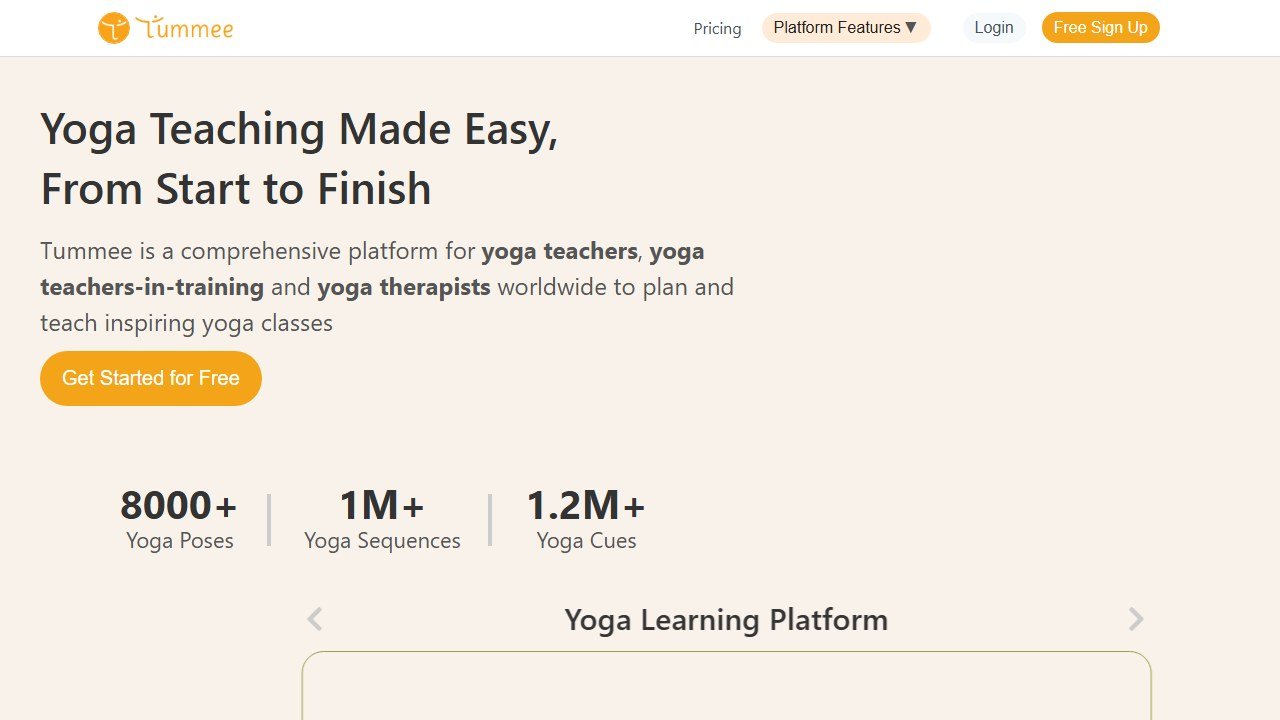
Tummee is the closest thing the field has to a standard. It is a yoga sequencing platform with a library of more than 8,000 poses, a vast bank of shared sequences and pose cues, class templates, and Smart Suggestions that propose what comes next while respecting counter-pose and safety logic. You build a class visually, print a teaching plan, and reuse it. There is a 15-day free trial with no card required, and paid access starts around $8.25 a month on the longer billing terms, with lifetime and annual plans bringing the effective cost down further. For a teacher running a regular schedule, the time saved compounds every week, which is what makes a tool at that price an easy call.
FLOW Yoga Sequence Builder covers the same job with a clean drag-and-drop interface and AI suggestions, and it has a usable free tier, which makes it the natural starting point if you are testing the idea before committing money. It leans visual and modern, and many teachers find it faster to learn than the more feature-dense alternatives. KramaFlow is a mobile-first option built for teachers who plan on a phone between classes, in a waiting room, or on a commute, rather than at a desk. None of these three is dramatically better than the others. The right one is the one whose interface you will actually open every week.
The honest distinction: a general chatbot can write you a sequence, but it does not know that a deep backbend needs a counter-pose, or that you would not stack two demanding standing balances back to back, or that a class building toward an arm balance needs specific wrist and shoulder prep earlier in the flow. The sequencing tools encode that structural and safety logic. Use them for the architecture of a class. Use a chatbot for the words around it.
Job two: themes, cues, and the words of a class
A class is a sequence plus everything you say around it: the theme, the opening, the verbal cues, the closing reflection. This is genuine writing work, and it is where a general model is genuinely useful.
ChatGPT and Claude will draft a month of class themes, expand a one-line intention into an opening you can speak from, suggest three ways to cue a tricky transition, or outline a workshop or retreat. The trick is to treat the output as raw clay. A generated dharma talk read straight off a screen sounds like one. A generated theme that you then make your own, connect to something real from your week, and say in your own voice, sounds like teaching.
Give the model your context: the level of the class, the season, the population you teach, the pose you are building toward, the philosophical thread you have been exploring this term. The drafts get sharply better. A vague prompt gives you a fortune cookie. A specific one gives you a starting point. A useful habit is to build a short reusable prompt that already contains your teaching style, your typical class length, and your usual student profile, then paste it in each time so you are not re-explaining yourself. Both models keep a free tier that is more than enough for this kind of drafting, so there is no reason to pay before you know the workflow fits you.
One more use that teachers underrate: cue translation. If you have a pose you can do but struggle to describe, ask the model for several plain-language ways to verbally guide a student into it, then keep the one phrasing that sounds like you. It is faster than rehearsing alone in front of a mirror.
Job three: the marketing you never have time for
Most yoga teachers are reluctant marketers, and AI removes the part they dislike most: making things look professional.
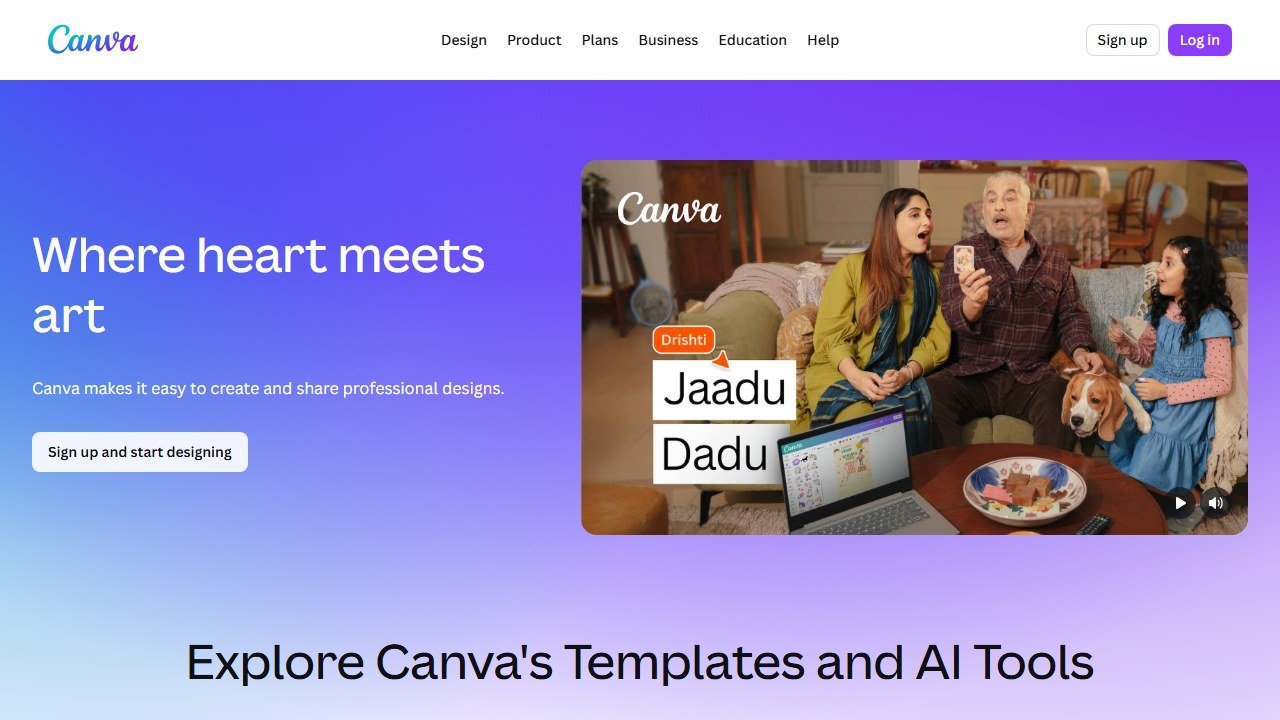
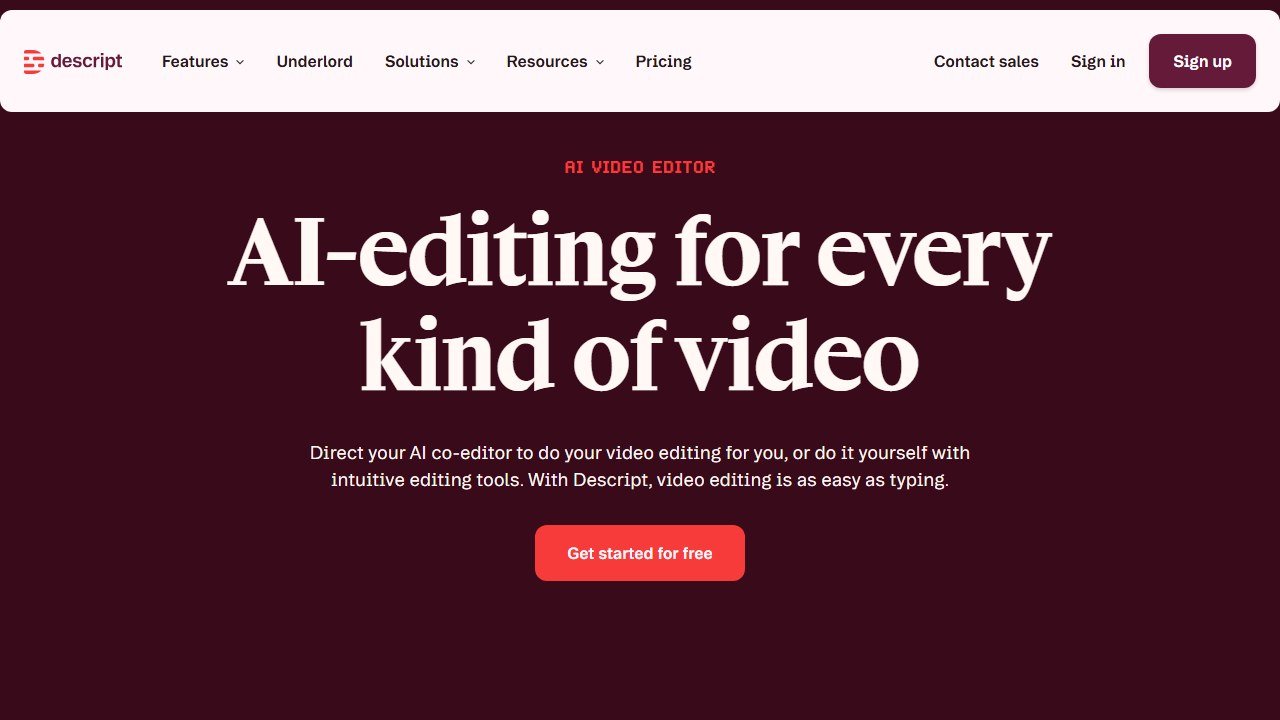
Canva with its Magic Studio features turns a class schedule, a workshop announcement, or a social post into something designed in minutes, branded, consistent, and requiring no design skill. Its free plan covers the large majority of what a solo teacher needs; the paid Pro tier mainly adds brand kits, background removal, and bulk resizing, which matter more once you are producing a steady stream of content. For teachers who record classes or teach online, Descript and Opus Clip turn a long recording into short, captioned clips for social media by finding the most watchable moments automatically, and CapCut handles quick edits and auto-captions for phone-shot promo video. Captions matter more than they seem: most social video is watched on mute, so an uncaptioned clip of you cueing a pose is close to invisible.
For the writing side of marketing, the same general models from job two will draft newsletter copy, a studio bio, a workshop description, or a series of social captions from a single prompt. Treat these the way you treat themes: a draft to edit into your voice, never a final post copied straight out.
None of this makes you a marketer. It makes the marketing take twenty minutes instead of two hours, which for a working teacher is the difference between doing it and not.
Job four: studio admin and scheduling
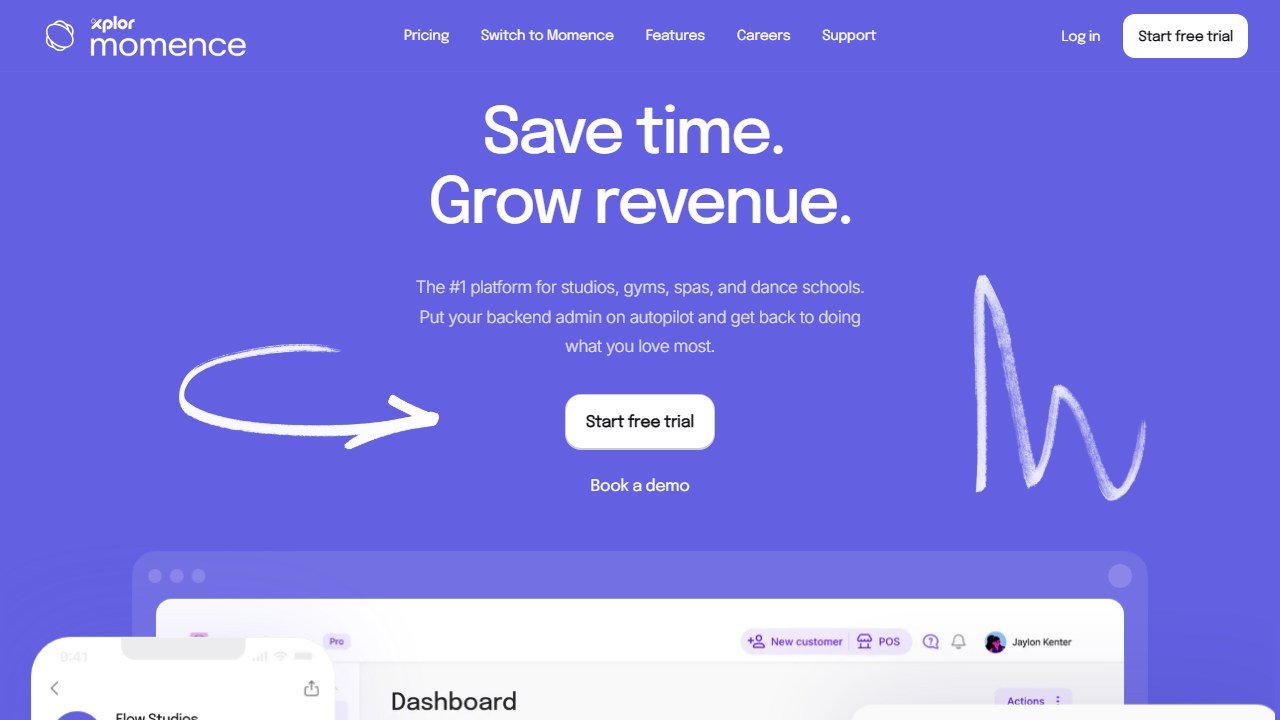
If you run your own classes or a small studio, scheduling and payments are their own time drain. Platforms like Momence and WellnessLiving handle bookings, waitlists, payments, and client reminders, increasingly with AI-assisted features like smart waitlist filling and automated client communication. Both are full studio-management systems with their own monthly cost, so they make sense once class volume justifies them rather than on day one. A teacher running a handful of weekly classes can often start with a far simpler booking link and graduate to one of these later.
A caveat worth stating: automated reminders and messages are efficient, but a tiny, personal studio is partly selling the personal touch. Automate the logistics. Keep the messages that build relationships in your own hands.
Job five: training notes, workshops, and continuing education
Two smaller jobs round out the toolkit, both worth a mention because the listicles ignore them.
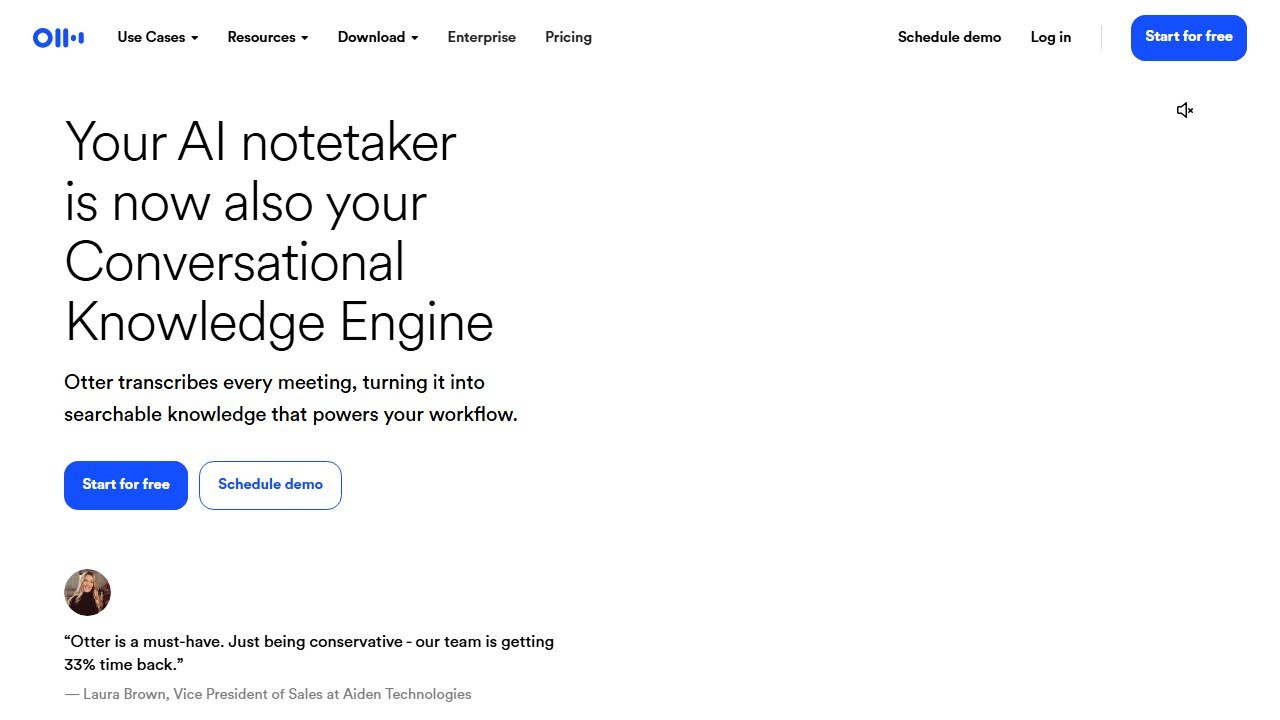
The first is capturing knowledge. If you attend trainings, workshops, or mentor calls, an AI note-taker such as Otter.ai or Fathom will transcribe a live or recorded session and produce a searchable summary, so you can be present in the room instead of scribbling. Otter has a free tier with a monthly transcription limit; Fathom offers unlimited recording and transcription on its free plan for meeting-style calls. For a teacher building a personal library of cues, anatomy notes, and philosophy, this turns hours of audio into something you can actually search later.
The second is workshop and retreat materials. The same general models will outline a six-week course, structure a teacher-training module, or draft a retreat day-by-day schedule. Canva will then turn that outline into a welcome deck or a printable handout. This is the production side of teacher development, and AI shortens it the same way it shortens class prep.
A real prep-week workflow
Tools listed in isolation do not show you the win. Here is how they fit a single planning week for a teacher with a regular schedule.
- Sunday, sequencing (about 25 minutes): Open Tummee or FLOW and draft the week's class sequences. The key move is reuse: start from a saved class that is close to what you need and adapt it, rather than building from an empty canvas. Adjust the peak pose, swap a couple of preparatory shapes, and the class is done. This single habit is the biggest time save in the whole week, and it is the reason a sequencing tool repays its cost.
- Monday, themes and cues (about 20 minutes): Take one intention for the week and ask ChatGPT or Claude to spin it into a theme, an opening, and a closing reflection for each class, plus a fresh way to cue any transition you find clunky. Then edit. The editing pass is not optional; it is where the words stop sounding generated and start sounding like you. Connect the theme to something real, change the phrasing into your own rhythm, cut anything that reads like a greeting card.
- Tuesday, marketing (about 20 minutes): Batch the week's social posts and any workshop graphics in Canva in one sitting. Pull captions from the model if you want a starting point. Schedule them so the rest of the week needs no marketing thought at all.
- Wednesday onward, content recycling (about 10 minutes when it applies): If you recorded a class or a workshop, run the recording through Descript, Opus Clip, or CapCut once. One source gives you several short captioned clips, which is a week of social content without filming anything new.
- As needed, knowledge capture: When you attend a training or mentor call, let Otter or Fathom transcribe it so the notes write themselves and you can pay attention.
Add it up and that is roughly an hour of focused, AI-assisted prep replacing what used to be three or four scattered, dreaded hours spread across the week. The teaching time does not change. The unpaid time around it shrinks, and it shrinks into predictable blocks instead of bleeding into every evening.
The starter version of this workflow costs nothing. FLOW's free tier handles sequencing, the free plans of ChatGPT or Claude handle themes and cues, and Canva's free plan handles marketing graphics. You can run the entire week on free tools and only pay once a specific tool has clearly earned it, usually Tummee, once you feel the weekly reuse compounding.
The honest part: what AI cannot do, and the question underneath
A guide that only sold you the upside would not be worth your time, and there is a real question underneath this one.
AI cannot read the room: the day the class arrives heavy and the plan needs to dissolve. It cannot give a hands-on adjustment, or decide who in the room should not receive one. It cannot hold trauma-informed space, pace a class to the actual breath in the room, or notice the student in the back who is having a hard time and needs a kind word after. It cannot embody the practice. A class is a relationship and a transmission, and no model is part of that.
There is also a fair discomfort here. Yoga is a tradition, and outsourcing parts of teaching to a machine can feel at odds with it. The honest resolution is the same line that runs through this whole guide: AI belongs on the production side, the planning, the admin, the marketing, and nowhere near the teaching itself. Used that way, it does not dilute your teaching. It clears the unpaid clutter so you have more energy for the part that was always the point.
If you also do general fitness or personal training alongside yoga, our guide to the best AI tools for personal trainers covers that wider toolkit.
Use AI to get the prep done. Then close the laptop, walk into the room, and teach.
This is part of our series of honest, profession-specific AI guides. See also: AI tools for math teachers, AI tools for volunteer coordinators, AI tools for wedding planners.
Client retention, and the small number of things that actually move it
Coaching businesses live and die on retention rather than acquisition, and this is where software genuinely helps, though not in the way the feature lists suggest.
The check-in is the product
Clients renew because they feel seen, and the single highest leverage feature in any of these platforms is whatever makes a consistent, personal check-in easy to deliver at scale. Everything else is secondary. When evaluating, time how long it takes you to review a week of one client’s data and send something meaningful back, then multiply by your roster. That number is your real capacity.
Automation helps until it is noticed
Automated messaging is the standard feature here and it works right up to the moment a client realises the encouraging note arrives every Monday regardless of what they did. Use automation for logistics, reminders and structure. Keep anything that reads as personal actually personal, because the cost of being caught is the relationship rather than the message.
Watch the first six weeks
Most coaching churn happens early, before habit forms and before results arrive. If your platform gives you an activity view, the one report worth opening weekly is the list of clients who have not logged anything in seven days, filtered to those in their first six weeks. Acting on that list is worth more than any feature comparison.
Measure retention before you change anything
Take your current three month and twelve month retention rates from your own records before switching platforms, because you cannot reconstruct them afterwards and every vendor conversation will otherwise be about features. If retention does not move within two full client cycles, the platform was not the constraint.

Written by
FazFaz is the founder of AIToolsBakery. Some tools here are tested hands on. Others are assessed from vendor documentation and pricing verified on the live page, and every review says which one it is. Sponsors can buy a position in a guide. They cannot buy the score, the criticism, or silence about a better option.
How we test and how we make money →