Most volunteer coordinators are doing a full-time job on a part-time line in the budget, with software money that rounds to zero. So a guide that opens with a $4,000-a-year platform is not a guide, it is an advertisement.
AI tools and platforms at a glance
The table below splits the genuine AI assistants from the traditional volunteer platforms, so you can see at a glance which tool does which job and what the free reality actually is.
| Tool | What it does | Best for | Free tier |
|---|---|---|---|
| ChatGPT / Claude | Drafts recruitment posts, handbooks, role descriptions, thank-you notes, report narratives | Every coordinator, every program size | Yes, capable free tier; paid ~$20/mo if needed |
| Canva | Turns text into flyers, social graphics, certificates | Recruitment and appreciation materials | Yes, generous; free premium for registered nonprofits |
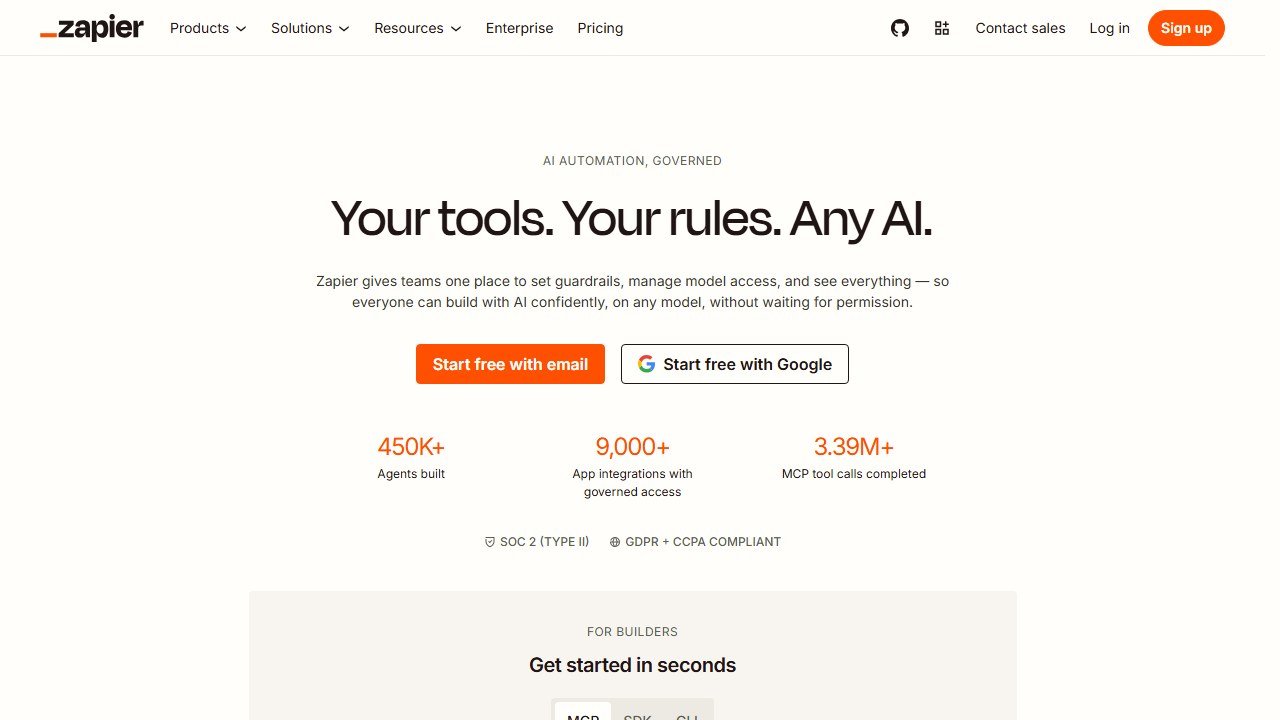
| Zapier | Automates confirmations, roster updates, and shift reminders between apps | Coordinators tired of manual follow-up | Yes, modest monthly task limit |
| Otter.ai / Fireflies | Transcribes orientations and meetings into notes and action items | Programs with regular training or committee meetings | Yes, limited monthly transcription minutes |
| SignUpGenius | Shift slots, sign-up sheets, automatic reminders | Small programs taking sign-ups off email | Yes; paid from ~$9/mo |
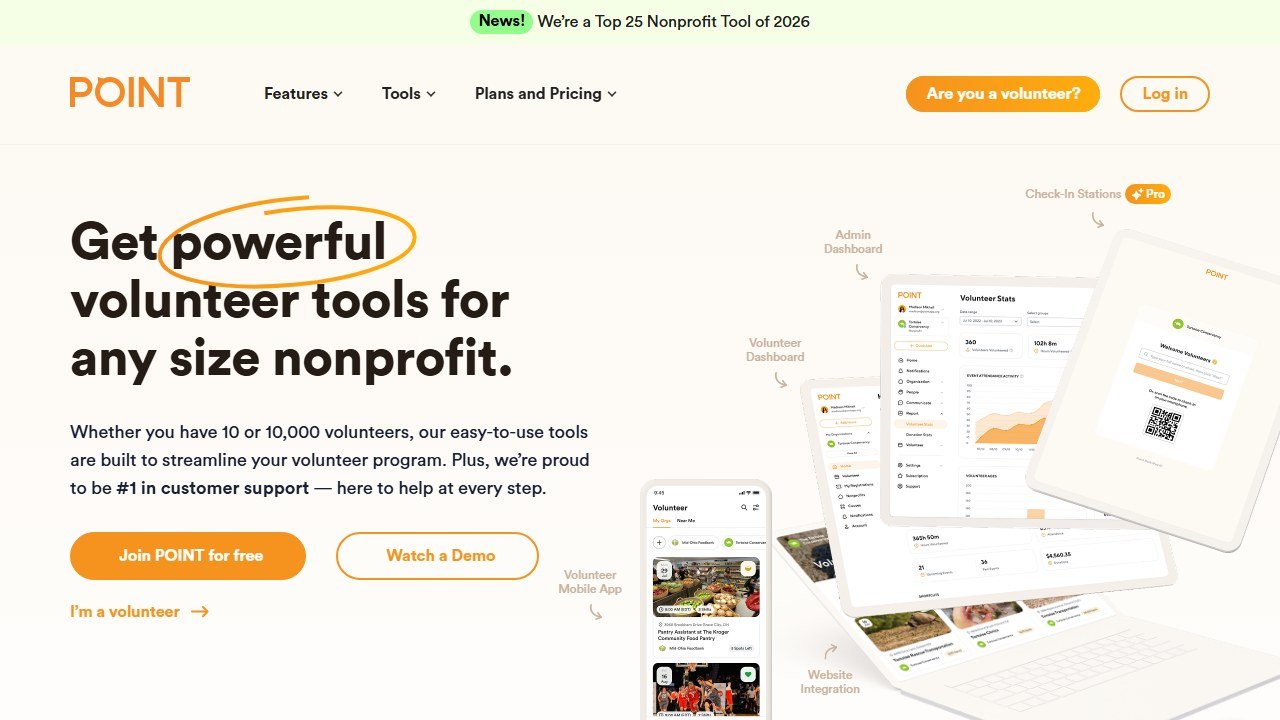
| POINT | Free volunteer management with admin dashboard and volunteer mobile app | Local nonprofits wanting volunteer self-service | Yes, free core platform |
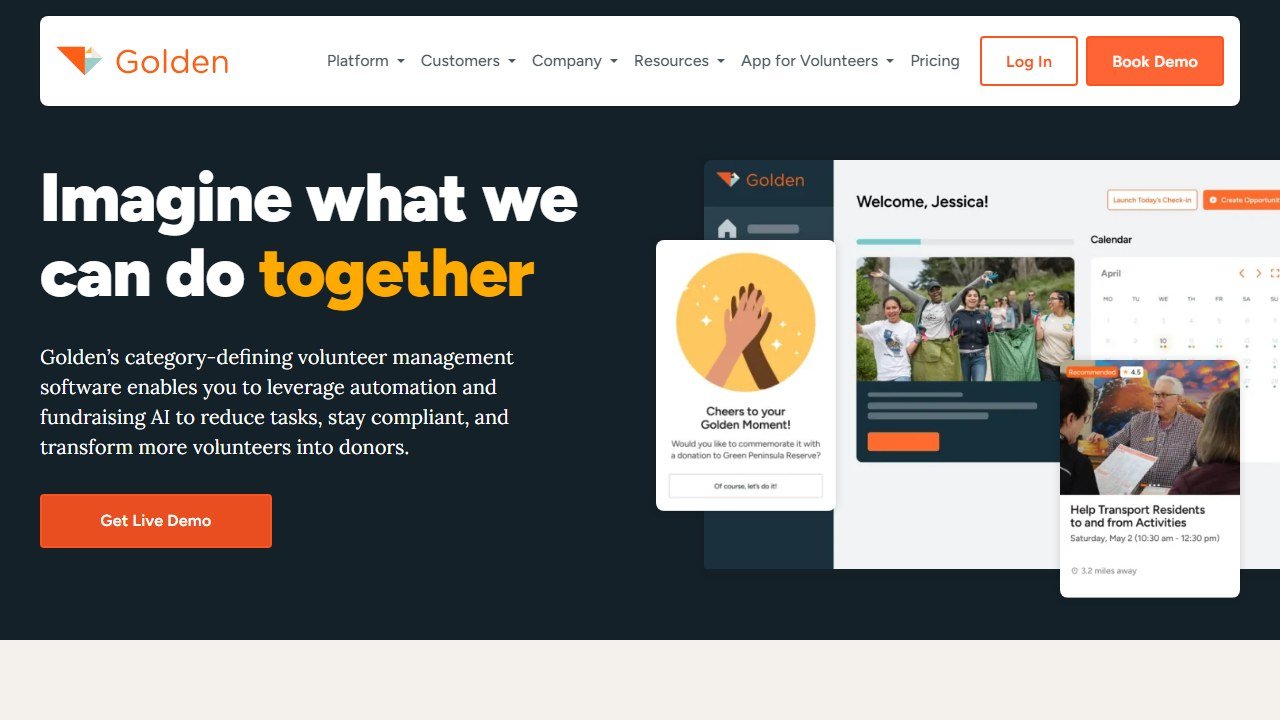
| Golden | Volunteer management with AI-assisted opportunity matching | Programs ready to trial matching at low risk | Yes, free tier available |
| VolunteerHub | Full volunteer coordination, scheduling, CRM integration | Larger programs (hundreds to ~1,000+ volunteers) | No; paid from ~$140/mo |
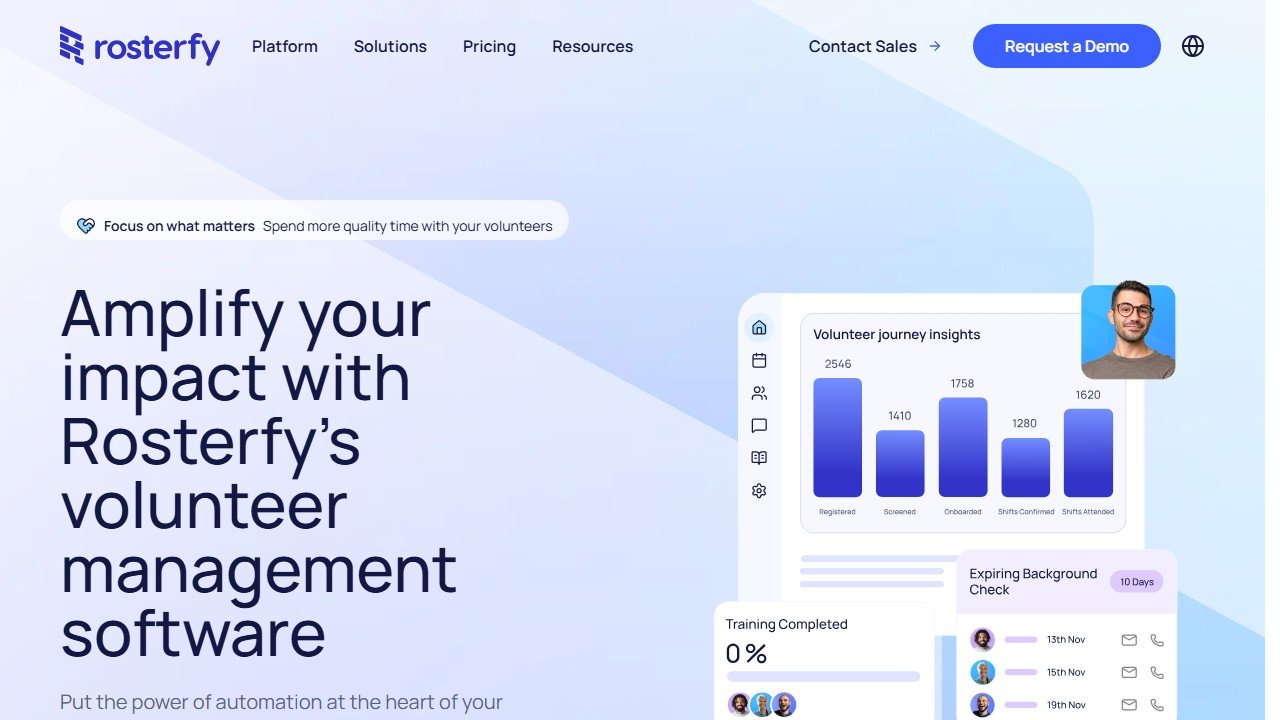
| Rosterfy | Automated onboarding, screening, and compliance workflows | Large, event-heavy or workforce programs | No; custom quote pricing |
This one starts where you actually are. AIToolsBakery does not sell volunteer software, and what follows is organized by the jobs you do every week (recruit, schedule, communicate, track), with the free option named first for each, and the paid platforms recommended only where they genuinely earn the line item.
The 30-second answer: You can cover most of the job for free. A general AI model (ChatGPT or Claude) drafts recruitment posts, handbooks, and thank-you notes; Canva handles graphics; Google Forms and a spreadsheet handle sign-ups; Zapier's free tier automates reminders. Paid volunteer platforms like Golden or Rosterfy are worth it only once your volunteer numbers genuinely outgrow a spreadsheet.
How to read this guide
The volunteer-software market is loud, and most of the noise comes from vendors with a quarterly target. Their listicles call a shift calendar "AI" and a templated email "automation," then quote a price that assumes you have a real software budget. You probably do not.
So the rest of this guide does two things. First, it separates the genuine AI tools, the ones that write, summarize, design, and trigger actions, from the traditional volunteer-management platforms that are good software but are not, in any meaningful sense, artificial intelligence. Second, it organizes everything by the job you are actually trying to finish, because nobody wakes up wanting "a volunteer management solution." They wake up needing to fill four shifts by Saturday and write a handbook they have been avoiding for a month.
A note before the tools: AI is a drafting and admin assistant, not a coordinator. It will not know your volunteers, and it will not care about them. What it will do is hand you back the hours that recruitment copy, reminder emails, and quarterly reports were quietly stealing. That is the whole pitch, and it is enough.
Job one: recruiting volunteers
Recruitment is mostly writing, and writing is the thing AI removes fastest.
ChatGPT and Claude will draft a recruitment post tailored to a specific role, rewrite it for three different channels, turn a vague "we need help" into a clear role description with time commitment and impact, and produce the social copy you never get around to. Give the model the real details (the role, the cause, the kind of person who thrives in it), and the drafts are genuinely usable after a light edit. Both have capable free tiers; ChatGPT Plus and Claude Pro run about $20 a month each, and most coordinators never need to pay, because recruitment writing is not a heavy enough workload to hit the free limits.
Canva turns those words into a flyer or social graphic that looks like a real organization made it, with no design skill required. Its free tier is generous, and registered nonprofits can apply for Canva for Nonprofits, which unlocks the premium features at no cost. Between Canva and a general AI model, the unglamorous "make recruitment materials" task drops from an afternoon to half an hour.
A practical workflow worth naming: write the role description in the AI model first, get it tight, then paste that text straight into a Canva prompt or template. The two tools chain neatly. You move from a blank page to a finished, on-brand flyer in one short sitting.
The paid platforms add AI-assisted matching: tools like Golden suggest which volunteers fit which opportunity, and Golden notably offers a free tier of its own, which makes it a low-risk one to trial. Matching is genuinely useful at scale, with one honest caveat covered later in this guide.
Job two: scheduling and sign-ups
For a small program, you do not need an AI platform to schedule volunteers. A Google Form feeding a spreadsheet, or a free scheduling tool, handles sign-ups, shift slots, and a roster perfectly well.
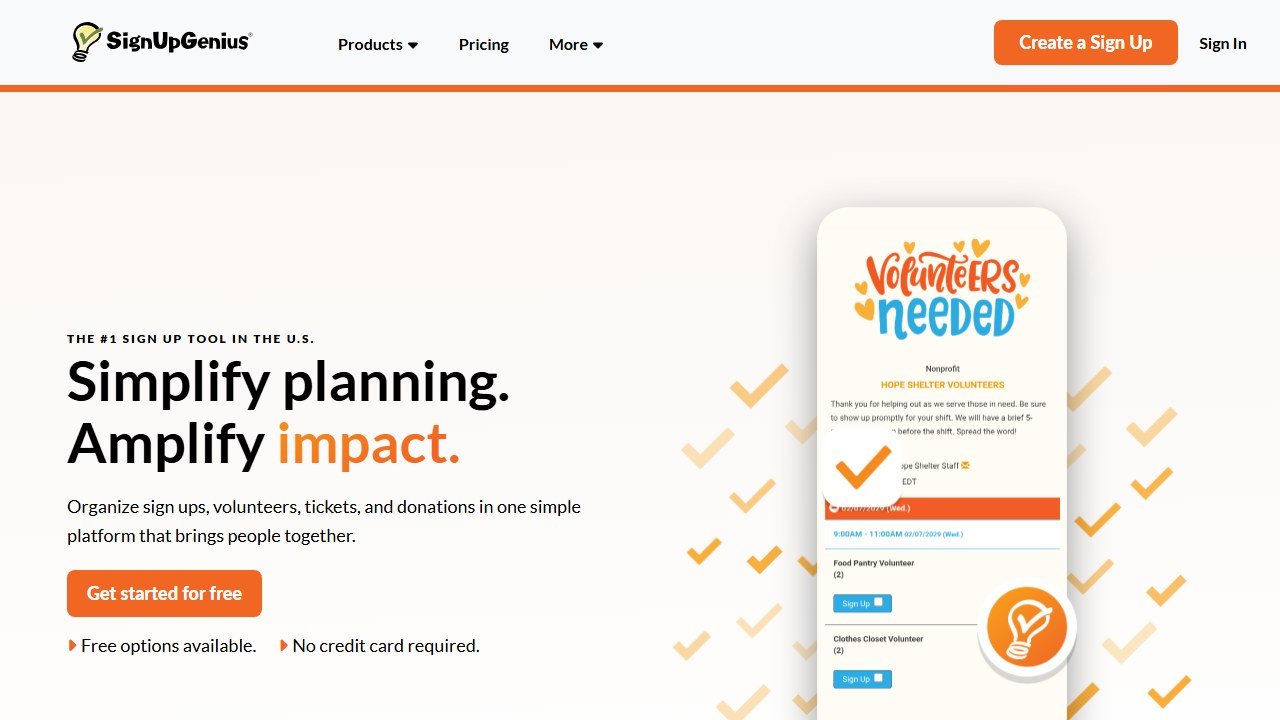
SignUpGenius is the long-running free option here, and it is purpose-built for exactly this: shift slots, sign-up sheets, automatic reminder emails, and basic record keeping. The free plan covers the core of what a small program needs, and paid tiers start around $9 a month if you later want to drop the ads and add reporting. It is not AI, and it does not pretend to be, but it is the most frictionless way to take sign-ups off email and out of your inbox.
POINT is worth knowing about too. It positions itself as a free volunteer management platform for local nonprofits, with an admin dashboard, a volunteer-facing mobile app, and website integration. For a coordinator who wants volunteers to self-serve from their phones rather than from a spreadsheet link, POINT's free tier is a genuine option, and a more modern one than email-and-form.
Where automation earns its place is the follow-through. Zapier, free for a modest number of automations each month, can take a form sign-up and automatically send a confirmation, add the person to your roster sheet, and schedule a reminder before their shift. That removes the silent time-drain of manual confirmations and no-show chasing. Zapier's paid plans climb quickly, but the free tier is sized about right for a small volunteer program, and you should exhaust it before paying.
The dedicated platforms bring real value when scale makes the free approach creak: hundreds of volunteers, recurring shifts, background-check and waiver routing, compliance tracking. VolunteerHub is one of the established options, with paid plans that start in the region of $140 a month for programs managing up to roughly a thousand volunteers, useful at that scale, clearly not a starter purchase. Rosterfy is built around automating onboarding and screening workflows and uses custom, quote-based pricing, which is itself a signal that it is aimed at larger, event-heavy programs. Bloomerang Volunteer suits organizations already inside the Bloomerang fundraising ecosystem. If you are spending hours a week on roster admin, that is the signal it is time. If you are not, it is not.
Read the table top to bottom: the genuine AI tools sit at the top, they are cheap or free, and they cover the work most coordinators actually do. The platforms sit at the bottom, they cost real money, and they earn it only at real scale.
Job three: communicating with volunteers
Volunteer communication is constant, repetitive, and easy to let slip, and AI is well suited to the repetitive part.
Use a general model to draft your volunteer handbook, training scripts, role onboarding emails, shift-reminder templates, and the thank-you messages that are genuinely important and genuinely the first thing to fall off the list when you are busy. The model is at its best when you treat it as a first-draft engine: give it your bullet points, your tone, and one example of how your organization actually sounds, and it returns something you edit rather than something you write from scratch.
Tools like Otter.ai or Fireflies will transcribe an orientation session or a committee meeting into clean notes and action items, so the people who missed it are not lost and you are not retyping your own meeting. Both have free tiers capped at a monthly number of transcription minutes, which is usually enough for a program that meets once or twice a month. The practical win is not the transcript itself; it is that you can ask the AI to pull the decisions and the follow-ups out of it, and send those to volunteers within minutes of a meeting ending.
There is a quieter use worth mentioning. A general AI model is a decent translator and plain-language editor. If your volunteer base includes people whose first language is not English, or simply people who will not read three dense paragraphs, you can ask the model to produce a shorter version, a simpler version, or a translated version of the same notice in seconds. For a coordinator serving a mixed community, that is real accessibility for no cost.
The honest caveat matters here. Automated, templated communication is efficient, and past a certain point it stops feeling like a person and starts feeling like a system. Volunteers give their time for free; the relationship is the whole retention strategy. Automate the logistics messages: confirmations, reminders, schedules. Keep the messages that say "we noticed you, thank you, you matter" personal and human. That balance is the difference between a program people stay with and one they drift out of.
Job four: tracking hours and reporting
Logging volunteer hours and turning them into a report, whether for a board, a grant, or an annual review, is tedious and important. A spreadsheet plus a general AI model covers it surprisingly well: keep the hours in a sheet, then ask the model to summarize the quarter, surface the trends, and draft the narrative section of a report from the raw numbers.
The trick that makes this reliable is to paste the actual figures into the prompt rather than asking the model to estimate anything. Give it the columns (volunteer, role, hours, month) and ask for a written summary and three observations. It will tell you that retention dipped in the second quarter, or that two roles carry most of the load, in language a board will read. What it produces is a draft you check against the numbers, not a fact you trust blindly. AI models can misread or misstate figures, so the spreadsheet stays the source of truth and the AI stays the writer.
For grant reporting specifically, that drafting help compounds with the wider nonprofit toolkit in our guide to AI grant writing tools. A clean hours summary feeds straight into the impact section of a grant report, and the same model that summarized the quarter can adapt the tone for a funder.
The paid volunteer platforms automate hour-tracking natively, which is a real convenience at scale, but it is a convenience, not a necessity, until your numbers say otherwise.
The $0-budget starter stack
If you take one thing from this guide, take this. A coordinator with no software budget can run a capable program on:
- ChatGPT or Claude (free tier): recruitment copy, handbooks, role descriptions, thank-you drafts, report narratives.
- Canva (free, or free premium for registered nonprofits): flyers, social graphics, volunteer certificates.
- Google Forms + Sheets (free): sign-ups, shift slots, hour tracking, the roster. Swap in SignUpGenius or POINT's free tier if you want purpose-built shift sign-ups.
- Zapier (free tier): automated confirmations and shift reminders.
- Otter.ai or Fireflies (free tier): meeting and orientation notes, when your program meets regularly.
That covers all four jobs at no cost. Add a paid volunteer platform only when a specific, recurring pain (usually compliance routing or sheer volunteer volume) genuinely outgrows this. Buying the platform first, before the pain exists, is the most common way a thin nonprofit budget gets wasted.
When it is genuinely time to pay
There is a real answer to "when do I upgrade," and it is not a volunteer count. It is a set of symptoms. You are spending several hours a week on roster admin alone. You are routing background checks or signed waivers by hand and losing track of who has cleared. You have recurring shifts complex enough that a spreadsheet has started producing scheduling errors. Volunteers are asking for a self-service app and email-and-form is visibly straining.
When two or three of those are true at once, a paid platform stops being an expense and starts being cheaper than your time. Until then, the free stack is not a compromise; it is the correct decision. The mistake is buying the cure before you have the disease.
What AI cannot do for a volunteer coordinator
It cannot make a volunteer feel seen. It cannot notice that a reliable regular has gone quiet and might be burning out. It cannot match a person to a role based on the thing a form never captures, that this volunteer needs to feel useful this month, or that one works best paired with that one. It cannot run the moment at the end of a shift where someone decides whether they are coming back.
AI matching, even on the good platforms, carries one specific limit worth naming: it is only ever as good as the volunteer data you feed it. Thin or stale records produce confident, useless suggestions. The tool does not know your people. You do.
So use AI for what it is genuinely good at, the writing, the graphics, the reminders, the reports, and let it hand you back the hours those tasks were quietly stealing. Then spend those hours on the part of coordinating that was always the real job: the people. For the broader nonprofit picture, our roundup of the best free AI tools for nonprofits covers the wider stack on the same budget-first principle.
This is part of our series of honest, profession-specific AI guides. See also: AI tools for math teachers, AI tools for yoga instructors, AI tools for wedding planners.
How to tell whether any of this actually worked
The failure mode in this category is not a tool that breaks. It is a tool that runs for a year while nobody can say whether it changed anything. Decide the measurement before you deploy, because after deployment every number is contested.
Pick a baseline you already have, not one you will start collecting
Whatever you measure, you need last year of it, and you need it from a source that was not touched by the project. Gift counts by segment, retention rate by cohort, average gift by channel, and the number of qualified visits per officer are all usually recoverable from the CRM for prior years. A metric that only starts on go-live day cannot show improvement, only activity, and activity is what makes a board sceptical.
Measure the decision, not the output
A propensity model that produces ten thousand scores has produced nothing. What matters is whether the list an officer worked was different from the list they would have worked anyway, and whether that difference showed up in outcomes. The cleanest version is a holdout: take a segment the model ranks highly, work half of it, and leave the other half in the normal rotation. It is unglamorous, it takes two quarters, and it is the only evidence that survives a hostile question.
Retention is the metric that moves last and matters most
Acquisition responds to activity within weeks. Retention responds over a giving cycle, which for most organisations means twelve to eighteen months before a change is legible. Report it, but say plainly at the outset when it will become meaningful, so that a flat number at six months is understood as expected rather than as failure.
Count the hours the thing was supposed to save
Most of the honest value in this category is time rather than income: research that took ninety minutes taking fifteen, a report that took a day taking an hour. Time is measurable if you measure it before, and unprovable if you do not. Ask the two or three people whose work will change to record how long the task takes them this month, before anything is installed. It is the cheapest evaluation you will ever run and almost nobody does it.
Agree in advance what would make you stop
Write down, before purchase, the result at twelve months that would mean you do not renew. Naming it converts a renewal from a default into a decision, and it is the single most effective discipline against the pilot that quietly becomes permanent. If nobody can name a result that would end it, the evaluation was never real.
How this goes wrong in practice, and the warning signs
Four failure patterns account for most of what we hear from organisations a year after purchase. All four are visible early if you know the shape.
The pilot that never ends and never scales
One enthusiastic person runs a tool brilliantly for eighteen months. They leave, and it stops the same week. The warning sign is that nobody else has ever produced the output, and the fix is procedural rather than technical: a second person runs it once a quarter, in the same way, from written steps. If the process only exists in one head, you did not buy a system, you rented a habit.
Output nobody acts on
Scores are generated, reports are produced, and the work continues exactly as before. This is usually a sequencing failure: the tool was chosen before anyone agreed what decision it would change. The test is simple and worth applying before purchase. Name the meeting where the output gets used and the person who will be holding it. If you cannot, the output has no destination.
Trust lost to one visible error
A tool rates a long-standing donor as low potential, a gift officer sees it, and the credibility of every other score goes with it. Almost always the cause is a data structure issue rather than the model: a soft credit missing, a household split, a migration boundary hiding the giving history. Expect this in the first month, plan for who investigates it, and make sure the first person to see an odd score has somewhere to take it other than the corridor.
The cost that arrives in year two
Year one is discounted, implementation is one-off, and the renewal is negotiated by somebody who was not in the original procurement. Uncapped renewals, mid-term expansion at list price, and processing fees growing with your success are the three lines that move. All three are fixable in the first contract and effectively unfixable later, which is why the terms matter more than the discount.
The common thread
None of these is a software failure. Every one is a decision that was not made, or was made by default, before anything was installed. The organisations that get value from this category are not the ones that picked the best product; they are the ones that named an owner, agreed what would change, and wrote down what failure would look like.

Written by
FazFaz is the founder of AIToolsBakery. Some tools here are tested hands on. Others are assessed from vendor documentation and pricing verified on the live page, and every review says which one it is. Sponsors can buy a position in a guide. They cannot buy the score, the criticism, or silence about a better option.
How we test and how we make money →