It is 7am, you have four morning visits booked, one client just texted to change a key code, another wants a “quick update” on their diabetic cat, and your invoices for last week still are not out. Pet sitting looks like cuddling animals. The reality is a logistics business with a duty of care attached, run mostly from a phone between visits.
We are AIToolsBakery. We are independent, we sell none of the tools below, and we make nothing if you buy any of them. That matters here, because almost every “best AI tools for pet sitters” list you will find is published by a company that happens to sell pet-sitting software. Their roundups always end with their own product on top. Ours does not end with anything, because we have nothing to sell.
This guide is organized by the actual jobs you have to get done, names the real tools, gives honest pricing and limits, and is blunt about the things AI should never touch in this line of work. One thing to set straight up front: most “AI for pet sitters” tools are not AI in the science-fiction sense. They are good software with some smart automation bolted on, plus a handful of genuinely useful general-purpose AI assistants you already know. We will be clear about which is which, because vendors love to slap “AI-powered” on a reminder email.
The 30-second answer: Use dedicated pet-sitting software (Time To Pet, Pet Sitter Plus, or Scout) for booking, check-ins, photo report cards, and invoicing. Use a general AI like ChatGPT or Claude only for drafting policies, emails, and marketing, never for storing client addresses, codes, or key info. AI handles the admin. The animal still needs you.
Booking and scheduling
This is the job that eats your evenings. A general AI cannot do it for you, because scheduling pet visits involves real client records, recurring routes, and money. You want purpose-built software here.
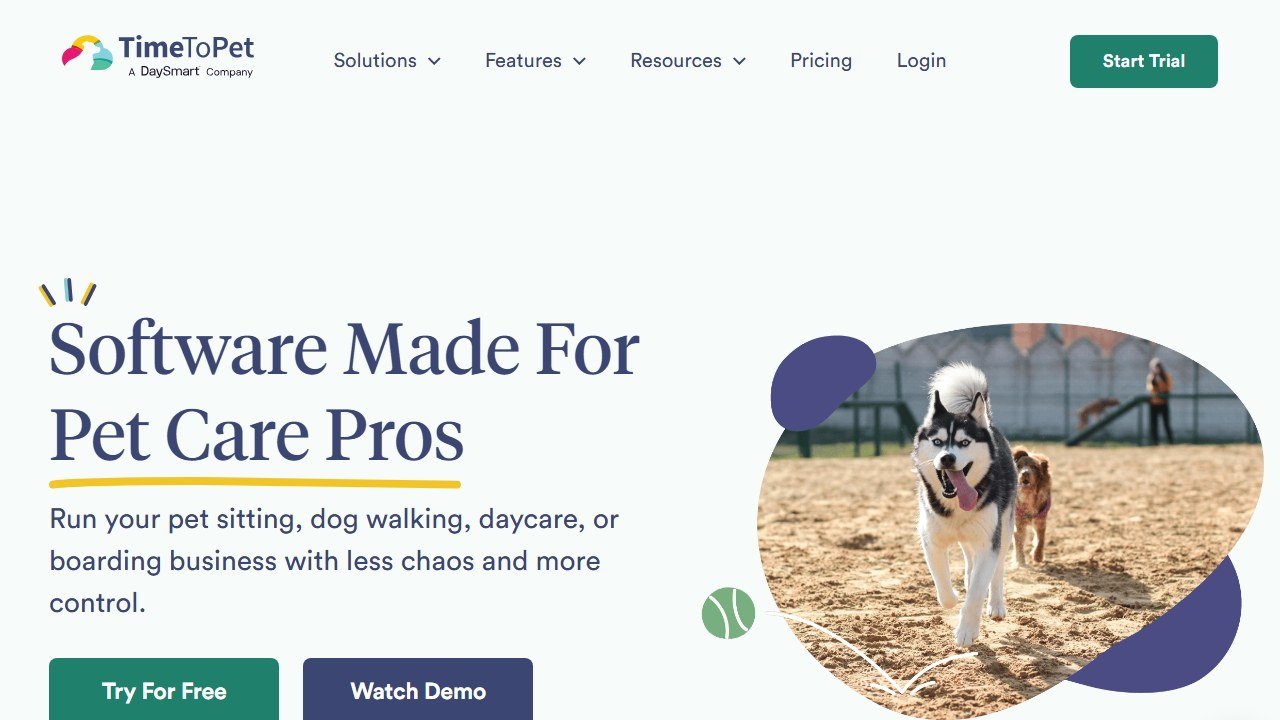
Time To Pet is the most widely used dedicated platform. It handles scheduling, client and staff apps, GPS-stamped visits, invoicing, and report cards in one place. Pricing is per active staff member and starts around $15 per active staff per month, with a free trial that does not require a card. The per-staff model is honest for solos but means your bill climbs as you add walkers, and seasonal helpers count.
Pet Sitter Plus is the heavyweight for sitters who want deep reporting and QuickBooks Online integration. Solo plans sit around the low $30s per month, scaling up per active team member. It is more configurable than Time To Pet and, honestly, a little more to learn. If you are a one-person operation who just wants simple, it may be more than you need.
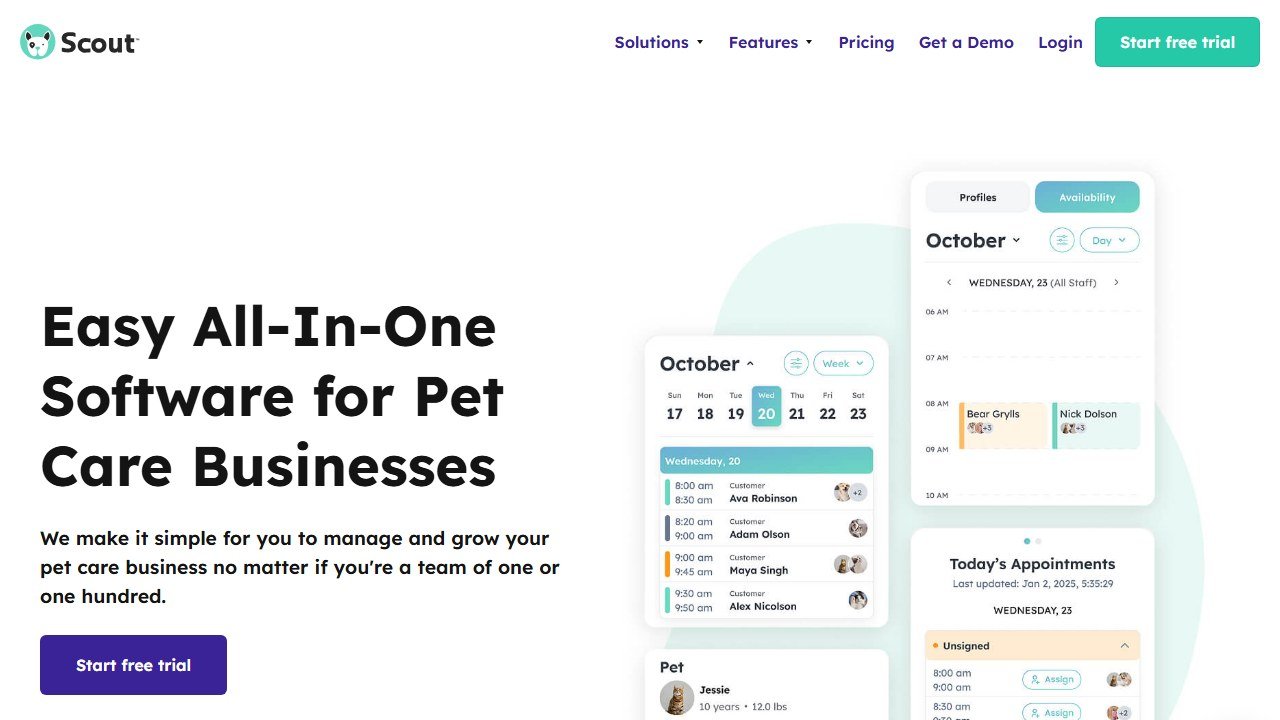
Scout is the newer, cleaner option, originally built with dog walkers in mind. Solo plans start cheaper, in the high teens per month, with team tiers above that. The trade-off is depth: Scout is pleasant to use but younger, so some advanced reporting and edge cases that Pet Sitter Plus covers are not there yet.
The “AI” in these platforms is mostly smart automation: route suggestions, auto-charging, reminder sequences. That is genuinely useful and worth paying for. Just do not expect a chatbot to plan your week from scratch.
A practical note on choosing between them. If you are starting today and want the path of least resistance, Time To Pet is the safe default because the largest number of sitters use it, which means more tutorials, more peer answers, and faster support. If you are a numbers person who lives in QuickBooks and wants granular reports, Pet Sitter Plus rewards the extra setup. If you find both of those overwhelming and just want something that feels like a modern app, Scout is the gentlest on-ramp. Try at least two on their free trials before you commit, because the daily feel of the app matters more than any feature checklist when you are tapping through it between visits.
Client and pet profiles, care instructions
Every regular client has a pile of details: feeding amounts, medication times, the vet’s number, behavior quirks, where the leash lives. The pet-sitting platforms above store all of this in structured client and pet profiles, which is exactly where it belongs. Keep the source of truth there.
Where a general AI helps is turning a messy intake into something clean. Paste a rambling new-client email into ChatGPT or Claude and ask it to pull out a structured care summary: feeding, meds, walk schedule, emergencies, allergies. It will give you a tidy template in seconds that you then copy into the pet’s profile.
The critical limit, and we will say it again at the end: strip identifying details first. Pull out the care logic, not the home address, alarm code, or lockbox combination. A general chatbot is not the place for that information, ever.
Automated check-in updates and photo report cards
This is what clients actually pay a premium for. The peace-of-mind text with a photo, sent right after the visit, is the difference between a one-off and a client who books you for years.
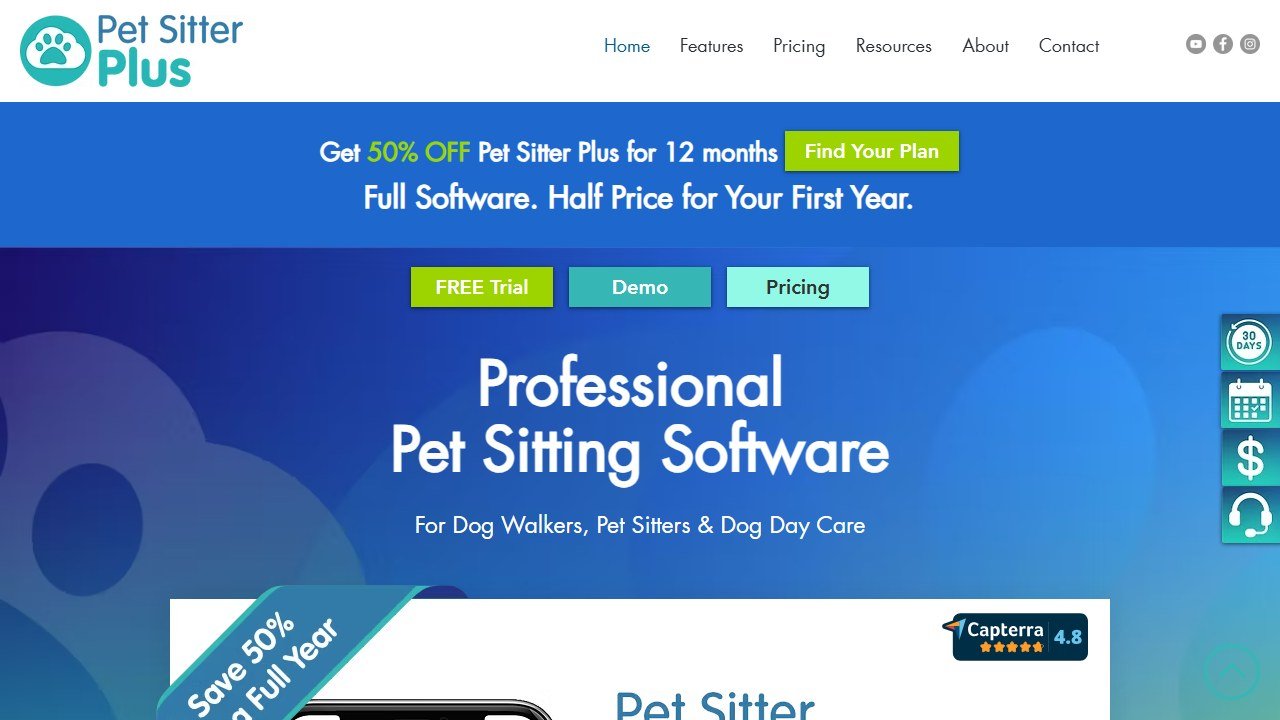
Time To Pet, Pet Sitter Plus, and Scout all do report cards: notes, photos, and short videos sent automatically to the owner after each visit. Time To Pet supports clips up to roughly 20 seconds. This is the single feature most worth having software for, because doing it manually across a full day of visits is where consistency breaks down.
Where AI adds polish: if writing the same “Bella had a great walk” message for the tenth time today feels flat, you can keep a few warm, varied templates drafted by ChatGPT or Claude and rotate them. But write the real observation yourself. The whole value of the update is that it is true and specific to that animal on that day.
A small workflow that works well: at the end of a slow evening, ask a general AI to generate ten short, friendly update openers in your own voice, save them in a note, and pull from them through the week so your messages feel fresh without you staring at a blank box mid-walk. The structure comes from AI, the content comes from the visit. That keeps the speed without hollowing out the message.
Invoicing and payments
The dedicated platforms handle this well: recurring invoices, auto-charging saved cards, and in the case of Pet Sitter Plus, clean QuickBooks Online sync. For most sitters this removes the single most-hated admin task. Let the software do it.
A general AI is useful around the edges of money, not inside it. Ask Claude or ChatGPT to draft a polite “your invoice is 30 days overdue” sequence, or to explain a cash-flow pattern you paste in as plain numbers. Do not feed it client card details or full account numbers. The platform is PCI-compliant for payments; a chatbot is not built for that and should never see it.
Marketing, social, and review requests
This is where general AI genuinely shines for a small pet-sitting business, because most sitters have no time and no marketing budget.
ChatGPT and Claude are strong for drafting: Instagram captions, a month of post ideas, a “meet your sitter” bio, Google Business Profile posts, and review-request messages that do not sound robotic. The free tiers of both are enough to start. ChatGPT’s free plan now shows ads in the US and limits message volume; paid plans run around $20 per month if you want more. Claude’s paid Pro tier is similar at roughly $20 per month, or about $17 billed annually.
Canva is the design half. Its free tier covers most needs: branded post templates, a simple logo, before-and-after graphics. Canva Pro, around $15 per month, unlocks background removal and the Magic tools, which are handy for cleaning up the slightly-blurry photo you took of a wriggling puppy. Pair AI-written captions with Canva layouts and you have a credible social presence in an hour a week.
For reviews specifically, the honest move is a short, personal, AI-drafted-then-edited message sent through your booking software right after a great stay, with a direct link. Volume of genuine reviews is what moves the needle, and a polished ask sent at the right moment is what gets them.
Drafting policies and intake forms
This is one of the best uses of a general AI for a pet sitter, and one of the safest, because it involves no client data at all.
Ask ChatGPT or Claude to draft your cancellation policy, holiday rates notice, severe-weather policy, meet-and-greet checklist, key-handling agreement, or new-client intake questionnaire. You will get a solid first draft in minutes that would have taken you an afternoon and a stack of competitor websites. Then you edit it to match how you actually work and, for anything contractual, have a human check it.
A prompt that works: tell the AI your service area, the kind of pets you take, and your biggest worries (last-minute cancellations, key returns, aggressive dogs), and ask it to draft a plain-English policy that protects you without sounding hostile to clients. You will get something readable that you can soften or tighten. The same approach builds a strong meet-and-greet checklist so you never forget to ask about the things that bite you later, literally and figuratively.
The limit is judgment, not drafting. AI does not know your local laws, your insurance requirements, or what your specific liability exposure is. Use it to write the words, not to decide the policy. Anything that creates a legal obligation, a service contract, a liability waiver, a key-handling agreement, deserves a human review before a client ever signs it.
AI tools for pet sitters at a glance
| Tool | What it does | Best for | Free tier |
|---|---|---|---|
| Time To Pet | All-in-one booking, check-ins, report cards, invoicing | Most solo and small sitting businesses | Free trial, no card |
| Pet Sitter Plus | Deep scheduling, reporting, QuickBooks sync | Sitters who want maximum control and detail | Free trial |
| Scout | Clean, modern booking and visit tracking | Solos and walkers wanting simplicity | Free trial |
| ChatGPT | Drafting, marketing, policies, summaries | Captions, emails, intake forms | Yes, with limits and ads (US) |
| Claude | Drafting, longer documents, policy text | Longer-form policies and client docs | Yes, with limits |
| Canva | Graphics, social posts, simple branding | Social media and flyers | Generous free tier |
A lean starter stack
You do not need all six tools. Here is what we would actually run as a solo sitter:
- One dedicated platform. Start with Time To Pet or Scout on the free trial. This is non-negotiable and the only paid tool you truly need on day one.
- One general AI, free tier. ChatGPT or Claude for policies, intake forms, captions, and emails. Upgrade to a $20 plan only when you hit the limits.
- Canva, free tier. For social graphics and a simple brand look. Add Pro at around $15 a month only when background removal and Magic tools start saving you real time.
That is roughly $15 to $25 a month at the start (just the booking software), scaling as you grow. Everything else stays free until it earns its upgrade.
How this connects to related trades
Many pet sitters also walk dogs, and the software overlaps almost entirely. If walking is a real part of your week, our guide to AI tools for dog walkers goes deeper on route and GPS features. If you offer training as an add-on, AI tools for dog trainers covers program and client-progress tooling. Sitters who also bathe and tidy pets will find the marketing and booking notes in AI tools for pet groomers useful, and if your clients ask you to coordinate with vets, AI tools for veterinary practices explains what those systems can and cannot share.
What AI still cannot do for a pet sitter
This is the part the vendor lists skip, so we will be direct.
AI cannot provide the in-person duty of care, and nothing in this guide changes that. It cannot notice that a normally bouncy dog is lethargic and off its food, that the cat has not used the litter box, that the back gate is now unlatched, or that the elderly retriever’s breathing has changed. Those judgments are the entire job. They require eyes, hands, and presence in the home. An automated update is worthless if no one actually looked.
It cannot make medical or emergency decisions. If an animal is in distress, you call the owner and the vet and you act. No chatbot is qualified to tell you otherwise, and treating one as a triage tool is dangerous.
And it cannot be trusted with the keys to someone’s life. This is the hard line: never put a client’s home address, alarm code, lockbox combination, gate code, or anything that identifies where they live into ChatGPT, Claude, or any general AI tool. That information belongs only in your dedicated, access-controlled pet-sitting software, and even there you keep it locked down. General AI tools are not built to hold the literal keys to a stranger’s home, and a single leaked code is a breach you cannot undo.
Use AI to clear the admin off your plate so you have more attention for the animal. The animal, and the trust the owner placed in you, is the part no tool will ever do for you.
More AI tool guides worth reading: MoeGo vs Gingr and Gingr Review.

Written by
FazFaz is the founder of AIToolsBakery. Some tools here are tested hands on. Others are assessed from vendor documentation and pricing verified on the live page, and every review says which one it is. Sponsors can buy a position in a guide. They cannot buy the score, the criticism, or silence about a better option.
How we test and how we make money →