“Best AI writing tool” is the wrong question, and it is the reason most roundups are useless. A novelist, a marketing manager, a PhD student, and a small business owner writing their first landing page are four completely different buyers. The tool that is perfect for one of them is a waste of money for the others. A grammar checker will not draft your SEO article. A long-form content platform will not help you write a novel. A paraphraser will not fix your citations.
So we did not rank these tools on a single scoreboard. We ranked them by job. Below you will find the best AI writing tool for marketing content, for everyday editing, for fiction, for paraphrasing, for SEO, for academic work, and for tight budgets. Every tool here is one we have reviewed and reviewed in depth, and each entry links to that full review so you can go deeper before you pay.
Top pick: Jasper is the best all-around AI writing tool in 2026 for teams producing marketing content at volume, thanks to brand voice, long-form workflows, and integrations. But the real answer depends on the job: Grammarly wins for everyday writing and editing, QuillBot for paraphrasing, Sudowrite for fiction, Writesonic for SEO content, and Rytr for anyone on a budget.
Faz says: I have spent real money on most of these tools, and the single most expensive mistake I see people make is buying a platform when they needed a feature. If all you want is cleaner email and fewer typos, you do not need a $49 per month content engine. You need Grammarly. Match the tool to the writing you actually do this week, not the writing you imagine doing someday.
How We Ranked These
There is no universal winner in AI writing, so we scored each tool against the job it is built for, weighing four things.
1. Output quality for its actual purpose. A paraphraser is judged on rewrites, a long-form tool on draft coherence, an editor on the quality of its suggestions. We do not penalize a fiction tool for being a poor SEO writer, or reward a marketing platform for grammar features it borrowed.
2. Control and editability. Raw generation is the easy part. The tools that earn their keep let you steer tone, set a brand voice, lock facts, and edit fluidly instead of regenerating from scratch. Control is what separates a tool you keep from one you cancel.
3. Honesty about AI’s limits. The best tools position themselves as assistants, with detection-aware features, citation support, and editing rather than one-click “publish this” buttons. Tools that promise hands-off, fully automated content tend to produce work that reads like it.
4. Value for the specific buyer. A student does not need an enterprise seat, and an agency does not want per-word credit anxiety. We weighed price against the realistic user for each tool, not against an abstract average.
Comparison Table
| Tool | Best for | Core strength | Starting price |
|---|---|---|---|
| Jasper | Marketing teams | Long-form + brand voice + workflow | From $59/mo per seat |
| Grammarly | Everyday writing | Grammar, clarity, AI editing everywhere | Free; Pro ~$12/mo |
| QuillBot | Paraphrasing | Best rewrites + study tools | Free; Premium ~$10/mo |
| Sudowrite | Fiction | Story-aware drafting and brainstorming | From ~$10/mo |
| Writesonic | SEO and AI visibility | Research to ranked article in one flow | From $79/mo |
| Copy.ai | Short-form copy | Marketing + GTM workflows | Free; Pro $29/mo |
| Rytr | Budget writing | Solid output at the lowest real cost | Free; Unlimited $7.50/mo |
| ProWritingAid | Deep editing | Style analysis for long manuscripts | Free; Premium ~$12/mo |
| Jenni AI | Academic writing | Inline citations + research drafting | Free; Unlimited ~$12/mo |
| Wordtune | Rewriting | Tone control and tightening | Free; Advanced $6.99/mo |
Prices are approximate and change often. Treat them as a guide, then confirm on each tool’s current pricing page.
1. Jasper
Best for: Marketing and content teams producing a steady volume of on-brand, long-form content across blog, ad, email, and social.

Pricing: Pro is $59/month per seat billed yearly, or $69 billed monthly, with Business on custom pricing. The old $39 Creator tier has been retired, so $59 is now the real entry point.
Jasper is the most complete AI writing platform for marketing work, and that is the lane it has owned since the category began. It is built around three things most generic chatbots do badly: a persistent brand voice you train once and apply everywhere, long-form workflows that hold a 1,500-word article together instead of drifting, and templates plus campaigns that turn a single brief into a blog post, five social variants, and an email in one pass.
Where it leads: Consistency at volume. If two writers and a manager need everything to sound like one brand across dozens of pieces a month, Jasper’s brand voice and templates are genuinely differentiated. The workflow features, not just the raw text, are what justify the price for a team.
Where it does not: It is overkill for individuals. A solo user writing a few emails and the occasional post is paying platform money for features they will not touch, and a chatbot plus Grammarly would serve them better and cheaper. Jasper is also marketing-shaped, so it is the wrong tool for fiction or academic work.
Read our full take in the Jasper review, and if the price gives you pause, see best Jasper AI alternatives.
2. Grammarly
Best for: Anyone who writes daily in email, docs, and chat and wants cleaner, clearer writing without changing how they work.
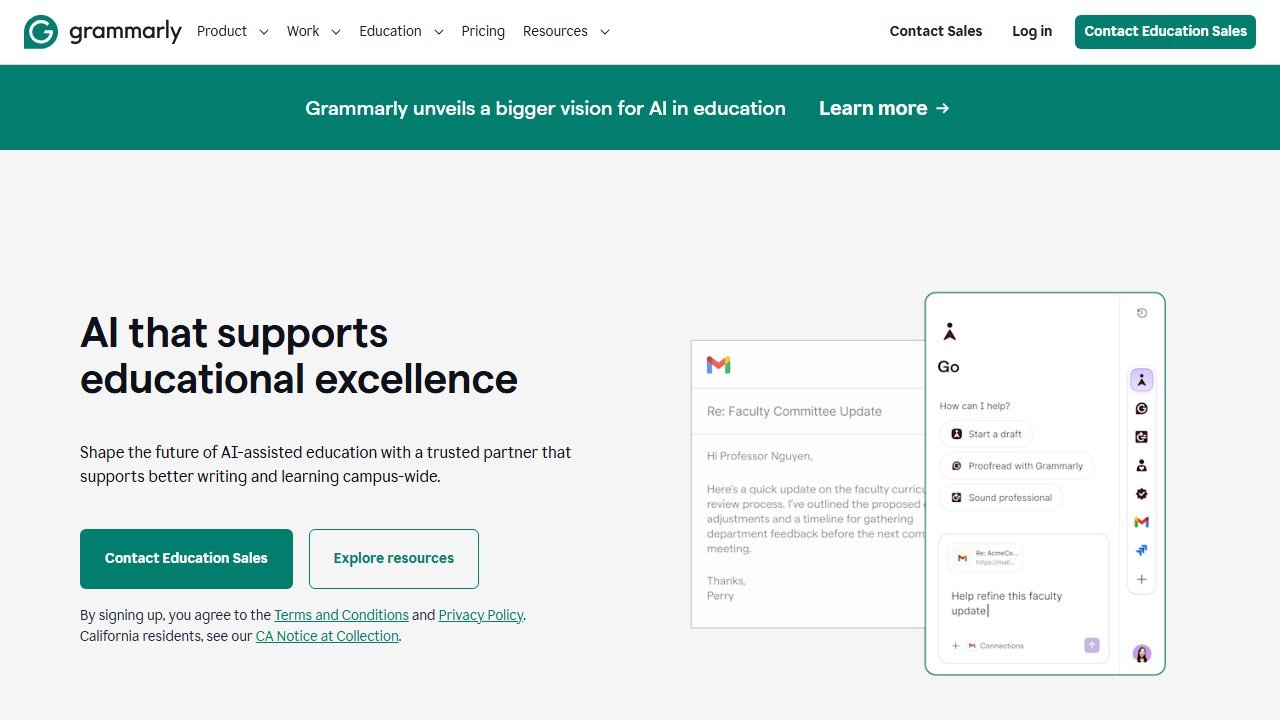
Pricing: Capable free tier; Pro from around $12/month; Business plans per seat.
Grammarly is the AI writing tool most people should actually start with, because it meets you inside the apps you already use. It is far more than a grammar checker now: it rewrites for clarity and tone, adjusts formality, generates and replies to drafts, and does it system-wide across browser, desktop, and mobile. For the everyday writing that makes up most people’s output, it is the highest-leverage tool on this list.
Where it leads: Ubiquity and editing quality. Nothing else is as good at improving writing you are already doing in the moment, everywhere you do it. The clarity and tone suggestions are the best in the category, and the free tier is genuinely useful rather than a teaser.
Where it does not: It is an assistant, not an author. Grammarly will not draft a 2,000-word researched article or a chapter of a novel from a brief. It improves your writing; it does not replace the writing. For heavy generation you will want a dedicated long-form tool alongside it.
See the Grammarly review for the full breakdown, plus Grammarly vs ProWritingAid and QuillBot vs Grammarly.
3. QuillBot
Best for: Students, researchers, and anyone whose core need is rewriting, summarizing, and polishing existing text rather than generating from scratch.
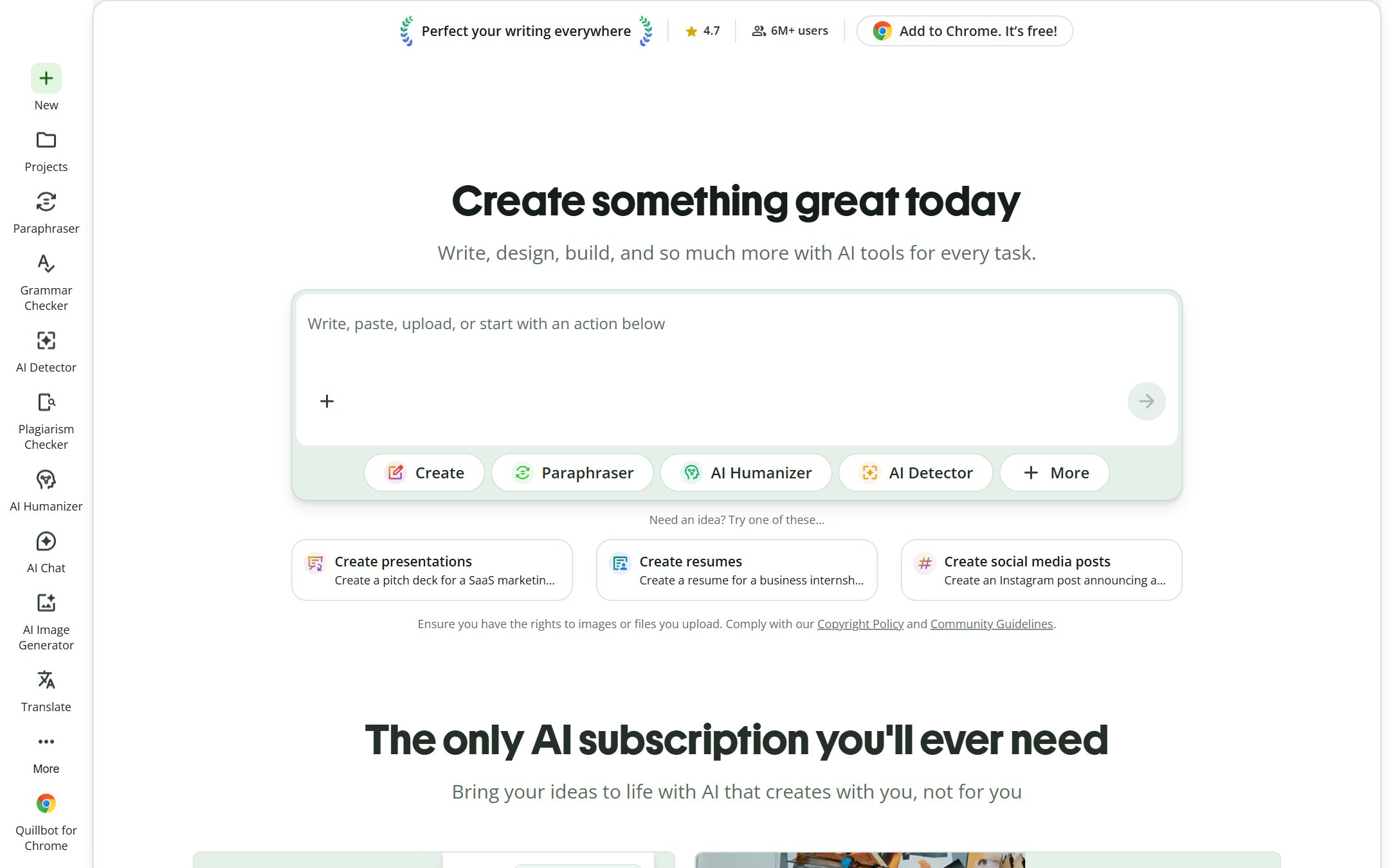
Pricing: Useful free tier; Premium from around $10/month (cheaper billed annually).
QuillBot is the best paraphrasing tool in the category, and it has quietly grown into a small writing suite around that core: a summarizer, a grammar checker, a citation generator, and a translator. For the very common job of “I have words, but they are not the right words yet,” nothing rewrites with as many usable modes and as much control over how aggressive the change is.
Where it leads: Paraphrasing quality and study value. The rewrite modes, from Standard to Formal to Creative, give real control, and the bundled summarizer and citation tools make it punch far above its price for academic users.
Where it does not: It is a rewriting tool, not a generator. QuillBot will reshape your draft beautifully but will not produce a long, original, researched piece from a one-line brief. Lean on it to refine, not to create from nothing.
Full details in the QuillBot review, with head-to-heads in QuillBot vs Grammarly and QuillBot vs Wordtune.
4. Sudowrite
Best for: Novelists and creative writers who want an AI partner that understands story, character, and prose rather than marketing funnels.
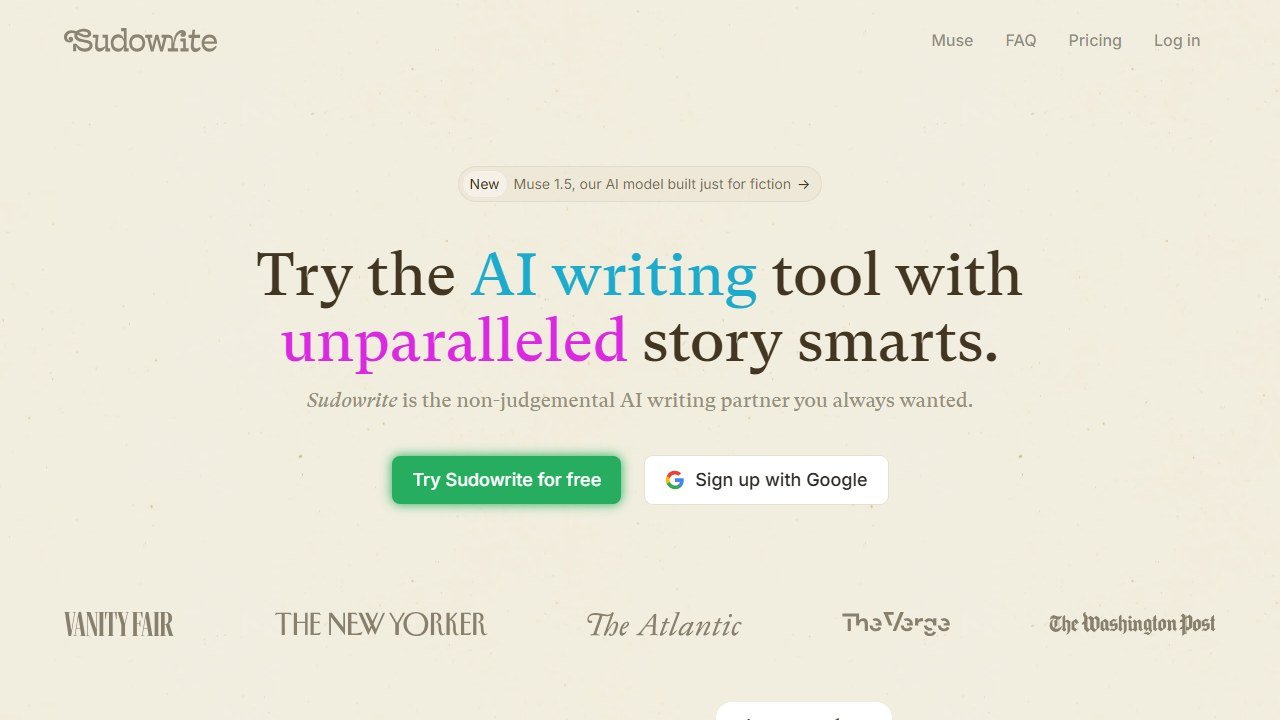
Pricing: From around $10/month, scaling with the number of AI credits you use.
Sudowrite is the rare AI writing tool built for fiction, and it shows in every feature. Instead of blog templates, it gives you Story Bible for tracking characters and plot, Describe for sensory detail, Brainstorm for getting unstuck, and a Write feature that continues your prose in your style rather than a generic one. For creative work, a marketing platform feels alien; Sudowrite feels like it was made by people who actually write stories.
Where it leads: Craft-aware assistance. It thinks in scenes and characters, keeps continuity across a long manuscript, and matches voice better than general tools. For brainstorming and beating writer’s block on long-form fiction, it is the clear category leader.
Where it does not: It is purpose-built for fiction, so it is the wrong tool for SEO articles, ad copy, or business writing. And like all AI, it is a collaborator, not a ghostwriter: the best results come from heavy steering and your own revision, not from accepting raw output.
Our complete walkthrough is in the Sudowrite review.
5. Writesonic
Best for: Content marketers and SEO teams who want to go from keyword to optimized, publish-ready article inside one tool.
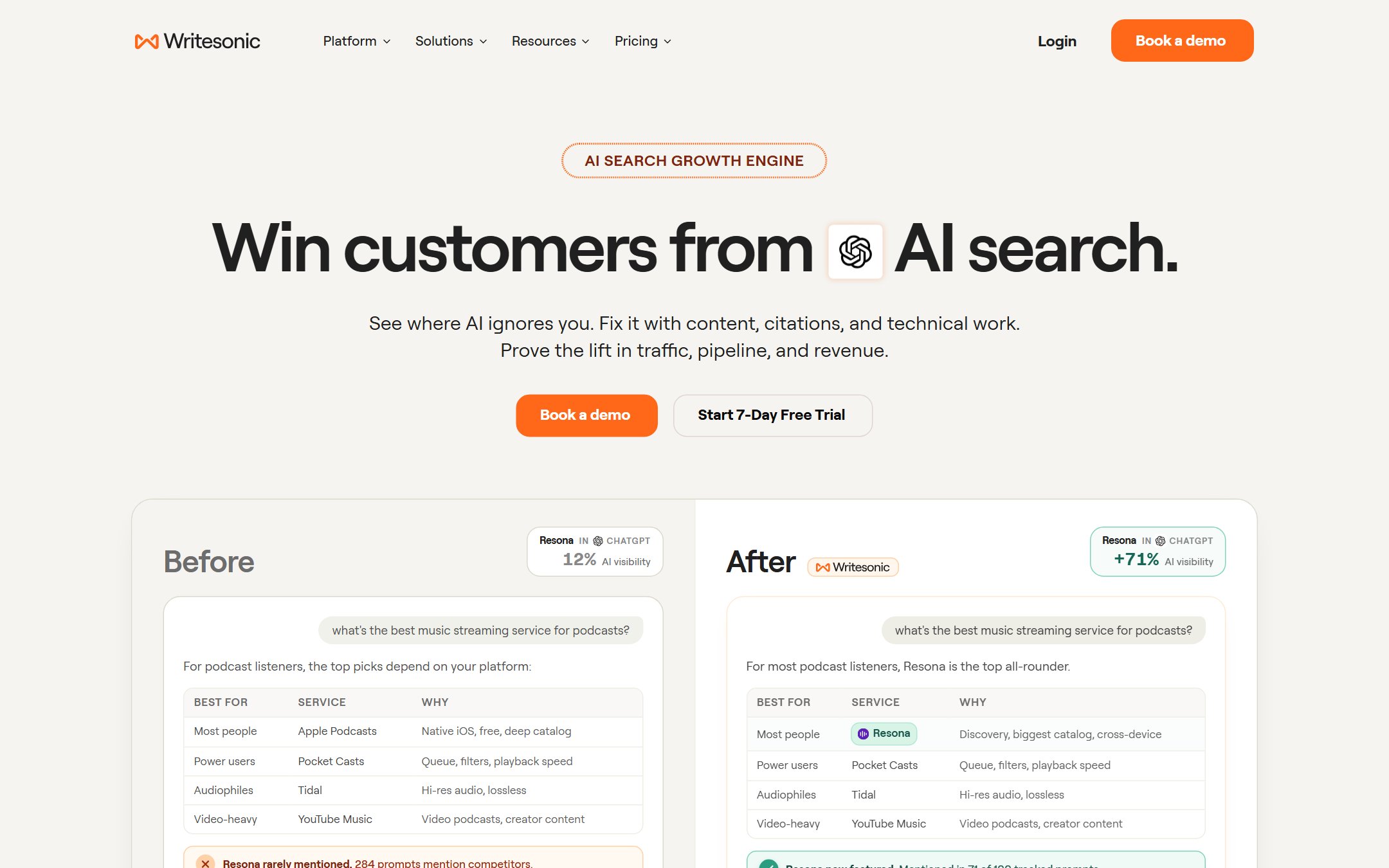
Pricing: From $79/month billed annually. Writesonic has repositioned as an AI-visibility and GEO platform, so its entry plan is now priced well above a standard writing tool and meters output by articles per month.
Writesonic is built for SEO content as a workflow, not a single text box. It combines keyword and SERP research, long-form article generation, on-page optimization scoring, and a built-in chatbot, so the path from “I need to rank for this” to “here is a structured, optimized draft” lives in one place. For teams whose whole job is organic content, that integration is the point.
Where it leads: End-to-end SEO. The research-to-draft-to-optimize loop is tighter than stitching together a generic writer and a separate SEO tool, and the output comes pre-structured for search intent.
Where it does not: Optimized does not mean finished. Writesonic gets you a strong, on-brief draft fast, but the pieces that actually rank still need a human editor to add real experience, fact-check claims, and cut the filler. Treat it as a powerful first-draft engine, not an autopilot.
See the Writesonic review, and for the wider stack our best AI SEO tools guide.
6. Copy.ai
Best for: Marketers who live in short-form copy, ads, product descriptions, emails, and social, and want repeatable workflows around them.
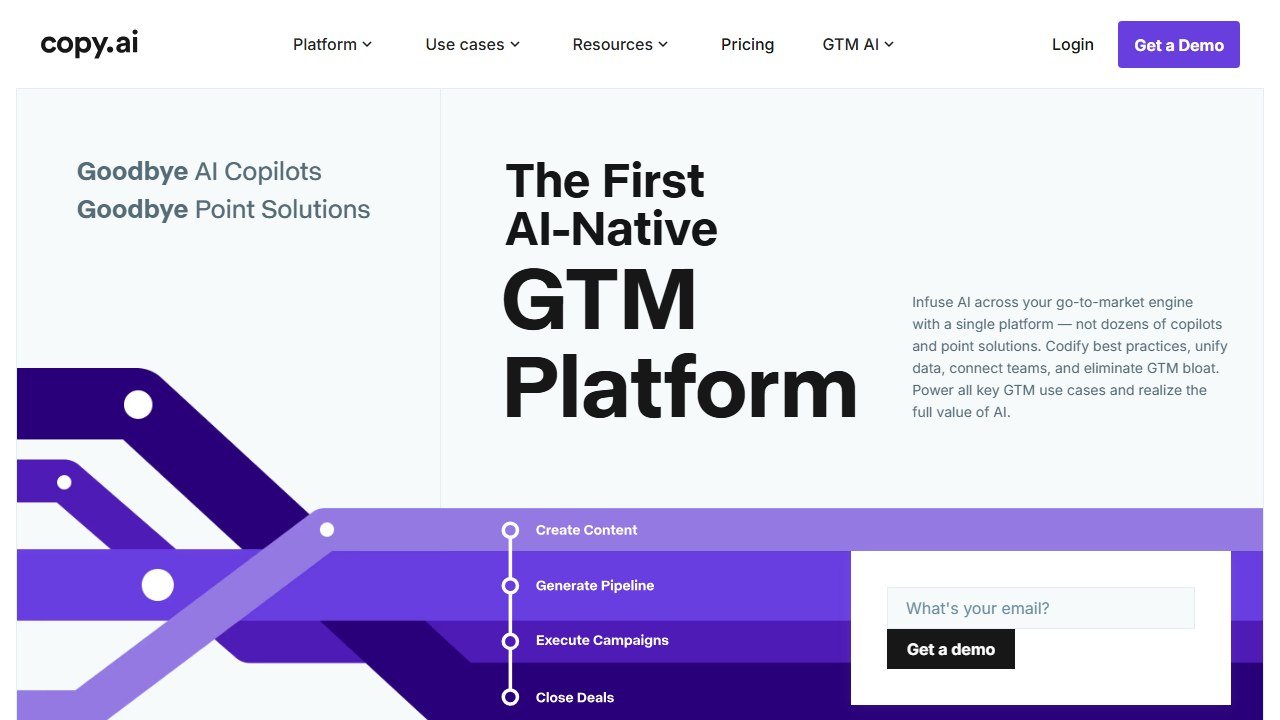
Pricing: Free tier; Pro from $29/month, with higher tiers for teams and GTM workflows.
Copy.ai made its name on short-form marketing copy and has since leaned hard into go-to-market workflows: chaining prompts into repeatable processes for things like outbound, content repurposing, and sales enablement. For a marketer who needs forty variations of an ad headline or a system that turns one asset into ten, it is fast and genuinely good at the short stuff.
Where it leads: Volume and variation on short-form copy, plus workflow automation that goes beyond a single prompt. If your day is many small pieces rather than a few long ones, Copy.ai fits the rhythm.
Where it does not: Long-form is not its strength the way it is Jasper’s, and the pricing has moved upmarket toward GTM teams, which can feel steep for a solo marketer who just wants copy. Match the plan to your scale.
In testing, the short-form output was fast and varied, and the workflow builder genuinely automated multi-step tasks once configured, though the setup took real effort and the workflow credits drained quickly on active runs. The clearest signal is the product’s own direction: its development now points at sales and marketing operations, not solo copywriting. If that is not your world, the value is hard to capture. Read the Copy.ai review for the full picture.
7. Rytr
Best for: Budget-conscious writers, freelancers, and small businesses who want solid AI writing without a platform-sized subscription.
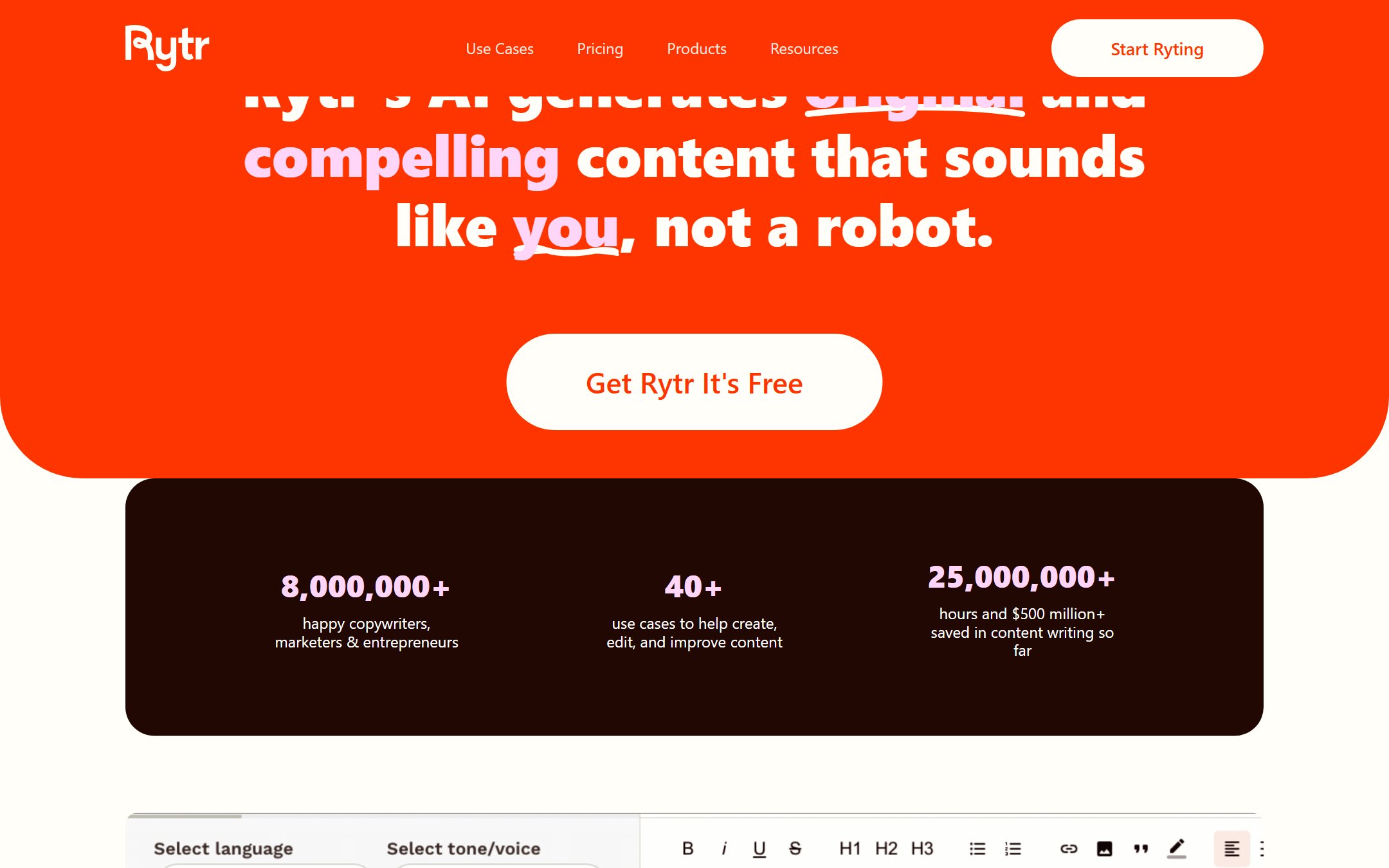
Pricing: Free tier capped at 10,000 characters a month; Unlimited from $7.50/month; Premium around $24/month.
Rytr is the value pick, and that is a real category, not a consolation prize. It does the core jobs, short-form copy, blog sections, emails, and outlines, competently, with a clean interface and a price that undercuts almost everyone. For a freelancer or a small business owner who needs good-enough output at the lowest honest cost, Rytr delivers more than its price suggests.
Where it leads: Cost per useful word. You give up the deep brand-voice and workflow features of the premium platforms, but for straightforward writing tasks the output gap is far smaller than the price gap.
Where it does not: It is not built for high-volume teams or for long, complex, deeply on-brand content. Power users will hit its ceiling; casual and budget users will be happy well before they do.
In testing, Rytr handled short emails, blog sections, and outlines cleanly, and for those everyday jobs the quality gap to tools costing four times as much was small enough that most users would not notice it. Where it showed its price was on long, structured pieces and on holding a precise brand voice across many outputs, which is exactly the work the premium platforms are built for. As a first paid tool or a permanent budget pick, it punches well above its cost. Our full verdict is in the Rytr review.
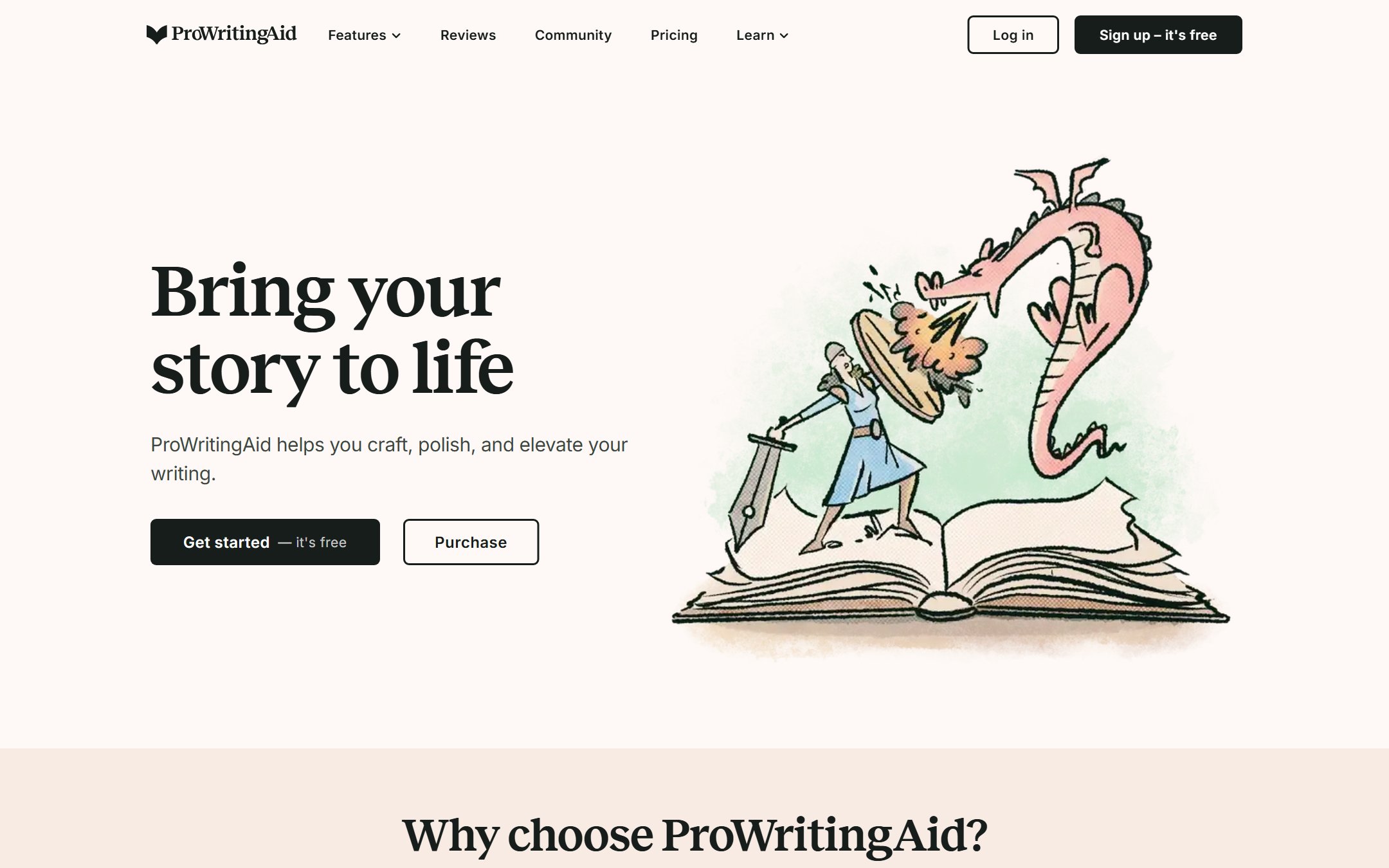
8. ProWritingAid
Best for: Authors and serious long-form writers who want to understand and improve their own style, not just fix errors.
Pricing: Free tier; Premium from around $12/month (much cheaper billed annually); lifetime option available.
ProWritingAid is the deep editor on this list. Where Grammarly polishes in the moment, ProWritingAid runs twenty-plus reports on a full manuscript: pacing, sentence variety, overused words, sticky sentences, dialogue tags, and more. For someone editing a novel or a long report, it is less a corrector and more a writing coach that teaches you your own habits.
Where it leads: Depth of analysis for long documents. No other tool here gives this much structured insight into the mechanics of a long piece, and the integrations with Scrivener and Word fit how authors actually work.
Where it does not: That depth is overkill for quick everyday writing, where its volume of suggestions can overwhelm. If you just want clean emails, Grammarly is the lighter fit. ProWritingAid earns its place on manuscripts, not memos.
See the ProWritingAid review and Grammarly vs ProWritingAid for the direct comparison.
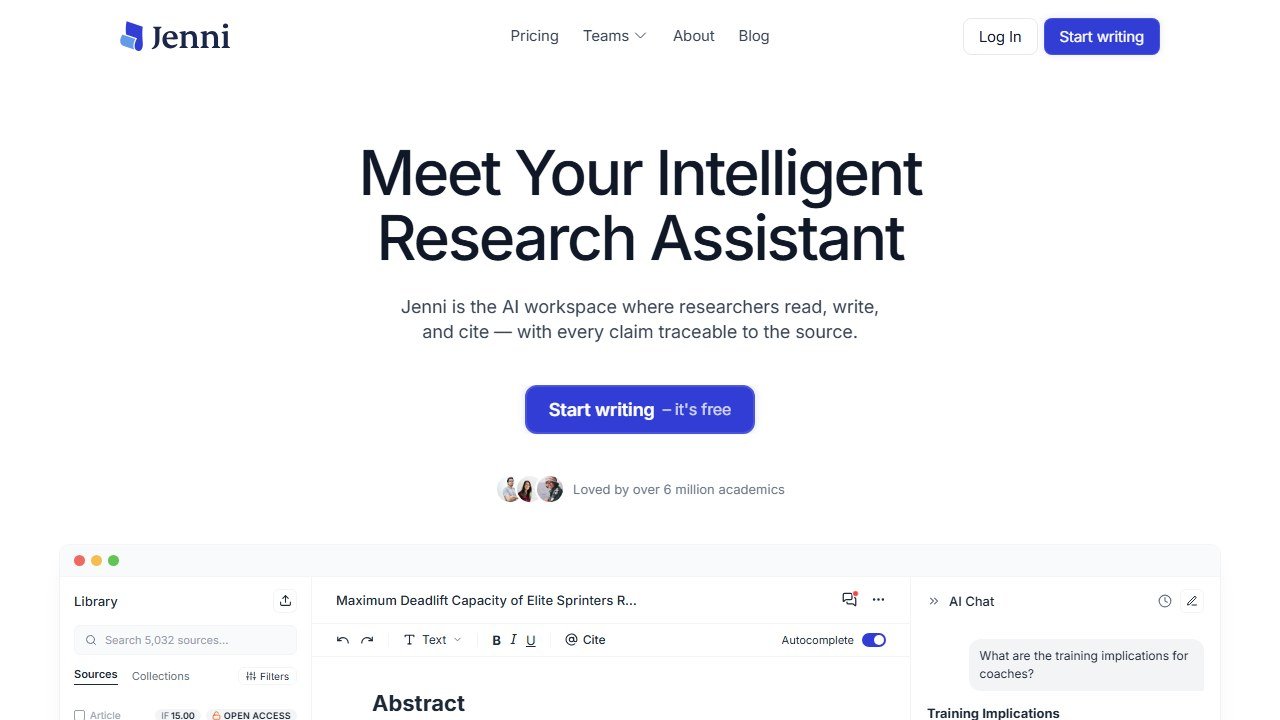
9. Jenni AI
Best for: Students, academics, and researchers writing essays, theses, and papers that need real citations.
Pricing: Limited free tier; Unlimited from around $12/month (cheaper billed annually).
Jenni AI is built specifically for academic writing, which is what makes it stand out in a sea of marketing tools. It drafts with research awareness, suggests and inserts inline citations in the styles academic work requires, and works paragraph by paragraph so you stay in control of the argument. For the specific pain of writing a long, sourced document, it removes friction that general writers create.
Where it leads: Citations and academic structure. The inline citation workflow and research integration are genuinely useful for papers, and the paragraph-level autocomplete keeps you driving rather than accepting a black-box essay.
Where it does not: Academic integrity rules vary by institution, and AI-assisted writing sits in a gray area on many campuses, so use it as a drafting and citation aid, not a way to outsource the thinking. It is also narrow: outside academic writing, a general tool serves better. Students should also see our best AI tools for students guide.
The full review is in progress; for now, treat the notes above as our working assessment.
10. Wordtune
Best for: Non-native English writers and anyone who wants to rewrite and tighten sentences with precise tone control.

Pricing: Free tier with 10 rewrites a day; Advanced from $6.99/month and Unlimited from $9.99/month, both billed annually; team plans available.
Wordtune is the tone-control specialist. Its core loop is simple and very good: highlight a sentence, get several rewrites, and shift them more formal, more casual, shorter, or longer. For people who know what they want to say but struggle to say it cleanly, especially non-native English speakers, that immediate rephrasing is the whole value.
Where it leads: Sentence-level rewriting and tone. The suggestions feel natural rather than mechanical, and the formality and length controls give you exactly the steering most rewriting tools lack.
Where it does not: It is a rewriter, not a generator or a deep editor. It will not draft from a brief or analyze a full manuscript. Paired with a generator it is excellent; on its own it is a polishing layer, not a writing engine.
Read the Wordtune review and QuillBot vs Wordtune for where it fits.
Saru’s breakdown: The cleanest way to think about this whole category is by job, not by brand. There are really four kinds of tool here. Generators that produce new text from a brief: Jasper, Writesonic, Copy.ai, Rytr, and Sudowrite for fiction. Editors that improve text you have: Grammarly and ProWritingAid. Rewriters that reshape sentences: QuillBot and Wordtune. And specialists for a domain: Jenni for academics, Sudowrite for stories.
Most people end up with two, not one: a generator for the heavy lifting and an editor or rewriter for the polish. Jasper plus Grammarly is the classic marketing stack. For a student it is QuillBot plus Jenni. For a novelist it is Sudowrite plus ProWritingAid. Buy for the pairing that matches your work, and you will spend less and get more than chasing one tool that claims to do everything.
The Best AI Writing Tool by Use Case
Marketing content at volume: Jasper, for brand voice and long-form workflows. Pair with Grammarly for polish.
Everyday writing, email, and editing: Grammarly. For most people this is the only tool they truly need.
Paraphrasing and rewriting: QuillBot for depth and study tools, Wordtune for tone control.
Fiction and creative writing: Sudowrite, the only genuinely story-aware tool here. Pair with ProWritingAid for the edit.
SEO articles: Writesonic for the research-to-optimized-draft flow. See our best AI SEO tools stack too.
Short-form and ad copy: Copy.ai, especially if you want repeatable workflows.
On a budget: Rytr, the best output per dollar on this list.
Deep manuscript editing: ProWritingAid, the most thorough analysis for long documents.
Academic writing: Jenni AI, for citations and research-aware drafting.
Every Tool in One Line
If you want the whole ranking at a glance, here is each pick reduced to its single reason to exist:
- Jasper: the marketing team’s platform, brand voice and long-form workflows at volume.
- Grammarly: the everyday default, the one tool most people should start with and many never leave.
- QuillBot: the paraphrasing champion, and the best value for students.
- Sudowrite: the only AI tool genuinely built for fiction.
- Writesonic: SEO content as a single research-to-optimized-draft flow.
- Copy.ai: short-form copy and go-to-market workflow automation.
- Rytr: the best output per dollar for budget writers.
- ProWritingAid: the deep editor for long manuscripts.
- Jenni AI: academic writing with real inline citations.
- Wordtune: sentence-level rewriting and tone control.
If one of those lines describes your work, that is your tool. If two do, that is your pairing.
The Best Free AI Writing Tools
You do not have to pay to start. The strongest free tiers here are genuinely useful, not just trials:
- Grammarly Free covers grammar, spelling, and basic clarity everywhere you write, and it is enough for many people permanently.
- QuillBot Free gives you real paraphrasing and a summarizer, capped on length but fully functional.
- Rytr Free includes a monthly character allowance for actual generation, not just a preview.
- Wordtune Free offers a daily limit of rewrites, plenty for light use.
The upgrade is worth it once you hit those caps regularly or need the advanced features, brand voice, unlimited rewrites, longer documents. Until then, the free tiers are a real way to find which tool fits your work before you spend.
How to Choose, in Three Questions
1. What do you write most this month? Not someday, this month. Marketing copy points to Jasper or Copy.ai, everyday writing to Grammarly, fiction to Sudowrite, papers to Jenni, rewrites to QuillBot or Wordtune. Buy for your real workload.
2. Generate or improve? If you mostly need new text from a brief, you want a generator. If you mostly have text that needs to be better, you want an editor or rewriter. Most people underestimate how much of their need is the second kind, which is why Grammarly and QuillBot outlast flashier purchases.
3. Solo or team? A team that needs one consistent voice across many pieces gets real value from a platform like Jasper. A solo writer almost always does better with a focused tool plus a chatbot, and keeps the platform money.
Answer those three honestly and the right tool on this list is usually obvious.
What Changed in AI Writing in 2026
If you last looked at this category a year or two ago, three things have shifted enough to change how you should buy.
The tools split into platforms and features, and the middle hollowed out. Early on, almost everything called itself an “AI writer” and tried to do a bit of everything. That muddle is gone. On one side are platforms like Jasper and Copy.ai that have grown into team systems built around brand voice, workflows, and automation, with team-sized pricing to match. On the other side are focused tools that do one job extremely well: Grammarly for editing, QuillBot for paraphrasing, Sudowrite for fiction, Jenni for academics. The generic “does a little of everything” tool in the middle has mostly lost its reason to exist, because a general chatbot now does that job for less. The practical lesson: buy a platform only if you genuinely need the platform, and otherwise buy the focused tool for your actual job.
Agents and workflows replaced single prompts. The frontier of the platform tools is no longer “write me a paragraph.” It is chaining steps into repeatable processes: research a topic, draft a structured article, generate the social variants, and route it for review, all in one flow. Copy.ai built its whole 2026 identity on this, and Jasper has pushed into agents and apps. For a team this is real leverage. For an individual it is mostly noise you are paying for, which is why the platform-versus-focused-tool decision matters more than it used to.
The detection arms race made “undetectable AI” a dead end. A whole sub-genre of tools promised to make AI text invisible to detectors. Detection is imperfect and always will be, but chasing undetectability is the wrong goal. The tools and workflows that win now assume a human is in the loop: editing, fact-checking, and adding real experience. That is better for quality and it makes the detection question largely beside the point. The best tools reflect this by positioning themselves as assistants, with editing, citations, and brand control, rather than one-click publish buttons.
The throughline is consolidation around honesty: the category has accepted that AI drafts and humans finish, and the tools worth paying for are built around that division of labor.
Will Content Written With AI Tools Rank on Google in 2026?
This is the question that decides whether these tools are an asset or a liability for anyone publishing online, so it deserves a clear answer: it can rank, but the tool is not what makes it rank.
Google’s position has been consistent. It rewards helpful, reliable, people-first content and does not care how it was produced, as long as it is genuinely useful. What it actively penalizes is scaled content abuse: mass-produced, thin pages created mainly to game search rather than help a reader. That distinction is the whole game. An AI-assisted article that a knowledgeable human has edited, fact-checked, and enriched with real experience is on the right side of it. A hundred unedited AI drafts pushed live to chase keywords are squarely on the wrong side, and the helpful content systems are built to find them.
In practice, three things separate AI content that ranks from AI content that gets buried:
Experience and expertise that the model cannot fake. The parts of a page that perform, a real test result, a specific number from your own use, a judgment only someone who has done the work would make, are exactly the parts AI cannot generate. This is where a human has to add value. A tool like Writesonic gets you a structured, on-intent draft fast; what makes it rank is the experience you layer on top.
Accuracy. AI confidently produces wrong facts, fake statistics, and citations that do not exist. Publishing those does direct damage to trust and rankings. Every claim, number, and source in an AI draft needs verification before it goes live. No exceptions.
Genuine usefulness over word count. AI makes it trivial to produce long, hollow text. Google’s systems are good at spotting padding. A tighter page that actually answers the question beats a bloated one that circles it, regardless of how it was written.
The honest summary: AI writing tools are a drafting accelerant, not a ranking strategy. Used to help a human produce something genuinely better and faster, they are an edge. Used to replace the human, they produce exactly the thin content Google is trying to suppress. For the tools that help on the optimization side specifically, see our best AI SEO tools guide.
AI Detection: What Actually Works
Detection comes up constantly, usually from the wrong angle. People ask which tool is most “undetectable.” That is the wrong question, and chasing the answer leads to worse writing.
Here is the reality. AI detectors look for statistical patterns typical of machine-generated text, and they are unreliable in both directions: they flag human writing as AI and clear AI writing as human, regularly. Relying on a detector’s verdict, in either direction, is a mistake. Meanwhile, the tools that promise to defeat detectors, by scrambling phrasing and swapping words, tend to degrade the writing into something awkward and generic, which is its own penalty with readers and search engines.
The approach that actually works is the same one that produces good writing: do not publish raw output. Use the AI to draft, then genuinely rewrite in your own voice, add your own examples and judgment, cut what is hollow, and verify every fact. The result is writing that is substantively yours, which makes the detection question moot, because it stops being machine-generated in any meaningful sense. That is also exactly what the rewriting and editing tools on this list are for: QuillBot and Wordtune to reshape phrasing, ProWritingAid and Grammarly to refine it into something with a human fingerprint. We go deeper on the rewriting side in our best AI rewriting tools roundup.
If your goal is to pass a detector, you are optimizing for the wrong thing. If your goal is writing a reader cannot tell was AI-assisted because it is genuinely good and genuinely yours, the workflow above gets you there, and the detector stops mattering.
How to Get Good Output: A Workflow That Works
The gap between people who find AI writing tools useful and people who find them disappointing is almost never the tool. It is the workflow. The same tool produces flat, generic text for one person and a strong draft for another. Here is the process that consistently gets the second result, regardless of which tool on this list you use.
1. Brief it like you would brief a junior writer. The single biggest quality lever is the input. A one-line prompt gets a one-dimensional draft. Give the tool the audience, the angle, the key points you want covered, the tone, and what to avoid. The platforms make this repeatable through brand voice and saved context; with a focused tool or chatbot you do it in the prompt. Either way, specificity in equals quality out.
2. Generate in pieces, not all at once. Long one-shot generations drift and go generic. Better drafts come from working section by section: outline first, then draft each part with its own guidance, the way Jenni’s paragraph flow and Jasper’s long-form editor are designed to work. You stay in control of the structure and the argument instead of accepting a wall of text.
3. Treat the output as a draft, never a final. This is the mindset that separates good results from bad. The AI’s job is to get you past the blank page and to a workable draft fast. Your job is everything that makes it good: cutting the filler, sharpening the argument, adding the specific detail and experience only you have.
4. Fact-check everything. Every statistic, claim, name, and citation gets verified. AI invents facts that look completely plausible. This step is not optional, and it is where the time you saved drafting goes, which is still a net win.
5. Edit for voice with a second tool. Run the draft through an editor or rewriter to tighten it and make it sound like a person: Grammarly or ProWritingAid for the polish, Wordtune or QuillBot to reshape phrasing that still reads like a machine. This is why most serious users run two tools, a generator plus an editor, rather than one.
Follow that loop and a $9 budget tool can produce work that beats a $49 platform used lazily. Skip it, and no tool on this list will save you.
Four Real Stacks (Who Should Buy What, Together)
Almost nobody is best served by a single tool. The category works in pairs: a generator for the heavy lifting and an editor or rewriter for the finish. Here are the four most common buyers and the stack that actually fits each.
The marketing team. You ship on-brand content across blog, ad, email, and social, and consistency across writers is the whole problem. Your stack is Jasper for brand-voice generation and campaigns, plus Grammarly Business for a consistent editing layer across the team. If SEO is a core channel, add Writesonic for the research-to-optimized-draft flow. This is the most expensive stack here, and for a team shipping dozens of pieces a month it pays for itself in consistency and speed.
The student or researcher. Your writing is essays, papers, and theses, and sources are non-negotiable. Your stack is Jenni AI for longer academic drafting and inline citations, plus QuillBot for paraphrasing, summarizing, and quick citation help. A Grammarly Free pass on top catches the mechanics. The whole stack can run under what one platform seat costs, and the first rule still applies: check your institution’s AI policy and verify every source. See our best AI tools for students guide for the full picture.
The novelist or creative writer. Your work is story, and marketing tools are useless to you. Your stack is Sudowrite for story-aware drafting, brainstorming, and momentum, plus ProWritingAid for the deep manuscript edit, pacing, sentence variety, overused words, that a long piece needs. This pairing matches how authors actually work: draft with a story-aware partner, then edit with a tool that understands long-form mechanics.
The freelancer or small business owner. You write a bit of everything, marketing copy, the occasional post, client emails, and budget matters. Your stack is Rytr for affordable generation across short tasks, plus Grammarly Free for everyday polish, with a general chatbot for ad-hoc help. You give up brand-voice depth and workflow automation, but for varied, moderate-volume writing the output gap is far smaller than the price gap. Upgrade only when a specific job, heavy SEO, lots of paraphrasing, demands a focused tool.
The lesson across all four: decide your job, then buy the pairing, not the single tool that claims to do everything.
Features That Actually Matter vs Marketing Fluff
AI writing tools are sold on long feature lists, most of which will not affect your experience. A few features genuinely change how useful a tool is. Knowing which is which saves you from paying for a spec sheet.
Worth paying for:
- Trainable brand voice, if you produce content at volume and consistency matters. This is a real differentiator, not a checkbox, and it is the main thing a platform like Jasper sells.
- Long-form coherence, if you write full articles. The ability to hold a 1,500-word piece together beats a tool that drifts after three paragraphs.
- Citations and research integration, if you write academic or research content. This is the whole reason Jenni exists and general tools cannot match it.
- Genuine editing depth, if you write long documents. ProWritingAid’s manuscript reports do something Grammarly’s in-line suggestions do not.
- A free tier you can actually work in, for testing before you commit. Grammarly, QuillBot, and Rytr pass this; many do not.
Usually fluff:
- Template counts. “200+ templates” sounds impressive and means little. A handful of good ones cover most needs, and a chatbot prompt replaces the rest.
- Number of supported languages, unless you specifically write in those languages.
- “Powered by the latest model” claims. Almost everyone uses similar underlying models. The value is in the layer the tool builds on top, the brand voice, the workflow, the citations, not the model name.
- One-click “SEO-optimized” or “plagiarism-free” buttons. These overpromise. Real SEO needs human expertise and real verification needs human checking, as covered above.
When you compare two tools, ignore the feature-count contest and ask which one is genuinely better at the one job you are buying it for. That is the only comparison that predicts whether you will keep paying for it.
AI Writing Tools for Specialized Fields
The general picks above cover most writing, but some fields have requirements general tools handle badly: domain accuracy, specific formats, citation standards, and a low tolerance for the confident errors AI is prone to. If your writing lives in one of these areas, the choice narrows and the human-in-the-loop rule gets stricter.
Academic and research writing. This is the field most poorly served by mainstream tools, because sources are everything and AI invents them freely. Jenni AI is purpose-built for it, with inline citations and research-aware drafting, and QuillBot covers paraphrasing and summarizing around it. Verification of every source is non-negotiable, and institutional AI policies apply. We go deeper in our best AI tools for academic writing guide.
Technical writing. Documentation, guides, and technical explainers need precision and structure more than flair. The strongest fit is a capable generator for first drafts plus a rigorous human edit for accuracy, since a plausible-sounding but wrong technical instruction is worse than no instruction. Our best AI tools for technical writing roundup covers the specifics.
Legal writing. Contracts, briefs, and legal drafting carry real consequences for error, and AI’s tendency to fabricate citations and misstate rules makes unsupervised use genuinely dangerous. AI can speed up first drafts and routine clauses, but qualified human review is mandatory, not optional. See our best AI tools for legal writing guide for the careful approach.
Medical writing. Accuracy is a safety issue here, and the bar for verification is the highest of any field. AI can assist with structure, literature summaries, and first drafts, but every clinical claim and citation must be checked against primary sources by someone qualified. Our best AI tools for medical writing guide details which tools fit and how to use them responsibly.
The common thread across all four: the more consequential the writing, the more the AI is a drafting aid and the more the human is the actual author. The tool gets you to a draft faster; in specialized fields, the verification and judgment you add on top are not a step you can skip.
Common Mistakes When Buying an AI Writing Tool
After testing every tool on this list, the same expensive mistakes come up again and again. Avoiding them matters more than picking the “best” tool, because the right tool used wrong still disappoints.
Buying a platform when you needed a feature. This is the costliest one. People see the marketing for a full content platform and subscribe at team pricing, then use ten percent of it to do what Grammarly and a chatbot would have done for a fraction of the price. The platforms are excellent for teams producing content at volume. For an individual or a light user, they are money spent on capacity you will never touch. Be honest about your real workload before you buy the big tool.
Committing annually before testing monthly. Annual billing is cheaper, which tempts people into a year-long commitment to a tool they have used for an afternoon. Pricing, features, and even ownership change fast in this category, as Copy.ai’s pivot showed. Start monthly, use the tool on real work for a few weeks, and only lock in annually once you know it fits.
Ignoring the credit and usage caps. Several tools here run on credits or word limits that look generous until you actually use them. Heavy drafting in Sudowrite, active workflows in Copy.ai, or unlimited needs on a capped Jenni plan can hit the ceiling faster than expected. Read how the tool meters usage, not just the headline price, and match the plan to how much you will genuinely produce.
Expecting the tool to replace the writer. The people who are disappointed by AI writing almost always wanted an autopilot and got a draft. The tool’s job is to get you to a workable draft fast; yours is to make it good. Buyers who understand that division of labor are happy; buyers who expected finished, publishable work without editing are not. No tool on this list changes that.
Choosing on brand name instead of job. Jasper and Grammarly are the names people know, so they get bought for jobs they are wrong for: Jasper for a solo blogger, Grammarly for someone who needed generation, not editing. Fame is not fit. The novelist who buys the famous marketing tool and the student who buys the famous editor both end up frustrated. Match the tool to the writing, not to the logo.
Skipping the free tier. Grammarly, QuillBot, Rytr, Wordtune, and Jenni all have free tiers good enough to tell you whether the tool fits your work. People skip them, pay, and discover the mismatch after the charge. Test first. The free tiers exist precisely so you can.
Avoid those six and you will get more from a cheap tool than most people get from an expensive one.
How to tell whether the subscription is actually earning its money
Almost nobody evaluates a writing tool after buying it, which is how a category with this much churn keeps its revenue. Here is a way to do it that takes about an hour.
Take a baseline before you start, or you never can
Before the trial begins, record three things for a fortnight: how long a typical piece takes from brief to submitted, how many revision rounds it goes through, and how many pieces you completed. It takes minutes a day and it is unrecoverable afterwards. Without it you are comparing a measured present against a remembered past, and memory reliably flatters whichever tool you have just paid for.
Measure the round trips, not the drafting
These tools are good at producing a first draft and neutral at everything after it. If your bottleneck is drafting, the gain will be large and obvious. If it is approvals, research, or knowing what to say, the gain will be close to zero however fast the drafting gets. Counting revision rounds before and after separates the two more reliably than counting hours.
Watch quality in the same measurement
Faster output at lower quality is not a gain, and it is the most common outcome. Pick one quality measure you already collect, whether that is editor rejections, reader time on page, reply rate or a supervisor’s rating, and read it alongside the speed number. If speed rose and quality fell, you bought volume, and volume is usually not what the budget was for.
Decide the cancel test in advance
Write down, before the trial, what result would make you cancel. People are extraordinarily reluctant to abandon a tool they have learnt, and a threshold set in advance is the only defence against paying for a habit. Diarise the review for the month before renewal rather than the week after it, when cancelling costs you a year.
Count the whole bill
Per-seat tools spread quietly. Check how many seats you are paying for against how many people used the tool last month, because the gap is usually larger than anyone expects and it is the easiest money in the whole exercise to recover.
Verdict
The honest answer to “what is the best AI writing tool” is another question: what are you writing? Jasper is the best all-around platform for marketing teams, but it is the wrong purchase for a novelist or a student. Grammarly is the tool most people should start with and many never need to leave. QuillBot owns paraphrasing, Sudowrite owns fiction, Writesonic owns SEO content, Rytr owns the budget lane, ProWritingAid owns deep editing, Jenni AI owns academic writing, and Wordtune owns tone control.
Match the tool to the job, expect to pair a generator with an editor, and use the free tiers to test before you commit. For deeper dives, every tool above links to our full review, and our best AI rewriting tools and best Jasper AI alternatives guides cover the adjacent decisions.
Also in this guide series: Sudowrite Review (2026): The Best AI Tool for Fiction? and Jasper Review (2026): Is the AI Marketing Platform Worth It?.

Written by
FazFaz is the founder of AIToolsBakery. Some tools here are tested hands on. Others are assessed from vendor documentation and pricing verified on the live page, and every review says which one it is. Sponsors can buy a position in a guide. They cannot buy the score, the criticism, or silence about a better option.
How we test and how we make money →