You run a center, the Procare contract is up for renewal, and everyone keeps telling you the same two names: Brightwheel and Famly. Both are modern, mobile-first, parent-loved, and a world away from the clunky desktop software your last director swore by. So which one actually fits your rooms, your billing, and your enrollment pipeline?
We are AIToolsBakery. We are independent, we sell neither of these platforms, and we make nothing if you sign with either. That matters here because the search results for “Brightwheel vs Famly” are mostly written by the two vendors themselves, or by affiliate sites earning a commission on the demo you book. We are neither. What follows is the honest tradeoff: where each one is genuinely stronger, where each one quietly costs you, and who should pick which.
Both tools sit in the same broad world as the wider AI tools for daycare centers we track, but they are full operating platforms, not point apps. That changes how you should evaluate them.
The 30-second answer: Pick Brightwheel if you are a US or Canadian center that wants the simplest setup, the most polished parent app, and tightly integrated billing and payroll. Pick Famly if enrollment, occupancy forecasting, and multi-site analytics drive your decisions, or if you operate across regions. Confirm current pricing with each vendor.
Where each one comes from

The origin story of each platform still shapes the product today, so it is worth knowing.
Brightwheel was built in the United States for US and Canadian childcare. It grew up solving the daily pain of American center directors: digital check-in, family messaging, billing with online payments, subsidy and CACFP reporting, and increasingly payroll and staff scheduling. Everything is tuned to how US programs actually operate, down to state and provincial compliance choices in signup.
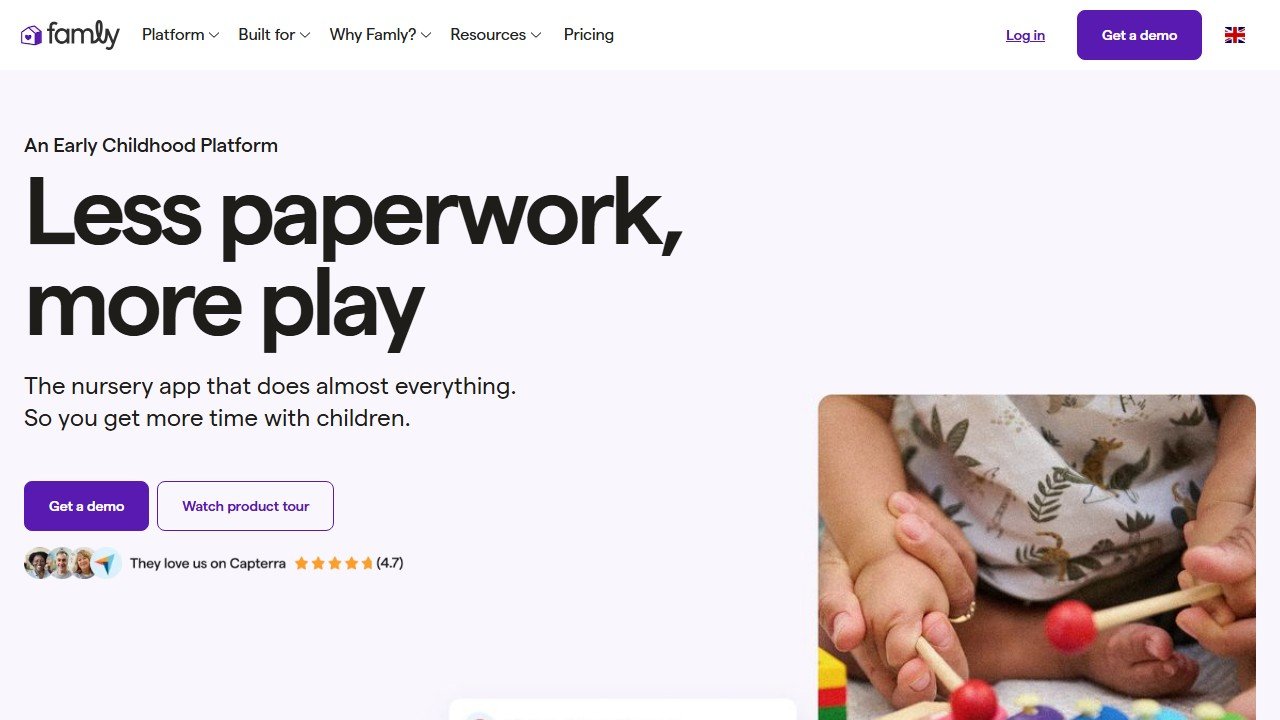
Famly started in Europe, where it became a dominant name in UK and Danish early-years settings before expanding into the US and German markets. Its DNA is parent engagement plus business intelligence: daily reports and observations on one side, occupancy and enrollment analytics with revenue forecasting on the other. It is the platform a multi-site owner reaches for when “how full are we, and how full will we be next term” is the question that keeps them up at night.
So the headline difference is not modern versus old. They are both modern. It is US-native simplicity versus growth-and-occupancy depth with European roots.
Daily workflow and the parent experience
This is where most directors form their first opinion, because it is what staff and families touch every day.
Brightwheel’s daily flow is widely regarded as the most frictionless in the category. Check-in is fast, the photo and video sharing is clean, daily reports take a tap, and the parent app is the one families tend to praise without prompting. If your staff are not especially technical and you want adoption with minimal training, Brightwheel’s polish is a real advantage and not a marketing line.
Famly is also genuinely modern and pleasant to use, with daily reports, observations, messaging, a newsfeed, and helpful touches like live translation and a writing assistant for educators. Where it pulls ahead is the breadth of what one platform covers: automatic staff ratio calculations, rota and holiday planning, and an add-on app store that lets you bolt on extra capability rather than stitching together separate tools.
The honest summary: Brightwheel feels lighter and faster for the core daily loop, Famly gives you more levers to pull once your team is up the learning curve.
One practical test we recommend to any director: shadow a single classroom through a full day on a trial of each. Watch how many taps it takes to check a child in, log a diaper change or a nap, snap and caption a photo, and close out a daily report at pickup. The platform that wins those small repeated moments is the one your staff will actually keep using six months from now, long after the demo enthusiasm fades. In our experience the everyday loop, not the feature list, decides whether a childcare platform sticks.
Features and depth
Feature-for-feature, both cover the childcare basics: attendance and check-in, messaging, daily reports, invoicing and payments, enrollment, and development or curriculum tracking. The differences are at the edges, and the edges are where the decision lives.
Brightwheel’s strength is the integrated American operations stack. Billing connects to online payments, subsidy tracking, and CACFP reporting, and the platform has pushed hard into payroll and staff scheduling so that staff hours can sync toward pay. For a single center or a small group that wants billing, comms, and pay roughly under one roof, that integration removes real headaches.
Famly’s strength is enrollment and occupancy. Its tools are built to predict, track, and boost enquiries and attendance, and to forecast revenue across one site or many. If you are an owner who thinks in terms of occupancy percentage, waitlist conversion, and forward revenue, Famly speaks your language natively. Brightwheel can report on enrollment, but it does not center the business-intelligence story the way Famly does.
For curriculum and development, both are capable. Brightwheel offers digital lessons and progress tracking; Famly offers observations, assessments, and a custom curriculum builder. Neither will replace a strong pedagogical lead, and you should not buy either expecting it to.
Integrations are the other edge worth checking before you sign. Brightwheel’s bet is that you will live mostly inside its own suite, so billing, payments, payroll, and scheduling are designed to talk to each other natively, which reduces the number of outside connections you need to maintain. Famly’s bet is the opposite: a leaner core with an app store of add-ons, so you assemble the capability you want rather than buying a fixed bundle. Both philosophies are defensible. The integrated approach means fewer moving parts and fewer surprises; the modular approach means more flexibility and the freedom to skip what you do not need. The question to ask yourself is whether you would rather manage one larger system or curate a smaller set of pieces, because that preference predicts which platform will feel right a year in.
Children’s data privacy
Whichever platform you choose, you are putting children’s names, photos, attendance patterns, health notes, and family contact details into someone else’s cloud. Treat that as the serious decision it is. Ask each vendor where data is stored, how long it is retained, who can access it, and whether any of it feeds AI features, model training, or analytics beyond your own center. A child’s photo or daily-report data should never become training material or be shared with third parties without explicit, informed consent. Famly’s European roots mean GDPR-grade handling is part of its baseline, which can be reassuring; Brightwheel operates under US and Canadian norms. Get the data-handling answers in writing, confirm any AI features are opt-in and scoped to your center, and make sure deletion on request is real and timely. This applies just as much to anyone equipping preschool teachers or nannies with classroom apps.
Pricing and value
Here is the part every demo dances around, so we will be plain: neither company publishes clean, self-serve pricing, and both route you to a sales conversation. Anything you read as a fixed number, including ours, should be confirmed on each vendor’s own pricing page before you commit.
Brightwheel uses a per-child model layered on a base subscription, so your bill scales with enrollment. Publicly reported figures cluster in the low single digits to roughly ten dollars per child per month depending on plan tier and features, which can land a small center somewhere in the low hundreds per month and a larger one considerably higher. Annual commitments and multi-site arrangements tend to unlock discounts, and nonprofit incentives exist. Treat those ranges as directional only.
Famly does not publish US pricing and is explicit that US centers should expect a sales conversation, with cost generally tied to child count and shaped by which modules you switch on. The modular app-store approach is flexible, but it is also where the bill grows: each add-on is another line item, and a quote that looks reasonable at the core can climb once you layer on the pieces you actually wanted.
The practical advice is the same for both. Get an itemized quote, ask specifically what is core versus add-on, ask about payment-processing fees on top of subscription, and model the cost at your real enrollment, not the demo’s example center.
Support and onboarding
Both platforms are built for centers without dedicated IT, so onboarding quality matters as much as features.
Brightwheel’s simpler surface area generally means faster time to value: less to configure, less to train, quicker for staff to feel competent. That is a genuine advantage for an overstretched director who needs the new system working next week, not next quarter.
Famly carries more capability, which means more setup, especially if you are turning on occupancy forecasting, ratio automation, and multiple add-ons. That investment pays off for the multi-site owner who will use the depth, and feels like overhead for a single small room that will not. Match the onboarding effort to how much of the platform you realistically intend to use.
It is also worth asking each vendor a few unglamorous support questions before you sign, because they predict your experience far better than the demo does. How is support delivered, by chat, email, or phone, and what are the realistic response times during a busy weekday morning? Is onboarding guided by a real person or self-serve? Will someone help you migrate your existing child records, family contacts, and billing history, or is that on you? Migration in particular is where good intentions go to die: getting clean data out of your old system and into the new one is often the hardest week of the whole switch, and a vendor that takes ownership of it is worth a meaningful amount on its own.
Who each one is for
Brightwheel fits the US or Canadian center, or small-to-mid group, that wants the cleanest parent experience, the lowest training burden, and tightly integrated billing, payments, and payroll. If “make daily operations smooth and keep families happy” is the brief, Brightwheel is the safer default.
Famly fits the growth-minded owner, the multi-site group, or the operator who lives and dies by occupancy and forward revenue, and anyone operating across regions where its European compliance heritage is an asset. If “help me fill rooms, forecast revenue, and run several sites from one analytics view” is the brief, Famly earns its keep.
A solo in-home provider or a tiny center may find both heavier than needed, in which case a lighter app or the lower tier of either is the honest starting point.
Brightwheel vs Famly at a glance
| Dimension | Brightwheel | Famly |
|---|---|---|
| Origin and focus | US-native, operations and parent app | European roots, parent engagement plus occupancy intelligence |
| Best fit | US and Canadian centers and small groups | Growth-minded and multi-site operators, multi-region |
| Parent app polish | Category-leading, very low training | Modern and capable, slightly more to learn |
| Billing and payments | Integrated, with subsidy and CACFP, plus payroll push | Invoicing and in-app payments, revenue reporting |
| Enrollment and occupancy | Reporting present, not the headline | Core strength: forecasting, enquiry and occupancy tools |
| Extensibility | Integrated suite, fewer add-on decisions | App store of add-ons, flexible but additive cost |
| Pricing model | Per-child plus base, quote-based | Child-count based, modular, quote-based |
| Data privacy posture | US and Canadian norms | GDPR-grade baseline from European origins |
All pricing and feature details change often. Confirm current specifics on the Brightwheel and Famly sites before deciding.
Our verdict
For most US and Canadian centers, Brightwheel is the cleaner choice. The parent app is the best in the category, staff adopt it quickly, and the billing-to-payroll integration removes the kind of daily friction that quietly drains a director’s week. It is the lower-risk pick when you simply need a modern platform running well, fast.
Choose Famly when the business questions are about growth rather than daily smoothness: filling rooms, forecasting revenue, comparing occupancy across multiple sites, or operating across regions where its compliance heritage helps. The depth is real, and for the right operator it is worth the steeper setup. Just go in expecting a quote conversation and a modular bill that grows with the add-ons you switch on. Neither is a wrong answer; they are simply optimized for different jobs, and the mistake we see most often is buying the platform with the better demo rather than the one that fits how your center actually runs.
When the honest answer is a third tool: if your real need is deep multi-site financials, subsidy complexity, and complex billing more than modern UX, the established incumbent is worth a look, which is exactly the tradeoff we walk through in Brightwheel vs Procare. And before you sign with either, read our deeper standalone takes in the Brightwheel review and the Famly review so you buy with eyes open.

Written by
FazFaz is the founder of AIToolsBakery. Some tools here are tested hands on. Others are assessed from vendor documentation and pricing verified on the live page, and every review says which one it is. Sponsors can buy a position in a guide. They cannot buy the score, the criticism, or silence about a better option.
How we test and how we make money →Frequently Asked Questions