A cafe is a small business with a big workload and a tiny margin. The owner is often the barista, the bookkeeper, the social media manager, and the person mopping at close. You do not need an enterprise software suite. You need a few cheap tools that quietly do the jobs you never have time for, so you can stay behind the counter where the business actually happens.
We are AIToolsBakery, we are independent, and we sell none of these tools. This is a deliberately lean guide to the AI tools that make sense for a cafe or coffee shop, with honest pricing and a clear line on what you can skip.
Quick answer: A cafe needs very little. A general AI model (ChatGPT or Claude) plus Canva handles your marketing, signage, and reviews for under $40 a month. Add Square as your POS (its AI features are included) and a simple scheduling tool like 7shifts only if a rota is a real headache. Skip the expensive restaurant platforms built for full-service operations.
Faz says: The worst thing a cafe owner can do is buy software meant for a 40-table restaurant. Your margins do not have room for a $300-a-month platform. Two cheap tools, an AI model and Canva, cover the marketing that actually brings people in. Spend the rest on better beans and a second barista, not a dashboard you will not open.
Marketing, social, and signage
This is where a cafe most needs help and where the cheapest tools win. ChatGPT or Claude writes your Instagram captions, a monthly email to regulars, your seasonal-drink announcements, and replies to reviews, all in your voice once you show it a few examples. Canva turns your phone photos into clean menu boards, A-frame signage, loyalty cards, and social graphics, with AI features that make it fast.
The realistic win is consistency without hiring anyone. For under $40 a month combined, you show up online every week and your shop looks intentional, which is most of cafe marketing.
The limit: people follow a cafe for its vibe and its people, not for polished AI copy. Use the tools for the first draft and the design grind, then add your real photos and personality. That is the part no competitor can copy.
Point of sale and loyalty
Square is the natural POS for most cafes: affordable, easy, and increasingly packed with AI-assisted features for reporting, inventory, and marketing, included in what you already pay. Its built-in loyalty and email tools let you reward regulars and bring them back without a separate platform. For a small shop, Square plus its native features covers the system-of-record job without the cost or complexity of a full-service restaurant POS.
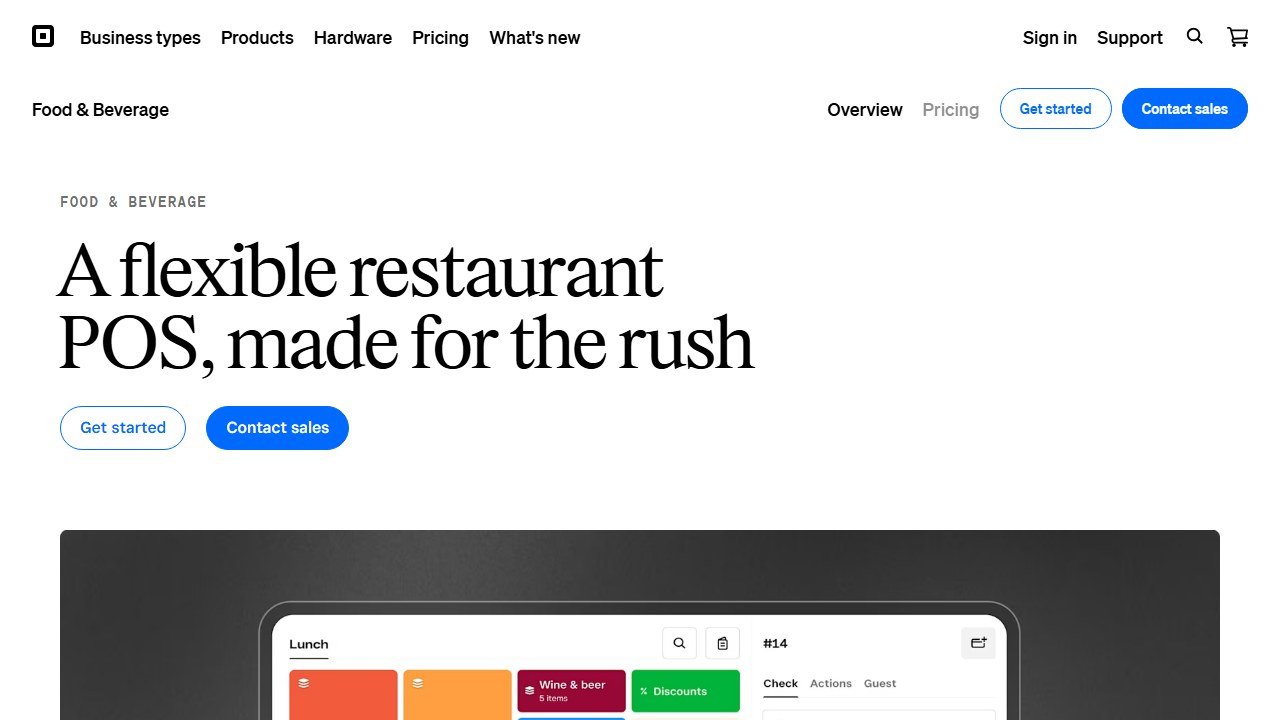
The honest note: turn on and use the features you are already paying for before buying anything new. Most cafes have marketing and loyalty tools sitting unused inside Square.
Scheduling, if you need it
If your rota is a weekly source of stress (multiple part-timers, shift swaps, availability changes), a tool like 7shifts brings AI-assisted scheduling, shift swapping, and team messaging, with a free tier for a single location. If you have three staff and a group chat that works, you do not need it. Be honest about whether scheduling is a real bottleneck or just a minor annoyance before adding another subscription.
Menu, pricing, and admin
A general AI model is a quietly useful back-office assistant for a cafe owner wearing every hat. Use it to write menu descriptions, draft a supplier email, build a simple staff training sheet, brainstorm a seasonal menu around what is fresh, sanity-check your pricing against your costs, and turn a messy idea into a clear plan. It will not replace an accountant, but it removes hours of small writing and thinking work.
As always, it does not know your numbers or suppliers unless you tell it, and it will guess if you let it. Use it as a fast assistant, not an authority.
The tools compared
| Tool | Job it does | Best for | Starting price |
|---|---|---|---|
| ChatGPT / Claude | Captions, emails, menu copy, replies | The bulk of the writing | Free; paid ~$20/mo |
| Canva | Menu boards, signage, social, loyalty cards | All visual design | Free; Pro ~$15/mo |
| Square | POS, loyalty, basic marketing | The system of record | Free POS; hardware + fees |
| 7shifts | Scheduling and team messaging | Multi-staff rotas | Free tier; paid from ~$30/mo |
The real monthly bill, verified July 31, 2026
The AI layer is cheap. The systems it plugs into are not, and the total is what actually hits your account. Every figure below is from the vendor’s own pricing page as of July 31, 2026.
Square charges per location, not per business:
- Free: $0 per location per month
- Plus: $49 per location per month
- Premium: $149 per location per month
- Kitchen display (Square KDS): $30 per device on Plus, $20 on Premium. Not available on Free
- Self-order kiosk: $50 per device on Plus, $30 on Premium. Not available on Free
- Payroll: $35 per month plus $6 per person paid
- Hardware: from $59
- Above $250,000 processed per year, Square directs you to custom pricing
Homebase, for scheduling and time tracking, also prices per location:
- Basic: $0, but capped at one location and up to 10 employees
- Essentials: $30 per location per month ($24 paid annually), unlimited employees
- Plus: $70 ($56 annually)
- All-in-One: $120 ($96 annually)
- Tip Manager add-on: $25 per location per month
- Task Manager add-on: $13 per location per month
- Background checks: $30 each
Two vendors would not let us verify anything. Toast and Canva both block automated access to their pricing pages, so no figure for either appears in this guide. Check them directly and treat any number you read elsewhere as undated.
A real cafe’s software bill, added up
The “under $40 a month” figure earlier in this guide covers the AI and design layer only. Here is what a single-location cafe actually pays once the operational systems are included.
The genuinely free setup. Square Free at $0, Homebase Basic at $0, a free AI model tier, Canva’s free tier. Monthly software: $0. This is real and it works, with two hard ceilings: Homebase Basic stops at 10 employees, and Square Free excludes both the kitchen display and the kiosk. Plenty of cafes never outgrow it.
The eleventh employee. Hire one more barista and Homebase Basic stops being an option. Essentials at $30 a month is the smallest step up, or $24 if you commit annually. Add Tip Manager at $25 if you pool tips and want them pulled into timesheets automatically. Monthly: $49 to $55, or about $650 a year.
The counter-service build-out. Square Plus at $49, one kitchen display at $30, one kiosk at $50, Homebase Essentials at $30, Tip Manager at $25. Monthly: $184, or about $2,200 a year, before hardware and before a single cup is sold. That is the number to hold against the earlier claim that your margins have no room for a $300-a-month platform. It is directionally right, but the gap between $40 and $300 is where most growing cafes actually land.
Where the money actually leaks
Subscriptions are the visible cost and rarely the big one. Card processing is charged on every transaction you take, and on a cafe’s average ticket the fixed per-transaction component matters more than the percentage.
The arithmetic is unforgiving at low ticket sizes. A fixed fee of roughly 10 to 30 cents per card transaction is trivial on a $40 restaurant check and brutal on a $4.50 flat white, where it can represent several percent of the sale on its own before any percentage rate applies. A cafe running 200 transactions a day pays that fixed component 73,000 times a year.
Three things follow, and none of them require new software:
- Know your effective rate. Not the advertised percentage. Take one month of total processing fees, divide by total card volume, and you have the only number that matters. Most owners have never calculated it.
- Raising average ticket beats switching processors. Moving a $4.50 average to $6.50 through a pastry attach does more for your fee percentage than most rate negotiations, and it grows revenue at the same time.
- Square’s $250,000 threshold is a real fork. Once you process above it, you are eligible for custom pricing. If you are near that line and still on published rates, that call is worth making.
Every AI tool in this guide is worth less to your P&L than getting these three right.
The lean cafe stack
- A general AI model (ChatGPT or Claude) for all marketing and admin writing.
- Canva for menu boards, signage, and social.
- Square as your POS, with its loyalty and marketing features switched on.
- 7shifts only if scheduling is genuinely painful.
That is the whole list. A cafe that adds more software than this is usually solving a problem it does not have. Spend the savings on the product and the people, which is what actually fills the seats.
The bottom line
A cafe wins on product, people, and consistency, and AI helps with exactly one of those: showing up consistently without burning the owner out. Keep the stack tiny: a general AI model and Canva for marketing, Square for the POS, and 7shifts only if the rota demands it. Resist the restaurant-grade platforms; your margins are better spent on beans and baristas. For the full-service toolkit, see our best AI tools for restaurants guide.

Written by
FazFaz is the founder of AIToolsBakery. Some tools here are tested hands on. Others are assessed from vendor documentation and pricing verified on the live page, and every review says which one it is. Sponsors can buy a position in a guide. They cannot buy the score, the criticism, or silence about a better option.
How we test and how we make money →