Search for an AI volleyball app and the results are mostly app store pages and directories, with Balltime’s App Store listing repeated across a dozen countries. What none of them tells you is that Balltime is now part of Hudl. Hudl announced the deal on 6 February 2025, and on 7 November 2026 the balltime.com address forwarded to Hudl’s own product page. Hudl’s transition page says team accounts “transition to using Hudl” at their next renewal, while individual plans “continue on Balltime until further notice”. The Balltime iPhone app was last updated on 28 April 2026.
The bigger issue is that “AI volleyball app” covers four different jobs. Some apps watch a whole match and tag every touch. One service uses people to tag the film and puts an AI chat on top. Some score a single clip of your serve or approach. One just cuts the dead time out of a long recording. Each job needs a different camera setup, costs a different amount and sends your film to different places. This guide compares seven apps across those four jobs, plus a manual stat app as the benchmark, for players, parents and club coaches, indoor and beach.
How we reviewed these. We have not used these tools ourselves. Every price, rating, date and feature below comes from the app’s US App Store or Google Play listing, or the vendor’s own website, pricing page, terms or privacy policy, read on 7 November 2026, and each source is linked. App Store prices are the in-app purchase prices Apple lists for the US store. Accuracy figures are the vendors’ own: we found no independent check of any app here.
What the AI in a volleyball app actually does
Sort this out before you compare prices. The job decides where the phone goes, how long the clip is and what you get back.
It tags a whole match: Balltime, Tavo, Skyball
You record a full match, usually from behind the end line or high on the side, and upload it. The software finds the rallies, identifies players, often by reading jersey numbers, and labels each touch: serve, pass, set, attack, block, dig. Out of that come a box score, filtered clips of one player, and highlight reels you can share. This is what many families mean when they ask for an AI volleyball app, because it turns hours of tournament film into the few minutes that show their player. Its weak spot is the camera. A shaky phone, a bad angle or a crowded gym all reduce what the model can see, and every one of these vendors lets you correct its calls by hand.
People tag the film, then AI explains it: Avais
Avais does the same job for beach volleyball, but its site says the breakdowns come from “real analysts”, with a second analyst checking each match. The AI part is a chat assistant called Coach ACE that answers questions from those numbers. Human tagging is slower to scale, but it is a fair answer to the accuracy question above.
It scores one skill clip: VolleyVision, VolleyForm
Here you film a short clip of one action, such as a serve, an approach and swing, or a pass, and the app grades the technique and suggests a drill. VolleyVision sends the clip to AI models in the cloud. VolleyForm tracks body points on the phone itself. Neither gives you match stats. The score is a model’s opinion of your form, not a measurement, and it depends on the angle you filmed from.
It only cuts the film: AutoCut
AutoCut Volleyball finds where each rally starts and ends in a long recording and exports the rallies as clips. No stats, no player tracking. For a coach who already uses another platform for analysis, cutting is often the slow part.
AI volleyball apps compared
| App | Job | What you pay (7 November 2026) | Indoor or beach | Platforms | US ratings | Last updated |
|---|---|---|---|---|---|---|
| Balltime (Hudl) | Tags match film, highlights, recruiting reels | Player $20 a month; Recruiting $299 a year; teams by quote | Indoor, beach and grass, per its listing | iPhone and web | iOS 3.1 (29) | 28 April 2026 |
| Tavo | Tags match film, stats, highlights | Individual $29 a month or $21 a month yearly; Team $89 a month or $780 a year | Beach and indoor, per its listing | iPhone and web | iOS 5.0 (1) | 20 October 2026 |
| Skyball | Tags match and practice film, advanced stats | Free tier; Player Pass $199 a year or $19 a month; team passes from $499 a year | Indoor; beach only on request | iPhone and web | iOS 5.0 (4) | 6 November 2026 |
| Avais | Human-tagged film plus AI chat | Free tier; Lite $99.90 a year; Pro $390 a year; Max $690 a year | Beach now; indoor coming soon | Web | No current US App Store listing found | Policy dated 4 November 2026 |
| VolleyVision | Scores a skill clip, AI coach chat | Ten App Store prices listed, from $4.99 a week to $59.99 a year | Not stated | iOS, Android | iOS 4.5 (132); Android 4.3 (80) | 7 November 2026 (iOS) |
| VolleyForm | Scores a skill clip on the phone | Free; no in-app purchases listed | Not stated | iOS; Android in beta | iOS 5.0 (5) | 25 August 2026 |
| AutoCut Volleyball | Cuts film into rallies | Free up to 10 rallies a video; Pro $14.99 a month | Indoor and outdoor | iOS, Mac | iOS 4.0 (1) | 26 October 2026 |
| SoloStats 123 (benchmark, no AI) | Manual live stats; no AI | App free; web reports from $10 a month | Not stated | iOS, Android | iOS 4.7 (495); Android 4.3 (274) | 15 September 2026 (iOS) |
Read on 7 November 2026. Ratings are rounded to one decimal, with the number of ratings in brackets. Platforms list what we could confirm on the vendor’s pages and the stores; an app missing a platform here may still have one we did not find. Look at those rating counts. Apart from VolleyVision and the SoloStats benchmark, no app here has more than 30 US ratings, and four have five or fewer. Several of these products launched in 2026, so a high star rating from four people tells you very little.
How we chose and ordered these
Every AI app in the lineup had to describe AI analysis of volleyball film in its own words, have an update in the last 12 months, be available to US users, and publish a privacy policy we could open, because these apps handle film of children. We ordered them by job: match-film tagging first, then the human-tagged service, then skill-clip scoring, then rally cutting. A manual stat app sits in its own benchmark section near the end, outside the numbered list. The order is not a score. Apps we left out are listed further down with the reason.
The seven AI apps
1. Balltime by Hudl: match film to stats and recruiting reels
Balltime takes any volleyball footage, from a tournament recording to a phone clip, and its App Store listing says it uses AI to “automatically identify different players, actions, and stats in any Volleyball footage.” The same listing says its model handles “indoor, beach, or grass volleyball, practice or game footage”. Hudl’s pricing page lists automatic downtime removal, automatic vertical highlight reels, “Serve, attack and set speeds” and “Vertical Jump Detection”. When Hudl bought it, the announcement said Balltime served “more than 12,000 indoor and beach volleyball teams, supporting more than 125,000 athletes”.
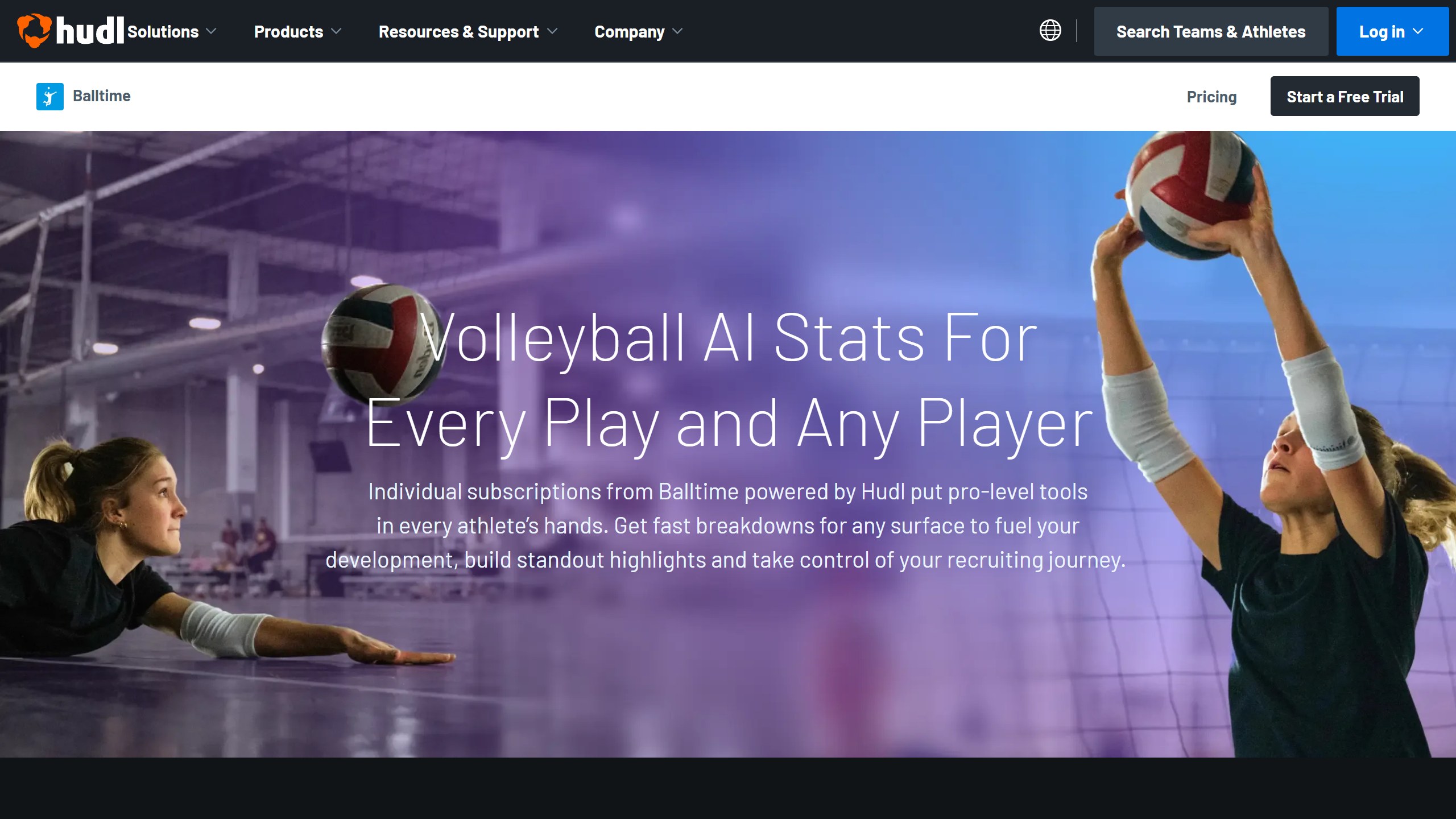
What you pay. Hudl’s pricing page lists the Player plan at $20 a month with “15 hours of video per month”, and Recruiting at $25 a month “Billed at $299 annually”, with “200 hours of video per year”. Recruiting adds horizontal recruiting video exports, “AI-generated Recruiting Videos”, position templates and an introduction slide builder. Both plans offer a “14 day trial”, with “no credit card needed”. The US App Store lists four purchases: Balltime Player at $20.00, Balltime Recruiting at $299.99, Grassroots at $12.00 and Balltime Premium at $239.99. Grassroots and Premium do not appear on Hudl’s page, so check what the app offers you before paying. Team pricing is by contact.
The Hudl change. For clubs, Balltime’s AI now sits inside Hudl Assist, which Hudl calls “Hudl Assist Powered by Balltime AI”. Hudl lists match and practice breakdowns for clubs, practice breakdowns for colleges with match breakdowns “available through Volleymetrics or Hudl Assist”, and high school “Match and practice breakdowns coming in 2026”, with a waitlist. There are no public prices, only demo and sales links. Hudl’s transition page says team users “will no longer be able to upload to Balltime” after their renewal date, while their videos, playlists and highlights carry over to Hudl. For individuals, “your price is remaining the same upon your automatic renewal”.
Data and age. This is the weak spot right now. The privacy link on the App Store listing forwarded to a Hudl product page on 7 November, and the privacy address inside the app description returned a “not found” error. So we could not read a current Balltime privacy policy. The App Store label lists contact info, usage data and photos or videos as collected but not linked to you, and nothing as used for tracking. Ask Hudl which policy covers your account before you upload a minor’s film.
The iPhone app had 3.1 from 29 US ratings and was last updated on 28 April 2026, with the release note “Improve video upload speed”. We found no Balltime app on Google Play, so Android families would use the web version.
Choose it if you want a recruiting reel with serve speed and jump numbers, and you are happy for the account to end up on Hudl. Skip it if you want an app with a recent update and a privacy policy you can actually open today.
2. Tavo: match stats and highlights for one player or a team
Tavo, from AX2 Group in Markham, Ontario, takes a full match filmed on any phone. Its App Store listing says it “breaks down every rally, tracks every player, and generates full performance reports”, and that “AI detects jersey numbers and attributes stats to each player”. It says it supports “beach and indoor volleyball”. The site promises “40+ stats” per player, highlight clips, and a recruiting playlist, and its latest update added livestreaming with a live scoreboard for people watching from home.

Read the accuracy line with care. Tavo’s site advertises “98.85% AI ACCURACY” and says its models were trained “on over 50,000 real volleyball videos”. It does not say how it measured that figure, and we found no independent test.
What you pay. Tavo’s pricing page lists Individual at $29 a month, or $21 a month on the yearly plan, and Team at $89 a month, or $65 a month billed yearly, which the page totals at $780 a year. Every individual plan includes free access for up to 4 parents or coaches. The page says a subscription covers 6 to 10 matches a month, and that going annual gets you “all 80+ matches upfront”. The refund promise has a condition: email within 7 days of purchase, “as long as you’ve had less than 3 hours of match footage processed”. Clubs with 10 or more teams book a call. Purchases happen on the website, as the US App Store page lists no in-app purchases.
Data and age. Tavo’s privacy policy (effective 9 January 2026) says it does not use facial recognition and that “Tavo does not use uploaded customer video to train publicly available AI models.” That wording leaves room for training its own private models. The policy names Meta Platforms and AppsFlyer as advertising and analytics partners, and the App Store label lists identifiers and usage data as used to track you across other companies’ apps and websites. Under 13s cannot create their own accounts, and the uploading organisation must have parental consent for any minors in the film.
The iPhone app had 5.0 from a single US rating and was updated on 20 October 2026. We found no Android app.
Choose it if you want a team plan with family access and a clear published price. Skip it if you want an app with a track record of reviews, or you would rather your data stay away from ad partners.
3. Skyball: a tripod at the end line and stats volleyball rarely gets
Skyball launched on the App Store in September 2026. Its listing says it “turns one phone on a tripod into a full breakdown of the match”: record from the end line, and the film uploads while you play. Every serve, pass, set, attack, block and dig is tagged by player and skill. On top of the usual box score it adds expected points and win probability for every rally, numbers Skyball says “every other major sport already has”. It handles practice film too, and asks you to confirm who is who once. The site asks for a phone shooting “1080p or better”.
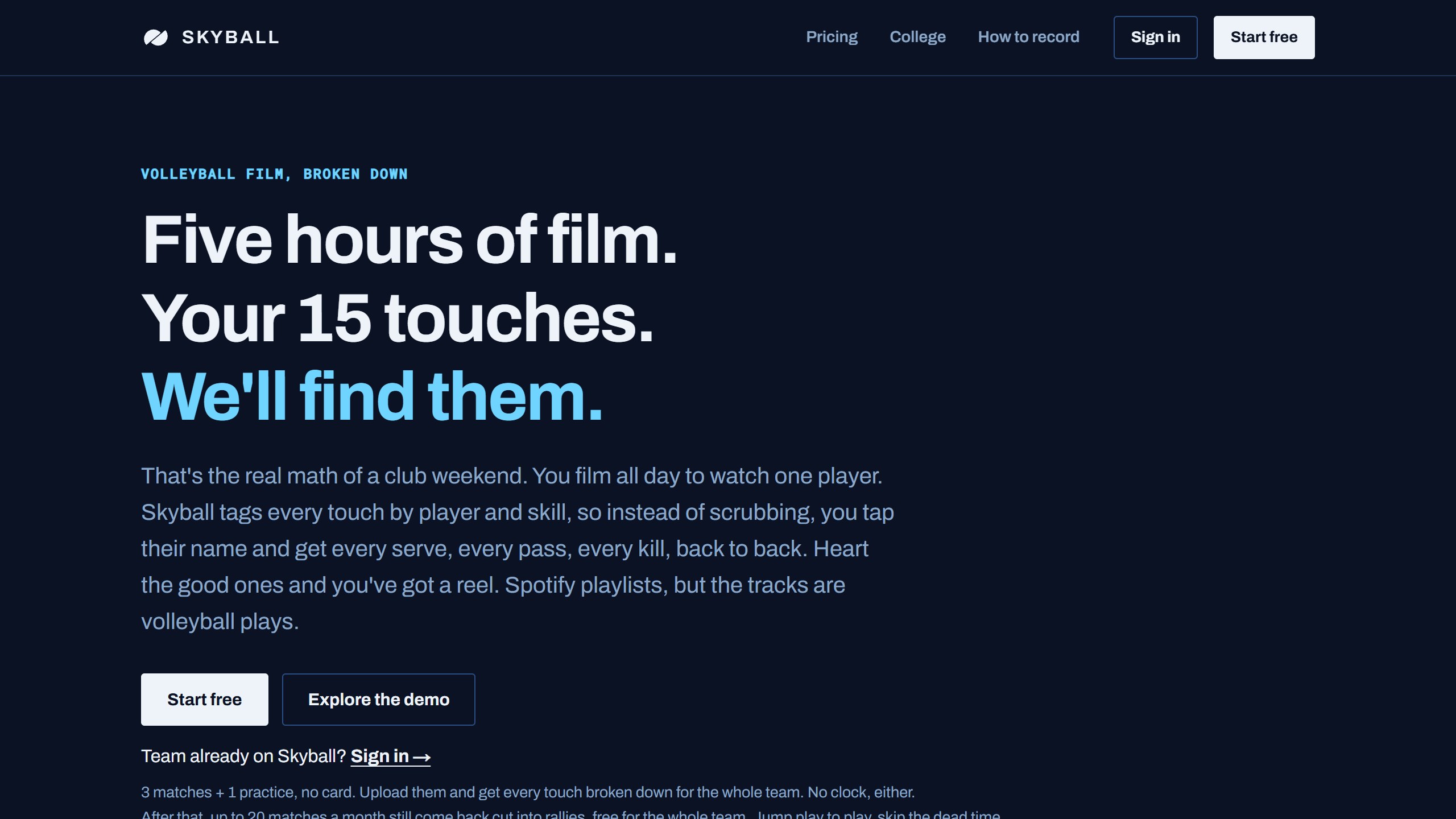
What you pay. Skyball’s pricing page spells out every plan, monthly and yearly. The free plan breaks down your first 3 matches and 1 practice in full, then still cuts up to 20 matches a month into rallies for the whole team. A Player Pass, which unlocks one player’s full breakdown for everyone linked to that player, is $199 a year or $19 a month. A Staff Pass for you plus 3 people is $499 a year or $49 a month, and a Full Team Pass is $999 a year or $99 a month. Clubs pay from $499 a team, with every 11th team free. College programs get a free preview until 2027, then $999 for the 2027 season. Without a pass you see the counts and only the first clip of each highlight reel.
Indoor first. The pricing page says “Beach film exists in the engine but isn’t in the self-serve plans yet”, so beach players have to contact Skyball.
Data and age. Skyball’s homepage is direct. It says “By default, uploads help train our models after names, rosters, and account details are removed”, and the team owner can switch that off in Team settings. It uses jersey numbers, not facial recognition. It says children under 13 do not get their own account and appear only as roster names managed by an adult, and video is kept at least 12 months from upload. The privacy policy (last updated 15 October 2026) goes further: “The Platform is not intended for children under age 18.” That does not match a product sold for club volleyball, where many players are under 18, so ask Skyball which version applies before you upload.
The iPhone app had 5.0 from 4 US ratings and was updated on 6 November 2026, at version 0.5, which suggests an early product. We found no Android app; film can be uploaded from the camera you already use.
Choose it if you coach indoor and want a free way to see what match tagging gives you. Skip it if you play beach, or the training default and the under-18 line in the policy bother you.
4. Avais: beach film tagged by people, with an AI chat
Avais is a web service for beach volleyball. Its homepage says it “turns your match film into stats, clips and every rally in 3D, broken down by real analysts”, and that “A trained analyst tags every play, then a second checks the match before it reaches you.” Coach ACE, the AI part, answers questions about your matches with your own numbers and a chart. Its pricing page calls the same breakdowns “AI breakdowns”, so expect a mix of software and people. The pricing FAQ says Coach ACE “never makes up a number the film does not hold”, which is the vendor’s own claim.
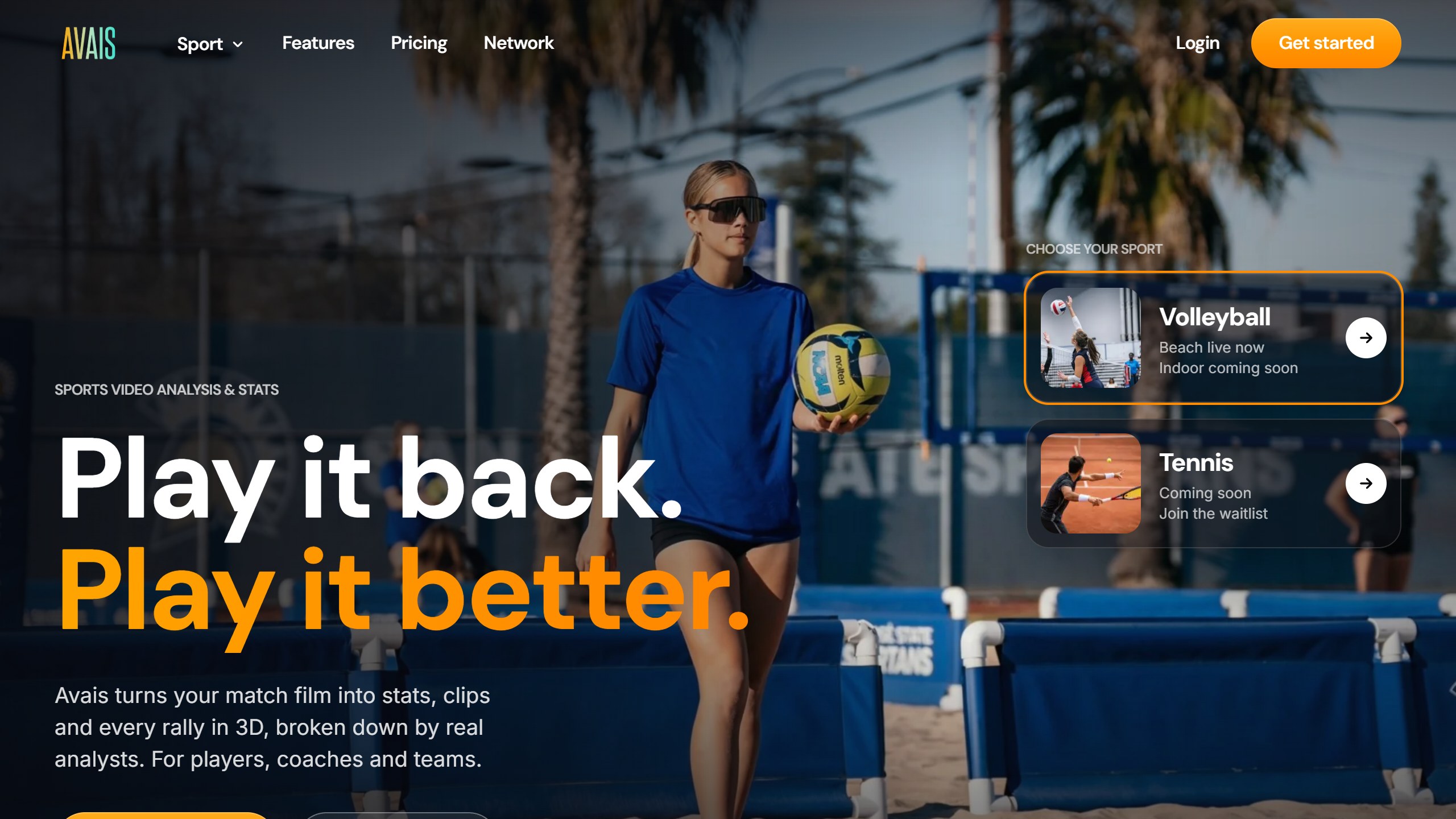
Avais has changed. App directories still describe it as a live tracker on a tripod, but its About page now says “Real-time tracking is on the roadmap”, and the App Store listing those directories link to did not load in the US, UK, Canada or Australia stores on 7 November. Indoor volleyball and tennis are listed as “coming soon”.
What you pay. The pricing page has beach, indoor, player and coach views; the figures here are the beach player plans billed annually. Free costs nothing, keeps film for 90 days and skips the dead time in one film a year. Lite is $99.90 a year for 10 hours of film a month with dead time skipped, and no analyses. Pro is $390 a year with 3 game analyses a month, and its FAQ prices Pro at $39 a month on monthly billing. Max is $690 a year with 5 analyses a month. One analysis covers one beach game, extra credits cost $15 on Pro or $12 on Max, and unused credits roll over for 12 months. Club is $1,999 a year with 120 game analyses. The 7-day trial needs a card, and you are charged on day 8. Refunds are available within 7 days, but only if you have not used any analysis credits in that billing period.
Data and age. The privacy policy (last updated 4 November 2026) says film used to train its models is anonymised first and the training runs on its own infrastructure. To keep your film out of training altogether, you email support. Coach ACE’s answers “are written by an outside AI service”, which the policy does not name, and nothing goes to it until you allow it in the app. The terms require account holders to be 13, and under 13s need an account set up by a parent with verifiable consent. Plans renew automatically until you cancel.
Choose it if you play beach and want a person, not only a model, checking the tags. Skip it if you play indoor, want an app in your phone’s store, or want analyses cheaper than $390 a year.
5. VolleyVision: a score for one clip, from cloud AI
VolleyVision, from OmnivexLabs in Delaware, takes a clip of up to 2 minutes of a serve, spike, pass or rally. Its App Store listing says the AI “automatically detects your techniques in serving, passing, setting, spiking, defense, and more” and returns an overall score, skill ratings, timestamped feedback and drills. There is also a “24/7 AI Coach Chat” for technique and strategy questions, and a live scoreboard. The listing says its feedback comes from Google Gemini AI.
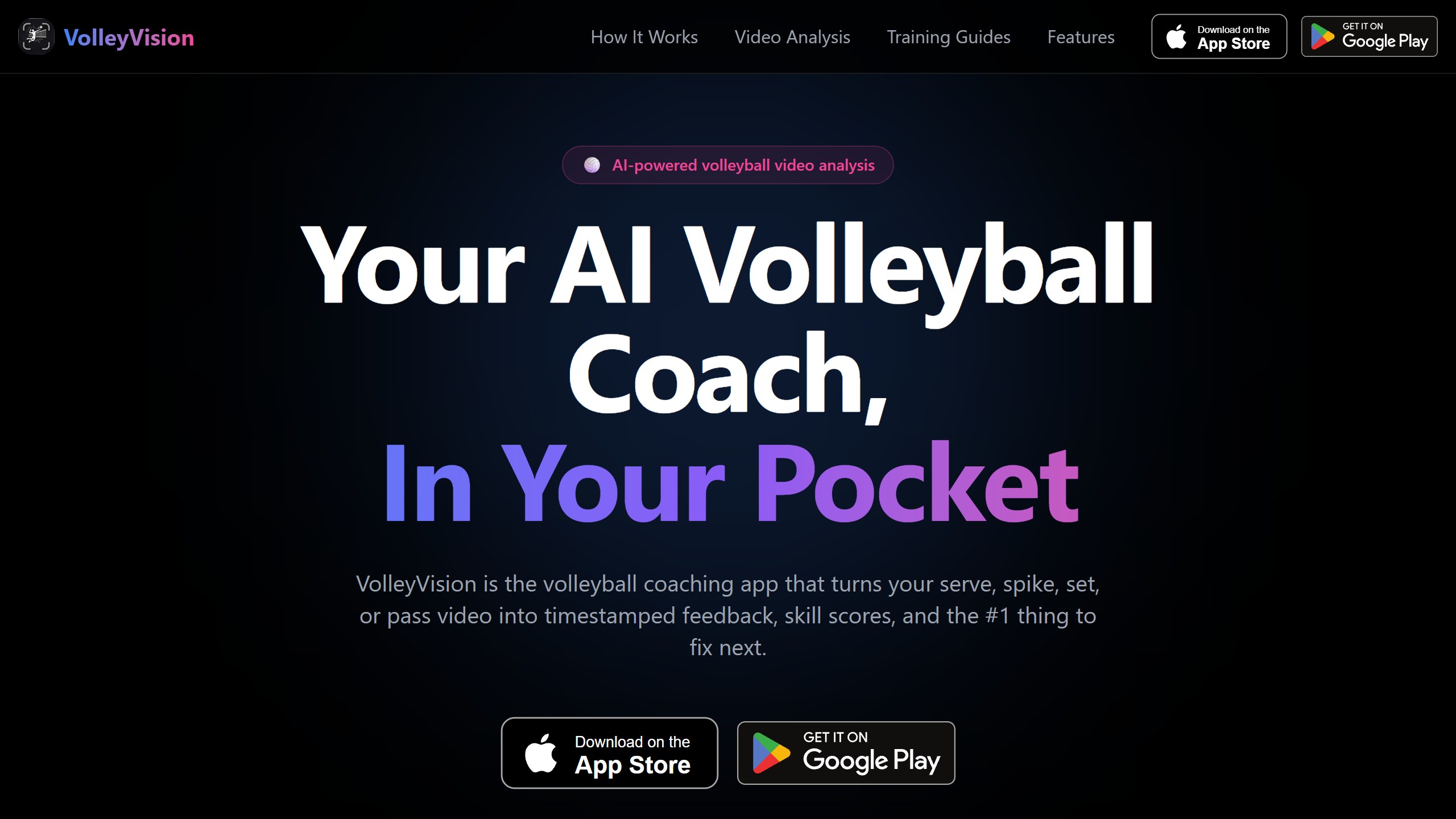
What you pay. The site says the app is free to download, a subscription is required for analysis, and “your first analysis is on us”. The US App Store lists ten prices: weekly plans at $4.99, $9.99 and $19.99; monthly at $9.99; $24.99 for 3 months; and yearly at $29.99, $49.99 and $59.99, some with a 3-day free trial. The latest release notes say the update “improves paywall routing”, so the plan you are shown may differ from someone else’s. Check whether you are signing up weekly, because $9.99 a week is far more than $49.99 a year.
Data and age. The privacy policy (last updated 1 November 2026) says VolleyVision “uses a combination of in-house AI models, Google models, and third-party models accessed through OpenRouter”, and that the data processed can include your video footage and chat messages. It runs advertising on Google, Meta and TikTok and uses their attribution tools. It says the app “is not intended for children under 13 years of age”, and the App Store rates it 12+. The App Store label lists health and fitness, purchases, contact info, identifiers and usage data as used to track you.
The iPhone app had 4.5 from 132 US ratings and was updated on 7 November 2026. The Android app had 4.3 from 80 reviews, with 1K+ installs, updated on 13 October 2026. The site advertises “4.7★ on the App Store & Play Store”, which did not match either US store on the day we read them.
Choose it if you are a teen or adult player who wants quick feedback on one skill, and you are on Android or iPhone. Skip it if you do not want clips sent to Google and other cloud AI providers, or the player is under 13.
6. VolleyForm: form scoring that stays on the phone
VolleyForm, from developer Jonathan Berent, works the other way. Its site says “Apple Vision locks onto 17 body keypoints at up to 60 frames per second”, and the analysis runs on the iPhone rather than in the cloud. You film setting, hitting, serving, blocking or passing, and the App Store listing describes instant scoring, a skeleton overlay, an injury risk assessment and side-by-side comparison with pro players. The site describes a score out of 100 with one coaching cue, and flags for shoulder, knee and ankle patterns that it links to published research. Those injury flags are the vendor’s description, not a medical assessment.
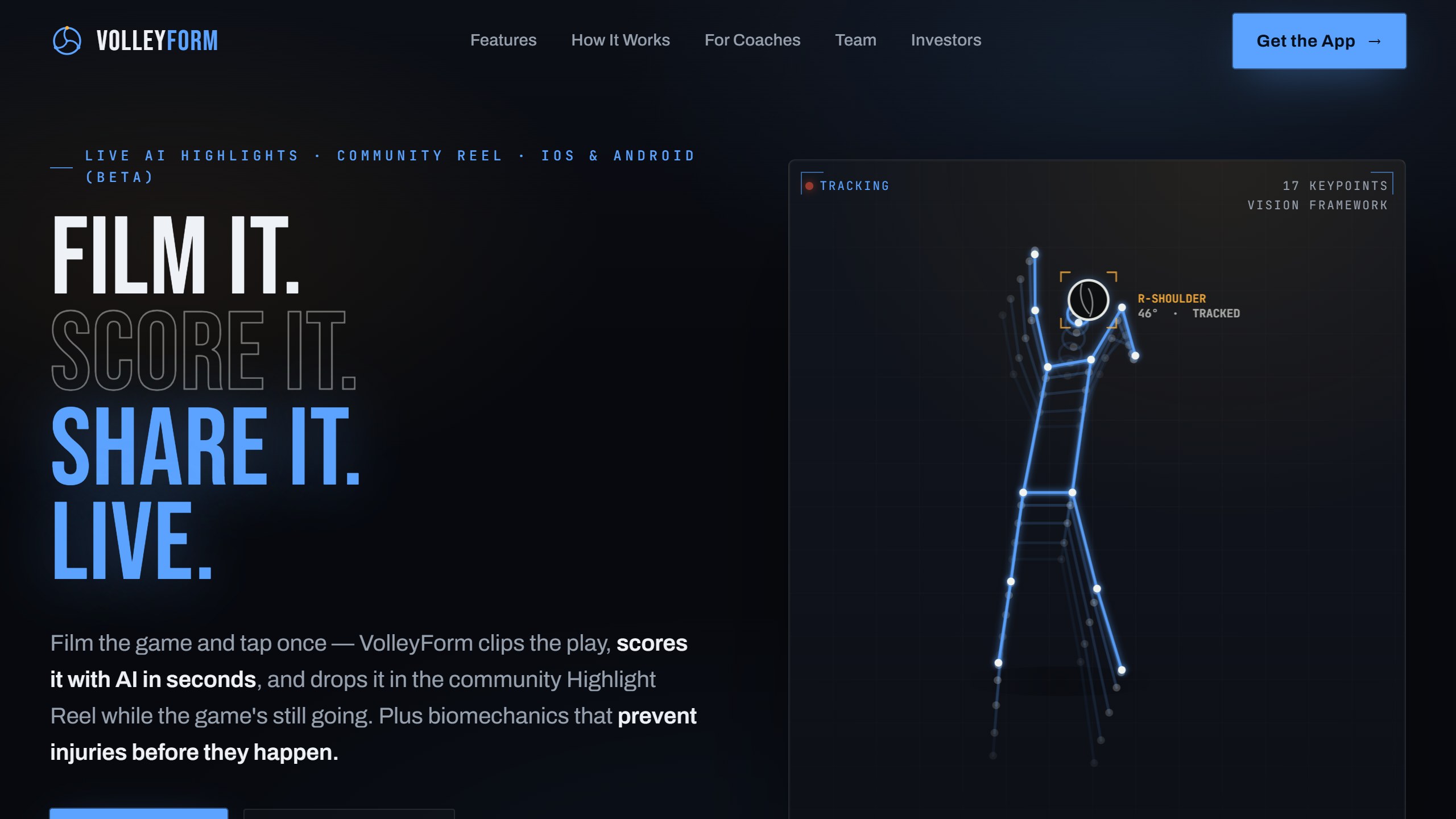
The site also describes a newer social side: tap to save a highlight during a game, post it to a community highlight reel, vote on other players’ clips and climb skill leaderboards. An AI coach called Karch runs on Telegram. An Android version is in open beta, per the site.
What you pay. The App Store lists no in-app purchases, and the site says it is free on iPhone.
Data and age. The privacy policy (last updated 6 February 2026) says video analysis happens on your device and is not uploaded or stored on its servers. The exception is the coach labeling program, where coaches upload videos to help train the AI. VolleyForm is “not intended for children under 13”. The policy is dated before the community reel described on the site, so if you post a clip there, assume it is public.
The app had 5.0 from 5 US ratings, was released in July 2026 and last updated on 25 August 2026.
Choose it if you want free technique feedback that never leaves your phone. Skip it if you are under 13, or you want a long track record before trusting the score.
7. AutoCut Volleyball: rally cutting on an iPad or Mac
AutoCut Volleyball does one job. Its site says it can “Turn 3+ hours of match film into individual rallies in about 1/8 the time”, for indoor and outdoor, beach or grass, matches. It finds the start and end of each rally, tries to skip replays, and lets you trim, split or delete rallies and export them as separate clips, one combined file or an edit list for video editors. It fills in score, set and serving team only when the video already shows a scoreboard graphic. The site says it is available for iOS and Mac through the App Store, and it “Works best on iPads and Macbooks with Apple Silicon M series processors”.

What you pay. It is free for up to 10 rallies per video. AutoCut Volleyball Pro Monthly is $14.99 on the US App Store, and the listing supports Family Sharing.
Data and age. The privacy policy (last updated 29 August 2026) says processing uses Apple’s on-device machine learning and videos never leave your device, unless you choose to attach one to a bug report or training request, which is off by default. The app is not directed to children under 13.
The app had 4.0 from a single US rating and was updated on 26 October 2026.
Choose it if you are a coach or video parent who already has an analysis platform and just needs rallies cut fast. Skip it if you want stats or player tracking.
Indoor or beach: who supports what
This is where the apps split, and the store pages do not make it obvious.
- Beach and indoor in one product: Balltime’s listing says indoor, beach or grass. Tavo’s listing says beach and indoor. AutoCut says indoor and outdoor, beach or grass.
- Beach only, for now: Avais lists beach as live and indoor as coming soon.
- Indoor first: Skyball’s self-serve plans do not include beach yet.
- Not stated: VolleyVision and VolleyForm grade a skill rather than a match, so the surface matters less, but neither page we read says beach or indoor.
Beach film also has long gaps between rallies: Avais says a two-hour recording might hold forty minutes of rallies. If you play beach, upload a free match before you pay for a season.
Who sees your player’s film
The directories never cover this, and for a parent it matters more than the stats. Here is what each policy or vendor page says:

- Used to train the vendor’s own models by default: Skyball, after names and rosters are removed, unless the team owner switches it off. Avais, after anonymising, unless you email to opt out.
- Sent to outside AI providers: VolleyVision names Google models and third-party models through OpenRouter. Avais sends Coach ACE questions to an unnamed outside AI service once you allow it.
- Kept on the device: VolleyForm and AutoCut say analysis happens on the phone, iPad or Mac.
- Shared with ad partners: Tavo names Meta and AppsFlyer, and VolleyVision uses Google, Meta and TikTok attribution.
- Under 13s: Tavo, VolleyVision, VolleyForm and AutoCut say they are not for under 13s or do not let them make their own accounts. Avais allows under 13s through a parent’s account with verifiable consent. Skyball’s homepage describes under 13s as roster names, while its privacy policy says the platform is not intended for anyone under 18.
- No policy we could read: Balltime, whose privacy links forwarded to a Hudl product page or returned an error on 7 November.
- Coaches filming a team: Tavo and Avais put responsibility for permission on whoever uploads. If you film other people’s children, get that permission in writing.
What a season costs
Using prices listed on 7 November 2026, here is one year of each match-film option for a single player, ignoring sales and assuming prices hold:
- Skyball Player Pass: $199 a year, or $0 if the free 3 matches, 1 practice and rally cutting are enough.
- Tavo Individual: $252 a year at $21 a month, or $348 at $29 a month for 12 months.
- Balltime: $240 a year at $20 a month on Player, or $299 a year on Recruiting.
- Avais: $390 a year on Pro for 36 beach game analyses, or $690 on Max for 60.
For a whole team the gap widens: Skyball’s Full Team Pass is $999 a year and Tavo’s Team plan $780 a year, while Balltime, through Hudl, and Hudl Assist are quote only. A club season often runs only part of the year, which is where monthly billing helps. Skyball at $19 a month for five months is $95, which is less than its $199 yearly price.
The non-AI benchmark
Before paying for any of the seven AI apps, compare them with what many club benches already run: a person tapping stats live. This app is not part of the numbered AI lineup above.
SoloStats 123: manual stats on the bench (no AI)
SoloStats 123, from Rotate123, is not an AI app. A coach or parent taps each touch live on the bench, and the app keeps score, rotations, sideout percentage and player stats. Its listing calls it free for unlimited matches and teams, says it is “Trusted by 50,000+ volleyball coaches” (a vendor figure), and exports to MaxPreps, Hudl and Excel. Rotate123 also makes SoloStats Voice, where you speak the stats instead of tapping, though that app had no US ratings yet.
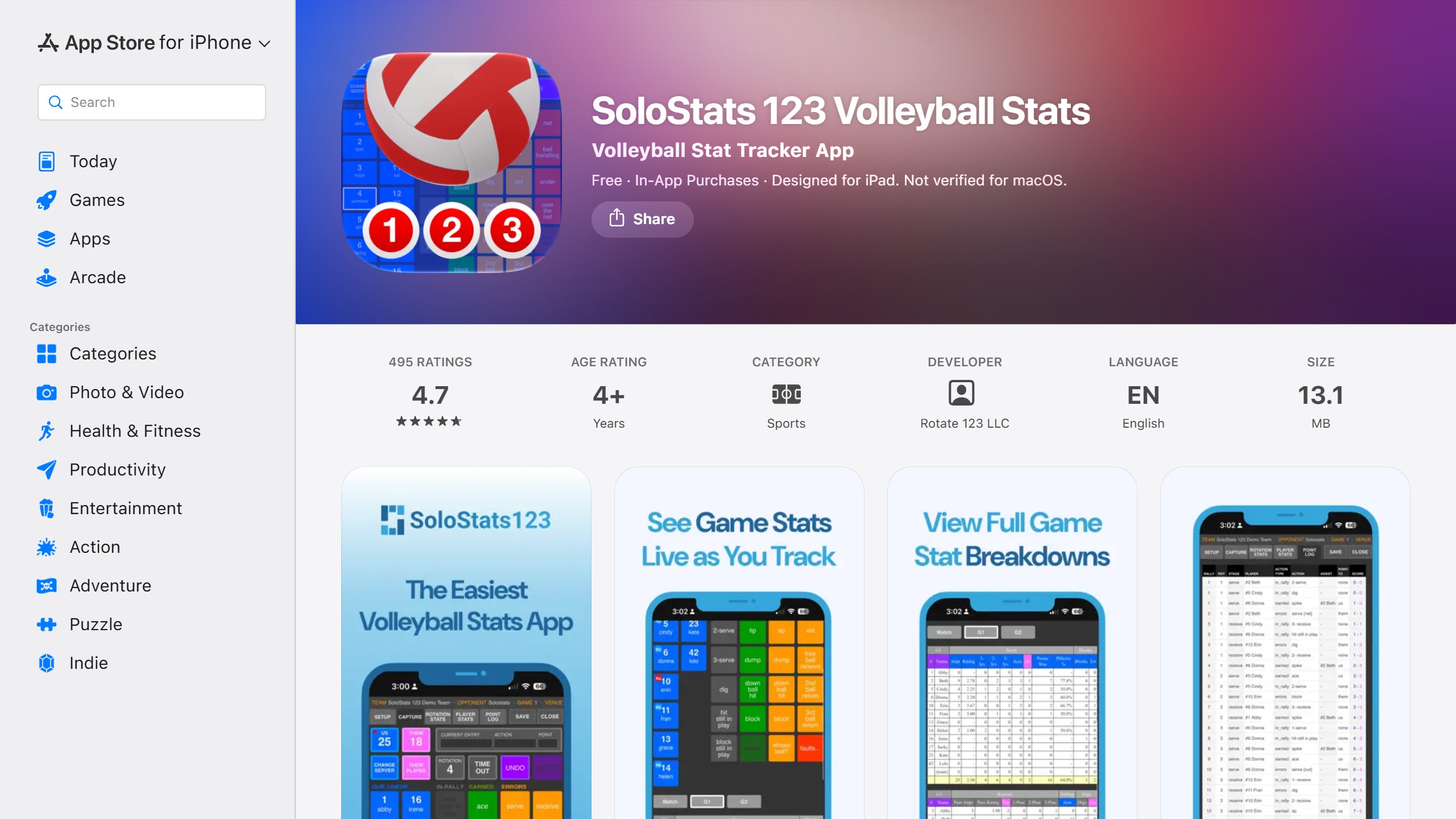
What you pay. The app is free. SoloStats’ pricing page lists Standard at $10 a month, with about 5 Insights match reports a month and web trend reports, and Pro at $25 a month with about 20 reports and SoloStats Video. The App Store also lists yearly in-app purchases from $4.99 to $12.99.
The iPhone app had 4.7 from 495 US ratings and was updated on 15 September 2026. The Android app had 4.3 from 274 reviews, with 10K+ installs.
Choose it if someone on the bench can tap stats live and you want numbers during the match, not after. Skip it if nobody is free to keep stats, or you want video highlights.
What we left out, and why
VolleyVital appears in volleyball app lists as a swing analysis app with an AI coach, and its website is live, but we could not find it on the US App Store on 7 November: the listing returned nothing in the US, UK, Canada or Australia stores. BeachLab: Beach Volleyball AI promises automatic beach stats and serve speed, but it had no US ratings and only one version, from 1 March 2026. HITTER: Volleyball Highlights builds a highlight reel from plays a parent taps during the game, which is useful, but its listing makes no AI claim and it needs iOS 26. iStatVball 3 is a well-rated manual stat app (4.6 from 632) priced per team season from $39.99; we picked SoloStats as the benchmark for its free tier. Several new apps with “AI” in the name, such as Volleyball AI: Court Coach, AceSpike and Spiker, had a single US rating each. Hudl Volleymetrics is aimed at college and pro teams, not families. Play badminton as well? Our guide to AI badminton apps asks whether each app works from one phone.
How to choose an AI volleyball app
Start with the job
Highlights and stats from a full match point to Balltime, Tavo or Skyball, or Avais for beach. Help with one skill points to VolleyVision or VolleyForm. Saving editing time on long recordings points to AutoCut. Live numbers on the bench point to a stat app like SoloStats with a person tapping.
Then the player’s age
For a player under 13, read the age line first. Several of these apps say they are not for under 13s at all. Use a parent’s account where the vendor allows it, switch off model training where you can, and keep share links for family and coaches rather than public posts.
Check the camera you have
Match-film apps need a steady view of the whole court. Skyball asks for the end line on a tripod at 1080p or better. A phone held in the stands will give the AI less to work with. Skill-clip apps need a clear side or front view of one player, close enough to see the body.
Use the free tier before the paywall
Skyball breaks down 3 matches and a practice for free. Balltime gives 14 days without a card. VolleyVision gives one analysis. VolleyForm is free, and AutoCut is free for 10 rallies a video. Avais’s trial needs a card, and its refund ends once you use a credit, so try the free plan there first. Upload the same match to two apps and compare the box scores against what you saw from the stands.
Recruiting needs film first, numbers second
Balltime’s Recruiting plan, Tavo’s recruiting playlists and Skyball’s share links all aim at college coaches. Make sure a reel shows the full approach and the result of each play, and check any app stat a coach might quote against the actual film. A stat the software got wrong does more harm in a recruiting email than no stat at all.
Verdict
For most club families, start with Skyball’s free tier for indoor or Avais’s free plan for beach, because both show you what AI tagging gives you before you pay. Tavo is the published-price option if you want a team plan with family access, and Balltime still has the recruiting features, but its future sits with Hudl and its privacy policy needs answering first. For one skill, VolleyForm keeps the clip on the phone at no cost, while VolleyVision adds a coach chat for a subscription. None of them replaces a coach watching the player live.
Coaching another sport too? See our comparisons of AI basketball training apps, AI tennis coach apps, AI baseball swing apps and AI soccer training apps.
Sources
- Balltime and Hudl: Balltime product page, Balltime pricing, Hudl and Balltime transition page, acquisition announcement, Hudl Assist for volleyball, US App Store listing.
- Tavo: website, pricing, privacy policy, US App Store listing.
- Skyball: website, pricing, privacy policy, US App Store listing.
- Avais: website, pricing, about page, privacy policy, terms.
- VolleyVision: website, privacy policy, US App Store listing, Google Play listing.
- VolleyForm: website, privacy policy, US App Store listing.
- AutoCut Volleyball: website, privacy policy, US App Store listing.
- SoloStats: website, pricing, US App Store listing, Google Play listing.
- All pages and listings read 7 November 2026.

Written by
FazFaz is the founder of AIToolsBakery. Some tools here are tested hands on. Others are assessed from vendor documentation and pricing verified on the live page, and every review says which one it is. Sponsors can buy a position in a guide. They cannot buy the score, the criticism, or silence about a better option.
How we test and how we make money →