Workforce planning used to live in a fragile spreadsheet that one person understood and nobody trusted. AI changes that. The best tools now forecast headcount, model attrition and hiring scenarios, map the skills you actually have against the ones you will need, and, on the operational side, build shift schedules that match labor to demand automatically.
The confusing part is that “workforce planning” means two different things depending on who you ask. For a CHRO it means strategic headcount and skills forecasting over quarters and years. For a store or contact center manager it means getting the right people on the right shifts next week. This guide covers both, because most organizations need both, and the tools rarely overlap. Below are nine platforms we rate highest across strategic planning, forecasting, and scheduling.
Faz says: The mistake most buyers make is treating this as one category. It is two. If you are a Head of People trying to answer “how many engineers do we need in 18 months and what will they cost,” a shift scheduler is useless to you. If you run 40 retail locations and need next week’s rota to match footfall, a strategic planning platform is overkill and priced accordingly. We split the list so you can jump to the half that matches your actual problem. For the wider context on AI in people development, see our best AI corporate training tools pillar.
What is AI workforce planning?
AI workforce planning is the use of machine learning and predictive analytics on HR, finance and operational data to forecast how many people, and which skills, an organisation will need, to model what happens under different scenarios, and to turn that into hiring, reskilling and budget decisions. An AI workforce platform is the software that does this: it connects to your HR system and finance plan, builds the forecast and lets you test scenarios. In operational settings such as retail or contact centres, the same idea works on a shorter horizon, matching staff to forecast demand shift by shift.
Workday, writing in January 2026, describes three jobs AI does in strategic workforce planning: building a live skills inventory from employee data, predicting risks such as high performers likely to leave, and letting HR ask scenario questions in plain language. It cites SHRM figures showing that more than 40% of organisations used AI in HR tasks in 2025, up from 26% in 2024. Deloitte, in an October 2025 report, argues that planning itself has to change: plan for several possible futures rather than one, plan around skills and outcomes rather than jobs, find hidden capacity in the existing workforce, share ownership across functions, and use AI agents to keep forecasts current.
How to do AI workforce planning in five steps
- Start from the business plan. Agree the horizon, usually 12 to 36 months, and the drivers that change headcount: revenue targets, new products, locations, automation plans.
- Get the data into shape. Current headcount by role and location, a consistent job and skills structure, attrition history and fully loaded cost per role from finance. The forecast is only as good as this step.
- Build a baseline. Project supply (today’s workforce minus expected attrition and retirements) against demand (the roles and skills the plan needs). The gap is your starting point.
- Model scenarios and cost them. Test a hiring freeze, faster growth, a new location, or tasks moving to automation, and agree the cost of each with finance before anyone presents a number.
- Act, then refresh. Turn the chosen scenario into hiring, reskilling and redeployment plans, and update the forecast monthly or quarterly rather than once a year.
What AI adds, and what it does not
AI helps most with the parts that are slow by hand: spotting patterns in attrition and skills data, and rerunning scenarios in minutes instead of weeks. It does not fix a messy job architecture or missing skills data, and its forecasts are estimates, not commitments. Decisions about people stay with people. The tools below differ mainly in which of the five steps they do best, so use the step you struggle with most to narrow the list.
Quick verdict: best AI workforce planning tools at a glance
| Tool | Category | Pricing model | Best for |
|---|---|---|---|
| Visier | Strategic analytics | Quote based | People analytics and headcount forecasting |
| Anaplan | Strategic planning | Quote based, enterprise | Finance connected headcount and cost modeling |
| Eightfold AI | Skills planning | Quote based | Skills based workforce strategy and internal mobility |
| Deel | Global HR planning | Add on to HR suite | Global headcount scenario planning |
| Dayforce Strategic Workforce Planning | Org design | Quote based | Restructures and headcount models for 200+ employees, formerly Agentnoon |
| Orgvue | Org design | Quote based, enterprise | Large scale transformation and org modeling |
| Legion | AI scheduling | Quote based | AI native scheduling for hourly and frontline teams |
| UKG | Enterprise WFM | Quote based | Compliance heavy enterprise workforce management |
| Deputy | Shift scheduling | Per user, from ~$5 to $9 | Affordable scheduling for shift based SMBs |
Short on time? For strategic planning, Visier is the strongest all rounder because it turns messy HR data into forecasts leaders will actually trust. If your planning is really a finance problem, Anaplan connects headcount to the budget. For operational scheduling, Legion is the most genuinely AI native, and Deputy is the best value for smaller shift based teams.
Why AI changes workforce planning in 2026
Traditional workforce planning breaks in three predictable ways. It is slow, because rebuilding a headcount model by hand takes weeks and is stale the moment a reorg lands. It is siloed, because HR plans headcount, finance plans cost, and operations plans shifts, in three tools that never reconcile. And it is guesswork, because attrition, ramp time, and skills demand are hard to predict from a static spreadsheet.
AI attacks all three. On forecasting, models learn from historical attrition, hiring velocity, and business drivers to project headcount and cost with confidence intervals instead of a single optimistic guess, and they run dozens of what if scenarios in seconds rather than days. On skills, talent intelligence engines like Eightfold analyze what your people can actually do, not just their job titles, and flag the gaps between today’s capability and tomorrow’s demand. On the operational side, AI demand forecasting reads historical sales, foot traffic, and seasonality to predict labor need, then auto generates compliant schedules. Legion reports its platform automates more than 70 workforce management use cases across forecasting, labor planning, and schedule optimization.
Saru says: The connective tissue matters more than any single feature. The reason Anaplan and Visier command enterprise prices is that they reconcile HR headcount with finance cost in one model, so a hiring freeze scenario updates the budget automatically. That is the part spreadsheets can never do reliably, and it is where AI scenario modeling earns its keep. Before you shop on features, decide whether your real bottleneck is forecasting accuracy, skills visibility, or day to day scheduling, because no tool leads on all three.
How we evaluated these tools
| Criteria | What we measured |
|---|---|
| Forecasting depth | Can it model headcount, attrition, and cost with scenario analysis? |
| Skills intelligence | Does it map current skills and predict future gaps? |
| Scheduling and demand | For operational tools, how good is AI demand forecasting and auto scheduling? |
| Integrations | HRIS, payroll, finance, and ATS connections |
| Scenario modeling | How fast and flexible are what if models and comparisons? |
| Fit by size | SMB, mid market, or enterprise |
| Pricing clarity | Is pricing public or quote only, and is it reasonable for the segment? |
We deliberately mixed strategic and operational tools. A skills planning platform and a shift scheduler solve different problems, and the best “stack” for a large multi site employer often includes one of each.
The strategic planning and forecasting tools
1. Visier: best overall for people analytics and headcount forecasting
| Category | Strategic workforce analytics and planning |
|---|---|
| Best for | Data driven organizations that want trusted headcount forecasts |
| Pricing | Quote based, enterprise |
| Key strength | Turning fragmented HR data into clear, defensible forecasts |
| Key limitation | Often complements, rather than replaces, your core HCM |
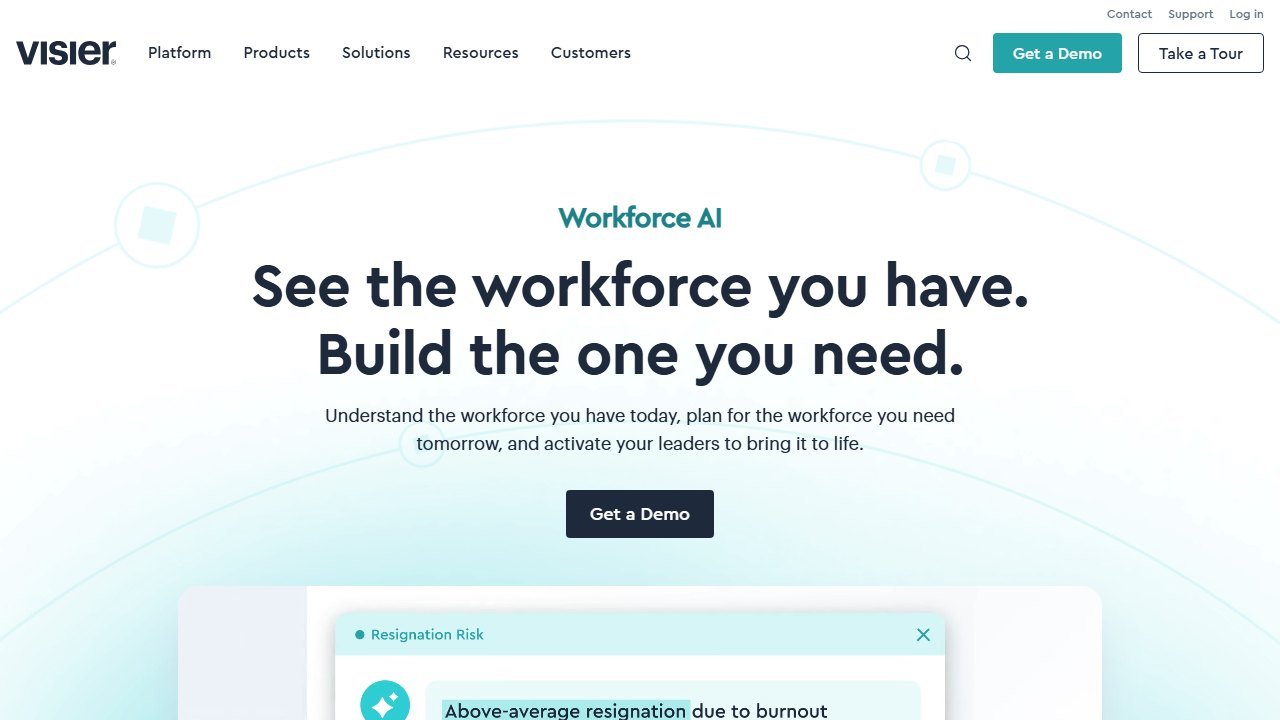
Visier is a workforce analytics and planning platform built for large, data heavy organizations. Its core job is to pull people data from across your systems and make it answerable: attrition risk, span of control, workforce composition, capacity, and the headcount you will need to hit a business target. AI surfaces the trends and anomalies a human analyst would take weeks to find.
For planning specifically, Visier lets leaders forecast headcount, understand capacity requirements, and examine different workforce scenarios side by side. Because it is strong on the analytics layer, it is frequently bought as a complement to Workday, SAP, or Oracle HCM, adding the workforce intelligence those core systems lack rather than replacing them.
Who it is for: mid market and enterprise People and analytics teams that already have an HRIS but cannot get trustworthy forward looking answers out of it. If your leadership keeps asking “why is attrition up in this division and what does it do to our plan,” Visier is built for that question.
Honest limitation: it sits on top of your existing stack, so you still need clean source data feeding it, and it is priced for organizations with real scale.
2. Anaplan: best for finance connected headcount and cost modeling
| Category | Connected planning platform |
|---|---|
| Best for | Teams that plan headcount alongside the budget |
| Pricing | Quote based, enterprise (entry typically five figures, scaling well beyond) |
| Key strength | Reconciling workforce plans with financial models in real time |
| Key limitation | Cost and setup complexity; some AI features are separate subscriptions |
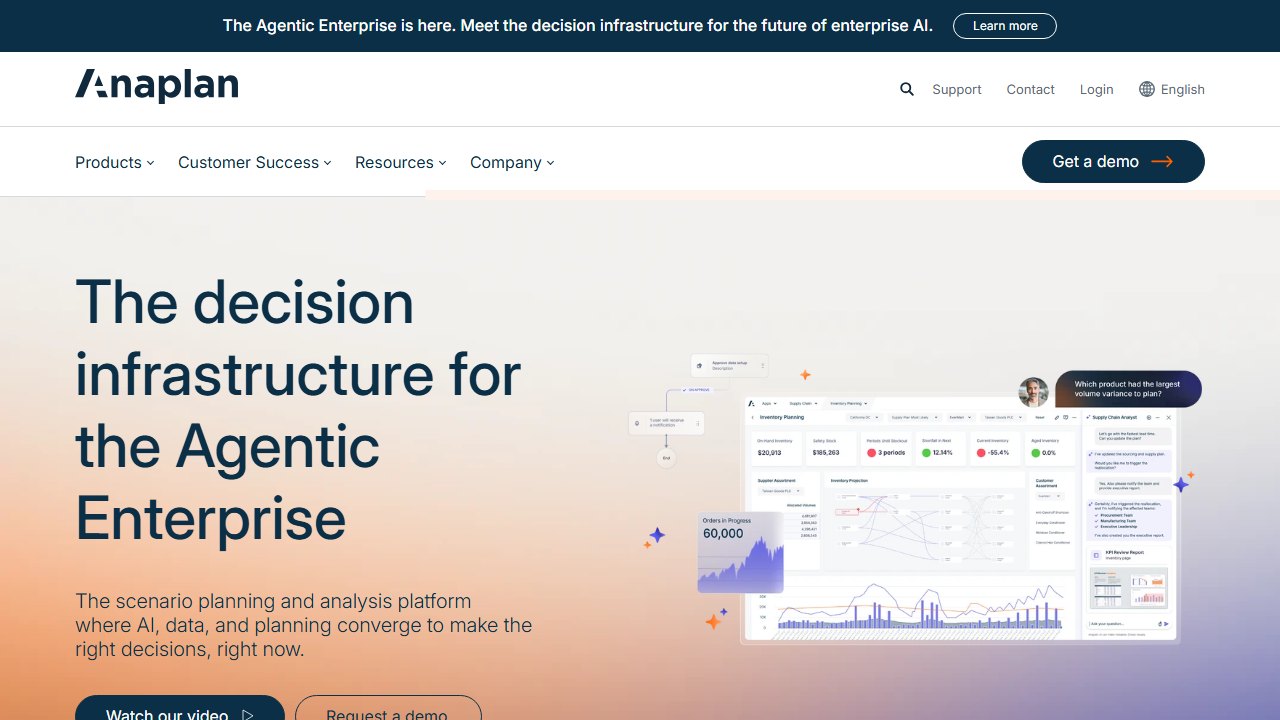
Anaplan is a connected planning platform widely used for workforce modeling and headcount forecasting, and its edge is the link between people and money. When workforce planning is really a budgeting problem, Anaplan lets HR and finance build dynamic plans that adjust in real time, running scenario analysis across hiring, attrition, transfers, and promotions at once, with the cost implications flowing straight into the financial model.
The platform supports skills driven demand and supply models, dynamic capacity planning, and what if analysis, with AI driven intelligence and role based AI agents strengthening the forecasting layer. If you have ever watched a hiring freeze force a frantic manual rebuild of both the headcount plan and the budget, Anaplan is designed to make that a single scenario toggle.
Who it is for: enterprises where finance owns or co owns workforce planning, and where headcount cost is a material line in the model.
Honest limitation: this is enterprise software with enterprise pricing and implementation effort. Some newer AI capabilities are sold as separate subscriptions, so scope carefully. It is overkill for a company that just needs a headcount tracker.
3. Eightfold AI: best for skills based workforce planning
| Category | Talent intelligence and skills planning |
|---|---|
| Best for | Organizations planning around capability, not just headcount |
| Pricing | Quote based, enterprise |
| Key strength | Deep skills mapping and future skills prediction |
| Key limitation | Best value only if you commit to a skills based operating model |
Eightfold AI is a talent intelligence platform that reframes planning around skills rather than seats. It brings together your HR data, external labor market insights, and a very large base of talent profiles to identify the skills your workforce has today and predict the skills it will need next. That makes it a genuinely different model from traditional role based planning.
In practice, Eightfold helps you spot capability gaps before they become hiring emergencies, and it powers internal mobility by matching existing employees to emerging needs instead of always hiring externally. For organizations that have moved past “how many heads in this box on the org chart” toward “what can our people actually do,” this is the category leader.
Who it is for: large enterprises pursuing a skills based talent strategy, especially those worried about how automation and AI will reshape roles over the next three to five years.
Honest limitation: the skills based approach only pays off if the rest of your talent processes buy into it. If your planning is still purely headcount and cost driven, a lot of Eightfold’s power goes unused.
4. Deel: best for global headcount scenario planning
| Category | Global HR suite with planning add on |
|---|---|
| Best for | Distributed teams hiring across borders |
| Pricing | Planning is an add on to the broader Deel suite |
| Key strength | Modeling hiring cost and compliance across countries |
| Key limitation | Planning module is maturing and requires the wider suite |
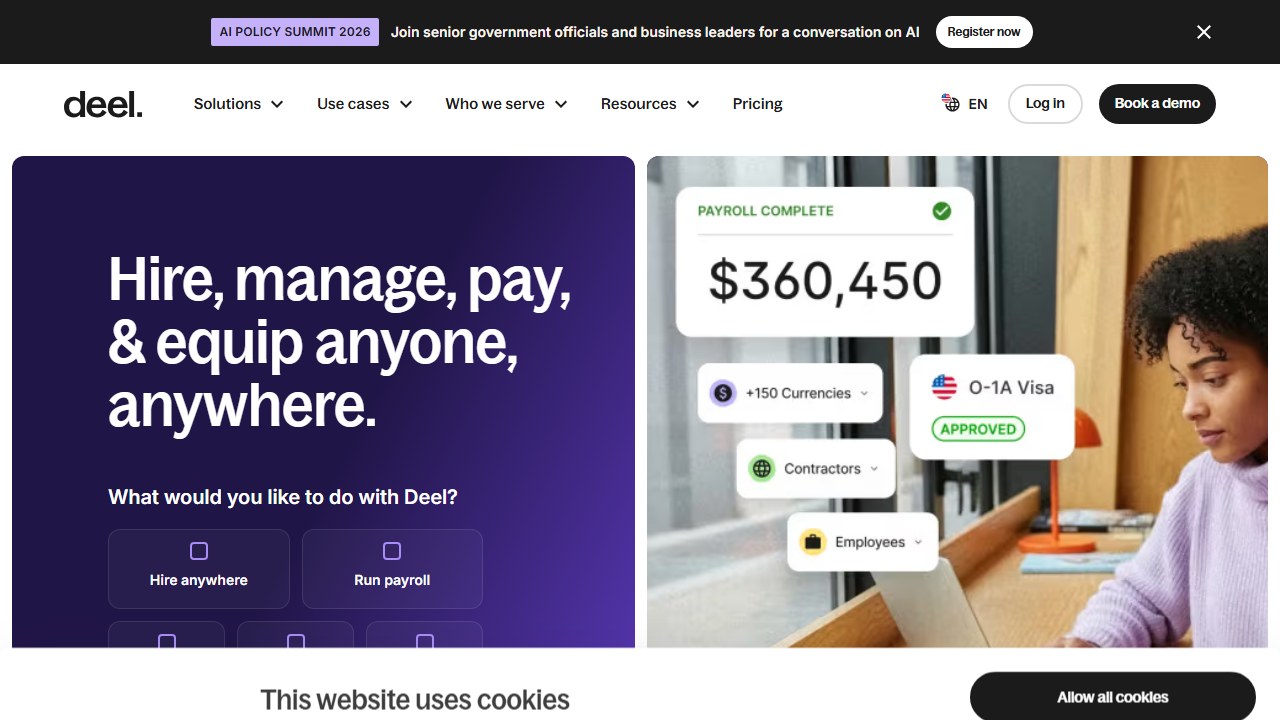
Deel built its name on global payroll and compliant hiring, and its workforce planning tool extends that into scenario modeling for distributed teams. You can create and compare plans to forecast headcount, hiring costs, and timelines, and align HR, finance, and recruiting on one view. The standout angle is global: because Deel already knows the cost and compliance rules of hiring in different countries, its planning reflects the real cost of a “hire five engineers in three regions” scenario rather than a flat average.
Who it is for: fast growing, distributed companies that already run global hiring through Deel and want planning that respects cross border cost and compliance.
Honest limitation: the planning tool is marketed as an add on to Deel’s broader talent suite, so it makes most sense if you are already in that ecosystem. As a standalone planning product it is still maturing compared to Visier or Anaplan.
5. Dayforce Strategic Workforce Planning: best for headcount models and restructures
| Category | Org design and workforce modeling |
|---|---|
| Best for | Companies over 200 employees planning reorgs, especially existing Dayforce customers |
| Pricing | Quote based |
| Key strength | Fast what if org modeling that exports straight into a leadership deck |
| Key limitation | No longer sold standalone, and Dayforce publishes no pricing |
This entry used to be Agentnoon. Dayforce acquired it and announced the deal on 7 October 2025, and agentnoon.com now redirects to the Dayforce Strategic Workforce Planning page. The capability did not disappear, it moved. If you were evaluating Agentnoon, this is the product you are now buying, and it is a module of an HCM suite rather than a standalone tool.
What it does is aimed at organizations with more than 200 employees planning restructures, headcount models, or operating model design. The strength is the one Agentnoon was known for, and Dayforce has kept it: its own page describes turning plans into polished slides in minutes using ready to use templates, and flagging misaligned spans of control or costly layers. A lot of workforce planning work is really about producing a defensible reorg proposal for the executive team, and this shortens the loop from model to boardroom deck.
Who it is for: mid market and enterprise People or transformation teams that frequently model reorgs and need to present them quickly, and above all teams already running Dayforce for HCM, because the pitch is a single data model rather than another integration to maintain.
Honest limitation: it is no longer a small independent tool you can buy on its own terms, and it is built for scale, so a 40 person startup will not get the value. Dayforce publishes no pricing and dayforce.com/pricing returned a 404 when we checked on 2 September 2026, so costing it means a sales conversation. It also focuses on structure and headcount modeling rather than the deep financial reconciliation of Anaplan or the analytics depth of Visier. If you specifically wanted a lightweight org design tool rather than a module of a suite, Orgvue is now the closer match.
6. Orgvue: best for large scale transformation and org modeling
| Category | Organizational design and workforce planning |
|---|---|
| Best for | Enterprises navigating major transformation |
| Pricing | Quote based, enterprise |
| Key strength | Visualizing the whole organization as a system |
| Key limitation | Heavyweight; aimed squarely at large, complex employers |
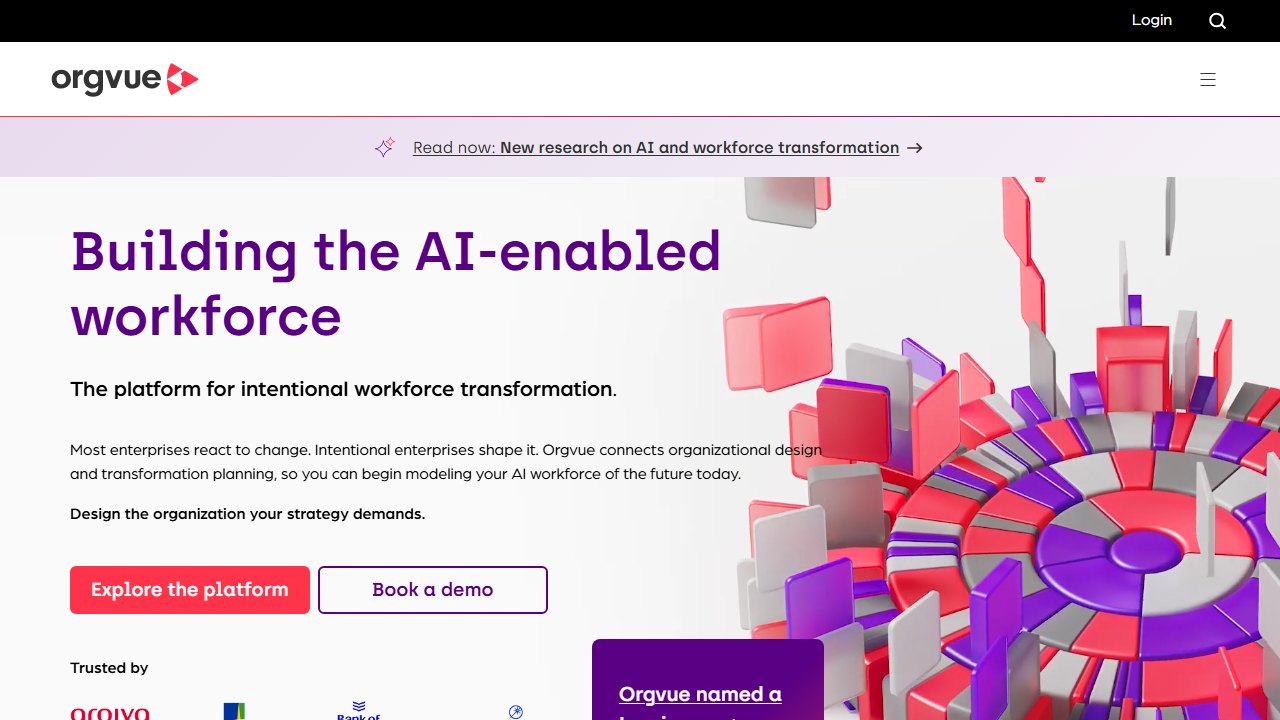
Orgvue is an organizational design and workforce planning platform that helps leaders see the organization as a system: the people, work, skills, roles, cost, and structure that together determine whether a transformation succeeds or stalls. It excels at turning large, messy organizational datasets into visual, actionable models, which is exactly what you need when restructuring, merging teams, or redesigning an operating model.
Where Dayforce leans toward fast headcount scenarios inside an HCM suite, Orgvue leans toward deep, visual org modeling for major change programs, including job architecture and strategic workforce planning across a large enterprise.
Who it is for: large enterprises running transformation, restructuring, or job architecture work, often alongside consulting partners.
Honest limitation: this is enterprise grade tooling with the price and implementation weight to match. For routine quarterly headcount planning it is more than most teams need.
The operational scheduling and management tools
Faz says: Everything above answers “how many people and which skills.” Everything below answers “who works which shift next Tuesday.” If your workforce is hourly, shift based, or frontline, this is the half that saves you real money, because overstaffing burns budget and understaffing burns customers. This is also where AI has moved fastest, with demand forecasting and auto scheduling now standard rather than a premium extra.
7. Legion: best AI native scheduling for hourly and frontline teams
| Category | AI native workforce management |
|---|---|
| Best for | Hourly and frontline scheduling at scale |
| Pricing | Quote based |
| Key strength | Automated demand forecasting and schedule optimization |
| Key limitation | Built for shift based operations, not knowledge workers |
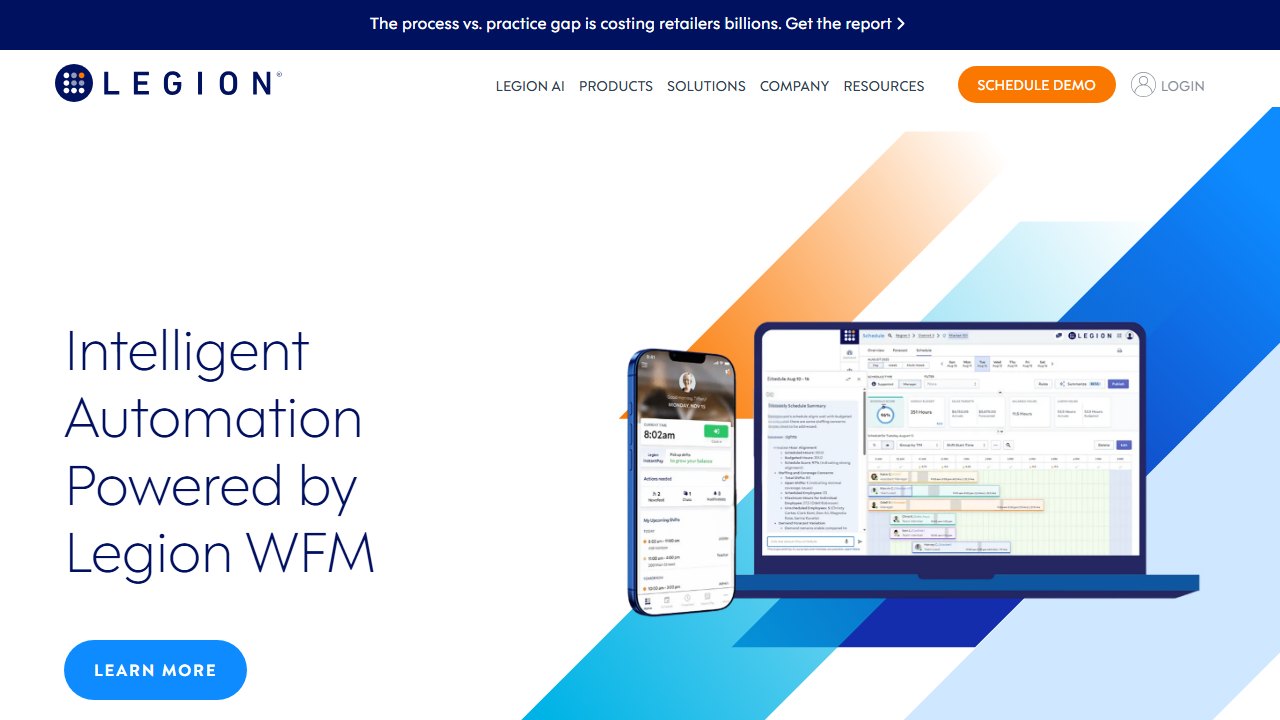
Legion is an AI native workforce management platform, meaning the AI is not a bolt on but the core of how it works. Its engine automates more than 70 workforce management use cases across forecasting, labor planning, schedule optimization, and compliance enforcement. In practice, that means it predicts labor demand from historical patterns, then generates schedules that balance business need, labor rules, and employee preferences automatically. Its Generative AI Schedule Assistant gives managers a conversational way to analyze schedules and get recommended actions.
For a multi site retailer, restaurant group, or contact center, the payoff is matching staffing to demand without a manager spending hours in a spreadsheet every week, while staying compliant with labor rules that vary by location.
Who it is for: mid market and enterprise employers with large hourly or frontline workforces across multiple locations.
Honest limitation: this is purpose built for shift based operations. If your workforce is salaried knowledge workers, most of the scheduling machinery does not apply.
8. UKG: best for compliance heavy enterprise workforce management
| Category | Enterprise workforce management |
|---|---|
| Best for | Large employers with complex labor rules |
| Pricing | Quote based, enterprise |
| Key strength | Deep compliance and labor rule engine plus analytics |
| Key limitation | Enterprise scale and complexity |
UKG is built for organizations that care deeply about workforce compliance, labor rules, and enterprise grade management. Its scheduling is strong, but where it stands out is combining scheduling with broad workforce analytics and a compliance engine that handles complicated union rules, predictive scheduling laws, and multi jurisdiction labor requirements. It is a consistent leader in independent WFM market evaluations.
Who it is for: large enterprises, especially in healthcare, manufacturing, retail, and the public sector, where getting labor compliance wrong carries real legal and financial risk.
Honest limitation: it is a heavyweight enterprise platform. Smaller shift based businesses will find it more system than they need, and implementation is a project, not a weekend.
9. Deputy: best affordable scheduling for shift based SMBs
| Category | Shift scheduling and time tracking |
|---|---|
| Best for | SMBs and mid sized shift based businesses |
| Pricing | Per user, roughly $5 to $9 per month |
| Key strength | Scheduling, time tracking, and labor forecasting at an accessible price |
| Key limitation | Less depth than enterprise WFM suites |
Deputy is the best all rounder for most shift based businesses, pairing scheduling, time tracking, and labor forecasting at roughly $5 to $9 per user per month. It uses demand signals to suggest how many people you need per shift, builds compliant schedules, handles shift swaps and availability, and syncs hours to payroll. For a cafe chain, clinic, or retail store, it delivers the core of AI assisted scheduling without an enterprise contract.
Who it is for: SMBs and mid sized employers that want smart scheduling and labor cost control fast, at a transparent per user price.
Honest limitation: it does not go as deep as Legion or UKG on complex multi site forecasting and compliance. For a large enterprise with union rules across dozens of jurisdictions, you will eventually outgrow it. For most small and mid sized shift operators, it is the right starting point.
Master comparison table: all 9 AI workforce planning tools
| Tool | Category | Pricing model | Best for |
|---|---|---|---|
| Visier | Strategic analytics | Quote based, enterprise | People analytics and headcount forecasting |
| Anaplan | Connected planning | Quote based, enterprise | Finance connected headcount and cost modeling |
| Eightfold AI | Skills planning | Quote based, enterprise | Skills based strategy and internal mobility |
| Deel | Global HR planning | Add on to HR suite | Global headcount scenario planning |
| Dayforce Strategic Workforce Planning | Org design | Quote based | Restructures and headcount models (200+), formerly Agentnoon |
| Orgvue | Org design | Quote based, enterprise | Large scale transformation and modeling |
| Legion | AI scheduling | Quote based | AI native frontline and hourly scheduling |
| UKG | Enterprise WFM | Quote based, enterprise | Compliance heavy enterprise management |
| Deputy | Shift scheduling | ~$5 to $9 per user | Affordable scheduling for shift based SMBs |
The Pricing column above is mostly the same two words, and that is the honest state of this category. Two of these nine publish a price at all, and one of those two is pricing a different product. We checked every one of them and wrote up what is actually published, including the minimum spend that changes the answer for small teams, in our guide to workforce planning software pricing.
AI workforce forecasting: what separates a real forecasting tool from a dashboard
A lot of buyers land on this page searching for workforce forecasting tools rather than planning suites, and the distinction matters. Forecasting is the predictive layer: how many people, with which skills, will you need next quarter and next year. Planning is what you do with that answer. If forecasting is your bottleneck, judge tools on three things. First, demand signals: the best AI forecasting engines pull from historical output, seasonality, and pipeline data, not just last year’s headcount plus a growth percentage. Visier and Anaplan are the strongest here because they connect people data to the financial drivers behind it. Second, confidence ranges: a forecast that gives you a single number is a guess wearing a suit. Look for tools that show best case and worst case bands. Third, refresh cadence: annual forecasts die on contact with reality, so favor platforms that re-forecast monthly or on demand as your actuals come in.
For labour forecasting in hourly and frontline operations, the forecasting question is different: it is about predicting demand curves by location and hour, and Legion class scheduling engines handle that better than any strategic planning suite. If your search started at “AI labour forecasting platform”, jump straight to the Legion, UKG, and Deputy sections above.
AI headcount modeling and scenario planning
Headcount modeling is the most immediately useful thing AI has added to this category. Instead of a spreadsheet with one plan, you build scenarios: what does the org cost if we open the new market with 12 hires versus 20, what happens to span of control if we flatten a layer, where does attrition put us by Q4 if backfill approval takes 60 days. Dayforce Strategic Workforce Planning, which is the former Agentnoon, and Orgvue were built around exactly this kind of modeling, and Deel does a lighter version for global teams where the variable is country cost rather than org shape. A good test during a demo: ask the vendor to model a 10 percent reduction scenario live, with cost, span of control, and skills coverage side effects on one screen. Tools that can do that in minutes are genuine modeling platforms. Tools that need an export to Excel are reporting layers with a planning label.
Workforce planning vs workforce management: which one are you actually buying
These two categories share a word and almost nothing else, and buying the wrong one is the most common mistake we see. Workforce planning tools (Visier, Anaplan, Eightfold, Deel, Dayforce, Orgvue) answer strategic questions measured in quarters: headcount, skills, org design, cost. Workforce management tools (Legion, UKG, Deputy) answer operational questions measured in shifts: who works Tuesday, is the store covered, are we compliant with break rules. There is a third category that shares the word again: in healthcare, clinical workforce development platforms handle credentialing, licensure and competency evidence, which is a compliance problem rather than a planning or a scheduling one. If your pain is schedules, overtime, and coverage, you want the management and scheduling group, and the AI that matters is demand forecasting plus auto scheduling. If your pain is budgets, restructures, and skills gaps, you want the planning group, and the AI that matters is forecasting plus scenario modeling. Mid size companies often end up with one of each, and that is fine: they connect at the forecast, not at the feature list.
How to choose the right workforce planning tool
Start by naming your actual bottleneck, because the two halves of this list rarely both apply to the same buyer.
If your problem is strategic, choose by where planning lives in your org. When People owns it and you need trustworthy analytics and forecasts, pick Visier. When finance owns it and headcount is a budget line, pick Anaplan. When you are planning around capability and future skills, pick Eightfold. When you hire globally and need cross border cost and compliance baked into scenarios, pick Deel. When the work is really reorg and org design, pick Dayforce Strategic Workforce Planning for fast headcount modeling or Orgvue for large scale transformation.
If your problem is operational, choose by size and complexity. Legion is the strongest AI native scheduler for large hourly and frontline workforces. UKG wins when labor compliance is a legal risk. Deputy is the best value for SMBs that just need smart, compliant schedules without an enterprise contract, though its published rate is not what most accounts end up paying.
Many organizations end up running one of each: a strategic platform for the annual and quarterly plan, and an operational scheduler for the weekly reality. That is not redundancy, it is the two ends of the same workforce, and treating them as one tool is the mistake that keeps workforce planning stuck in a spreadsheet nobody trusts.
Saru says: Whatever you pick, remember the tool is only as good as the plan behind it. AI can forecast and schedule, but it cannot decide your growth strategy or your service levels. Pair your platform with a clear operating model, and if you are also building out training and onboarding to support that plan, our guides on AI onboarding tools, sales onboarding tools, and how to build an AI training program show how to turn a headcount plan into people who are actually ready to work.
Why the price you see may not be the price we saw
This deserves its own section because it affects several tools in this category and almost no comparison article accounts for it.
What we actually observed
When we read Synthesia’s pricing page on 4 September 2026, every plan figure was in rupees, because our captures run from an Indian IP address and the site served local pricing automatically. HeyGen went further: a request to heygen.com/pricing redirected to its /en-in/ locale even when we sent a United States language header, meaning the routing is by IP rather than by browser preference.
Why this breaks most price comparisons
An article quoting a single global figure for a geo-priced tool is describing one country’s rate card and presenting it as the price. Regional pricing is not usually a straight currency conversion either; vendors set local rates deliberately, so the ratio between two markets can differ considerably from the exchange rate. That means you cannot fix the problem by converting, and we do not attempt to.
How to check your own number in thirty seconds
Open the vendor’s pricing page yourself, from the country where the contract will sit, and look at the currency symbol before you look at the number. If the URL contains a locale segment such as /en-in/ or /en-gb/, you are on a regional page. Where a vendor offers a currency selector, note that changing it sometimes changes the plan structure and not merely the symbol.
What to ask when the contract is cross-border
If your company is registered in one country and the team is in another, ask which entity is billed, in which currency, and whether the rate is fixed for the term or moves with a published exchange rate. Ask whether taxes are included, because several vendors here publish figures excluding tax. These questions are dull and they are the difference between a budget that holds and one that drifts by a fifth.
Verdict
Faz says: There is no single winner here, because there is no single problem. Workforce planning splits cleanly into strategy and operations, and the right answer depends on which one keeps you up at night.
For strategic planning, Visier is the best all round pick because it makes forecasts leaders will trust, and it complements the HCM you already run. If your planning is inseparable from the budget, Anaplan is the one that connects people to money in real time. If you are betting on a skills based future, Eightfold is in a class of its own.
For operations, Legion is the most genuinely AI native scheduler and the strongest choice for large frontline employers, while Deputy delivers most of the value to smaller shift based teams at a fraction of the price and complexity. UKG is the pick when compliance risk is the deciding factor.
Match the tool to your bottleneck, plan for the likelihood that a large employer needs one strategic and one operational system, and you will finally retire the fragile spreadsheet for good.

Written by
FazFaz is the founder of AIToolsBakery. Some tools here are tested hands on. Others are assessed from vendor documentation and pricing verified on the live page, and every review says which one it is. Sponsors can buy a position in a guide. They cannot buy the score, the criticism, or silence about a better option.
How we test and how we make money →