120 essays. 10 minutes each. 20 hours of your weekend. CoGrader wants to cut that to 4.
Quick Answer: CoGrader is an AI essay grading tool built for K-12 teachers. It scores essays against specific rubrics including state assessments (STAAR, CAASPP, B.E.S.T., NY Regents), AP, IB, or custom rubrics. Generates detailed, rubric-aligned feedback for each student. Teacher reviews and approves everything before grades are published. 80% reduction in grading time reported. FERPA, COPPA, SOC 2 Type 1 compliant. 50,000+ teachers across 1,000+ schools. Best for ELA teachers grading essays regularly against state assessment rubrics.
[Faz] Grading essays is the most time-consuming task in teaching. Not because reading student writing is hard. Because writing detailed, rubric-aligned feedback 120 times in a weekend is brutal. MagicSchool has a writing feedback tool. Brisk has batch feedback. But CoGrader goes deeper than both on the specific task of essay grading with state assessment rubric alignment. If you grade STAAR, CAASPP, or AP essays, this is the specialist built for you. We reviewed it alongside every tool in our best AI tools for teachers roundup. Here’s the breakdown.
What CoGrader Does
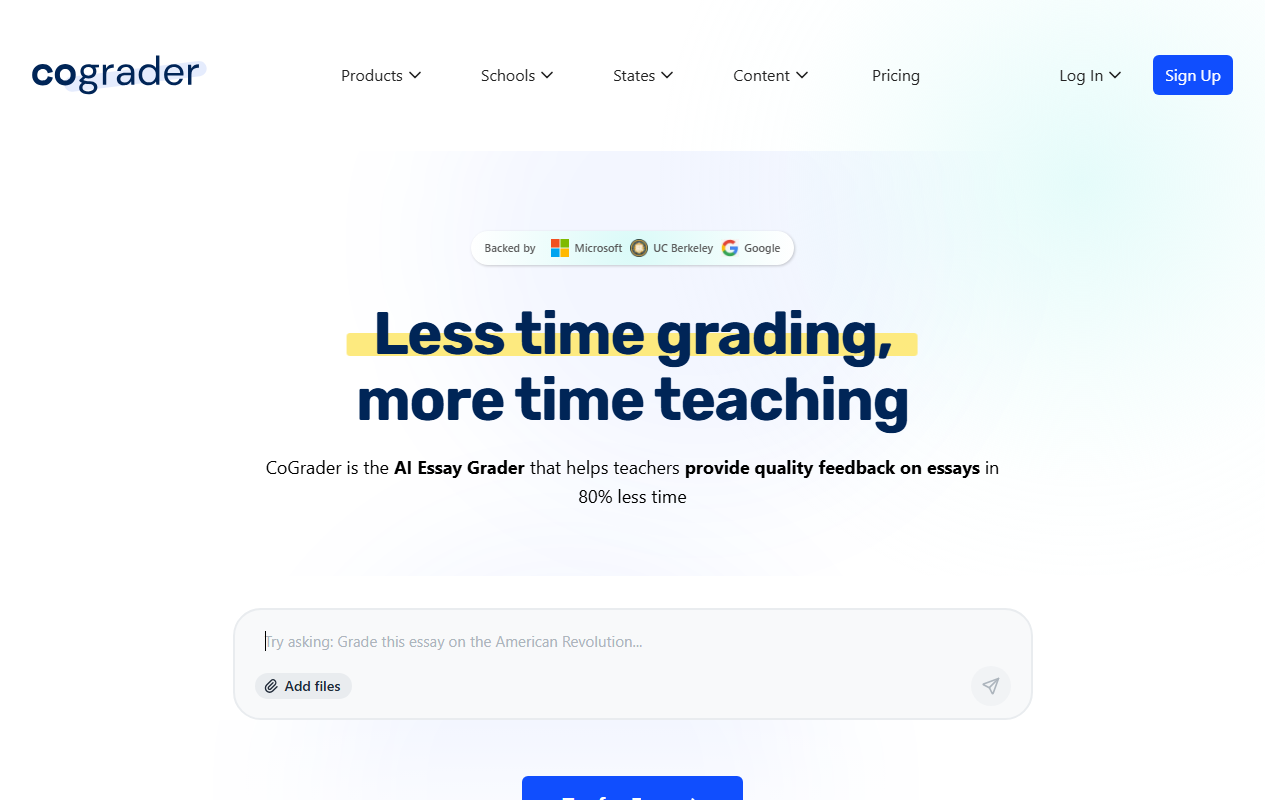
CoGrader is purpose-built for one thing: grading student essays with AI. You upload essays, select a rubric (state assessment rubrics, AP, IB, or your own custom rubric), and CoGrader generates rubric-aligned scores and detailed feedback for every student.
The critical design choice: the teacher always reviews and approves before anything is published. CoGrader doesn’t replace your judgment. It gives you a first pass so you can spend your time adjusting scores and refining feedback rather than starting from scratch on every paper.
Key Features
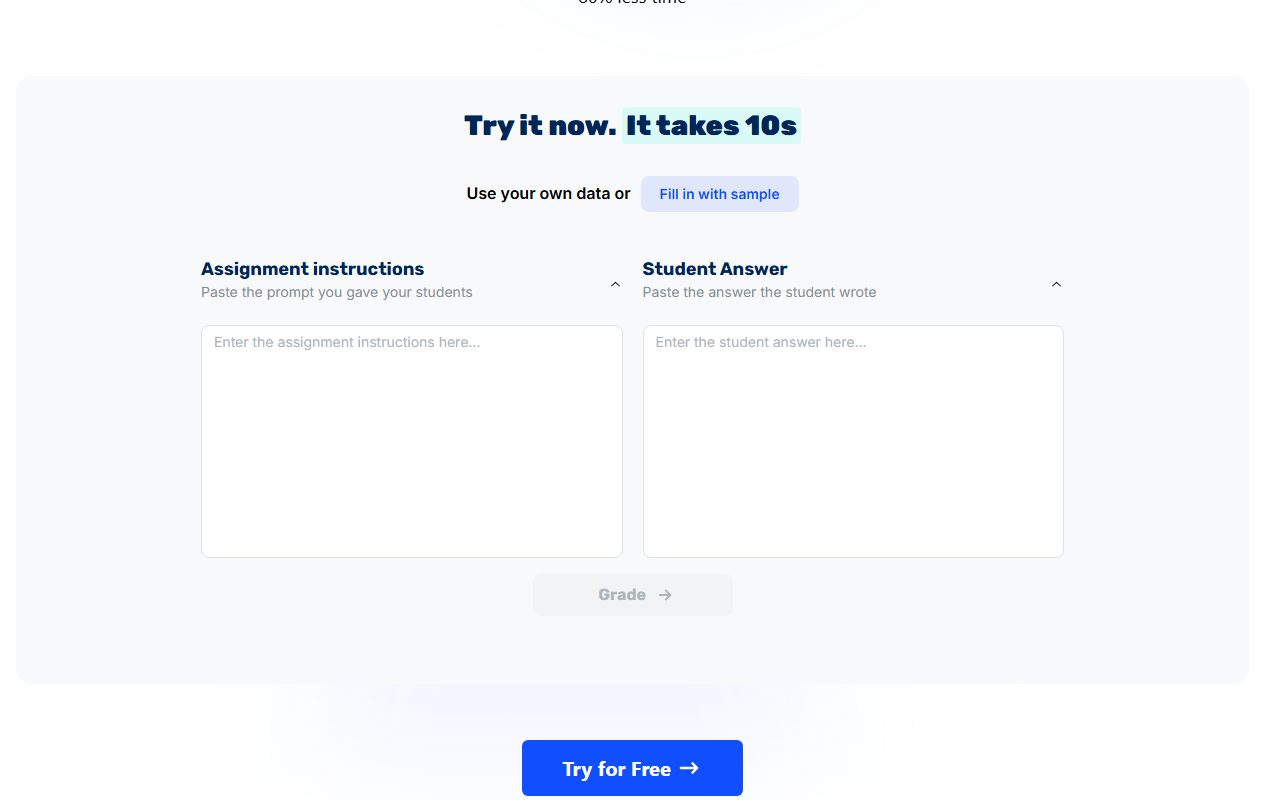
Rubric-Based AI Grading
This is CoGrader’s core feature. Upload a class set of essays and select the rubric you’re grading against. CoGrader supports:
- State assessments: STAAR (Texas), CAASPP (California), B.E.S.T. (Florida), NY Regents
- Standardized exams: AP, IB
- Custom rubrics: Upload your own
The AI reads each essay, evaluates it against every rubric criteria, assigns scores for each dimension, and generates an overall score. This isn’t a single “good/bad” judgment. It’s a multi-dimensional rubric evaluation that mirrors how you’d grade manually.
Detailed Feedback Generation
Every student gets specific, actionable feedback tied to the rubric criteria. Not generic comments like “needs more detail.” Feedback that references specific parts of their essay and explains what they did well and what needs improvement according to the rubric.
This is the part that saves the most time. Writing “you need stronger evidence in your third paragraph to support your claim about economic impacts” 120 times is what turns grading into a weekend-consuming task.
Multi-Language Grading
Grade essays written in multiple languages. For bilingual programs and ESL classrooms where students submit work in their home language, this expands CoGrader’s usefulness beyond English-only contexts.
Plagiarism and AI Detection
Built-in checking for copied or AI-generated content. While AI detection has accuracy limitations (especially for ELL students), having it integrated into the grading workflow means you don’t need a separate tool for integrity checking.
Class Analytics
After grading a class set, CoGrader identifies learning gaps across the entire group. You see which rubric dimensions the class struggled with, which students need targeted intervention, and where your instruction might need adjustment.
Teacher Review
Every score and feedback comment goes through teacher review before reaching students. You adjust scores where the AI missed nuance, edit feedback to add your voice, and approve the final grades. CoGrader accelerates grading. It doesn’t automate it.
Pricing Breakdown
| Plan | Price | What You Get |
|---|---|---|
| Free Trial | $0 | Full access for evaluation |
| Individual | Credit card (price not listed) | Full features for individual teachers |
| School/District | Custom pricing, accepts purchase orders | Multi-teacher deployment, admin controls |
What you need to know:
- The free trial gives full access for evaluation, but it’s a trial, not a permanent free tier. This is a notable difference from MagicSchool (free forever) and Diffit (free forever).
- Individual subscription pricing is not publicly listed. You need to sign up and see pricing in-app.
- School and district plans accept purchase orders, which matters for schools that can’t use credit cards.
- The lack of pricing transparency makes it hard to compare against competitors without creating an account.
Free Plan: What You Actually Get
CoGrader offers a free trial rather than a permanent free plan. During the trial:
- Full rubric-based AI grading
- All state assessment rubric support
- Detailed feedback generation
- Multi-language grading
- Class analytics
- Google Classroom integration
After the trial, you’ll need an individual subscription or school plan.
Verdict on the free trial: Good enough to evaluate whether AI grading fits your workflow. Not a long-term free option like MagicSchool or Diffit. If your trial experience saves significant grading time, the subscription is likely worth it for essay-heavy subjects.
Privacy and Compliance
CoGrader has one of the strongest compliance stacks among teacher AI tools:
- FERPA compliant
- COPPA compliant
- SOPIPA compliant
- SOC 2 Type 1 certified
- Ed Law 2D compliant
- NIST 1.1 aligned
CoGrader’s data policy: “Only de-identified student work and rubrics are shared with AI. LLM/AI models cannot use student data for training.”
This is a critical distinction. The AI only sees de-identified work, not student names or personal information attached to it.
Integrations
| Platform | Supported |
|---|---|
| Google Classroom | Yes (all users) |
| Canvas | Yes (school/district plans) |
| Schoology | Yes (school/district plans) |
Google Classroom integration is available for all users including individual and trial accounts. Canvas and Schoology integrations are reserved for school and district plans.
Scale and Backing
- 50,000+ teachers
- 1,000+ schools across all US states
- Backed by UC Berkeley SkyDeck, Microsoft for Startups, Google for Startups
The startup backing signals credibility and ongoing development investment. Being incubated at UC Berkeley’s SkyDeck and supported by both Microsoft and Google for education suggests staying power.
Who This Is For
Use CoGrader if you:
- Grade student essays regularly (weekly or bi-weekly)
- Need rubric-aligned grading against state assessments (STAAR, CAASPP, B.E.S.T.)
- Teach ELA, social studies, or any subject with essay-based assessment
- Want detailed, rubric-specific feedback without writing it 120 times
- Need strong compliance certifications (FERPA, COPPA, SOC 2)
Skip CoGrader if you:
- Rarely grade essays (math, PE, art teachers)
- Want a full teaching platform beyond grading (look at MagicSchool AI)
- Need in-document feedback inside Google Docs (look at Brisk AI)
- Want a permanently free tool (CoGrader is trial-based)
- Teach ESL/exam prep and need audio exercises (look at AssignAI)
Pros
- Purpose-built for essay grading with state assessment rubric alignment
- 80% reduction in grading time reported
- Strong compliance stack (FERPA, COPPA, SOC 2 Type 1, SOPIPA)
- Teacher reviews and approves every grade before publishing
- De-identified data only shared with AI
- Class analytics identify learning gaps across the group
- Backed by UC Berkeley, Microsoft, Google
Cons
- Essay grading only (not math, science, or other formats)
- No permanent free plan (trial-based)
- Pricing not publicly listed
- Newer and smaller than MagicSchool or Brisk
- Canvas/Schoology integration requires school/district plan
- AI detection has known accuracy limitations for ELL students
[Faz’s Take] If you’re an ELA teacher, CoGrader is the tool that gives you your weekends back. MagicSchool has writing feedback, but it’s one of 80 tools. Brisk has batch feedback, but it’s a Chrome extension trying to do everything. CoGrader does essay grading and nothing else. That focus shows in the rubric depth. STAAR, CAASPP, B.E.S.T., AP, IB, or your own rubric. The feedback references specific parts of each essay and ties back to rubric criteria. It’s what you’d write yourself if you had unlimited time.
[Saru’s Verdict] 4/5. Purpose-built specialization creates clear value for essay-heavy subjects. The compliance stack (FERPA, COPPA, SOC 2 Type 1, SOPIPA, Ed Law 2D) is stronger than many competitors with broader feature sets. Backed by UC Berkeley SkyDeck, Microsoft, and Google. The rating reflects the narrow scope (essay-only), trial-based free tier (vs permanent free plans elsewhere), and opaque pricing. For ELA teachers grading essays weekly, the time savings likely justify the subscription cost.
FAQ
Is CoGrader free for teachers?
CoGrader offers a free trial with full access for evaluation. After the trial, individual subscriptions and school/district plans are available. Pricing is not publicly listed. This is a trial-based model, not a permanent free tier like MagicSchool or Diffit. The trial is sufficient to test whether AI grading fits your workflow.
How accurate is CoGrader’s grading?
CoGrader is designed to provide a first pass that teachers review and adjust. The AI evaluates essays against specific rubric criteria and generates scores for each dimension. Teachers report that scores typically need minor adjustments rather than major overhauls. CoGrader reports 80% reduction in grading time, which suggests the AI’s scores are close enough to save significant time while still requiring human review.
Does CoGrader work with state assessment rubrics?
Yes. CoGrader supports state assessment rubrics including STAAR (Texas), CAASPP (California), B.E.S.T. (Florida), and NY Regents, plus AP and IB rubrics. You can also upload custom rubrics. The state rubric alignment is CoGrader’s primary differentiator from general writing feedback tools.
Is CoGrader FERPA compliant?
Yes. CoGrader holds FERPA, COPPA, SOPIPA, SOC 2 Type 1, Ed Law 2D, and NIST 1.1 certifications. Only de-identified student work is shared with AI. Student data is not used for model training. This is one of the stronger compliance profiles among teacher AI tools.
How does CoGrader compare to Brisk AI for grading?
CoGrader is a grading specialist with state assessment rubric support. Brisk is a workflow extension with grading as one feature among many. CoGrader goes deeper on rubric alignment (STAAR, CAASPP, B.E.S.T., AP, IB). Brisk offers writing feedback inside Google Docs plus Inspect Writing for academic integrity. If essay grading against state rubrics is your primary need, CoGrader. If you want grading plus lesson planning plus presentations inside Google Docs, Brisk.
Can CoGrader detect AI-generated student writing?
Yes. CoGrader includes built-in plagiarism and AI detection. However, AI detection accuracy has known limitations, especially for English Language Learners whose writing patterns may trigger false positives. Use AI detection results as one data point alongside other academic integrity approaches like Brisk’s Inspect Writing.
Does CoGrader replace teacher grading?
No. CoGrader provides a first pass with rubric-aligned scores and feedback. Teachers review every score and feedback comment, make adjustments, and approve before anything reaches students. The teacher always has the final say. CoGrader reduces grading time; it doesn’t remove teacher judgment from the process.
What subjects is CoGrader good for?
CoGrader is designed for essay-based assignments. It works best for ELA, social studies, history, and any subject where students write essays evaluated against rubrics. It’s not designed for math, science labs, or multiple-choice assessments. If your subject doesn’t involve essay grading, other tools on our best AI tools for teachers list will serve you better.
Final Verdict
CoGrader is the best AI grading tool for ELA teachers who grade essays against state assessment rubrics. The rubric depth (STAAR, CAASPP, B.E.S.T., AP, IB) goes beyond what MagicSchool or Brisk offer for grading specifically. The compliance stack is strong. The teacher-review-first design means AI assists without replacing judgment. The main drawback is the trial-based pricing model in a market where MagicSchool and Diffit offer generous permanent free tiers. If essay grading consumes your weekends, the trial will show you whether CoGrader can give them back.
Rating: 4/5

Written by
FazFaz is the founder of AIToolsBakery. Every tool on this site is personally tested with real-world writing tasks before a single word gets published. No sponsored rankings, no recycled press releases.
Read more about how we test →