The question isn’t whether students will use AI. It’s whether they’ll use it with guardrails or without them.
Pricing Breakdown
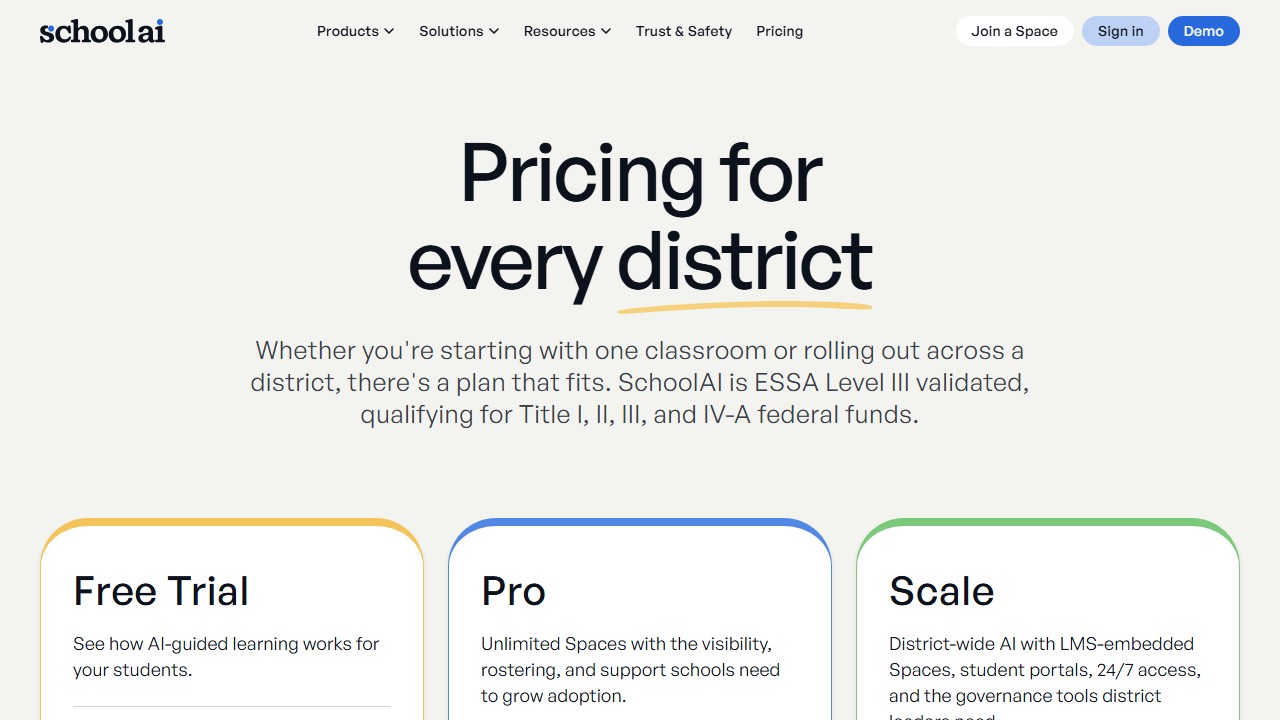
| Plan | Price | What You Get |
|---|---|---|
| Free | $0 | Core features, Spaces, Dot, Mission Control, safety alerts |
| Paid tiers | Not publicly listed | Enhanced features (specifics not documented) |
Faz says: Every school is having the same debate: ban AI or embrace it? SchoolAI offers a third option: let students use AI, but give teachers the control room. You set the rules. You see every conversation. You get alerts if something concerning happens. Students get the benefit of AI-powered learning. Teachers get the peace of mind that comes from watching it happen in real time. We reviewed it alongside every tool in our best AI tools for teachers roundup. Here’s the honest take.
What SchoolAI Does
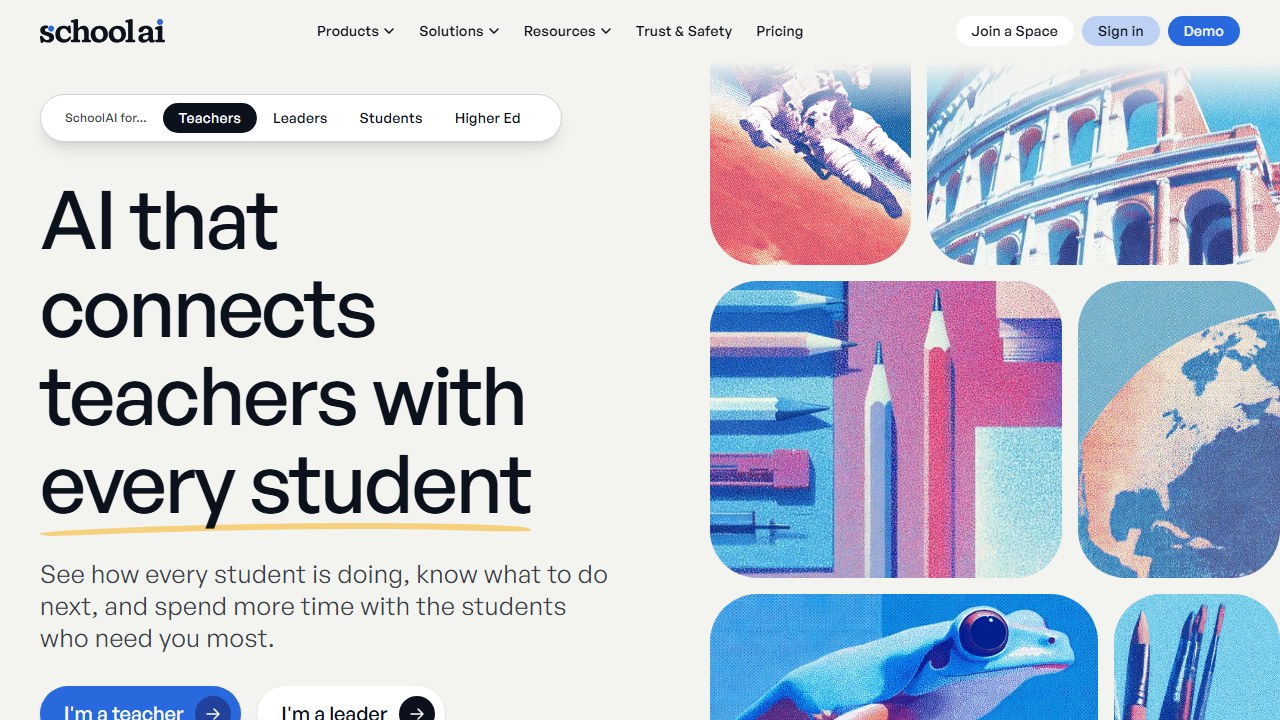
SchoolAI is a platform that gives teachers a managed environment for student AI interactions. The core concept: instead of students using ChatGPT unsupervised, they use SchoolAI’s AI assistant (called “Dot”) inside teacher-controlled “Spaces.”
Website: SchoolAI
Teachers create Spaces for specific lessons, set rules and boundaries for what the AI can discuss, and monitor every student interaction through a real-time dashboard called “Mission Control.” If a student’s conversation raises safety concerns (bullying, abuse, neglect), the teacher gets an alert.
It’s supervised AI. Students explore. Teachers watch. Nobody gets surprised.
Key Features
Spaces (200,000+)
Spaces are interactive AI-powered learning environments. Teachers create them for specific topics, lessons, or activities. You set the rules (what the AI should focus on, what topics are off-limits), launch the Space, and students interact with the AI within those boundaries.
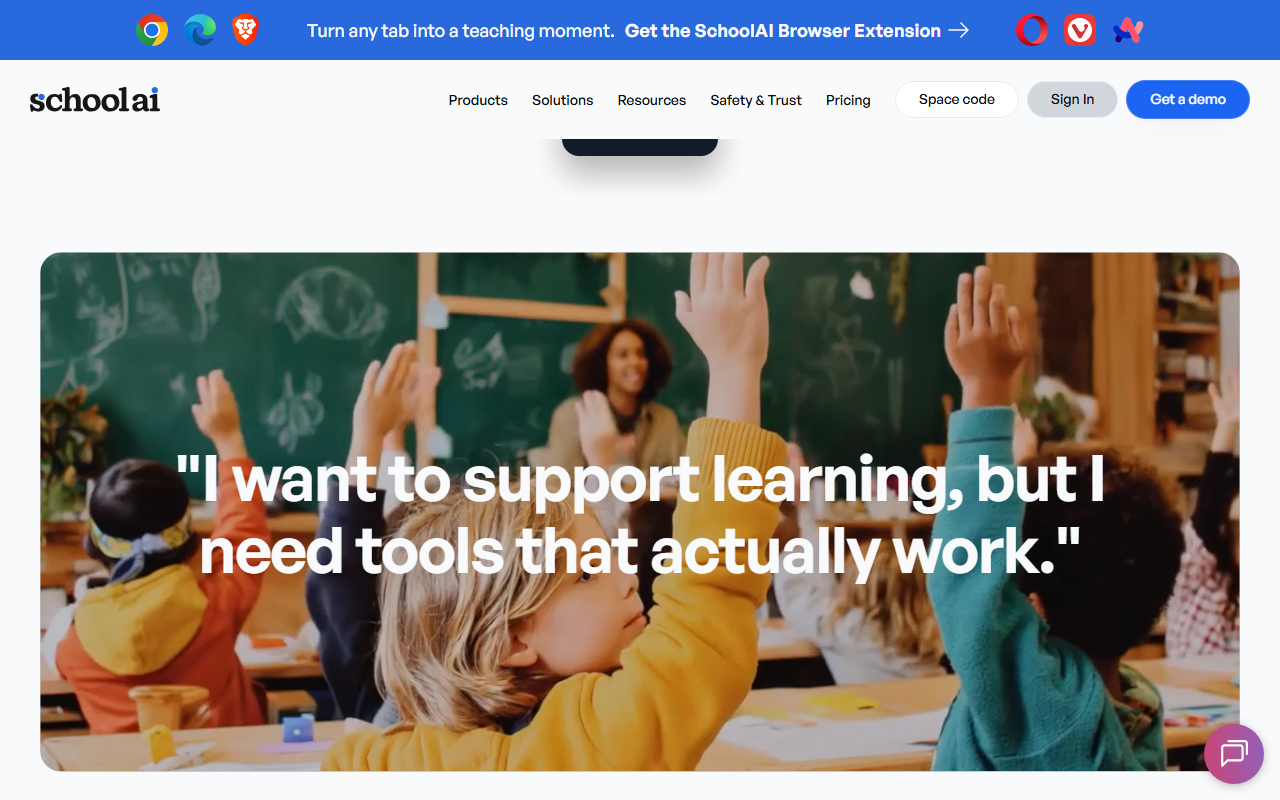
The community library has 200,000+ teacher-created Spaces covering every subject. You can use them as-is, customize them, or build from scratch.
Dot (Adaptive AI Assistant)
Dot is SchoolAI’s student-facing AI. It adapts to each student’s level, supports 60+ languages, and follows the rules the teacher sets for each Space. Unlike generic chatbots, Dot stays within the boundaries you define. If a Space is about the American Revolution, Dot stays on topic.
Mission Control
The teacher dashboard that shows every student’s AI interaction in real-time. You see what students are asking, how the AI is responding, and whether anyone is trying to go off-topic. This is the feature that makes SchoolAI different from just giving students ChatGPT access.
Safety Alerts
Automated detection flags concerning student behavior: mentions of bullying, self-harm, abuse, or neglect. Teachers get alerts so they can intervene quickly. This goes beyond content filtering into genuine student welfare monitoring.
Chrome Extension
SchoolAI’s Chrome extension works inside Google Docs for in-workflow AI assistance. Teachers and students can use AI within their existing documents without switching platforms.
Teacher Tools
Beyond student-facing features, SchoolAI includes lesson planning, rubric creation, assessment generation, and student communication tools. These overlap with MagicSchool’s teacher tools but are secondary to SchoolAI’s primary value: supervised student AI.
What you need to know:
- The free plan is the core experience. Teachers get Spaces, Dot, Mission Control, and safety alerts without paying.
- Paid tier details and pricing are not clearly documented on SchoolAI’s public-facing pages.
- With 1 million+ classrooms using SchoolAI, your district may already have access. Check with your IT department.
Free Plan: What You Actually Get
- Create and launch Spaces for your classroom
- Access to 200,000+ community-created Spaces
- Dot AI assistant with 60+ language support
- Mission Control real-time monitoring
- Safety alerts for concerning student behavior
- Chrome extension for Google Docs
- Teacher tools (lesson planning, rubrics, assessments)
Specific limits on the free plan aren’t clearly documented. Most teachers report the free tier covers their core needs.
Verdict on the free plan: Good for the primary use case (supervised student AI). The lack of documented limits is frustrating, but teachers aren’t reporting paywalls on essential features.
Privacy and Compliance
SchoolAI emphasizes “privacy first” and “secure by design.” The platform has direct agreements with AI providers ensuring no student or teacher data is saved or used for model training.
However, FERPA and COPPA certifications are not prominently displayed on SchoolAI’s website. This is a notable gap compared to MagicSchool (FERPA, COPPA, SOC 2) and Brisk (FERPA, COPPA, SOC 2, ISTE Seal).
Schools requiring explicit compliance documentation should verify directly with SchoolAI before deploying.
Rolling out a student-facing AI tool goes far smoother with a written policy in place. Our editable AI policy template for K-12 school districts is a practical starting point.
Integrations
| Platform | Supported |
|---|---|
| Chrome extension | Yes |
| Google Docs | Yes (via extension) |
| Google Classroom | Limited |
| Canvas | Limited |
| Schoology | Limited |
SchoolAI’s integration list is thinner than MagicSchool’s or Brisk’s. The Chrome extension provides basic workflow integration, but the primary experience is on SchoolAI’s own platform.
Who This Is For
Use SchoolAI if you:
- Want students to use AI in the classroom with full teacher oversight
- Need real-time monitoring of every student-AI conversation
- Value safety alerts for concerning student behavior
- Want 200,000+ ready-to-use interactive Spaces
- Need multi-language support (60+ languages)
Skip SchoolAI if you:
- Want a teacher-productivity platform with 80+ tools (look at MagicSchool AI)
- Need AI inside Google Docs for grading and feedback (look at Brisk AI)
- Need differentiated reading materials (look at Diffit AI)
- Require explicitly stated FERPA/COPPA certifications
- Primarily need teacher-facing tools rather than student-facing AI
Administrators evaluating SchoolAI alongside other campus-level platforms should also see our guide to the best AI tools for school principals and administrators.
Pros
- Students use AI safely with real-time teacher monitoring
- Safety alerts for concerning student behavior (bullying, self-harm, abuse)
- 200,000+ community-created Spaces available
- 60+ language support
- Free for teachers
- 1 million+ classrooms validates the use case
- No data saved or used for model training
Cons
- FERPA/COPPA certifications not prominently stated on website
- Limited integrations beyond Chrome/Google Docs
- Paid tier details not publicly documented
- Narrower teacher-facing toolkit than MagicSchool
- Compliance documentation needs explicit verification for cautious districts
- Less established compliance reputation than Brisk or MagicSchool
Faz says: SchoolAI answers the right question. Not “should students use AI?” but “how do we let them use it safely?” The Mission Control dashboard is genuinely useful. You see everything. Safety alerts add a layer that goes beyond content filtering into actual student welfare. The compliance gap is the weak spot. If your district needs FERPA/COPPA documentation, verify before deploying.
Saru says: 3.5/5. The real-time monitoring and safety alert features are genuinely differentiated in the market. The 1M+ classroom scale validates demand for supervised student AI. The rating reflects the compliance documentation gaps compared to Brisk (93% Common Sense Privacy Rating, FERPA, COPPA, SOC 2) and MagicSchool (FERPA, COPPA, SOC 2, ESSA Level IV). Schools should verify compliance directly before deployment.
Final Verdict
SchoolAI occupies a unique position in the teacher AI market. While MagicSchool and Brisk focus on making teachers more productive, SchoolAI focuses on making student AI use safe and visible. The Mission Control dashboard and safety alerts are features no other tool matches. The compliance documentation gap is a real concern for schools with strict data governance, but the “privacy first” design and no-training-data policy are genuine commitments. If your school wants students using AI in the classroom rather than banning it, SchoolAI is the platform that puts teachers in control.
Rating: 3.5/5
References & further reading
For deeper research on AI in education and evidence-backed instructional practice:
- Common Sense Education: AI in K-12 classrooms. classroom-tested guidance and tool ratings reviewed by educators
- Edutopia technology integration research. peer-reviewed edtech case studies and classroom implementation practice
- US Department of Education on AI in schools. federal guidance on AI in teaching and learning, including the 2023 Office of Educational Technology report
SchoolAI continues to evolve as a capable classroom AI tool, making it worth monitoring for schools expanding their edtech stack in 2026.
What SchoolAI actually does for K-12 teachers in 2026
SchoolAI positions itself as a student-safe AI tutoring platform built specifically for K-12 environments. The core product offering in 2026 includes AI-powered tutors students can chat with under teacher supervision, content libraries aligned to common standards, and dashboards that show teachers what students asked, struggled with, and learned. The differentiator versus generic AI tools: SchoolAI is built around guardrails for under-18 use, with content filtering, conversation logs, and parent visibility baked in rather than bolted on.
The strongest use cases in 2026 are differentiated practice (where students at different levels each get an AI tutor calibrated to their pace), reflection prompts (where students explain their thinking and AI gives feedback), and small-group simulations (where AI plays a character students interact with for history, literature, or science scenarios). Teachers report saving 4 to 8 hours a week on differentiation work that previously required manual scaffolding.
SchoolAI pricing, classroom rollout, and the comparison every district considers
SchoolAI’s 2026 pricing splits into a free teacher tier, a paid school tier at around $5 to $10 per student per year, and an enterprise district tier with custom pricing for 1000+ student deployments. The free tier covers most individual teacher use cases through the school year. The paid tiers add admin dashboards, district-level controls, and compliance documentation for FERPA, COPPA, and state-specific privacy laws.
The most common comparison districts run: SchoolAI versus MagicSchool. MagicSchool is teacher-facing first with student-facing tools as add-ons. SchoolAI is student-facing first with teacher tools as the management layer. Districts that prioritize teacher productivity often pick MagicSchool. Districts that prioritize student practice volume often pick SchoolAI. Many large districts adopt both for different use cases.
The verdict for 2026 educators
SchoolAI is the strongest pick for districts wanting heavy AI tutoring use by students under teacher supervision. It is less compelling for teachers who only need lesson planning and grading help. The compliance and privacy depth is best-in-class for K-12. Buyer profile: school administrators or department leads deploying AI tutoring at classroom scale, with explicit teacher oversight workflows.
How to tell whether it actually helped
Education software is unusually prone to being judged on enthusiasm, because the immediate experience of a good tool is genuinely pleasant. That is not the same as it having worked.
Teacher time is the measurable win, and the honest one
Most of the real value here is hours, not outcomes. Ask two or three colleagues to record how long planning, resource creation and marking take across one normal week, before anything is introduced. It takes minutes, it is the only way the saving is ever provable, and it is unrecoverable afterwards. A tool that returns two hours a week to a teacher has earned its place without needing to claim anything about attainment.
Be sceptical of attainment claims, including your own
Attainment moves slowly, is affected by everything, and is nearly impossible to attribute to one tool inside a single year. If a vendor claims a grade improvement, ask what the comparison group was. If you are tempted to claim one internally, ask yourself the same question. Reporting a time saving you can evidence is worth more than an outcome claim you cannot.
Watch adoption in week six, not week one
Novelty carries any classroom tool through the first fortnight. The number that matters is how many teachers are still using it after half term, and whether it survived a busy assessment period. If usage collapses in the first genuinely hard week, the tool added work rather than removing it, whatever the initial reaction was.
Decide in advance what would end it
Write down before purchase what the end of the year would have to look like for you not to renew. It converts renewal from a default into a decision, which matters in a category where the per teacher cost is small enough to stop noticing.
Student data, and the questions a school has to ask before anything is switched on
This is the part of education technology where getting it wrong has consequences beyond a wasted subscription, and it is mostly answerable in writing before adoption.
Know which law you are under before you evaluate
In the United States, student education records sit under FERPA, and services aimed at under-13s bring COPPA into scope, which requires verifiable parental consent for personal information collected from children. Schools outside the US will have their own regime. The practical effect is the same: the school, not the vendor, carries the obligation, so the vendor questions exist to let you meet it.
Ask whether student work trains the model
This is the single question to get in writing. Ask whether student inputs and outputs are used to train or improve any model, including in aggregated or anonymised form, and whether that binds subprocessors too. “We do not train on your data” and “we do not train foundation models on your data” are different sentences. Get it as a contract term, because a sales assurance does not survive a change of ownership.
Ask who else touches the data
Most tools here are built on a model provider they did not write, so student work reaches a third party. Ask for the current subprocessor list, where each processes data, and how you are notified when it changes. A vendor that cannot produce that list within a day does not have one, which tells you enough about the rest of their programme.
Ask what happens at the end of a school year
Retention and deletion, stated in days rather than described as a process. What is deleted when a student leaves, when a class is archived, when the contract ends. Ask whether deletion means removed from live systems, removed from backups, or flagged. A vendor that will commit to a number in the contract is a different proposition from one that describes an approach.
The one many schools miss: inferences about a child
If a tool generates a reading level, a predicted grade, a behaviour flag or an ability estimate, that is data about a student the student never supplied. Ask whether those inferences are covered by your export, your deletion request and your access request, because a parent asking what the school holds on their child is asking about those too.
Where the figures on this page come from
Every price here was read from the vendor’s own pricing page on 4 September 2026 and carries that date, because education pricing changes with the school year and a claim without a date is not checkable.
The pages we read
Chalkie publishes free, US$6.65 and US$12.99 a month with yearly equivalents. Khanmigo publishes $44 a year. MagicSchool publishes a free plan and Plus at $12.99 a month. Curipod publishes free and from $24 a month with a 21% yearly saving. CoGrader publishes free at 100 submissions a month and $15 a month billed annually. Brisk Teaching publishes a free teacher plan at $0.
The ones we could not read
SchoolAI publishes tier names with no figures. Gradescope now sits on a Turnitin domain and is institution-quoted. We could not read a figure for Diffit, Quizlet, Photomath or Gauth either. That is not evidence they publish nothing, and we do not present it as such. Treat any figure for those six from elsewhere as unverified.
What we do not do
We do not carry a figure we cannot source to the vendor. Where a number circulates and cannot be traced, we say so and withdraw it rather than repeating it with a hedge.
Tools mentioned in this guide

Written by
FazFaz is the founder of AIToolsBakery. Some tools here are tested hands on. Others are assessed from vendor documentation and pricing verified on the live page, and every review says which one it is. Sponsors can buy a position in a guide. They cannot buy the score, the criticism, or silence about a better option.
How we test and how we make money →