Brisk lives where you already work. That’s the entire pitch, and it’s a good one.
Tracking month-by-month changes? See our evergreen Brisk Teaching Updates 2026 page, refreshed monthly with new features, pricing changes, and roadmap signals.
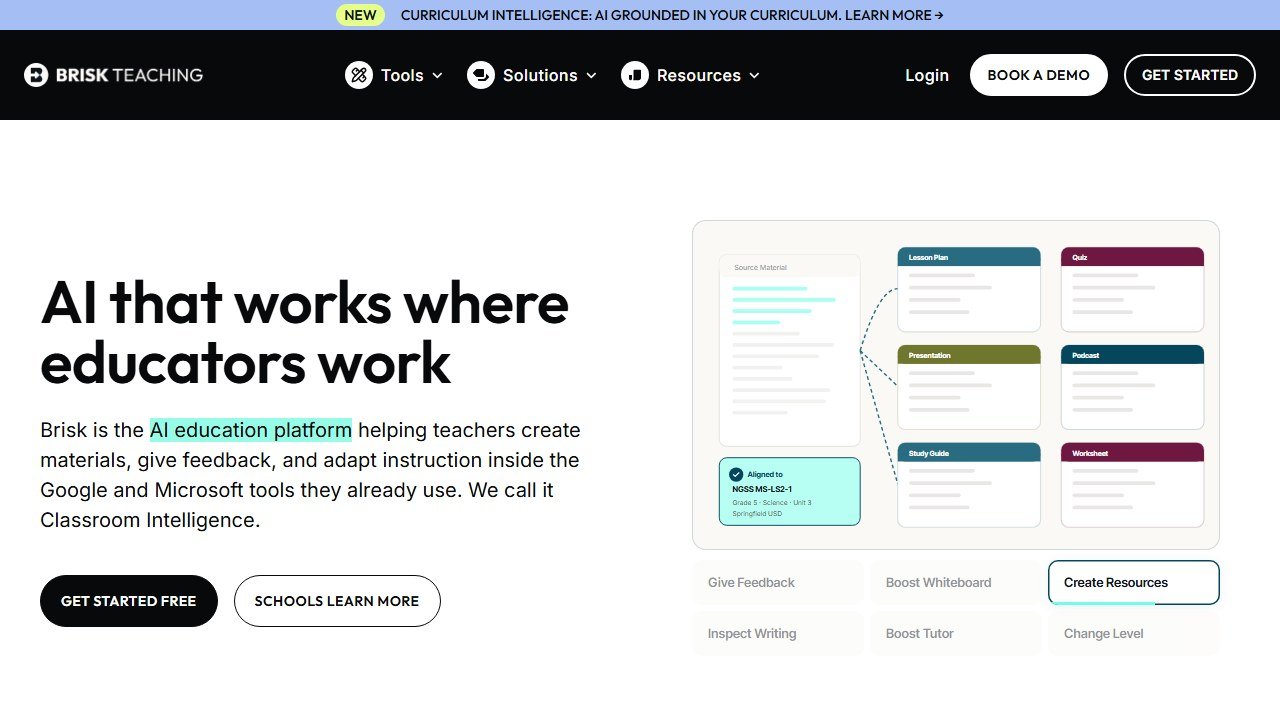
Brisk is a Chrome/Edge extension that adds 30+ AI teaching tools directly inside Google Docs, Slides, Forms, and Classroom. Best for teachers who want AI assistance without switching apps. It offers writing feedback, lesson planning, quiz generation, and a unique “Inspect Writing” feature that replays how students wrote their work. FERPA and COPPA compliant with the strongest privacy rating among teacher AI tools.
Quick comparison at a glance. Full breakdown for each option below.
Pricing Breakdown
| Plan | Price | What You Get |
|---|---|---|
| Free | $0 | Access to core features (limits not publicly specified) |
| Premium | Contact for pricing | Full feature access, advanced tools |
| School/District | Contact for pricing | Multi-teacher deployment, admin controls |
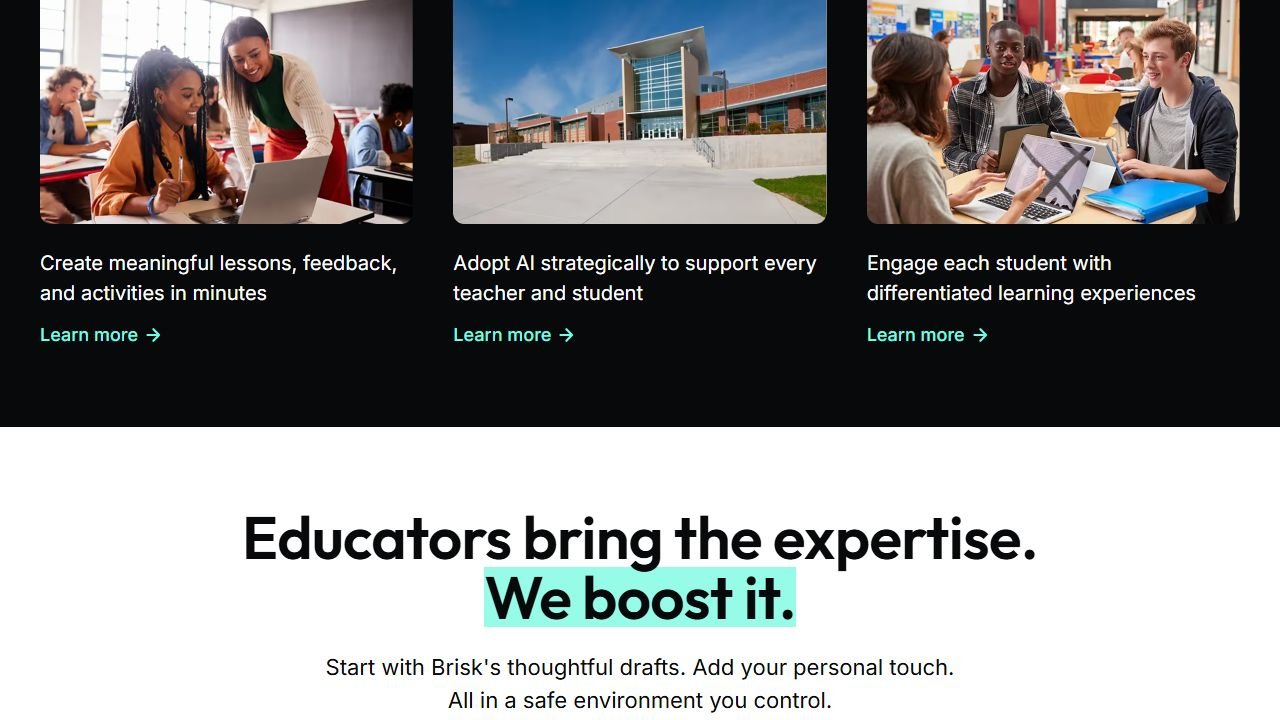
Website: Brisk Teaching
Last reviewed May 2026. Brisk’s Chrome extension keeps shipping incremental improvements through 2026. We track them in this review as they go live. For the wider classroom-AI landscape (including the news that Khanmigo is being redesigned for summer 2026) and a head-to-head comparison, see our best AI tools for teachers guide.
How we evaluated Brisk AI
This review examines Brisk on what it is built to do: run inside Google Docs and Google Classroom, plus news articles and YouTube videos, rather than asking teachers to leave their workflow. It covers the feedback, leveling, quiz generation and rewrite tools, and how the extension format compares with dedicated platforms like MagicSchool and Diffit on the same tasks. It is research-based rather than a full grading-cycle trial, so any “hours saved per week” figures here come from Brisk’s own teacher surveys, not from our own measurement.
Faz says: Most teacher AI tools ask you to leave your workflow. Open a new tab. Copy text over. Generate something. Copy it back. Brisk skips all of that. It’s a Chrome extension that puts AI tools directly inside the Google apps teachers already live in. You’re in Google Docs giving feedback on a student essay? Brisk is right there. You’re building a quiz in Google Forms? Brisk is right there. I’ve reviewed platforms with 80+ tools that still can’t match the convenience of AI that shows up exactly where you need it. We assess Brisk alongside every tool in our best AI tools for teachers roundup. Here’s what stood out.
What’s New: Brisk Teaching Updates (April 2026)
- Launched Brisk Grader: AI-assisted rubric grading directly inside Google Classroom, with comment suggestions and grade justifications.
- Added Microsoft Edge support: Brisk is no longer Chrome-only. Works across Chrome, Edge, and as a web app.
- New Differentiate tool: select any text in Google Docs and instantly generate versions at lower or higher reading levels.
- Enhanced Inspect Writing now flags AI-assisted writing patterns alongside showing the student’s writing process replay.
- Passed 1 million active teacher users milestone: CommonSense Media awarded it their highest privacy rating for the third consecutive year.
- New AI Lesson Plan Builder: generates week-long unit plans with day-by-day activities, standards alignment, and embedded Google Slides outlines.
See the full changelog at Brisk Teaching release notes. Last updated: April 22, 2026.
What Brisk Does
Brisk Teaching is a browser extension (Chrome and Edge) that embeds AI tools directly into the web apps teachers already use. Instead of a standalone platform, Brisk operates as a layer on top of Google Docs, Google Classroom, Canvas, YouTube, and other sites you visit during your workday.
The result: you get AI-powered lesson planning, student feedback, quiz generation, and content creation without leaving the page you’re already on. It’s the difference between having a toolkit in another room versus having it on your belt.
Key Features
Writing Feedback in Google Docs
This is Brisk’s strongest feature. Open a student’s essay in Google Docs and Brisk can generate detailed, rubric-aligned feedback in seconds. You can customize the feedback tone, depth, and focus areas. Instead of spending 8-10 minutes per essay writing comments, you review Brisk’s suggestions and adjust where needed.
The feedback isn’t generic. It references specific parts of the student’s text and ties comments to the rubric criteria you set. Teachers report cutting essay feedback time by 60-80%.
Inspect Writing
This is the feature no other teacher AI tool offers. Inspect Writing creates a video playback of how a student wrote their document in Google Docs. You can see every keystroke, paste, and deletion. If a student pasted in 500 words from ChatGPT, you’ll see it happen in the replay.
It’s not AI detection (which has accuracy problems). It’s visual evidence of the writing process. This is a fundamentally different approach to academic integrity than tools like Turnitin.
Presentation Maker
Feed Brisk an article, video, PDF, or topic and it generates a complete Google Slides or PowerPoint presentation. The slides include speaker notes, images, and a logical flow. You’ll want to edit and customize, but the first draft saves significant prep time.
Lesson Plan Generator
Enter your topic, grade level, and standards, and Brisk generates a structured lesson plan. It includes learning objectives, activities, differentiation suggestions, and assessment ideas. The output integrates directly into your Google Docs workflow.
Quiz Generator
Brisk creates quizzes directly inside Google Forms or Google Docs, complete with answer keys. You can generate questions from an article, video, or topic. The questions align to the reading level and complexity you specify.
Batch Feedback
For teachers grading a full class set of essays, batch feedback lets you process multiple student submissions simultaneously. Instead of opening each document individually, Brisk works through the stack and generates feedback for each student based on the same rubric.
Curriculum Intelligence
Brisk’s newest feature grounds AI output in your actual curriculum. Instead of generating generic content, it references the specific standards, scope and sequence, and instructional materials your school uses. This makes every output more relevant to what you’re actually teaching.
Standards alignment is where subject-specific testing pays off. If you teach science, our guide to the best AI tools for high school science teachers runs tools like Brisk through NGSS-aligned tasks.
Additional Tools
- Newsletter generator for parent communication
- Podcast generator from lesson content
- Rubric creation
- Observation notes templates
- Reading level adjustment
- Language translation
- Brisk Boost (differentiated learning experiences)
- Brisk Next (AI-powered resource recommendations)
What you need to know:
- Brisk does not publicly list its paid pricing. The free tier gives you access to core tools, but specific usage limits aren’t clearly documented on their site.
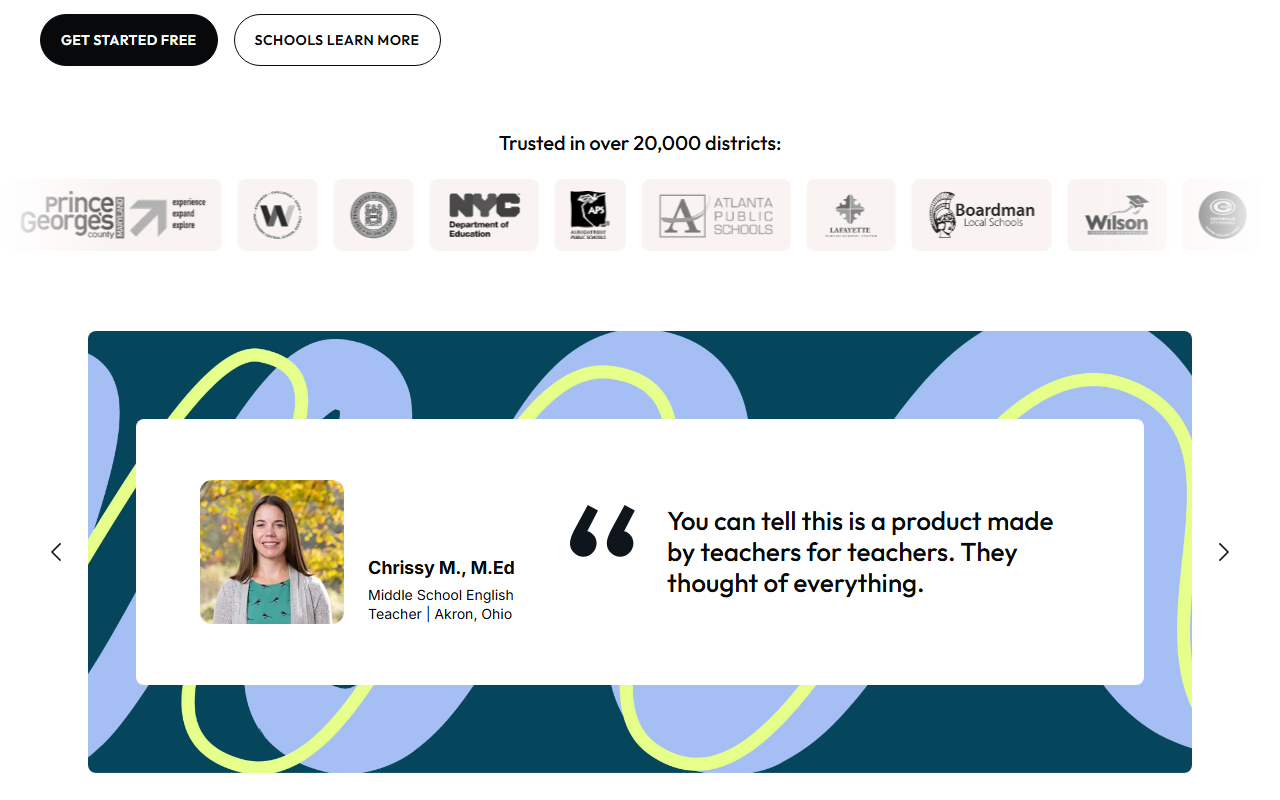
- District pricing is available for bulk deployment. Brisk is already in 20,000+ districts, so your school may already have access. Check with your IT department before buying individually.
- The lack of pricing transparency is the biggest friction point. You can’t compare costs against MagicSchool or Curipod without requesting a quote first.
Free Plan: What You Actually Get
Brisk’s free plan gives teachers access to the core Chrome extension and its main tools. However, the exact limits of the free plan (number of uses, features gated) aren’t clearly documented on Brisk’s public-facing pages.
What we can confirm: you can install the extension, connect it to Google Workspace, and start using writing feedback, presentation generation, and quiz creation without paying. At some point, usage limits may kick in and prompt an upgrade.
Recommendation: Install the free version and test it with your actual workflow before requesting pricing. You’ll know within a week whether the Google Workspace integration is worth paying for.
Privacy and Compliance
This is where Brisk separates itself from every competitor. The compliance stack is the strongest in the teacher AI space:
- 93% Common Sense Privacy Rating (highest among AI tools)
- FERPA compliant
- COPPA compliant
- SOC 2 certified
- GDPR compliant
- EdSafe AI certified
- Google Partner
- ISTE Seal certified
For teachers and administrators who need to justify AI adoption to cautious school boards, Brisk’s certification list makes the conversation significantly easier. No other teacher AI tool matches this compliance depth.
Integrations
| Platform | Supported |
|---|---|
| Google Docs | Yes |
| Google Slides | Yes |
| Google Forms | Yes |
| Google Sheets | Yes |
| Google Classroom | Yes |
| Microsoft Word | Yes |
| Microsoft PowerPoint | Yes |
| Canvas LMS | Yes |
| YouTube | Yes |
| Chrome browser | Yes (extension) |
| Edge browser | Yes (extension) |
| Firefox / Safari | No |
Who This Is For
Use Brisk if you:
- Live in Google Workspace and want AI tools without leaving your workflow
- Spend hours grading essays and want faster, rubric-aligned feedback
- Need to verify student writing authenticity (Inspect Writing)
- Want the strongest privacy and compliance certifications to satisfy your admin
- Teach ELA, humanities, or any subject involving student writing
Skip Brisk if you:
- Want a standalone platform with 80+ tools (look at MagicSchool AI)
- Need specialized differentiation features (look at Diffit AI)
- Use Firefox or Safari (Brisk is Chrome/Edge only)
- Need transparent pricing before committing
- Primarily need student-facing tools like tutoring or study aids
Brisk’s ability to work over any web page or PDF also makes it useful outside the classroom proper. Our guide to AI tools for school librarians picks tools by job, not hype.
Pros
- Lives inside Google Workspace, zero context-switching
- Inspect Writing is a unique approach to academic integrity that no competitor offers
- Strongest compliance stack in teacher AI (FERPA, COPPA, SOC 2, ISTE Seal)
- Adopted by 20,000+ districts including NYC DOE
- Batch feedback processes an entire class set of essays at once
- Curriculum Intelligence grounds AI in your actual teaching materials
Cons
- Pricing not publicly listed for any tier
- Free plan limits are unclear
- Chrome/Edge only (no Firefox or Safari support)
- Less comprehensive than MagicSchool for non-writing tasks (lesson planning, IEP writing)
- Requires Google Workspace or Canvas; limited value outside those ecosystems
Faz says: Brisk gets the workflow problem right. Every other tool asks teachers to go somewhere new. Brisk shows up where teachers already are. The Inspect Writing feature alone is worth the install. Instead of running student papers through an AI detector that’s wrong 20% of the time, you can literally watch how they wrote it. That’s not detection. That’s evidence. If your school runs on Google, Brisk should be on every teacher’s Chrome toolbar.
Saru says: 4.5/5. Brisk holds the highest Common Sense Privacy Rating (93%) among teacher AI tools and is deployed across 20,000+ districts. The Chrome extension approach reduces adoption friction to near zero, which explains the scale. The 4.7-star rating across 700+ reviews confirms strong teacher satisfaction. Primary limitation: pricing opacity makes budget planning difficult, and the tool is less useful outside the Google/Canvas ecosystem.
Final Verdict
Brisk is the best AI tool for teachers who live in Google Workspace and grade student writing regularly. The Chrome extension approach eliminates the biggest barrier to AI adoption: switching between apps. Inspect Writing gives you a genuinely new way to handle academic integrity. And the compliance certifications make it one of the easiest AI tools to get approved by cautious administrators. The pricing opacity is a real drawback, but if your district already has a subscription (check with IT), you’re leaving free productivity on the table by not installing it today.
Rating: 4.5/5
More teacher AI tools we have reviewed
Brisk plays well alongside other classroom AI. Our reviews of the most useful complements and alternatives:
- CoGrader review. rubric-aligned essay grading
- Curipod review. interactive AI lesson activities
- SchoolAI review. safe student AI chat platform
- AssignAI review. ESL and IELTS grading
- Diffit vs MagicSchool. differentiation vs all-in-one
- Khanmigo vs Quizlet. student tools comparison
References & further reading
For deeper research on AI in education and evidence-backed instructional practice:
For teams outside education that need AI-assisted content rewriting, our roundup of the best AI rewriting tools covers the top general-purpose options.
- Common Sense Education: AI in K-12 classrooms. classroom-tested guidance and tool ratings reviewed by educators
- Edutopia technology integration research. peer-reviewed edtech case studies and classroom implementation practice
- US Department of Education on AI in schools. federal guidance on AI in teaching and learning, including the 2023 Office of Educational Technology report
More AI tools for teachers
More AI guides for teachers:
- 7 Best AI Tools for Special Education Teachers.
- MagicSchool AI Updates 2026: new Tools & Pricing.
- Best AI Lesson Planning Tools for Teachers in 2026.
Student data, and the questions a school has to ask before anything is switched on
This is the part of education technology where getting it wrong has consequences beyond a wasted subscription, and it is mostly answerable in writing before adoption.
Know which law you are under before you evaluate
In the United States, student education records sit under FERPA, and services aimed at under-13s bring COPPA into scope, which requires verifiable parental consent for personal information collected from children. Schools outside the US will have their own regime. The practical effect is the same: the school, not the vendor, carries the obligation, so the vendor questions exist to let you meet it.
Ask whether student work trains the model
This is the single question to get in writing. Ask whether student inputs and outputs are used to train or improve any model, including in aggregated or anonymised form, and whether that binds subprocessors too. “We do not train on your data” and “we do not train foundation models on your data” are different sentences. Get it as a contract term, because a sales assurance does not survive a change of ownership.
Ask who else touches the data
Most tools here are built on a model provider they did not write, so student work reaches a third party. Ask for the current subprocessor list, where each processes data, and how you are notified when it changes. A vendor that cannot produce that list within a day does not have one, which tells you enough about the rest of their programme.
Ask what happens at the end of a school year
Retention and deletion, stated in days rather than described as a process. What is deleted when a student leaves, when a class is archived, when the contract ends. Ask whether deletion means removed from live systems, removed from backups, or flagged. A vendor that will commit to a number in the contract is a different proposition from one that describes an approach.
The one many schools miss: inferences about a child
If a tool generates a reading level, a predicted grade, a behaviour flag or an ability estimate, that is data about a student the student never supplied. Ask whether those inferences are covered by your export, your deletion request and your access request, because a parent asking what the school holds on their child is asking about those too.
Where the figures on this page come from
Every price here was read from the vendor’s own pricing page on 4 September 2026 and carries that date, because education pricing changes with the school year and a claim without a date is not checkable.
The pages we read
Chalkie publishes free, US$6.65 and US$12.99 a month with yearly equivalents. Khanmigo publishes $44 a year. MagicSchool publishes a free plan and Plus at $12.99 a month. Curipod publishes free and from $24 a month with a 21% yearly saving. CoGrader publishes free at 100 submissions a month and $15 a month billed annually. Brisk Teaching publishes a free teacher plan at $0.
The ones we could not read
SchoolAI publishes tier names with no figures. Gradescope now sits on a Turnitin domain and is institution-quoted. We could not read a figure for Diffit, Quizlet, Photomath or Gauth either. That is not evidence they publish nothing, and we do not present it as such. Treat any figure for those six from elsewhere as unverified.
What we do not do
We do not carry a figure we cannot source to the vendor. Where a number circulates and cannot be traced, we say so and withdraw it rather than repeating it with a hedge.
Tools mentioned in this guide
- Khanmigo
- MagicSchool
- Diffit
- CoGrader
- Curipod
- SchoolAI
- Quizlet
- Spacely
- Collov
- Coohom
- Veras
- D5 Render
- Strong
- Virtual Staging AI
- ChatGPT

Written by
FazFaz is the founder of AIToolsBakery. Some tools here are tested hands on. Others are assessed from vendor documentation and pricing verified on the live page, and every review says which one it is. Sponsors can buy a position in a guide. They cannot buy the score, the criticism, or silence about a better option.
How we test and how we make money →