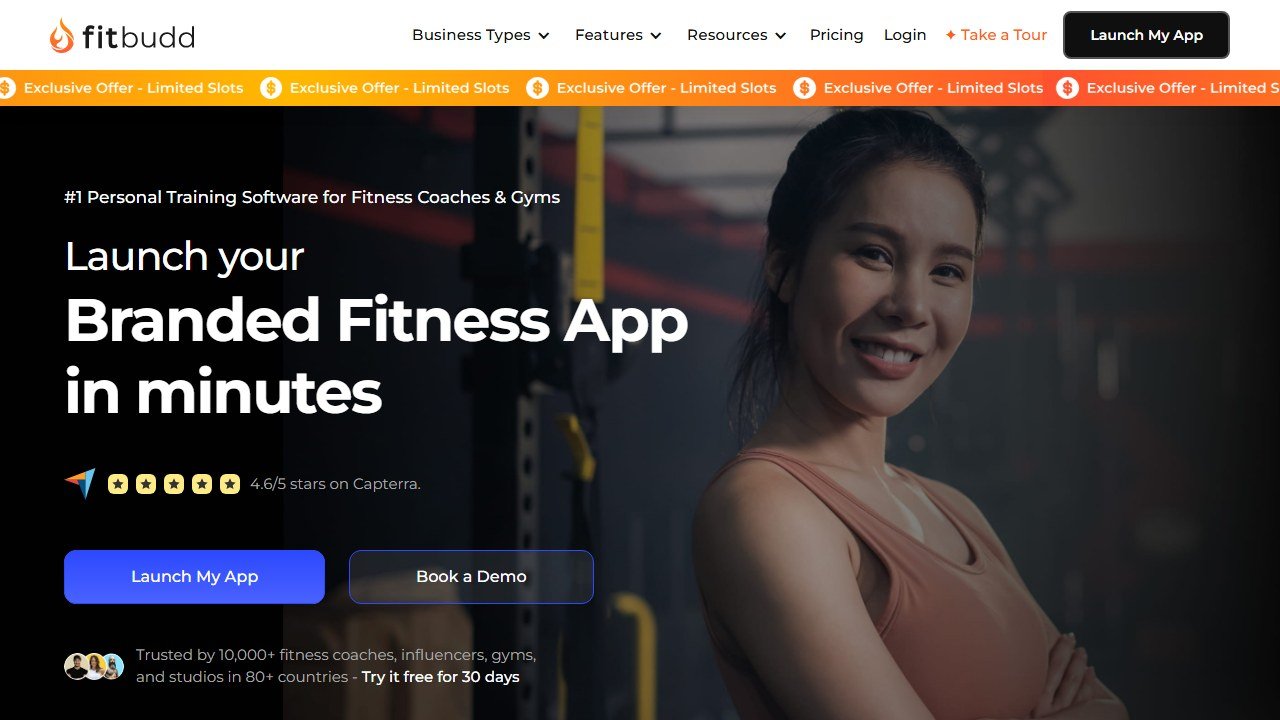
Quick Answer: FitBudd is a white-label personal training app with client management, workout builder, nutrition tracking, and habit coaching. Starts at $99/mo. Best for solo PTs and small studios who want a fully branded client app on iOS and Android. Strong mobile experience, weaker on desktop admin tools.
Last updated: April 22, 2026.
Website: FitBudd
Related: See also: Best AI tools for personal trainers 2026 | Trainerize review | TrueCoach review
What FitBudd actually is
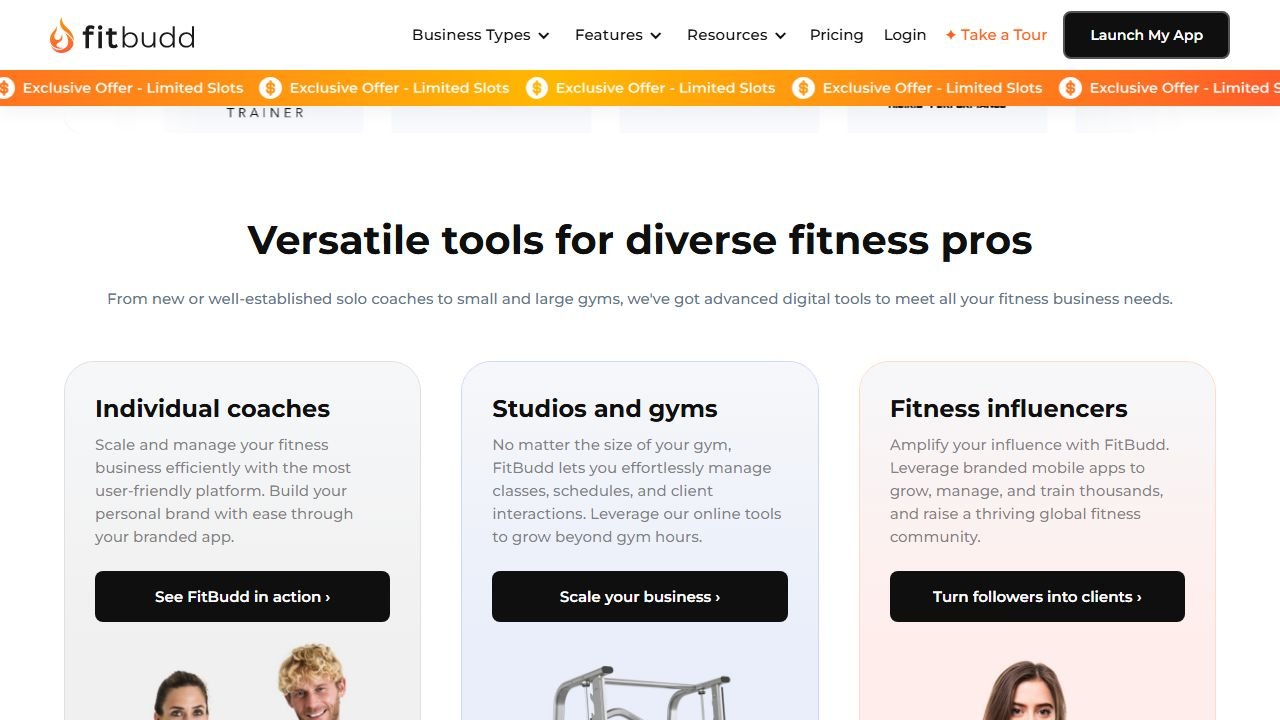
FitBudd sits in an interesting position in the personal trainer software market. Most tools in this category. TrueCoach, Everfit, PT Distinction. are built primarily for the coaching workflow: build programs, deliver them to clients, track progress. FitBudd does all of that, but it’s equally focused on the business side: your branded app, your website, your payment processing, your client acquisition.
That dual focus is both its strength and the source of most of its complaints.
The platform serves personal trainers, gym owners, and. unusually. fitness influencers who want to package and sell workout content at scale. If you’re building a fitness brand rather than just running a coaching practice, FitBudd’s tools start to make sense in ways that Everfit or TrueCoach simply don’t cover.
Pricing. mapped honestly
FitBudd now publishes pricing publicly, which is an improvement. Here’s what you’re actually paying at different scales:
| Plan | Monthly | Annual | Clients | Per extra client |
|---|---|---|---|---|
| Starter | $15 | $159 | 2 | $4/mo |
| Pro | $79 | $799 | 20 | $2/mo |
| Super Pro | $149 + $75 setup | $1,499 + $75 setup | 20 | $2/mo |
| Elite | Custom | Custom | Unlimited | . |
At first glance, $79/mo for 20 clients (Pro) looks reasonable. that’s $3.95 per client, competitive with Everfit and Trainerize at the same scale.
But here’s where it gets complicated.
The add-ons are priced separately, and they’re things you’ll likely need:
- Appointments/scheduling: $50/mo extra
- Team management (if you manage other trainers): $50/mo extra
- Smart Flow Automation: $20/mo + $1/client over 20
- On-demand video content (Explore): $50/mo extra
A solo coach on the Pro plan who wants scheduling + basic automation is looking at $149/mo before they’ve touched any extras. That’s not outrageous but it’s not the $79 headline.
The Super Pro plan adds a fully white-label branded iOS and Android app. your name, your logo, on the App Store. The $149/mo + $75 setup sounds manageable until you factor in that you’ll also need an Apple Developer account ($99/year) and Google Play account ($25 one-time). Spread over 12 months: ~$233/mo effective first year for Super Pro with a branded app.
For established coaches with 30+ clients who genuinely need a branded app, that math works. For coaches with 10-15 clients who think a branded app will help them grow, it’s a significant outlay before the clients justify it.
What’s genuinely good
The branded app, when you get there, is real. Clients download an app with your name from the App Store. Not “FitBudd Coach: powered by Jane Smith”. your app, your branding. In a market where TrueCoach and Everfit still put their own logos on the client-facing experience, this matters for coaches who are building a recognizable fitness brand.
The client-facing experience is clean. Clients get a professional-looking app with workout delivery, nutrition tracking, progress photos, check-ins, and messaging in one place. The mobile design is well-regarded in user reviews consistently.
Website builder is included. Not as an add-on, not a watered-down version. FitBudd includes a website builder from the Pro plan upward. For coaches paying for Squarespace or Webflow on top of their coaching software, consolidating into one tool has real value.
Wearable integrations work. Apple Watch, Garmin, and other wearables sync to client profiles, which is notably absent from Everfit. For coaches working with athletes who already wear a device, seeing real activity and recovery data without asking for screenshots is useful.
Customer support is fast when it’s available. The support team gets consistently good marks for responsiveness and willingness to jump on calls. The caveat: time zone issues mean some coaches in non-US markets wait longer than they’d like.
What frustrates users most
The workout creation workflow has too many steps. To build and deliver a workout, you go: exercise library → build workout → add to schedule. Three separate steps where competitors like Everfit let you do it in one drag-and-drop flow. For coaches building large program libraries, this adds up to real time. Multiple Capterra reviewers flag this specifically.
Deactivated clients still receive automated messages. When you pause or deactivate a client, they can continue receiving group automations and motivational messages if they share a start-date group with active clients. This is not a subtle edge case. it’s an embarrassing situation that has happened to real coaches. FitBudd has been aware of this for some time.
The pricing change precedent is concerning. At least one documented user complaint on Capterra describes losing team management features in a pricing tier update. features they previously had were moved to an add-on tier without grandfathering. For a tool you’re building a business on, that’s a trust issue worth noting.
Macro tracking is percentage-based only. If your coaching relies on specific gram targets for protein, carbs, and fat, clients can only see these as percentages of total calories. not absolute values. Most nutrition-focused coaches find this limiting and end up pointing clients to MyFitnessPal.
The bodyweight exercise library is thin. Strong on gym-based exercises with video demos, weaker on bodyweight and home workout movements. Coaches working with clients who train at home often need to upload their own video content to fill the gaps.
Who should use FitBudd
It’s the right call if:
- You have 20+ clients and are actively building a recognizable fitness brand
- A white-label branded app on the App Store is a genuine business goal
- Your clients are a mix of gym-goers and home trainers who use wearables
- You want workout delivery, nutrition, website, and payments in one place
It’s the wrong call if:
- You have fewer than 10 clients. the pricing doesn’t justify itself yet
- You need a fast, clean workout builder above all else. the three-step flow will frustrate you daily
- You do serious nutrition coaching. the macro tracking limitations will push your clients elsewhere anyway
- You’re budget-sensitive and can’t absorb the add-on costs as you scale
FitBudd vs the alternatives
| FitBudd Pro | Everfit Pro | PT Distinction Pro | TrueCoach (20 clients) | |
|---|---|---|---|---|
| Price (20 clients) | $79/mo | ~$65/mo | $59.90/mo | $53/mo |
| Branded client app | Super Pro only (+$70/mo) | No | Included | No |
| Website builder | Yes | No | Yes | No |
| Workout builder | 3-step flow | Drag-and-drop | Highly customizable | Fast, clean |
| Wearable integrations | Yes | No | Yes | Yes |
| Android client app | Yes | Yes | Yes | No |
| Free plan | No (trial only) | Yes (5 clients) | Yes (3 clients) | No (trial only) |
Final verdict
FitBudd is a solid platform that earns its place in the market with a genuinely polished branded app experience and a business-first feature set. The workout creation workflow is its most persistent weakness. in a daily-use tool, friction in the most-used feature matters.
The pricing, now that it’s publicly listed, is competitive at the Pro level. Where it gets expensive is when you add the features most growing coaches need: scheduling, automation, and the branded app. At that point you’re well past $150/mo, and PT Distinction delivers a branded app for $59.90/mo.
The right FitBudd customer is a coach with 20-40 clients who has a distinct personal brand, wants to own their client experience end-to-end, and sees the App Store presence as a genuine differentiator for their business. If that’s you, the investment makes sense. If you just need solid software to deliver great coaching, Everfit or PT Distinction will serve you better for less.
Related personal trainer & fitness AI guides
Other tools and comparisons we have reviewed in this category:
- best AI tools for personal trainers. where FitBudd ranks among PT software
- FitBudd vs Trainerize. direct comparison of the branded-app contenders
- best Trainerize alternatives. why coaches are leaving Trainerize
References & further reading
For deeper context on programming, periodization, and training science behind the tools we evaluate:
- NSCA: peer-reviewed strength and conditioning research. evidence-backed programming principles from the National Strength and Conditioning Association
- ACSM physical activity guidelines. official exercise prescription standards from the American College of Sports Medicine
- PubMed sports science database. searchable archive of peer-reviewed studies on resistance training, hypertrophy, and recovery
What software should cost as a share of coaching revenue
The useful test is not whether a platform is cheap but whether it is a sane fraction of what it helps you earn, and that arithmetic is straightforward in this business.
Work it out per client, per month
At 20 clients on Everfit billed annually you are paying $41 a month, which is about $2.05 per client. If your average client pays $150 a month, software is roughly 1.4% of revenue. At the same roster on FitBudd’s $79 tier it is $3.95 a client, or 2.6%. Both are defensible. What is not defensible is paying a per client rate that approaches a meaningful share of what each client pays you, and that happens most often on the entry tiers where marginal rates are highest.
The branded app question is a business decision, not a software one
My PT Hub publishes a custom branded app at $95 one-time and a white label app at $145 a month. FitBudd’s own-app tier is $149 for 20 clients with a $100 setup fee. A branded app is worth it if you are selling to your own audience at scale and the app is part of the product you charge for. It is not worth it if you have 15 clients who already message you on WhatsApp, however good it looks.
Price the tier you will be on in six months
Coaching rosters grow in steps rather than smoothly, usually after a launch or a referral run. Buying for today’s client count and re-evaluating quarterly is fine; buying an enterprise tier for a roster you hope to have is how coaches end up paying for capacity they never use. The published ladders in this category make it easy to model both, so model both.
What the platform does not fix
Software does not sell coaching. If your constraint is that you have twelve clients and want thirty, no feature on any of these pages changes that, and the money is better spent on whatever actually brings people in. Buy a platform when delivery is the bottleneck, not when demand is.
Client retention, and the small number of things that actually move it
Coaching businesses live and die on retention rather than acquisition, and this is where software genuinely helps, though not in the way the feature lists suggest.
The check-in is the product
Clients renew because they feel seen, and the single highest leverage feature in any of these platforms is whatever makes a consistent, personal check-in easy to deliver at scale. Everything else is secondary. When evaluating, time how long it takes you to review a week of one client’s data and send something meaningful back, then multiply by your roster. That number is your real capacity.
Automation helps until it is noticed
Automated messaging is the standard feature here and it works right up to the moment a client realises the encouraging note arrives every Monday regardless of what they did. Use automation for logistics, reminders and structure. Keep anything that reads as personal actually personal, because the cost of being caught is the relationship rather than the message.
Watch the first six weeks
Most coaching churn happens early, before habit forms and before results arrive. If your platform gives you an activity view, the one report worth opening weekly is the list of clients who have not logged anything in seven days, filtered to those in their first six weeks. Acting on that list is worth more than any feature comparison.
Measure retention before you change anything
Take your current three month and twelve month retention rates from your own records before switching platforms, because you cannot reconstruct them afterwards and every vendor conversation will otherwise be about features. If retention does not move within two full client cycles, the platform was not the constraint.
How to tell whether the tool was worth it
Fitness software is easy to evaluate honestly because the numbers are countable and small. The reason most coaches cannot say whether a platform helped is that nobody wrote down where they started.
Pick the metric the tool is supposed to move
For a coaching platform it is clients per coach and hours spent on programming and admin per client per week. For a consumer app it is sessions completed per week and adherence over eight weeks. For form checking it is whether you are still filming in month three. Each of those is countable and each needs a figure from before.
Record the time cost this month, before anything changes
Ask yourself or your coaches to log how long programming, check-ins and admin take across one normal week. It takes minutes and it is the only way the time saving is ever provable. Most of the honest value in this category is hours rather than revenue, and hours are measurable in advance and unprovable afterwards.
Give it two client cycles
Retention and adherence move slowly and seasonally. A four week read tells you about novelty rather than value. Judge a coaching platform over at least two full client cycles, and say so at the outset so an unremarkable first month is understood as expected.
Name the result that would end it
Write down before you subscribe what twelve months would have to look like for you not to renew. It converts renewal from a default into a decision, which matters more in a category where the monthly figure is small enough to stop noticing.
Tools mentioned in this guide

Written by
FazFaz is the founder of AIToolsBakery. Some tools here are tested hands on. Others are assessed from vendor documentation and pricing verified on the live page, and every review says which one it is. Sponsors can buy a position in a guide. They cannot buy the score, the criticism, or silence about a better option.
How we test and how we make money →