The average personal trainer spends 40-60% of their working hours on tasks that are not coaching: writing programs, drafting emails, creating social content, managing scheduling, and chasing invoices. AI tools have made serious inroads into every one of those categories. Used correctly, they can give a solo coach back 10-15 hours per week, time that goes back into client contact, skill development, or simply not burning out.
AI saves personal trainers the most time on program design, client communications, and marketing content. The key is using AI to draft and you to review, never sending AI output to clients without applying your professional judgment. This guide covers the six areas where AI has the biggest practical impact.
1. Client Intake and Assessment
Before a client takes their first session, there is paperwork: health history forms, goal questionnaires, lifestyle assessments. AI can help you design better intake forms and, once completed, summarize the key information into a client brief you can reference quickly before sessions.
Use ChatGPT or Claude to draft your intake questionnaire templates. Prompt with something specific: “Write a 15-question intake form for an online personal training client with weight loss goals. Include health history, training history, lifestyle factors, and goal specificity questions.” Review the output, add your own professional knowledge, and you have a better form than most trainers use. When a client returns a completed form, paste it into an AI tool and ask for a structured summary highlighting red flags and goal themes.
2. Program Design
This is where most trainers start with AI, and where the risks are highest if done carelessly. AI can generate a complete workout program in seconds. The quality of that program depends entirely on the quality of your prompt and your subsequent review.
A useful prompt structure: “Create a 4-week hypertrophy program for a 35-year-old male client, intermediate experience, training 4 days per week, home gym with dumbbells up to 50kg and a pull-up bar. Goals: build upper body muscle, maintain lower body. No injuries. Structure as upper/lower split with progressive overload built in.” The output will be a credible starting template. Your job is to review it against what you know about that specific client, adjust based on their movement patterns and preferences, and add the coaching cues only you can provide.
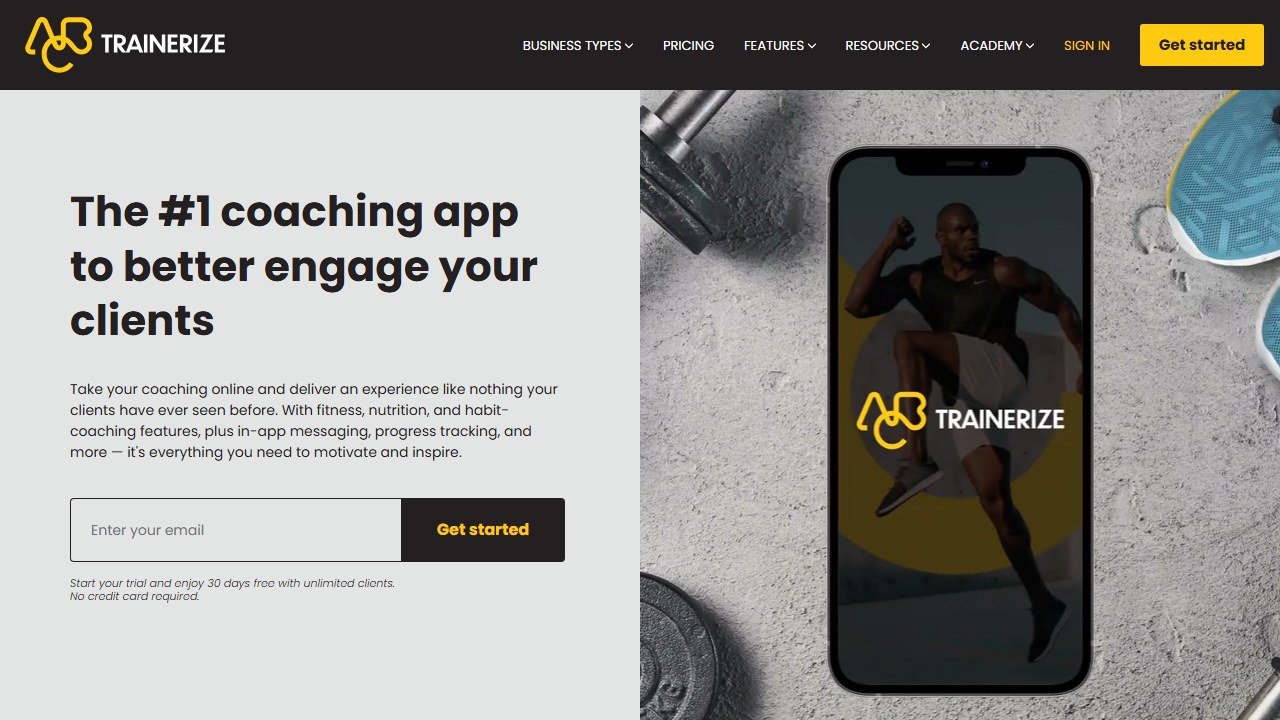
Platforms like Trainerize have built-in AI features for program generation that stay within the platform workflow. For more complex or unusual client profiles, a general-purpose AI gives you more flexibility. The standard is not “did AI write this”, it is “is this a good program for this client.”
3. Nutrition Planning (Within Your Scope)
Personal trainers are not registered dietitians and should stay within their professional scope when advising on nutrition. Within that scope, AI can significantly improve the quality of the educational support you provide clients.
Use AI to generate macro target explanations in plain language that clients actually understand. Use it to draft sample meal templates at different calorie levels. Recommend apps like MacroFactor or Eat This Much for clients who want adaptive tracking beyond what you provide directly. The frame is always: these are educational tools and general guidelines, not clinical prescriptions.
4. Client Communication
Consistent communication is one of the strongest drivers of client retention, and it is one of the tasks that falls behind fastest when a trainer gets busy. AI can help you maintain communication quality at scale.
Draft templates for: weekly check-in messages, program delivery emails, milestone celebration messages, non-response follow-ups, and cancellation win-back emails. Build a library of 20-30 templates, each with a placeholder for personalization. When it is time to send, pull the relevant template, update the personal details, and send in under two minutes instead of writing from scratch each time.
5. Marketing and Content Creation
Social media, email newsletters, and short-form video content are significant time commitments for solo trainers trying to grow their client base. AI handles the drafting layer well. The human layer remains your voice, your results, and your positioning.
Use AI to: generate a month of Instagram caption drafts in one session (batch by content type: educational, testimonial, personal story, promotional), write email newsletter content from bullet-point notes you provide, create short-form video scripts based on your most frequently asked client questions, and repurpose long-form content (a detailed email) into multiple shorter social formats.
Canva‘s AI tools can generate graphics from a prompt or template brief faster than manual design. The quality ceiling is lower than custom design, but for consistent branded social content, the speed trade-off is worth it for most trainers working alone.
6. Business Analytics
Understanding which clients are progressing, which are at risk of churn, and where your revenue comes from is essential for a sustainable training business. Most trainers manage this manually or not at all. AI tools are beginning to change this.
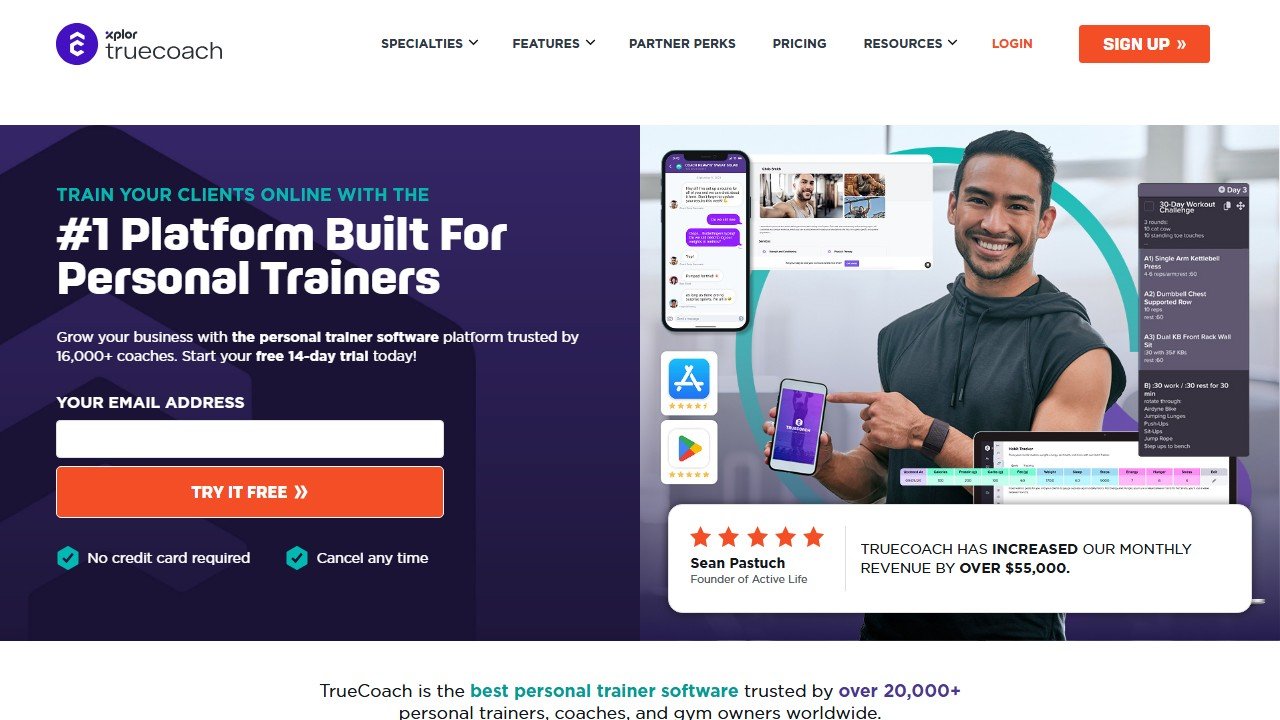
Platforms like Trainerize and TrueCoach include basic analytics on client activity. For more sophisticated tracking, even a Google Sheet with a few months of data can be analyzed by AI tools to surface patterns: which packages retain clients longest, which months see the highest cancellation rates, which acquisition channels produce clients who stay. Paste your data and ask for patterns. You do not need a data analyst background to benefit from this.
Where AI Cannot Help
AI cannot watch a client move and identify a compensatory pattern in their hip during a squat. It cannot notice that a client seems off this week and probe gently for what is going on outside the gym. It cannot build the trust that makes a client return after a bad month. These are the irreplaceable parts of personal training, and they are the parts clients pay for. AI handles the infrastructure. You provide the coaching.
For a full comparison of platforms that have AI built into the coaching workflow, see our guide to the best AI tools for personal trainers and our guide to how to choose personal trainer software.
Getting Started Today
Start small. Pick one area where you lose the most time each week. If client intake paperwork is eating your evenings, try a single AI form template. If social media content feels like a chore, generate a one-week post calendar before building out a bigger system.
The personal trainers who get the most from AI are the ones who treat it as an assistant that frees them to coach better, not a replacement for the coaching relationship itself. Your clients hire you for your expertise, accountability, and genuine care. AI handles the administrative overhead so you can focus on what only you can do.
Start with one tool, master it over two weeks, then layer in the next. Trainers who build systematic AI workflows consistently report more time on the gym floor and fewer hours on admin.
Where AI saves trainers the most hours in 2026
The trainers saving the most time with AI in 2026 use it across five workflows. Workflow one: program design drafts. Use Claude or ChatGPT to draft a starting program for a new client based on their assessment data, then edit. Workflow two: client communication. AI handles weekly check-in templates, motivation messages, and rescheduling responses. Workflow three: content marketing. Blog posts, Instagram captions, and YouTube video scripts all benefit from AI drafting plus human editing. Workflow four: lead nurturing. Email sequences for prospects who downloaded a free guide convert better with AI-assisted personalization. Workflow five: business operations. Spreadsheet formulas, scheduling logic, and customer support replies all benefit from AI assistance.
Trainers running solo practices save 8 to 15 hours per week with this stack. Most of that time goes back into either client work (which makes more money) or rest (which prevents burnout). The trainers using AI badly try to automate the client relationship itself, which destroys trust. The trainers using AI well automate everything around the client relationship so they can show up fully present in the relationship itself.
The honest ethics line for AI in personal training
Two ethical lines that trainers should not cross with AI in 2026. Line one: never present AI-generated programs to clients as your bespoke design without disclosure. Clients are paying for your judgment, not for a Claude prompt. The disclosure can be subtle (“I use AI tools to accelerate the draft phase, and I personally review and adjust every program”) but it should exist. Line two: never use AI to generate medical or nutritional advice you do not personally validate. The hallucination risk is real, and “the AI said it” is not a defense if a client gets injured following bad advice.
Inside those two lines, AI is a leverage tool that lets a solo trainer serve more clients better. Outside those lines, AI is a fast path to client churn, lost trust, and (in worst cases) liability exposure. The ethical position is also the commercially smart position: clients who trust you stay longer, refer more, and pay better. AI helps you keep that trust by giving you more time to deliver real value.
The trainer’s AI ethics statement (template)
One of the easiest wins for trainers in 2026 is publishing a short AI ethics statement on their website. It should say: “I use AI tools to accelerate program drafts, marketing content, and client communication. Every program is personally reviewed before delivery. I do not use AI to generate medical or nutritional advice. I do not share client data with AI tools without permission. Your trust matters; ask anytime how AI fits into our work together.” Publishing this disclosure builds trust with privacy-conscious clients and pre-empts the “is my trainer using ChatGPT?” question that grew louder through 2024 and 2025. Clients respect transparency.
How to tell whether the tool was worth it
Fitness software is easy to evaluate honestly because the numbers are countable and small. The reason most coaches cannot say whether a platform helped is that nobody wrote down where they started.
Pick the metric the tool is supposed to move
For a coaching platform it is clients per coach and hours spent on programming and admin per client per week. For a consumer app it is sessions completed per week and adherence over eight weeks. For form checking it is whether you are still filming in month three. Each of those is countable and each needs a figure from before.
Record the time cost this month, before anything changes
Ask yourself or your coaches to log how long programming, check-ins and admin take across one normal week. It takes minutes and it is the only way the time saving is ever provable. Most of the honest value in this category is hours rather than revenue, and hours are measurable in advance and unprovable afterwards.
Give it two client cycles
Retention and adherence move slowly and seasonally. A four week read tells you about novelty rather than value. Judge a coaching platform over at least two full client cycles, and say so at the outset so an unremarkable first month is understood as expected.
Name the result that would end it
Write down before you subscribe what twelve months would have to look like for you not to renew. It converts renewal from a default into a decision, which matters more in a category where the monthly figure is small enough to stop noticing.
Where a fitness app should stop and a professional should start
This category sits close to health advice without being health care, and the distinction matters for the reader rather than for the vendor.
Nutrition tools estimate, they do not measure
Calorie and macro figures from photo recognition or database lookup carry meaningful error, both in portion estimation and in the underlying food data. That is fine for tracking a trend over weeks, which is what most people need. It is not fine as a basis for aggressive restriction, and anyone with a history of disordered eating should be pointed away from precise daily tracking rather than towards a better tracker.
Wearable recovery scores are directional, not diagnostic
Sleep staging, readiness and recovery metrics from consumer wearables are useful for spotting your own patterns over time and unreliable as absolute measurements on any given night. Use them to notice a fortnight of poor sleep. Do not use them to decide whether a symptom needs attention, and be wary of any app that encourages that reading.
Anything involving pain, pregnancy, injury or a medical condition needs a human
Postpartum training, rehabilitation, cardiac conditions, hypermobility, pregnancy and any current injury all need individual clinical assessment. An app can support a programme a professional has designed, and it cannot design one safely from a questionnaire. The good tools in these areas say so plainly on their own marketing; treat the ones that do not as a warning.
What a coach should check before recommending anything
Whether the app claims to diagnose or treat, what it does with health data, and whether it has any mechanism for escalating a red flag. If a client tells the app about chest pain during exercise, what happens? Most consumer tools have no answer to that, which is exactly why the coach relationship is the safety layer rather than the software.
Where the figures on this page come from
Every price here was read from the vendor’s own pricing page on 4 September 2026 and carries that date, because pricing in this category moves and a claim without a date is not checkable.
The pages we read
PT Distinction publishes $19.90, $59.90 and $89.90 a month with its marginal per client rates. Everfit publishes a rung for every client count from $19 to $290 monthly. TrueCoach publishes $26.34, $57.99 and $136.99 a month billed annually. My PT Hub publishes $25 and $59. FitBudd publishes $15, $79 and $149 with per client add-ons. Trainerize publishes a free tier and plans from $9. JuggernautAI publishes $34.99 a month or $349.99 a year.
The ones we could not read
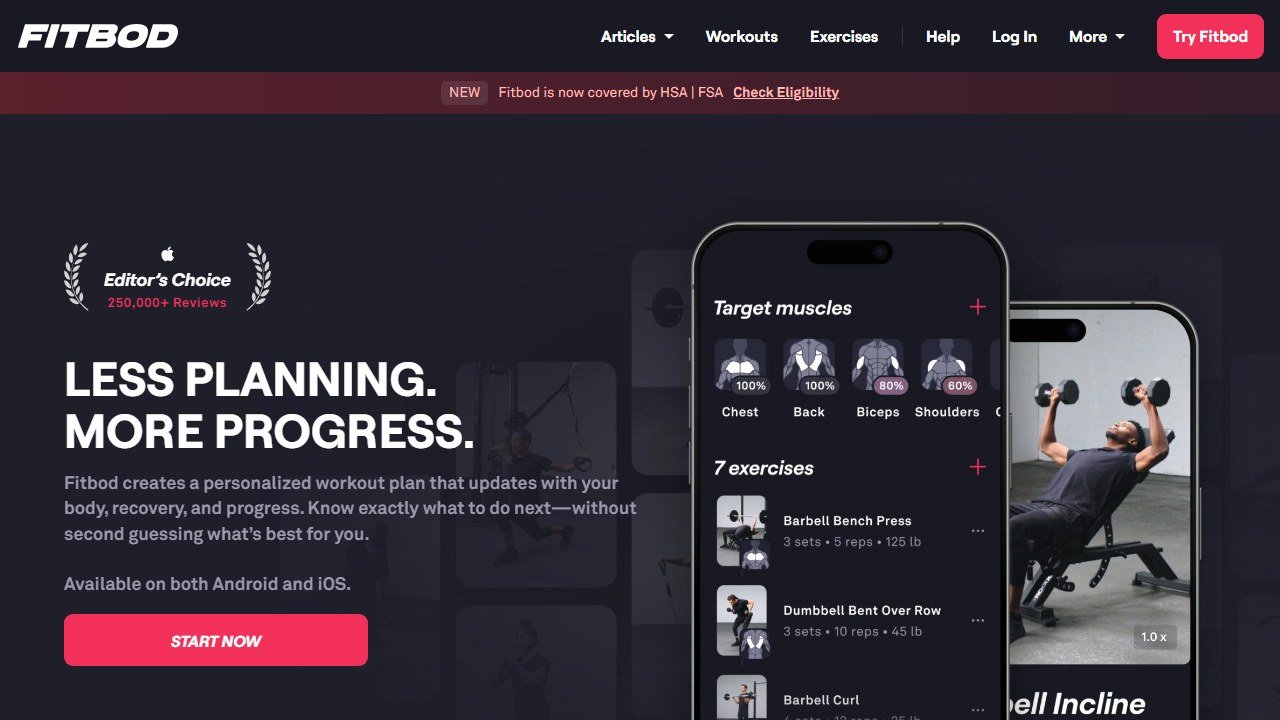
Fitbod, Dr. Muscle, Hevy, Whoop and Oura did not yield a figure to the same method that read every vendor above, largely because consumer subscriptions are sold inside the app stores rather than on the web. That is not evidence they publish nothing, and we do not present it as such. Check the store listing on your own device, in your own country, before relying on any figure for those five.
One page worth reading twice
Wodify displayed $199 struck through and $99 a month per location, conditional on booking a demo by 31 August. We read it on 4 September 2026, after that deadline, and the discounted price was still shown. Ask which figure actually applies before budgeting on it.
Tools mentioned in this guide

Written by
FazFaz is the founder of AIToolsBakery. Some tools here are tested hands on. Others are assessed from vendor documentation and pricing verified on the live page, and every review says which one it is. Sponsors can buy a position in a guide. They cannot buy the score, the criticism, or silence about a better option.
How we test and how we make money →