Search for an AI sign language app and the results mix two very different kinds of product. Some apps teach you to sign, and a few of those now watch you through the camera and tell you whether your handshape was right. Others promise to translate: you type or speak, and an animated signer performs it, or you sign and the app writes it down. The marketing for both uses the same words, “AI” and “sign language”, so it is easy to download one when you wanted the other.
This guide splits them apart. For each app we say whether it teaches or translates, what the AI actually checks or produces in the vendor’s own wording, which sign languages it covers, and what it costs. We also cover something the vendor pages we read for this search do not: what Deaf organisations have published about signing avatars and machine translation, and why it matters before you rely on one.
How we put this together. We have not used these apps ourselves; this is a research-based comparison. Every price, rating and feature below comes from the vendor’s own website or its US App Store and Google Play listing, read on 18 October 2026, and we link to each source. Prices are US App Store in-app purchase prices in US dollars unless we say otherwise. Apple often lists several prices for the same plan because of trials and promotions, so we give the range it showed. Statements from Deaf organisations are quoted from their own websites. Nothing here is a test result, and none of these companies paid to appear on this page.
Learn or translate: two jobs that share a name
A sign language is a full language with its own grammar, not a code for spoken English. American Sign Language (ASL) and British Sign Language (BSL) are different languages, even though both countries speak English. Much of the grammar of a signed language lives in facial expression, head movement, the use of space and the way a sign moves, not only in the shape of the hand. That background explains what today’s AI can and cannot do.
Apps that teach you to sign
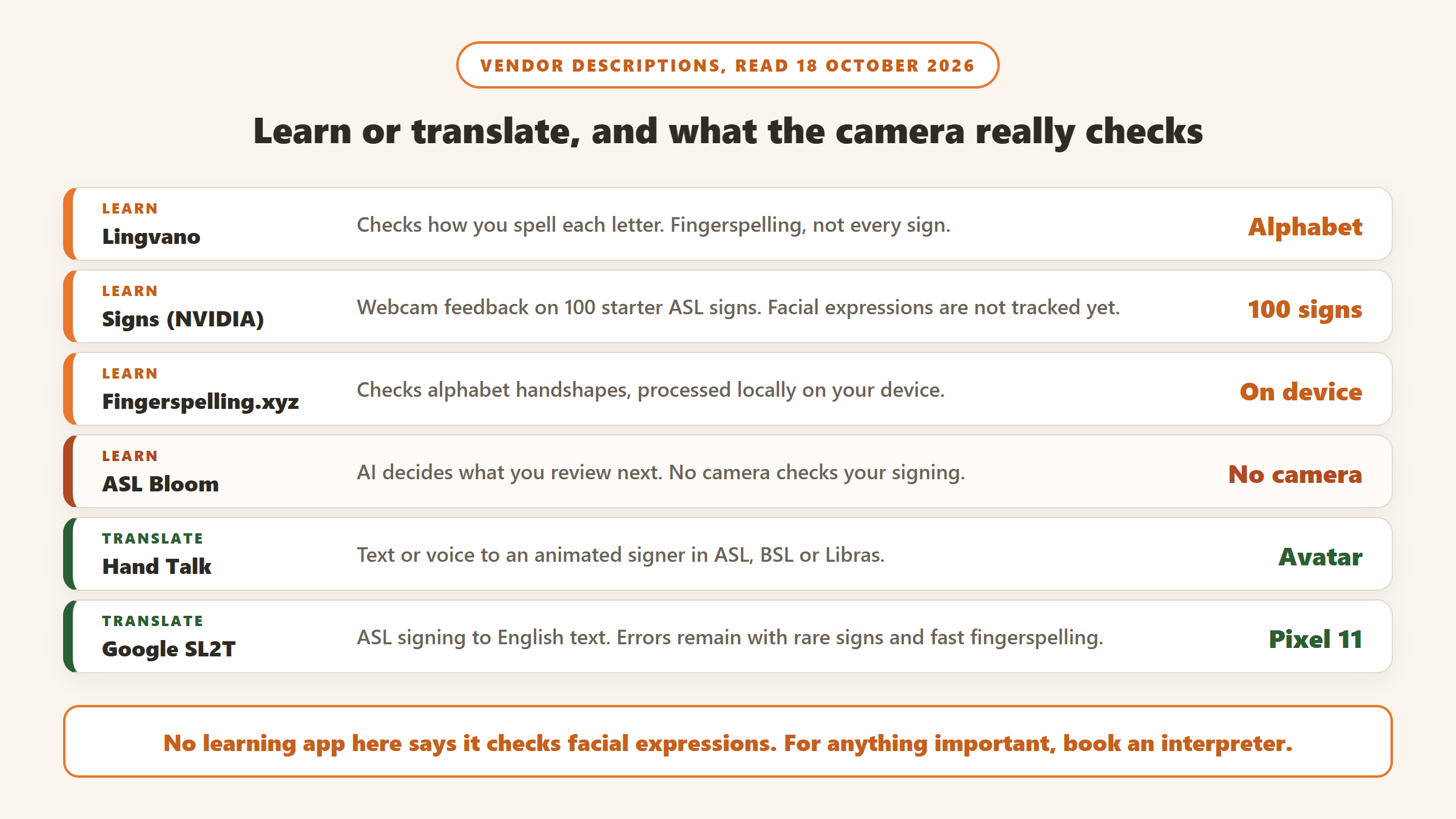
Many learn ASL apps are video courses: a Deaf teacher signs, you copy, and quizzes check that you recognise the sign. That is not AI. A newer group adds a camera check. The app tracks your hand through the front camera or webcam and compares your handshape and movement with the target. Lingvano does this for fingerspelling, Signs and Fingerspelling.xyz do it in the browser, and ASL Otty claims it for gestures in general. Other well known apps, such as ASL Bloom, use “AI” to decide what you should review next, which is useful but does not look at your hands at all.
Tools that translate
Translation runs in two directions. Text or speech to sign usually means an avatar: a 3D or photo-realistic figure performs signs generated from the words you typed. Hand Talk and Signapse work this way. Sign to text is harder, because the software has to read hands, face and body from video. Google’s new SL2T model, built into Gboard and Live Transcribe on Pixel 11, and Sign-Speak’s ASL captioning are the clearest examples.
What camera checks can see today
The vendors are fairly open about the limits. The Signs platform from NVIDIA says its dataset “primarily and initially focuses on accurately capturing data for hand and finger positions,” and that non-manual signals such as facial expressions and head movements “play a crucial role in conveying meaning” but are something it is still thinking about how to add. Google DeepMind says its sign-to-text model still makes errors with rare signs, rapid fingerspelling and classifier constructions. If an app tells you your sign was correct, it usually means your hand looked right, not that your whole sentence was grammatical ASL.
AI sign language apps compared
| App | Job | What the AI does | Sign languages | Platforms | Price (US) | US App Store rating |
|---|---|---|---|---|---|---|
| Lingvano | Learn | Checks your fingerspelling by camera | ASL, BSL, ÖGS | iPhone, Android, web | $17.99/mo; $119.99/yr | 4.9 (119,712) |
| Signs (NVIDIA) | Learn | Webcam feedback on 100 basic signs | ASL | Web | No price shown | Web only |
| Fingerspelling.xyz | Learn | Webcam check of alphabet handshapes, on device | ASL | Web | No price shown | Web only |
| ASL Otty | Learn | Listing says a camera “AI trainer” scores your gestures | ASL | iPhone | $19.99/mo; $98.99/yr | 4.7 (4,311) |
| ASL Bloom and Bright BSL | Learn | AI schedules your review; no camera check | ASL, BSL, plus sister apps | iPhone, Android, web | ASL Bloom yearly listed from $48.99 to $119.99 | 4.9 (36,600) ASL Bloom |
| Hand Talk | Translate | Text or voice to an animated signer | ASL, BSL, Libras | iPhone, Android | Free with ads; $4.99/mo or $44.99/yr | 4.1 (882) |
| Google SL2T | Translate | Signing to English text in Gboard and Live Transcribe | ASL at launch | Pixel 11 first | No extra cost | Built into Android |
| Signapse | Translate (business) | Text or video to “Digital Signers” | BSL, ASL; DGS coming | Web, API, plugin | Plugin $3,250/yr for 10 pages (as served to us) | No consumer app |
| Sign-Speak | Translate | Captions for ASL video; voice to ASL in pilot | ASL | Web, enterprise API | Free sign-up; no prices published | No consumer app |
Prices and ratings read on 18 October 2026. Ratings are rounded to one decimal. Apple’s in-app purchase lists often show several prices for the same plan, so check the price inside the app before you subscribe.
How we chose and ordered these
Every product had to use AI in a way the vendor describes in public: checking your signing, generating signing, or reading signing. Learning apps come first because that is what many people searching “learn ASL app” want, and within them we ranked apps that check your signing with a camera above apps that do not. We then weighed the evidence that the product is real and maintained (rating volume, installs and the date of the last update), whether Deaf teachers or Deaf staff are named, and price. We cut apps that had not been updated in more than a year on any platform and apps with only a handful of ratings, and we list them near the end.
1. Lingvano: Deaf-taught courses with fingerspelling feedback
Lingvano is a structured sign language course with more than 600 lessons, and its about page says it offers courses for ASL, BSL and ÖGS (Austrian Sign Language). Its site says lessons are “crafted and taught by native signers” and claims “100% Native Deaf teachers”. The App Store listing adds dialogue lessons filmed between Deaf people, so you see different signing styles rather than one presenter.
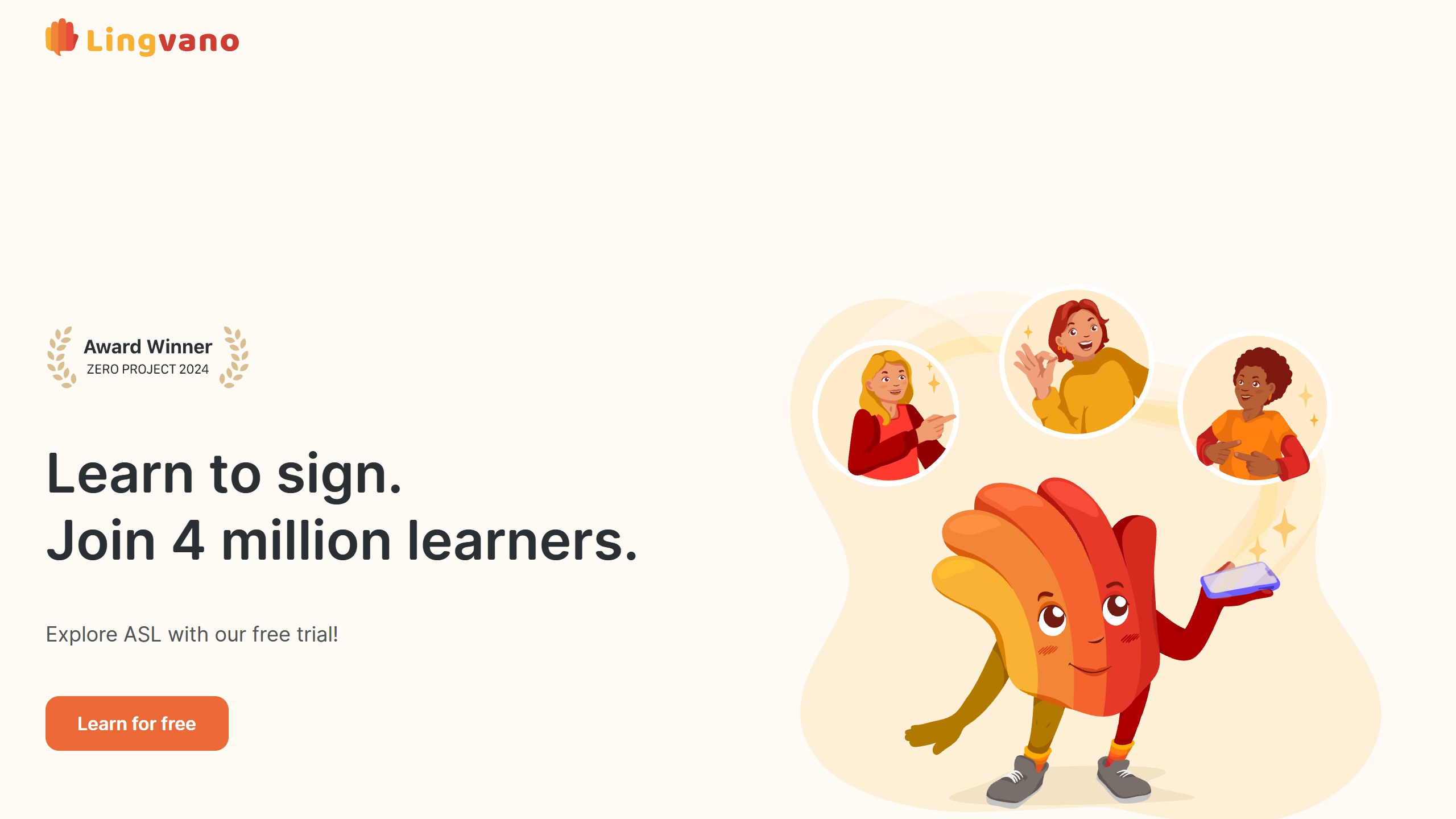
The AI part is specific. Lingvano says “Our sign recognition technology analyzes how you spell each letter and gives you instant feedback,” and that you will “know instantly if your hand shape and motion are correct.” That describes fingerspelling, the manual alphabet, rather than every sign in the course. It is a sensible place to start: Lingvano notes that fingerspelling is used constantly in real ASL conversations.
The store numbers are strong. The iPhone app had a 4.9 average from 119,712 US ratings and was updated on 12 October 2026, the highest US App Store rating count in this guide. The Android app had a 4.8 average from 79,930 reviews and more than a million installs. Lingvano claims 4 million learners on its website and 5 million people in its App Store description.
What Lingvano costs
Lingvano’s help centre says you must be logged in to see exact pricing, and that the price depends on the course, your location and local taxes. In the US App Store on 18 October 2026, ASL Premium was listed at $17.99 a month, $47.99 a quarter or $119.99 a year. A separate Lingvano Premium listing showed $19.99 a month, $53.99 a quarter and $119.99 a year. A few lessons are free before you pay.
Choose it if you want a full ASL or BSL course taught by Deaf signers with some camera feedback. Skip it if you expect the app to check every sign you make.
2. Signs by NVIDIA: webcam practice in the browser for ASL beginners
Signs is a web platform built by NVIDIA with the American Society for Deaf Children and the agency Hello Monday/DEPT. Its homepage says “Learn American Sign Language with your webcam and AI,” and the Learn section promises “real-time feedback as you master new signs with the help of AI.” A 3D avatar demonstrates each sign, and the camera watches you copy it. The first level, The Basics, has 100 signs. The page shows no price, and there is nothing to install.
The project states its purpose plainly: it was created “primarily to help teach hearing parents that may not know how to sign, connect and communicate with Deaf children and family members.” Its FAQ says signs in its dataset are checked by “Deaf individuals and certified interpreters”. Anyone can also record signs to grow an open ASL dataset, which NVIDIA plans to release publicly. According to NVIDIA’s announcement in February 2025, the goal is 1,000 signed words and 400,000 video clips, and the Rochester Institute of Technology’s Center for Accessibility and Inclusion Research is evaluating the experience for deaf and hard of hearing users.
The limit is the one discussed above. Signs says the platform focuses on hand and finger positions, and that facial expressions and head movements, which carry meaning in ASL, are not yet part of it. Treat it as a vocabulary trainer, not a course.
Choose it if you are a hearing parent or friend who wants a guided first 100 signs with nothing to install. Skip it if you need grammar, conversation or a language other than ASL.
3. Fingerspelling.xyz: an alphabet game that keeps video on your device
Fingerspelling.xyz comes from the same partnership, the American Society for Deaf Children and Hello Monday, and does one job. It is a browser game that “will be using your webcam and machine learning to analyze your handshapes” as you fingerspell the ASL alphabet. The site says it was made “to make it easier for deaf children and their parents to learn the ABC in American Sign Language.”
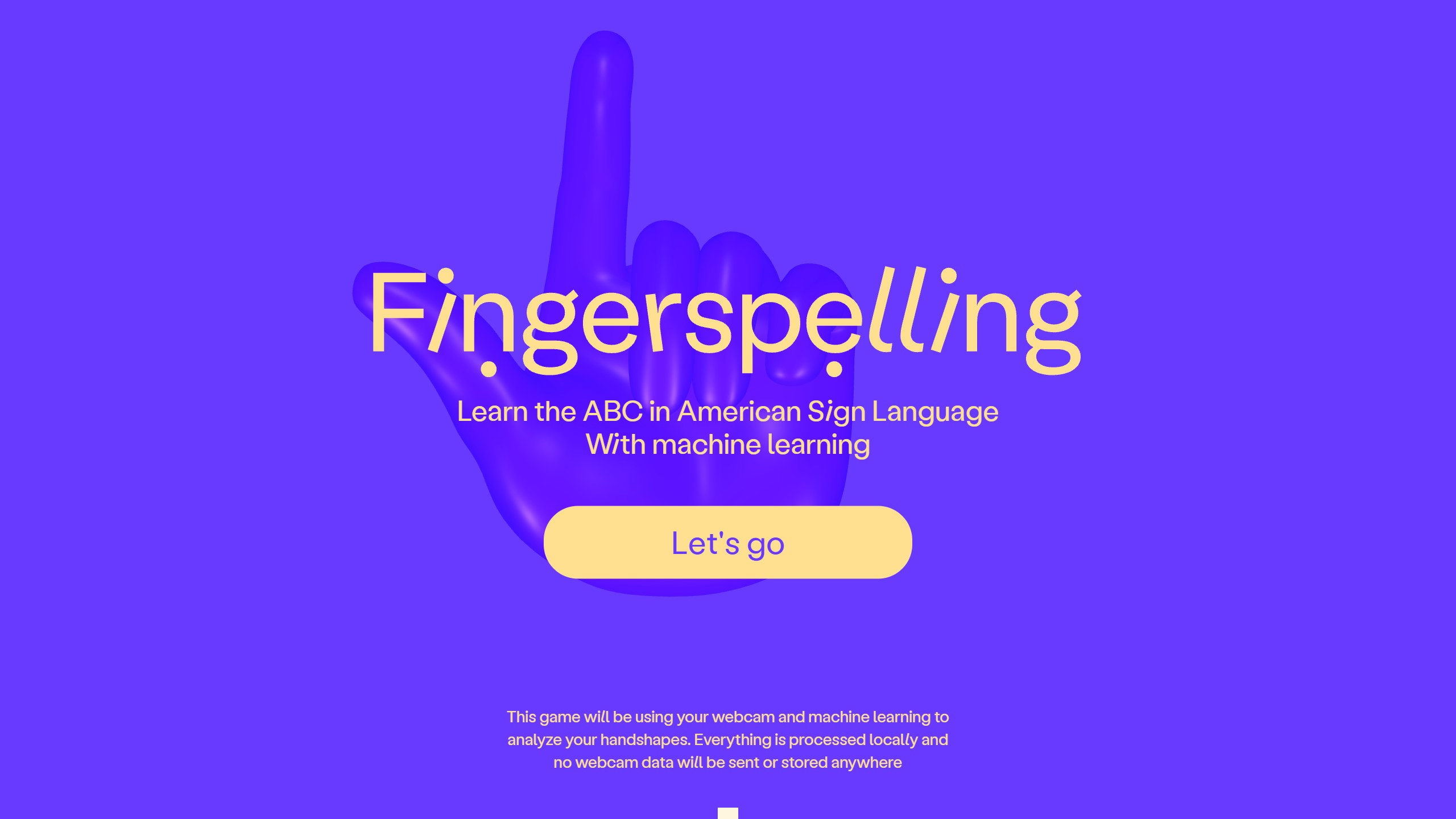
Its privacy line is unusually plain: “Everything is processed locally and no webcam data will be sent or stored anywhere.” Hand tracking runs on Google’s MediaPipe Hands. No price is shown, and the site links to a donation page for the American Society for Deaf Children.
Choose it if you want short fingerspelling practice with nothing uploaded. Skip it if you have already learned the alphabet.
4. ASL Otty: camera feedback claims, iPhone only
ASL Otty is a newer ASL course, first released in October 2025. Its App Store listing makes a wider camera claim than Lingvano’s fingerspelling check: “The built-in AI trainer will evaluate the accuracy of your gestures through the camera and give instant feedback.” It also describes videos with native signers and a training plan that adapts to your pace. It had a 4.7 average from 4,311 US ratings and was updated on 12 October 2026.
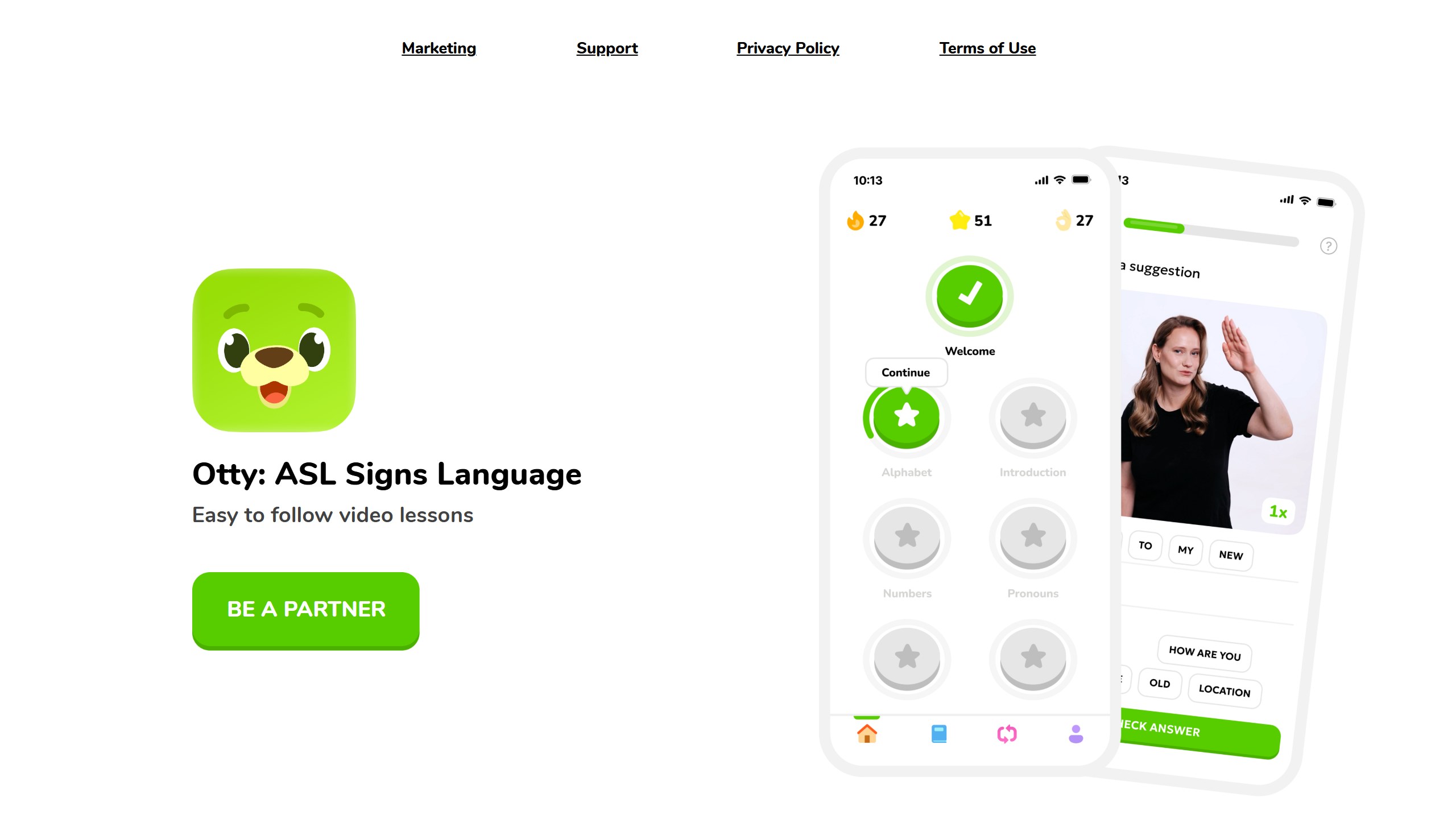
Two cautions. First, the Otty website does not mention the AI trainer, and neither the site nor the listing names Deaf teachers or advisers, which the stronger apps here do. Second, it is expensive for a beginner app: the US App Store listed weekly access at $9.99, monthly access at $19.99 and yearly premium access at $98.99, plus other items labelled only “premium” at $8.99 to $119.99, and only a few lessons are free. We found no Android version; the website links to the App Store only.
Choose it if you are on iPhone and want camera feedback beyond the alphabet, and you are willing to check it during a trial. Skip it if you want a course with named Deaf teachers.
5. ASL Bloom and Bright BSL: Deaf teachers, AI for review, many sign languages
ASL Bloom and Bright BSL come from SignLab AS. They belong on this list for a reason the other learning apps cannot match: SignLab publishes sister apps for several national sign languages. Its website lists LibrasLab (Brazil), Pause LSF (France), yoDGS (Germany), MeLISegno (Italy), Toleio (Norway) and AuslanWiz (Australia), and its App Store page also shows ISL Journey for Indian Sign Language.
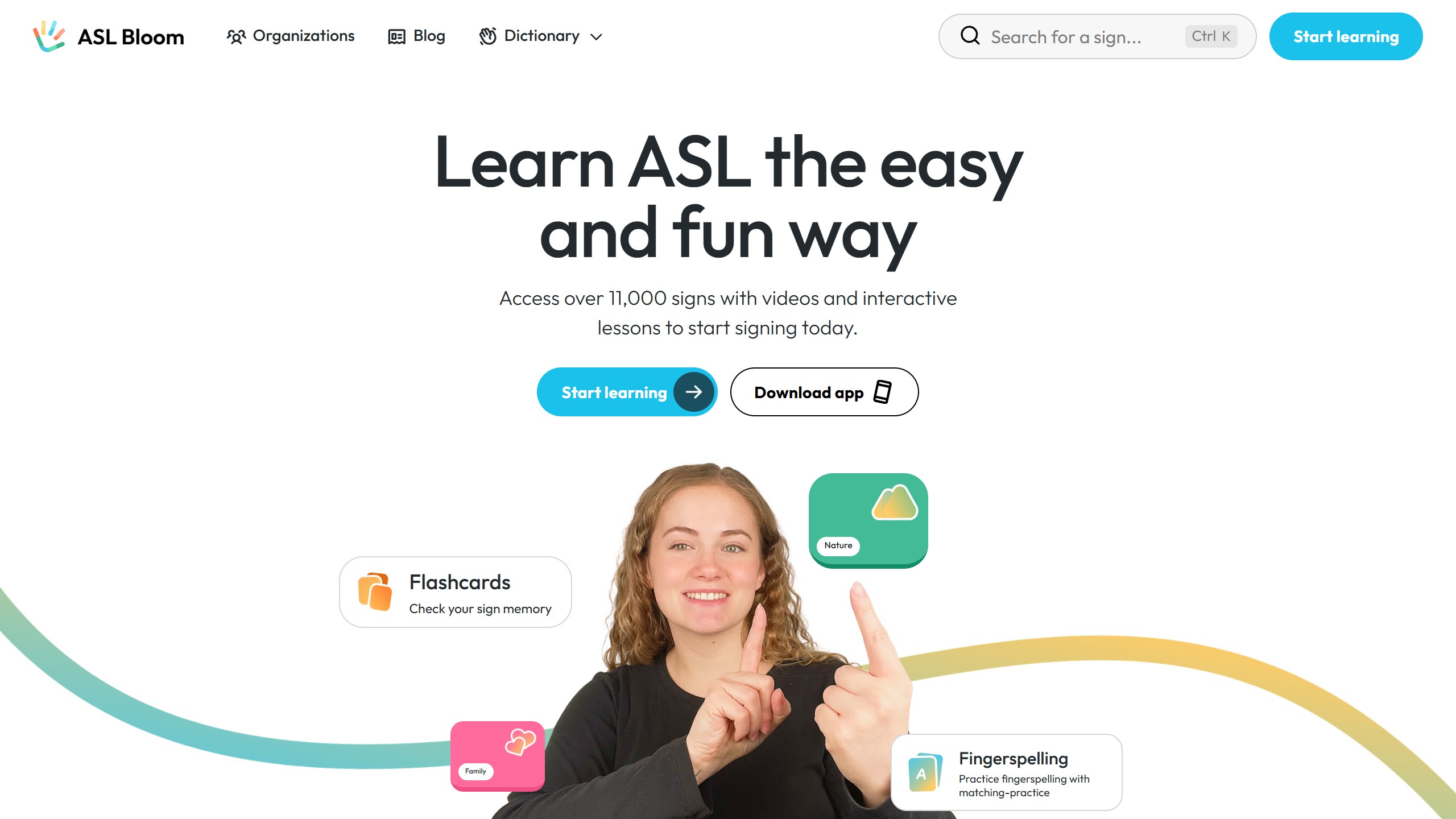
Be clear about the AI, though. ASL Bloom’s listing mentions “AI-driven assistance” and “AI-powered skill retention checks”, and Bright BSL says “our AI ensures that skills are not only learnt, but retained over time.” Neither describes the camera checking your signing. The AI decides what to review and when. The teaching itself is by Deaf signers: ASL Bloom’s site says “our native Deaf signers will teach you real, everyday ASL,” and Bright BSL’s two presenters, Karen and Andrew, “were both born Deaf.”
The ASL Bloom iPhone app had a 4.9 average from 36,600 US ratings and was updated on 17 October 2026; Apple features it under “Learn ASL From Deaf and Native Instructors”. The Android app had a 4.8 average from 17,519 reviews. The website claims more than 11,000 signs in its dictionary and offers two free lessons every day. US App Store prices for ASL Bloom ranged from $14.99 a month to yearly plans listed from $48.99 to $119.99. The Bright BSL iPhone app had 75 US ratings (it teaches British Sign Language), and the Android app had a 4.5 average from 4,242 reviews.
Choose it if you want a Deaf-taught course and your target is BSL, Auslan, Libras or another language fewer apps cover. Skip it if camera feedback on your signing is the feature you are paying for.
6. Hand Talk: text and voice to an animated signer
Hand Talk took several of the top Google results for this search on 18 October 2026, and it is a translator with learning features added. You type or speak, and one of two animated characters, Hugo and Maya, signs the result. Its App Store listing covers Libras (Brazilian Sign Language), ASL and BSL, and says “Translations are performed automatically through artificial intelligence, trained with more than 38,000 words validated by specialists.” There is also a dictionary and an education section. The listing explains that it translates Portuguese into Libras and English into ASL.
It has a large Android base: the Google Play listing showed a 4.3 average from 70,234 reviews and more than 5 million installs, and it contains ads. On iPhone it had a 4.1 average from 882 US ratings. Both apps were updated in October 2026. The basic app is free; a subscription removing ads and adding translation of text in images was $4.99 a month or $44.99 a year in the US App Store. Hand Talk’s website blocked our automated reading on 18 October, so these details come from its store listings.
How useful is an avatar? For looking up a word or a short phrase, it can show you a sign quickly. For conversation with a Deaf person, it is a different matter, and the next section explains why Deaf organisations are wary. Hand Talk itself calls Hugo and Maya “virtual translators”.
Choose it if you want a free sign dictionary with animation for ASL, BSL or Libras. Skip it if you need to communicate something important. Book a qualified interpreter instead.
7. Google SL2T: sign to text on Pixel phones
One of the notable 2026 releases is not a separate app. In August, Google DeepMind announced SL2T, a sign-language-to-text model that powers sign-to-text dictation in Gboard and in Live Transcribe, first on Pixel 11 and “all at no additional cost.” At launch it translates ASL into English, and Google says “additional languages will follow.” The model was trained on more than 50 sign languages.
Two details stand out. On privacy, the phone tracks body landmarks on device and sends only those coordinates to the server, “allowing the original video to be discarded immediately,” according to the post. On Deaf involvement, Google formed an AI Sign Language Advisory Committee with Deaf organisations and experts and says Deaf people shaped the project from data collection to impact assessment. The blog is also unusually frank about limits: “occasional errors remain in rare signs,” and fast fingerspelling, classifier constructions and tense can go wrong.
Live Transcribe’s Android listing had a 3.8 average from 272,362 reviews and more than a billion installs, but that rating covers the whole captioning app, not the new sign feature.
Choose it if you sign ASL and own a supported Pixel, and want to dictate text by signing. Skip it if you are on iPhone or another Android phone for now.
8. Signapse: photo-realistic signers for organisations
Signapse sells to organisations, not individuals. Its products put BSL and ASL onto websites, live streams, signage and transport announcements, and its customer logos include Network Rail, LNER, Northern Trains and NHS England. German Sign Language is listed as coming soon. It calls its avatars Digital Signers and describes its translations as “photo-realistic and highly accurate,” and its footer notes that “not all videos are synthetic videos” without saying which are.
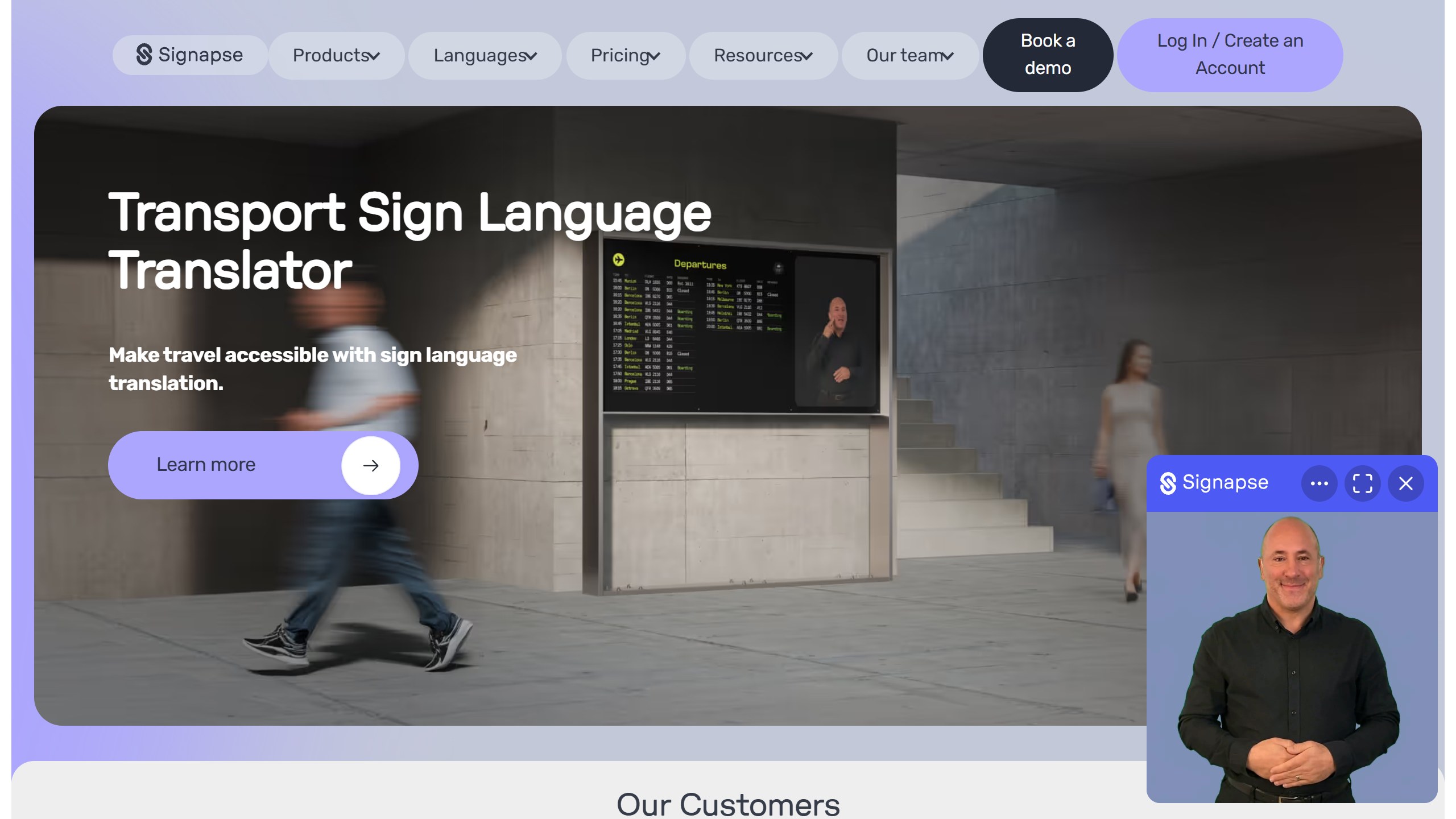
Signapse says its team includes Deaf and hearing staff, and its about page names Deaf team members in translation and engineering roles. It publishes an AI governance framework. Its website plugin pricing showed “$3 250 / year” for 10 web pages, plus $65 per extra page, when we read it from India; we report that figure exactly as shown. Its SignStream Chat tool comes with 60 seconds of free translation each week to try it.
Choose it if you run a public service and are weighing signed access for fixed, repeated content. Skip it if you are an individual looking for an app.
9. Sign-Speak: Deaf-owned ASL captioning
Sign-Speak describes itself as “a Deaf-owned AI company” and its site says “built by Deaf people, for Deaf people.” Its captioning product, SignCaption, works in the sign-to-text direction: “Create or upload videos in ASL and we’ll add the captions for you, fast and automatic.” Sign-up is free. A realtime tool for ASL-to-voice and voice-to-ASL is in a pilot open only to SignCaption users, and organisations can buy SignLive for events and an avatar add-on.
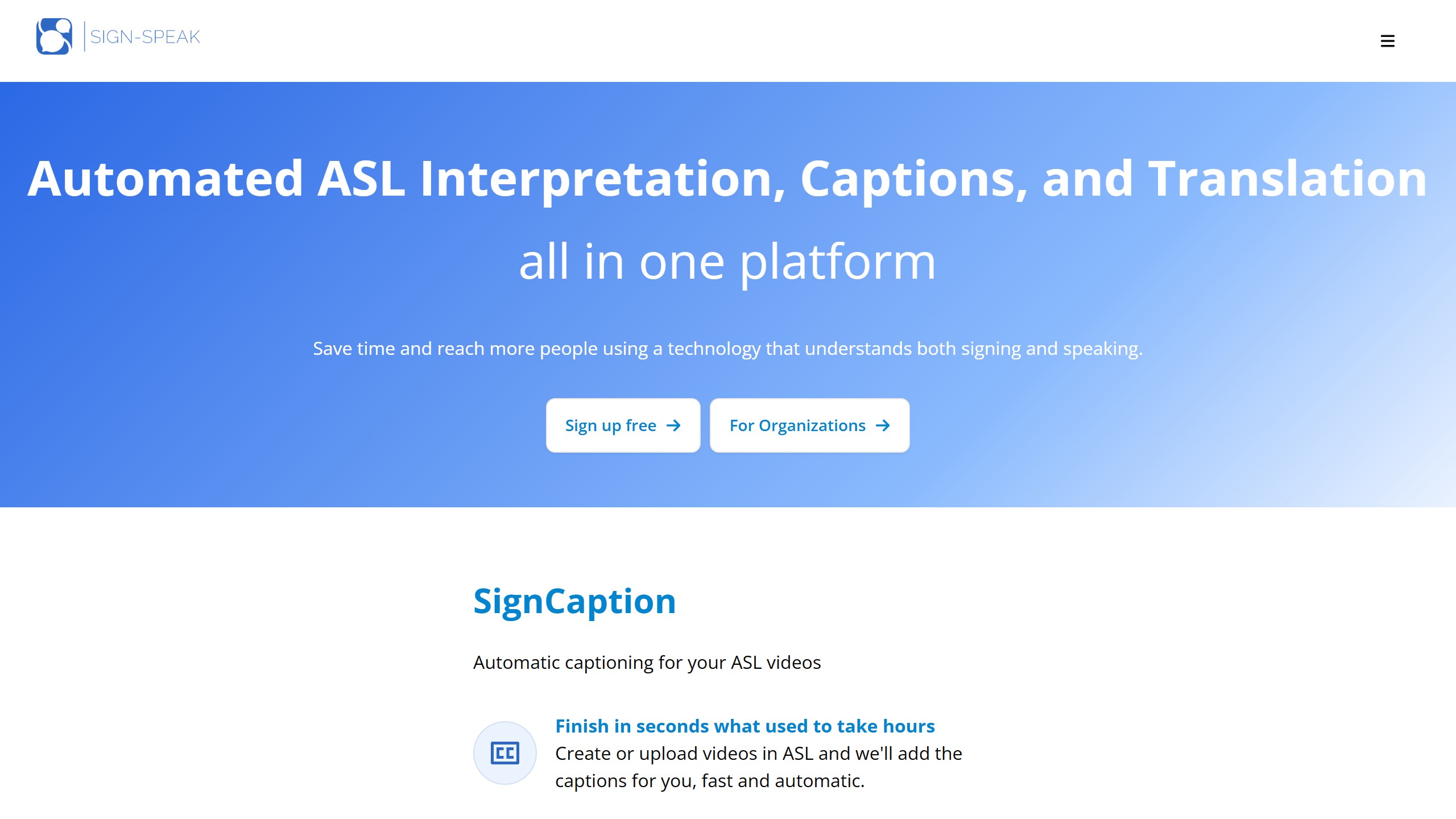
Its FAQ claims a BLEU score of 60 and says that matches the average for a human interpreter. BLEU is an automatic score that compares a machine’s wording with a reference translation, and Sign-Speak does not publish how it measured this. Treat it as a vendor claim. There is no consumer phone app; it works on the web.
Choose it if you are a Deaf creator who wants captions on ASL videos. Skip it if you are a hearing learner.
What Deaf organisations say about avatars and AI translation
Signing avatars and machine translation are being sold to schools, rail companies and governments, and Deaf organisations have responded in writing. Their concerns are worth knowing before you rely on any translation tool on this page.
World Federation of the Deaf and WASLI
In a joint statement in March 2018, the World Federation of the Deaf and the World Association of Sign Language Interpreters said: “WFD and WASLI caution against the use of signing avatars as a replacement for human signers.” They added that “machine translations have yet to emulate the human ability in creating a live interpretation (spoken or signed).”
European Union of the Deaf
The EUD published an ethical framework on AI and sign language in 2025. Its second principle says “AI must function as a driver of inclusion, complementing rather than replacing national (and regional) sign language interpreters.” It calls for “meaningful and sustained collaboration with deaf communities,” informed consent before signers are recorded, and says signers’ faces and signing styles must not be cloned through avatars without their “explicit, prior, and separate written authorisation.” In a March 2025 statement, the EUD said AI-generated sign language solutions, “while promising, currently pose significant risks of inaccuracy,” and that AI lacks the depth and cultural nuance needed for high quality interpretation.
British Deaf Association
The BDA’s discussion paper on AI and BSL, published in April 2025, takes a measured line. It says the BDA is “in principle, neither for or against the development and use of AI BSL,” and that “Deaf people should have leading professional roles” in its development. It warns that errors in AI-generated BSL could cause life-threatening misunderstandings in health, legal and emergency settings, and that AI “may standardise BSL, wiping out regional variation and excluding older, younger or deafblind signers.”
What this means for you
None of these bodies rejects technology outright, and several of the tools here say they involve Deaf people. The shared message is about where the tools belong. For a hospital appointment, a legal matter, a job interview or anything else where meaning has to be right, a qualified human interpreter is still the standard these organisations point to. We did not find a published position on avatars or AI translation from the National Association of the Deaf in the US on its website, so we do not attribute one to it.
The flip side is that learning tools are a different case. An app that helps a hearing parent learn to sign with their Deaf child is adding signers, not replacing them, and that is the purpose NVIDIA and the American Society for Deaf Children give for Signs.
What we left out, and why
The AI Sign app appeared on the first page of Google results for this search on 18 October 2026. On 18 October 2026 its US App Store listing had six ratings with a 1.0 average and had not been updated since January 2023. It says it recognises more than 100 single ASL words through the camera. We do not recommend it. The same goes for several other camera “translators”: Otty AI Translator had no US ratings, PopSignAI was a preview release last updated in February 2025, and older apps such as SignSchool and The ASL App had not been updated since 2024.
Some popular learn ASL apps make no AI claim, so they are outside this list, but they are worth knowing. Intersign ASL says its content is developed by certified Deaf ASL teachers and that its core content “will always be free”; Premium was $6.99 a month or $49.99 a year. Pocket Sign had more than a million Android installs and a 4.8 average, though its iPhone app was last updated in August 2025.
How to choose an AI sign language app
Decide whether you want to learn or to translate
If you want to talk with Deaf family, friends or colleagues, learn the language. A course with Deaf teachers, such as Lingvano or ASL Bloom, plus browser-based camera practice from Signs or Fingerspelling.xyz, is a strong start. If you need to get a message across today, a translator app can show you a sign, but for anything that matters, book a human interpreter.
Match the sign language to the people you will sign with
Most AI features cover ASL only. Lingvano adds BSL and ÖGS, Hand Talk adds BSL and Libras, and SignLab’s family of apps covers several national sign languages, though without camera checks. If you live outside the US, check the language before the AI feature.
Read what the camera actually checks
“AI feedback” can mean fingerspelling only (Lingvano), a set of beginner signs (Signs), or review scheduling with no camera at all (ASL Bloom). None of the learning apps here says it checks facial expressions, which carry grammar in signed languages. A Deaf teacher, in person or online, remains the way to get feedback on that.
Check who made it
Look for named Deaf teachers, Deaf staff or a Deaf organisation partner. The stronger products on this list all state this on their own sites. An app that does not say who teaches the signs gives you no way to judge whether they are right.
Check the last update and the price inside the app
Camera features depend on current phone software. An app that has not been updated in a year or more may break on a new phone. Then start a free trial, see which price you are offered, and cancel if it is not working.
If you teach, our guide to AI tools for special education teachers covers classroom accessibility tools, and our list of AI tools for ESL teachers covers spoken language learners, and our guide to AI pronunciation apps covers spoken accent practice. For one-to-one help across other subjects, see our roundup of AI tutoring apps.
Sources
- Lingvano: website, about page, US App Store listing and Google Play listing.
- Signs: platform and FAQ and NVIDIA blog, 20 February 2025. Fingerspelling.xyz: website.
- ASL Otty: website and US App Store listing.
- SignLab: ASL Bloom website, ASL Bloom US App Store listing, ASL Bloom Google Play listing, Bright BSL website, Bright BSL US App Store listing and Bright BSL Google Play listing.
- Hand Talk: US App Store listing and Google Play listing.
- Google SL2T: Google DeepMind blog, 12 August 2026 and Live Transcribe Google Play listing.
- Signapse: website and website plugin pricing. Sign-Speak: website and FAQ.
- Deaf organisations: WFD and WASLI statement on signing avatars, 14 March 2018, EUD Ethical Framework on AI and Sign Language, 2025, EUD statement, 12 March 2025 and BDA discussion paper on AI and BSL, April 2025.
- Left out: AI Sign US App Store listing, Intersign ASL US App Store listing and Pocket Sign Google Play listing.
- All store listings and vendor pages read 18 October 2026.

Written by
FazFaz is the founder of AIToolsBakery. Some tools here are tested hands on. Others are assessed from vendor documentation and pricing verified on the live page, and every review says which one it is. Sponsors can buy a position in a guide. They cannot buy the score, the criticism, or silence about a better option.
How we test and how we make money →