Every parent who has watched a kid type “what is the answer to question 4” into a chatbot knows the problem. Most so-called AI study tools are answer machines. They hand over the solution, the homework gets done, and nothing actually gets learned. Real tutoring is different. A good human tutor rarely just tells you the answer. They ask a question back, watch you struggle for a second, drop a hint, and let you find your own way to the finish line. That Socratic, guide-on-the-side approach is what separates a genuine AI tutor from a glorified cheat sheet, and it is the single thing most “best AI study app” roundups completely ignore.
So we reviewed for it. This guide scores AI tutoring apps on whether they teach or just tell, alongside the things parents actually care about: which subjects and ages each tool fits, how it handles a child’s data, and what you get for free before any money changes hands. We deliberately favored tools that guide rather than dump answers, and we weighted kid-safety and data privacy heavily for the top spots, because a tool aimed at an eight-year-old has to clear a higher bar than one built for a college freshman.
One more thing before the rankings. The AI tutoring market in 2026 is noisy, and a lot of products that call themselves tutors are really just chatbots with a homework skin. The category also moves fast: features get added, prices change, and at least one well-known name on this list has quietly been folded into another product. We focused on what each tool actually does today, in June 2026, rather than what it claimed at launch, and we describe pricing by model rather than by dollar figure precisely because those figures shift and run promotions. Use this guide to shortlist, then confirm the current price and privacy terms on each official site before you commit.
A note on independence. AIToolsBakery is an independent AI-tools review site. We earn nothing from the verdicts below. Nobody on this list paid for placement, none of these scores were bought, and this post is not sponsored. When we do run a sponsored post anywhere on the site, it is clearly labelled as sponsored, and a sponsorship never changes a verdict or a score. The rankings here reflect testing and judgement, full stop.
The short answer: For genuine, refuses-to-just-give-answers tutoring, Khanmigo is the best all-rounder for school-age kids, and Synthesis Tutor is the strongest pick for younger K-5 math learners. Free and self-paced, Khan Academy is the safest no-cost foundation. Pick by subject, age, and how much you want the tool to teach versus tell.
Quick answer: Khanmigo is the best overall AI tutoring app for guided, Socratic help across subjects. Synthesis Tutor is best for conversational K-5 math, and Amira Learning for reading-aloud coaching. We steer learners away from leaning on Photomath or Socratic by Google as primary tutors.
How the tools compare
| Tool | Score (X/5) | Best for | Ages | Pricing model |
|---|---|---|---|---|
| Khanmigo | 4.8 | Guided, Socratic tutoring across subjects | Grades 4 to 12 | Free for teachers, low-cost parent subscription |
| Synthesis Tutor | 4.6 | Conversational K-5 math for young kids | Ages 5 to 11 | Consumer subscription, free trial |
| Amira Learning | 4.5 | Reading-aloud coaching in schools | PreK to Grade 8 | School and district licensing |
| Khan Academy (free) | 4.3 | Free, self-paced mastery practice | PreK to college | Free, donation-funded |
| ChatGPT Study Mode | 4.0 | Socratic help for teens and older students | 13 and up | Freemium subscription |
| Querium | 3.9 | Step-by-step math reasoning | Grades 6 to 12 plus | Free for public schools, school licensing |
| Ello | 3.8 | Early reading coaching at home | Ages 4 to 8 | Consumer subscription, free trial |
| Photomath | 2.8 | Fast math steps when used honestly | Grades 6 to college | Freemium subscription |
| Socratic by Google | 2.3 | Quick homework lookups (legacy) | Middle and high school | Free |
1. Khanmigo: best for guided, Socratic tutoring across subjects
Score: 4.8/5
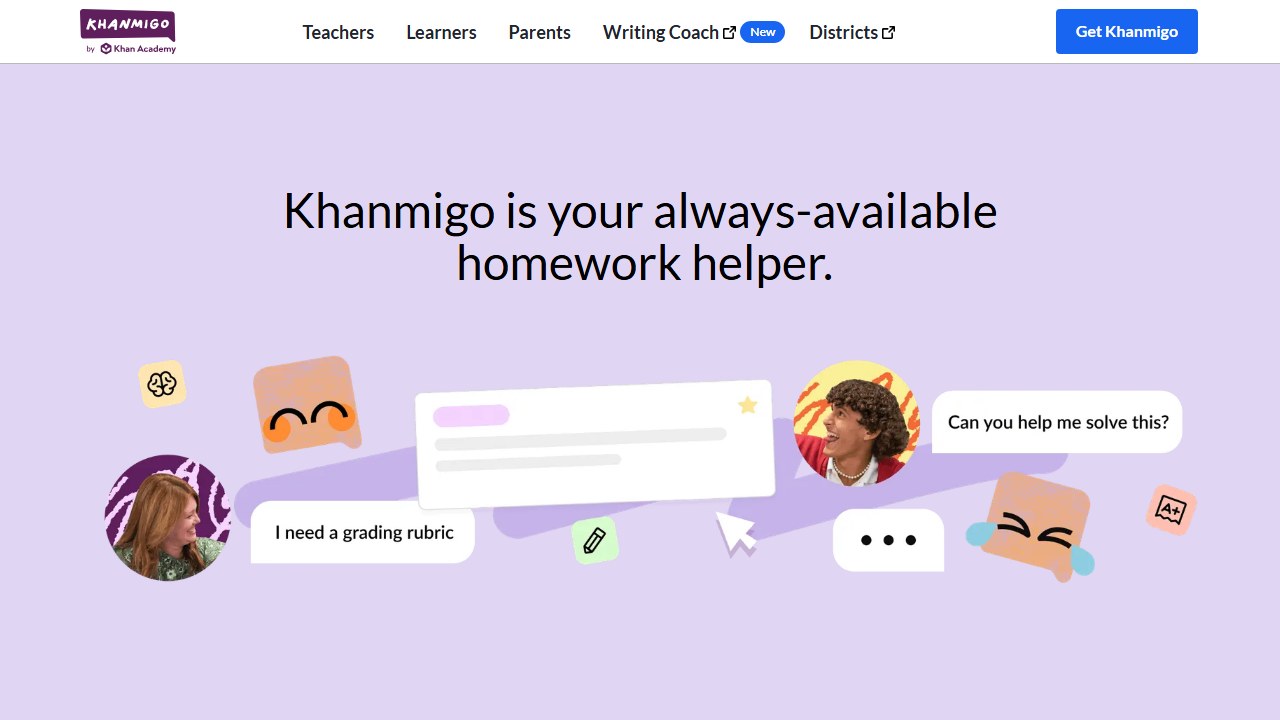
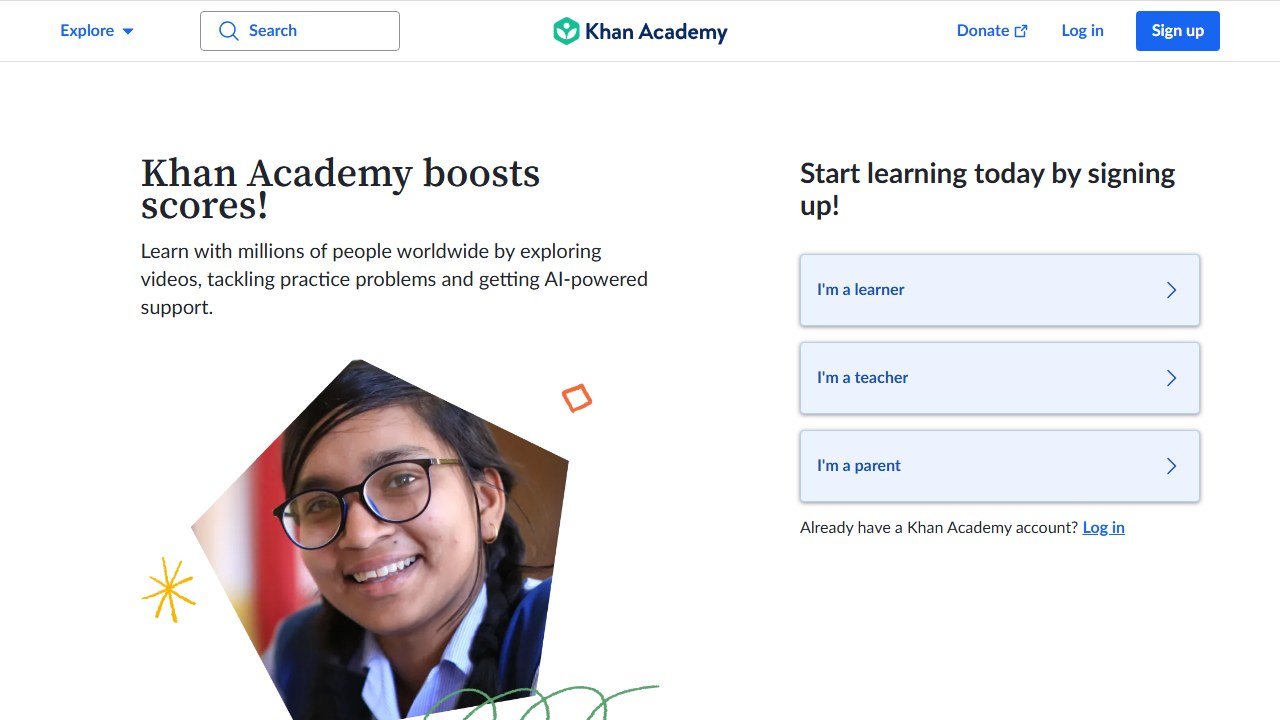
Khanmigo is the AI tutor from Khan Academy, the nonprofit behind one of the most trusted free learning libraries on the internet. It sits on top of that whole content ecosystem and behaves the way a patient human tutor does. Ask it for the answer to a math problem and it will not give it to you. Instead it asks what you think the first step should be, nudges you when you stall, and walks you toward the solution one question at a time. That refusal to simply hand over answers is the entire reason it tops this list. It is built to teach, not to finish your homework for you.
Coverage is broad. Khanmigo tutors math, science, computing, history, and the humanities, and it will give feedback on a piece of writing without rewriting it for you. It is strongest in math and science, where Khan Academy’s content runs deepest, and a little thinner in creative and humanities work. The sweet spot is roughly grades 4 through 10, though it stretches up into early college and down into upper elementary with adult supervision.
On safety and privacy, Khanmigo is one of the most thoughtfully built kids’ AI products available. Every conversation a child has with it is visible to a supervising parent or teacher, so there is no private back-channel between a young learner and a chatbot. It flags self-harm and harmful language and alerts a connected adult. The company signs data privacy agreements with school districts asserting compliance with FERPA, COPPA, and PPRA, and it states that student conversations are not used to train the underlying models and are not sold. A parent account can link up to ten children. For a category that often treats safety as an afterthought, this is the gold standard.
We spent the most time testing Khanmigo precisely because it sets the bar this whole guide measures against. The behaviour that matters shows up in the first thirty seconds. Drop in a quadratic equation and ask it to solve, and it comes back with something like “Let’s work through this together, what do you notice about the structure of this equation?” It will keep nudging, offering progressively bigger hints if a student is genuinely stuck, but it will not simply print the solution and let the kid copy it down. That is exactly the dynamic a good human tutor creates, and it is rarer in AI products than the marketing on most of them suggests. It also notices when a student is guessing rather than reasoning, and it slows down rather than rewarding the guess.
The flip side of a chatty tutor is that the experience depends on a willing student. Khanmigo will not drag an unmotivated kid through a lesson the way a parent in the room can, and the conversational pace can feel slow to a teenager who genuinely already understands the material and just wants to confirm an answer. That is a fair trade for the learning gains, but it is worth setting expectations before a frustrated student decides the tool is broken when it is actually working as designed.
Strengths: genuinely pedagogical, deeply integrated with Khan Academy’s exercises and videos, strong adult oversight, and a privacy posture that respects kids. The weaknesses are honest ones. There is no free tier for parents or independent learners, so families pay where teachers do not. Quality is uneven once you leave math and science. And the very thing that makes it good, its refusal to just give answers, frustrates students who want a quick fix. For families, see our full Khanmigo review and our head-to-head Khanmigo vs ChatGPT comparison.
Pricing model: Khanmigo is completely free for teachers in dozens of countries, funded philanthropically. For parents and independent learners it is a low-cost consumer subscription billed monthly or at a discounted annual rate, with one parent subscription covering up to ten child accounts. Framed as supporting Khan Academy’s nonprofit mission. Official site: khanmigo.ai.
2. Synthesis Tutor: best for conversational K-5 math for young kids
Score: 4.6/5
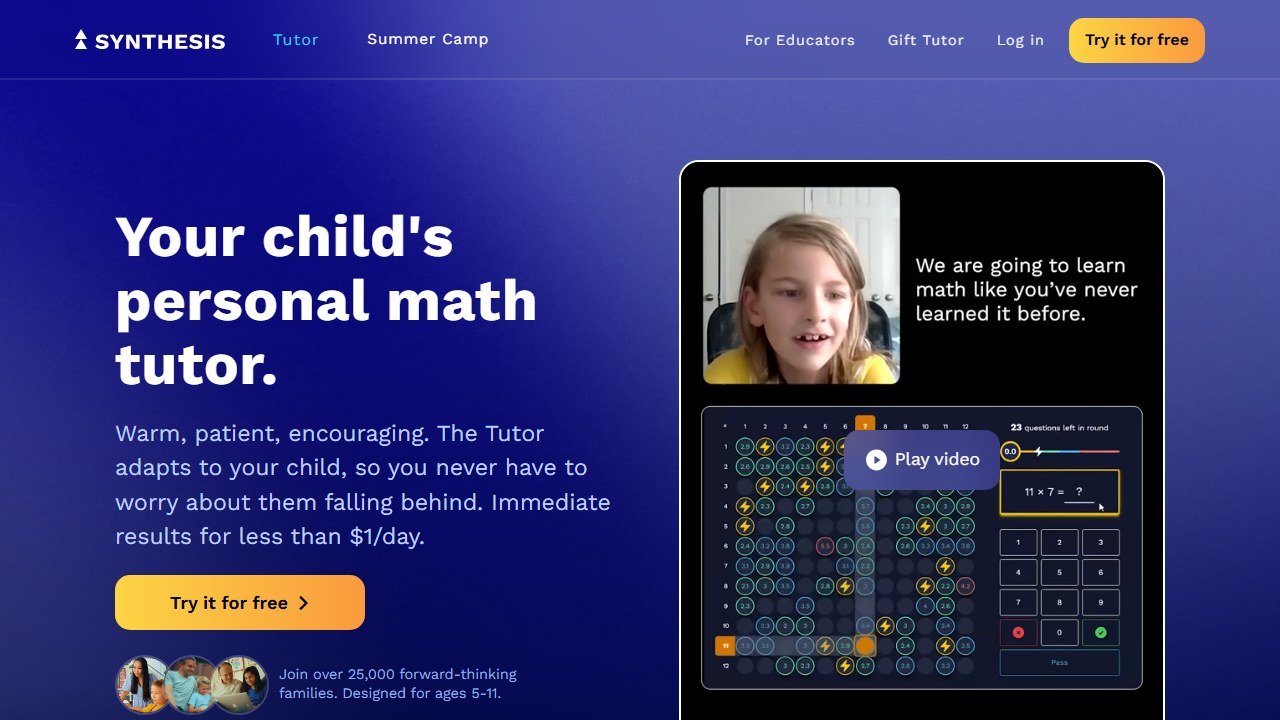
Synthesis Tutor is the strongest pick we found for the youngest learners, and it is laser-focused: K-5 mathematics, nothing else. It grew out of the Synthesis education program and is built around a conversational, adaptive AI that coaches a child through reasoning rather than drilling them on rote answers. It runs little check-for-understanding moments before moving a child forward, so it cannot be rushed past a concept the kid has not actually grasped. The experience is gamified and multisensory, which matters a lot when the user is six years old.
The age band is roughly five to eleven, mapping cleanly onto grades K through 5. It supports emerging readers with text-to-speech and is positioned as friendly to neurodiverse learners, which is a real consideration for families whose kids do not thrive in a one-size-fits-all classroom. Because it tops out around age eleven and covers only math, it is a specialist, not an all-rounder, and that focus is exactly why it scores so well for its target audience.
On privacy, Synthesis takes the right approach for a young-kids product. It publishes a dedicated COPPA page and a privacy and security policy, states that it does not collect personal information directly from children (only from parents), and lets parents review, correct, or delete a child’s data and revoke consent at any time. Crucially, it blends AI with deliberate educator design rather than turning a raw chatbot loose on a five-year-old, which meaningfully reduces the unsupervised-AI risk that worries parents most.
Strengths: genuinely conversational and guided pedagogy aimed at understanding over speed, strong K-5 math depth, a transparent kid-privacy posture, and solid accessibility features. Weaknesses: it is math-only with no science or reading, the age range is narrow, and there is no permanent free tier, only a trial. Pricing also sits on the premium side. If your child is in early elementary and math is the battleground, though, it is hard to beat. For broader math help, see our roundup of the best AI math solver apps.
Pricing model: Consumer subscription billed monthly or annually, with annual cheaper per month. Tiers include an individual plan and a discounted family plan covering multiple children, plus one-time lifetime options. A seven-day free trial with no credit card required lets you test it first. Official site: synthesis.com/tutor.
3. Amira Learning: best for reading-aloud coaching in schools
Score: 4.5/5
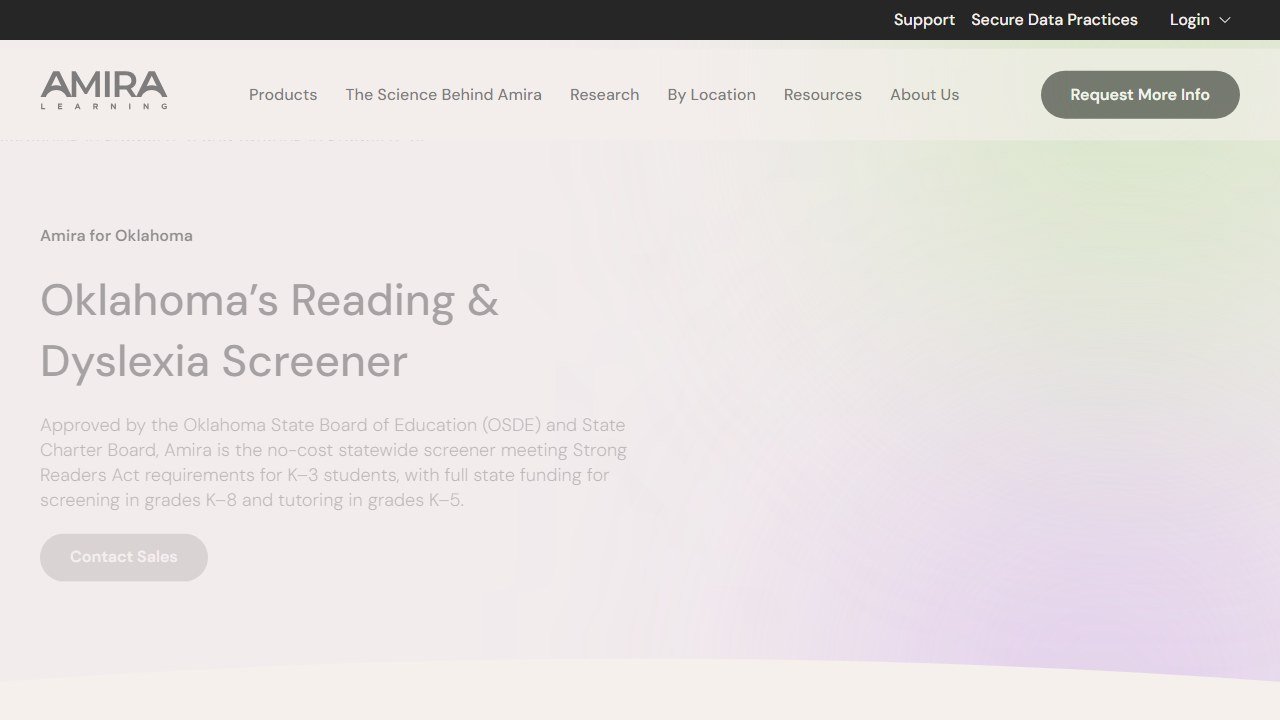
Amira Learning does something the chatbots on this list cannot: it listens to a child read out loud and coaches them in real time. The AI assesses fluency, decoding, vocabulary, and comprehension as the words come out, then steps in with targeted micro-interventions at the exact moment a reader stumbles. This is genuine reading tutoring, the kind that traditionally requires a trained adult sitting beside a child with a book. It works in English and Spanish and behaves like a true coach rather than an answer key.
The fit is early-through-developing readers, roughly PreK through grade 8, including kids who need reading intervention. Amira’s standout credential is the independent efficacy research behind it: studies have found reading growth comparable to, and in some cases exceeding, high-dosage human tutoring, with as little as thirty minutes of use a week. It is deployed across thousands of schools and millions of students, which is both a strength and the reason it sits at number three rather than higher for home users.
Privacy is the best on this entire list. Amira holds SOC 2 Type II certification, complies with FERPA and COPPA through the school-consent model, and carries 1EdTech data privacy certifications. Voice recordings are stored de-identified, never used to train public AI models, and never shared with the big general-purpose chatbots. There are no biometric voiceprints, data is encrypted in transit and at rest, and audio collection can be disabled per district. If you care about how a child’s voice data is handled, this is the benchmark.
Strengths: research-backed reading gains, an exceptional privacy posture, bilingual coaching, and a closed, safe system. The weaknesses are about access rather than quality. Amira is not directly purchasable by parents; it comes through school or district adoption, pricing is not public, and it requires school infrastructure and rostering. It is also reading-only. For families it is most useful to request through your child’s school rather than buy outright.
Pricing model: B2B school and district licensing with no public per-seat pricing. Amira positions itself as a small fraction of the cost of human tutoring. Parents typically access it via their child’s school. Official site: amiralearning.com.
4. Khan Academy (free): best for free, self-paced mastery practice
Score: 4.3/5
Separate from its Khanmigo tutor, the core Khan Academy platform earns its own spot here because it is the safest, most generous no-cost foundation a student can build on. It is a free library of instructional videos, articles, and mastery-based practice exercises with instant feedback, hints, and progress tracking. It is not conversational AI tutoring, and we want to be precise about that. It is a self-paced curriculum that auto-grades your practice and tells you when you have truly mastered a concept. The Socratic AI layer is Khanmigo, which sits on top.
Coverage runs from pre-K through early college: math from counting to calculus, the sciences, computing, economics, history, the arts, and test prep like the SAT. There is also Khan Academy Kids, a separate free app for roughly ages two to eight. Because the platform is self-directed, it rewards motivated learners and works less well for kids who need someone actively pulling them through the material, which is precisely the gap Khanmigo fills.
On safety, it carries the same strong nonprofit framework: COPPA self-attestation, FERPA and COPPA data privacy agreements with districts, a dedicated Khan Academy Kids privacy policy, and a clear statement that it does not sell student data. It is one of the most consistently recommended tools in EdTech privacy roundups, and it shows no ads anywhere.
Strengths: it is genuinely, permanently free with no ads, backed by an enormous trusted content library, structured around mastery rather than guesswork, and broad across subjects and ages. Weaknesses: the core platform is largely static and self-paced, so there is no real conversational help without adding the paid Khanmigo layer, and humanities depth trails math and science. As a free starting point before you spend anything, it is the obvious first move. See our wider guide to the best AI tools for students.
Pricing model: Free and donation-funded, with no subscription for the core learning platform and no ads. The only paid piece in the ecosystem is the Khanmigo tutor for parents and learners. Official site: khanacademy.org.
5. ChatGPT Study Mode: best for Socratic help for teens and older students
Score: 4.0/5
ChatGPT Study Mode is, on pure pedagogy, the most genuinely Socratic tool we reviewed. Switch it on and ChatGPT stops behaving like an answer vending machine. It asks what you are trying to learn and how much you already know, breaks a concept into progressive steps, drops hints and self-reflection prompts, and checks your understanding before moving on. It can work from your own uploaded PDFs and images, so a student can feed in a worksheet or a textbook chapter and be tutored through it. For motivated older students, it is genuinely excellent.
The catch, and the reason it sits at number five rather than the top, is that it is not a kids’ product. ChatGPT requires users to be at least thirteen, and thirteen to eighteen requires parental consent. There is no dedicated children’s version. Study Mode rides on top of general-purpose ChatGPT, which can wander into off-topic or sensitive territory, so it is not the walled garden that a tool for an eight-year-old should be. OpenAI has added age-prediction and parental controls, but the underlying product is built for adults. For a high schooler or a college student, that is fine. For a young child, it is the wrong tool.
There is one more honest caveat. OpenAI itself acknowledges that Study Mode sometimes slips and gives a direct answer despite the coaching design, so the guardrail is not perfect. And as with any general AI, accuracy still needs checking. Used by an older student who wants to actually understand the material, though, it is a powerful tutor, and it is free to try.
Where Study Mode genuinely pulls ahead is flexibility. Because it sits on a general-purpose model, it can tutor across essentially any subject at any depth, switch from coaching a calculus proof to unpacking a dense history reading in the same session, and adapt to the exact phrasing a student finds confusing. Feed it a photo of a worksheet and it will build a lesson around that worksheet. For a self-directed older student who knows how to drive it, that breadth is something none of the kid-focused walled gardens can match. The optional memory feature also means it can pick up where a previous session left off, which starts to feel like a tutor who actually remembers you.
That same generality is why we hold the line on age. A tool that can teach anything can also discuss anything, and the safeguards are overlays on an adult product rather than a ground-up child design. For a sixteen-year-old, that is a reasonable trade. For a younger child, the kid-first tools higher on this list are the safer call, even if their pedagogy is narrower.
Strengths: the strongest true Socratic approach here, the broadest subject coverage, the ability to work from your own materials, optional memory that personalizes tutoring across sessions, and a free tier. Weaknesses: it is a 13-and-up product with no kid mode, the coaching guardrail can slip, and the general-purpose model carries content-exposure risk for younger users. Compare it directly with the category leader in our Khanmigo vs ChatGPT piece.
Pricing model: Freemium. Study Mode is available on the free tier as well as paid consumer and education plans that add capacity and features. Official site: chatgpt.com.
6. Querium: best for step-by-step math reasoning
Score: 3.9/5
Querium’s StepWise engine does something pedagogically rare and genuinely valuable. Instead of grading only your final answer, it evaluates your work step by step. You submit each step, and it tells you immediately whether that move was right, analyzes the specific error if it was wrong, and coaches you back onto a correct path. It allows multiple valid solution routes, so it does not punish a student for reaching the answer a different way. This is real guided tutoring that meets a kid at the precise moment of confusion, which is exactly where learning happens or breaks down.
Coverage is math only, spanning more than five hundred topics from pre-algebra through calculus, aimed at grades 6 through 12 and early college. It generates competency analytics for teachers, parents, and administrators, and it integrates into learning management systems like Canvas, Blackboard, and Moodle through standard LTI connections, which is why it shows up more as classroom infrastructure than as a polished consumer app.
On the honest downside, Querium’s public privacy documentation is thinner than the school-grade leaders on this list. We could not find clearly published COPPA and FERPA detail in the way Amira publishes it, and the brand presence is more dated and less consumer-friendly. We would verify the data-handling specifics directly with the vendor before adopting it for a young child. Those gaps are the main reason it lands at six despite excellent core pedagogy.
Strengths: step-level reasoning analysis that almost nothing else offers, support for multiple solution pathways, LMS integration, a free channel for public schools, and cited test-score improvements. Weaknesses: math-only, an older and less polished consumer experience, and thin public privacy documentation. Best suited to middle and high school math, especially through a school. For more options in this subject, see the best AI math solver apps.
Pricing model: Mixed. Free for public-school students, teachers, and parents; B2B licensing to schools, publishers, and LMS providers; and a low-cost individual student subscription for non-public-school students. Official site: Querium.
7. Ello: best for early reading coaching at home
Score: 3.8/5
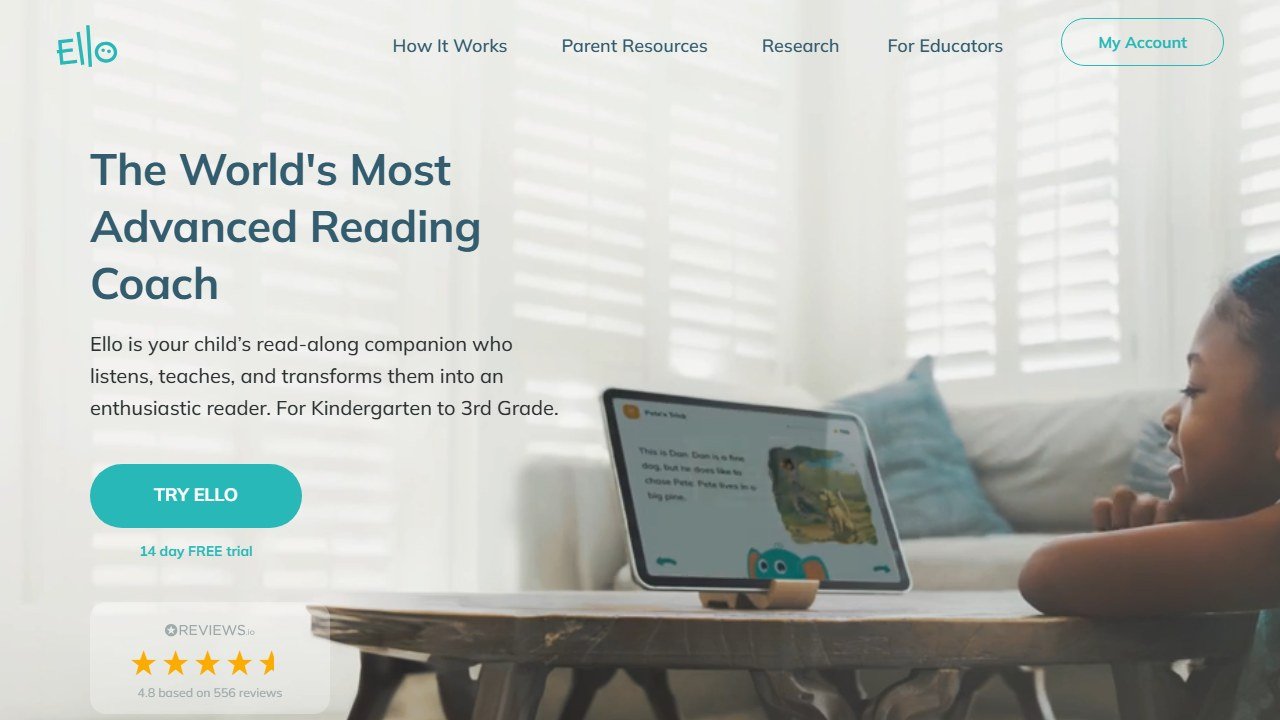
Ello is the consumer counterpart to Amira: an AI reading coach that listens to a young child read aloud and responds with real-time corrections, coaching, and encouragement. Where it differs is that it is built for parents to buy and run at home with no school infrastructure required. It is rooted in the science of reading, using direct, explicit, sequential phonics, and it offers three kinds of books: decodable readers, turn-taking partner reading, and a Storytime mode where kids help create their own stories. The tone leans encouraging and motivational rather than strictly Socratic, which suits the very young audience.
The fit is tight: kindergarten through grade 3, roughly ages four to eight, and the child needs to be able to decode basic words to get going. That narrow band is a feature, not a bug, for the families it targets. Ello is built on one of the largest child-speech datasets around, which is part of why its listening accuracy holds up with little voices that trip up lesser tools.
On privacy, Ello is consumer-grade. It encrypts data, makes data collection opt-in, and anonymizes and aggregates what it uses to improve the product, and it states it does not share data with advertisers. That said, its formal COPPA-compliance language is less prominently published than the enterprise-grade documentation Amira puts forward, so parents who want chapter-and-verse on compliance should read the current privacy policy closely. It earns real goodwill, though, with a deeply discounted access tier for families on government assistance, which makes quality reading support reachable for households that need it most.
Strengths: easy parent onboarding, strong child-speech technology, engaging story creation and a large decodable-book library, an affordable equity tier, and it works at home without a school. Weaknesses: a narrow K-3 grade band, the requirement that a child can already decode minimally, lighter privacy documentation than enterprise tools, and a recurring consumer subscription. For early readers at home, it is a strong, accessible choice.
Pricing model: Direct-to-consumer subscription, monthly or discounted annual, purchased by parents, with a 14-day free trial and a steeply discounted tier for families on government-assistance programs. A separate free library of decodable books is also available. Official site: ello.com.
8. Photomath: best for fast math steps when used honestly
Score: 2.8/5
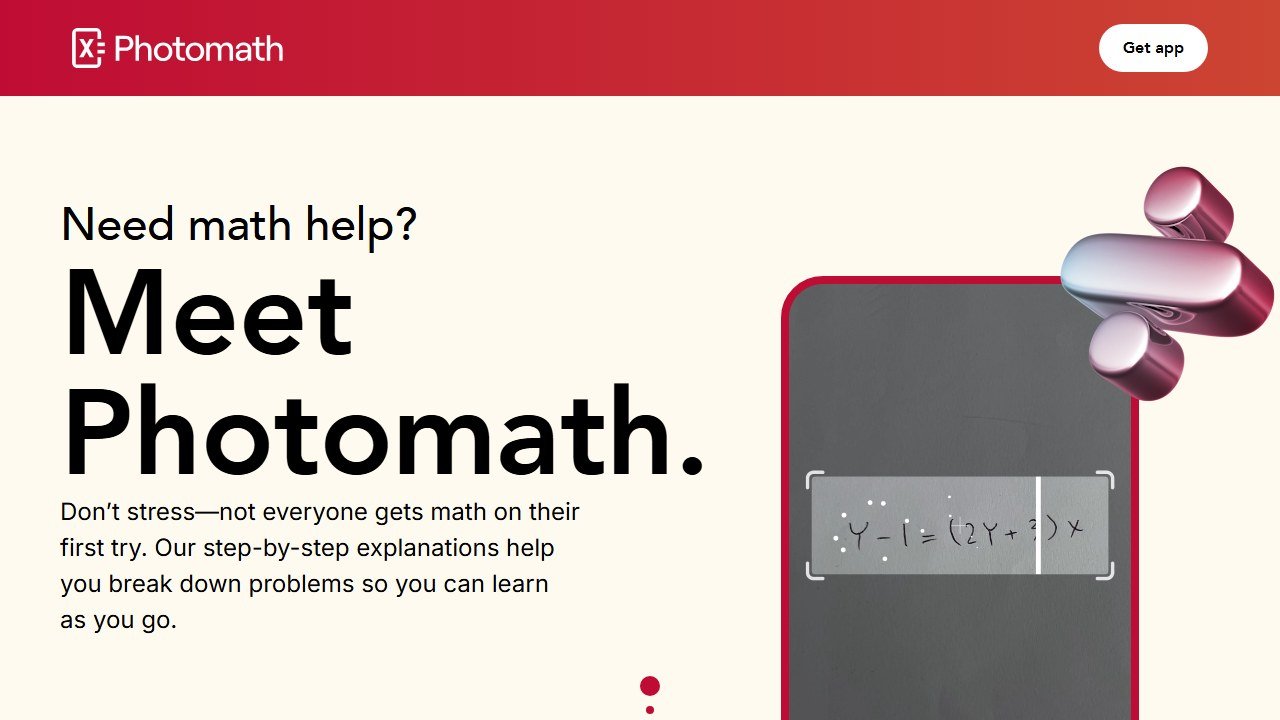
Photomath, now owned by Google, is the most polished math-solving app on this list, and also the one that forces the hardest conversation about what tutoring even means. Point your camera at a handwritten or printed problem and it reads it, solves it, and shows the worked steps across arithmetic, algebra, geometry, trigonometry, calculus, and statistics. Paid tiers add animated walkthroughs and textbook-specific explanations. The step-by-step breakdowns are genuinely clear and, used the right way, valuable.
Here is the honest problem, and the reason it scores below the guided tutors. Photomath leads with the answer. It does not withhold the solution and coach you toward it the way Khanmigo or Study Mode do. It shows you the answer plus the steps, which means the same feature that helps a stuck student understand a method also lets a rushed student copy the result and move on. Educators routinely cite it as a top cheating tool for exactly this reason. The counter-argument is fair too: used actively, to get unstuck and then redo similar problems yourself, it functions like a good solutions manual. But the app does little to enforce that learning path, and that is on the tool, not just the kid.
It is aimed squarely at school-age math students from middle school up, and as a single-subject tool under Google’s umbrella it carries far less open-ended-content risk than a general chatbot, which keeps it relatively safe for younger users on that axis. The free tier is genuinely generous, with unlimited basic step-by-step solutions and no account required.
Strengths: fast and accurate for math, an excellent free tier, clear visual and animated explanations on the paid plan, and a narrow scope that limits content risk. Weaknesses: math only, and the design practically invites copying answers rather than learning, which is precisely the behaviour this guide scores against. Recommend it only to a student with the discipline to use it as a check, not a crutch.
Pricing model: Freemium. Unlimited basic step-by-step solving is free with no account; a Photomath Plus subscription, monthly or discounted annual, unlocks animated tutorials and textbook-specific solutions. Official site: photomath.com.
9. Socratic by Google: best for quick homework lookups (legacy)
Score: 2.3/5
Socratic by Google earns a spot mostly for context, because a lot of “best AI tutor” lists still recommend it as though it were a thriving product. It is not. Google folded Socratic’s functionality into Google Lens, the user-content side stopped evolving years ago, and the standalone experience is effectively in sunset. The maintained successor is the homework-help capability inside Google Lens, not the old app. Worse, the app stores carry copycat and fake “Socratic” apps, some of them paid, impersonating the genuine free Google product, so listing activity does not mean active first-party development.
When it was current, Socratic let a student scan a question with the camera and get back explanations, definitions, videos, and curated resources across science, math, social science, and the humanities. Despite the name, it always leaned more toward surfacing answers and resources than running a genuine Socratic back-and-forth. It was aimed at middle school, high school, and early college learners doing self-directed homework, not at young children, and it ran under Google’s general privacy framework rather than any dedicated kid-safety certification.
We are scoring it low deliberately. The genuine product is free, broad in subject coverage, and fast to capture a question, which is why it once deserved attention. But it is no longer an actively developed standalone tool, it was always more answer-surfacing than guided teaching, and the impersonator apps create a real risk of paying for or installing something that is not the real thing. If you want what Socratic used to do, use Google Lens directly.
Strengths: free, broad subject coverage, fast camera capture, and backing from Google’s knowledge resources. Weaknesses: effectively discontinued as a standalone product, more answer-lookup than tutoring, a confusing field of impersonator clones, and no kid-safety certification. Treat it as legacy and look elsewhere on this list for a tool that actually teaches.
Pricing model: Free, with no subscription in the genuine Google product; the successor capability inside Google Lens is also free. Beware paid impersonator apps. Official site: google.com/lens.
What “free for teachers” actually means
Almost every tool in this category leads with a free tier, and they are not equivalent. The limit is where the product design shows.
The limits that are published, and therefore checkable
Chalkie states five full lessons or activity sheets every seven days. CoGrader states 100 student submissions a month. Curipod and MagicSchool both publish free plans without a headline cap on the pricing card. Verified 4 September 2026. A published cap is much easier to plan around than an unpublished one, because you can work out in advance whether it covers a normal week for you rather than discovering it in the middle of one.
Work out your real weekly volume before choosing
Count what you actually produce in a normal week: how many worksheets, how many class sets to grade, how many lesson plans. Teachers routinely underestimate this and then hit a cap on a Sunday evening. If your week is five lesson resources, a five-per-week free tier is exactly on the line and you will exceed it in any week with a cover lesson or a new unit.
Free for you may not be free for the school
A teacher signing up personally sits outside whatever approval process the school has for student data, which matters as soon as student work goes into the tool. That is not an argument against the tool; it is an argument for telling somebody. Most districts would far rather approve a tool a teacher is already using than discover it in an incident.
The commercial logic, stated plainly
Generous teacher tiers exist because teachers are the route to a district contract, which is where the revenue is. That is a perfectly reasonable model and it has a consequence worth knowing: the free tier is likely to stay usable, because it is the marketing. What is less predictable is whether the feature you come to depend on stays on the free side of the line. Do not build a department-wide process on a free tier of best ai or anything else without a fallback.
How to choose
Start with the question this whole guide is built around: do you want a tool that teaches or one that tells? If your goal is genuine learning, lean toward the guided, Socratic tools at the top of this list and be wary of the answer-first apps near the bottom. An answer machine can quietly undermine the exact skill you are trying to build.
Then narrow by age, because age changes everything about safety. For a young child in elementary school, you want a walled-garden product designed for kids, with clear COPPA-style privacy and adult oversight. That points you to Khanmigo, Synthesis Tutor for math, and Amira or Ello for reading. For a teenager or college student, a general-purpose tool like ChatGPT Study Mode becomes appropriate, and the broader coaching it offers is a real advantage. Do not hand a thirteen-and-up adult product to an eight-year-old.
Next, match the subject. Reading tutors that listen to a child read aloud, Amira and Ello, do something the text-based chatbots simply cannot. For math, Synthesis suits the youngest learners, Querium shines at step-level reasoning for middle and high school, and Photomath is a math check best used with discipline. For broad, multi-subject tutoring, Khanmigo and ChatGPT Study Mode are the all-rounders.
Finally, look at cost and how data is handled before you commit. Khan Academy gives you a genuinely free, safe foundation to start from, and several tools offer free trials so you can test the teaching style before paying. On privacy, read what each tool says about whether your child’s data trains its models and whether a parent can see the conversations. The tools that are most transparent here, Khanmigo and Amira especially, earned their high scores partly on that basis.
A practical way to run the decision is to test the teaching style before you ever enter a payment method. Pick a problem your child has already struggled with, hand it to the tool, and watch the first exchange. A genuine tutor responds with a question or a hint. An answer machine responds with the solution. That single test, repeated across two or three tools during their free trials, will tell you more than any feature list. Pay attention to how your child reacts too. The best pedagogy in the world does nothing if the kid refuses to open the app, so engagement and tone matter alongside rigor, especially for younger learners who need to enjoy the experience to keep coming back.
It also helps to be honest about the role you want the tool to play. If you are looking for daily practice and habit-building, a free self-paced platform plus a guided tutor on top covers most needs. If you are filling a specific gap, a struggling reader or a math concept that will not stick, a specialist that does one thing extremely well will beat a generalist. And if your student is a motivated teenager preparing for exams, the breadth of a general Socratic tool becomes the bigger advantage. There is no single best app for everyone, only the best app for a particular kid, a particular subject, and a particular goal.
Our verdict
If you want one recommendation for a school-age child and you care about actually learning, Khanmigo is the winner. It is the rare AI tutor that refuses to just give answers, it covers real ground across subjects, and its safety and privacy design respects the fact that the user is a kid. The only friction is cost for families, since it is free only for teachers, and uneven quality outside math and science. For most households with kids in grades 4 and up, it is the tool to beat.
Around it, pick by need. For younger children doing math, Synthesis Tutor is the best guided option, and its kid-privacy posture is sound. For reading, Amira is the research-backed school-grade standard and Ello is the accessible at-home choice. Older students and teens get the most from ChatGPT Study Mode, which is the most genuinely Socratic tool of all, with the firm caveat that it is a 13-and-up adult product and not a substitute for a kid-safe tutor. Querium is a smart specialist for step-by-step math in school settings.
We would steer most learners away from leaning on Photomath and Socratic by Google as primary tutors. Photomath is a capable math tool that too easily becomes a copying habit, and Socratic by Google is effectively a legacy product surrounded by impostor clones. And before spending anything, start with the free Khan Academy platform, build a habit, and add a guided tutor on top once you know which subject and which style actually move the needle for your student. The best AI tutor is the one that makes a kid do the thinking, and the tools at the top of this list are the ones that insist on it.
For a closer look, see our Brisk AI review.
For a closer look, see our Diffit AI review.

Written by
FazFaz is the founder of AIToolsBakery. Some tools here are tested hands on. Others are assessed from vendor documentation and pricing verified on the live page, and every review says which one it is. Sponsors can buy a position in a guide. They cannot buy the score, the criticism, or silence about a better option.
How we test and how we make money →Frequently Asked Questions