Most “AI for ESL” listicles are copy-paste jobs that have clearly never generated a single worksheet. We took a different route: we assessed eight tools specifically on how well they hold a target CEFR band, scored against CEFR descriptors and vocabulary bands rather than feature lists. Some tools nailed the target level. Others handed us “A2” texts stuffed with passive voice and B2 vocabulary.
This post covers what actually matters for an ESL or ELL teacher: which tools level text accurately, what the free tiers really include (with exact monthly limits, verified July 2026), and the fastest workflow for newcomer students who need home-language support on day one. If you teach a general classroom and want the wider view, our best AI tools for teachers roundup covers that. This one is for language teaching specifically.
The 8 best AI tools for ESL teachers, compared
| Tool | Best for | CEFR leveling accuracy | Free tier (verified July 2026) | Paid price |
|---|---|---|---|---|
| Twee | ESL exercises and leveled texts from scratch | Closest to target band at A2, B1, and B2 | 20 text + 10 media generations/mo | Pro $11.95/mo, or $7.49/mo billed annually |
| Diffit | Leveling existing texts + newcomer translation | Accurate at all three bands, best source handling | Free core plan | Premium $14.99/mo |
| Brisk Teaching | Leveling and feedback inside Google Docs | Solid B1/B2, slightly heavy A2 | 23 free tools | Premium tiers, pricing on site |
| MagicSchool | Free all-rounder: leveler + translator + 80 tools | Good B1/B2, A2 drifted toward A2+/B1 | Free plan, all tools with usage limits | Plus $12.99/mo, or $8.33/mo billed annually |
| Eduaide | ESL-tagged resource generation on a budget | Reliable B1, simpler bands need a second pass | 15 generations/mo | Pro $5.99/mo |
| Edcafe AI | Interactive practice: chatbots, speaking, quizzes | Good B1/B2, strongest for practice activities | Free plan with monthly generation caps | Pro from $7.99/mo billed annually |
| ChatGPT for Teachers | Custom prompts, dialogues, unusual requests | Accurate only with a detailed leveling prompt | Free for verified US K-12 educators through June 2027 | Free for eligible educators |
| Grammarly for Education | Student writing feedback at scale | Not a leveler, evaluated for feedback quality | Free individual version | Institutional license, quote only |
How to judge CEFR leveling
CEFR alignment is the single claim every ESL tool makes and almost no reviewer interrogates. Here is how to interrogate it yourself, and where these tools tend to land.
The method that actually exposes a leveler: take one source text at roughly B2+, with long sentences, some passive constructions and low-frequency vocabulary, and ask the tool for A2, B1 and B2 versions of it. Then score each output on four things:
- Sentence length. A2 output should average under 10 words per sentence. Anything pushing 15+ fails the band.
- Vocabulary band. We spot-checked content words against CEFR-aligned wordlists (the Oxford 3000 bands are a quick proxy). An “A2” text using “sustainability” and “implication” is not an A2 text.
- Grammar structures. A2 should stay in present, past simple, and going-to future. Passives, conditionals beyond type 1, and relative clauses stacked mid-sentence all count against the lower bands.
- Meaning retention. Simplifying is easy. Simplifying without deleting the actual point is the skill.
The pattern the specialist tools advertise, and that teachers consistently report, is that purpose-built levelers like Twee and Diffit hold the lower bands best. Broader platforms are dependable at B1 and B2 but tend to run hot at A2, leaving above-band structures in the text. General chatbots are the most variable of all: a lazy prompt (“rewrite this at A2”) drifts a full band high, while a strict prompt specifying sentence length, tense range and example sentences gets much closer. With a general model you are doing the leveling work in the prompt.
1. Twee: the best AI tool built specifically for ESL teachers
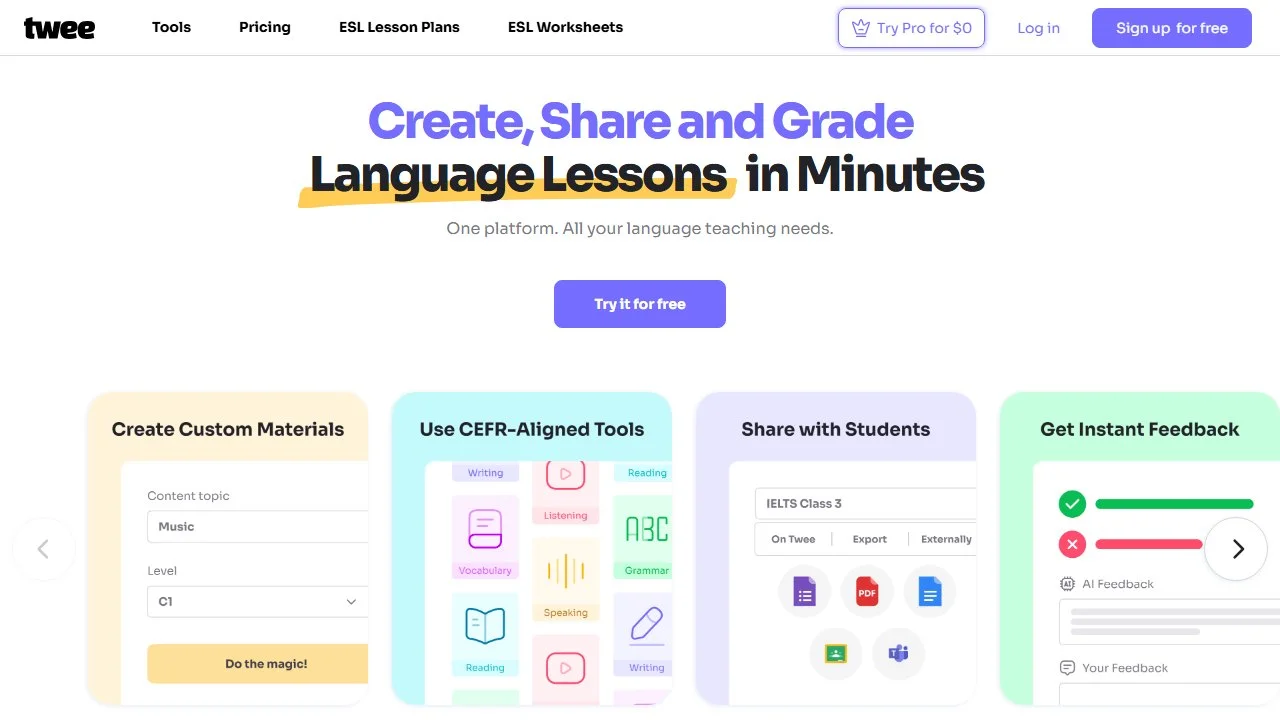
Twee is the only tool on this list designed for language teachers first, and it shows everywhere. Instead of generic “worksheet generator” framing, Twee thinks in ESL categories: reading comprehension with ABCD questions, fill-in-the-gap exercises, vocabulary matching with definitions and words in context, true/false tasks, dialogues, and discussion questions, all generated to a CEFR level you pick up front.
What stands out. Twee is the tool built to hold a band rather than approximate one: A2 output stays inside present and past simple, keeps sentences short, and swaps low-frequency vocabulary like “surplus” for everyday equivalents without being asked. The exercise generators are equally level-aware, producing B1 gap-fills that target phrasal verbs and collocations rather than random nouns, which is what a trained materials writer would do. Generation took 10 to 20 seconds per task. The library of ready-made leveled lesson plans, filterable by CEFR level and skill, is a genuinely useful bonus when you have zero prep time.
Pricing. Free plan includes 20 text generations and 10 media generations per month. Pro is $11.95/mo, or $7.49/mo billed annually.
Who it’s for. ESL, EFL, and ELL teachers who create their own materials weekly. If language teaching is your whole job, this is the one tool worth paying for first.
Honest limitation. The free tier’s 20 text runs per month sounds fine until you realize a single lesson can eat three or four generations (text, questions, gap-fill, homework). Heavy users will hit the wall in week two, and the media limit of 10 runs goes even faster if you use image-based tasks.
2. Diffit: best for leveling existing texts and newcomer translation
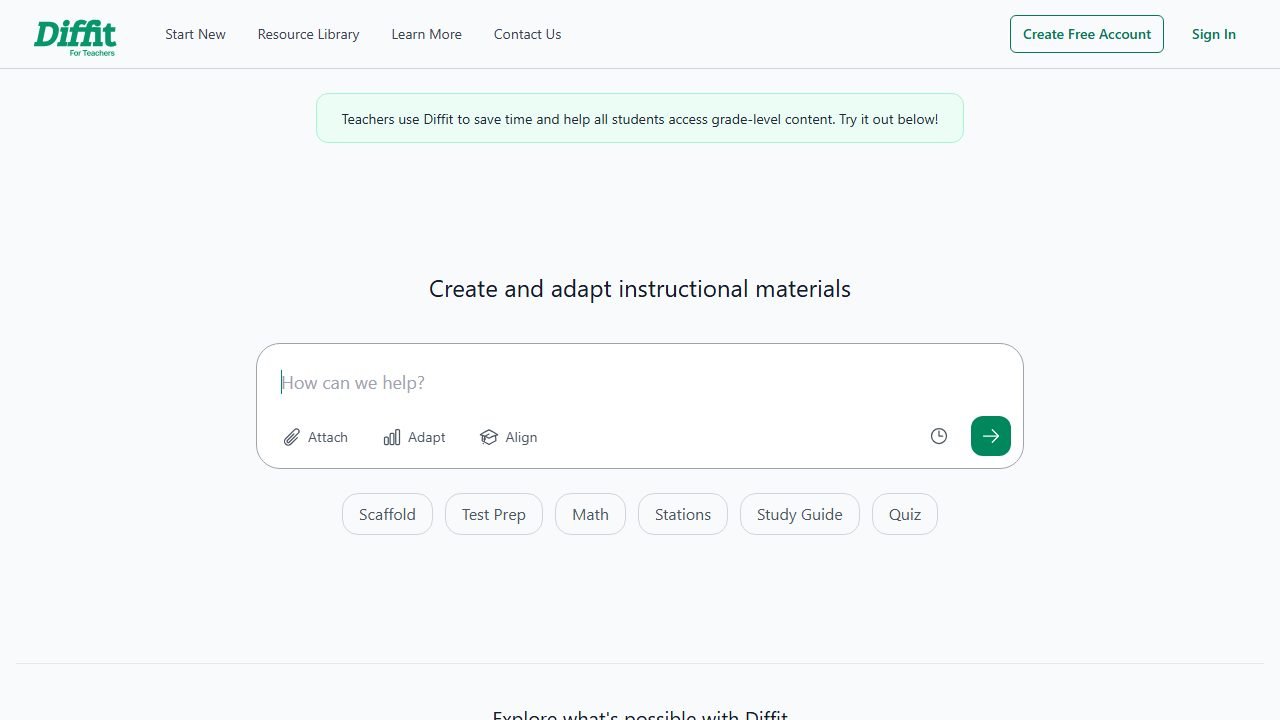
Diffit attacks the problem from the other direction. Where Twee generates new material, Diffit takes material you already have (an article, a URL, a PDF, a topic) and rebuilds it at your target reading level, complete with adapted text, vocabulary lists, and comprehension questions. We covered the full platform in our Diffit review, so here we focus on the ESL angles.
What stands out. Diffit’s leveled outputs are the most faithful to the source in this set: it keeps the key facts while cutting sentence length hard. But the killer ESL feature is the language option. You can level a text down AND output it in a student’s home language in one pass. For a newcomer who arrived on Monday speaking only Spanish or Ukrainian, this is the fastest workflow we know: paste the class article, set the level, set the language, and print both versions so the student can work bilingually. That whole cycle took us under two minutes per text. We now consider this the default newcomer accommodation workflow, and we walk through the same feature for younger grades in our kindergarten teachers roundup.
Pricing. Free core plan; Premium is $14.99/mo.
Who it’s for. Teachers whose ESL work is mostly adaptation: newcomers mainstreamed into content classes, mixed-level groups reading the same article, co-teachers supporting ELLs in science and social studies.
Honest limitation. Diffit adapts; it does not really create. If you need a dialogue, a role-play, or a grammar-focused exercise sequence from scratch, you will still want Twee or Edcafe alongside it.
3. Brisk Teaching: best for leveling inside Google Docs
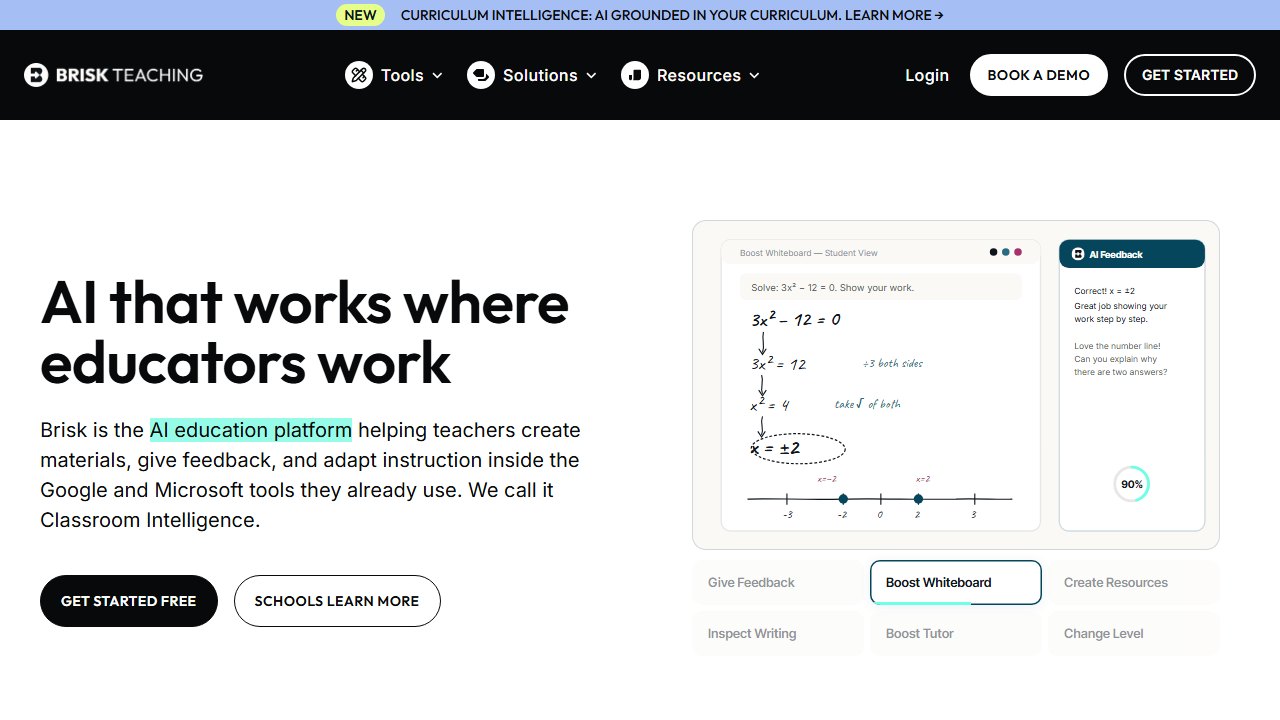
Brisk Teaching is a Chrome extension that layers AI tools over the places you already work: Google Docs, Slides, and the open web. For ESL teachers in Google districts, that placement matters more than any single feature. Our full Brisk review covers the whole toolkit; the ESL-relevant pieces are the text leveler, the translator, and the feedback tools.
What stands out. Brisk levels text directly from the web page it lives on, no copy-paste, and drops the adapted version into a new Google Doc. B1 and B2 outputs were solid. The A2 version was the weakest of the specialist tools: average sentence length was fine, but it left phrases like “environmental consequences” untouched, which is B2 vocabulary wearing an A2 badge. Where Brisk shines is the feedback loop: highlight a paragraph of student writing in Docs and Brisk drafts targeted feedback using the glow-and-grow format, which saved us roughly half the time on a stack of 25 short ELL paragraphs.
Pricing. 23 tools are free. Premium tiers exist for schools and power users; current pricing is on their site.
Who it’s for. ESL teachers in Google Workspace schools who want leveling and writing feedback without leaving Docs.
Honest limitation. It is Chrome-or-nothing. If your school runs iPads or locked-down devices without extensions, Brisk is off the table entirely.
4. MagicSchool: best free all-rounder (Text Leveler + translator)
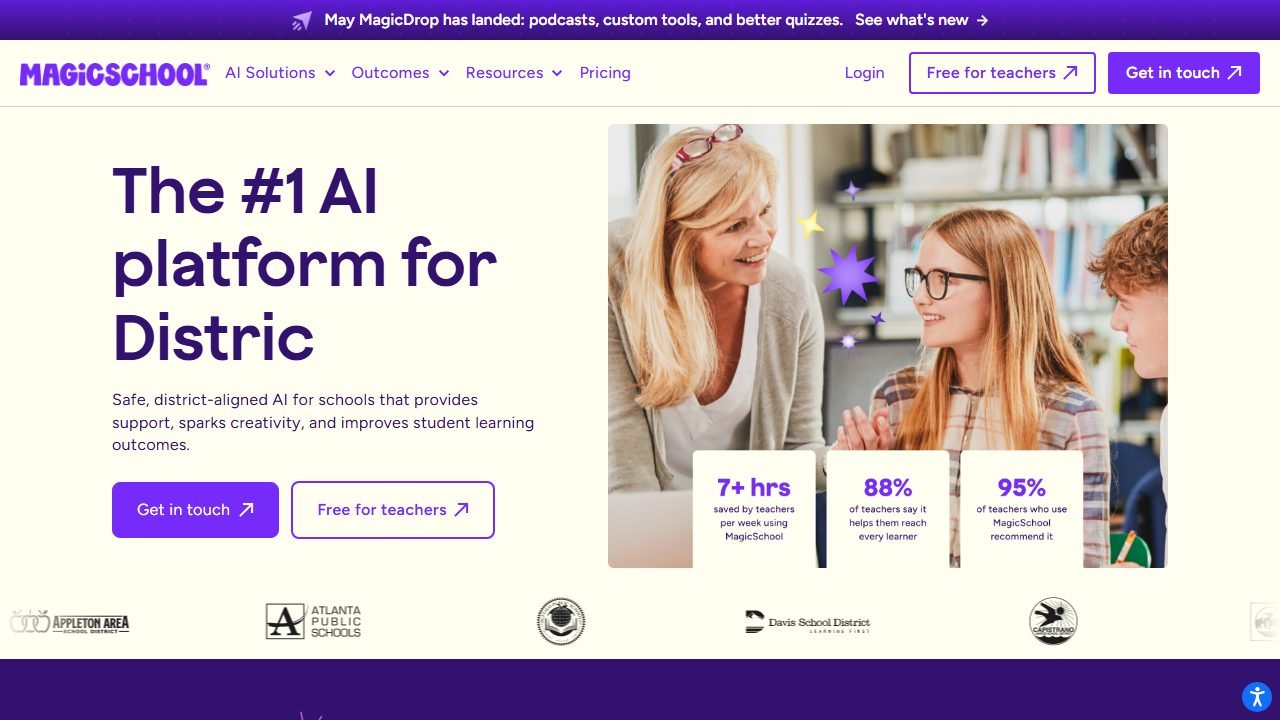
MagicSchool is the biggest teacher AI platform, with 80+ tools, and two of them earn its place on this list: the Text Leveler and the translation tool. Our MagicSchool review rates the full platform; here we assess it purely as an ESL workhorse.
What stands out. The Text Leveler asks for a grade level rather than a CEFR band, so map A2 to roughly grades 2-3, B1 to grades 4-6, and B2 to grades 7-9. B1 and B2 equivalents came out clean. The A2-equivalent output drifted up a band, keeping subordinate clauses an A2 reader would trip over. The translator, though, is quietly excellent: teachers report parent-newsletter translations into Spanish, Portuguese and Vietnamese landing close to publishable with minimal editing. Combine the leveler, the translator, the vocabulary list generator, and the sentence starters tool and you can cover most of an ESL prep period without paying anything.
Pricing. The free plan includes every tool with usage limits. Plus is $12.99/mo, or $8.33/mo billed annually, and removes the limits.
Who it’s for. Teachers who want one free account that handles leveling, translation, vocabulary, and general prep. If your budget is zero, start here and add Twee’s free tier for the exercises.
Honest limitation. Grade levels are not CEFR levels. The mapping is close enough for B1 and up, but for true beginner ELLs the leveler needs a manual pass to strip out above-band grammar.
5. Eduaide: best budget pick for ESL resource generation
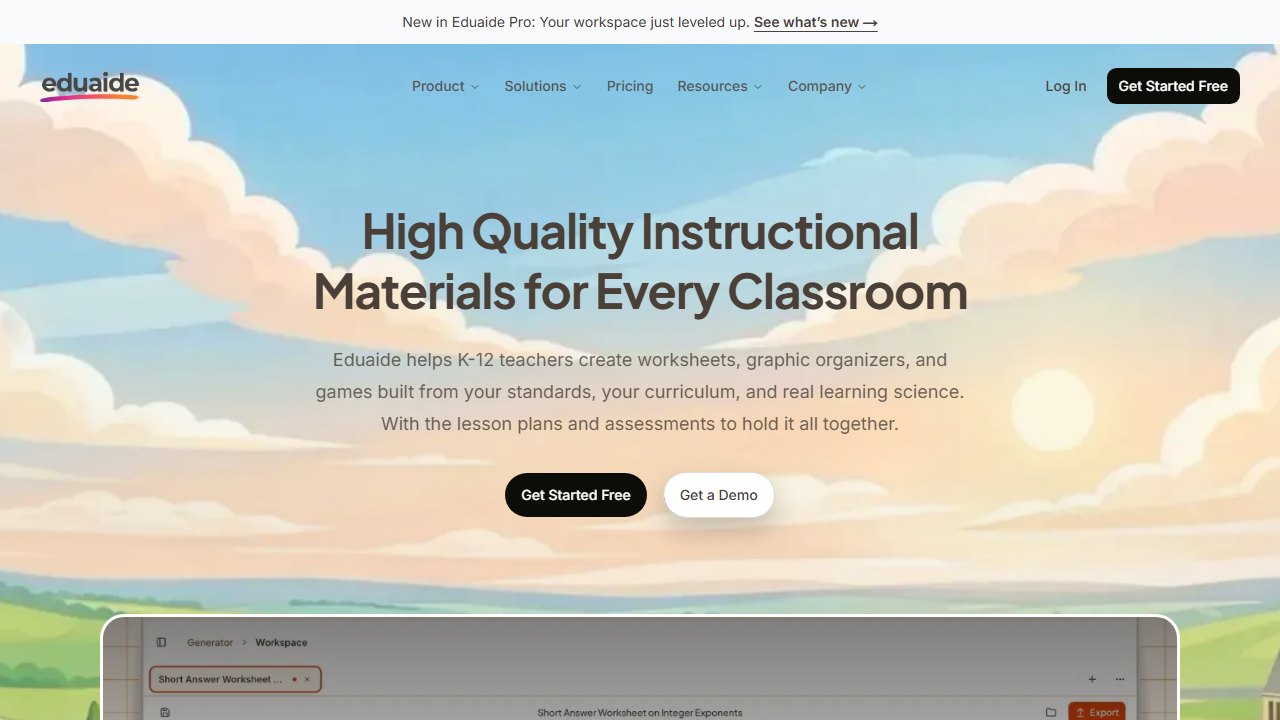
Eduaide is a resource-generation platform with over 100 resource types, and it treats language support as a first-class feature rather than an afterthought: outputs can be translated, and many generators accept a reading-level instruction.
What stands out. Eduaide’s B1 rewrite was dependable, and its question sets were the most pedagogically varied of the budget tools (it distinguishes recall, inference, and evaluation questions rather than generating ten of the same). The A2 attempt needed a second regeneration with firmer instructions before the vocabulary settled into band. What we like most is the workspace model: you build a lesson from generated pieces (warm-up, leveled text, exercise, exit ticket) in one place instead of hopping between tools. For lesson-level planning workflows, our AI lesson planning tools guide goes deeper.
Pricing. Free plan includes 15 generations per month. Pro is $5.99/mo, the cheapest paid plan on this list.
Who it’s for. Teachers who want the widest resource variety per dollar. At $5.99, Pro costs less than half of Twee Pro and covers you across subjects, not just language.
Honest limitation. 15 free generations per month is the tightest cap here, roughly one lesson’s worth of assets. Treat the free tier as a trial, not a plan.
6. Edcafe AI: best for interactive ESL practice
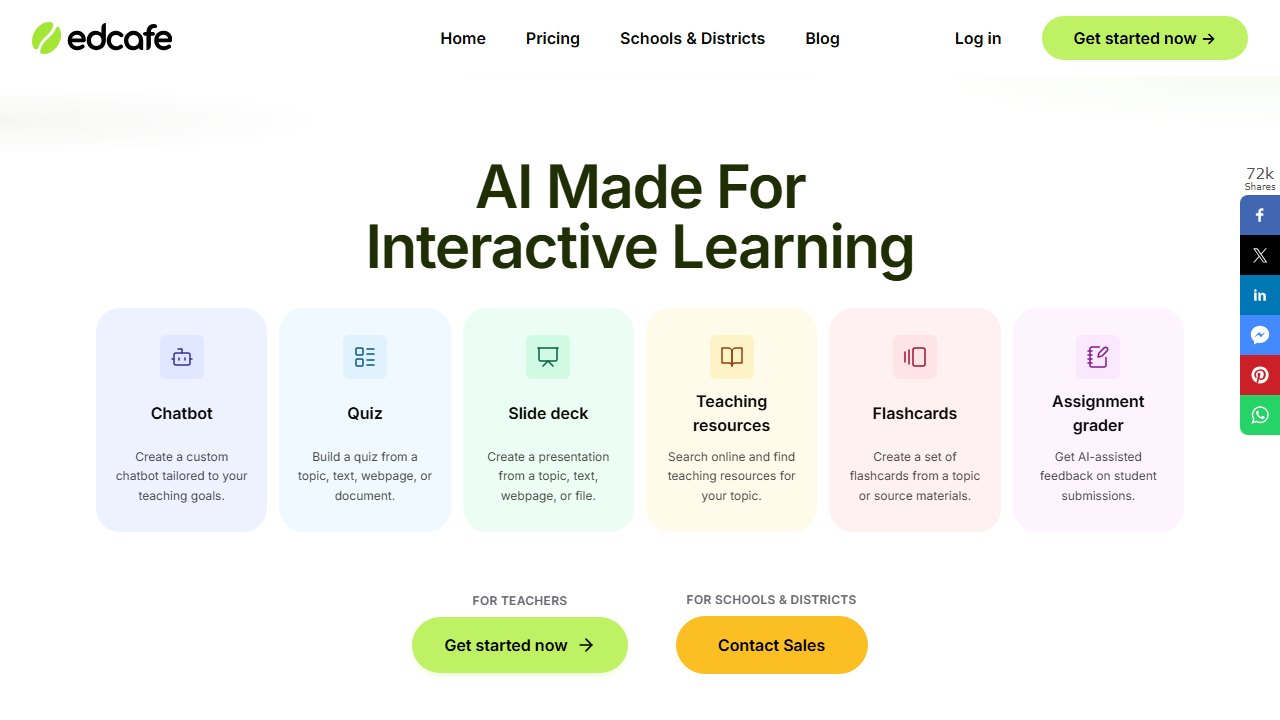
Edcafe AI covers the usual generation basics but earns its spot with the interactive layer the others lack: student-facing AI chatbots you configure and assign, speaking practice with AI feedback, and self-grading quizzes students complete from a join code, no student accounts required.
What stands out. A B1 “ordering at a restaurant” chatbot takes about four minutes to build: set the scenario, pin the level, and tell it to correct errors gently after each student turn. Teachers report the bots stay in character, keep their own language within band, and recast student errors the way a trained teacher would (“I want eat” becomes “Nice! We say: I want TO eat.”). This is conversation practice an ESL teacher physically cannot give 28 students at once. The speaking-practice assignments with AI feedback worked similarly well for short prepared talks. Its plain text leveling was fine (good B1/B2, slightly heavy A2), but interaction is the reason to be here.
Pricing. Free plan with monthly generation caps. Paid plans start from $7.99/mo billed annually, with a higher tier around $14.99/mo; check their pricing page for current caps.
Who it’s for. ESL teachers who want students practicing (speaking, chatting, self-quizzing) rather than just receiving better worksheets.
Honest limitation. Student-facing AI means governance homework: you need to check your district’s AI policy and parent-communication expectations before assigning chatbots, and the free tier’s caps make whole-class interactive use a paid proposition in practice.
7. ChatGPT for Teachers: best free custom-prompt workhorse
ChatGPT for Teachers is OpenAI’s education workspace, free for verified US K-12 educators through June 2027, with workspace content excluded from model training. For ESL work it is the tool for everything the specialist platforms do not have a button for.
What stands out. Naked prompts underperform: “rewrite at A2” produced B1 output. But a strict prompt (target band, maximum sentence length, allowed tenses, two example sentences at the target level) matched Twee’s accuracy, and once saved, that prompt is reusable forever. Where ChatGPT beat every specialist tool was the weird requests: a minimal-pair pronunciation drill for Arabic speakers confusing /p/ and /b/, a role-play card set for a parent-teacher conference unit, a cloze passage using only this week’s vocabulary list. No button-based tool handled those. If you compare it to purpose-built tutors, our Khanmigo vs ChatGPT breakdown covers where each wins.
Pricing. Free for verified US K-12 educators through June 2027.
Who it’s for. Every ESL teacher, honestly, as the flexible second tool behind whichever specialist platform you pick.
Honest limitation. No pedagogical guardrails. It will confidently produce an off-band text, an Americanism-filled dialogue for a British exam class, or an invented “fact” for a reading passage. You are the quality control, every single time.
8. Grammarly for Education: best for student writing feedback at scale
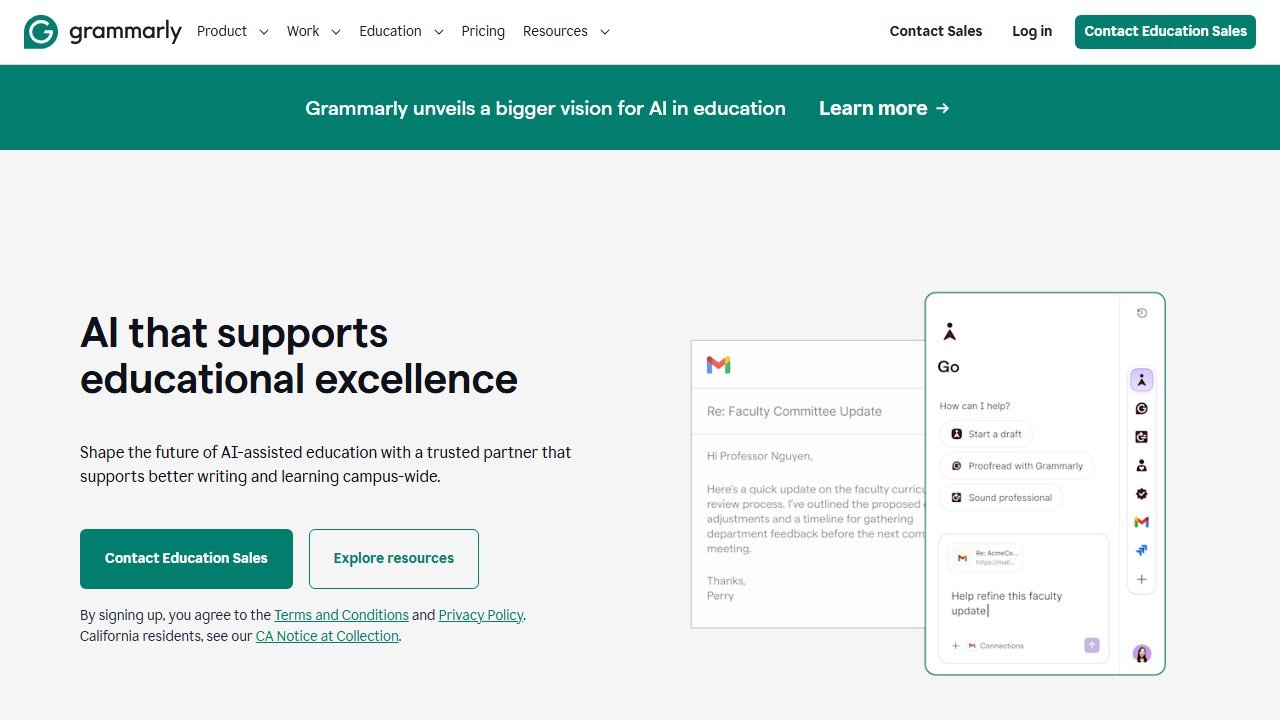
Grammarly for Education is the odd one out: not a materials generator but a writing-feedback layer for your students. For intermediate and advanced ELLs producing regular written work, it fills the gap between “teacher marks everything” (impossible) and “nothing gets feedback” (what usually happens).
What it does with student writing. On typical B1-level student paragraphs, Grammarly catches the high-frequency ELL error classes reliably: articles, subject-verb agreement, preposition choice, and awkward word order, each with a short explanation rather than a silent auto-fix, which is what makes it usable for learning rather than laundering. It did occasionally “correct” learner writing toward more idiomatic phrasing than the student could produce independently, which flattens your ability to see their real level. We told students to read every explanation and accept nothing blindly.
Pricing. A free individual version exists. Grammarly for Education is an institutional license with quote-only pricing; districts need to contact sales.
Who it’s for. Secondary and adult ESL programs with regular writing output, ideally at the institutional level so students get full features without paying.
Honest limitation. It is feedback, not instruction, and it tempts students to click “accept all” and learn nothing. It also does nothing for your beginners, who need production scaffolds before they need polish.
The newcomer workflow we now use every time
Worth pulling out of the tool sections because it answers the most urgent ESL question there is: a student arrives mid-year with little or no English, and you need materials today.
- Take whatever text the class is using and paste it into Diffit.
- Generate the lowest reading level plus the student’s home language version.
- Print or share both side by side so the student reads bilingually.
- In MagicSchool, translate your class directions and a short welcome note for the family.
- In Twee or Edcafe, generate an A1/A2 vocabulary matching task from the same text so the newcomer works on the same topic as everyone else.
Total prep time in practice: under ten minutes. The student works on the same content as the class, at their level, in two languages, on day one. If your budget is strictly zero, our free AI tools for teachers guide shows how far the free tiers above stretch across a full teaching week.
Where the figures on this page come from
Every price here was read from the vendor’s own pricing page on 4 September 2026 and carries that date, because education pricing changes with the school year and a claim without a date is not checkable.
The pages we read
Chalkie publishes free, US$6.65 and US$12.99 a month with yearly equivalents. Khanmigo publishes $44 a year. MagicSchool publishes a free plan and Plus at $12.99 a month. Curipod publishes free and from $24 a month with a 21% yearly saving. CoGrader publishes free at 100 submissions a month and $15 a month billed annually. Brisk Teaching publishes a free teacher plan at $0.
The ones we could not read
SchoolAI publishes tier names with no figures. Gradescope now sits on a Turnitin domain and is institution-quoted. We could not read a figure for Diffit, Quizlet, Photomath or Gauth either. That is not evidence they publish nothing, and we do not present it as such. Treat any figure for those six from elsewhere as unverified.
What we do not do
We do not carry a figure we cannot source to the vendor. Where a number circulates and cannot be traced, we say so and withdraw it rather than repeating it with a hedge.
Verdict: which AI tool should an ESL teacher pick?
- Best overall: Twee. The only tool built for language teachers, and the most accurate CEFR leveling in the set. Pro at $7.49/mo billed annually is the easiest spend on this list.
- Best for adaptation and newcomers: Diffit. Level plus translate in one pass is the single highest-value ESL workflow in this set.
- Best free setup: MagicSchool + ChatGPT for Teachers. Leveler, translator, and unlimited custom prompting for exactly $0 (ChatGPT for Teachers is free for verified US K-12 educators through June 2027).
- Best for student practice: Edcafe AI. Level-pinned chatbots and speaking feedback give students reps no worksheet can.
- Best budget paid plan: Eduaide Pro at $5.99/mo.
Whatever you pick, keep the core lesson in mind: every tool is trustworthy at B2 and suspect at A2. The AI does the typing. The leveling judgment, especially for your beginners, is still yours. For students who want to practise speaking on their own, our guide to AI pronunciation apps compares the apps that score individual sounds with the ones that only chat.

Written by
FazFaz is the founder of AIToolsBakery. Some tools here are tested hands on. Others are assessed from vendor documentation and pricing verified on the live page, and every review says which one it is. Sponsors can buy a position in a guide. They cannot buy the score, the criticism, or silence about a better option.
How we test and how we make money →