
Search for the best AI baseball swing app and you get a strange set of results. On 5 November 2026, all ten results for that search came from three companies selling a swing app: seven from Mind & Muscle, two from WIN Reality and one from Athletech. WIN Reality’s ranking puts its own SwingAI first overall and names Blast Motion Baseball the best bat sensor app. What that page does not say is that WIN Reality bought Blast Motion in June 2025, so both winners have the same owner. Athletech at least opens its comparison with “We make Baseball AI.”
The rankings also skip the question a parent actually needs answered: what is measuring the swing? A sensor on the bat, a phone watching the body, a phone tracking the ball and a human coach with video tools each see different things. That decides what you buy, what the numbers mean, and where a video of your child ends up. This guide compares nine apps on those points, for baseball and softball, with prices as listed on 5 November 2026.
How we reviewed these. We have not used these tools ourselves. Every price, rating, date and feature below comes from the app’s US App Store or Google Play listing, or the vendor’s own website, terms or privacy policy, read on 5 November 2026, and each source is linked. App Store prices are the in-app purchase prices Apple lists for the US store. Accuracy figures are the vendors’ own: we found no independent validation of any app here.
What the AI in a swing app actually measures
Work this out before you compare prices. An app can only tell you about what its input can see.
A sensor on the bat: Blast
A motion sensor on the knob of the bat measures the bat itself, including bat speed, attack angle and time to contact. It reads the bat rather than filming the hitter, so body position comes from any video you add, and you have to buy hardware and keep a membership going. Athletech, which sells a phone app and has no reason to flatter sensors, says on its own comparison page: “Phone AI does not replace a bat sensor for bat speed and attack angle.”
A phone watching the body: SwingAI, Baseball AI, Angular, HitLab
These apps take a side-on clip, track the hitter’s body and score the mechanics: load, stride, rotation, contact position, follow through. They need no hardware and they can show a parent what a coach would point at. The score is a model’s opinion, though, not a measurement like bat speed, and it depends on the camera angle and the bands the vendor chose. Angular, and RipIQ which we left out, add bat speed through an Apple Watch, which reads from the wrist rather than the bat.
A phone tracking the ball: Ember and b4
Ember and b4-app try something harder. From phone video they estimate what the ball did: exit velocity, launch angle and distance. Both sell this as a way to avoid radar guns and launch monitors. A newer app, Hitter AI, takes the opposite line in its listing: “No exit velocity gimmicks or radar-gun promises here”. Treat these numbers as useful for comparing your own sessions until someone publishes independent accuracy data.
A human with video tools: OnForm and V1
OnForm and V1 Baseball are video tools built around a coach: slow motion, drawing, side-by-side comparison and voice-over lessons. Neither listing describes AI feedback on a player’s swing. They belong here as the benchmark, because a lot of families already have a hitting coach who could use one.
AI baseball swing apps compared
| App | Measures with | What you pay (5 November 2026) | Softball | Platforms | US ratings | Last updated |
|---|---|---|---|---|---|---|
| Blast | Sensor on the bat | $273.99 sensor and first year, then $99 a year; teams by quote | Yes, separate app | iOS, Android | iOS 4.0 (667); Android 2.3 (161) | 9 September 2026 (iOS) |
| WIN SwingAI | Phone video, body | App Store lists $14.99 and $9.99 monthly, $119.99 and $99.99 yearly | Yes | iOS, Android | iOS 4.0 (121); Android 3.3 (58) | 28 October 2026 (iOS) |
| Baseball AI | Phone video, body | 2 free analyses; Athlete $12.99 a month or $99.99 a year; Parent from $16.99 a month | Yes, Softball AI | iOS, Android | iOS 4.8 (17); Softball AI iOS 3.7 (6) | 29 October 2026 (iOS) |
| Angular Baseball | Phone video, body; Apple Watch for bat speed | Free 2 a day, 5 a week; Pro $9.99 a month or $49.99 a year | Yes | iPhone | iOS 4.9 (21) | 29 October 2026 |
| HitLab | Phone video, body | 1 free session; $7.99 a session; 10 for $49.99; Membership $19.99 | Yes | iOS, Android | iOS 4.5 (8) | 24 June 2026 (iOS) |
| Ember Hitting Analyzer | Phone video, ball | $12.99 a month or $119.99 a year; 7-day trial | Not stated for this app | iOS | iOS 4.5 (23) | 2 November 2026 |
| b4-app | iPhone on a tripod, ball and bat | Free 30 swings a month; Essential $3.99 a month; Premium $14.99 a month | Not stated | iPhone | iOS 4.2 (152) | 22 October 2026 |
| OnForm (coach tool) | Video and a coach | Individual $9.99 or $14.99 a month; Coach from $19.99 a month | Yes | iOS, Android | iOS 4.8 (8,708); Android 2.9 (313) | 4 November 2026 |
| V1 Baseball (coach tool) | Video and a coach | Plus $9.99 a month; $39.99 and $49.99 annual options listed | Yes | iOS | iOS 3.1 (26) | 29 November 2025 |
Read on 5 November 2026. Ratings are rounded to one decimal, with the number of ratings in brackets. Platforms list what we could confirm on the vendor’s pages and the stores; an app missing a platform here may still have one we did not find. Look at those rating counts: apart from Blast, WIN, b4 and OnForm, every app has fewer than 30 US ratings. This category is very young.
How we chose and ordered these
Every AI app in the lineup had to describe swing feedback for baseball in its own words, have an update in the last 12 months, be downloadable in the US, and have a privacy policy we could open, since these apps take videos of children. We ordered them by measuring method, starting with the sensor because it measures the bat directly, then phone apps that score the body, then phone apps that track the ball, then the coach tools. The order is not a score. Apps that failed these checks are listed further down with the reason.
The nine apps
1. Blast Baseball and Blast Softball: a sensor on the bat
Blast attaches a sensor to the knob of the bat and sends data to the app over Bluetooth. Its site says it can “Track swing path, bat speed, time to contact, attack angle & more.” The AI layer sits on top of those numbers: “Blast iQ™ automatically assesses and scores every swing”, with a green, yellow or red flag on your focus area plus drills. A paid feature uses machine vision for ball flight. The App Store listing is clear that the app needs the hardware: it “requires the Blast Baseball Swing Analyzer or Personal Swing Trainer and the Blast bat attachment to collect data.” Blast Softball is a separate app at the same price.
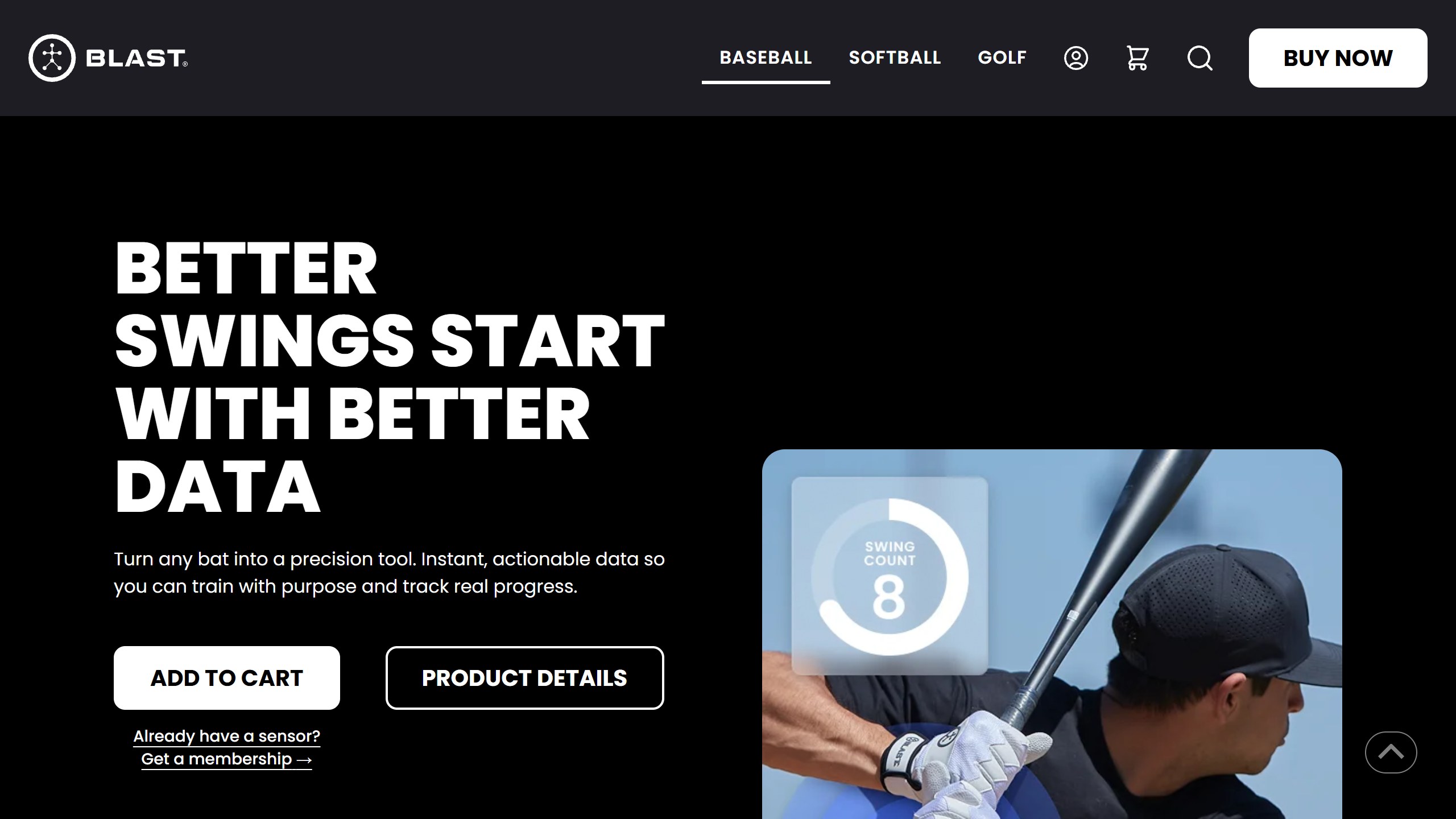
What you pay. The Blast home page lists “$273.99 · Sensor + 1-Year Membership”, which “renews at $99.00/yr until canceled”. The store page showed $274.00 on the same day, and says “Each order includes one membership”, so two sensors do not bring two memberships. The App Store lists the membership at $99.00 a year or $14.99 a month. Check the total at checkout, because the pages read on 5 November carried a “was $149.95” next to the higher price, New Year and summer sale banners, and a notice that orders would ship “by May 15” with six free months of SwingAI. Blast’s terms say fees “are non-refundable”, and annual subscribers get a reminder email before renewal. If you are fitting a youth or softball bat, look at the separate Softball & Youth Bat Attachment on the store. Team deals are quote only.
Android gap. The product page says “Post-impact metrics (i.e., ball flight) only on iOS” and “Mobile video analysis only on iOS.” Android ratings are far lower: Blast Baseball at 2.3 from 161 reviews and Blast Softball at 2.2 from 88, both with 10K+ installs, against 4.0 from 667 and 4.1 from 216 on iOS. Android apps were last updated in early June 2026, and Google Play now shows WIN Reality LLC as their developer.
Data and age. The privacy policy (last updated 2 August 2025) says the service is “not directed to children under the age of 13”, and that it may collect location metadata attached to photos and videos you submit. The terms (last updated 16 August 2024) go further: “IF YOU ARE UNDER 13 YEARS OF AGE, PLEASE DO NOT USE OR ACCESS” the service. The product page markets to players “From 10u to 18u”, so an under-13 player needs a parent to read those terms first.
Choose it if you want measured bat speed and attack angle, and you will use it for more than one season. Skip it if you are on Android and want the full feature set, or you want feedback on body mechanics rather than the bat.
2. WIN Reality SwingAI: phone video from the owner of Blast
SwingAI is the phone half of WIN Reality’s business, alongside its TrainVR virtual reality product and SmartPark game data. You upload a swing and the listing promises “instant AI-powered feedback in seconds across key mechanical dimensions”, then personalized drills and improvement plans. WIN pitches it at “youth and amateur hitters, parents who want to reinforce good mechanics at home, and coaches”, in baseball and softball. Since the 2025 deal, WIN says both platforms “will continue to operate independently” and that “SwingAI will fuse video with Blast biomechanics”. That is a stated plan: the pages we read do not describe it as live.
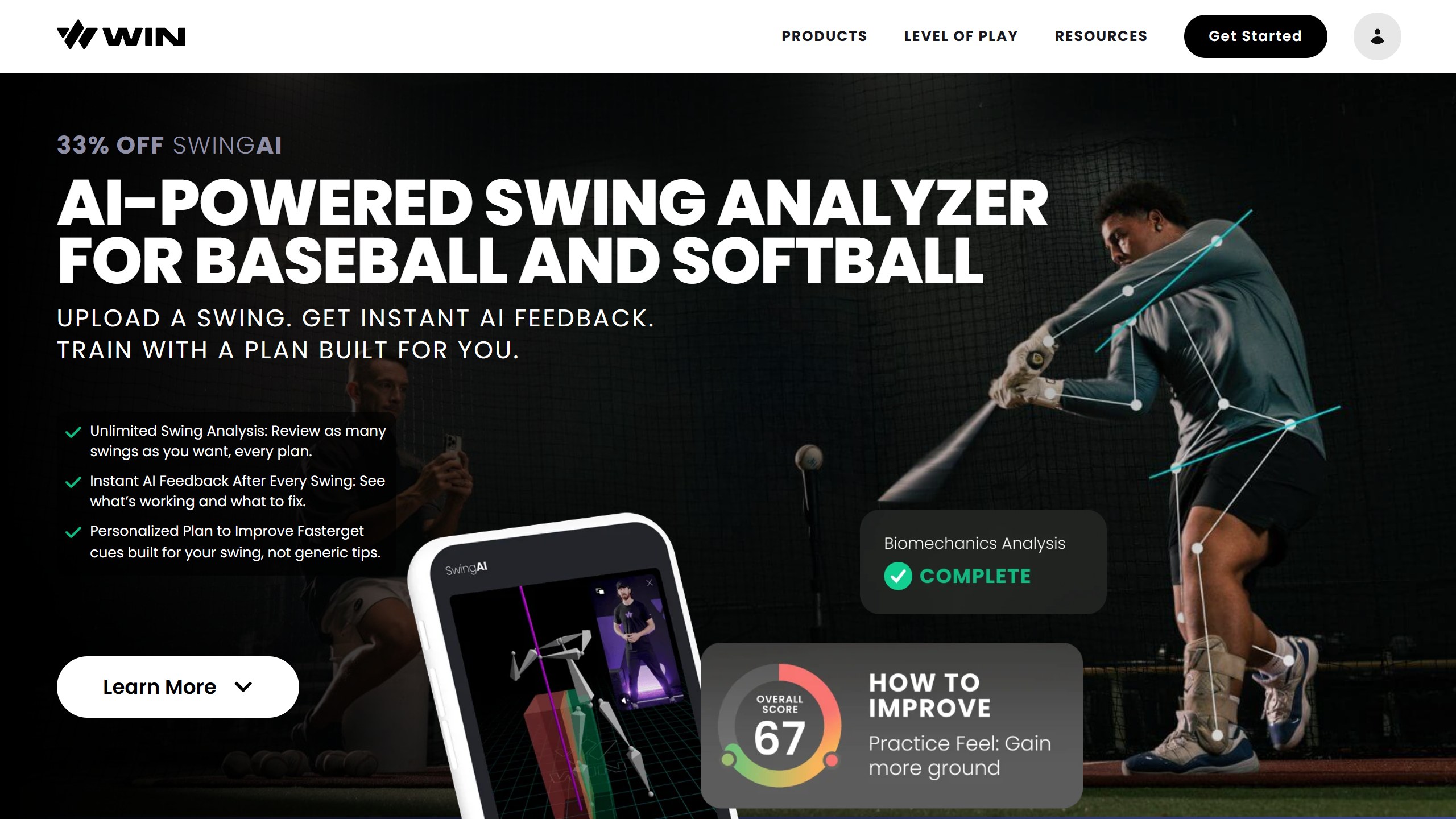
What you pay. SwingAI alone is not on WIN’s plans page, which shows the TrainVR and SwingAI bundle at $32.99 a month billed as $395.88 a year, and TrainVR alone at $323.88 a year. The App Store listed two sets of SwingAI prices on 5 November: $14.99 and $9.99 monthly, $119.99 and $99.99 yearly. Check the paywall for the one offered to you.
The renewal term to read. WIN’s terms say “You can cancel your subscription by providing notice of termination no later than 60 days from the end of your subscription”, and that there are no refunds for reasons including lack of use. Those terms do not say how they apply to a subscription bought through Apple, which you manage in your Apple account. If you buy on WIN’s site, put a reminder in your calendar two months before renewal.
Data and age. The privacy policy is specific. Uploaded swing video, metadata and athlete profile information may go to named AI providers (DeepInfra, Reboot Motion and Langfuse) for analysis and for “improving WIN’s products and services”. For under 13s, WIN says accounts are deleted “if parental consent is not provided within 24 hours”. The App Store privacy label lists contact info and identifiers as data used to track you across other companies’ apps and websites.
The iPhone app had 4.0 from 121 US ratings and was updated on 28 October 2026. The Android app had 3.3 from 58 reviews, with 10K+ installs, updated on 23 October 2026. The plans page FAQ says siblings can share a subscription through player profiles.
Choose it if you already use WIN’s VR product or play at a SmartPark field, and want everything in one account. Skip it if the 60-day notice bothers you, or you want a clear published price before you download.
3. Baseball AI and Softball AI: parent and coach accounts
Baseball AI, from Athletech, says you can “Upload a swing” and “Get a coach’s breakdown in about a minute” on its App Store listing. It covers mechanics, contact depth and sequencing, with plain-language coaching, drills, multi-week plans, and practice or live at-bat modes. Softball AI is the separate softball app, released in July 2026.
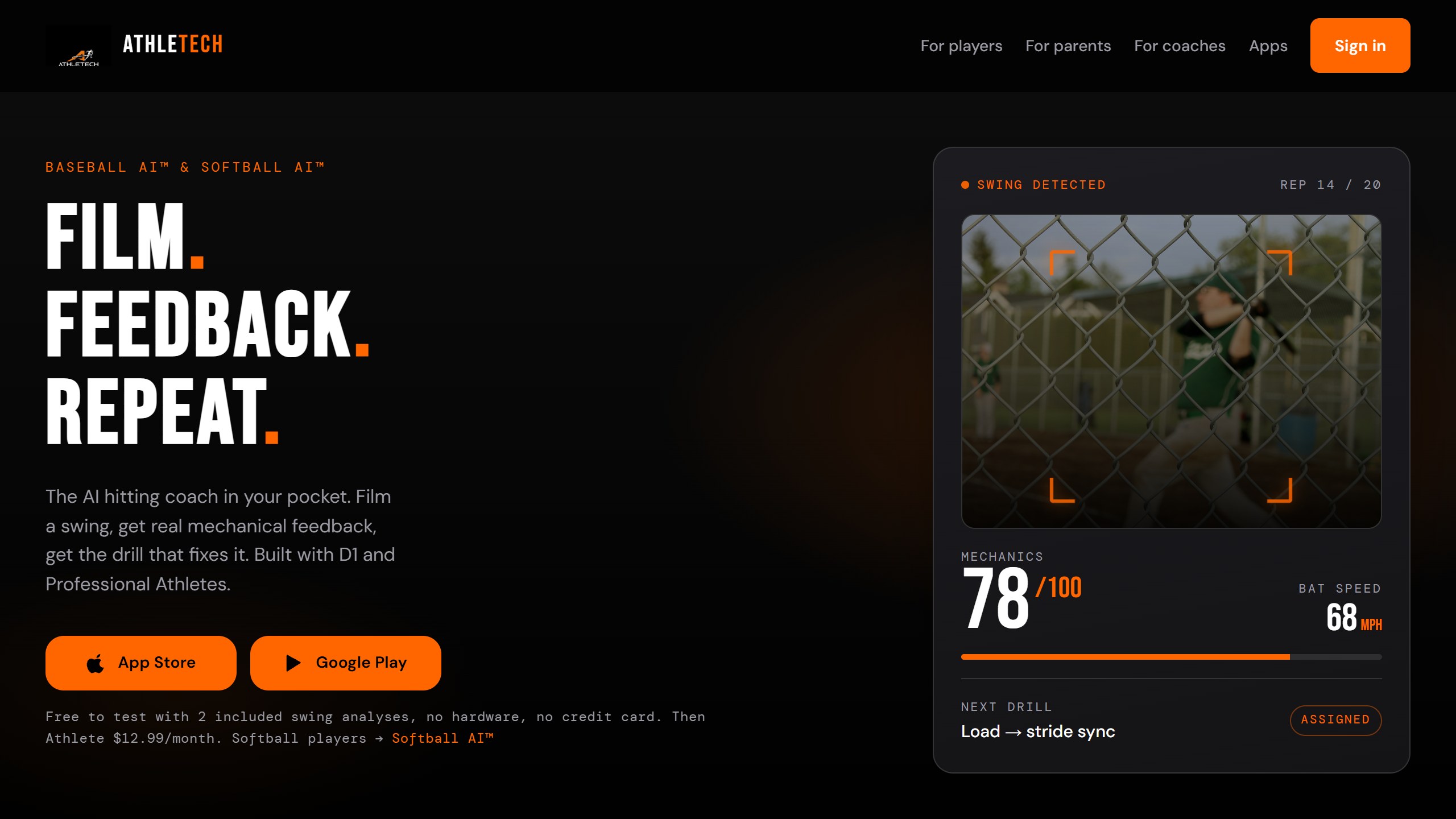
What you pay. The free test is 2 analyses with no card. Athlete is $12.99 a month or $99.99 a year. Parent is $16.99 a month and covers up to 6 players; its yearly price is $99.99 on Athletech’s site and $139.99 on the App Store, so buying on the web may save money if that still holds at checkout. Coach Pro is $39.99 a month or $419.99 a year for up to 25 players, and creating a team is free. One oddity: on 5 November the live App Store text still read “up to [CONFIRM 30 or 60] seconds” for free clips, an unfilled placeholder.
Data and age. The privacy policy (effective 11 October 2026) takes a firm position: “We never send your videos to outside AI services such as OpenAI, Anthropic, or Google Gemini.” It says analysis runs on its own models on Google Cloud. The trade off is that “Our models get better from athletes’ videos”: athletes 13 and older are included until they opt out in Settings. For under 13s, a parent creates the account, and those videos are not used for training without separate consent. Share links expire after 30 days and audio is removed from videos. The listing carries a 9+ rating, and Softball AI a 12+ rating.
Baseball AI had 4.8 from 17 US ratings, updated on 29 October 2026, and its Android app showed 1K+ installs. Softball AI had 3.7 from 6 ratings, and its Android app showed 50+ installs.
Choose it if you want a parent account across several kids, or a coach roster, without hardware. Skip it if you do not want a 13 year old’s video used for model training unless someone remembers to switch it off.
4. Angular Baseball: a scored report on iPhone
Angular Baseball, from Angular Sports in San Francisco, launched in May 2026. It gives “a score out of 100 from 13 checks” across setup, load, stride, contact and follow through. The listing says “Pose detection tracks 33 body landmarks through every frame and scores the mechanics against bands calibrated on elite swings.” Version 4.0 added bat speed from an Apple Watch, and the release note says this was “dialed” in against a radar gun, which is the developer’s own check. The site says a report usually takes about 30 seconds, the listing about 45. You film from the side, 10 to 15 feet away, on iOS 17 or later.
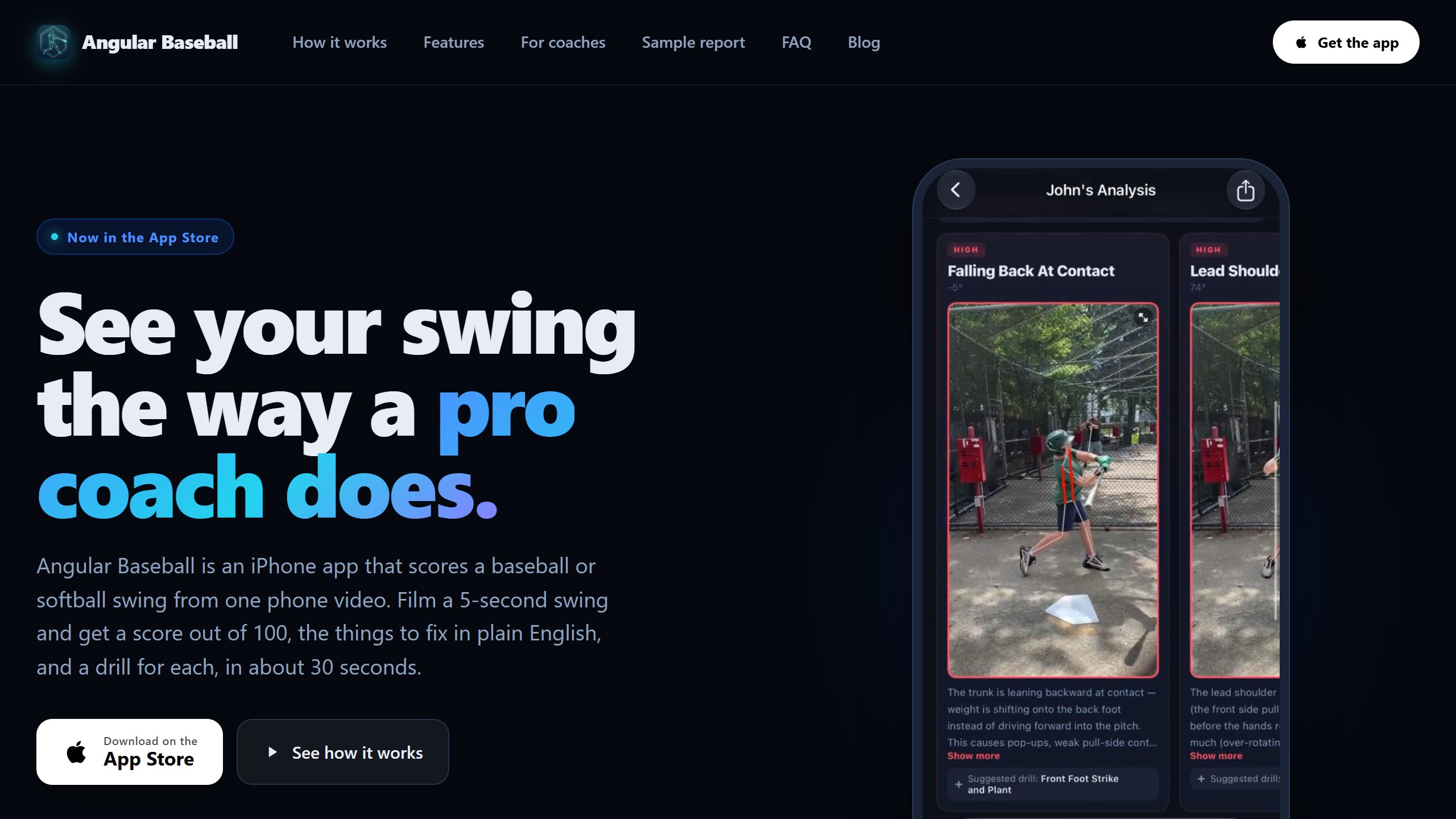
What you pay. Free accounts get 2 analyses a day and 5 a week, with no expiry and no card. Pro is $9.99 a month or $49.99 a year, unlimited, and adds a baseline report and a 3-week program. Coaches get one free analysis per player per day, up to 20 a week, and facilities can apply in the app.
Data and age. Angular’s privacy policy (last updated 27 October 2026) is unusually plain. “Some frames, the player’s name and the measured numbers are sent to Anthropic’s Claude”, which it says does not train on the data. It also says the people who run Angular can view your videos and reports. Using videos to train its own models needs separate permission, and content showing a player under 13 is never used for that or for marketing. You must be 13 to hold an account, and adults add younger players. Note that share links “do not expire on their own”, so delete the swing or ask support to turn off any link you no longer need.
The app had 4.9 from 21 US ratings and was updated on 29 October 2026. We found no Android version; the site calls it an iPhone app.
Choose it if you are on iPhone and want a clear report and the lowest yearly price among these phone scoring apps. Skip it if you are on Android, or would rather not send a child’s name to an outside AI provider.
5. HitLab: pay by the session
HitLab, from Earthchild Productions, takes a batting practice clip, detects the swings and scores “six mechanical categories” with written coaching. Its listing says it explains mechanics “in plain language geared toward your player’s age”, and coaches can manage players and share reports by link. It covers baseball and softball.
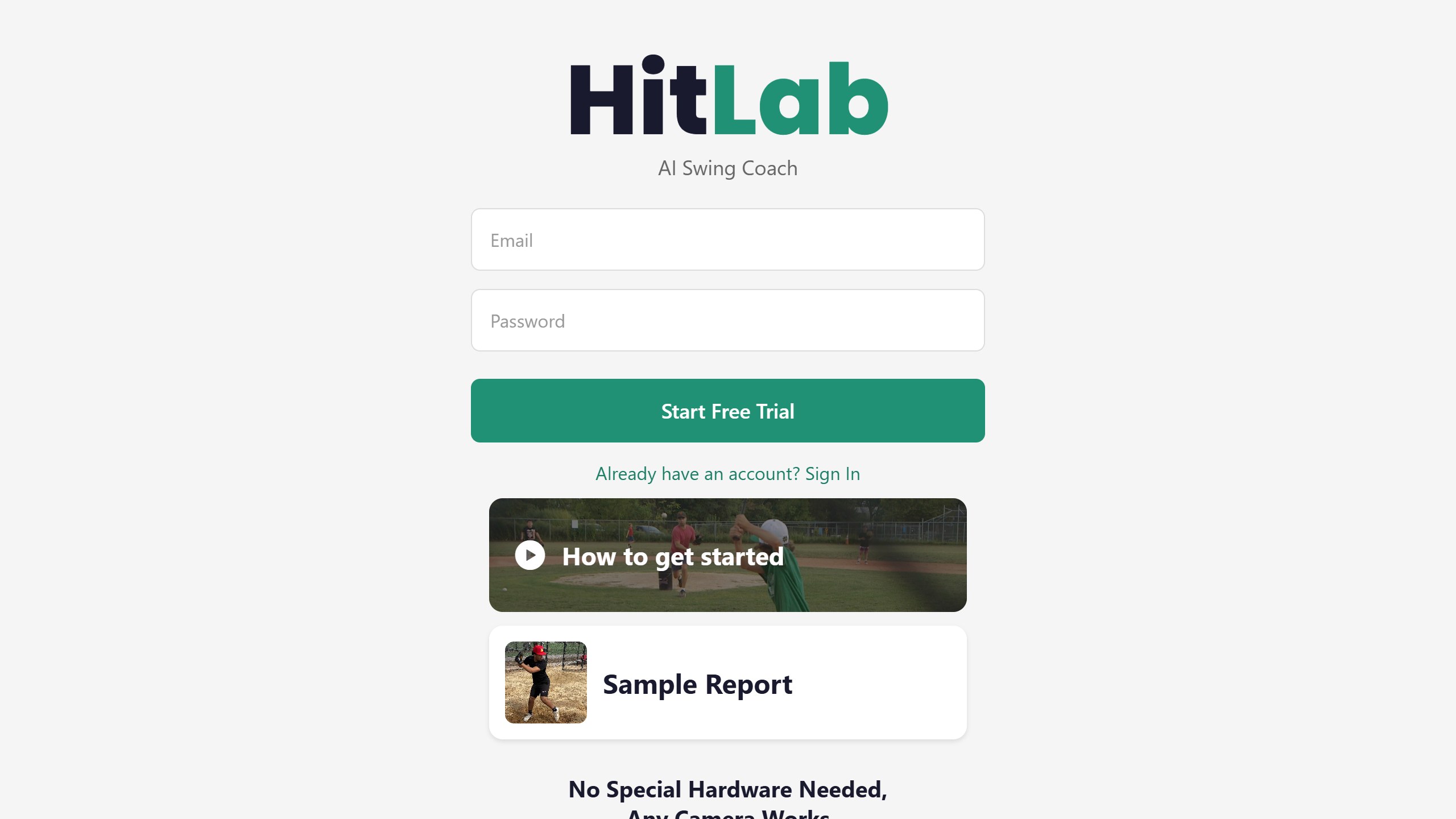
What you pay. HitLab is the one app in this lineup built around pay-per-use. There is one free trial session, then the App Store lists a Single Session at $7.99 and 10 Sessions at $49.99, or about $5 each. A Membership is $19.99 and a Team Membership $99.99; the listing describes monthly subscriptions but does not label those two prices with a period, so check before you buy.
Data and age. The privacy policy (last updated March 2026) says HitLab “extracts individual frames and sends those frames to AI service providers”, naming Anthropic and OpenAI, and that the original video file is not stored. Accounts must be created by users 13 or older, with adults adding younger players. Deleting your data means emailing HitLab, which says it will act within 30 days.
The app had 4.5 from 8 US ratings and was last updated on 24 June 2026, so it has gone quiet compared with others here. The Android app showed 100+ installs, updated on 25 June 2026.
Choose it if you want a check-up a few times a season and no subscription. Skip it if you want an app with a track record, or you will analyse swings every week.
6. Ember Hitting Analyzer: ball flight from a phone
Ember Hitting Analyzer, from Ember Sports, says it “captures your swing, tracks the ball in 3D space” and reports exit velocity, launch angle, distance and direction, per its App Store listing. Its home page says video is processed “right on your device”. You set the phone to the side of the hitter. The site offers a device checker, so run it before you pay.
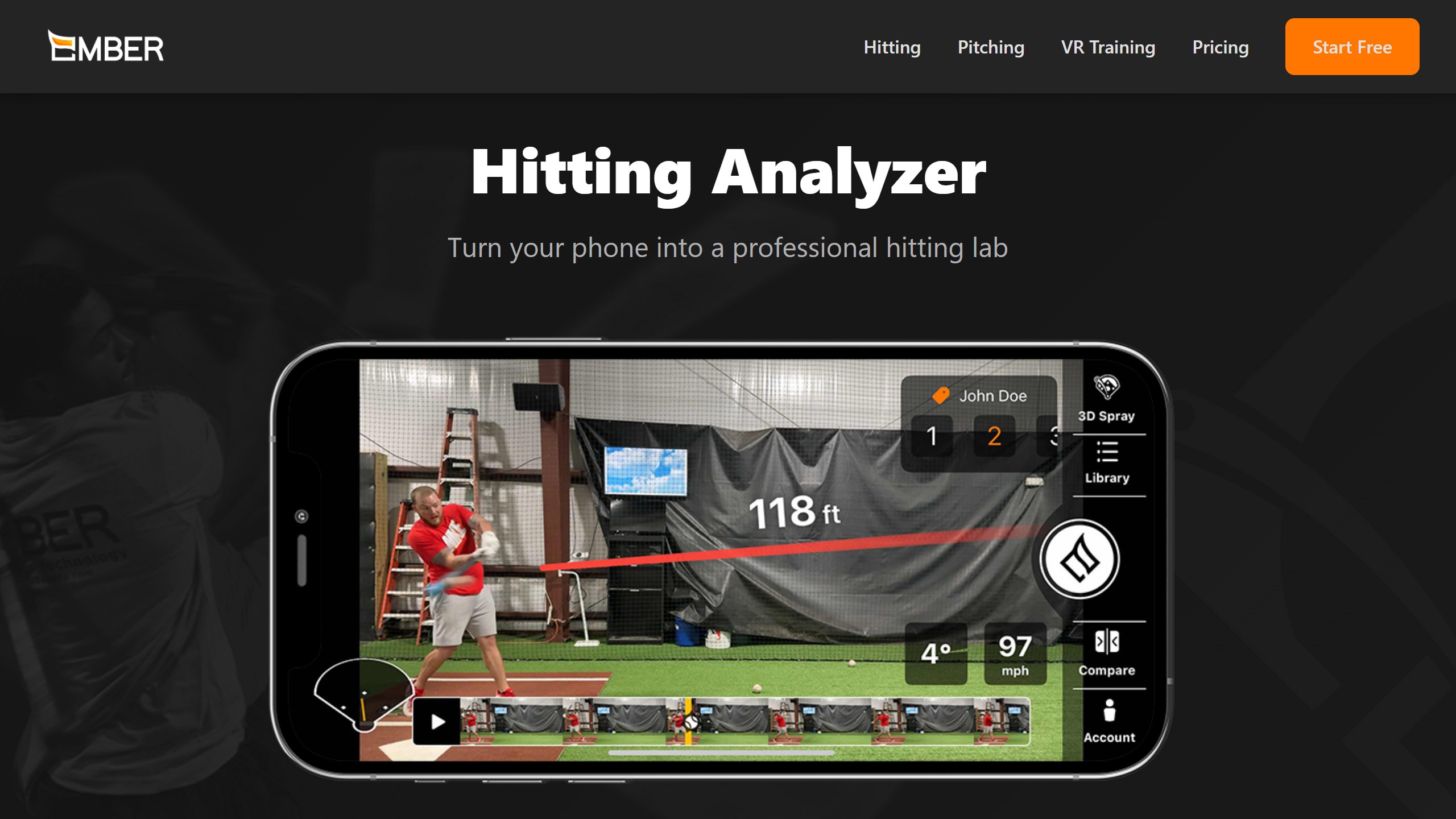
Read Ember’s numbers with care. Its hitting page advertises “±1 MPH Exit Velo Accuracy” and a “4.9/5.0 App Store Rating”. The first is the vendor’s own claim, and we found no independent test of it. The second did not match the US store on 5 November, which showed 4.5 from 23 ratings.
What you pay. Ember’s pricing page lists $12.99 a month with a 7-day free trial, and the App Store lists $119.99 a year. Each Ember app has its own subscription, so hitting and pitching are billed separately. Teams and facilities get custom pricing by contact.
Data and age. Ember’s privacy policy says its apps may be used by minors and that it does not knowingly collect or retain personal information from children under 13. Its table of data categories does list audio, video and image recordings as collected. The App Store label lists identifiers and usage data as used to track you across other companies’ apps and websites.
Choose it if you want a rough exit velocity trend without buying a radar or a launch monitor. Skip it if you need numbers a coach or recruiter will accept, or you are on Android; we found no Android app.
7. b4-app: batting stats from an iPhone on a tripod
b4-app, from Keep Tossing Lab, asks for “just an iPhone and a tripod”. Its listing covers exit velocity, launch angle, bat path, and biomechanics such as stride, weight shift and head movement. An AI Report tracks stats including SwSp% and xwOBA, and a feedback character called Coach Areo reviews each round. The listing says it was “Developed with multiple Major League players.” The stats lean toward older, data-minded hitters, and the pages we read talk about baseball only.
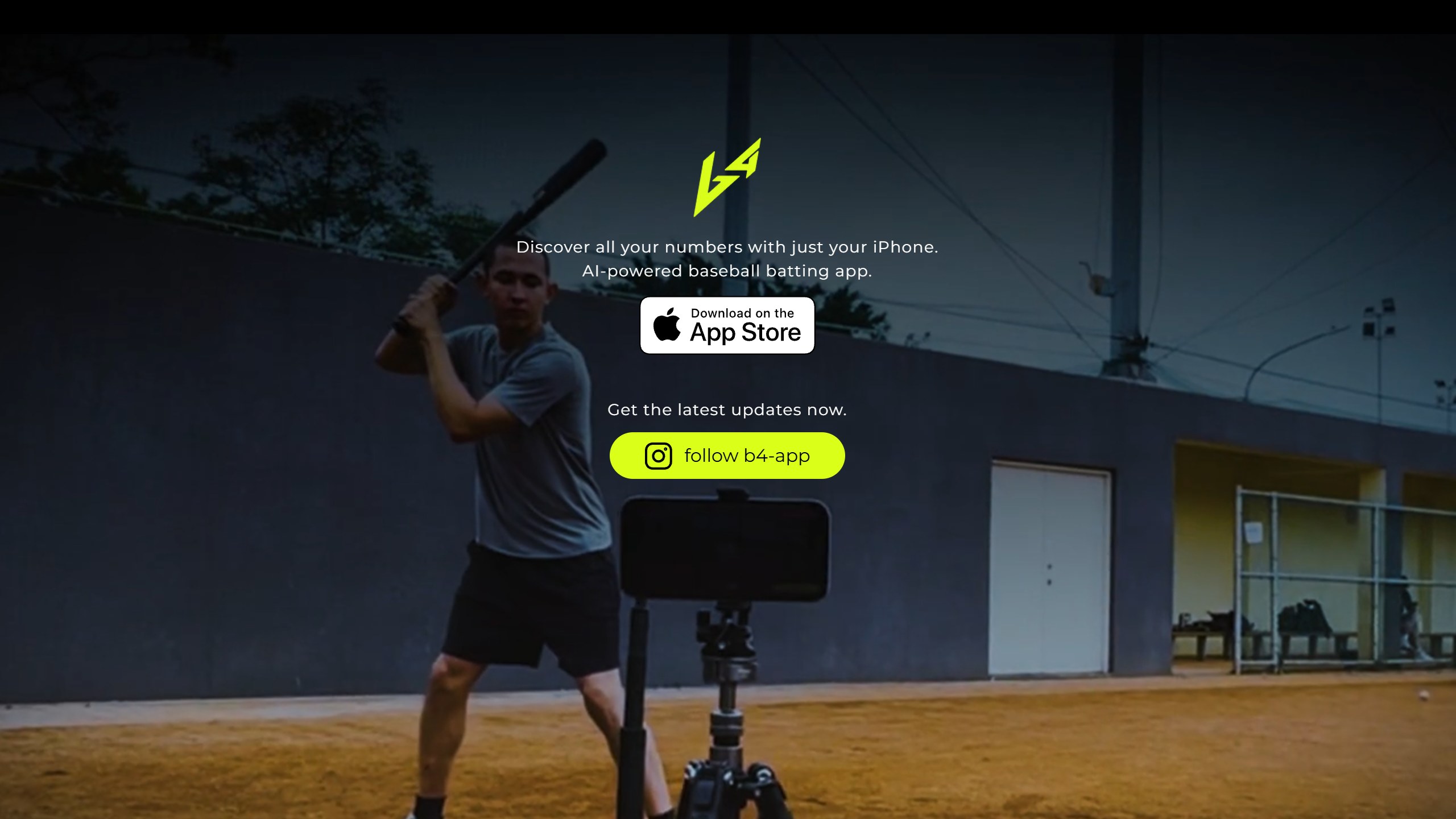
What you pay. The Starter plan is free with 30 swings a month. Essential is $3.99 a month or $39.99 a year for 100 swings. Premium is $14.99 a month or $149.99 a year for unlimited swings. Note the swing caps on the free and Essential plans: a few batting practice sessions can use up a 100-swing month. Coach plans are mentioned but not priced on the listing.
Data and age. The privacy policy (effective 10 September 2026) says it does not knowingly permit accounts for children under 13, and that adults may upload footage of a minor only with the required permissions. It describes collecting videos you choose to upload for sharing, and says this does not mean that every video recorded on your device is automatically uploaded. The App Store label lists identifiers as used for tracking.
The app had 4.2 from 152 US ratings and was updated on 22 October 2026. We found no Android version.
Choose it if you are a teen or adult hitter who wants batted-ball stats on a budget. Skip it if the hitter is young, plays softball, or you want plain-language coaching first.
8. OnForm: video tools built around a coach
OnForm is a video platform for coaches across many sports. Its listing covers slow motion, markup, side-by-side comparison, voice-over feedback and recording auto-detect for golf, baseball and softball. Its home page mentions “AI-powered analysis” once, in a general description of video analysis apps, but its listing and pricing page describe no AI feedback on a swing. It has far more ratings than any app in this lineup: 4.8 from 8,708 on the US App Store. Its Android app is weaker, at 2.9 from 313 reviews with 100K+ installs.
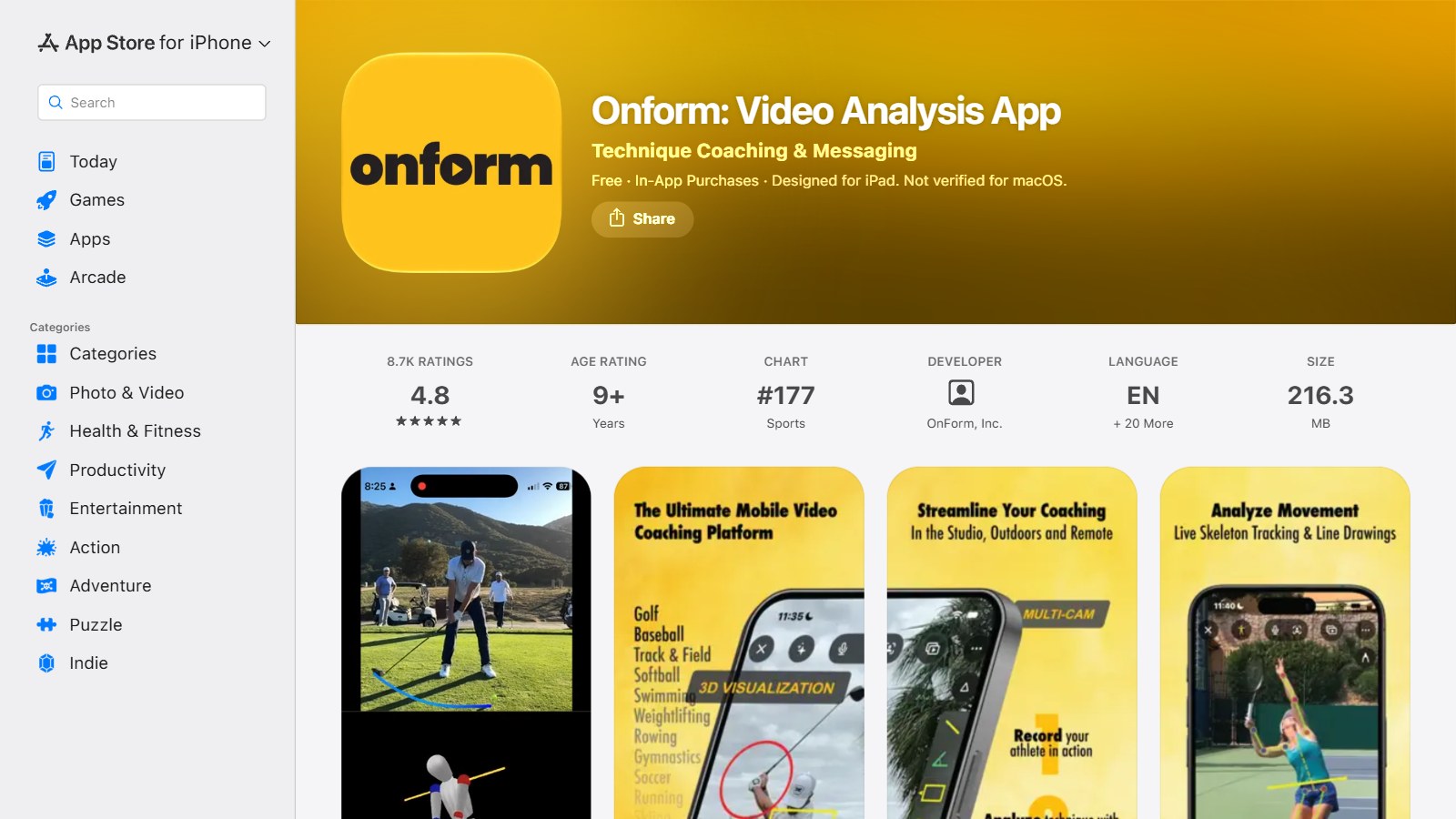
What you pay. OnForm’s pricing page offers a 14-day trial with no card. The listing gives individuals $9.99 or $14.99 a month and coaches $19.99, $39.99 or $59.99 a month. Athletes pay no fee when their coach is on a Standard or Pro plan, so ask your hitting coach before you buy anything.
Data and age. The privacy policy limits use to people 13 and older, and says users “will not invite” anyone under 13. For a youth hitting coach that is a real restriction, so read it first. The iPhone app was updated on 4 November 2026.
Choose it if you are a coach, or your coach already uses it. Skip it if you want automatic feedback with no human involved.
9. V1 Baseball: player app with coach lessons
V1 Baseball, from Interactive Frontiers, offers drawing tools, side-by-side and overlay comparison, model swings from pros, and voice-over lessons from a V1 coach, for baseball and softball swings and pitches. The player app makes no AI claim. The AI sits on the coach side: V1 Coach describes V1CTOR, which sends recaps and follow-ups in the coach’s voice and adds: “Never hitting or pitching advice; that stays yours.” That is a sensible line for a coaching company to draw, and a useful contrast with apps selling AI as the coach.
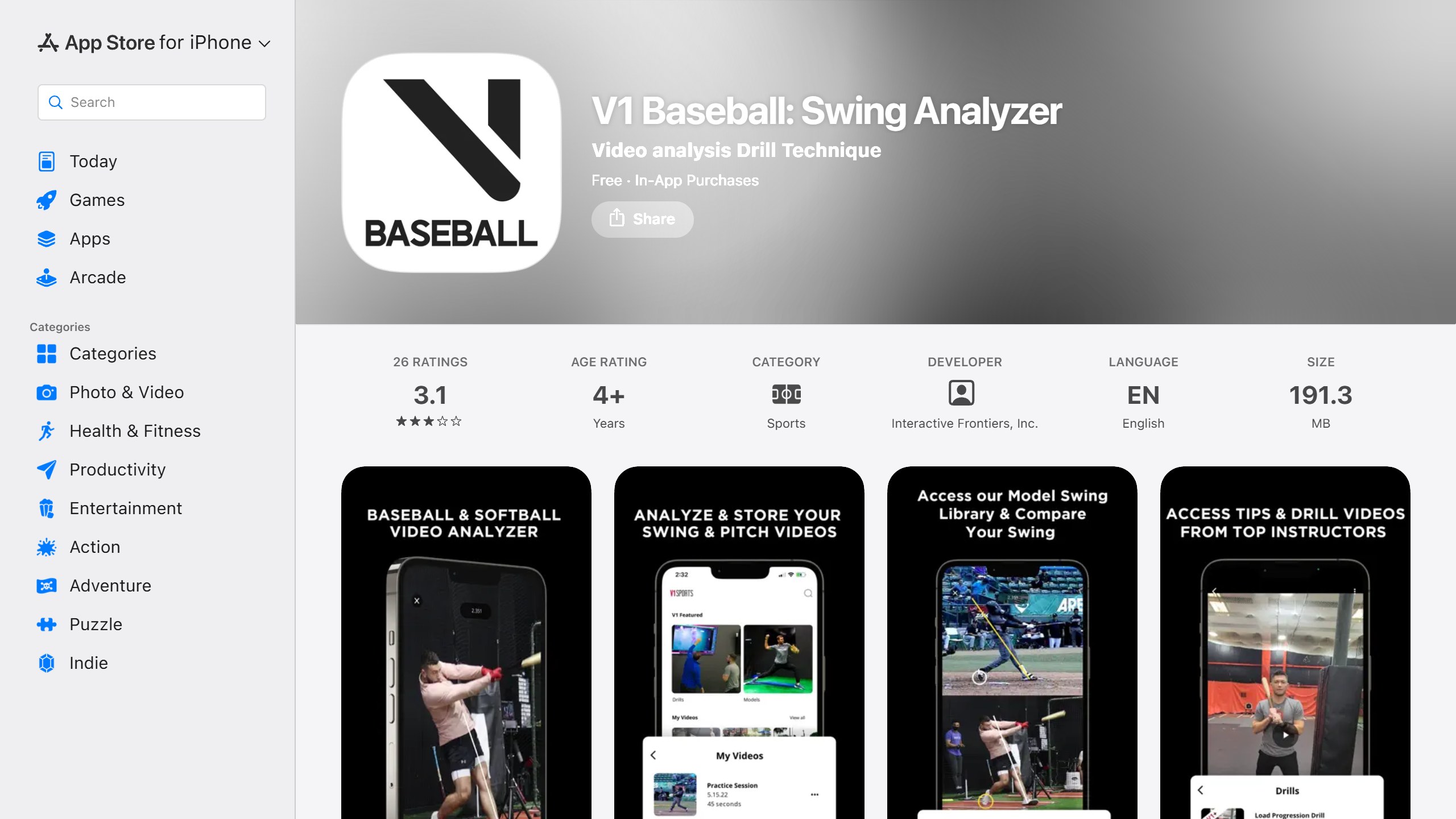
What you pay. The App Store lists V1 Baseball Plus at $9.99 a month, with annual options at $39.99 and $49.99. Coach pricing runs through a demo booking on V1’s site.
Data and age. V1’s privacy policy is dated 11 May 2022, before V1CTOR, so it does not describe it. The App Store label lists contact info, identifiers and usage data under data used to track you. We did not confirm an Android version.
The player app had 3.1 from 26 US ratings and was last updated on 29 November 2025, while the V1 Coach app had 4.7 from 26 ratings, updated on 30 October 2026.
Choose it if your hitting coach teaches on V1. Skip it if you have no V1 coach and want feedback from the app alone.
What these apps really cost
Using prices listed on 5 November 2026, here is three years of each option, ignoring sales and assuming prices hold:
- Blast: $273.99 in year one, then $99 a year, so $471.99.
- WIN SwingAI: $359.97 at $119.99 a year, or $299.97 at $99.99 a year.
- Baseball AI Athlete: $299.97 at $99.99 a year.
- Angular Pro: $149.97 at $49.99 a year.
- Ember: $359.97 at $119.99 a year.
- b4-app: $119.97 for Essential at 100 swings a month, or $449.97 for unlimited Premium.
- HitLab: no renewal if you buy packs. 10 sessions cost $49.99.
Vendors like to set these prices against private lessons, and their own figures differ: Athletech says lessons run $60 to $100 an hour, Angular says a private lesson charges $120 an hour. Neither is a like-for-like comparison, since none of these apps watches a hitter in person or corrects a drill as it happens.
Who sees your kid’s swing video
This is what the rankings skip, and it matters more than the score. Here is what each policy says:
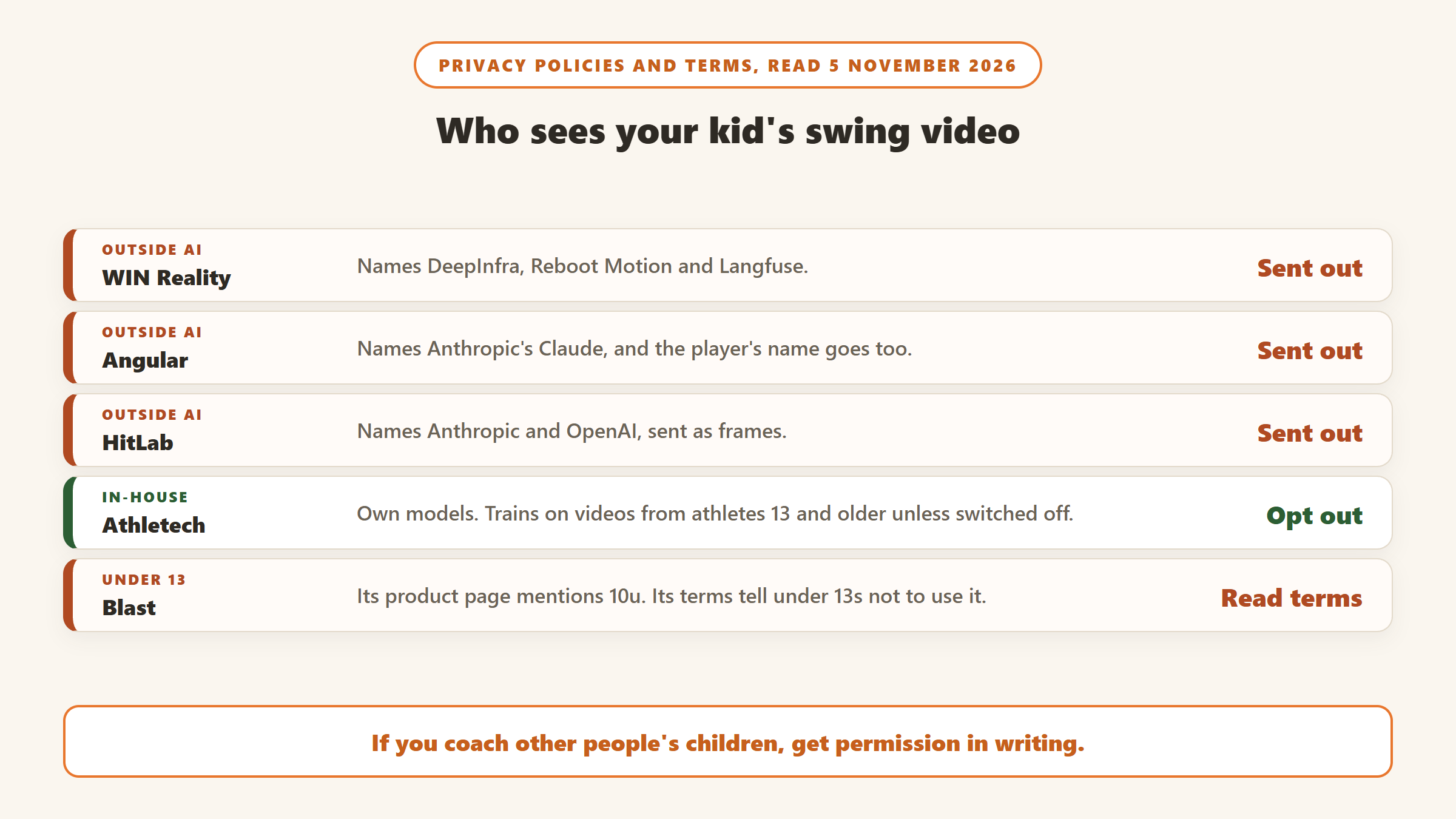
- Sent to a named outside AI provider: WIN (DeepInfra, Reboot Motion, Langfuse), Angular (Anthropic’s Claude, with the player’s name) and HitLab (Anthropic and OpenAI, as frames).
- Kept in-house: Athletech says its own models do the work, and trains them on videos from athletes 13 and older unless switched off.
- Processed on the device: Ember’s site says so, though its policy lists recordings among data collected. Hitter AI, left out below, claims “Nothing uploads.”
- Under 13s: Blast’s terms say not to use it. OnForm limits use to 13 and over. Angular, HitLab and b4 require account holders to be 13 or older, with adults responsible for permission when they add a younger player. Athletech and WIN describe parent consent routes. Ember says it does not knowingly collect or retain personal information from under 13s.
- Share links: Athletech’s expire after 30 days. Angular’s do not expire on their own.
- Coaches filming a team: several policies put responsibility for parental permission on the adult who uploads. If you coach other people’s children, get that permission in writing.
Team plans at a glance
- Blast: custom packages by quote.
- WIN: a “Find My Organization” check for bundle discounts, plus free SmartPark game data on enabled fields.
- Baseball AI: free team creation, with Coach Pro at $39.99 a month or $419.99 a year for up to 25 players.
- Angular: free coach accounts with one analysis per player per day, up to 20 a week; Pro removes limits.
- HitLab: Team Membership listed at $99.99.
- OnForm: Coach Basic $19.99, Standard $39.99 and Pro $59.99 a month, with an extra discount on yearly plans for 3 or more coaches.
- Ember and V1: by contact or demo.
What we left out, and why
Diamond Kinetics is the sensor people will ask about, with the listing giving the DK Bat Sensor at $50 on Amazon and DK+ at $5.99 a month or $59.99 a year. Its iPhone app was last updated on 20 May 2025, more than 12 months ago, it had 3.4 from 151 ratings, and the website footer still reads 2023, so we cannot recommend it until it shows signs of life. RipIQ looks capable (5.0 from 13 ratings, a family plan for up to 4 batters), but the App Store lookup shows it requires iOS 26, so it rules out older iPhones. SwingCoach AI: Batting Coach, also called AI SwingCoach, had 8 ratings, and the privacy link on its listing returned a 404 when we read it on 5 November.
Mind & Muscle dominates the search results with its own lists, but swing analysis is one module among ten, it had 9 US ratings, video analysis is partly sold as credits, and its website returned an error to our requests, so we could not read its claims. Hitter AI makes an on-device claim that deserves attention but had no ratings. Dugout AI links a privacy policy titled for a different app, FemMax. Maven Baseball is an assessment service with no price we could find. HitTrax and Rapsodo Diamond are facility hardware, with apps last updated in March 2022 and August 2024. WIN’s TrainVR trains pitch recognition in VR rather than analysing your real swing.
How to choose an AI baseball swing app
Start with the hitter’s age
For a 10 year old, ask first what the terms allow. Use an adult account, read the under-13 line in the policy, and turn off training and share links where you can. Age matters for the feedback too: HitLab says it adjusts its language to the player’s age, and many of these stats mean little to a child who is still learning to hit off a tee.
Match the tool to the question
Bat speed and attack angle point to a sensor. Why the swing looks wrong points to a phone scoring app or a coach. Batted-ball trends point to Ember or b4, with the caution above. Softball families should check the app names softball before paying: Blast and Athletech have separate softball apps, while WIN, Angular and HitLab cover both in one.
Check your phone
Angular, Ember and b4 are on Apple devices only on the pages we read. Blast holds back ball flight and mobile video analysis on Android. If you are on Android, your realistic list is WIN SwingAI, Baseball AI, HitLab and OnForm.
Use the free tier before the paywall
Baseball AI gives 2 free analyses, Angular 2 a day, b4 30 swings a month and HitLab one session. Film the same swing from the same angle twice. If the two reports disagree badly, you have learned something useful for free.
Do not let a score replace a coach
Blast’s sensor reads the bat and these phone apps read a clip. None of them sees a hitter’s timing against live pitching or how a kid is feeling about the game. Take the app’s top fix to your coach and ask whether they agree. V1’s own line on its AI, that hitting advice stays with the coach, is a fair default.
Coaching another sport too? See our comparisons of AI golf swing analyzer apps, AI tennis coach apps, AI basketball training apps and AI soccer training apps.
Sources
- Blast: website, baseball product page, store page, team pricing, terms, privacy policy, US App Store listing, Google Play listing, acquisition announcement.
- WIN Reality: SwingAI page, plans page, terms, privacy policy, US App Store listing, Google Play listing, why we acquired Blast, its own app ranking.
- Athletech: website, privacy policy, its own comparison, Baseball AI listing, Softball AI listing.
- Angular: website, privacy policy, US App Store listing.
- HitLab: website, privacy policy, US App Store listing, Google Play listing.
- Ember: hitting page, pricing, privacy policy, US App Store listing.
- b4-app: website, privacy policy, US App Store listing.
- OnForm: website, pricing, privacy policy, US App Store listing, Google Play listing.
- V1: V1 Coach page, privacy policy, V1 Baseball listing, V1 Coach listing.
- All pages and listings read 5 November 2026.

Written by
FazFaz is the founder of AIToolsBakery. Some tools here are tested hands on. Others are assessed from vendor documentation and pricing verified on the live page, and every review says which one it is. Sponsors can buy a position in a guide. They cannot buy the score, the criticism, or silence about a better option.
How we test and how we make money →