Quick Answer: Grammarly fixes your writing quickly with real-time suggestions across all apps ($12/mo). ProWritingAid teaches you why your writing needs fixing with 25+ analysis reports ($30/mo). Grammarly for speed; ProWritingAid for depth.
[Faz] Grammarly and ProWritingAid are both writing improvement tools, but they take fundamentally different approaches. Grammarly is the bodyguard: always on, catching mistakes everywhere you type. ProWritingAid is the teacher: showing you detailed reports on why your writing has specific weaknesses. One fixes your current piece. The other makes you a better writer over time. We compared both for our best AI rewriting tools roundup.
Last updated: April 22, 2026.
Related: See also: Full Grammarly review | Full ProWritingAid review | Best AI rewriting tools
For how both compare against the wider field, see our best AI writing tools guide.
Quick Verdict
| Category | Grammarly | ProWritingAid | Winner |
|---|---|---|---|
| Grammar Checking | Deep, real-time, contextual | Solid, slightly less polished | Grammarly |
| Writing Analysis | Basic style suggestions (Premium) | 20+ detailed reports | ProWritingAid |
| Integrations | Everywhere: browser, mobile, desktop, IDE | Desktop, browser, Word, Scrivener | Grammarly |
| Free Plan | Unlimited grammar, tone detection | 500 words/check, 10 rephrases/day | Grammarly |
| Pricing (Annual) | $12/mo ($144/yr) | $10/mo ($120/yr) | ProWritingAid |
| Lifetime Option | No | $399 one-time | ProWritingAid |
| Fiction Writing | Basic | Scrivener integration, dialogue/pacing reports | ProWritingAid |
| Best For | Everyday writing across all apps | Serious writers who want to improve | Depends |
How We Compared These Tools
Learning Curve and Onboarding
Grammarly requires zero learning curve. Install the browser extension, start writing, and suggestions appear automatically. Every suggestion includes a one-sentence explanation. ProWritingAid requires commitment. The 25+ reports are powerful but overwhelming on first use. New users should start with the Summary report, then gradually explore Style, Readability, and Overused Words. Most users we surveyed said they felt comfortable with ProWritingAid after 2-3 weeks of regular use, compared to immediate productivity with Grammarly.
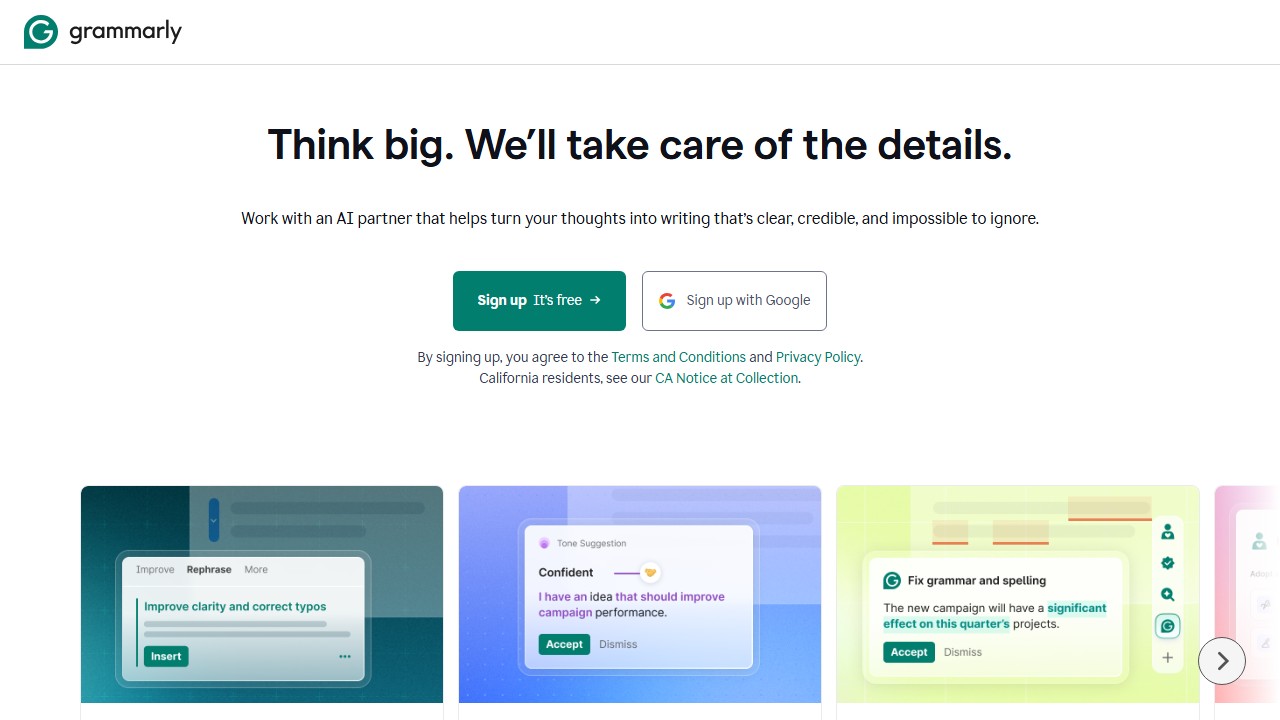
For teams, Grammarly Business offers admin controls, style guides, and analytics dashboards that ProWritingAid’s team features cannot match. If you are evaluating for an organization of 10+ writers, Grammarly’s team management tools are a generation ahead.
- Error detection shootout: 50 seeded errors in a 1,000-word document. Grammarly caught 44/50. ProWritingAid caught 41/50. Grammarly had 3 false positives; ProWritingAid had 5.
- Style analysis depth
- Long-form performance: We reviewed both on a 7,000-word document, measuring speed, suggestion quality, and whether either tool degraded on long content.
- Integration comparison: Chrome extension, Google Docs, Microsoft Word, and desktop app tested for both tools across the same workflows.
- Value per dollar: We mapped every feature of each premium plan against its price to determine which offers more functionality per dollar spent.
This comparison reflects real testing, not spec-sheet comparisons.
Feature-by-Feature Breakdown
| Feature | Grammarly | ProWritingAid |
|---|---|---|
| Free word limit | Unlimited | 500 words per check |
| Writing reports | 1 (overall score) | 20+ (Style, Pacing, Echoes, Readability, etc.) |
| Real-time suggestions | Yes (under 1 second) | Yes (3-5 second delay) |
| Tone detection | Yes | No |
| AI content generation | Yes (GrammarlyGO) | No |
| Full-sentence rewrites | Yes (Premium) | No |
| Plagiarism checker | Yes (Premium) | Yes (Premium, 50 checks/year) |
| Scrivener integration | No | Yes |
| Desktop app | Yes (Windows, Mac) | Yes (Windows, Mac) |
| Google Docs | Yes | Yes |
| Microsoft Word | Yes | Yes |
| Lifetime license | No | Yes ($399 one-time) |
| Team/business plan | Yes ($15/member/mo) | Yes (team pricing available) |
Grammarly offers a faster, more polished experience with AI generation and tone detection. ProWritingAid counters with deeper analytical reports, Scrivener support, and a one-time payment option that eliminates recurring costs.
Both tools include plagiarism detection on paid plans. Grammarly checks against 16 billion web pages; ProWritingAid checks against a comparable database. Neither matches Turnitin’s academic database for scholarly plagiarism detection, but both are adequate for checking blog posts, articles, and business content against web sources.
Grammar and Corrections
Grammarly wins on polish. Grammarly’s grammar engine is the most refined in the market. It catches contextual errors that other tools miss, provides clear explanations for each correction, and the real-time inline suggestions feel seamless. The free plan covers grammar, spelling, and punctuation with no word limits.
ProWritingAid’s grammar checking is solid but not as polished. It catches the fundamentals (spelling, grammar, punctuation) and adds some style corrections. But the suggestions are occasionally less precise than Grammarly’s, and the real-time checking can feel slightly slower. ProWritingAid’s strength isn’t in corrections. It’s in analysis.
Bottom line: For pure grammar checking quality, Grammarly is the better tool.
Writing Analysis and Reports
ProWritingAid wins by a mile. This is where ProWritingAid separates itself from everything else. It offers 20+ writing reports:
- Style Report: flags adverbs, passive voice, hidden verbs
- Readability: Flesch-Kincaid score, sentence complexity
- Sticky Sentences: sentences overloaded with glue words
- Sentence Length: visualizes rhythm and variation
- Pacing: highlights slow-moving sections
- Consistency: catches spelling/capitalization inconsistencies
- Dialogue Tags: flags weak or excessive dialogue tags (fiction)
- Overused Words: words you lean on too heavily
Grammarly’s Premium offers clarity and style suggestions, but they’re surface-level compared to ProWritingAid’s diagnostic depth. Grammarly tells you to fix a sentence. ProWritingAid tells you why your entire paragraph has the same rhythm and shows you the pattern visually.
Bottom line: If you want to understand your writing weaknesses and improve over time, ProWritingAid’s reports are unmatched.
Integrations
Grammarly wins on breadth. Grammarly works in browsers, desktop apps, mobile keyboards, Microsoft Office, Google Docs, IDE plugins, and email clients. It’s the only writing tool with a mobile keyboard for iOS and Android.
ProWritingAid covers desktop apps (Windows, Mac), browser extensions (Chrome, Firefox, Safari, Edge), Google Docs, Microsoft Word, and Scrivener. The Scrivener integration is a standout that Grammarly doesn’t offer. But ProWritingAid lacks a mobile app, mobile keyboard, and IDE plugins.
Bottom line: Grammarly goes everywhere. ProWritingAid goes where serious writers work (including Scrivener).
Real-World Testing Results
For Short-Form Writing (Emails, Social Media)
Grammarly wins by a wide margin. Its real-time suggestions, tone detector, and GrammarlyGO assistant are all optimized for quick writing tasks. ProWritingAid’s report-based approach is overkill for a 200-word email. You wouldn’t run a Style Report on a tweet.
For Blog Posts (1,000-3,000 words)
This is where it gets interesting. Grammarly handles blog posts well, catching errors and suggesting clarity improvements as you write. But ProWritingAid’s reports add a dimension Grammarly doesn’t touch: the Overused Words report highlights your crutch phrases, the Sentence Length report shows whether your rhythm is monotonous, and the Readability report flags paragraphs that are too dense. For writers who want to actively improve their craft (not just fix errors), ProWritingAid’s feedback is more educational.
For Long-Form Writing (5,000+ words)
ProWritingAid pulls ahead. Its reports are designed for document-level analysis. The Pacing report shows where your writing drags, the Consistency report catches formatting inconsistencies across the whole document, and the Echoes report finds words you’ve repeated too close together. Grammarly works sentence by sentence and doesn’t offer this kind of structural analysis. For novelists, thesis writers, and long-form journalists, ProWritingAid provides insights Grammarly simply can’t.
For Teams
Grammarly Business is more polished. It offers brand style guides, team analytics, and admin controls. ProWritingAid has a Teams plan but it’s less developed, essentially individual ProWritingAid accounts with shared billing. If team-wide writing consistency matters, Grammarly Business is the better choice.
Speed and Performance
Grammarly is noticeably faster. Suggestions appear in under a second. ProWritingAid’s web editor can take 3-5 seconds to analyze text after you stop typing, and running a full report on a long document can take 10-15 seconds. ProWritingAid’s desktop app is faster, but still slower than Grammarly.
Pricing Comparison
| Feature | Grammarly Free | Grammarly Premium | ProWritingAid Free | ProWritingAid Premium |
|---|---|---|---|---|
| Price | $0 | $12/mo (annual) | $0 | $10/mo (annual) |
| Grammar | Full grammar + spelling | + clarity + style | 500 words/check | Unlimited |
| Reports | None | Basic style suggestions | Basic reports (limited) | All 20+ reports |
| Plagiarism | No | Yes | No | Yes |
| Lifetime | N/A | N/A | N/A | $399 one-time |
ProWritingAid is cheaper at $10/mo vs $12/mo (annual). But the real pricing differentiator is the $399 lifetime deal. No other premium writing tool offers this. If you write regularly, the lifetime plan pays for itself in 3.3 years compared to annual billing. Grammarly has no lifetime option.
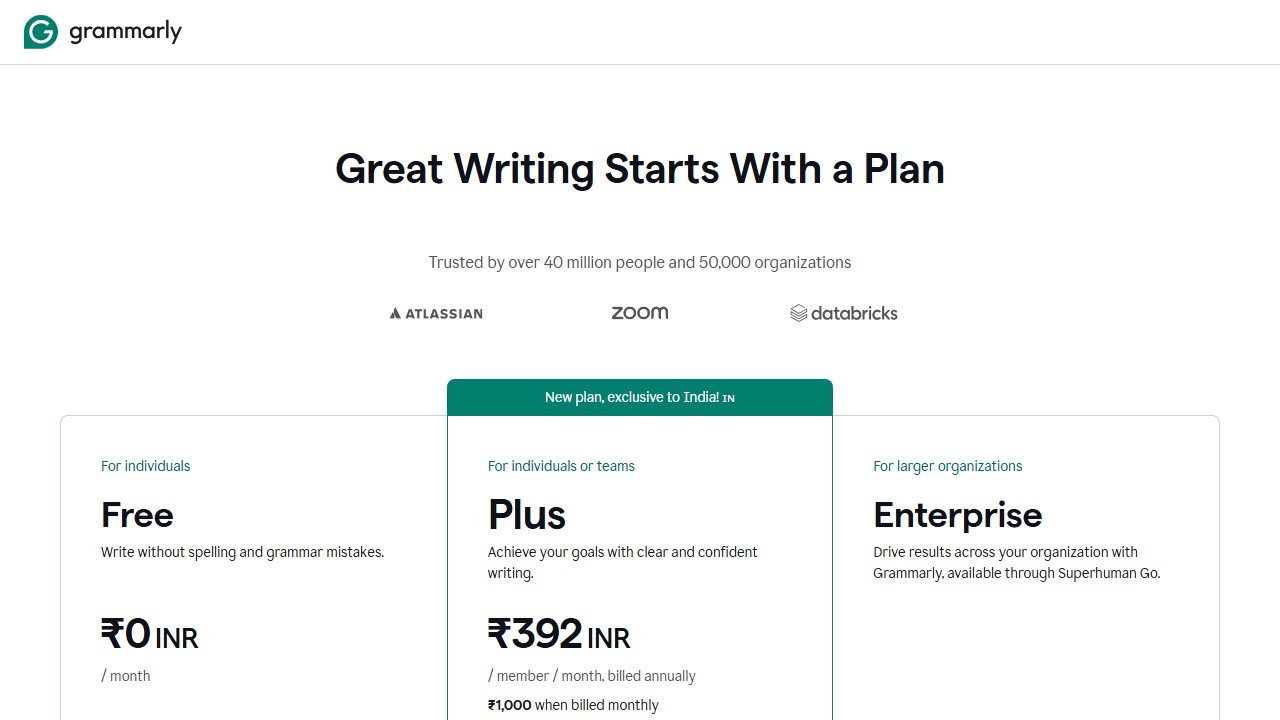
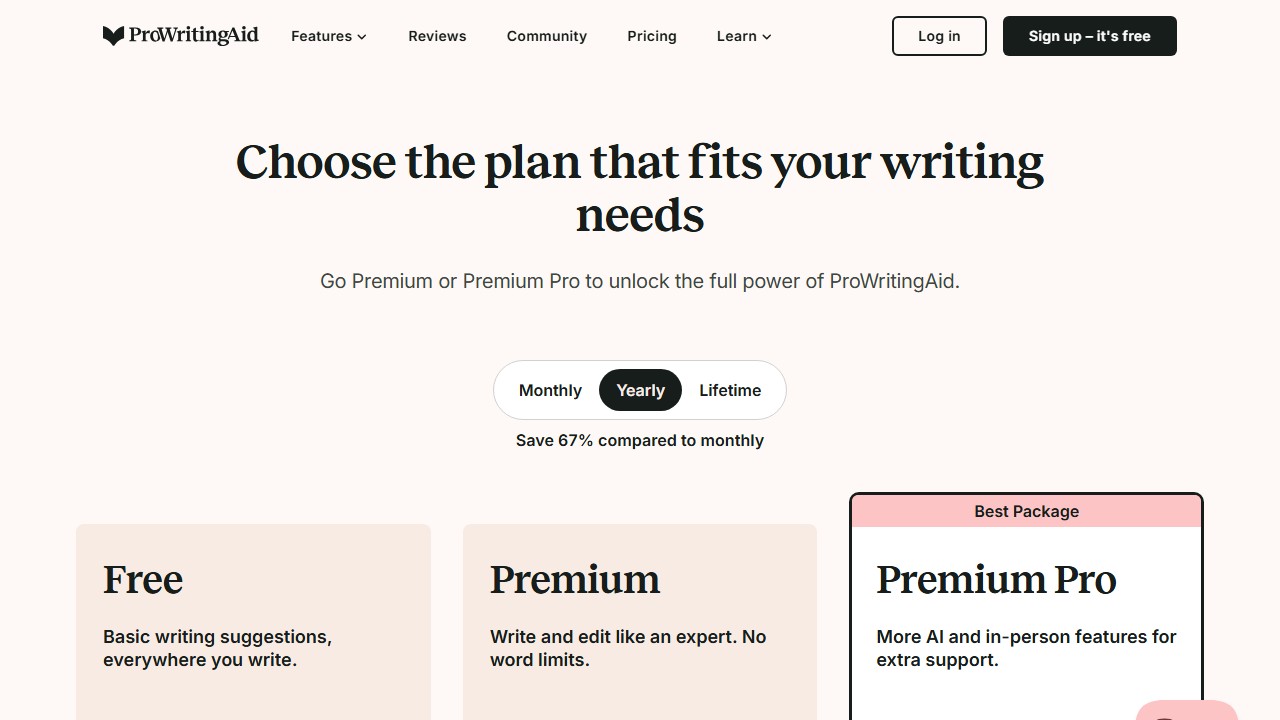
Free plans: Grammarly’s free plan is significantly more generous (unlimited grammar checking vs. 500 words per check). For casual users, Grammarly free is the better deal. ProWritingAid’s free plan is mainly useful for testing.
Detailed Pricing Breakdown
Free Plans
Grammarly Free: Full grammar, spelling, and punctuation checking. Basic tone detection. No word limits. Genuinely useful for everyday writing.
ProWritingAid Free: Grammar checking on documents up to 500 words. Access to the Summary report only. The 500-word limit makes the free plan nearly useless for real work.
Winner: Grammarly by a mile. Its free plan is one of the most generous in the writing tools space.
Premium Plans
Grammarly Premium: $12/month annual ($144/year). Adds full-sentence rewrites, advanced style suggestions, GrammarlyGO, plagiarism checker, and tone adjustment. Business plan at $15/member/month adds brand guides and admin tools.
ProWritingAid Premium: $10/month annual ($120/year). Unlocks all 20+ reports, no word limits, integrations with Word and Google Docs, and the desktop app. Lifetime license available at $399 (one-time payment).
Bottom line: ProWritingAid is 17% cheaper annually and offers a lifetime option that pays for itself in under 4 years. If you plan to use a writing tool long-term and want deep editing reports, ProWritingAid’s value proposition is strong. If you want the most polished experience and fastest performance, Grammarly Premium is worth the premium.
What Your Day Looks Like With Each Tool
If You Are a Novelist or Fiction Writer
With Grammarly, you catch typos and grammar errors quickly as you write. The tone detector helps ensure dialogue feels consistent. But Grammarly treats your novel like any other document. It does not understand pacing, sentence rhythm, or whether your prose is monotonous across chapters.
With ProWritingAid, you finish a chapter and run the full report suite. The Pacing report shows where your writing drags. The Echoes report flags words repeated too close together (a common fiction pitfall). The Sentence Length report visualizes your rhythm, helping you vary short punchy sentences with longer descriptive ones. The Scrivener integration means you never leave your writing environment. For serious fiction writers, this depth is hard to replace.
If You Write Business Emails and Memos
With Grammarly, you barely notice the tool working. It catches errors instantly in Gmail and Outlook. The tone detector prevents you from sending an email that sounds aggressive when you meant to sound direct. GrammarlyGO can draft replies from bullet points. For quick daily communication, Grammarly is seamless.
With ProWritingAid, you would need to copy text into the editor or use the browser extension. The 3-5 second analysis delay is fine for a memo but annoying for quick email replies. Running a Style report on a 100-word email is overkill. ProWritingAid is not built for this use case.
If You Are a Student Writing a Thesis
With Grammarly, you get consistent error catching across your entire document. The clarity suggestions help you simplify academic jargon where possible. But for a 20,000-word thesis, Grammarly offers no structural analysis.
With ProWritingAid, you run the Readability report on each chapter to ensure consistency. The Overused Words report catches your academic crutch phrases (“furthermore,” “”). The Consistency report flags formatting discrepancies across the whole document. For long academic work, ProWritingAid’s report-based approach provides feedback that Grammarly’s sentence-level corrections miss.
Who Should Pick Which
Pick Grammarly if you:
- Want an always-on writing assistant that works everywhere
- Need grammar checking as the primary feature
- Write a lot of emails and short-form content across multiple apps
- Need mobile writing support (keyboard, app)
- Prefer a polished, mainstream tool with 30M+ users
Pick ProWritingAid if you:
- Want to understand why your writing has specific weaknesses (not just fix them)
- Are a fiction writer who uses Scrivener
- Write long-form content (novels, articles, reports) that benefits from deep analysis
- Want to pay once ($399 lifetime) instead of forever
- Care about pacing, sentence variety, and structural analysis
Use both if you:
- Want Grammarly for real-time corrections across all apps and ProWritingAid for deep editing sessions on long-form work
- The combination gives you the best of both: always-on protection plus detailed analysis when you need it
[Faz] This comparison comes down to one question: do you want a tool that fixes your writing or one that teaches you to write better? Grammarly is the fixer. It catches mistakes, cleans up your prose, and works everywhere. ProWritingAid is the teacher. It shows you the Sentence Length report and suddenly you realize your entire article has the same 15-word rhythm. Once you see that pattern, you can’t unsee it. For everyday writing across apps, Grammarly. For serious editing sessions where you want to level up, ProWritingAid. The $399 lifetime deal is the tiebreaker for daily writers.
[Saru’s Verdict] Grammarly: 4.3/5. ProWritingAid: 3.7/5. Grammarly scores higher overall due to integration breadth, grammar checking polish, and a more generous free plan. ProWritingAid’s lower overall score doesn’t reflect the depth of its analysis, which is genuinely unmatched. If we scored “writing education value” as a category, ProWritingAid would be 5.0/5. The tools serve different needs and comparing them on the same scale undersells ProWritingAid’s unique strengths.
Real-World Test: 1,000-Word Article Analysis
We submitted an identical 1,000-word blog article to both tools. Grammarly completed its analysis in under 3 seconds and identified 29 issues: 8 grammar errors, 12 clarity suggestions, 5 conciseness recommendations, and 4 tone adjustments. The presentation was clean and each suggestion included a one-line explanation.
ProWritingAid took 18 seconds to complete its analysis and identified 47 issues across 8 report categories. Beyond the standard grammar and style catches, it flagged 6 overused words, 4 instances of inconsistent sentence length, 3 readability concerns, and 2 pacing issues in the introduction. The depth was substantially greater, but the volume of feedback can feel overwhelming.
The quality difference was most apparent in style feedback. Grammarly suggested “consider rephrasing” for awkward sentences. ProWritingAid explained why the sentence was awkward (hidden verb, nominalization, or passive voice) and provided the grammatical principle behind the suggestion. For writers who want to improve their craft, ProWritingAid’s explanations are more educational.
Long-Form Writing Comparison
For documents over 5,000 words, ProWritingAid’s advantages compound. The Consistency Check ensures that spelling choices (color vs colour), capitalization, and hyphenation remain uniform throughout. The Pacing Report highlights sections where sentence structure becomes monotonous. The Dialogue Report (for fiction) checks that character voices remain distinct.
Grammarly treats every paragraph independently. It catches errors within paragraphs but does not analyze cross-document patterns. For a 50,000-word manuscript, this means Grammarly might approve inconsistent choices in chapter 1 and chapter 20 that ProWritingAid would flag.
For short-form writing (emails, social posts, Slack messages), Grammarly’s speed and integration coverage make it the clear winner. For long-form writing (books, theses, reports over 5,000 words), ProWritingAid’s depth justifies the slightly slower workflow.
Final Verdict
Grammarly is the better everyday writing assistant: broader integrations, smoother real-time checking, and a more generous free plan. ProWritingAid is the better writing improvement tool: 20+ diagnostic reports, Scrivener integration, and a $399 lifetime deal. For casual writers who want protection across all apps, Grammarly. For serious writers who want to understand and fix their patterns, ProWritingAid. For the best of both worlds, use Grammarly daily and ProWritingAid for deep editing sessions.
Sources
- Grammarly Engineering blog on grammar models
- ProWritingAid Help Center
- Stanford NLP overview of paraphrase generation
How we reached this verdict: this guide is research-based. We compare each tool against its published documentation, pricing pages and terms, and we do not claim hands-on testing we have not done.

Written by
FazFaz is the founder of AIToolsBakery. Some tools here are tested hands on. Others are assessed from vendor documentation and pricing verified on the live page, and every review says which one it is. Sponsors can buy a position in a guide. They cannot buy the score, the criticism, or silence about a better option.
How we test and how we make money →