Almost every D5 Render vs Enscape comparison online is written by someone who sells one of them. Chaos owns Enscape. D5 publishes its own “Enscape alternative” page. We sell neither, and we have reviewed both, so here is the honest version.
Faz says: This is one of those rare comparisons where the honest answer is “it depends,” and the dependency is real, not a cop-out. These two tools optimize for different moments in the same workflow. Enscape wins the design phase because it never makes you leave your model. D5 wins the final image because it pushes quality further and does not lock the basics behind a subscription. The reason people pit them against each other is that most firms can only justify one. This guide is about which one that should be for you.
Saru says: This comparison draws on both tools’ official documentation and pricing, our own reviews of each, and aggregated user ratings from G2 and Capterra, current to 2026. We have no affiliation with either vendor. Confirm current pricing before subscribing.
The bottom line at a glance
| D5 Render | Enscape | |
|---|---|---|
| Type | Standalone app | Plugin inside your CAD tool |
| Best at | Photorealism, cinematic output | Speed, in-workflow iteration |
| Workflow | Switch to a separate render space | Renders live inside Revit/SketchUp/Rhino |
| Free version | Yes (watermark, 1080p cap) | No, subscription only |
| Pricing | Pro from ~$30/mo (annual) | From ~$48/mo (annual) |
| Learning curve | A bit more to learn | Easier for first-timers |
| Our score | 4.3 | 4.2 |
Short version: Enscape if seamless, instant rendering inside your model matters most. D5 Render if you want the higher-quality final image, cinematic video, and a free tier to start.
Workflow and integration
This is the clearest difference. Enscape is a plugin that lives entirely inside your CAD tool, so you model and render in the same window with instant feedback. There is no context switch, which is exactly why it is so popular for design reviews and tight deadlines. D5 Render has a sync plugin for tools like SketchUp, but you still move to a separate D5 workspace to render, which can interrupt flow.
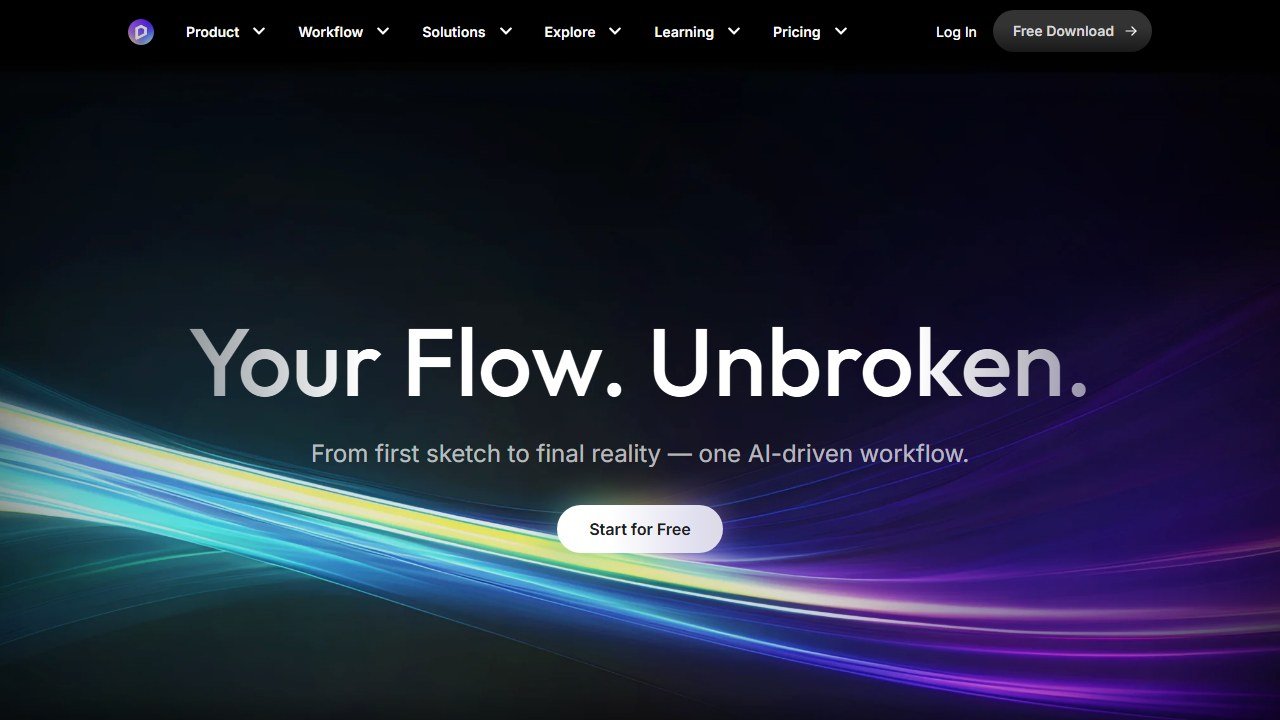
If your priority is staying in your model and seeing changes update live, Enscape has the edge. If you treat rendering as a distinct final step, D5’s separate workspace is no real cost.
Render quality
D5 Render generally wins on photorealism. It is built on a path-traced engine optimized for real-time interactivity, runs hardware-accelerated ray tracing on NVIDIA RTX hardware, and adds AI post-processing that enhances materials, shadows, and lighting automatically. Its asset library leans toward animated assets and cinematic effects.
Enscape’s output is excellent and fast, with a curated library of interior furniture, lighting, and vegetation, but for the last increment of photorealism and cinematic video, D5 is the stronger engine.
Speed and iteration
Enscape is built for speed and reliability, updating lighting, materials, and layout changes instantly. During a live design review, that responsiveness is the whole point. D5 is fast for what it does, but the separate-workspace model and higher-fidelity engine make it feel more like a render step than a live design companion.
Learning curve
Enscape is generally easier for first-time users precisely because it works inside software they already know. D5 offers more features and controls, which means a bit more to learn before you get the most out of it. Neither is hard, but Enscape is the gentler on-ramp.
Pricing and value
Here D5 has a clear advantage. It offers a free Community version (with a watermark and a 1080p cap) that is genuinely usable, and Pro runs around $30/month on annual billing. Enscape is subscription only since the 2025 Chaos restructure, with no free tier and Solo starting around $48/month. For a solo practitioner or small firm watching costs, D5’s free tier and lower paid price are meaningful.
Who each is for
Choose Enscape if you are deep in Revit, Rhino, or Archicad, you present live and value instant feedback, and seamless integration matters more than the last 10% of photorealism.
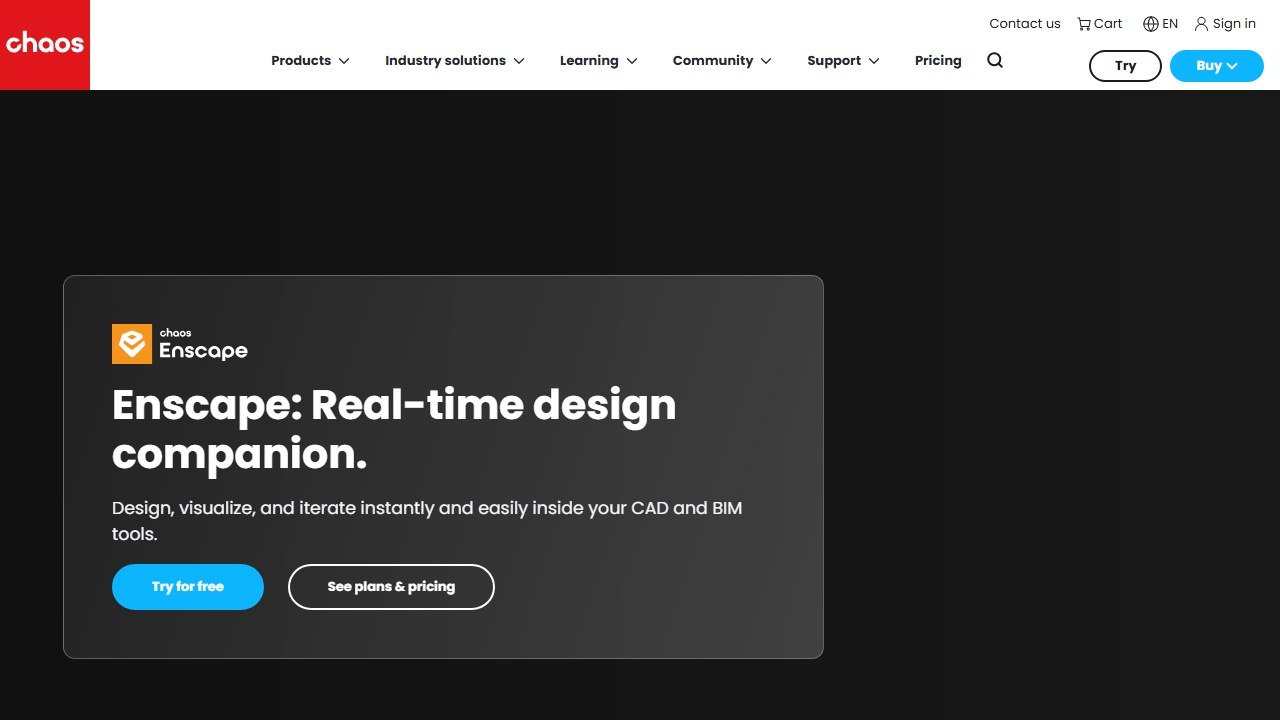
Choose D5 Render if you want the highest-quality final images and cinematic video, you are cost-conscious or want to start free, and you do not mind a separate render workspace.
Use both if you can: design and iterate in Enscape, then bring the final scene into D5 for the hero renders. It is a common and effective pairing, covered in our AI tools for architects guide.
Our verdict
For most architects choosing just one, D5 Render is the better all-round value thanks to its quality ceiling and a free tier that lets you prove it before paying. Enscape remains the better pure-workflow tool if in-model, real-time iteration is the part of your process that matters most. Read the full D5 Render review and Enscape review for the detail behind each.
The honest decision tree: 12 questions to know which fits you
The D5 Render versus Enscape decision is one of the most asked questions in the architecture-rendering category in 2026. The 12 questions below resolve it based on your actual practice.
1. What is your primary 3D modeling tool? Revit-centric = Enscape (BIM-native sync). SketchUp/Rhino-centric = D5 Render (more efficient workflow).
2. What is your budget tolerance? D5 Render at roughly $400-500/year. Enscape at roughly $700-900/year per seat. Price-sensitive = D5 Render.
3. How important is real-time BIM sync? Critical for your workflow = Enscape. Acceptable to import-export between modeling and rendering = D5 Render.
4. Do you produce many animation walkthroughs? Both handle animation; D5 Render is competitive but Twinmotion is the category leader for animation-heavy practice. Consider whether either tool is the right pick over Twinmotion.
5. Are you at a firm with existing Chaos (V-Ray) investment? Enscape’s bundle pricing with Chaos products may justify the price premium.
6. How important is enterprise procurement maturity? Enscape’s procurement experience is the most mature in the category; D5 Render is improving but newer.
7. Do you use the free tier for non-client work? D5 Render’s free tier is generous and useful for student work, portfolio work, evaluation. Enscape’s free tier is more restrictive.
8. What is your photorealism requirement? Both produce competitive output; D5 Render edges out on raw quality at the highest settings. Enscape produces consistent quality across the BIM-sync workflow.
9. How important is asset library breadth? Enscape’s Chaos Cosmos integration provides deep architecture-credible assets. D5 Render has its own substantial library, growing through 2024-2026.
10. Are you at a firm with regulatory restrictions on Chinese-owned software? D5 Render has Chinese ownership; some enterprise firms have evaluated this in their tool procurement.
11. Do you produce hero presentation renders that go to luxury clients? Both produce competitive output; some firms supplement either with V-Ray for the top-tier hero pieces.
12. What is your firm’s training tolerance? D5 Render has a shorter learning curve; Enscape requires understanding the BIM-sync workflow to extract full value.
Two-year TCO comparison at typical firm sizes
Solo architect or freelance designer
D5 Render Pro at $400/year = $800 over 2 years. Plus negligible incidental costs. Free tier covers experimentation and evaluation work without subscription cost.
Enscape standalone at $800/year = $1,600 over 2 years. Free trial is shorter; serious evaluation requires committing to first-year subscription. Substantial price premium not always justified for solo practice.
For solo practice: D5 Render TCO advantage is approximately $800 over 2 years. The advantage is real and meaningful at this scale.
Small firm with 5 architects
D5 Render team pricing roughly $1,800-2,500/year for 5 seats = $3,600-5,000 over 2 years.
Enscape team pricing roughly $3,500-4,500/year for 5 seats = $7,000-9,000 over 2 years. Chaos bundle pricing (with V-Ray) may reduce per-seat cost if the firm needs V-Ray separately.
For 5-architect firm: D5 Render TCO advantage approximately $3,000-4,000 over 2 years. Real money for small firms.
Enterprise firm with 20+ architects
D5 Render enterprise pricing negotiated; expect approximately $300-400 per seat per year at this scale, totaling $12,000-16,000 over 2 years for 20 seats.
Enscape enterprise pricing with full Chaos bundle: approximately $600-800 per seat per year, totaling $24,000-32,000 over 2 years for 20 seats. Bundle includes V-Ray and Cosmos, which may be valuable separately.
For enterprise firms: the TCO comparison must account for whether the V-Ray + Cosmos bundle is genuinely useful. If the firm needs all three tools, Enscape bundle wins on per-tool cost. If the firm only needs real-time rendering, D5 Render wins on standalone pricing.
What both tools share (the parity features)
Roughly 60 percent of the feature set overlaps between D5 Render and Enscape. Both produce real-time photorealistic rendering with material libraries, animation support, VR-ready output, and integration with major architectural modeling tools. The 60-percent parity means most architects can be productive on either tool; the decision turns on workflow specifics.
Both support: real-time rendering with lighting changes reflected immediately, daylight and HDRI lighting, animation export, asset libraries with architectural content, plugin-based integration with SketchUp/Rhino/Revit/3ds Max, post-processing controls for color and atmosphere, VR-ready output for client walk-throughs.
Neither tool is the right pick for the absolute highest tier of photorealism that V-Ray or Lumion in render-farm mode can achieve. Both are real-time tools optimized for workflow speed rather than render-farm hero photorealism.
When the answer is actually D5 Render PLUS Enscape
A small number of firms run both tools simultaneously and assign them to different parts of the practice. D5 Render for SketchUp-based residential projects, Enscape for Revit-based commercial projects. This dual-tool strategy works if your practice splits cleanly between two modeling environments and the project volume in each is high enough to justify both subscriptions.
The dual-tool firm is not common but exists. For most firms, picking one tool and standardizing the modeling environment around it is more efficient than maintaining both. The dual-tool decision is right when you have clear bifurcation in your practice (residential SketchUp work versus commercial Revit work, for example).
For firms not in the dual-tool category, choose based on the 12-question decision tree above and commit. The cost of switching mid-project is high; commit to one tool and become expert in it.
Three scenarios that resolve the choice
Scenario 1: Solo architect or freelancer at a SketchUp-based practice
Pick D5 Render. The price advantage at solo scale is meaningful (roughly $800 savings over 2 years), and the SketchUp integration depth is competitive. Free tier supports portfolio and concept work without subscription cost.
Scenario 2: Enterprise architecture firm with deep Revit BIM workflow
Pick Enscape. The bidirectional Revit sync eliminates import-export friction that D5 Render’s import-export workflow imposes. The price premium is justified by the BIM-sync workflow value across many projects.
Scenario 3: Mid-size architecture firm choosing for the first time
D5 Render is the more cost-effective starting point. If the firm’s workflow proves to need BIM-sync depth over time, evaluate Enscape migration in year two or three. The migration cost is real but recoverable; starting with the lower-cost option is rarely the wrong choice for mid-size firms.
What we still cannot honestly assess
The comparison reflects current market positioning of both tools. Both companies are investing aggressively in feature development; the comparison will shift through 2026-2027. The honest answer is to choose based on your current workflow and revisit the decision at renewal time as both tools evolve.
Migration considerations: from one to the other
For firms considering switching between D5 Render and Enscape, the migration cost is real and worth estimating before committing. Migration timeline depends on firm size and standardization depth: solo architects can switch in a week; mid-size firms with established render preset libraries and team workflows typically need 4-8 weeks to fully transition; enterprise firms with 20+ seats may need 3-6 months to migrate cleanly.
The biggest migration cost is rebuilding the firm’s standard render setups, material libraries, lighting presets, and project templates. These investments accumulate over time in either tool; rebuilding them in the new tool is the dominant cost. Most firms recover the investment through the lower subscription costs (if switching from Enscape to D5 Render) or through the workflow productivity gains (if switching from D5 Render to Enscape for Revit-heavy work).
The honest evaluation: most firms that start with one tool stay with it. The switching cost combined with the marginal nature of the price difference (D5 Render saves roughly $300-400 per seat per year versus Enscape, but Enscape’s BIM-sync saves comparable amounts of architect time on Revit projects) means most firm migrations do not produce clear net wins. Switch when the workflow benefits are genuinely large, not when the price difference alone motivates the move.
When the honest answer is “use a different tool entirely”
For top-tier hero photorealism for luxury or hospitality projects, neither D5 Render nor Enscape produces V-Ray-grade output. Firms producing high-end client deliverables should run V-Ray for the hero renders alongside D5 Render or Enscape for daily iteration. The two-tool workflow is standard at firms doing premium work.
For pure landscape architecture and master-planning work with heavy animation deliverables, Twinmotion’s Unreal Engine foundation produces animation rendering speeds that D5 Render and Enscape cannot match. Landscape-architecture-focused firms typically pick Twinmotion as the primary tool rather than D5 Render or Enscape.
For pure concept exploration without geometric constraint, Veras or Midjourney with architectural prompts produces aesthetic options faster than building anything in D5 Render or Enscape. The pipeline that works for many firms: Veras for concept, D5 Render or Enscape for production iteration, V-Ray for hero renders.
The firm-size decision: how the choice shifts as you grow
Solo architects almost always choose D5 Render. The price advantage is meaningful at solo scale and the BIM-sync depth that justifies Enscape’s premium is less valuable when the architect is the only person working on the model.
Small firms (2-10 architects) usually choose D5 Render. The team pricing remains favorable, the lower commitment cost matches the cash-flow reality of small firms, and the BIM-sync gap is less critical when firm-wide model coordination is less complex.
Mid-size firms (10-25 architects) split. Firms with primarily residential or SketchUp-based practice often stay on D5 Render. Firms with growing Revit-centric commercial practice often migrate to Enscape for the BIM-sync workflow value.
Enterprise firms (25+ architects) typically choose Enscape. The enterprise procurement maturity, Revit BIM integration, and Chaos ecosystem integration become more important at scale than the price difference. D5 Render is competitive at enterprise but Enscape’s enterprise sales process is more developed.
The bottom line on D5 Render versus Enscape in 2026
For solo and small-firm architects: D5 Render. The price advantage is meaningful and the workflow benefits of Enscape’s BIM sync are less critical at small scale.
For mid-size firms (10-25 architects): the decision depends on Revit-centricity. D5 Render for SketchUp/Rhino-centric practices; Enscape for Revit-centric practices.
For enterprise firms (25+ architects): Enscape is typically the right choice for BIM-heavy workflows. The enterprise procurement maturity and Chaos ecosystem integration justify the price premium at scale.
Neither tool is wrong. Both are genuinely capable real-time rendering tools. The right pick is the one that matches your specific firm’s workflow priorities; we have made the case for both above so you can match the decision to your situation rather than to vendor marketing claims.
Tools mentioned in this guide

Written by
FazFaz is the founder of AIToolsBakery. Some tools here are tested hands on. Others are assessed from vendor documentation and pricing verified on the live page, and every review says which one it is. Sponsors can buy a position in a guide. They cannot buy the score, the criticism, or silence about a better option.
How we test and how we make money →