Most people who track macros plateau. Not because their plan was wrong at the start, but because the plan never changed. Static macro targets ignore a basic physiological truth: your body adapts. What produced results at week 2 is not the same as what works at week 10. AI macro tracker apps solve this by analyzing your intake and weight data and adjusting targets automatically. The difference between a static tracker and an adaptive one is the difference between a plan that keeps working and one that quietly stops.
MacroFactor is the best AI macro tracker for most people: its adaptive algorithm adjusts your calorie and macro targets weekly based on actual results, not guesses. Carbon Diet Coach is the pick for research-backed coaching structure. Cronometer wins on micronutrient accuracy. MyFitnessPal has the largest food database.
What Makes a Macro Tracker “AI-Powered”
The term gets applied loosely. At the basic level, any app that logs food and calculates macros might call itself AI-powered. What actually matters is adaptive target-setting: does the app change your calorie and macro goals based on your measured progress? This is the feature that separates apps like MacroFactor and Carbon Diet Coach from logging tools like Cronometer and Lose It! Both categories have value, but they serve different purposes. This roundup covers all seven, ranked by how much intelligence they actually apply to your targets.
The 7 Best AI Macro Tracker Apps in 2026
1. MacroFactor: Best Overall Adaptive Macro Tracker
| Category | Details |
|---|---|
| Best for | Intermediate to advanced trackers who want data-driven target adjustment |
| Free plan | 2-week trial |
| Starting price | $11.99/month or $71.99/year |
| Platform | iOS, Android |
| Adaptive targets | Yes, weekly auto-adjustment based on intake and weight |
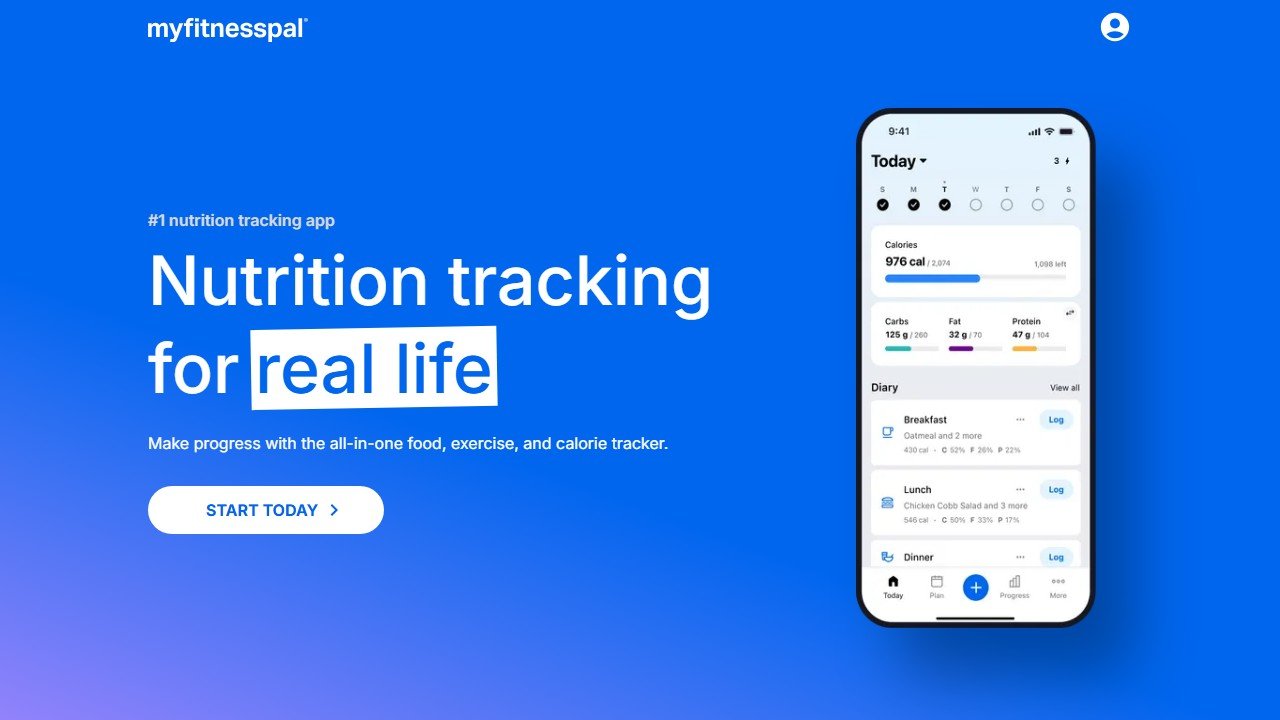
MacroFactor does one thing better than any other tracker: it watches your actual weight trend and actual calorie intake together, then adjusts your target macros to keep you on track. Log your food, weigh yourself regularly, and MacroFactor calculates your real metabolic rate from that data rather than using a formula. Over weeks, the app learns how your body actually responds and adjusts accordingly.
The food database is curated rather than crowdsourced, which means fewer inaccurate user-submitted entries. The interface is clean and fast. The weekly coaching summaries give you plain-language explanations of what is happening and why your targets changed. Supported goals include fat loss, muscle gain, recomposition, and maintenance. The weekly check-in takes about 90 seconds.
- Best-in-class adaptive algorithm backed by scientific methodology
- Curated food database reduces logging errors
- Clear weekly coaching summaries explain every target change
- Supports cut, bulk, recomp, and maintenance phases
- No free ongoing tier, trial only
- Smaller food database than MyFitnessPal
- No social or community features
2. Carbon Diet Coach: Best for Research-Backed Coaching Structure
| Category | Details |
|---|---|
| Best for | People who want flexible dieting built on sports nutrition research |
| Free plan | 7-day trial |
| Starting price | $14.99/month or $89.99/year |
| Platform | iOS, Android |
| Adaptive targets | Yes, weekly check-in drives macro recalculation |
Carbon Diet Coach was developed by Dr. Eric Helms, a sports nutrition researcher and natural bodybuilder whose work on flexible dieting has influenced how most evidence-based coaches approach macro tracking. The app reflects that background. Every algorithm decision has a cited rationale. The weekly check-in feels like consulting a knowledgeable coach rather than submitting numbers to a spreadsheet.
Carbon supports diet breaks and refeeds as structured tools, not as cheating, and it can schedule these strategically within your plan. The food database is solid and includes barcode scanning. The interface is more coaching-oriented than MacroFactor, with explanations of the “why” woven into the experience. It costs slightly more than MacroFactor, which is the main reason it sits at number two.
- Developed by a sports nutrition researcher, so the methodology is transparent and cited
- Diet breaks and refeeds are built-in coaching tools, not workarounds
- Weekly check-in system is the most thorough of any app here
- Strong community and support from the coaching team
- Slightly more expensive than MacroFactor
- Interface can feel denser for beginners
- Less automated than MacroFactor, so it requires more active engagement
3. Cronometer: Best for Micronutrient Accuracy
| Category | Details |
|---|---|
| Best for | Detailed nutritional analysis beyond macros |
| Free plan | Yes, generous free tier |
| Starting price | $9.99/month or $49.99/year (Gold) |
| Platform | iOS, Android, web |
| Adaptive targets | No, static macro goals |
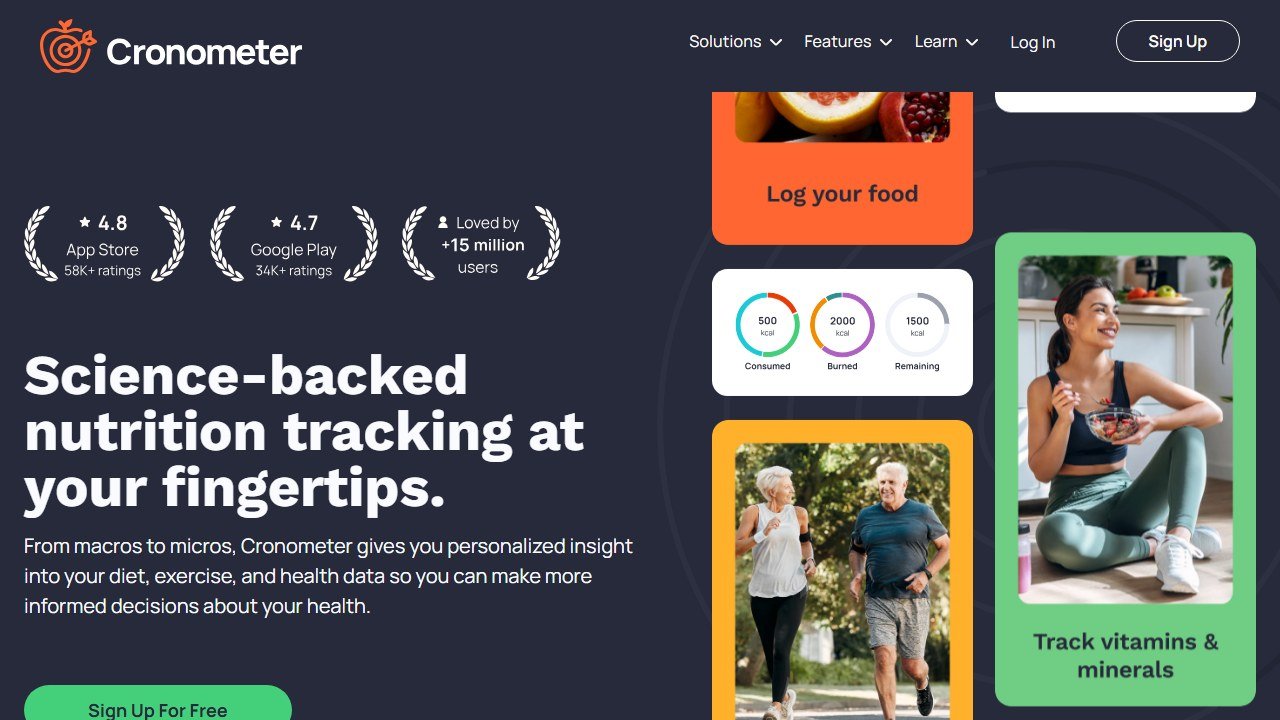
Cronometer is the choice for anyone who cares about nutrition beyond the macro totals. The food database is sourced from authoritative sources (USDA, NCCDB) rather than user submissions, making it significantly more accurate for micronutrients. Vitamin D, magnesium, zinc, omega-3s: Cronometer tracks all of these and surfaces gaps in your diet that most apps completely ignore.
The free tier is genuinely useful. It covers macro tracking, a full nutrient breakdown, barcode scanning, and basic goal setting. The paid Gold tier adds oracle food suggestions, advanced reporting, and ad removal. Cronometer does not adjust your targets automatically based on results. It is a logging and analysis tool, not an adaptive coaching app. For that reason it sits behind MacroFactor and Carbon in this ranking, but it is the strongest option in its category.
- Most accurate micronutrient database of any app on this list
- Generous free tier covers most use cases
- Excellent for identifying nutrient deficiencies in your diet
- Web app available alongside mobile
- No adaptive target adjustment
- Interface is more clinical than consumer-friendly
- Oracle food suggestions (paid feature) are hit-or-miss
4. MyFitnessPal: Best for Food Database Size and Integrations
| Category | Details |
|---|---|
| Best for | Casual trackers who need a large food database and broad app integrations |
| Free plan | Yes |
| Starting price | $19.99/month or $79.99/year (Premium) |
| Platform | iOS, Android, web |
| Adaptive targets | Partial: Premium includes some AI meal suggestions |
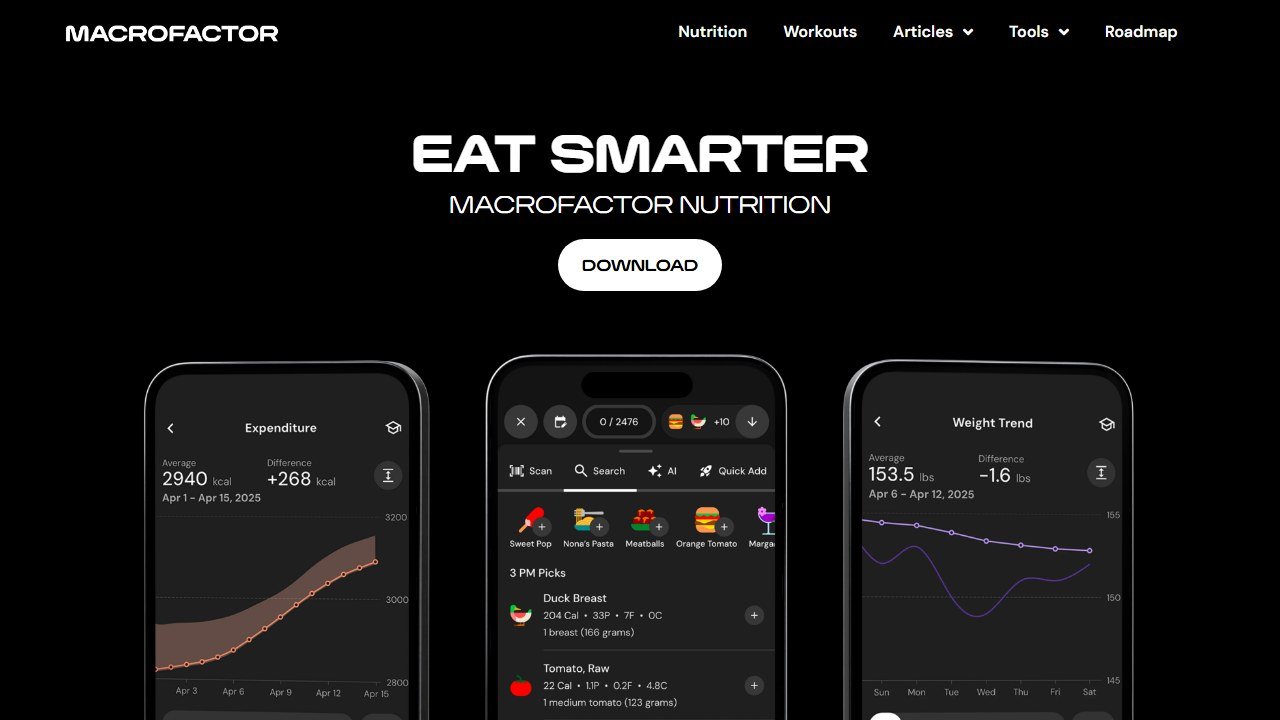
MyFitnessPal has the largest food database on the market, with hundreds of millions of entries including restaurant items, international foods, and branded products. For casual trackers who eat out often and prioritize logging convenience over precision, nothing matches MFP’s database coverage. The trade-off is that user-submitted entries are inconsistent in accuracy.
In 2025, MyFitnessPal added AI-powered meal suggestions and a smarter food diary experience to its Premium tier. These features help with meal planning but do not adapt your macro targets based on results the way MacroFactor or Carbon do. The free tier remains functional but is increasingly restricted compared to earlier years. The Premium price at $79.99/year is the highest on this list for what amounts to a logging tool with some AI features bolted on.
- Largest food database available, especially useful for restaurant meals
- Widest integration ecosystem (Garmin, Apple Health, Fitbit, hundreds more)
- Household name with strong community and recipe sharing
- User-submitted food entries vary significantly in accuracy
- No adaptive macro targets
- Premium is expensive relative to what you get vs MacroFactor
5. Lose It!: Best Budget Option for Simple Macro Tracking
| Category | Details |
|---|---|
| Best for | Budget-conscious trackers who want clean UX and straightforward goals |
| Free plan | Yes |
| Starting price | $39.99/year (Premium) |
| Platform | iOS, Android |
| Adaptive targets | No |
Lose It! is the most affordable full-featured macro tracker on this list at $39.99/year for Premium. The interface is clean and fast. Meal planning tools let you map out your week in advance and the app calculates whether your planned meals hit your targets before you eat them. AI meal suggestions in the Premium tier recommend options based on your goals and food history.
Lose It! does not adapt your targets based on results. What it does well is make daily logging frictionless. If you are just getting started with macro tracking and want to build the habit before investing in a more sophisticated app, Lose It!’s free tier is an excellent starting point.
- Lowest annual price of any paid option here
- Clean, fast interface with minimal friction for daily logging
- Meal planning tools let you preview nutrition before eating
- No adaptive target adjustment
- Premium features do not match the depth of MacroFactor or Cronometer at double the price
6. Lifesum: Best for Users Who Want Structured Diet Plans
| Category | Details |
|---|---|
| Best for | People who want a guided diet structure rather than manual macro management |
| Free plan | Yes (limited) |
| Starting price | $12.99/month or $44.99/year |
| Platform | iOS, Android |
| Adaptive targets | No, plan-based approach |
Lifesum takes a diet plan approach rather than pure macro logging. It offers preset plans (Mediterranean, high-protein, keto, balanced) and adapts your daily food suggestions to fit the chosen framework. The interface is visually polished, with food ratings that show how a meal fits your plan, rather than just a calorie number.
For beginners who find pure macro tracking overwhelming, Lifesum’s plan-based approach provides helpful structure. It does not adapt your macro targets based on measured results, which is a significant limitation for anyone with specific body composition goals. Use it to build tracking habits and understand portion relationships before moving to MacroFactor or Carbon.
- Best visual design and onboarding experience of any app here
- Preset diet plans provide structure for beginners
- Food quality ratings help users understand meal choices beyond numbers
- No adaptive macro targets
- Plan-based approach limits customization for experienced trackers
7. Noom: Best for Behavior Change Focus
| Category | Details |
|---|---|
| Best for | People whose biggest challenge is relationship with food, not precision tracking |
| Free plan | 14-day trial |
| Starting price | ~$60/month or ~$200/year (pricing varies by promotion) |
| Platform | iOS, Android |
| Adaptive targets | No, behavior-based coaching |
Noom is a different kind of app. It is not a precision macro tracker. The food categorization system (green, yellow, red) is more about building awareness than hitting specific protein targets. The psychology-based coaching lessons are the core product. If macro precision matters to you, Noom is not the right tool. If you have tried tracking before and the behavior side (emotional eating, consistency, relationship with food) is the actual barrier, Noom addresses something the other apps on this list do not.
- Only app that genuinely addresses the psychology of eating behavior
- Daily coaching lessons and goal specialist check-ins
- Effective for users whose main challenge is not tracking accuracy but behavior
- Most expensive option by far at ~$200/year or more
- Color-coded food system is not appropriate for precision macro management
- Not suitable for athletes with specific performance nutrition goals
Which AI Macro Tracker Should You Choose?
If you are intermediate to advanced and want your targets to adapt based on actual results: MacroFactor. If you want the most research-backed flexible dieting methodology with coaching structure: Carbon Diet Coach. If you care as much about vitamins and minerals as macros: Cronometer. If you eat out often and need the biggest food database: MyFitnessPal. If you are a beginner and want to start free: Lose It!
For more tools in the fitness ecosystem, see our guide to the best AI workout apps and best AI bodybuilding apps.
One more consideration for macro tracker buyers
The most important factor in choosing a macro tracker is whether you will actually use it for 90+ days. The best tracker for adherence is the one with the food database that covers your typical foods (regional brands, ethnic dishes, restaurant chains you frequent) and the interface that does not annoy you on day 50. MyFitnessPal has the largest database; Cronometer has the most accurate database; MacroFactor has the most adaptive coaching. Pick the one you will actually open after the first month, and your actual results will follow.
How to tell whether the tool was worth it
Fitness software is easy to evaluate honestly because the numbers are countable and small. The reason most coaches cannot say whether a platform helped is that nobody wrote down where they started.
Pick the metric the tool is supposed to move
For a coaching platform it is clients per coach and hours spent on programming and admin per client per week. For a consumer app it is sessions completed per week and adherence over eight weeks. For form checking it is whether you are still filming in month three. Each of those is countable and each needs a figure from before.
Record the time cost this month, before anything changes
Ask yourself or your coaches to log how long programming, check-ins and admin take across one normal week. It takes minutes and it is the only way the time saving is ever provable. Most of the honest value in this category is hours rather than revenue, and hours are measurable in advance and unprovable afterwards.
Give it two client cycles
Retention and adherence move slowly and seasonally. A four week read tells you about novelty rather than value. Judge a coaching platform over at least two full client cycles, and say so at the outset so an unremarkable first month is understood as expected.
Name the result that would end it
Write down before you subscribe what twelve months would have to look like for you not to renew. It converts renewal from a default into a decision, which matters more in a category where the monthly figure is small enough to stop noticing.
What AI form checking can and cannot actually see
Pose estimation from a phone camera is genuinely useful and routinely oversold. Knowing where the line sits protects you from both the hype and the injury risk.
It works well on large, planar, well-lit movement
A squat filmed from the side in good light, with the whole body in frame and reasonably fitted clothing, is close to the ideal case. Knee position, hip depth, bar path and tempo are all measurable from that, and feedback on them is real. If your use case looks like that, these tools do what they claim.
It degrades sharply outside those conditions
Accuracy falls away with loose clothing, poor lighting, an angled or moving camera, occlusion where one limb hides another, and any movement that happens largely in the depth axis away from the lens. Rotational movement, anything on the floor, and lifts where the critical detail is spinal position rather than joint angle are all much harder. A tool that is confident in those conditions is not more capable, it is less honest.
It cannot see the things that most often cause injury
A camera does not know your training history, whether that shoulder has been irritable for three weeks, how heavy the bar is relative to your capacity, or that you slept four hours. Most training injuries come from load management rather than from a visibly wrong joint angle in a single rep. Treat form feedback as one input among several rather than as a safety system.
The honest way to use it
Film the same lift from the same angle every few weeks and compare. Consistency of setup matters more than the sophistication of the model, and a fixed camera position turns these tools from a novelty into a genuine progress record. Use the feedback to prompt questions rather than to make decisions, and take anything about pain or persistent discomfort to a physiotherapist rather than to an app.

Written by
FazFaz is the founder of AIToolsBakery. Some tools here are tested hands on. Others are assessed from vendor documentation and pricing verified on the live page, and every review says which one it is. Sponsors can buy a position in a guide. They cannot buy the score, the criticism, or silence about a better option.
How we test and how we make money →