You stand in the backyard with a rough budget and a vague picture in your head: a paver patio off the kitchen door, a walkway curving to the gate, maybe a low seat wall. The problem is the gap between that picture and a real plan a contractor can quote. Hardscape is the expensive part of any yard. Pavers, base material, and labor add up fast, and a wrong call on layout or product is poured-in-stone, sometimes literally. So before anyone breaks ground, it helps to see the thing.
A growing set of tools now promises to close that gap. Some take a single photo of your house and paint a patio onto it in seconds. Others are paver-brand visualizers that let you swap real product lines onto your space. A few are full professional 3D suites that produce client-ready renders and material takeoffs. They do not all do the same job, and the search results rarely say so.
We are AIToolsBakery, and we sell none of these tools. We have no affiliate deal with a paver brand and no software to push. That matters here because when you search “hardscape design software,” the first page is dominated by the vendors themselves and by affiliate roundups that rank tools by commission, not by what they actually do. We are neither. Below is an honest map of the categories, the real tools in each, what each costs in plain terms, and the one thing each cannot do.
The 30-second answer: For a fast “what could this look like” render from a photo, use REimagineHome or iScape. To preview a specific paver brand before you buy, use that brand’s own visualizer (Belgard, Unilock Uvision, Techo-Bloc via SketchUp). For contractor-grade 3D and takeoffs, Structure Studios VizTerra is the standard. Match the tool to the job.
Quick answer: REimagineHome is the fastest photo-to-design hardscape visualizer, iScape is best for real-yard AR mockups, and DreamzAR and Neighborbrite suit DIY patio and paver planning. None handle grading or drainage, so confirm slope and base depth with a pro before you build.
How we sorted these tools
Hardscape design is not one task, so we organized this guide by the job you are actually trying to do. A homeowner who wants a quick mood-board render has nothing in common with a design-build firm that needs a buildable plan and a square-footage takeoff for the bid. Picking the wrong category wastes money on a subscription that solves a problem you do not have.
The four jobs we cover: quick photo-to-design visualization, accurate paver and material selection, contractor-grade 3D with takeoffs, and homeowner DIY layout. Most people need only one. A few need two. Nobody needs all four.
One more thing worth saying up front: “AI” means very different things across this list. The photo-to-design tools use generative AI that invents a design. The brand visualizers mostly use augmented reality and 3D product libraries, with little or no generative AI at all. The pro suites are CAD-style modeling tools first, with AI assists bolted on. So a tool being labeled “AI” tells you almost nothing about whether it fits your job. What matters is the output: a render to react to, a real product to buy, or a plan to build from.
Job 1: Quick photo-to-design visualization
This is the job most homeowners come for. You want to upload a photo of your yard and see a patio or walkway appear, fast, so you can react to it. These tools are generative: the AI invents a plausible design, not a measured plan. Treat the output as a mood board, not a blueprint.
REimagineHome
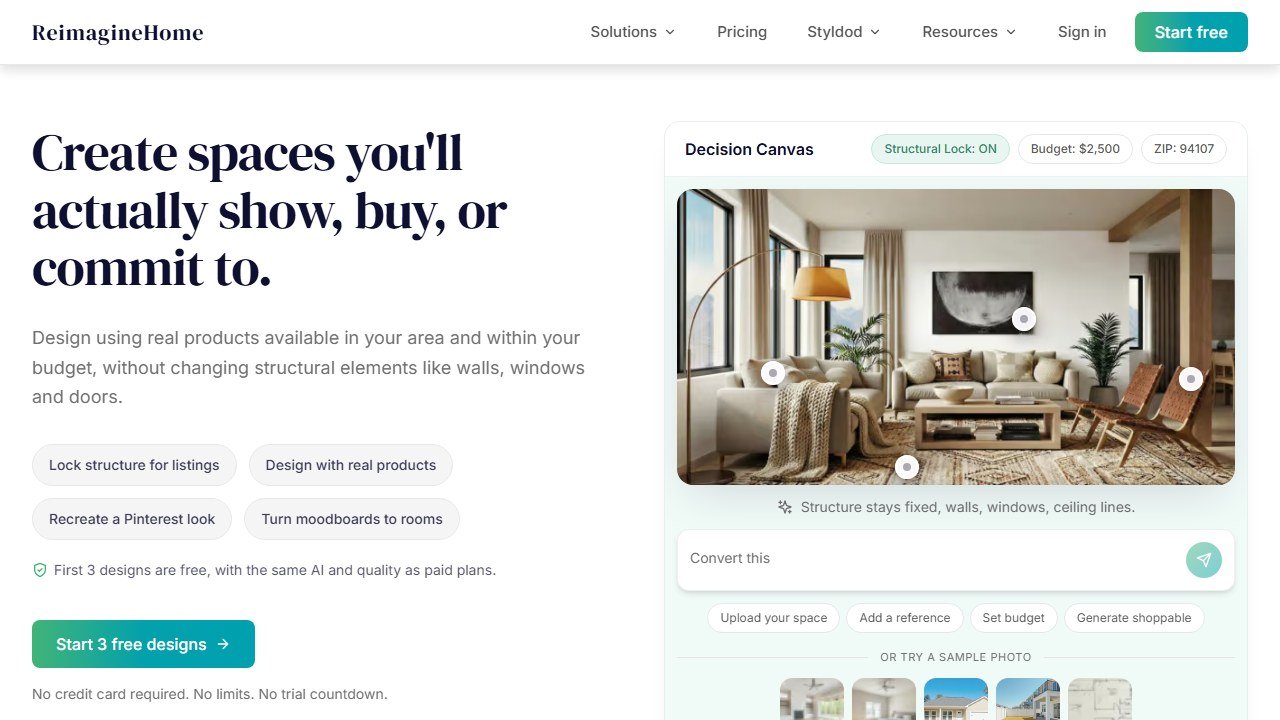
REimagineHome is one of the stronger general photo-to-design tools for outdoor work. You upload a photo, point it at the hardscaping job (pavers, walkway, fire pit, seating), and it renders several options in seconds. It is genuinely fast and the results are photorealistic enough to share with a partner or a contractor as a starting point.
Pricing is credit-based with a limited free tier, then paid plans for more renders. Confirm current pricing on the vendor page, since these AI tools change plans often. The honest limit: it does not know your real dimensions or grade, so a render can show a patio that would not physically fit or drain. Use it for look and feel, not measurements.
Because you are uploading a photo of your home, check the data-privacy terms before you start. Property photos can reveal your address and layout, and many generative tools reserve the right to use uploaded images to improve their models. Read how the tool stores and uses what you upload, and avoid including people, license plates, or house numbers in the frame. If the terms are vague, assume the image is not private and crop accordingly.
iScape
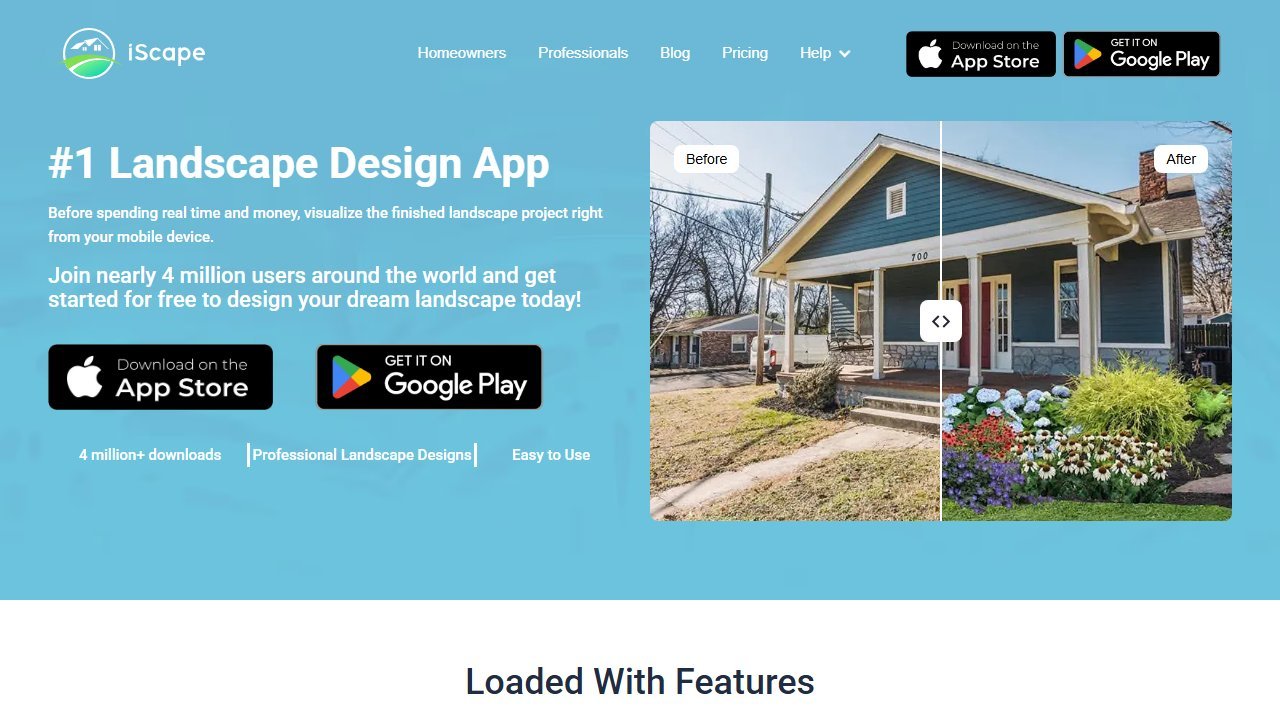
iScape is the long-running augmented-reality app aimed at landscapers and serious DIYers. It leans more “design tool” than “magic button”: you place hardscape elements onto a photo or an AR view of your actual yard, which makes layouts feel more grounded in your real space than a pure generative render. It is iOS-first.
Pricing sits at the higher end of the consumer apps, billed monthly with an annual option that lowers the effective rate. Confirm on the vendor page. The limit: the learning curve is real, and the AR placement rewards patience over speed. We cover the workflow in depth in our iScape review, and it shows up again in our roundup of the best AI landscape design apps.
DreamzAR and Neighborbrite
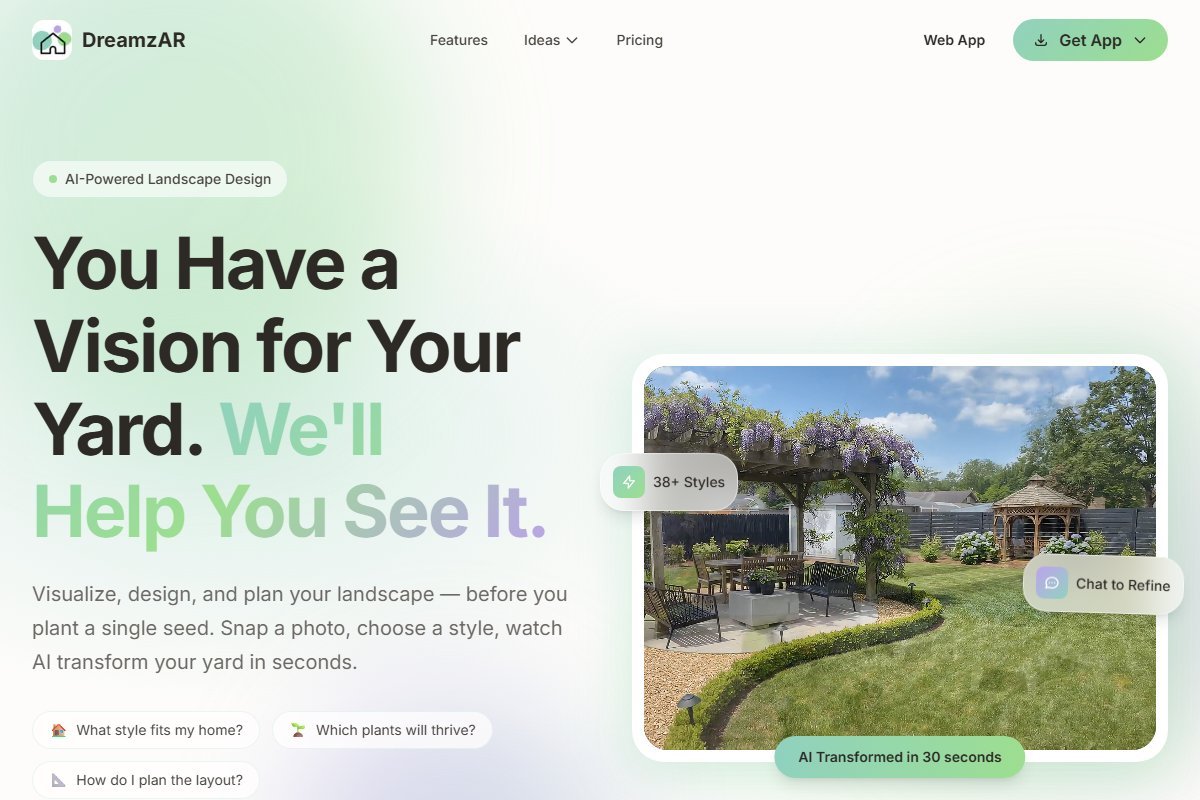
DreamzAR is the AR-walkthrough specialist: it shines when you want to “walk” a designed yard through your phone camera, which helps you judge how a patio sits in the actual space. Neighborbrite is the budget-friendly browser option, with a usable free tier and a low-cost Pro plan that unlocks plant lists and custom elements like decks and pools.
Both are render tools, not engineering tools, and the same dimension caveat applies. For a head-to-head, see our DreamzAR review and Neighborbrite review. The data-privacy note holds for both: you are uploading photos of your property, so read their image-handling terms.
Job 2: Accurate paver and material selection
A generative render gives you a vibe. It does not show you a real product you can buy. That is where the paver brands’ own visualizers come in. These are free, and they are deliberately tied to one manufacturer’s catalog, which is both the strength and the catch.
Belgard Project Visualizer
Belgard’s visualizer uses augmented reality to overlay actual Belgard paver and wall products onto a photo of your home or onto model-home scenes. It maps surfaces with real product textures, so what you see is closer to what you would actually install. It is free.
The honest limit: it only shows Belgard products. That is fine if you have already chosen the brand or want to compare lines within it, and misleading if you think you are seeing a neutral comparison. Belgard products are also sold through dealers, so confirm local availability and pricing before you fall in love with a line.
Unilock Uvision and Design Studio
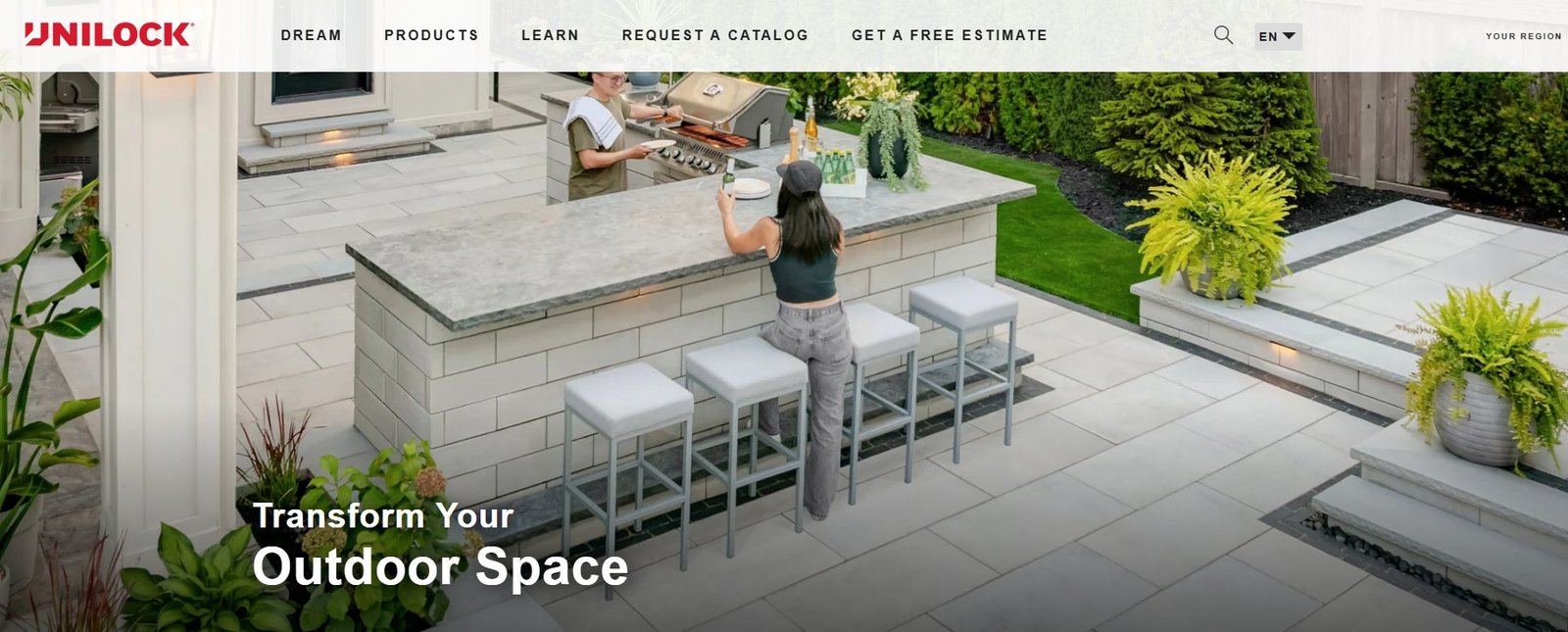
Unilock offers tools for two audiences. Homeowners get a design-studio visualizer to preview Unilock pavers on a space. Contractors get Uvision, a more capable 3D landscape-creation tool that can import SketchUp models and overlay designs onto real-world photos. The contractor tool is the more powerful of the two.
Pricing for the homeowner visualizer is effectively free as a sales aid; Uvision is positioned as a pro tool, so check current terms with Unilock directly. The limit is the same brand-lock: you are seeing Unilock’s catalog, not the whole market.
Techo-Bloc via SketchUp
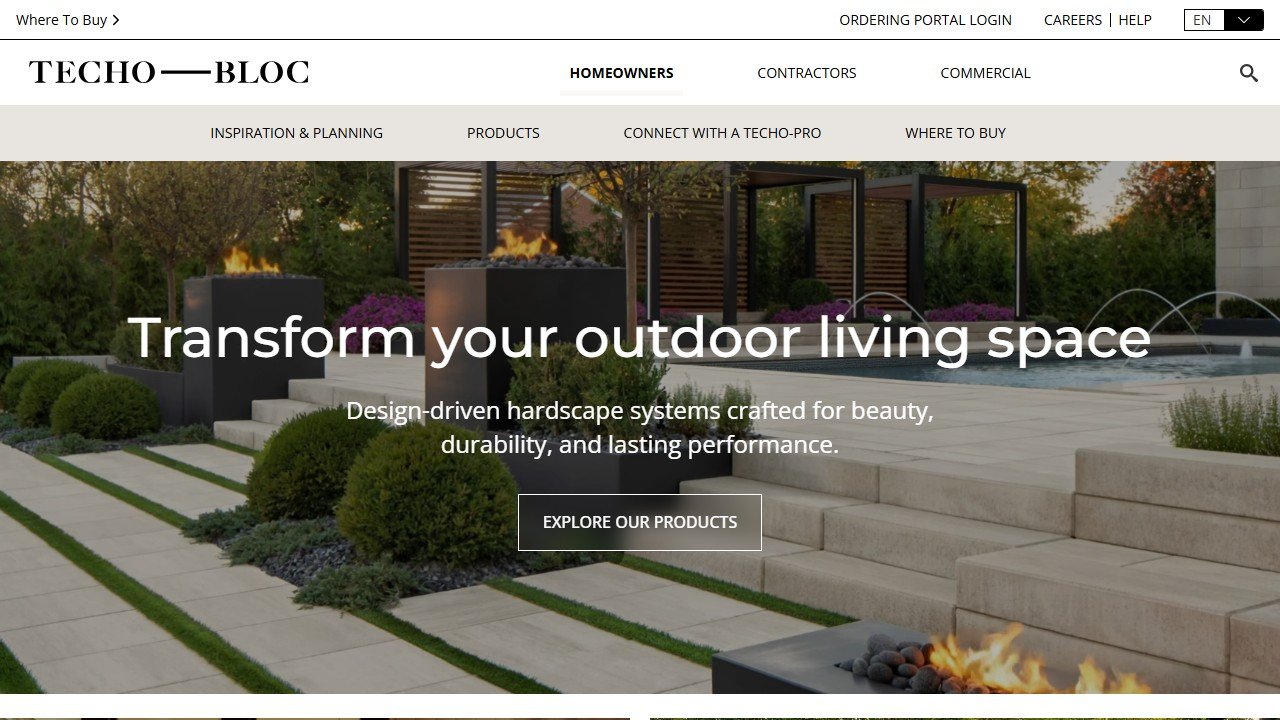
Techo-Bloc took a different route. Rather than a standalone visualizer, it publishes its slabs, pavers, and walls as a library inside SketchUp, so you can drop accurate 3D Techo-Bloc products into a model. This gives you real product geometry inside a serious modeling tool, which is a step up from a flat overlay.
The catch: you need SketchUp to use it, and SketchUp itself has a learning curve. SketchUp has a free web tier for personal use, with paid Go, Pro, and Studio plans that unlock more. Confirm pricing on the SketchUp site. For most homeowners this is more tool than the job needs; for designers already in SketchUp it is excellent.
Job 3: Contractor-grade 3D and takeoffs
If you are quoting a job, a pretty render is not enough. You need a buildable plan, a 3D walkthrough to sell the client, and a material takeoff so the bid is accurate. This is professional software, priced accordingly.
Structure Studios VizTerra
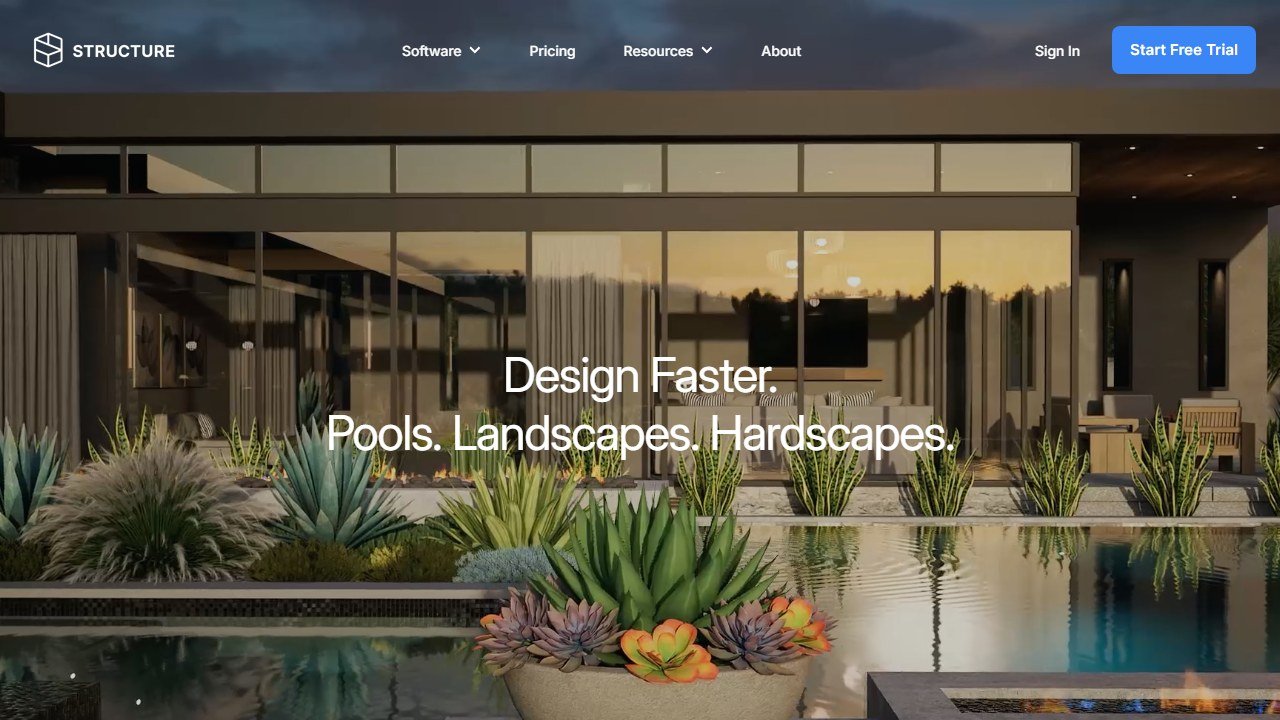
VizTerra is the widely used standard for hardscape and outdoor-living design among contractors and design-build firms. It moves from a 2D plan to an immersive 3D walkthrough, handles patios, walls, outdoor kitchens, and lighting, and produces construction documentation and measurements you can build and bid from. The hardscape auto-coping and material tools are built for real layouts, not just looks.
It is a professional subscription, priced well above the consumer apps, and there is a learning curve to match. Confirm current pricing with Structure Studios. The limit: it is overkill and over budget for a homeowner doing one patio. Its sibling Pool Studio handles pool-centric projects if that is your focus.
SketchUp Pro for design firms
For designers who already model in 3D, SketchUp Pro is a flexible base that, paired with brand libraries like Techo-Bloc’s, produces accurate product-level models. It is less hardscape-specialized than VizTerra out of the box, so you do more of the setup yourself, but it is widely supported, the plugin ecosystem is huge, and most clients have seen its style of render before. Pricing is per-seat annual across Go, Pro, and Studio tiers; confirm on the SketchUp site. The limit: without a dedicated hardscape add-on you build a lot from scratch, and the takeoff workflow is weaker than a purpose-built tool like VizTerra.
One comparison table
Pricing tiers below are qualitative on purpose. AI and SaaS tools change plans often, so confirm the current number on each vendor’s page before you commit.
| Tool | What it does best | Best for | Price tier |
|---|---|---|---|
| REimagineHome | Fast photo-to-design renders | Homeowners wanting quick ideas | Free tier, then paid credits |
| iScape | AR placement on your real yard | Serious DIYers and landscapers | Paid app, mid to high |
| DreamzAR | AR walkthrough of a design | Judging a design in real space | Paid app, mid |
| Neighborbrite | Budget browser visualization | Cost-conscious homeowners | Free tier, low-cost Pro |
| Belgard Visualizer | Real Belgard products via AR | Buyers choosing Belgard | Free (sales tool) |
| Unilock Uvision | Contractor 3D, SketchUp import | Unilock pros and designers | Free homeowner, pro Uvision |
| Techo-Bloc + SketchUp | Accurate 3D product models | Designers in SketchUp | SketchUp free web to paid |
| Structure Studios VizTerra | Buildable 3D plans and takeoffs | Contractors and design-build | Pro subscription, high |
A lean way to start
You do not need a stack of subscriptions. Pick the path that matches who you are, and stop there.
If you are a homeowner:
- Take a clean photo of the area in good light, no people or house numbers in frame.
- Run it through a free tier (Neighborbrite or REimagineHome) to settle on a layout and mood.
- Once you have a direction, open the visualizer for the paver brand your local dealer stocks (Belgard or Unilock) to preview real products.
- Bring both sets of images to a contractor as a starting point, not a spec.
If you are a contractor or designer:
- Trial VizTerra (or SketchUp Pro with a brand library) on one real project before committing to a seat.
- Build the plan to scale so the takeoff and the bid are accurate.
- Use the 3D walkthrough as your close, and keep the brand visualizers handy for clients who want to see a specific product.
For the wider landscaping picture beyond hardscape, our pillar guide to AI landscaping tools and our best AI landscape design apps roundup cover planting, full-yard design, and the softscape side these hardscape tools mostly skip.
Hardscape renders and architectural renders are the same underlying job at different scales. If your projects have grown into full structures, our D5 Render review covers a GPU renderer built for that work, and our Veras review covers an AI layer that restyles a model you have already built rather than starting one for you.
What hardscape design tools still cannot do
This is the part the vendor pages leave out, and it is the most important section here.
None of these tools handle grading or drainage. A patio that looks perfect in a render can pond water against your foundation in real life, because the AI has no idea where your low spots are or which way water runs. Slope, base depth, and drainage are the difference between a patio that lasts twenty years and one that heaves in three winters. No render captures that.
They do not do structural engineering. Retaining walls above a certain height, walls holding back a slope, and anything bearing real load need engineered design and often a permit. A visualizer will happily draw a tall seat wall it has no business approving. Pricing accuracy is also out of reach: even the pro tools estimate quantities from your model, and they cannot know your local material costs, labor rates, or what the excavation will uncover.
And they cannot read your site conditions. Utility lines, tree roots, frost depth, soil type, and setback rules all shape what you can actually build, and none of them show up in a photo. The render is a conversation starter. The real plan still comes from a contractor who walks the site, checks the codes, and stakes the grade. Use these tools to decide what you want. Use a professional to confirm it will stand.

Written by
FazFaz is the founder of AIToolsBakery. Some tools here are tested hands on. Others are assessed from vendor documentation and pricing verified on the live page, and every review says which one it is. Sponsors can buy a position in a guide. They cannot buy the score, the criticism, or silence about a better option.
How we test and how we make money →Frequently Asked Questions