It is a Tuesday night and you are juggling three jobs: a unicorn-themed sixth birthday for Saturday, a baby shower brunch that just changed its guest count for the third time, and a 40th surprise party where the client keeps texting Pinterest links at midnight. You have not invoiced two of them yet. Somewhere in there you were supposed to post to Instagram. This is the real life of a working party planner, and it is mostly logistics held together by sticky notes.
AI will not throw the party for you. But it can absorb a surprising amount of the grind: the first-draft theme ideas, the vendor follow-up emails, the timeline you keep rebuilding from scratch, the captions you never have time to write.
We are AIToolsBakery, an independent review site. We do not sell any of the tools below and we take no cut if you sign up for them. That matters here, because almost every “best AI party tools” list you will find in the search results is published by a company trying to sell you its own invitation app or planning platform. This guide is written for the person running parties as a business, not for a parent planning one birthday a year.
The 30-second answer: Use a general AI model (ChatGPT, Claude, or Gemini) for themes, copy, and timelines. Use Canva for invites and social content, a dedicated invite platform like Evite or Punchbowl for RSVPs, Notion for your planning hub, and HoneyBook or Dubsado for contracts and invoices. Most planners need three or four, not all of them.
Theme and concept ideation
This is where AI earns its keep fastest. A general-purpose model like ChatGPT, Claude, or Gemini will turn “boho garden first birthday, budget around 600 dollars, 25 guests, mostly toddlers” into a coherent concept: color palette, three activity ideas, a food angle, a decor shopping direction. You get in 20 seconds what used to be an hour of scrolling.
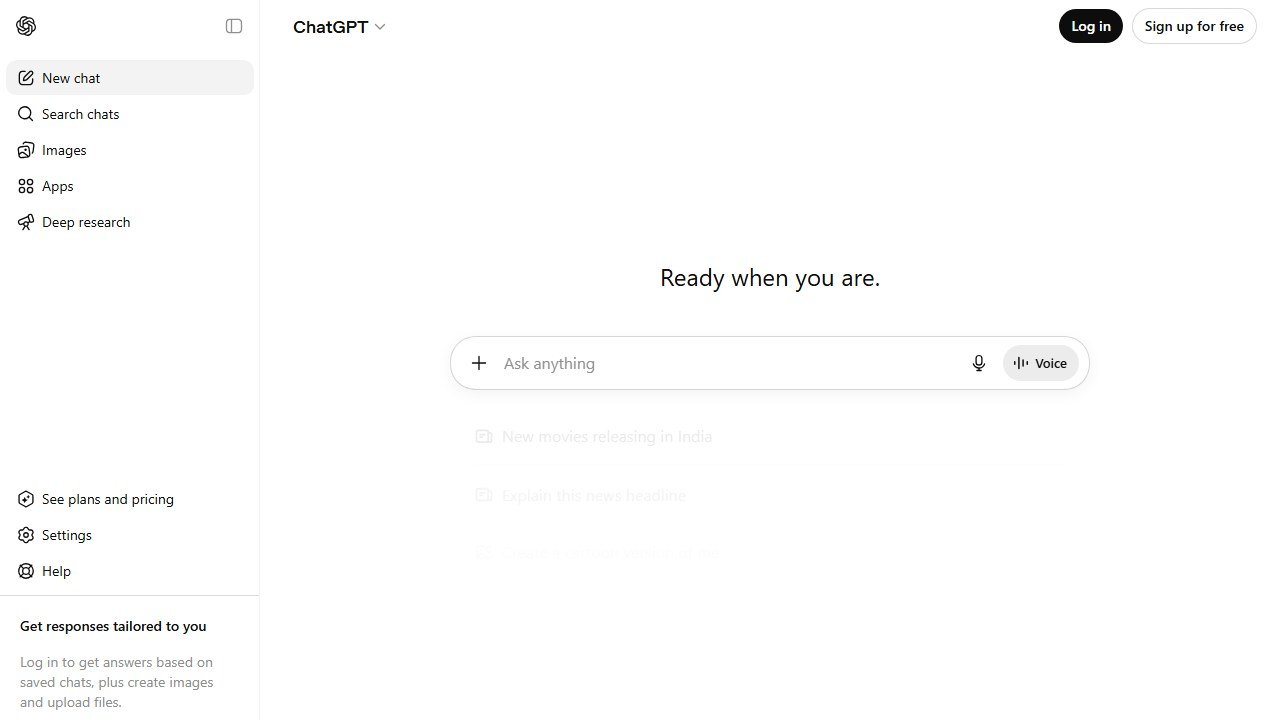
The honest limit is that AI ideas trend generic and slightly dated. It loves “rustic chic” and “candy bar stations” because that is what the internet is full of. Treat the output as a starting sketch, not the final vision. The trick is to push back: ask for three concepts at different price points, then ask it to make one weirder and more specific. Free tiers of all three models handle this fine. You only need a paid plan (around 20 dollars a month) if you are doing this volume daily and want the faster, smarter model.
A genuine warning on AI image generation for mood boards. The pictures look great in a pitch deck, but you cannot actually buy the decor in them, and showing a client a stunning AI render you cannot recreate is how you set yourself up for a disappointed reveal. Use AI images to communicate a vibe, then sanity-check that real products exist.
Invitations and design
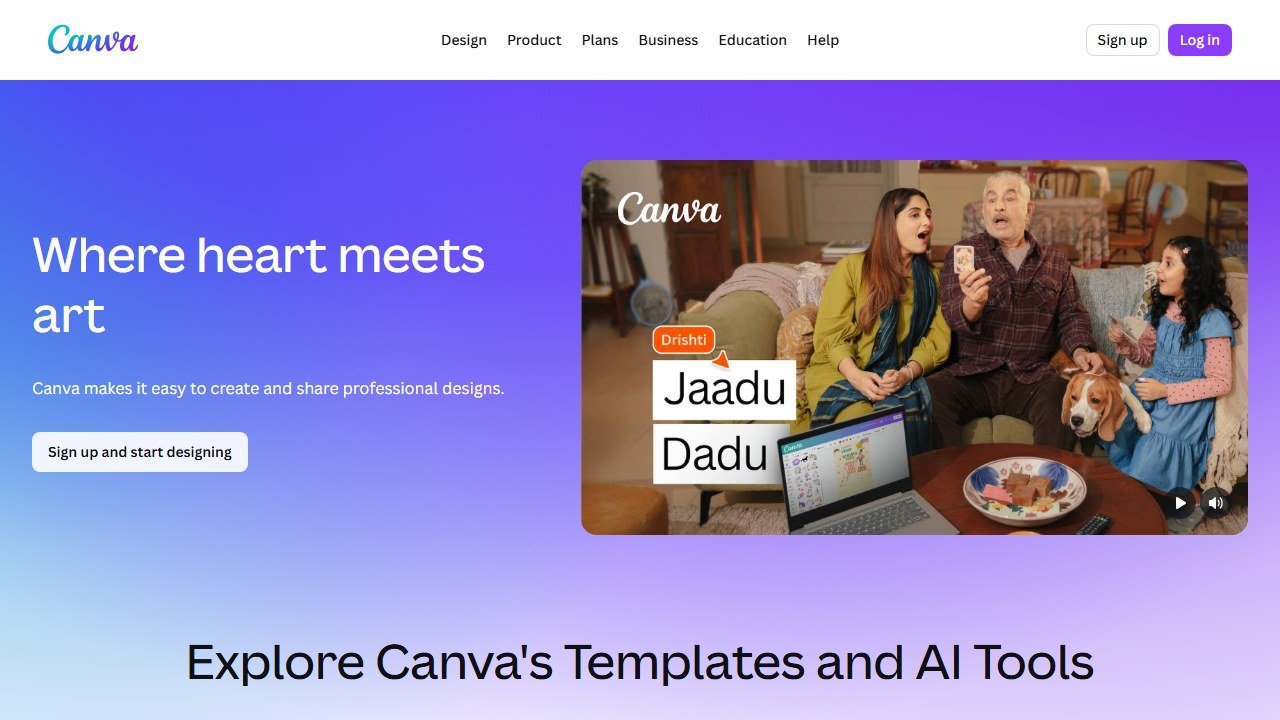
For invites and printed materials, Canva is the default for good reason. Its templates are strong, its Magic Media and Magic Write features draft themed invitation art and copy, and the free tier covers a lot. Canva Pro runs around 15 dollars a month and unlocks the brand kit, background remover, and the premium element library, which is worth it once you are producing client-facing work weekly.
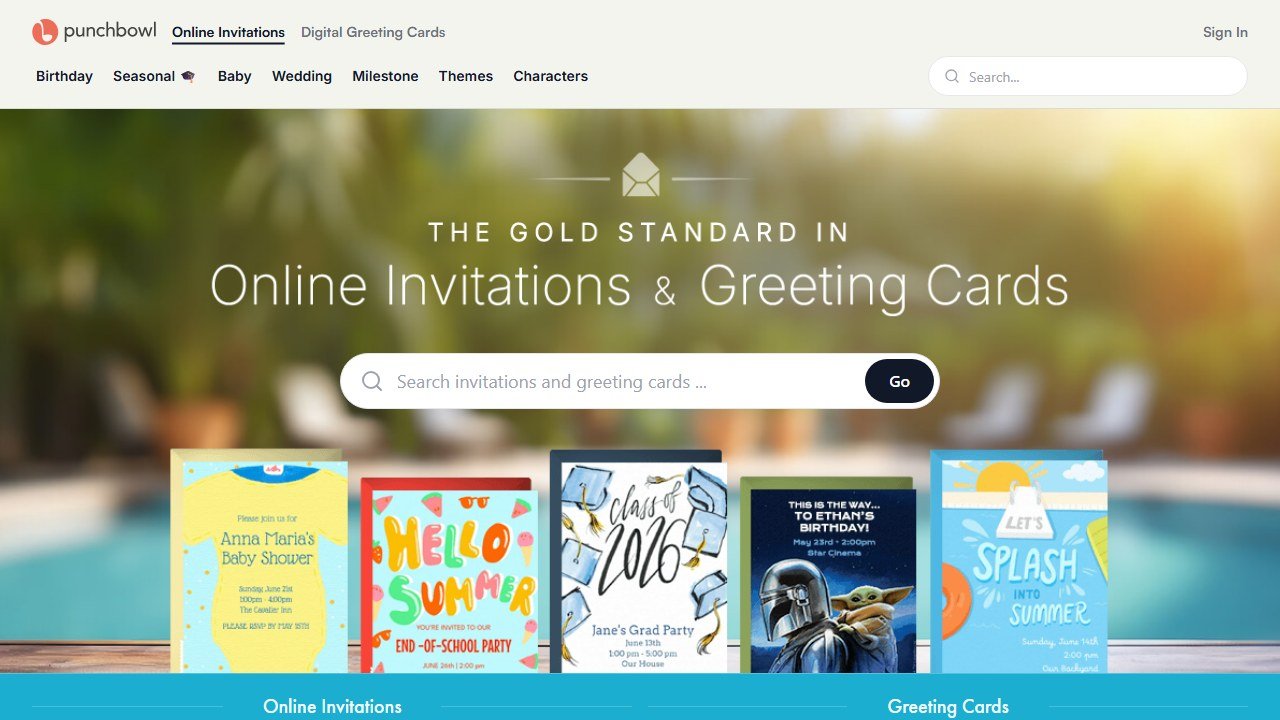
For digital invitations with built-in RSVP tracking, the dedicated platforms still beat a general design tool. Evite is the workhorse: free with ads, with premium event upgrades that start around 18 dollars per event and scale up by guest count. Punchbowl is the one to know for kids’ parties because it holds licensed character designs (Disney, Marvel, Sesame Street and more) that parents specifically ask for. Punchbowl’s paid tiers are cheap, roughly 4 to 8 dollars a month, but read the fine print: only the top tier removes ads, so on the cheaper plans your guests still see them. Paperless Post is the elegant, stationery-feeling option for showers and adult milestone parties.
Guest lists and RSVP tracking
This is logistics, not creativity, so the dedicated tools win. Evite, Punchbowl, and Partiful all track who is coming, send reminders, and collect dietary notes and plus-ones automatically. Partiful is free, mobile-first, and skews younger and more casual, which is perfect for adult birthdays and informal social events.
Where AI helps is the messy middle: paste your raw RSVP list into ChatGPT or Claude and ask it to flag who has not responded, group guests by table or dietary need, or draft a polite “we need a final headcount by Friday” message. For a recurring count that changes daily, a simple spreadsheet plus AI formula help is often faster than learning a new platform. If your events lean corporate or ticketed, the heavier registration tools we cover in our guide to AI tools for event planners are a better fit than a party invite app.
Vendor and rental coordination
Booking the bounce house, the caterer, the face painter, the balloon arch person: this is relationship work, but the admin around it is pure repetition. AI shines at drafting the outreach. Give a model your vendor brief and have it write the inquiry email, the follow-up, and the confirmation, all in your voice. Ask it to build you a vendor comparison table from three quotes you paste in, so you can see deposit, balance due date, and what is included side by side.
What AI must not do here is pretend to verify a vendor. It will not know if the caterer has current insurance, a real food-handling permit, or a history of no-shows. Those checks are yours, every time. The model drafts the email; you confirm the human is legitimate.
A second use worth setting up is a vendor tracker. Keep a running list of every vendor you have used, with notes on reliability, pricing, and lead time, and let a general model search and summarize it when a new event needs, say, a dessert table on short notice. Over a season this private memory becomes more valuable than any directory, because it is built from your own experience rather than paid listings.
Budgeting and checklists
A general AI model is a capable budget partner. Tell it the total, the headcount, and the party type, and it will draft a line-item budget with realistic percentage splits (food, decor, entertainment, rentals, your fee) that you can then adjust. Ask it to flag where you are overspending against typical ranges. It is also excellent at the thing planners hate most: the exhaustive shopping and setup checklist, generated in seconds and easy to tweak per event.
Be skeptical of the actual numbers. AI does not know your local rental prices or your city’s catering rates, so its dollar figures are educated guesses, not quotes. Use it for structure and categories, then plug in your real costs. One practical habit: ask the model to leave the price column blank and only fill in categories and suggested percentages, so you are never tempted to quote a client a figure the AI invented.
Timelines and run-of-show
The day-of timeline is where parties live or die, and rebuilding one from scratch for every event is soul-crushing. Describe the event (“3-hour kids’ party, cake at the 90-minute mark, magician for 30 minutes”) and AI will produce a minute-by-minute run-of-show you can hand to your staff and the client. The same applies to your planning countdown: a 6-week backward timeline of what to book when. The patterns here overlap heavily with what we cover for AI tools for wedding planners, where the run-of-show discipline is even more intense.
Marketing the business and social content
For most party planners, Instagram and TikTok are the storefront, and the constant content demand is brutal. This is one of the strongest, safest uses of AI. Canva plus a general model will draft captions, hashtag sets, reel hooks, and a month of post ideas from a single shoot. Ask AI to repurpose one event into a carousel, a reel script, and three story prompts.
The trap is sounding like everyone else. AI captions default to bland enthusiasm and too many emoji. Feed it your past best-performing posts and tell it to match that voice, then always do a final human edit. Generic AI content does not just fail to convert; it actively makes a creative business look uncreative.
Client communication and invoicing
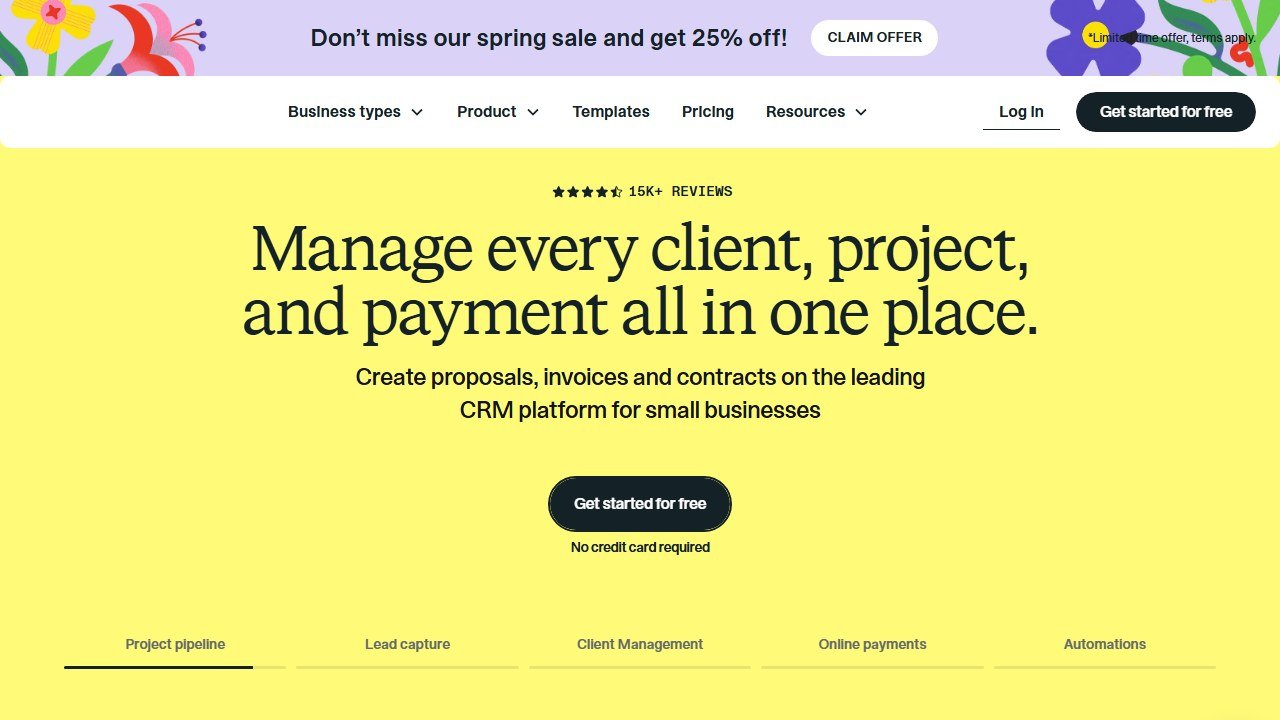
Once party planning is a business, the back office becomes the bottleneck. This is where a proper client-management platform matters more than any AI gadget. HoneyBook and Dubsado both handle contracts, invoices, payments, and client workflows in one place. HoneyBook is the more intuitive of the two and you can be running within a day; plans start around 29 dollars a month billed annually. Dubsado is more powerful for long, multi-stage workflows and offers a genuinely useful free trial, with paid plans around 20 to 40 dollars a month; it also lets you take payments through Stripe and PayPal, where HoneyBook keeps you in its own system.
AI assists at the edges: drafting the proposal copy, polishing a firm-but-kind email about a late payment, summarizing a long client thread into action items. But the contract terms, the deposit policy, and the refund line are legal and financial decisions. Do not let a model write your cancellation policy and assume it protects you. Have a human, ideally one who knows your local rules, review anything that governs money.
Comparison table: AI and planning tools for party planners
| Tool | What it does | Best for | Free tier |
|---|---|---|---|
| ChatGPT / Claude / Gemini | Themes, copy, timelines, budgets | The thinking and writing grind | Yes, capable |
| Canva | Invite and social design, AI copy and art | Client-facing visuals | Yes, Pro ~15/mo |
| Evite | Digital invites and RSVP tracking | General parties and showers | Yes, with ads |
| Punchbowl | Licensed-character invites, RSVPs | Kids’ birthday parties | Trial, ~4 to 8/mo |
| Partiful | Casual mobile invites and reminders | Adult and social events | Yes, fully free |
| Notion | Planning hub, client and event database | Organizing your whole business | Yes, AI is add-on |
| HoneyBook | Contracts, invoices, client workflow | Solo planners wanting ease | No, ~29/mo annual |
| Dubsado | Contracts, invoices, deep workflows | Multi-stage, custom processes | Trial, ~20 to 40/mo |
Your planning hub: tying it together
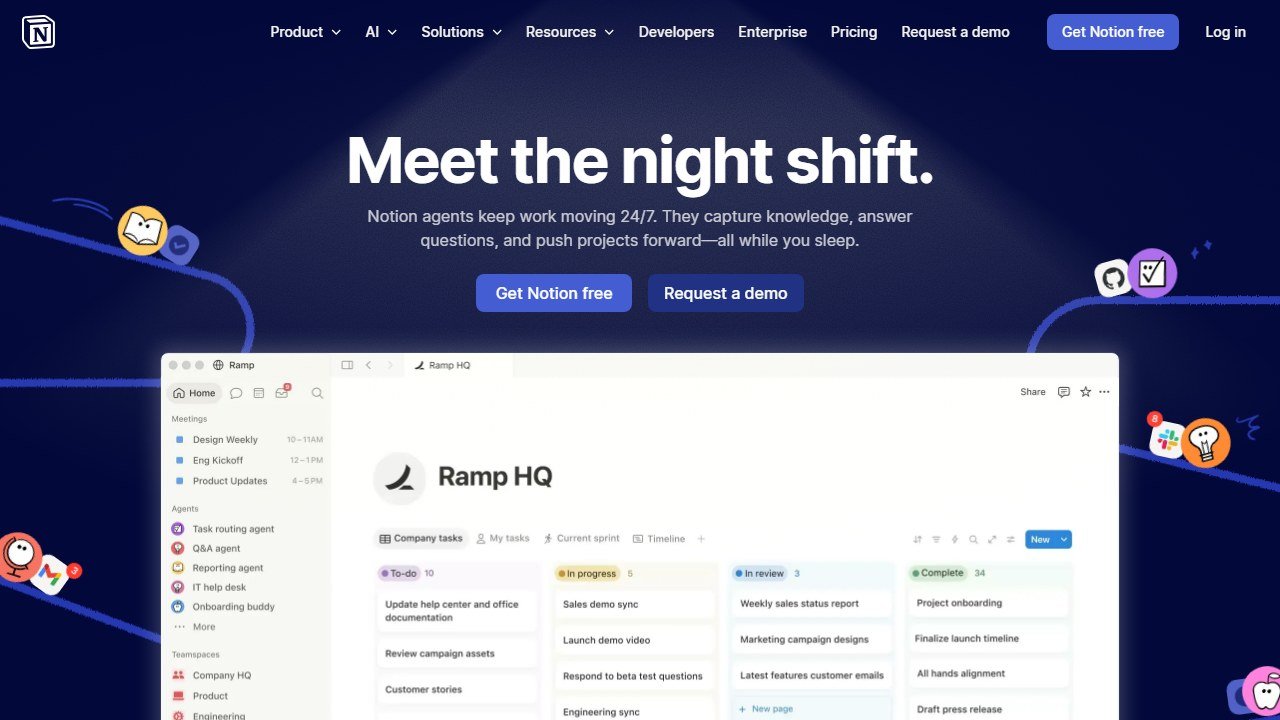
Notion deserves its own mention because it is where many planners run the whole operation: one database for clients, one for events, one for vendors, all linked. Notion AI (an add-on, roughly 10 dollars a month per member) can summarize meeting notes, draft from your templates, and answer questions across your own pages. The free tier is generous if you skip the AI features. It is not a party-specific tool, which is its strength: it bends to your exact process instead of forcing you into someone else’s.
A lean starter stack
You do not need eight subscriptions. Here is what we would actually buy, in order:
- A general AI model on its free tier (ChatGPT, Claude, or Gemini) for ideation, copy, timelines, and budgets. Upgrade to one paid plan, around 20 dollars a month, only when daily use justifies it.
- Canva, free to start, Pro at around 15 dollars a month once you are producing client work weekly.
- One invite and RSVP platform that fits your niche: Punchbowl for kids, Partiful or Evite for adults and showers.
- A planning hub. Notion free if you are organized, or jump to HoneyBook or Dubsado once contracts and invoices are eating your evenings.
That is roughly 35 to 65 dollars a month for a real working stack, and you can start most of it for free. Add tools when a specific pain demands it, not because a list told you to. Planners doing corporate work should also read our guide to AI tools for corporate event planning, where the budgeting and stakeholder coordination needs are different from social parties.
What AI still cannot do for party planners
AI cannot read a room. It does not feel the moment a shy birthday kid is about to cry, or sense that the grandmother in the corner needs a chair and a word. It cannot taste the cake, judge whether the lighting actually flatters the space, or notice that the photo backdrop clashes with the dress the client is wearing. It will not catch a vendor who is quietly unreliable, because that is a gut read built from years of working with real people.
It cannot take responsibility, either. When something goes wrong, and at a live event something always does, the client is paying for a calm human who fixes it on the spot, not a chatbot. AI does not hold liability, does not carry insurance, and cannot stand in your place when a parent is upset. The themes, the captions, the timelines: hand those over gladly. The judgment, the taste, the care, and the accountability are the job. Those stay yours, and they are exactly what people are paying for.

Written by
FazFaz is the founder of AIToolsBakery. Some tools here are tested hands on. Others are assessed from vendor documentation and pricing verified on the live page, and every review says which one it is. Sponsors can buy a position in a guide. They cannot buy the score, the criticism, or silence about a better option.
How we test and how we make money →