You want to point your phone at your yard and see what it could look like. These apps do that.
The best AI landscape design apps in 2026 are DreamzAR (best AR walkthrough), iScape (best for pros), and Neighborbrite (best free, unlimited designs). DreamzAR and iScape offer AR visualization. Prices range from free to $30/mo. Full 10-app breakdown below.
Quick comparison at a glance. Full breakdown for each option below.
Free vs Paid: What You Actually Get
This table compares what the free tier gives you versus what you unlock on the cheapest paid plan for the top 5 apps.
| App | Free Tier | Paid Plan | Price | What Paid Unlocks |
|---|---|---|---|---|
| DreamzAR | Limited credits, AR access, basic styles | Standard | $19.99/mo | Unlimited generations, full plant library, shadow sim, cost estimates |
| iScape | 2 designs, 20 items, watermarked | Pro | $29.99/mo | Unlimited designs, proposal builder, full plant catalog, no watermarks |
| Neighborbrite | Unlimited designs, 16+ styles, no watermarks | Pro | $15/mo ($99/yr) | Magic Edit, Plant Finder, sunlight filters, priority speed |
| Planner 5D | Basic catalog, watermarked renders | Premium | $59.99/yr | Full 8,400+ item catalog, HD renders, offline mode |
| Ideal House | 60 daily credits, watermarked, standard res | Plus | ~$9.99/mo | No watermarks, more credits, HD output |
Faz says: Most AI landscaping tools are web-only. You open a browser, upload a photo, get a design. But when you’re standing in your actual yard trying to figure out where to put the new garden bed, you want an app. Something that uses your camera, works offline, and lets you see designs at real scale through AR. This list focuses on apps that work on your phone, whether they’re native mobile apps or web tools with strong mobile experiences. We reviewed each one for our best AI landscaping tools master list, and here’s how they rank for mobile use specifically.
Saru says: Data notes for this list: 10 apps evaluated for mobile experience. App Store and Google Play ratings checked. We reviewed native iOS/Android apps where available and mobile browser experiences for web-only tools. AR performance tested on iPhone 14 and Pixel 8. All pricing verified from official app stores and websites as of April 2026.
How to Choose an AI Landscape Design App
Before picking an app, ask yourself these questions:
Do You Need AR?
Augmented reality lets you see virtual plants, patios, and structures overlaid on your actual yard through your phone camera. Only two apps on this list offer true AR: DreamzAR and iScape. If you want to walk through your future garden at real-world scale, those are your options. Every other app generates flat images from uploaded photos.
How Important Is Plant Data?
Some apps show you a pretty garden render and leave you guessing what species are in it. Others tell you exactly which plants will survive your USDA hardiness zone. If you want plant names, care guides, and climate compatibility, prioritize DreamzAR (2,000+ USDA-tagged plants) or iScape (zone filtering with plant info cards).
Free vs Paid: What Do You Actually Need?
Most homeowners use a landscaping app for one project over a few weeks. If you’re not a professional, the free tier should be your starting point. Neighborbrite offers unlimited free designs. HomeGPT is completely free. Ideal House gives 60 daily credits. Test free options before committing to a subscription.
Photo Upload vs Manual Design?
Most apps on this list use AI photo-to-render: you upload a yard photo and the AI redesigns it. iScape and Planner 5D are different. They’re manual design tools where you place each element yourself. Manual gives you more control but takes more time.
Common Mistakes When Choosing a Landscape Design App
- Paying monthly for a one-weekend project. If you only need the app for a single yard redesign, look for one-time pricing (DreamzAR web pass, Curb Appeal AI credit packs) or free tiers (Neighborbrite, HomeGPT).
- Ignoring your phone’s AR capability. AR apps need modern phones with good processing. If your phone is more than 4 years old, AR mode may crash or lag. Test during a free trial before subscribing.
- Choosing based on render quality alone. A photorealistic render of plants that die in your climate is useless. Prioritize apps with USDA zone data if you plan to actually build the design.
- Downloading every app instead of testing one properly. Pick one free app (Neighborbrite) and one AR app (DreamzAR free credits). Test both thoroughly before exploring others.
- Forgetting to cancel weekly subscriptions. Paintit.ai charges $6.99/week. That is $364/yr if you forget to cancel. If you sign up for any weekly plan, set a calendar reminder for the day before renewal. Better yet, prefer apps with monthly or annual billing.
- Using low-quality photos and blaming the AI. Every app on this list performs better with clear, well-lit photos taken during the day. Blurry shots, heavy shadows, or photos taken at dusk produce messy renders. Take your input photo at midday with your phone held level, and include the full area you want redesigned in the frame.
- Skipping the photo comparison step. Most apps show a before/after slider. Use it. AI renders can look impressive on their own but misleading when you forget what the original space actually looks like. Always compare the render against the original to judge whether the design is realistic for your yard’s dimensions and layout.
Use-Case Scenarios
“I want to see what my backyard could look like before hiring a contractor”
Best app: Neighborbrite (free)
Upload your backyard photo, generate designs in multiple styles, download the renders, and bring them to a landscaping contractor. The unlimited free plan means you can try every style without worrying about credits. The contractor gets a clear visual reference, and you save the cost of a preliminary design consultation.
“I’m a landscaper doing on-site client consultations”
Best app: iScape ($29.99/mo)
Walk the client around their yard with AR, placing virtual plants and structures in real time. Show them how the Japanese maple looks next to the fence. Then generate a branded PDF proposal with material lists and pricing. The AR + proposal workflow is built for closing deals on-site.
“I need to know which plants will survive my winters”
Best app: DreamzAR ($19.99/mo)
The 2,000+ plant library with USDA hardiness zone tagging lets you filter plants by your zone. Every plant includes care guides, light requirements, water needs, and mature height. This is the deepest plant intelligence available in any mobile landscape design app.
“I just want quick inspiration, no commitment”
Best app: HomeGPT (free)
Completely free, no signup required for your first 2 designs. Upload a yard photo, pick from 70+ styles, get a visualization in under 30 seconds. If you just want to daydream about what your yard could become, HomeGPT removes every barrier.
The 10 Best AI Landscape Design Apps in 2026
1. DreamzAR. Best AR Walkthrough
Website: dreamzar.app
Rating: 3.8/5 | Price: Free credits, then $19.99/mo | Platform: iOS, Android, Web
DreamzAR is the most feature-rich landscape design app available. Upload a photo, choose from 38+ styles, generate an AI redesign, then switch to AR and walk through it in your actual yard. The 2,000+ plant library with USDA hardiness zone data is the deepest in any consumer app. Chat-based refinement lets you type “add a stone path” instead of regenerating the whole design. Cost estimates by ZIP code and shadow simulation round out the toolkit.
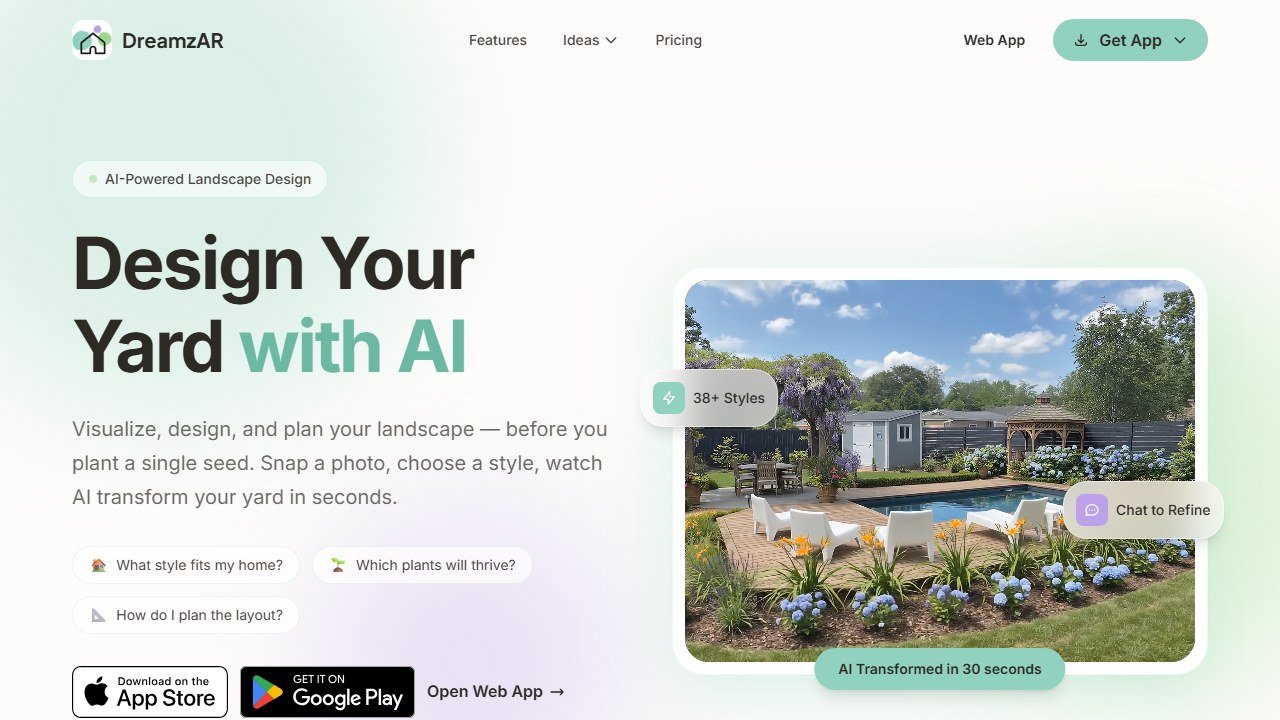
How it works on mobile: Open the app, snap a photo of your yard or upload one from your gallery, then select a design style. The AI generates a redesign in about 20 seconds. Tap the AR button to switch to camera mode and walk through the design overlaid on your real yard. You can pinch to scale elements and tap individual plants for species info.
Pricing tiers: Free users get a limited number of credits to test generation and AR. The Standard plan at $19.99/mo unlocks unlimited AI generations, full AR access, the complete 2,000+ plant library, and shadow simulation. The web-only pass costs $19.99 for 2 weeks of unlimited access, which is a better deal for one-time projects. Annual billing drops the monthly cost further.
Who should skip this app: If your phone is older than 3 years, AR mode will likely stutter or crash. If you only need quick visual inspiration without plant data or walkthroughs, a simpler free tool like Neighborbrite will get you there faster.
Why it’s #1 for apps: AR walkthrough at real-world scale is a mobile-exclusive feature that web tools can’t match. Standing in your yard and seeing a virtual garden around you is fundamentally different from looking at a flat image on a screen.
The catch: 3.1/5 iOS rating from early crash reports. Test with free credits before subscribing.
Standout features: AR walkthrough, 2,000+ USDA plants, chat refinement, cost estimates, shadow simulation, 38+ styles, offline mode.
2. iScape. Best for Professional Landscapers
Website: iscapeit.com
Rating: 3.5/5 | Price: Free (2 designs), then $29.99/mo | Platform: iOS, Android
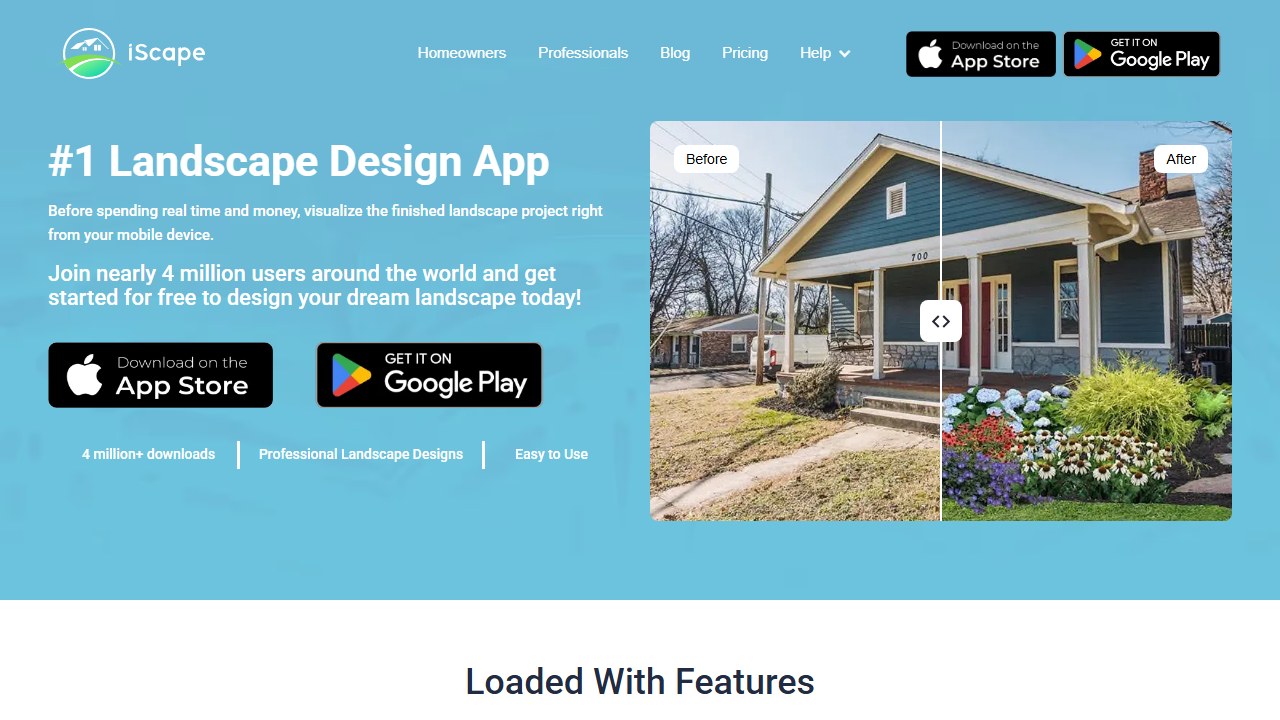
iScape is the legacy player. Thirteen years on the market, 4 million downloads, and the only landscape app with a built-in proposal builder. Unlike the AI tools on this list, iScape is manual: you drag and place each plant, paver, and structure yourself in 2D or AR. This gives professionals precise control over element placement that AI generation can’t match.
How it works on mobile: Launch the app, take a photo of the yard or switch to live AR camera mode. Browse the plant and hardscape catalog, then drag items directly onto the photo or into the AR scene. Pinch to resize, rotate with two fingers. The interface feels like a simplified CAD tool designed for touchscreens.
Pricing tiers: The free tier allows 2 designs with a maximum of 20 items each, and outputs are watermarked. The Pro plan at $29.99/mo removes watermarks, unlocks unlimited designs, adds the proposal builder with branded PDFs, and includes the full plant catalog with USDA zone filtering. There is no annual discount currently listed.
Who should skip this app: Homeowners who want quick AI-generated inspiration. iScape requires manual placement of every element, which is time-consuming if you just want to see “what could my yard look like.” Also not ideal if you need cross-platform access, as there is no web or desktop version.
Why it’s #2 for apps: The AR + proposal workflow is unmatched for professional use. Walk a client through their future yard, then hand them a branded PDF with material lists and pricing.
The catch: $30/mo is the highest price. Free tier is nearly useless (2 designs, 20 items, watermarks). Not AI-generated.
Standout features: AR design, proposal builder (Pro), USDA zone filtering, plant info cards, 4.6/5 iOS (29K ratings).
3. Neighborbrite. Best Free App
Website: neighborbrite.com
Rating: 4.2/5 | Price: Free (unlimited), Pro $15/mo | Platform: Web, iOS, Android
Neighborbrite offers what no other app matches: unlimited free landscape designs with no credit limits, no watermarks, and no credit card. Upload a yard photo, pick from 16+ styles, and get a photorealistic render in seconds. The mobile apps (iOS and Android) launched recently (Android in February 2026), so the web version is currently the most mature experience.
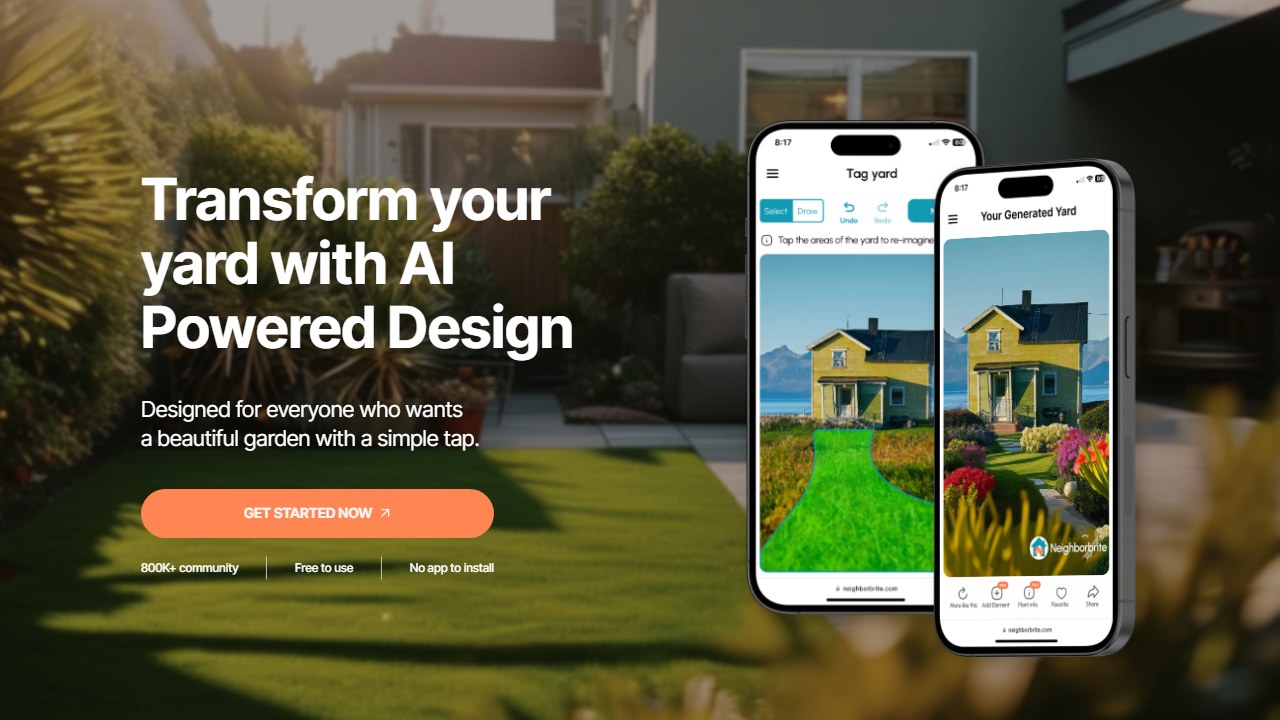
How it works on mobile: The native iOS and Android apps mirror the web experience. Tap the camera icon to snap a yard photo or upload from your gallery. Select a style (tropical, modern, cottage, etc.), hit generate, and wait about 10 seconds. Results load in a side-by-side slider so you can compare original vs. redesign. The mobile apps are functional but still catching up to the web version in polish.
Pricing tiers: The free plan includes unlimited AI generations, no watermarks, and up to 16 design styles. The Pro plan at $15/mo adds Magic Edit (change specific areas of a design), the Plant Finder tool (identifies plants in your renders), sunlight analysis filters, and priority generation speed. A yearly plan at $99/yr brings the effective monthly cost to about $8.25.
Who should skip this app: Professional landscapers who need AR walkthroughs or branded proposals. Neighborbrite generates flat images only. Also not the best choice if you need specific plant species recommendations with USDA data, as that feature is limited even on Pro.
Why it’s #3 for apps: The free plan removes every barrier to trying AI landscape design. Most homeowners should start here.
The catch: No AR. Mobile apps are very new with minimal reviews. Plant lists locked behind Pro.
Standout features: Unlimited free designs, Magic Edit (Pro), Plant Finder, sunlight filters (Pro), 650K+ users.
Read our full Neighborbrite review
4. Planner 5D. Best Cross-Platform Experience
Website: planner5d.com
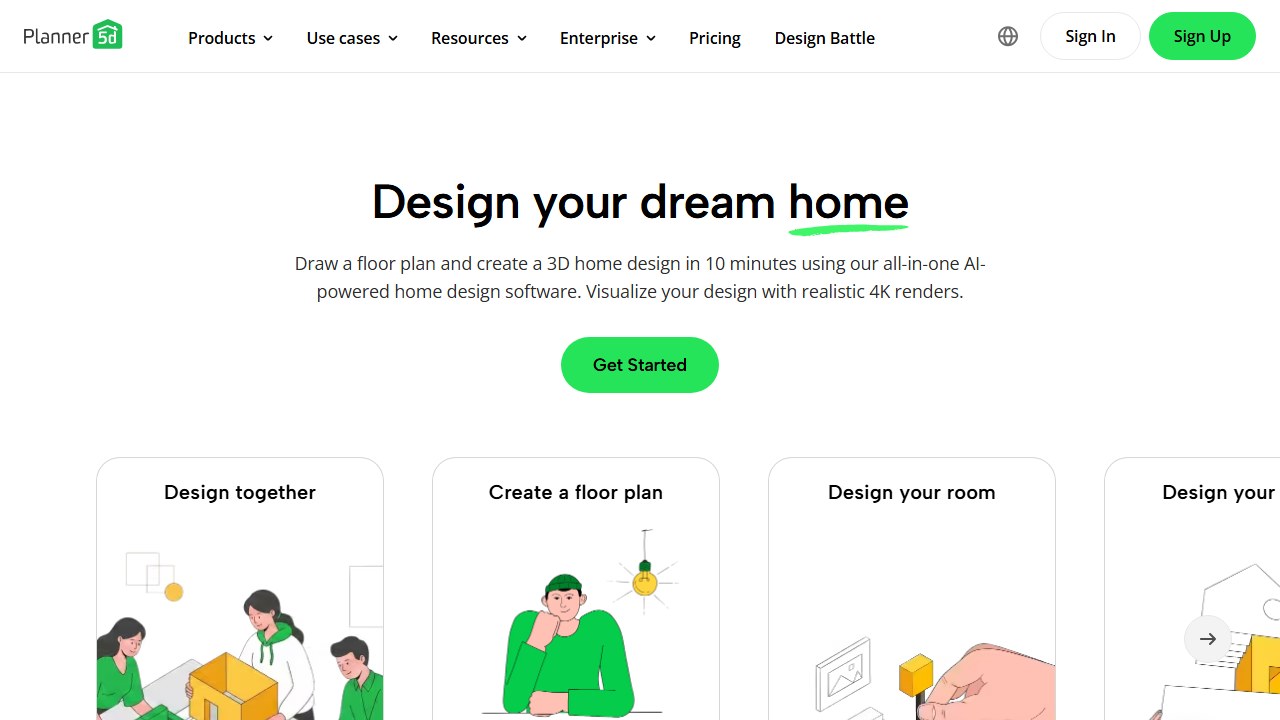
Rating: 3.3/5 | Price: Free, Premium $59.99/yr | Platform: Web, Windows, Mac, iOS, Android
Planner 5D runs on everything: web, Windows, Mac, iPhone, iPad, Android. Your projects sync across all platforms. Start a design on your laptop, refine it on your phone during lunch, show it to a contractor from your iPad. The outdoor catalog includes patios, pools, pergolas, fire pits, and gardens, though plants are generic models without species or zone data.
How it works on mobile: The iOS and Android apps use a drag-and-drop floor plan editor optimized for touch. You start with a blank canvas or a template, draw your yard boundaries, then browse the outdoor catalog to place items. A 3D walkthrough mode lets you view your design from ground level. The mobile interface is slightly cramped for detailed work, so most users design on desktop and review on mobile.
Pricing tiers: The free plan gives you access to basic furniture and outdoor items, but most premium catalog pieces are locked. Premium at $59.99/yr (or $9.99/mo) unlocks the full 8,400+ item catalog, HD rendering, offline mode, and removes watermarks. This is the cheapest annual plan on the list. There is also a one-time lifetime option occasionally offered during promotions.
Who should skip this app: Anyone who wants AI-generated designs from a photo. Planner 5D is a manual design tool. You build everything from scratch, which requires time and spatial planning skill. If you just want to snap a photo and see a redesigned yard, this is the wrong tool.
Why it’s #4 for apps: The widest platform coverage with seamless sync. No other landscape tool works on five platforms.
The catch: Generic plants (no species, no USDA). Interior-first tool. Builds from scratch, not from photos.
Standout features: Cross-platform sync, indoor + outdoor, 3D walkthrough, 8,400+ items, $59.99/yr (cheapest annual).
Read our full Planner 5D review
5. Ideal House. Best Daily Free Credits
Website: ideal.house
Rating: 3.4/5 | Price: Free (60 daily credits), paid tiers available | Platform: Web, iOS, Android
Ideal House gives you 60 free credits every 24 hours. That’s enough for several designs per day, every day, without ever paying. The HouseGPT chat assistant lets you describe your vision in natural language. Covers interiors, exteriors, and landscaping in one app.
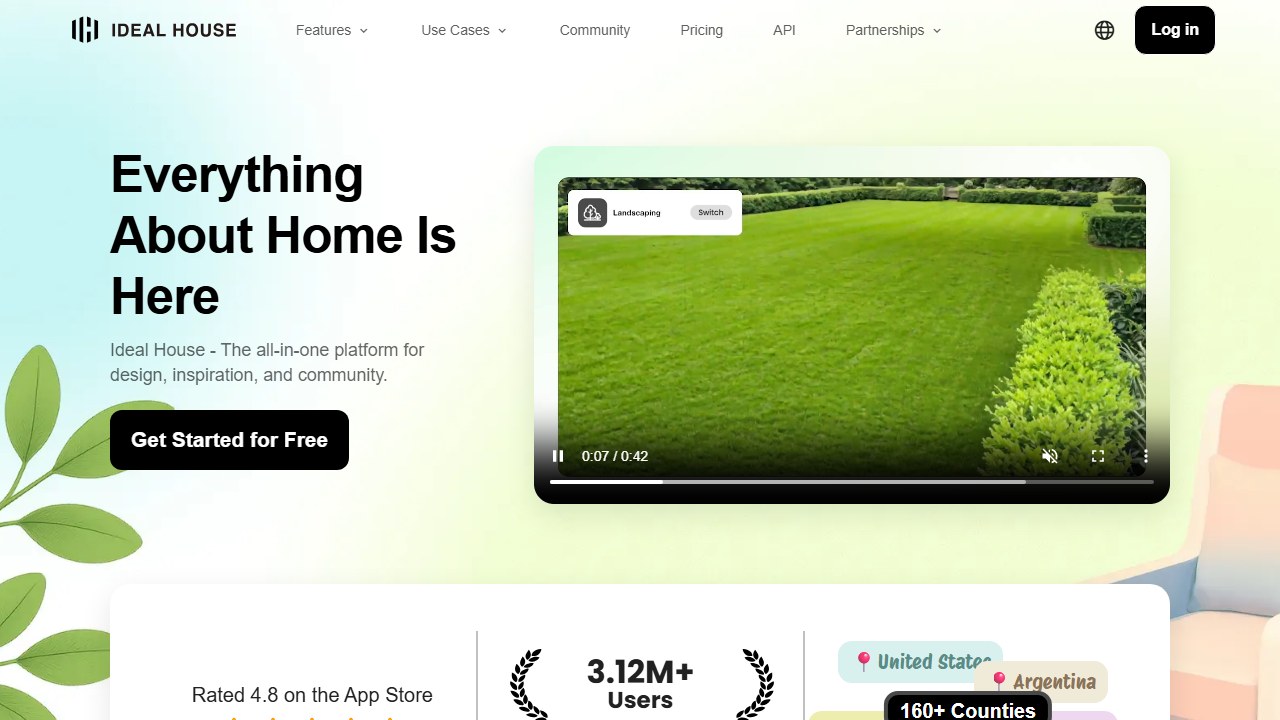
How it works on mobile: Download the app, create a free account, and you immediately receive 60 credits. Tap “Redesign,” upload a yard photo, choose a style, and the AI generates a render. Each generation costs a set number of credits depending on resolution. The HouseGPT chat lets you type prompts like “add a pergola with climbing vines” for iterative refinement.
Pricing tiers: The free tier provides 60 credits every 24 hours with watermarked outputs at standard resolution. The Plus plan (pricing varies by region, typically around $9.99/mo) removes watermarks, increases daily credits, and unlocks HD output. The Pro plan at roughly $19.99/mo adds priority processing, commercial use rights, and higher resolution exports.
Who should skip this app: Users who need to generate many high-resolution designs in a single sitting. The daily credit cap means you cannot batch 20 renders in one afternoon on the free plan. Also not suited for users who want landscape-specific features like plant identification or USDA zone data, since landscaping is just one module in a broader home design app.
Why it’s #5 for apps: The daily reset model is unique. Patient users get unlimited access over time without a subscription.
The catch: Watermarked free outputs. Landscaping is one feature among many, not the focus. No USDA data.
Standout features: 60 daily free credits, HouseGPT chat, multi-space design, iOS + Android apps.
6. HomeDesigns.AI. Best Free Trial
Website: homedesigns.ai
Rating: 4.0/5 | Price: 7-day free trial (unlimited), then $12/mo annual | Platform: Web (mobile browser)
HomeDesigns.AI offers the most generous trial in the category: 7 days of unlimited designs with no credit card required. Upload every space in your home and yard, try all 80+ styles, download everything. The 2.5 million user base and 1,300+ Trustpilot reviews provide strong social proof.
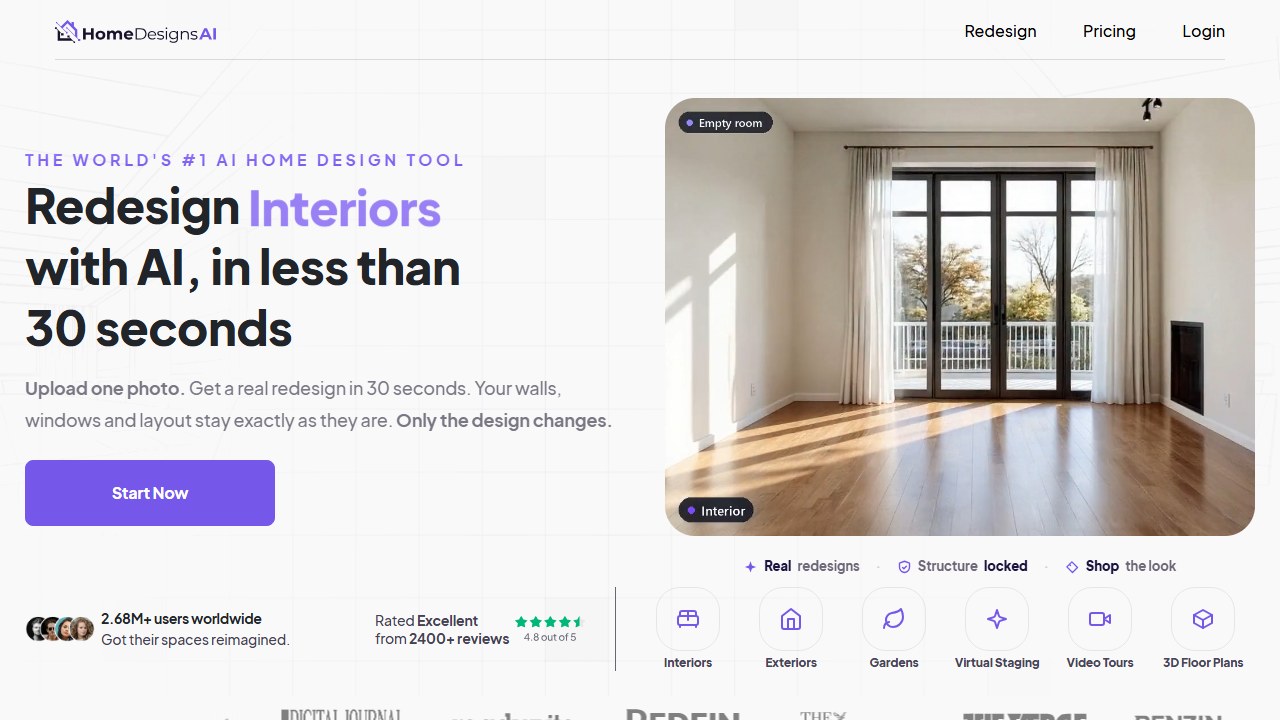
How it works on mobile: There is no native app. You visit homedesigns.ai in your phone’s browser. The responsive interface adapts well to smaller screens. Upload a photo, pick a style, and the AI generates a render. The mobile browser experience is smooth for generation and downloading, but switching between multiple designs is easier on a desktop with more screen space.
Pricing tiers: The 7-day free trial gives unlimited generations across all styles with full-resolution downloads and no credit card. After the trial, the annual plan costs $12/mo (billed yearly at $144). The monthly plan runs $24/mo. Both paid tiers include unlimited generations, all 80+ styles, and high-resolution exports. There is no free tier after the trial ends.
Who should skip this app: Users who want a native mobile app with push notifications or offline access. Since HomeDesigns.AI is web-only, you need an internet connection for every generation. Also not suitable if you need ongoing free access, because the free trial has a hard 7-day cutoff.
Why it’s #6 for apps: No native mobile app, but the responsive web interface works well on phones. The 7-day unlimited trial is the best way to test extensively before committing.
The catch: Web-only (no native app). No AR. No USDA plant data. After the trial, $12/mo annual.
Standout features: 7-day unlimited trial, 80+ styles, 2.5M users, under 30 seconds per design.
7. Paintit.ai. Best for Shoppable Design
Website: paintit.ai
Rating: 3.3/5 | Price: Free (3 renders), then $6.99/week | Platform: Web, iOS, Android
Paintit.ai generates landscape and interior redesigns from photos using text prompts. The unique feature: shoppable furniture suggestions. The AI recommends real, purchasable items that match your generated design. Describe what you want (“modern patio with minimalist planters”), upload a photo, and get a render with links to buy the featured elements.
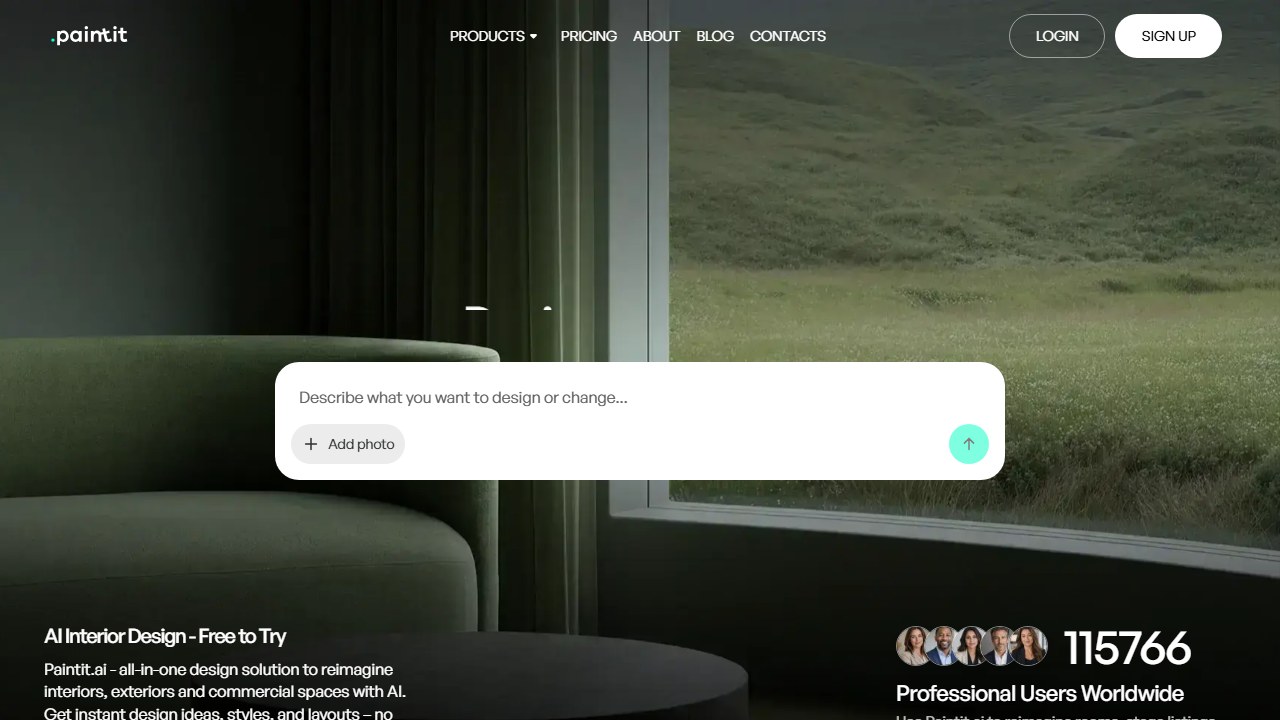
How it works on mobile: Download the native iOS or Android app. Upload a photo or take one with your camera, then type a text prompt describing what you want. The AI generates a render in about 15 seconds. Below the render, you see product cards for furniture and decor items that match the design, with direct links to purchase. Swipe through alternatives if the first suggestion does not match your taste.
Pricing tiers: Free users get 3 renders total (not per day, total). The weekly plan at $6.99/week gives unlimited renders and shoppable suggestions. The monthly plan at $19.99/mo adds a commercial use license, allowing landscapers and designers to use renders in client presentations. There is no annual plan, which makes the weekly pricing particularly expensive if left on auto-renew ($364/yr effective).
Who should skip this app: Anyone who prefers browsing preset styles instead of writing text prompts. Paintit.ai requires you to describe what you want in words, which takes more effort and produces inconsistent results if your prompts are vague. The weekly billing model is also risky for users who forget to cancel subscriptions.
Why it’s #7 for apps: The shoppable angle bridges the gap between design inspiration and actual purchasing.
The catch: Only 3 free renders. $6.99/week adds up fast if you forget to cancel. Text-prompt-driven means you need to describe what you want rather than picking from styles.
Standout features: Shoppable furniture suggestions, text-prompt design, iOS + Android apps, commercial license on monthly plan.
8. DreamYard. Fastest Generation
Website: dreamyard.ai
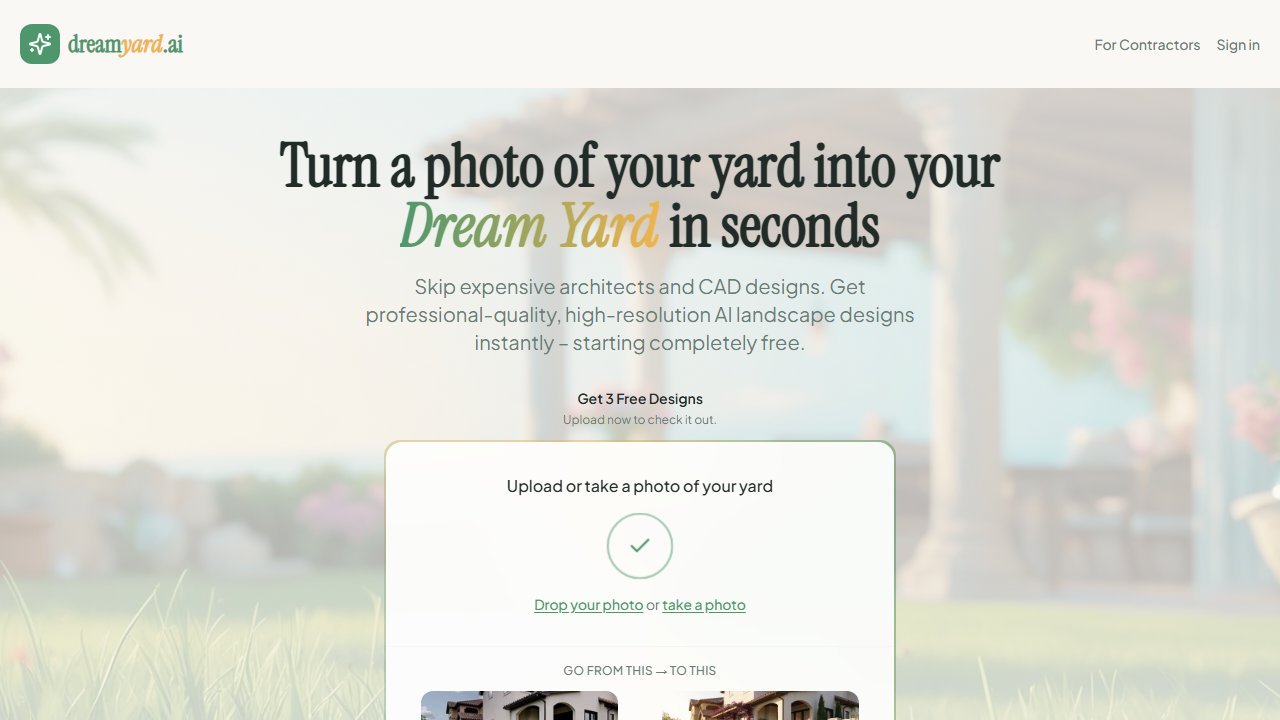
Rating: 3.2/5 | Price: Free credits, paid plans behind signup | Platform: Web (mobile browser)
DreamYard generates up to 3 landscape design concepts from a single photo in under 30 seconds. The Share & Vote feature lets you send designs to family or clients for collaborative decision-making. Clean and simple, with zero learning curve.
How it works on mobile: Visit dreamyard.com in your phone’s browser. Upload a yard photo, and the AI generates 3 different design concepts simultaneously. Tap any concept to view it full-screen, then use the Share & Vote button to send a voting link to family members or your landscaper. The entire flow from photo upload to shared vote takes under 2 minutes.
Pricing tiers: DreamYard offers a small number of free generations to start (exact count varies, typically 2-3 designs). Paid plans require signup to view pricing. Based on our research, expect credit-based pricing in the range of $10-$20/mo for regular use. The lack of transparent pricing before signup is a downside.
Who should skip this app: Users who want to iterate and refine a single design. DreamYard generates concepts but offers no editing tools. You cannot move a tree, change a plant, or adjust colors after generation. If you need fine control, use iScape or Planner 5D instead.
Why it’s #8 for apps: The speed is real. Three different design concepts in the time it takes most tools to generate one.
The catch: Web-only (works in mobile browser but no native app). No AR, no plant data, no manual editing. Pricing hidden behind signup.
Standout features: 30-second generation, 3 concepts per generation, Share & Vote, no credit card to start.
Read our full DreamYard review
9. HomeGPT. Completely Free
Website: homegpt.app
Rating: 3.1/5 | Price: Free | Platform: Web, iOS
HomeGPT is completely free for its core features. No signup required for your first 2 designs. Upload a photo of your yard, choose from 70+ styles, and get a visualization in under 30 seconds. The business model appears to be ad/affiliate monetized rather than subscription-based.
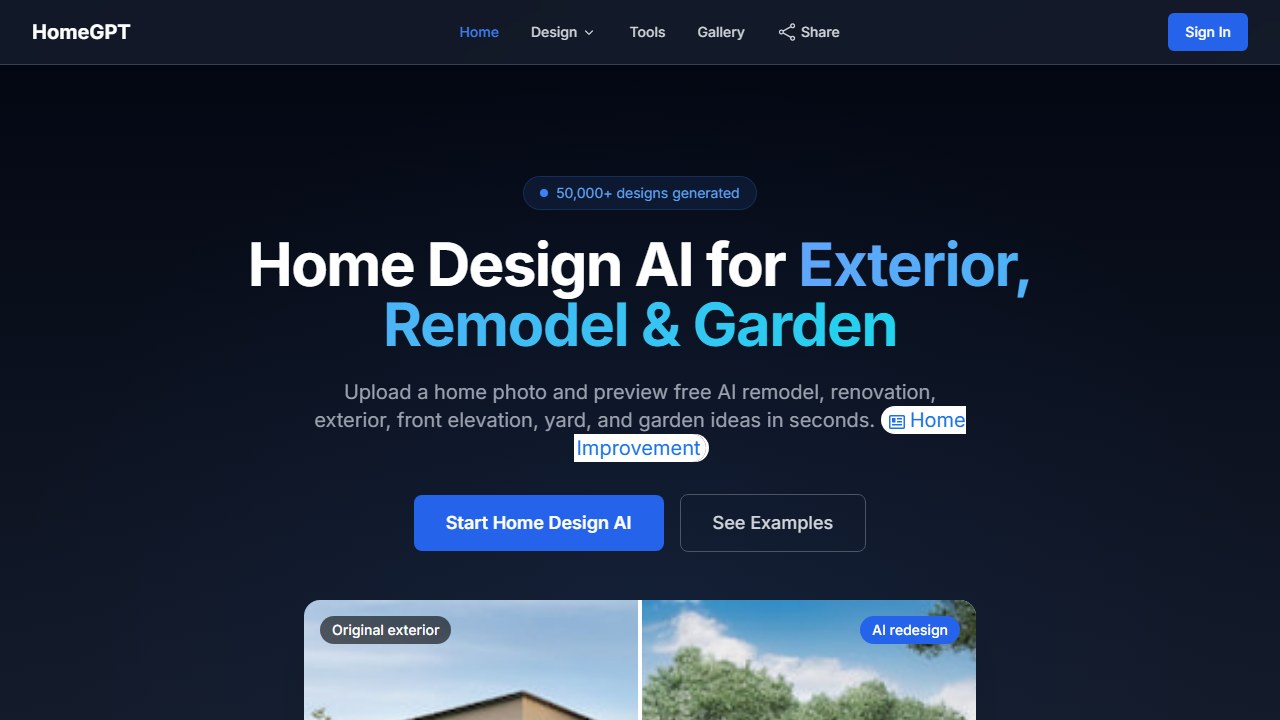
How it works on mobile: The iOS app provides the same experience as the web version. Open the app, skip signup for your first 2 designs, upload a yard photo, and scroll through 70+ style options. Tap a style, wait about 20 seconds, and download the result. After 2 designs, you need to create a free account to continue. The interface is minimal and straightforward, with no learning curve.
Pricing tiers: HomeGPT is free. There is no paid tier as of April 2026. All 70+ styles are accessible, and downloads are included at no cost. The platform monetizes through ads and affiliate partnerships rather than subscriptions. This could change, but for now there is no paywall.
Who should skip this app: Anyone who needs high-quality, photorealistic renders. HomeGPT’s output quality is noticeably lower than paid tools like DreamzAR or HomeDesigns.AI. The renders work for general inspiration, but if you plan to show designs to a contractor or use them for planning, invest in a tool with higher fidelity output. Android users should also look elsewhere, as there is no confirmed Android app.
Why it’s #9 for apps: Zero cost, zero friction. The fastest way to see what AI landscape design looks like without any commitment.
The catch: Limited design count. No USDA data, no AR, no cost estimates. Design quality is lower than paid tools. iOS only for mobile (no Android confirmed).
Standout features: Completely free, no signup for first designs, 70+ styles, fast generation.
10. Yard AI. The Whole Project Plan, Not Just a Render
Website: yardai.app
Price: Free tier, Pro $9/month | Platform: Web
Corrected 11 August 2026. An earlier version of this entry described Yard AI as Yardzen’s AI visualizer and attached Yardzen’s pricing and training claims to it. That was wrong. Yard AI is an independent product with no affiliation to Yardzen, which markets a separate feature under a similar name. This entry has been rewritten from the vendor’s own site.
Yard AI is an independent tool that turns a yard photo into a full project plan rather than a single picture. You upload a photo, give your location, pick a style and set the scope of the project, and it returns before and after visualizations along with the parts most AI design tools leave out.
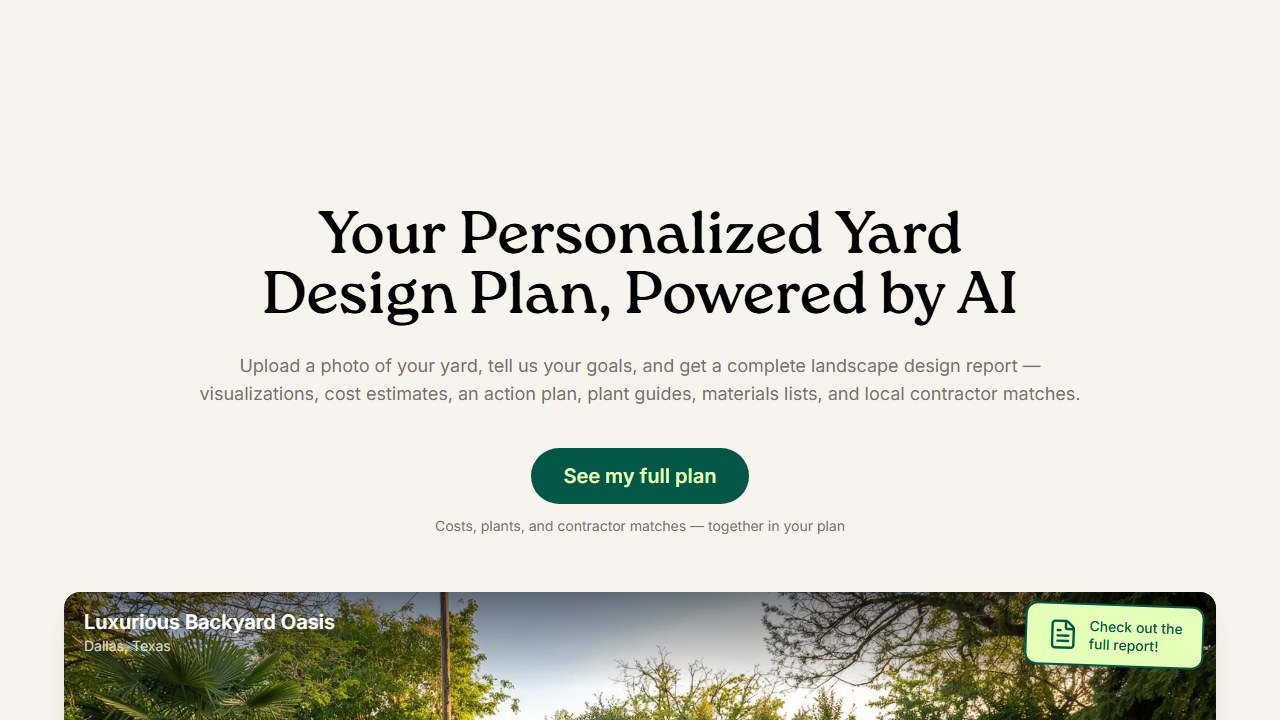
What you actually get: Alongside the renders, the output includes seasonal previews across spring, summer, fall and winter, cost estimates split between DIY and professional with a stated confidence score, a prioritized step by step action plan with timings and linked video tutorials, a climate matched plant guide with care notes, an itemized materials shopping list with retailer links, and local contractor matches. That combination is why it is on this list. Most tools here stop at the picture.
Pricing: There is a free tier. Pro is published at $9 a month, listed as 60 yard designs and 20 full yard plans per month. Figures read off yardai.app on 11 August 2026. Confirm on the vendor’s own page before you buy.
Who should skip this app: Anyone who wants a native iOS or Android app, since this runs in the browser. If all you want is to test layouts and you do not care about costings, plants or contractors, Neighborbrite or Ideal House are simpler places to start.
Why it is here: The planning layer. Cost estimates, a materials list and a contractor handoff turn a nice picture into something you can act on, which is the gap most AI landscape tools still leave open.
The catch: Web only, and it is a small, recent independent product, so there is no meaningful public review volume to weigh yet. We have not tested its cost estimates or contractor matches against real quotes. The name also collides with a feature Yardzen markets, so check which domain you are on.
Standout features: Cost estimates with confidence scores, seasonal previews, climate matched plant guide, materials list with retailer links, contractor matching.
The key takeaway: Neighborbrite’s free tier is the most generous by far. You get unlimited designs without watermarks. Every other app either caps your usage, adds watermarks, or both. If you are testing the waters, Neighborbrite costs nothing. If you need AR or plant data, DreamzAR’s free credits let you verify the feature works on your phone before subscribing.
Saru says: Some numbers worth noting. iScape leads the app stores with 4.6/5 on iOS across 29,000+ ratings and over 4 million lifetime downloads. Planner 5D has 4.4/5 on iOS with 30,000+ ratings. Neighborbrite has grown to 650,000+ users since launch, though its mobile apps are too new for meaningful ratings (5.0/5 on iOS, but only 3 reviews). HomeDesigns.AI reports 2.5 million users and 1,300+ Trustpilot reviews. The AI landscape design app market is still early. Most native apps launched in 2024 or 2025, so expect rating volatility as these products mature.
App Store Ratings at a Glance
| App | iOS Rating | iOS Reviews | Android Rating | Native App? |
|---|---|---|---|---|
| iScape | 4.6/5 | ~29,000 | 3.8/5 | Yes (both) |
| Planner 5D | 4.4/5 | ~30,000 | 4.3/5 | Yes (both) |
| DreamzAR | 3.1/5 | 101 | Present | Yes (both) |
| Neighborbrite | 5.0/5 | 3 | Present | Yes (both) |
| Ideal House | Present | Limited | Present | Yes (both) |
| Paintit.ai | Present | Limited | Present | Yes (both) |
| HomeGPT | Present | Limited | N/A | iOS only |
| HomeDesigns.AI | N/A | N/A | N/A | Web only |
| DreamYard | N/A | N/A | N/A | Web only |
| YardAI | N/A | N/A | N/A | Web only |
iScape and Planner 5D have the most established mobile apps by a wide margin. Newer entries like DreamzAR and Neighborbrite have small review counts that make their ratings less reliable.
Final Verdict
For most homeowners, start with Neighborbrite (free, unlimited) to visualize your yard in multiple styles. If you want AR or USDA plant data, try DreamzAR free credits. Professional landscapers should go straight to iScape for the proposal workflow. And if you’re renovating your entire property (inside and out), Planner 5D is the only app that handles both in one project.
The best landscaping app is the one you’ll actually use. Start free, test what works for your yard, and upgrade only when you hit a feature you need.
Tools mentioned in this guide

Written by
FazFaz is the founder of AIToolsBakery. Some tools here are tested hands on. Others are assessed from vendor documentation and pricing verified on the live page, and every review says which one it is. Sponsors can buy a position in a guide. They cannot buy the score, the criticism, or silence about a better option.
How we test and how we make money →