Brisk lives where you already work. That’s the entire pitch, and it’s a good one.
Quick Answer: Brisk is a Chrome/Edge extension that adds 30+ AI teaching tools directly inside Google Docs, Slides, Forms, and Classroom. Best for teachers who want AI assistance without switching apps. It offers writing feedback, lesson planning, quiz generation, and a unique “Inspect Writing” feature that replays how students wrote their work. FERPA and COPPA compliant with the strongest privacy rating among teacher AI tools.
[Faz] Most teacher AI tools ask you to leave your workflow. Open a new tab. Copy text over. Generate something. Copy it back. Brisk skips all of that. It’s a Chrome extension that puts AI tools directly inside the Google apps teachers already live in. You’re in Google Docs giving feedback on a student essay? Brisk is right there. You’re building a quiz in Google Forms? Brisk is right there. I’ve reviewed platforms with 80+ tools that still can’t match the convenience of AI that shows up exactly where you need it. We tested Brisk alongside every tool in our best AI tools for teachers roundup. Here’s what stood out.
What Brisk Does
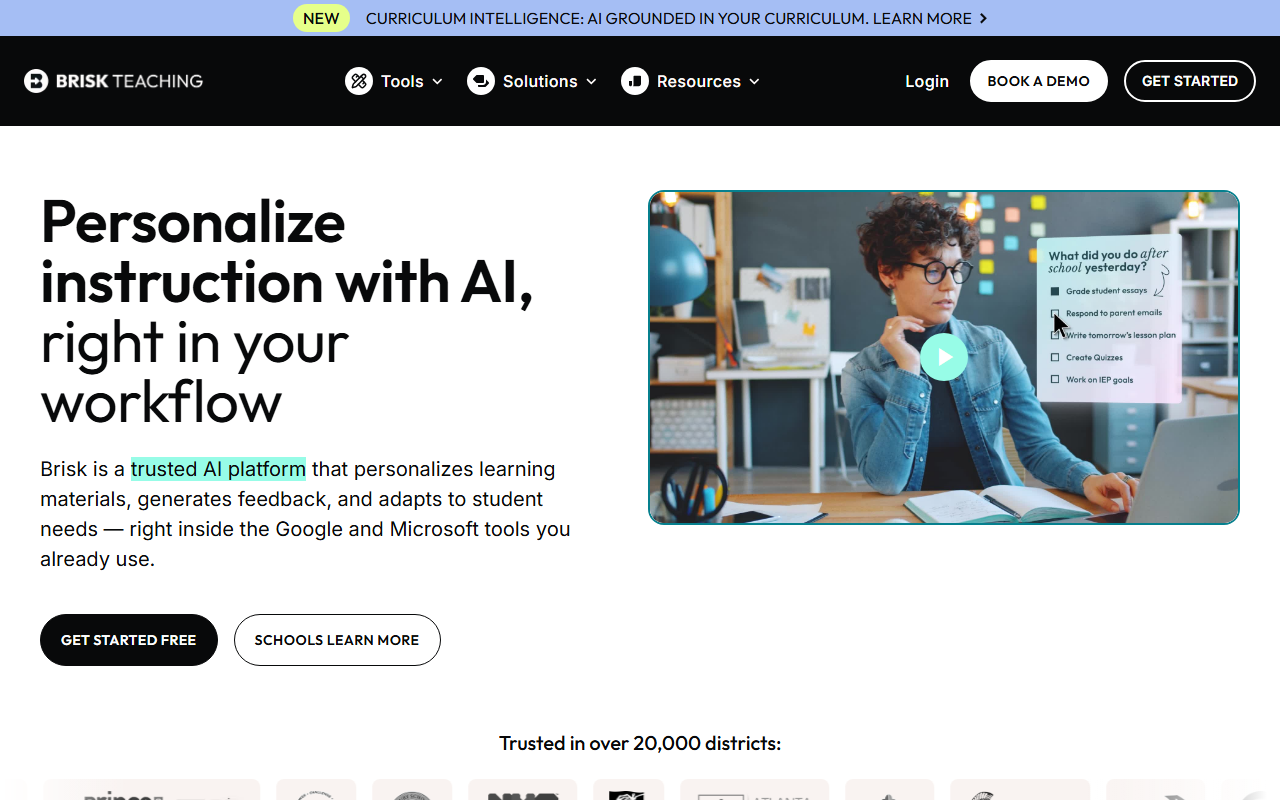
Brisk Teaching is a browser extension (Chrome and Edge) that embeds AI tools directly into the web apps teachers already use. Instead of a standalone platform, Brisk operates as a layer on top of Google Docs, Google Classroom, Canvas, YouTube, and other sites you visit during your workday.
The result: you get AI-powered lesson planning, student feedback, quiz generation, and content creation without leaving the page you’re already on. It’s the difference between having a toolkit in another room versus having it on your belt.
Key Features
Writing Feedback in Google Docs
This is Brisk’s strongest feature. Open a student’s essay in Google Docs and Brisk can generate detailed, rubric-aligned feedback in seconds. You can customize the feedback tone, depth, and focus areas. Instead of spending 8-10 minutes per essay writing comments, you review Brisk’s suggestions and adjust where needed.
The feedback isn’t generic. It references specific parts of the student’s text and ties comments to the rubric criteria you set. Teachers report cutting essay feedback time by 60-80%.
Inspect Writing
This is the feature no other teacher AI tool offers. Inspect Writing creates a video playback of how a student wrote their document in Google Docs. You can see every keystroke, paste, and deletion. If a student pasted in 500 words from ChatGPT, you’ll see it happen in the replay.
It’s not AI detection (which has accuracy problems). It’s visual evidence of the writing process. This is a fundamentally different approach to academic integrity than tools like Turnitin.
Presentation Maker
Feed Brisk an article, video, PDF, or topic and it generates a complete Google Slides or PowerPoint presentation. The slides include speaker notes, images, and a logical flow. You’ll want to edit and customize, but the first draft saves significant prep time.
Lesson Plan Generator
Enter your topic, grade level, and standards, and Brisk generates a structured lesson plan. It includes learning objectives, activities, differentiation suggestions, and assessment ideas. The output integrates directly into your Google Docs workflow.
Quiz Generator
Brisk creates quizzes directly inside Google Forms or Google Docs, complete with answer keys. You can generate questions from an article, video, or topic. The questions align to the reading level and complexity you specify.
Batch Feedback
For teachers grading a full class set of essays, batch feedback lets you process multiple student submissions simultaneously. Instead of opening each document individually, Brisk works through the stack and generates feedback for each student based on the same rubric.
Curriculum Intelligence
Brisk’s newest feature grounds AI output in your actual curriculum. Instead of generating generic content, it references the specific standards, scope and sequence, and instructional materials your school uses. This makes every output more relevant to what you’re actually teaching.
Additional Tools
- Newsletter generator for parent communication
- Podcast generator from lesson content
- Rubric creation
- Observation notes templates
- Reading level adjustment
- Language translation
- Brisk Boost (differentiated learning experiences)
- Brisk Next (AI-powered resource recommendations)
Pricing Breakdown
| Plan | Price | What You Get |
|---|---|---|
| Free | $0 | Access to core features (limits not publicly specified) |
| Premium | Contact for pricing | Full feature access, advanced tools |
| School/District | Contact for pricing | Multi-teacher deployment, admin controls |
What you need to know:
- Brisk does not publicly list its paid pricing. The free tier gives you access to core tools, but specific usage limits aren’t clearly documented on their site.
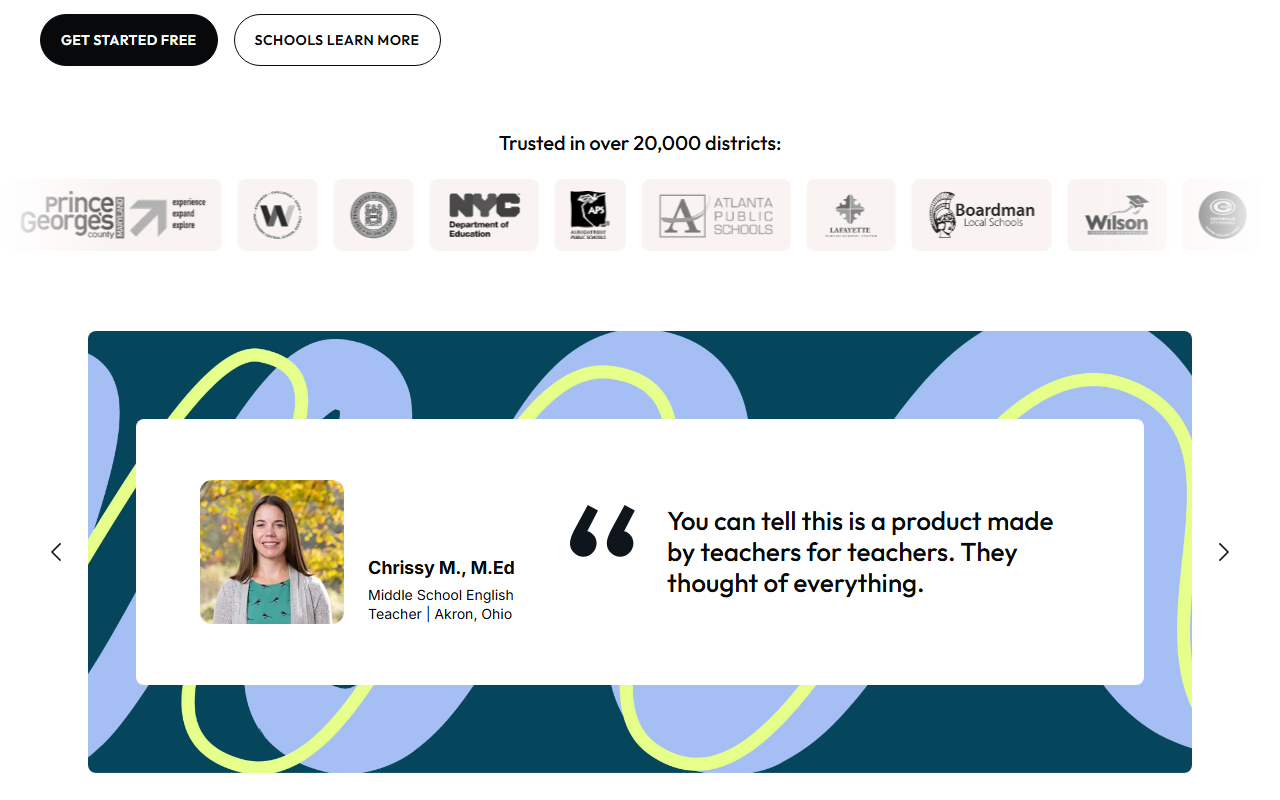
- District pricing is available for bulk deployment. Brisk is already in 20,000+ districts, so your school may already have access. Check with your IT department before buying individually.
- The lack of pricing transparency is the biggest friction point. You can’t compare costs against MagicSchool or Curipod without requesting a quote first.
Free Plan: What You Actually Get
Brisk’s free plan gives teachers access to the core Chrome extension and its main tools. However, the exact limits of the free plan (number of uses, features gated) aren’t clearly documented on Brisk’s public-facing pages.
What we can confirm: you can install the extension, connect it to Google Workspace, and start using writing feedback, presentation generation, and quiz creation without paying. At some point, usage limits may kick in and prompt an upgrade.
Recommendation: Install the free version and test it with your actual workflow before requesting pricing. You’ll know within a week whether the Google Workspace integration is worth paying for.
Privacy and Compliance
This is where Brisk separates itself from every competitor. The compliance stack is the strongest in the teacher AI space:
- 93% Common Sense Privacy Rating (highest among AI tools)
- FERPA compliant
- COPPA compliant
- SOC 2 certified
- GDPR compliant
- EdSafe AI certified
- Google Partner
- ISTE Seal certified
For teachers and administrators who need to justify AI adoption to cautious school boards, Brisk’s certification list makes the conversation significantly easier. No other teacher AI tool matches this compliance depth.
Integrations
| Platform | Supported |
|---|---|
| Google Docs | Yes |
| Google Slides | Yes |
| Google Forms | Yes |
| Google Sheets | Yes |
| Google Classroom | Yes |
| Microsoft Word | Yes |
| Microsoft PowerPoint | Yes |
| Canvas LMS | Yes |
| YouTube | Yes |
| Chrome browser | Yes (extension) |
| Edge browser | Yes (extension) |
| Firefox / Safari | No |
Who This Is For
Use Brisk if you:
- Live in Google Workspace and want AI tools without leaving your workflow
- Spend hours grading essays and want faster, rubric-aligned feedback
- Need to verify student writing authenticity (Inspect Writing)
- Want the strongest privacy and compliance certifications to satisfy your admin
- Teach ELA, humanities, or any subject involving student writing
Skip Brisk if you:
- Want a standalone platform with 80+ tools (look at MagicSchool AI)
- Need specialized differentiation features (look at Diffit AI)
- Use Firefox or Safari (Brisk is Chrome/Edge only)
- Need transparent pricing before committing
- Primarily need student-facing tools like tutoring or study aids
Pros
- Lives inside Google Workspace, zero context-switching
- Inspect Writing is a unique approach to academic integrity that no competitor offers
- Strongest compliance stack in teacher AI (FERPA, COPPA, SOC 2, ISTE Seal)
- Adopted by 20,000+ districts including NYC DOE
- Batch feedback processes an entire class set of essays at once
- Curriculum Intelligence grounds AI in your actual teaching materials
Cons
- Pricing not publicly listed for any tier
- Free plan limits are unclear
- Chrome/Edge only (no Firefox or Safari support)
- Less comprehensive than MagicSchool for non-writing tasks (lesson planning, IEP writing)
- Requires Google Workspace or Canvas; limited value outside those ecosystems
[Faz’s Take] Brisk gets the workflow problem right. Every other tool asks teachers to go somewhere new. Brisk shows up where teachers already are. The Inspect Writing feature alone is worth the install. Instead of running student papers through an AI detector that’s wrong 20% of the time, you can literally watch how they wrote it. That’s not detection. That’s evidence. If your school runs on Google, Brisk should be on every teacher’s Chrome toolbar.
[Saru’s Verdict] 4.5/5. Brisk holds the highest Common Sense Privacy Rating (93%) among teacher AI tools and is deployed across 20,000+ districts. The Chrome extension approach reduces adoption friction to near zero, which explains the scale. The 4.7-star rating across 700+ reviews confirms strong teacher satisfaction. Primary limitation: pricing opacity makes budget planning difficult, and the tool is less useful outside the Google/Canvas ecosystem.
FAQ
Is Brisk AI free for teachers?
Yes, Brisk offers a free plan. You can install the Chrome extension and access core features including writing feedback, presentation generation, and quiz creation without paying. The exact limits of the free plan aren’t publicly documented, so you may hit usage caps that prompt an upgrade. Many teachers find the free tier sufficient for daily use, especially when their district already has a Brisk subscription.
What is the Inspect Writing feature?
Inspect Writing is Brisk’s unique approach to checking academic integrity. It creates a video replay of how a student wrote their document in Google Docs, showing every keystroke, paste action, and deletion. If a student copied text from ChatGPT, you’ll see a large paste appear in the replay. This is fundamentally different from AI detection tools like Turnitin, which try to guess whether text was AI-generated. Inspect Writing shows you what actually happened.
Is Brisk FERPA and COPPA compliant?
Yes. Brisk holds FERPA and COPPA compliance certifications, along with SOC 2, GDPR, EdSafe AI, and ISTE Seal certifications. It has a 93% Common Sense Privacy Rating, which is the highest among AI teaching tools. This compliance stack makes Brisk one of the safest AI tools for classroom use from a data privacy perspective.
How does Brisk compare to MagicSchool AI?
Brisk is a workflow extension; MagicSchool is a standalone platform. Brisk puts AI inside Google Docs and Classroom where you already work. MagicSchool is a separate website with 80+ tools covering everything from lesson plans to IEP writing. Brisk is stronger for essay feedback and writing-related tasks. MagicSchool is broader and covers more use cases. We compare them in detail in our MagicSchool AI vs Brisk AI comparison.
Does Brisk work with Canvas?
Yes. Brisk integrates with Canvas LMS in addition to Google Classroom. The Chrome extension works when you’re browsing Canvas, and Brisk can pull assignment information from your Canvas courses. If your school uses Canvas instead of Google Classroom, Brisk still fits your workflow.
Can Brisk grade essays automatically?
Brisk generates rubric-aligned feedback and suggested scores for student essays, but it doesn’t replace teacher judgment. The AI reads the essay, evaluates it against your rubric, and provides detailed feedback on specific parts of the text. You review the suggestions, adjust scores where needed, and approve before anything goes to students. The teacher always has the final say.
Does Brisk work on Firefox or Safari?
No. Brisk is currently available as a Chrome extension and Edge add-on only. If your school uses Firefox or Safari as the default browser, Brisk won’t work. There’s no standalone web app that bypasses the browser requirement. This is the tool’s biggest compatibility limitation.
How much time does Brisk save per week?
Teachers using Brisk for essay feedback report saving 60-80% of their grading time. For a teacher grading 30 essays that typically take 10 minutes each (5 hours total), Brisk can reduce that to 1-2 hours. Across a full week with multiple assignments, teachers report saving 5-10 hours. The batch feedback feature amplifies savings when processing full class sets at once.
Final Verdict
Brisk is the best AI tool for teachers who live in Google Workspace and grade student writing regularly. The Chrome extension approach eliminates the biggest barrier to AI adoption: switching between apps. Inspect Writing gives you a genuinely new way to handle academic integrity. And the compliance certifications make it one of the easiest AI tools to get approved by cautious administrators. The pricing opacity is a real drawback, but if your district already has a subscription (check with IT), you’re leaving free productivity on the table by not installing it today.
Rating: 4.5/5

Written by
FazFaz is the founder of AIToolsBakery. Every tool on this site is personally tested with real-world writing tasks before a single word gets published. No sponsored rankings, no recycled press releases.
Read more about how we test →