Spacely AI and Collov AI both turn a room into a styled render, but they are built for different jobs. One restyles a whole room fast; the other edits one corner precisely. Choosing well comes down to which of those you do more.
Spacely AI vs Collov AI: Spacely restyles a whole room from a photo in seconds, built for fast client-facing concepts and turnaround. Collov focuses on virtual staging and precise, single-element edits via a brush tool, built for real-estate staging. Choose Spacely for speed and whole-room restyles; choose Collov for staging and targeted control. Both offer free trials.
Faz says: These two get compared because they look similar in a thumbnail and feel different in use. Spacely is the tool you reach for when a client says “show me this room in three styles” and you want answers in minutes. Collov is the one you reach for when you need to stage an empty listing or place one specific piece without rerolling the entire image. Most designers lean toward one based on whether their day is about concepts or staging.
Saru says: This comparison draws on both tools’ official documentation and pricing, our own reviews of each, and aggregated user ratings from G2 and Capterra, current to 2026. Confirm current pricing before subscribing.
The bottom line at a glance
| Spacely AI | Collov AI | |
|---|---|---|
| Best at | Fast whole-room restyles | Virtual staging, precise edits |
| Signature feature | Speed, keeps existing work intact | Brush tool for single-element edits |
| Primary audience | Designers needing fast concepts | Real-estate and staging teams |
| Pricing | Free trial (credits), from ~$13/mo | Free trial (no card), from ~$16/mo |
| Our score | 4.0 | 4.1 |
Short version: Spacely for speed and whole-room concept turnaround. Collov for staging and targeted, controlled edits.
Workflow: whole-room vs targeted
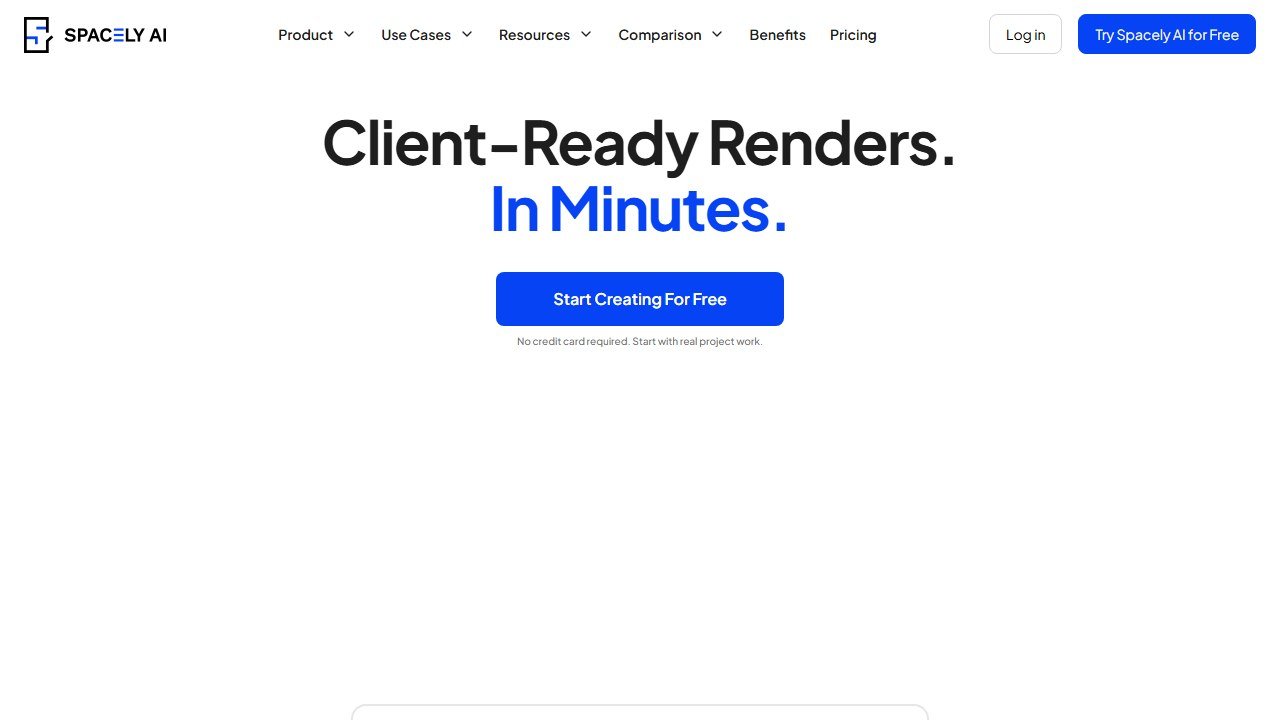
Spacely is built around fast, whole-room restyling. You upload a photo, pick a style, and get a reimagined room back in seconds, adjusting lighting, materials, and furniture while keeping the parts you have settled. It is a concept-and-turnaround engine.
Collov takes a more surgical approach. Its brush tool lets you draw on a region of the image and prompt a specific change, such as adding a particular chair in one spot, rather than regenerating the whole room. That makes it the natural fit for virtual staging, where you furnish or restyle part of an empty room while leaving the rest intact.
Use case: concepts vs staging
If your work is about exploring directions with clients, Spacely’s speed wins. If your work is about staging listings or making controlled edits, Collov’s precision wins. This is the real dividing line, and it maps cleanly onto two different kinds of professional: the designer iterating concepts, and the agent or stager preparing a property.
Pricing
Both start free. Spacely runs on credits, with a one-time free trial and paid plans from around $13/month. Collov offers a free trial with no card required, then plans from around $16/month (about 60 images), scaling up for higher volume. Neither is expensive relative to the time saved; pick on fit, not price.
Who each is for
Choose Spacely if you need fast concept renders, you restyle whole rooms more than you stage them, and client turnaround is your constraint.
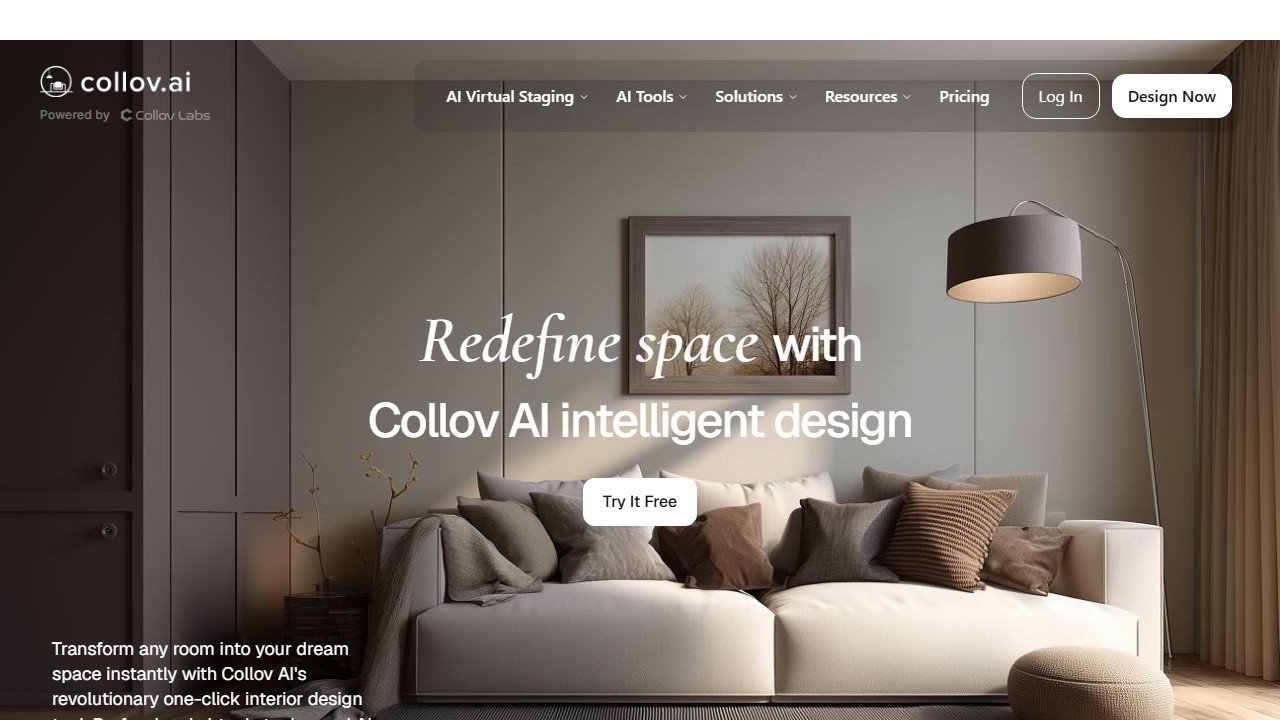
Choose Collov if you do virtual staging, you want to edit specific areas precisely, or your work spans interior design and real-estate listings.
Both sit in the rendering and staging stages of our AI tools for interior designers guide, where they each earn a distinct slot rather than competing head-on.
Our verdict
There is no single winner, because they win different jobs. Collov edges ahead on control thanks to its brush tool, which is why it scores marginally higher in our reviews, but Spacely is the faster concept tool and the better pick if speed is your priority. Many designers who do both concept work and staging end up using each for its strength. Read the full Spacely review and Collov review for the detail.
The honest decision tree: 10 questions to know which fits you
The Spacely versus Collov decision is often presented as a feature comparison. The more honest framing is a decision tree based on your actual use case. Answer these 10 questions and the right pick becomes obvious.
1. Are you a designer creating concepts for clients, or a Realtor staging listings? Designer = Spacely. Realtor = Collov.
2. How important is mobile workflow? Spacely’s mobile app is more polished for in-meeting client conversations. Collov is desktop-first for batch staging work.
3. Do you work primarily with existing furnished spaces or empty rooms? Empty rooms (vacant listings, new construction) = Collov. Existing furnished rooms needing redesign = Spacely.
4. What is your style aesthetic range? Spacely covers a broader interior-design aesthetic range. Collov focuses on recognizable real-estate-staging aesthetics.
5. How often do you iterate on the same image? Spacely supports more iteration with prompt refinement; Collov is optimized for one-shot staging.
6. Do you need MLS-compliant disclosure features for staged listings? Collov has better MLS integration and disclosure tooling.
7. What is your monthly output volume? Under 20 images per month: pay-per-image works fine for either. Over 50 per month: subscription tier math favors whichever fits your style preferences.
8. Do you produce client-facing concept work that goes beyond staging (mood boards, color palettes, design direction)? Spacely’s broader design tooling is better.
9. How important is the speed of output? Both produce output in under a minute. Collov’s pure staging optimization edges out Spacely on raw staging-only speed.
10. What is your training tolerance? Both have minimal learning curves. Spacely’s slightly broader feature set requires marginally more onboarding time.
Two-year cost comparison at typical use volumes
The headline pricing on both tools is similar, but the 2-year total cost depends on your actual usage pattern. Concrete math for two scenarios.
Scenario A: Interior designer producing 25 client concepts per month
Spacely Pro tier at approximately $30/month equals $720 over 2 years. The designer uses about 100 renders per month (4 variations per concept). The subscription tier covers this volume comfortably. Total 2-year cost: $720 plus negligible incidental costs.
Collov at equivalent pricing tier covers the volume but the designer would find herself fighting the staging-focused UI for design-iteration work. Functional but not the right tool for the use case. Total cost similar; experience worse.
Scenario B: Realtor staging 8 vacant listings per month, 6 photos each
Collov Pro tier at approximately $40/month equals $960 over 2 years. Realtor produces about 48 staged images per month. The subscription tier covers this volume. Total 2-year cost: $960 plus zero incidental costs.
Spacely at equivalent pricing tier covers the volume but the staging-focused workflow that Realtors want is less optimized. Functional but slower for batch staging work. Total cost similar; experience worse for the use case.
What both tools share (the parity features)
Roughly 70 percent of the feature set overlaps between Spacely and Collov. Worth knowing what you get from either tool, so you can focus on the differentiating questions in the decision tree.
Photo-to-render workflow: both tools accept a photo of an existing space and produce a redesigned or staged version. Output quality at the standard tier is comparable; you would not pick one over the other based on raw render quality.
Style direction prompts: both offer constrained, recognizable interior-design or staging aesthetics rather than open-ended generative prompts. Both produce output that does not look obviously AI-generated to non-expert viewers.
Mobile compatibility: both work on mobile, though Spacely’s mobile app is more polished. Both produce usable output from a phone or tablet capture.
Commercial-use licensing: both offer commercial licensing on their paid tiers. Verify the specific terms for your use case (especially residential versus commercial property use).
Customer support: both offer email-based support on standard tiers. Neither is category-leading on responsiveness; expect 24-48 hour response times during business hours.
Output watermark on free tier: both watermark the free tier output. Neither is usable for client work on the free tier; both require upgrade to standard tier for any professional use.
When the answer is actually “neither, use both”
For interior design firms that include both client-facing concept work and partner with real-estate agents on staging contracts, the answer to the Spacely-versus-Collov question is to subscribe to both. The combined subscription cost is roughly $60-100 per month depending on tiers, well within the marketing budget of any mid-size interior design firm.
The workflow for the dual-subscription firm: Spacely for client design concepts and mood-board iteration during the design phase, Collov for staging deliverables when the firm partners with real-estate listings or stages a finished property for marketing. The tools serve adjacent but distinct stages of the design-and-sales pipeline.
For Realtors, the dual subscription is less compelling because the design-concept work is not part of the typical Realtor’s deliverable scope. Realtors are better served by Collov alone.
For pure homeowners or hobbyists, neither paid subscription is necessary; both tools have free tiers sufficient for personal-use experimentation. Step up to paid only when the output needs to be shared in a professional context.
Three realistic scenarios that resolve the choice
Scenario 1: Established interior designer with 12+ residential projects per year
Pick Spacely. The breadth of design-aesthetic range and the client-meeting workflow value match the use case. Annual cost approximately $360 (Spacely Pro), justified easily by accelerated concept iteration across a high project count.
Scenario 2: Realtor with 30+ vacant listings per year
Pick Collov. The staging-focused workflow, MLS integration, and per-image economics serve high-volume listing work better. Annual cost approximately $480, justified easily by reduced physical staging spend and faster listing-prep.
Scenario 3: Mixed practice (designer who also lists properties or stages for partners)
Run both. Combined annual cost roughly $800-840 covers the design-iteration use (Spacely) and the staging-output use (Collov). Most mixed-practice professionals find the dual subscription pays back in the first quarter through improved workflow on both sides.
What we still cannot honestly assess
The comparison reflects research-based observation of how the tools perform across user types in 2026. Your specific results will depend on your client mix, market dynamics, and workflow preferences. Run a 30-day pilot on either tool (or both) before committing to a annual subscription. The free tiers and short trials make this low-cost evaluation accessible.
Migration considerations: switching from one to the other
For designers or Realtors who started with one tool and want to switch, the migration cost is mostly workflow re-training rather than data migration. The renders themselves are not portable between tools (each tool’s output stays in that tool’s ecosystem), so the switching cost is the time to learn the new workflow plus the time to rebuild your personal prompt library or style preferences.
Realistic switching timeline: 2-3 weeks to reach productive use with the new tool, including rebuilding prompt formulas, retraining muscle memory, and updating your standard project workflow. For someone with 20+ active projects per year, this is meaningful time. Switch only when the new tool’s value proposition is clearly better for your specific use case.
The data portability question is mostly moot here because both tools generate output rather than store proprietary databases. Your render outputs from either tool are downloadable images you can use anywhere. The only thing that does not migrate cleanly is your accumulated prompt library and style preferences, which you would have to rebuild manually in the new tool.
When the honest answer is “use neither, hire a designer”
For homeowners or small-business owners considering Spacely or Collov for one-off use, the genuine question to ask is whether your renovation or staging project deserves professional design service. Both tools are tools; they do not replace the judgment of an interior designer or experienced Realtor. For substantial projects (renovation budgets over $50K, listings priced over $750K), the cost of professional service is small relative to the project value, and the professional’s tool sophistication produces better outcomes than DIY in either tool.
The strongest case for DIY with Spacely or Collov: small-scale personal projects where the cost of professional service is hard to justify, hobbyist exploration of design concepts, or extending the work of an existing designer-client relationship. The weakest case: substantial projects where the cost of getting the design wrong significantly exceeds the cost of professional service.
The honest 30-day trial: how to actually evaluate both
The fastest way to resolve the Spacely versus Collov decision is to run a structured 30-day evaluation on both. Both tools offer free or low-cost trial access; the time investment is roughly 8-10 hours total across the month.
Week 1: Spacely setup and 5 test outputs. Use 5 different room photos from your archive (or sample photos) to produce style direction options. Note which prompts produce credible output and which produce generic AI looks. Save examples for comparison.
Week 2: Collov setup and 5 equivalent test outputs. Use the same 5 source photos. Apply Collov’s staging or design features. Compare output quality, time-per-render, and overall workflow feel against Week 1’s Spacely outputs.
Week 3: Real client or listing test. Use one tool on an active project. Collect actual user reactions (client, buyer, partner agent) to the output. Document time spent and outcome quality.
Week 4: Run the same active project test with the other tool. Compare directly. By end of Week 4 you have a clear preference based on actual results rather than vendor marketing claims.
Budget allocation: what each tool typically costs in your annual line
For an interior designer with $80,000 annual revenue from client work, Spacely Pro at $360/year is 0.45 percent of revenue. The tool is in the “essential design software” category alongside other foundation tools (SketchUp Pro, Adobe Creative Suite, etc.). Treat it as standard line-item, not as optional discretionary spend.
For a Realtor with $200,000 annual commission revenue, Collov at $480/year is 0.24 percent of revenue. Categorize as “listing marketing tools” alongside MLS subscription, photography costs, and other listing-prep expenses. The cost is well within standard marketing budget allocations.
For users with mixed use cases requiring both tools, combined annual cost roughly $840 is still under 1 percent of typical professional revenue. The dual subscription is rarely the cost issue; it is the workflow complexity of running two tools that prevents adoption. Most users settle on one tool and accept its limitations rather than maintain both.
The bottom line on Spacely versus Collov in 2026
Pick Spacely if you are a residential interior designer doing client concept work. The breadth of design aesthetic range and the client-meeting workflow value match the use case.
Pick Collov if you are a Realtor staging vacant listings or working with broader real-estate-tech needs. The staging focus and MLS integration match the use case.
Pick both if you do both kinds of work. The combined cost is small relative to typical professional revenue and the workflow benefits compound across both practices.
Either tool delivers value within its right use case. The wrong move is to over-think the decision; pick one based on the decision tree, run a 30-day pilot, adjust if needed. The category is competitive enough that the right pick today may shift in 18 months, so commit lightly and re-evaluate annually.
Final scorecard: Spacely vs Collov in 2026
Spacely wins on speed, style variety, and price. Collov wins on photorealism, commercial features, and team collaboration. If you are a homeowner, blogger, or solo designer doing mood board work, Spacely is the right call. If you are a design firm presenting to paying clients who expect photorealistic renders, Collov earns its higher price.
Related staging and design resources
For deeper individual reviews, see our Spacely AI review and Collov AI review. For the head-to-head with Virtual Staging AI, see Virtual Staging AI vs Collov. The broader category context lives in AI Tools for Interior Designers and Best AI Virtual Staging Tools.

Written by
FazFaz is the founder of AIToolsBakery. Some tools here are tested hands on. Others are assessed from vendor documentation and pricing verified on the live page, and every review says which one it is. Sponsors can buy a position in a guide. They cannot buy the score, the criticism, or silence about a better option.
How we test and how we make money →