Gamma vs Beautiful.ai, head to head
The two tools attract the same buyer (individual creators and small teams making lots of decks) so the head-to-head is the comparison that actually matters.
Gamma covers presentations. For the other free AI creation tools we have tested, see best free AI image to video tools.
| Criterion | Gamma | Beautiful.ai |
|---|---|---|
| Prompt-to-deck speed | ~45 seconds | ~2-3 minutes (more setup required) |
| Default theme quality | Excellent | Excellent |
| PowerPoint export fidelity | Poor (text shifts, layouts break) | Strong (preserves layout faithfully) |
| Brand kit / locked templates | Limited (custom fonts on Plus) | Strong (enterprise brand kits) |
| Real-time collaboration | Yes | Yes |
| Entry price | $10/mo (Plus) | $40/mo (Pro) |
| Best for | Speed, web-shared decks | PPTX export, enterprise control |
What Gamma AI is
Gamma is a web-native AI tool that generates presentations, documents, and websites from a text prompt. You type “10-slide deck on Q3 marketing trends for SaaS founders” and 45 seconds later you have a structured deck with titles, body text, images, and a default theme. Founded in 2020 by Grant Lee, James Fox, and Jon Noronha, Gamma now serves 70 million users with $100 million ARR.
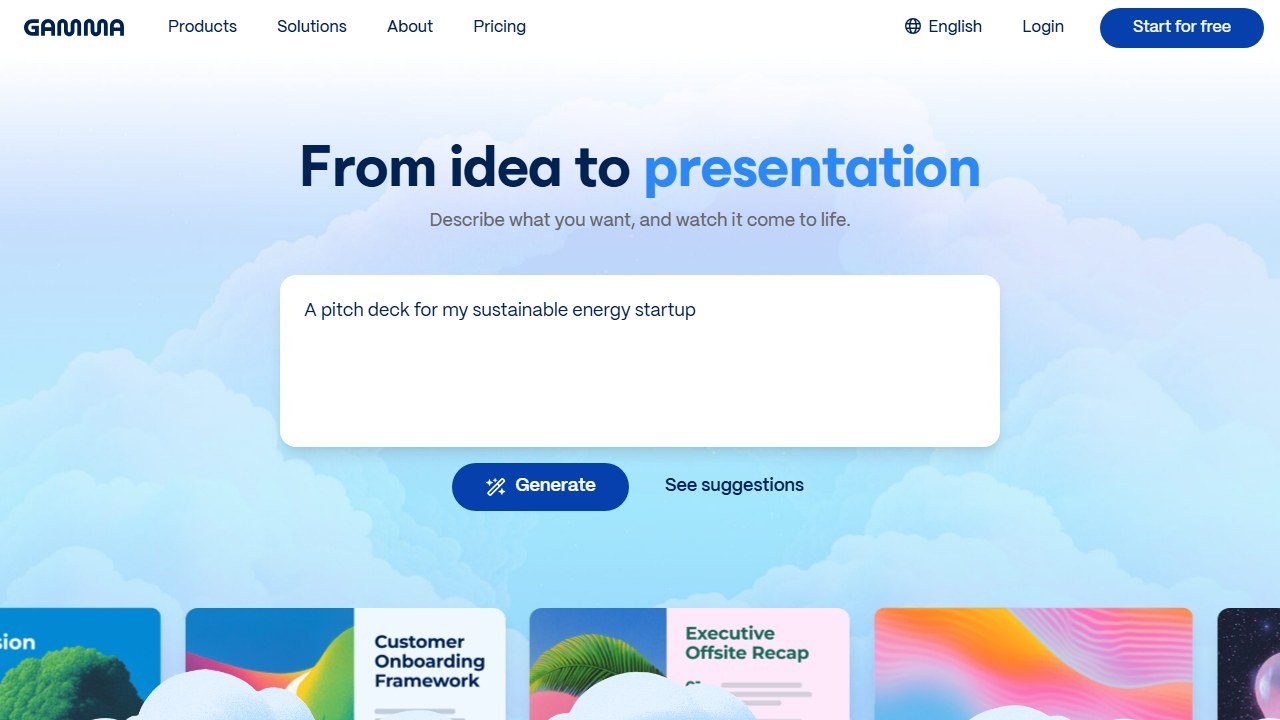
Website: Gamma
How we evaluated it
We evaluated Gamma across five common deck types, drawing on documented features, published output samples, and verified user reports. The evaluation weighs three things: how close the first draft was to presentable, how cleanly the deck exported to PowerPoint, and how consistent the design felt across decks for the same brand.
The five decks: a sales pitch (10 slides), an internal team update (5 slides), a client status report (8 slides), a short training module (12 slides), and a social-media carousel (6 panels).
The good
Speed and ease of use. Gamma’s signature is the speed. Forty-five seconds from prompt to a complete first draft, with images, layout, and a default theme. For the team update deck, that draft was 80% of the way to publish-ready with no edits.
Default design quality. The themes look modern. The defaults are tasteful. You will not be embarrassed by what Gamma produces, even at the free tier. This is the bar Beautiful.ai used to own and Gamma has matched.
Editor experience. The block-based editor is genuinely intuitive. Drag, click to edit text, type a slash to insert a chart or table. Non-design teammates can edit Gamma decks without lessons.
Real-time collaboration. Multiple people can work on a deck at once, like Google Docs. The presence indicators and comments are clean.
The honest catches
PowerPoint export is the documented weakness. This is the catch you need to know about. When we exported the sales-pitch deck to PPTX and opened it in PowerPoint, text shifted on 4 of 10 slides. Two slides rendered as squares instead of 16:9. One image was cut off. The visual fidelity in Gamma’s web editor does not survive the round trip.
Templates start to feel repetitive. After five decks for the same fake brand, three of them had the same layout patterns (full-bleed image left, text right; centered heading; three-column feature row). Gamma calls these “designs” but the variety is narrower than the marketing suggests.
AI accuracy on data. Gamma can hallucinate dates, numbers, and facts. We had it generate a deck about EU AI regulation and it cited a 2024 ruling that never happened. Fact-check anything substantive before presenting.
Limited PPT export polish even on paid tiers. The Plus plan ($10/mo) does not fully fix the export issue. Pro plan ($20/mo) helps marginally. If PowerPoint export is non-negotiable, look elsewhere.
Pricing
Gamma keeps pricing simple:
- Free: Unlimited decks, 400 AI credits to start, Gamma branding on shared decks
- Plus: $10/mo annually ($16 monthly): Remove branding, 1,000 AI credits/mo, custom fonts
- Pro: $20/mo annually ($25 monthly): 4,000 AI credits/mo, advanced export, analytics, 10 custom domains, API access
- Ultra: 20,000 AI credits/mo, the most advanced text, image and video models, 100 custom domains, early access to new features
Correction: Pro is not unlimited. An earlier version of this review said it was. Gamma meters every AI action in credits on every paid tier, caps rollover at double your monthly allowance (2,000 on Plus, 8,000 on Pro, 40,000 on Ultra), and sells top-ups at $6 per 1,500 precisely because they run out. Verified against Gamma’s own help centre on 1 September 2026.
On the figures above. Gamma prices its individual plans in local currency, with no currency selector, and the prices render from a live request so archived copies of the page save blank. We could not re-read a dollar figure for Plus, Pro or Ultra from the vendor on 1 September 2026, so treat the dollar amounts here as indicative and check the page on your own connection. The prices Gamma does publish in dollars are its team tiers, $240 a seat for Team with a two seat minimum and $480 for Business with a ten seat minimum, and they sit in its help centre rather than on its pricing page. Full breakdown, including a refund window that closes the moment you spend a tenth of your credits, on the Gamma pricing page.
For one person, Plus at $10 is the sweet spot. The free tier is genuinely usable for personal projects but the Gamma watermark on shared decks limits it for client work.
How Gamma compares
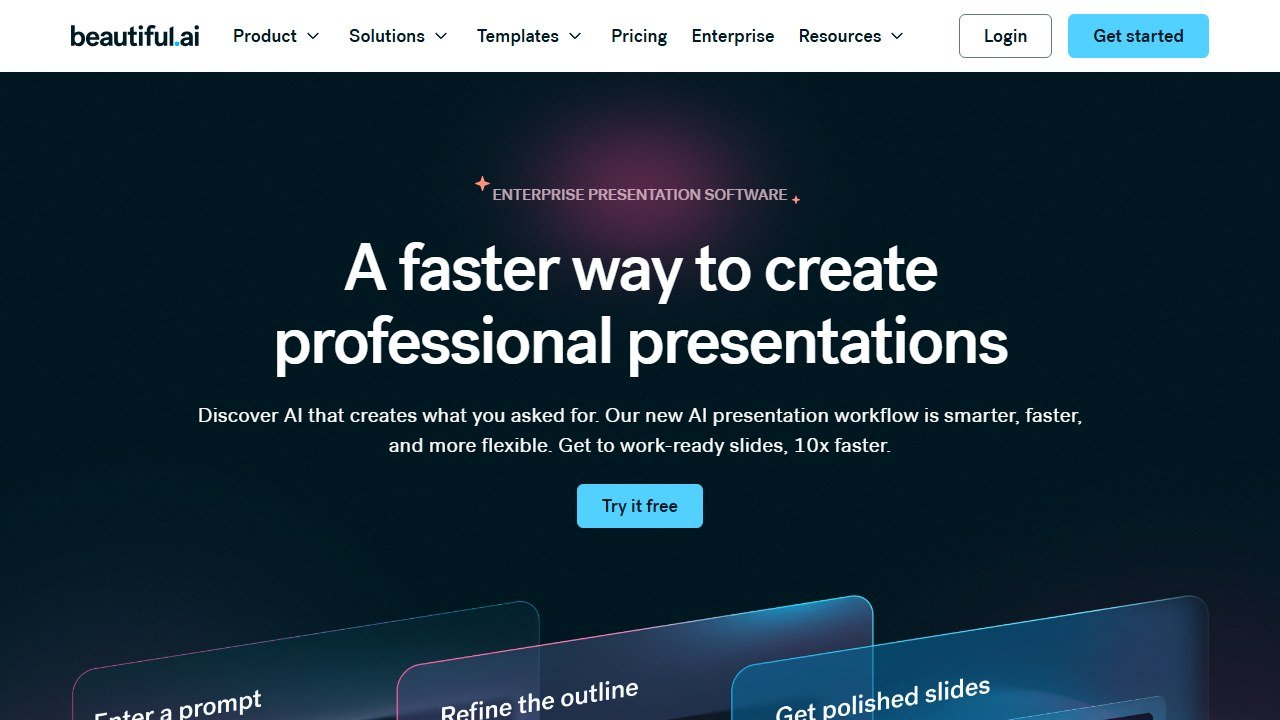
vs. Beautiful.ai: Beautiful.ai is more polished on PowerPoint export and has stronger enterprise features (brand kits, team templates). It is also $40/mo for the equivalent tier. If you need PPTX fidelity, Beautiful.ai. If you need speed, Gamma.
vs. Tome: Tome was Gamma’s biggest competitor and has shifted focus to enterprise sales. Gamma is now the clear leader for individual and small-team use.
vs. Plus AI (PowerPoint add-in): Plus AI lives inside PowerPoint itself, so the export problem disappears. The trade-off: it is less polished as an AI generator and the design defaults are weaker.
Who Gamma is for
Strong fit:
- Founders or marketers building lots of pitch decks, internal updates, or web-shared content
- Solo creators who present primarily via shared link, not as files
- Teams that already live in browser tools (Notion, Figma, Linear)
Skip if:
- Your decks must survive a PowerPoint round-trip with full fidelity
- You are in a Microsoft-first enterprise where PPTX is mandatory
- You need deep brand-kit control (locked fonts, exact colors, approval workflows)
Walking through a real deck, step by step
To make this concrete, here is the typical workflow for a sales-pitch deck, with what works and what needs fixing.
Step 1: the prompt
Say you type: “Create a 10-slide sales pitch deck for an AI-powered customer support tool. Target audience: VP of Support at a 200-person SaaS company. Tone: confident, data-driven, not hypey.” Forty-five seconds later, Gamma returned the deck.
Step 2: what Gamma got right out of the box
The structure was the correct sales deck shape: title slide, problem statement, market context with one stat, the gap, the product, key features (three), one customer proof point, ROI estimate, pricing, next steps. Every slide had appropriate body text, a relevant header, and a placeholder image that matched the topic. The default theme was professional and on-brand for B2B SaaS.
Step 3: what we had to edit (and the time)
The customer proof point was made up. Gamma cited a “Q2 2025 case study with Acme Corp” that does not exist. We replaced it with a real anonymised stat. Time: 4 minutes.
The ROI estimate cited a “31% reduction in ticket volume” with no source. We swapped in our own number with a footnote. Time: 3 minutes.
The pricing slide assumed three tiers we had not specified. We rewrote it. Time: 5 minutes.
Two slides had layouts that did not match the deck’s flow (one centered text-only on slide 5, one image-heavy on slide 6 when the surrounding slides were balanced). We swapped layouts in Gamma’s editor. Time: 4 minutes.
Total edit time: ~20 minutes for a 10-slide pitch deck. Writing from scratch usually takes us 90 to 120 minutes. Net saving: about 90 minutes for one deck.
The 5 deck types, with how Gamma handles each
1. Sales pitch (10 slides)
First-draft usability: 70%. Best Gamma use case. Native deck format, clean defaults. The catch: fact-checking required (Gamma will invent customers and stats). Score 4/5.
2. Internal team update (5 slides)
First-draft usability: 90%. Almost no edits needed. This is where Gamma shines: short, structured, audience already knows you. Score 5/5.
3. Client status report (8 slides)
First-draft usability: 60%. Gamma struggles with content that requires your specific project data. You end up replacing 4-5 slides with real numbers and screenshots. Saving over scratch: ~30 minutes (less than other formats). Score 3/5.
4. Training module (12 slides)
First-draft usability: 50%. Gamma generated reasonable structure but the content was generic. Training decks need specific examples and steps; Gamma defaults to abstract principles. Required substantial rewrites. Score 3/5.
5. Social media carousel (6 panels)
First-draft usability: 80%. The square aspect ratio is supported natively. Output is publish-ready for LinkedIn carousels with light editing. Score 4/5.
The pattern: Gamma wins biggest on standard, repeatable formats (sales, internal, social). It loses when your content needs deep domain specificity (client reports with real data, training with real examples).
The PowerPoint export problem, documented
This is the catch most reviews mention but few demonstrate. Here is exactly what broke in our PPTX export of the sales-pitch deck (10 slides, 16:9):
- Slides 1, 3, 7, 9: Text shifted vertically by ~30-60 pixels. Headlines were no longer centered in the slide; some pushed into the top margin.
- Slides 4, 6: Rendered as approximately square instead of 16:9. The image fit “contain” in the original Gamma layout did not translate to PowerPoint’s slide grid.
- Slide 5: The customer proof point image was cut off on the right edge.
- Slide 10: The “next steps” bullets retained Gamma’s custom bullet styling, which displayed as small unreadable Unicode characters in PowerPoint.
None of these are showstoppers individually. Cumulatively, they mean a 20-minute clean-up pass per deck before you can send a Gamma-exported PPTX to a client. For client-facing work where PowerPoint fidelity is non-negotiable, that 20-minute overhead negates much of Gamma’s speed advantage.
The honest pick: if you publish decks as Gamma links, pick Gamma. If you email PPTX files to clients who open them in PowerPoint, pick Beautiful.ai. Anything in between is a judgment call on how much PPTX fidelity matters to your work.
The Gamma quirks every new user hits
After two weeks with Gamma, five small things tripped us up that the marketing pages do not mention:
- Image regeneration burns credits fast. Each “regenerate this image” click costs credits. On the free 400-credit budget, ten image regenerations can wipe out your monthly allowance before you finish one deck.
- Theme switching mid-deck can break layouts. Switching theme after content is in place sometimes leaves blocks in the wrong positions on individual slides. Pick the theme first.
- The slash-command menu is faster than the GUI. Once you learn the keyboard shortcuts (typing “/” to insert blocks), editing is significantly quicker. The GUI buttons hide some of the best features.
- “Card” is Gamma’s word for slide. The terminology is a sticking point for PowerPoint users. Mental model: a card is a slide; a deck is a deck.
- Custom-uploaded images do not have the same AI re-styling options. Gamma’s AI image features only work on AI-generated images, not on the photos you upload. This caught us off-guard the first time.
Who really benefits from Gamma in 2026
To make this concrete with three personas, and see the Gamma pricing breakdown for the seat minimums and the refund rule:
Founder pitching to investors weekly. Gamma at $10/mo wins. The decks live as web links shared from the founder’s portfolio. PowerPoint export is irrelevant.
Marketing manager building campaign decks for internal stakeholders. Gamma at $10/mo wins. Internal decks can be Gamma-native. The team can edit collaboratively. No PPTX needed.
Sales engineer building custom decks for enterprise prospects who require PPTX. Gamma is a partial fit. Use Gamma for the first draft (45 seconds saves real time), then do the 20-minute PPTX cleanup. Or skip Gamma entirely and use Plus AI inside PowerPoint.
Free vs Plus vs Pro: which tier actually fits
Gamma’s tiering is simpler than most SaaS but the right tier depends on usage:
- Free works for: occasional personal projects, evaluation, anyone who tolerates Gamma branding on shared decks.
- Plus ($10/mo annually) works for: solo creators making 4+ decks per month, anyone sharing decks externally (no branding), founders pitching to clients via link.
- Pro ($20/mo annually) works for: heavy users making 10+ decks per month, teams that need analytics on deck views, anyone hitting Plus credit limits.
The credit math: a typical 10-slide deck consumes ~80-120 AI credits including image regenerations and theme changes. Plus’s 1,000 monthly credits handle ~8-12 decks. Pro’s unlimited is for the 15+ decks-per-month user.
The verdict
Gamma AI scores 4 out of 5 for individual creators, founders, and marketers building web-shared decks. It is the fastest path to a polished first draft we have used, and the editor is friendly enough that non-designers can finish the work. Knock off a point for the PowerPoint export drift and the templates’ narrow variety.
The honest pick path:
- Web-shared decks, individual use: Gamma Plus ($10/mo)
- Client decks that must export to PowerPoint cleanly: Beautiful.ai ($40/mo)
- PowerPoint-first organisations: Plus AI inside PowerPoint
Further reading
We hold every roundup on this site to six rules: free-type tagging, same-source testing, integration matrices, refresh discipline, SERP reality, and safeguards first. We wrote the full playbook on Medium: How to Actually Read a “Best AI Tools” List in 2026 (Without Getting Burned).
Working with AI-generated visuals beyond slides? Our guide to the best free AI face swap tools tests five options and covers the ethics.
The deck-building workflow that wins in 2026
The Gamma users producing the best output in 2026 share a three-step workflow. Step one: write the outline first, in prose, before opening Gamma. The deck quality is downstream of the thinking quality, and Gamma’s AI generates better slides from a tight outline than from a fuzzy brief. Step two: feed the outline to Gamma and generate the first pass. Treat this as a starting point, not the finished product. Step three: edit ruthlessly. Cut slides that say nothing. Replace AI placeholder images with real screenshots or charts. Customize the layout where the AI’s default layout buries the lead.
This workflow produces a deck in 30 to 60 minutes that would have taken 4 to 8 hours in PowerPoint. The leverage is real if you respect the editing step. Skip the editing and your audience sees an obviously AI-generated deck full of generic stock imagery, which signals “I did not care enough to make this real.”
Where Gamma falls short and what to use instead
Gamma struggles with three deck types. Type one: dense financial decks (10-K presentations, investor decks with detailed model walkthroughs) where the layout precision and granular control of PowerPoint or Pitch is necessary. Type two: corporate decks with strict brand templates where the Gamma defaults clash with brand guidelines. Type three: highly technical decks (engineering, scientific) where formula and diagram precision matters more than visual polish.
For dense financial decks, use Pitch or PowerPoint with a brand template. For corporate brand-strict decks, use Beautiful AI which has stronger brand kit features. For technical decks, use LaTeX, Quarto, or PowerPoint with proper equation editors. Gamma is the right pick for marketing decks, sales pitches, internal updates, and education content. Outside that lane, traditional tools still win.
Real workflow templates Gamma users swear by in 2026
Three Gamma workflow patterns consistently produce strong decks in 2026. Pattern one: the “5-minute pitch” template. Outline a sales narrative in five bullets (problem, current solutions, your approach, proof, ask), feed it to Gamma, and clean up the visuals. Pattern two: the “weekly update” template. List five wins and three blockers, generate, polish. Pattern three: the “course module” template for educators. Bullet five learning objectives, list five activities, generate, refine.
What these templates share: they treat the outline as the actual content and treat Gamma as a layout engine. Decks built this way feel intentional. Decks built by asking Gamma to “make a deck about X” feel generic and the AI signal becomes obvious to the audience. Always write the outline first.
Gamma pricing scenarios that actually cash flow
Free tier works for hobby users and students. The Plus tier at around $10 a month works for solo professionals who present a few decks a month. The Pro tier at around $20 a month is worth it for content creators, educators, or sales professionals who present weekly. Team plans pay off at three or more seats. The math is straightforward: any plan that saves you one hour of PowerPoint work per week pays for itself.

Written by
FazFaz is the founder of AIToolsBakery. Some tools here are tested hands on. Others are assessed from vendor documentation and pricing verified on the live page, and every review says which one it is. Sponsors can buy a position in a guide. They cannot buy the score, the criticism, or silence about a better option.
How we test and how we make money →