Quick answer: Salesloft is the mid-market sales engagement standard in 2026. We compared its documented capabilities, its published plan structure, and the public track record in customer case studies and verified reviews. We did not run a hands-on trial. Sequence depth and conversation intelligence are best-in-class. The catch: Salesloft publishes no pricing at all, and the contract data that is public puts it out of reach of the smallest teams.
Salesloft 2026 at a glance:
- Score: 4.3/5
- Best for: Mid-market sales teams of 10+ reps running structured outbound + inbound motions
- Starting price: Not published. Vendr median contract $30,740 a year
- Free trial: No, demo plus pilot on request
- Killer feature: Deep cadence orchestration plus AI-powered conversation intelligence (Drift acquired 2023)
- Research current to: March 2026
What Salesloft does well
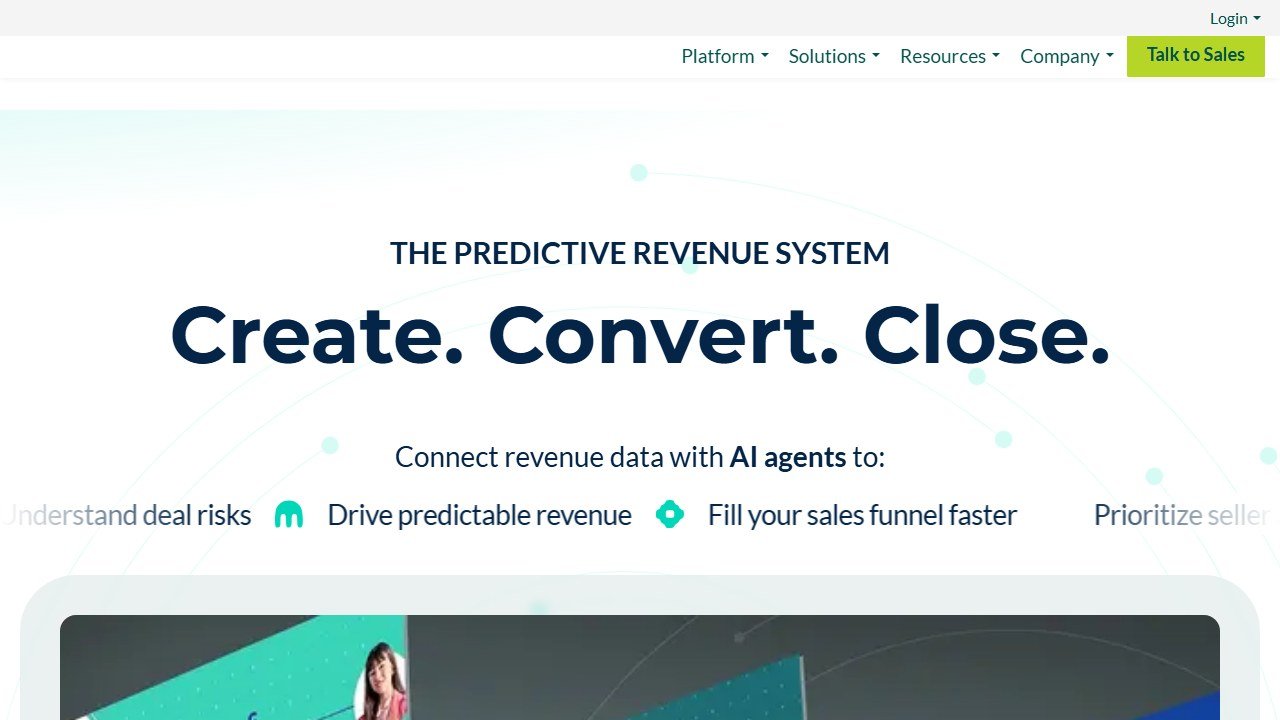
Website: Salesloft
Cadence orchestration is the headline strength. Salesloft lets you build multi-step, multi-channel sequences (email plus phone plus LinkedIn plus SMS) with rules-based branching that mid-market teams need. Compared to Apollo or Reply.io, Salesloft’s sequence builder is meaningfully more capable when your motion has 8+ touches and conditional logic.
The acquired Drift conversation intelligence (rolled into Salesloft in 2024 to 2025) is competitive with Gong on the basics: call recording, transcription, AI-driven deal risk surfacing, manager coaching dashboards. The integration with the sequence engine is the differentiator: a flagged call can automatically pause an opportunity’s sequence or route to a manager.
The Salesforce integration is excellent. Activity logging is bidirectional, opportunity stage updates flow in real time, and the custom object support handles complex CRM topologies that Apollo or Reply.io cannot. For Salesforce-native sales orgs, Salesloft is the natural fit.
The 2026 product has improved sharply on AI features. Cadence Coach AI scores rep email drafts in real time (similar to Lavender but native). The forecasting model now factors in conversation intelligence signals alongside CRM data, which users credit with a measurable improvement in forecast accuracy.
What Salesloft falls short on
Pricing is the headline concern. Salesloft publishes none, and Vendr states plainly that all quotes are custom. Vendr’s aggregate from 704 anonymised purchases, read on 1 September 2026, puts the median buyer at $30,740 a year across a range of $5,160 to $145,903. Against the opening quote its buyers save 18% on average, so the first figure you are shown is a starting position.
The UI shows its age. Salesloft has shipped major UI refreshes in 2024 and 2026, but the platform still feels enterprise-bloated to reps coming from Apollo or Instantly. New SDRs take 2-3 weeks to feel productive, versus 3-5 days for Apollo.
The mobile app is functional but lags behind Outreach’s mobile UX. For sales orgs whose reps work primarily from mobile, Outreach has the edge.
AI features are competitive but not leading. AiSDR, Apollo’s Jaden AI, and dedicated Lavender all out-feature Salesloft’s AI generation in head-to-head tests, though Salesloft’s AI integration with the sequence engine often makes it more practically useful.
What determines Salesloft ROI
Salesloft’s public track record shows the same split Gong’s does. In customer case studies and verified reviews, teams whose managers commit to weekly call review using the conversation intelligence layer report win-rate lift and faster deal cycles. Teams that deploy Salesloft purely as a cadence tool still gain sequence throughput, since the rules-based branching genuinely reduces manual sequence management, but they leave the coaching upside on the table.
The pattern matches what the public record shows for Gong: the conversation intelligence is a force multiplier only when managers commit to using it.
Salesloft pricing breakdown 2026
Salesloft does not publish pricing. The figures below are Vendr aggregates rather than vendor figures:
What the entry packaging covers. Cadence engine, email plus phone sequencing, basic CRM sync and standard reporting. A seat minimum applies, which is what rules out the smallest teams rather than the per-seat rate.
What the mid packaging adds. Conversation intelligence with call recording and transcription, AI scorecards and deal risk surfacing. Vendr notes the Conversations add-on can add 20-40% to base platform cost and Rhythm a further 15-30%.
Enterprise: Custom. Adds custom AI models, SSO, advanced governance, dedicated CSM, multi-region support.
Implementation is separate. Vendr puts professional services for setup, integration and training at $5,000 to $25,000 or more depending on complexity. Budget year one above the median and the steady state below it.
Size the budget from the median rather than a seat price, because no reliable public seat price exists. The $30,740 median is the most useful anchor to negotiate against, and the add-on percentages above are where the total quietly grows.
Salesloft vs Outreach vs Apollo
Outreach is the direct competitor. Outreach has slightly deeper cadence customization, better mobile UX, and is generally pricier (~$2,000+/seat/year). Salesloft has cleaner Salesforce sync and the rolled-in Drift conversation intelligence. The two are functionally close enough that most teams pick based on their CRM stack and prior team familiarity.
Apollo competes on price (1/20th of Salesloft’s cost). Apollo’s sequence builder is less sophisticated but covers 80% of the use cases at $59-99/month per seat. For early-stage teams under 10 reps, Apollo is the obvious win. The cross-over to Salesloft typically happens around 15-25 reps when sequence complexity and Salesforce integration depth matter more than absolute cost.
Reply.io wins on multichannel (LinkedIn plus SMS plus email) and AI-driven Jason agent. Salesloft is more enterprise-flavored. Right pick depends on whether your motion is LinkedIn-heavy (Reply.io) or Salesforce-heavy (Salesloft).
Who should use Salesloft
Mid-market sales teams of 10-50 reps running structured outbound plus inbound motions. Salesforce-native sales orgs where deep CRM integration matters. Teams in regulated industries (financial services, healthcare) that benefit from compliance features and call retention. Sales orgs with dedicated managers willing to commit to coaching workflows using the conversation intelligence layer.
Who should NOT use Salesloft
Teams under 10 reps. The 10-seat minimum and the per-seat cost do not amortize. Teams whose motion is LinkedIn-heavy (Reply.io is better here). Teams already deeply invested in Outreach (the migration cost rarely pencils out). Teams that need a quick time-to-value (Salesloft onboarding takes 4-6 weeks for mid-market deployments).
Common Salesloft setup mistakes
Buying it for the recording, not the cadences. Some teams buy Salesloft Engage Plus and use the conversation intelligence as a call library. That uses 25% of the platform. The cadence engine is where the ROI lives.
Skipping the Salesforce object mapping. Salesloft’s Salesforce integration is deep but requires proper opportunity, contact, and activity object mapping during onboarding. Skipping this means activity logging gaps that erode rep adoption.
Overengineering sequences in week 1. The temptation is to build 12-step branching sequences from day 1. Start with 5-step sequences, measure reply rates, then add branching once you have baseline data. Complex sequences without baseline measurement compound problems rather than solving them.
Treating it as a recording tool, not a coaching tool. Same trap as Gong. Without manager coaching commitment, the conversation intelligence ROI is weak.
Salesloft integrations worth setting up
Salesforce or HubSpot. Bidirectional, native, deep. Mandatory.
Slack. Routes deal risk and call summary notifications. Set up in week 1.
Outreach (if migrating). Salesloft has a migration tool for Outreach customers. Plan a 4-week parallel-running window.
Zoom and Microsoft Teams. Native call capture for conversation intelligence.
LinkedIn Sales Navigator. Adds LinkedIn touchpoints to sequences. Mid tier and above.
Snowflake or BigQuery. Data export for custom analytics. Enterprise only.
What the rest of this market charges, vendor by vendor
A table gives you the number. What decides your bill is the meter behind it and the limit that binds first. Here is each comparable vendor to Salesloft, read from their own pricing page on 4 September 2026.
Apollo.io, from $49 per seat, and it publishes the allowances too
Apollo is the transparency benchmark in this category. Basic is $49 per seat per month billed annually and $65 billed monthly, Professional $79 and $99, Organization $119 and $149 with a three-seat minimum, plus a free tier at $0. Crucially it also publishes the credit allowance, 30,000 per seat per year on Basic, which almost nobody else does. That means you can divide the allowance by your real monthly reveal volume and know whether the plan fits before speaking to anyone.
Lavender, from free to $89 a seat, and free for students and jobseekers
Lavender publishes every tier: Basic free forever but capped at five emails analysed a month, Starter $27, Individual Pro $45 and Team $89 per seat, all billed annually. Note the URL, because lavender.ai/pricing now returns a 404 after the company split into two products. It also gives the Email Coach away free to students, jobseekers and bootstrapped founders, which is unusually generous and worth knowing if you hire from a graduate pipeline.
Instantly and Smartlead, published, and metered on sending
Instantly and Smartlead both publish figures openly. For cold email tooling the binding constraint is usually monthly sending or active-lead volume rather than seats, so a plan can look generous per user and still stop you at the volume your campaign needs. Smartlead runs a working monthly and annual toggle that changes every figure, so check which state you are reading.
Clay, published but on a slider
Clay publishes real numbers, but they sit on a credit slider with a monthly and annual toggle marked “Save 10%”, so the figure changes as you move the credit volume. Any article quoting a single flat Clay price has taken one position on that slider and presented it as the price. Always pair a Clay figure with the credit volume it assumes, or it cannot be compared to anything.
Cognism, no price, but it publishes the packaging
Cognism publishes no figure in any currency. It does publish that Standard and Pro both include five seats, which is a floor worth knowing, and that its credits model only spends a credit again if a contact changes jobs. A two-person team should expect to be quoted for five.
Gong, no price, but it publishes the formula
Gong publishes no figure either, but it does publish the model: licences priced per user plus a separate platform fee based on the number of users supported. Two components, both scaling with headcount, which at least lets you model the shape of the bill.
ZoomInfo, Outreach and Salesloft publish nothing at all
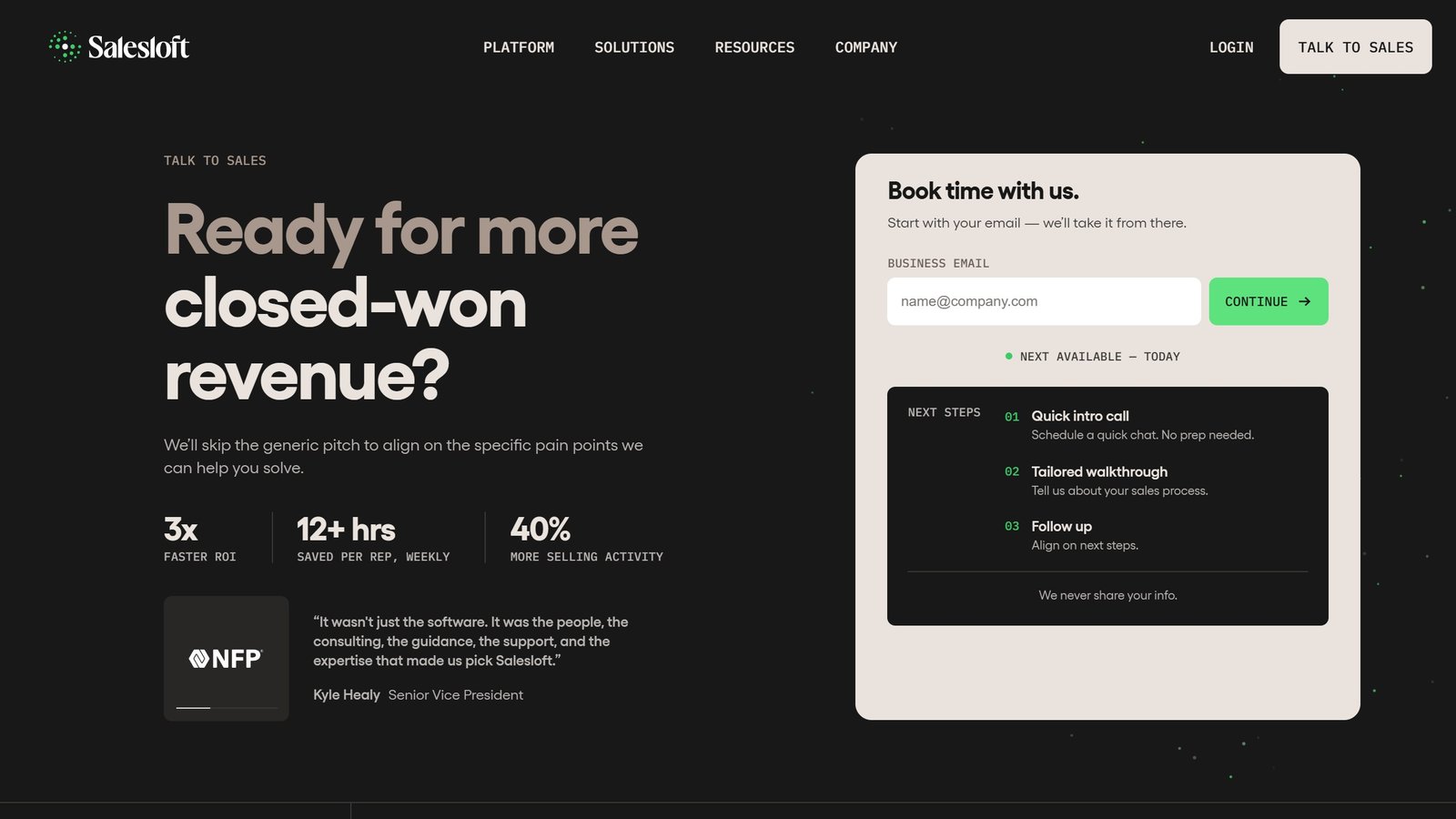
ZoomInfo renders over 12,000 characters of pricing page with no currency figure anywhere. Outreach sets out packaging but no numbers, and note the domain moved from outreach.io. Salesloft has gone furthest: its pricing URL now redirects to a page titled “Talk to Sales”, so there is no pricing page at all. Artisan has also removed its figures, its cards now reading “Pricing scoped on your plan”.
Running the evaluation so the quote means something
Normalise every quote before you compare
Ask each vendor, Salesloft included, for the same seat count, the same term, implementation quoted separately, every add-on itemised, and any usage meter stated with its included allowance and top-up rate. A blended annual figure is not comparable to anything and vendors know it.
Bring your own data to the demo
Vendor demos run on datasets chosen because the product handles them well. Ask to load your own: a messy account list, a call on a poor line, a technical conversation full of your product jargon. How a tool performs on your actual data is what decides whether reps adopt it, and it is invisible in a scripted walkthrough.
Test the thing people will do fifty times a day
Dashboards demo beautifully and get opened rarely. The feature that decides adoption is the one used constantly: finding a contact, building a list, locating a moment in a call. Time that specific task during the evaluation and count the clicks.
Agree the expansion price before you need it
Seat creep is the standard overrun in this category. Agree in writing what an additional seat costs, and whether the discount you negotiated applies to seats added mid-term. Discovering it does not is how a good first-year deal becomes an expensive second year.
Cap the renewal in the first contract
At renewal the vendor knows your usage, your dependency and your switching cost, and with no public rate card you have nothing to anchor against. A capped uplift stated as a percentage is worth more than a larger first-year discount, and it is only negotiable while you still have a choice.
What it costs to leave, which nobody quotes
Switching cost is why teams stay on tools they have outgrown. Three things determine how locked in you are, and all three are answerable during procurement.
Your data, and which parts of it come back
Contact records usually export cleanly. What often does not is the enrichment you paid for, the activity history, custom fields and the sequence performance data that tells you what actually worked. Ask specifically what a full export contains, in what format, and whether revealed contacts remain usable after the contract ends.
Sequences and templates are rebuild work
Cadences, templates, snippets and scoring rules represent months of iteration and rarely transfer between platforms. That is real staff time to rebuild, and it is the cost most often left out of a switching business case.
The integrations multiply the effort
Count every connected system before you sign, not when you leave: CRM, calendar, dialler, enrichment providers, data warehouse. Each one is work to disconnect and reconnect elsewhere, and the count is almost always higher than anyone remembers.
undefined
The verdict for 2026
Salesloft is the right buy for mid-market sales teams of 10+ reps with a Salesforce-native CRM stack and managers willing to commit to coaching using the conversation intelligence layer. The win-rate lift shows up consistently in the public record when managers run weekly call reviews. For teams under 10 reps, Apollo or Reply.io deliver more per dollar. For Salesforce-heavy enterprises above 50 reps, Salesloft and Outreach are the two-way race that depends mostly on prior team familiarity and CRM stack fit.
For the broader sales tool category, see our Best AI Sales Tools 2026 guide. For pure SDR motions, our Best AI SDR Tools 2026 covers AiSDR, Apollo, and Artisan. For cold email infrastructure specifically, see our Best AI Cold Email Tools 2026 guide.
Salesloft by sales role: who actually uses what
SDRs: The cadence engine is the highest-value feature for SDRs. Rule-based branching meaningfully reduces manual sequence management overhead. SDRs without prior sales engagement tool experience take 2-3 weeks to feel proficient, longer than Apollo (3-5 days) or Reply.io (7-10 days).
Account Executives: Conversation intelligence is the headline value for AEs. The post-Drift Kaia-equivalent surfaces deal risk signals (silence, competitor mentions, decreased engagement) earlier than manual tracking. The value shows up only where managers actually run weekly call reviews. Vendors in this category all quote win-rate lifts from coaching, but none publish an auditable methodology, so treat those numbers as marketing until you can reproduce them against your own closed-won data.
Sales managers: The lever that determines Salesloft’s ROI. Managers who actively coach using the conversation intelligence are the ones who report win-rate lift. Managers who treat it as a recording tool see no lift. The discipline gap is the defining variable.
Revenue Operations: RevOps teams get the forecasting model and the deal risk reports. Forecasting accuracy reads well in public user reports for 2026, though no vendor in this category publishes a methodology you can audit, so treat every accuracy claim, Salesloft’s included, as a number to test against your own closed-won data.
Customer Success: Salesloft’s CS edition handles renewal and expansion conversations. The AI surfaces churn risk signals (decreased engagement, competitor mentions in calls) earlier than manual tracking. For multi-product orgs running CS-led expansion motions, the value is real.
Salesloft pricing math at different team sizes
The per-seat economics shift with team size. Concrete math at three deployment sizes:
The middle of the market. Vendr’s median Salesloft buyer pays $30,740 a year. For a mid-market team that is the number to plan around, and it is usually below the opening quote.
The spread. Across 704 purchases the range runs $5,160 to $145,903 a year. The bottom of that range is a small team on a narrow configuration, the top is a large enterprise with add-ons, and no single per-seat figure describes both.
What sits on top. Implementation at $5,000 to $25,000 or more in year one, Conversations at plus 20-40%, Rhythm at plus 15-30%. Price the add-ons in the first negotiation rather than the second.
Discounting is routine: Vendr’s buyers save 18% on average, and leverage improves with seat volume and term length. Implementation cost also dilutes meaningfully at scale, so the per-rep figure falls as the deployment grows.
The benchmark for ROI: Salesloft pays back when the platform-attributed incremental revenue per rep exceeds roughly $20,000/year. For mid-market AEs with $400K-$800K quotas, the 5-10% productivity uplift from sequence orchestration and coaching typically clears this bar.

Written by
FazFaz is the founder of AIToolsBakery. Some tools here are tested hands on. Others are assessed from vendor documentation and pricing verified on the live page, and every review says which one it is. Sponsors can buy a position in a guide. They cannot buy the score, the criticism, or silence about a better option.
How we test and how we make money →