You are standing in the garden center, or on a trail, or in front of a volunteer that has appeared in a flower bed, and you want a name. You point your phone at the leaf, the app spits out a confident answer, and a heartbeat later it asks for your credit card. That last part is the real story of plant ID apps in 2026. The identification is mostly solved. The business model is where these apps differ wildly, and that is where most buyers get burned.
We are AI Tools Bakery, an independent review site. We do not sell any of these apps, we are not affiliated with their makers, and we earn nothing when you subscribe. That matters here because the search results for “best plant identification app” are dominated by two groups: the vendors writing about themselves, and affiliate listicles that rank whichever app pays the highest commission. PictureThis in particular shows up everywhere because its referral payouts are generous. We are neither camp. We reviewed for accuracy, then looked hard at how honest each app is about what costs money.
A privacy note before we start. Every app here uploads your photo to a server to run identification, and most attach rough location data to improve the match. That is normal and usually harmless for a leaf photo, but if you are documenting a rare plant on private land, check each app’s data policy first. Seek by iNaturalist is the standout on privacy: it can run identification on-device and collects nothing by default.
The 30-second answer: For free, accurate, science-grade ID, use Pl@ntNet or Seek. For the best all-rounder with care features, Planta gives the most honest free tier. PictureThis is the most polished and accurate but its subscription tactics are aggressive. Google Lens is the fastest casual option and costs nothing.
Quick answer: Pl@ntNet is the best free, science-first plant ID app, Seek by iNaturalist is best for private, kid-friendly use, PictureThis is the most polished, and Planta has the fairest free care tier. All struggle on bark, seedlings, and poor light, so treat disagreement between apps as a flag.
How we judged these apps
Naming a plant is only one job. We sorted the field by the jobs people actually hire these apps for, because the right pick depends entirely on which one is yours.
- ID accuracy: does it get the species right, not just the genus, from an ordinary phone photo?
- Free tier honesty: how much works before a paywall, and how clearly is that communicated?
- Plant care features: watering schedules, light meters, fertilizing reminders, repotting nudges.
- Disease and pest diagnosis: can it tell you why your leaves are yellowing, not just what the plant is?
- Science-grade versus consumer: is the goal botanical accuracy and data contribution, or a tidy houseplant hobby app?
Independent testing across several 2026 roundups lands in a consistent place. PictureThis and Pl@ntNet sit at the top for correctness, roughly 75 to 80 percent species-level on good photos, with iNaturalist’s engine close behind. Accuracy collapses for everyone on bark, dead winter stems, and anything blurry. No app is reliable on those. Keep that ceiling in mind as you read the picks below.
One more thing the marketing pages never say plainly: the apps that ID best are often not the apps that look best or sell hardest. The two most accurate options in our reading, Pl@ntNet and Seek, are also the two that ask you for nothing. The slickest, most heavily advertised app, PictureThis, is excellent but is also the one generating the most billing complaints. If you keep that inversion in mind, the whole category gets much easier to navigate. Spend your money only where a free app genuinely cannot do the job, which in practice means care reminders and disease diagnosis, not basic identification.
Pl@ntNet: the free, science-first choice
Pl@ntNet is a citizen-science project, not a startup chasing subscriptions, and it behaves like one. There are no aggressive upsells, no lifestyle clutter, and no care reminders. You photograph a leaf, flower, fruit, or bark, tell it which part you shot, and it returns ranked matches drawn from a community-built database that improves as users confirm IDs.
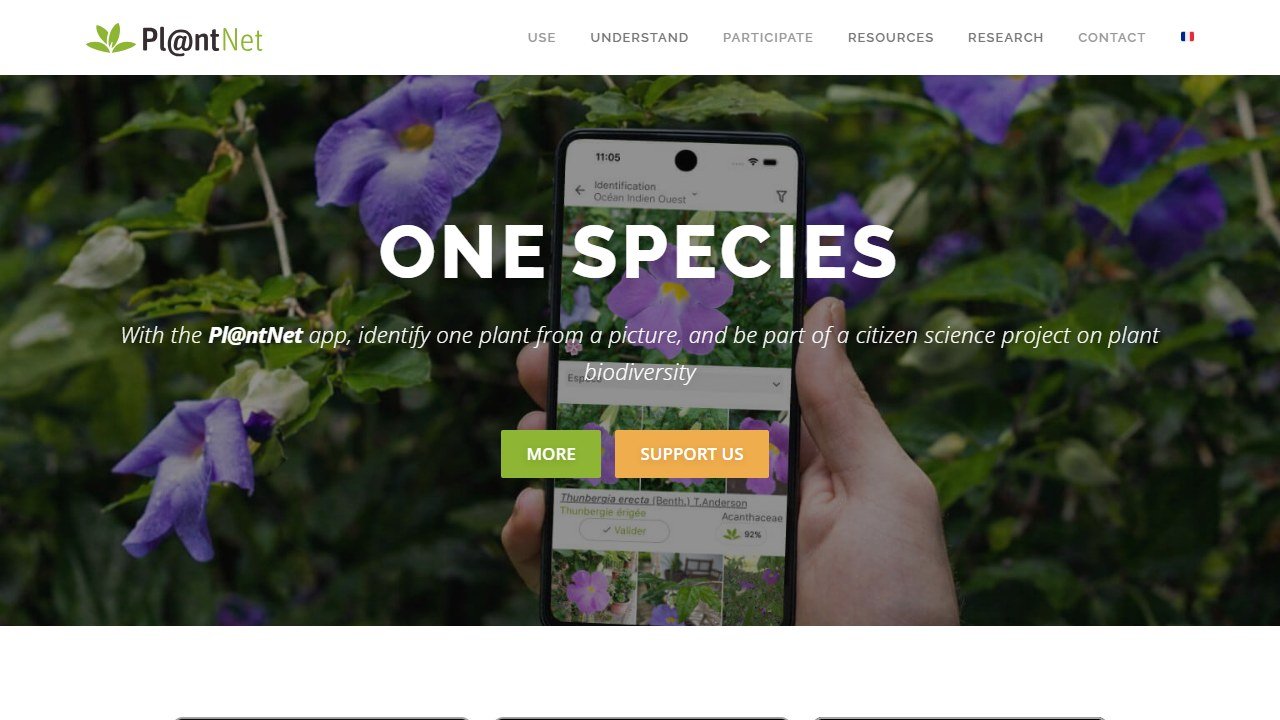
For accuracy on wild and native plants it is the one to beat, and it consistently ranks at or near the top in independent tests. It is genuinely free with no meaningful paywall, which is rare here.
One quiet strength: because Pl@ntNet asks you to specify the plant part you photographed and lets you submit multiple shots of the same plant, it tends to do better than the consumer apps on tricky wild specimens where a single flower photo is ambiguous. Gardeners identifying volunteers, weeds, and native species in the field get more out of it than they do out of the houseplant-focused apps.
The limit: it is a reference tool, not a hand-holder. There are no watering schedules, no disease diagnosis worth relying on, and the interface feels utilitarian next to the consumer apps. If you want to be told when to water your monstera, this is not your app.
Seek by iNaturalist: free, private, and built to teach
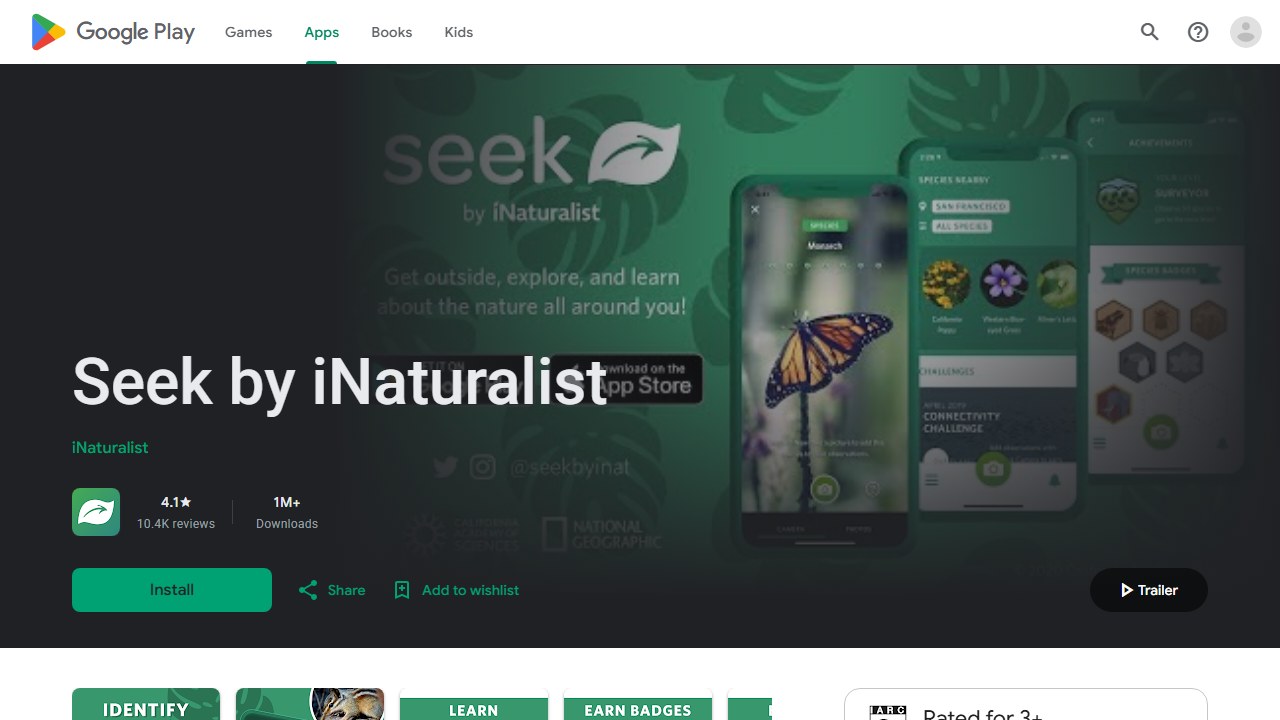
Seek, from the iNaturalist team backed by the California Academy of Sciences and National Geographic, is the privacy and education pick. It identifies in real time through the camera, requires no account, and by default collects nothing about you. For families, students, and anyone uneasy about handing photos to a commercial app, that combination is hard to match.
It is completely free with no ads and no subscription. The full iNaturalist app sits behind it for serious users who want expert verification and to contribute records to real biodiversity research.
The limit: accuracy is the most photo-quality-dependent in this group, and some recent testing found Seek’s on-device model weaker than the full iNaturalist engine, especially on lookalike species. It nudges you toward genus or family rather than committing to a risky species call. That caution is honest, but it can be frustrating when you want a definite name.
PictureThis: the most polished, and the most aggressive
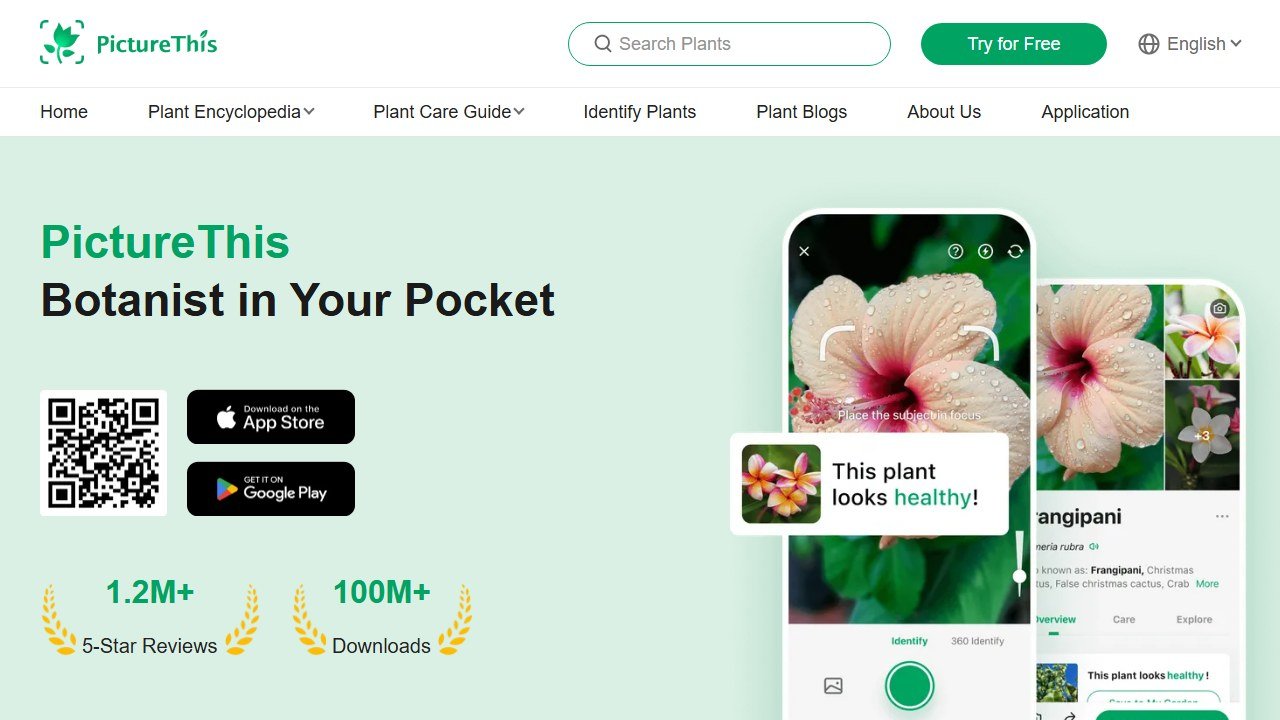
PictureThis is the app most people have heard of, and there is a reason. The identification is fast and accurate, particularly strong on houseplants, garden ornamentals, and common landscape species. It bundles disease diagnosis, care reminders, a light meter, and a clean interface into one product. As a piece of software it is the best all-rounder here.
The problem is the sales model. Most useful features sit behind a paywall reached through a short free trial, and the trial-to-subscription flow is where complaints pile up. Across app-store reviews and consumer forums in 2026, users report being charged for a full year after expecting a seven-day trial, subscriptions that are hard to find and harder to cancel, and poor refund experiences. Deleting the app does not stop the billing.
Pricing is a recurring subscription that you should treat as an annual commitment, and you must cancel through your phone’s subscription settings at least 24 hours before the trial ends. Confirm the current price on the vendor page, since it changes often and varies by region.
The limit: not the technology, which is excellent, but the friction and the risk of an unexpected charge. Go in with your calendar alarm set, or do not go in at all. If you want the same head-to-head detail, our PictureThis vs PlantNet vs Planta breakdown digs deeper.
Planta: the care app with the fairest free tier
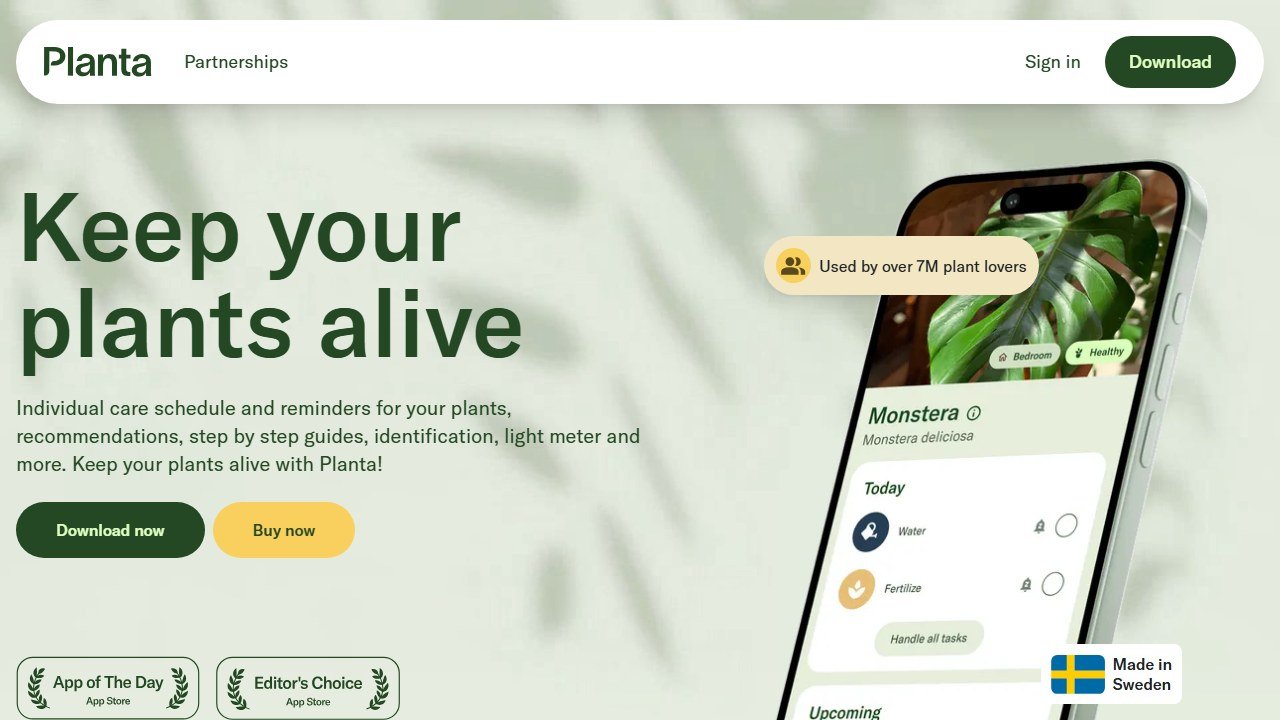
Planta is built around keeping plants alive rather than just naming them, and among the paid consumer apps it has the most generous and honest free version. Watering reminders, plant logging, and a usable plant scanner all work without paying. The smart watering schedule adapts to each plant and to the light and conditions in your home, which is genuinely useful for nervous new plant parents.
The premium tier unlocks the light meter, more detailed diagnosis, and unlimited ID. Pricing is a subscription billed monthly, quarterly, or annually, with the annual plan the cheapest per month. Prices vary by store and region, so verify before subscribing.
The limit: ID accuracy is solid on common houseplants but not its main strength, and some users report the watering schedule erring toward too frequent, which can mean overwatering if you follow it blindly. Treat the reminders as a starting point, not gospel. If you are pairing indoor care with outdoor planning, our AI garden design tools guide is the natural next read.
Google Lens: free, instant, and already on your phone
Google Lens is not a plant app at all, which is the point. It is built into the Google app, Photos, and Chrome, so there is nothing to install and nothing to pay. Point it at a plant and it pulls visual matches and web results in seconds. For a quick “what is that” on a walk, it is the lowest-friction option in this entire list.
It is completely free. There is no subscription, no trial, and no account beyond the Google one most people already have.
The limit: it is a general visual search, not a botanical tool. It often returns a shopping result or a close-but-wrong lookalike rather than a confident species ID, it offers no care features or disease diagnosis, and it will not contribute your sighting to any scientific record. Good enough for curiosity, not for decisions.
PlantSnap: broad database, paywalled features
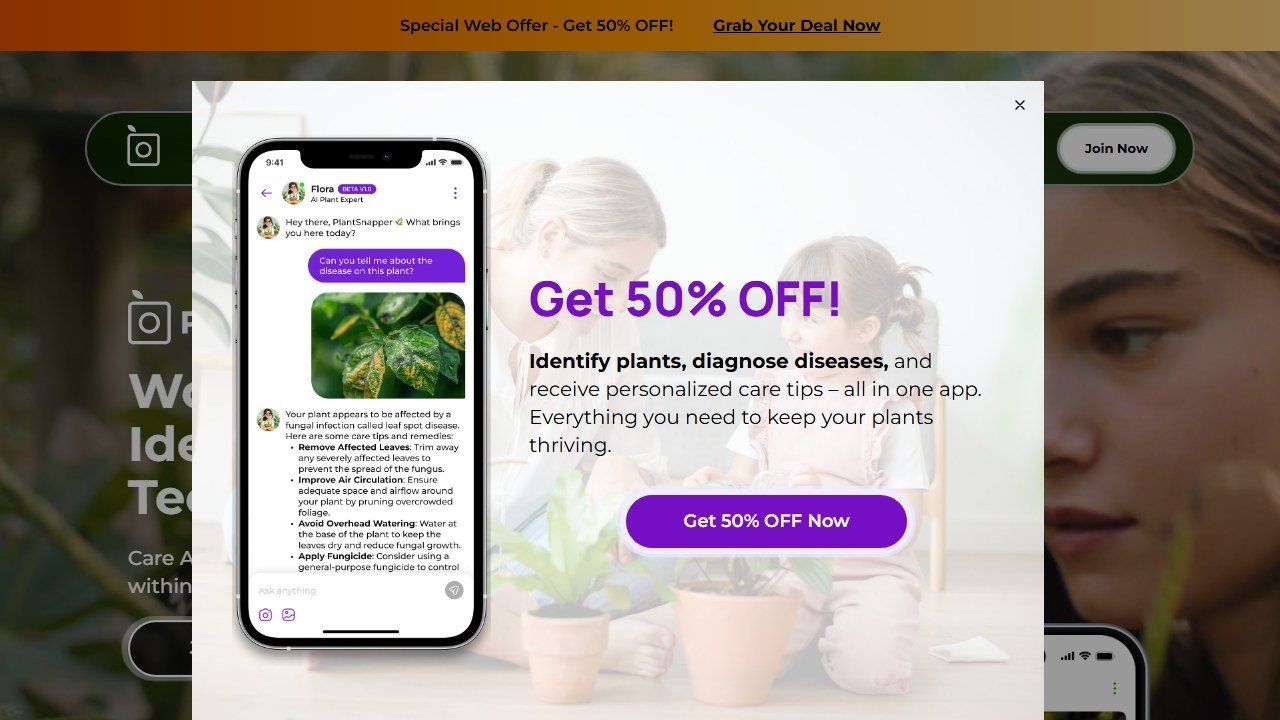
PlantSnap markets one of the largest databases in the category, covering a very wide range of species including succulents, cacti, and some mushrooms. In some independent tests its raw identification accuracy scored well. The pitch is breadth and a snap-and-go workflow.
The limit: most of the genuinely useful features sit behind a subscription, and the free experience is thin and ad-supported. The interface feels dated next to PictureThis and Planta. It is worth a look mainly if you regularly hit species the other apps miss, but for most people the free options above cover the same ground.
Blossom: best-looking, education-led, ID comes second
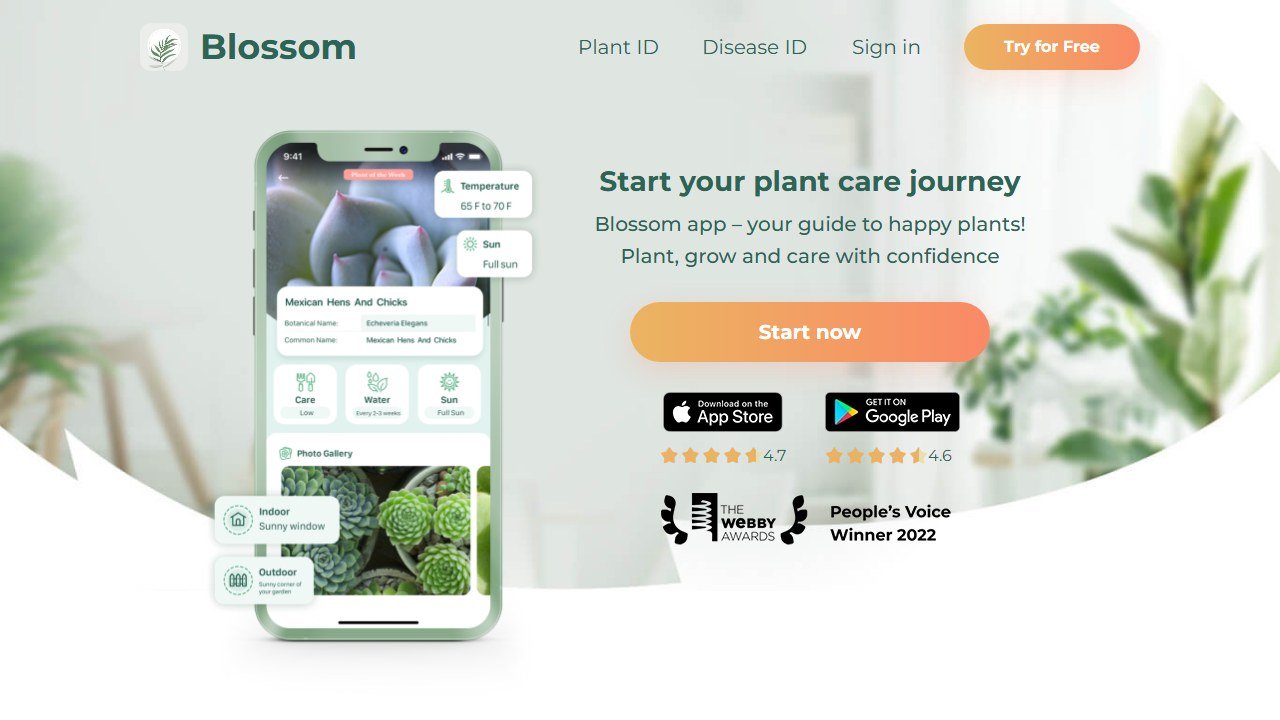
Blossom, made by Bending Spoons, has arguably the nicest interface in the category and leans toward plant education and structured care guidance, especially for popular houseplants. If you enjoy browsing and learning about your plants, it is a pleasant place to spend time.
The limit: identification feels secondary to the care and content experience, and the free tier is tight, with only a handful of scans before a paywall. In tests it sometimes nailed the genus but missed the exact species. Choose it for the care content and the design, not as your primary ID engine.
The plant ID apps compared
One table, the honest version. Pricing is qualitative on purpose, because these apps change prices and trial terms often. Always confirm on the vendor’s page before you pay.
| App | What it does best | Best for | Free tier | Price |
|---|---|---|---|---|
| Pl@ntNet | Accurate, science-grade ID | Wild and native plants, accuracy seekers | Fully free, no real paywall | Free |
| Seek | Private, on-device, educational ID | Families, students, privacy-minded | Fully free, no account | Free |
| PictureThis | Polished all-round ID plus care and disease | Houseplant owners who want one app | Short trial only | Recurring subscription, aggressive billing |
| Planta | Adaptive care reminders, fair free version | New plant parents who want care help | Generous, scanner included | Subscription for premium |
| Google Lens | Instant casual ID, zero install | Quick curiosity on a walk | Fully free | Free |
| PlantSnap | Very broad species database | Unusual species the others miss | Thin, ad-supported | Subscription for full features |
| Blossom | Design and care education | Hobbyists who like to browse and learn | Few scans, then paywall | Subscription for premium |
A lean way to start
You do not need to subscribe to anything to get a reliable plant name. Here is the order we would actually use.
- Try Google Lens first for an instant guess. It costs nothing and is already on your phone.
- For a real species ID, install Pl@ntNet or Seek. Both are free, both are accurate, and Seek protects your data.
- Photograph the right part. A clear flower or leaf in good light beats ten blurry whole-plant shots every time.
- Only consider a paid app, Planta or PictureThis, once you specifically need care reminders or disease diagnosis the free apps cannot give you.
- If you do start a paid trial, set a calendar alarm to cancel before it converts. This single habit prevents almost every billing complaint we read.
What plant ID apps still cannot do
Be clear-eyed about the limits, because some of them carry real risk.
Never trust any of these apps for foraging or toxicity decisions. They are pattern matchers, not safety tools, and a confident-looking answer can be flat wrong. This is most dangerous with mushrooms, where deadly species closely resemble edible ones. No plant ID app on the market should be used to decide whether something is safe to eat. If toxicity matters, consult a human expert or your local poison control resource.
They are also unreliable on hard inputs. Bark, dormant winter stems, seedlings, hybrids, and anything photographed in poor light push accuracy down sharply for every app here. When the apps disagree with each other, that disagreement is a signal to slow down, not to pick the most confident one.
And they identify, they do not design. If your real goal is reworking the space these plants live in, that is a different toolkit. Our AI landscaping tools pillar and our AI landscape design apps roundup cover that side of the job. For now, get the name right with a free app, keep your card in your pocket, and never eat anything an algorithm told you was safe.
For a closer look, see our Neighborbrite review.

Written by
FazFaz is the founder of AIToolsBakery. Some tools here are tested hands on. Others are assessed from vendor documentation and pricing verified on the live page, and every review says which one it is. Sponsors can buy a position in a guide. They cannot buy the score, the criticism, or silence about a better option.
How we test and how we make money →Frequently Asked Questions