Every list of free workout apps has the same problem: “free” means different things. Some apps are genuinely free. Some are free with ads. Most are free to download with a paid tier on top. And a surprising number are trials that stop working after a week. We read the store listings and help centres of more than twenty apps on 21 September 2026 and sorted them by what free actually gets you, in each vendor’s own words.
Three things stood out. First, three of the free workout app roundups ranking today list StrongLifts 5×5 as free, but its own App Store and Google Play listings say it “requires a subscription to use”. Second, of the 16 US App Store listings we checked, 14 read “Free · In-App Purchases”; only Nike Training Club and Planet Fitness had no in-app purchases. Third, wherever an app states which tier its AI features sit on, the AI that builds or adapts your plan is paid or trial-only.
How we put this together. We have not used these apps ourselves; this is a research-based guide. Every limit and price comes from the app’s US App Store or Google Play listing, its help centre or its own website, read on 21 September 2026, with prices in US dollars as displayed. RIRLift was added and read on 3 November 2026. Ratings are from the same day and move constantly.
What “free” means, app by app
| App | Type of free | What free gets you, in the vendor’s words or figures | Where the AI sits |
|---|---|---|---|
| Nike Training Club | Fully free | “free access” to strength, conditioning, yoga, pilates, recovery and mindfulness content for Nike Members; no in-app purchases | No AI claimed |
| FitNotes (Android) | Fully free | “Ad Free!”, CSV export, Dropbox or Google Drive backup; no in-app purchases | No AI claimed |
| DAREBEE (web) | Fully free | “a FREE, ad-free non-profit fitness resource”, “No account to create” | No AI claimed |
| Hevy | Freemium, no ads | Unlimited workouts; 4 routines, 7 custom exercises, 3 months of stats | Programme builder (Trainer) is Pro only, and Hevy says it does “not rely on AI” |
| Strong | Freemium, no ads | Unlimited workouts; 3 routines | No AI claimed |
| RIRLift | Freemium, no account | “Unlimited workouts”, 4 active routines, Coach loads and a weekly Coach chat; iPhone and Apple Watch | Coach sets your next loads on the free plan |
| FitOn | Freemium | “No subscription required, no limits” for workouts; PRO adds meal plans, downloads and heart rate zones | No AI claimed |
| Caliber | Freemium, no ads | Unlimited workouts and 800+ exercises; structured plans are paid | Sending your data to ChatGPT and Claude is free |
| Boostcamp | Freemium, no ads | “The library is free. No ads.”; Pro adds Strength Score and a muscle heatmap | An AI coach; the listing does not say which tier |
| Seven | Freemium | No-equipment workouts and your own workouts; personal plans need 7 Club | Adapted plans are paid |
| Planet Fitness | Free with ads on Android | On-demand workouts and tracking for “non-members and members”; “Contains ads” on Google Play | No AI claimed |
| Freeletics | Freemium, ads on Android | 34 workouts on iPhone, 20 on Android | The AI Coach is paid |
| Fitbod | Trial only | 7-day free trial, then subscription to log new workouts | The AI is the product, behind the trial |
| StrongLifts 5×5 | Trial only | “requires a subscription to use”; 7-day trial on the yearly plan | Not applicable |
| Sworkit | Trial only (kids content free) | 7-day trial; “All Kids content is 100% free” | Not applicable |
| Down Dog | Trial only | “a brief free trial”, then “a subscription is required” | Not applicable |
| Peloton App | Trial only | 30-day free trial with a payment method on file | Not applicable |
How to choose a free workout app
- You want someone to lead the workout: Nike Training Club or FitOn.
- You lift and want to log it: Hevy, or Strong on iPhone, or FitNotes on Android if you want nothing paid at all.
- You want a programme without paying: Boostcamp’s free library.
- You have ten minutes and no equipment: Seven or DAREBEE.
- You want AI help for free: Caliber’s free ChatGPT and Claude connection.
- You want your next weights set for free: RIRLift, on iPhone, with no account.
- You are brand new to exercise: our guide to the best workout apps for beginners covers guided starting points.
The best free workout apps
1. Nike Training Club: best fully free guided workouts
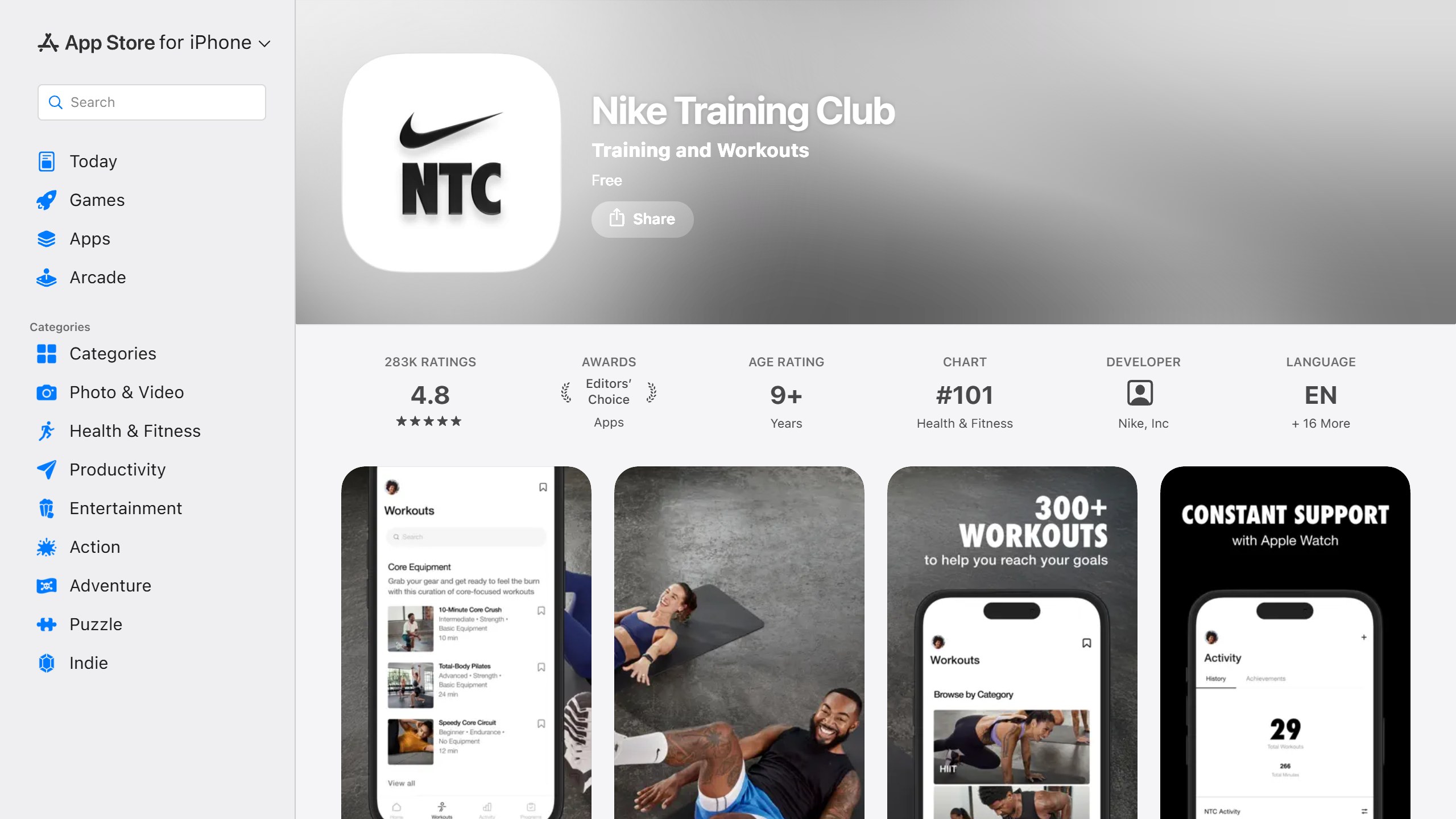
Free: everything, with a Nike account | Platforms: iPhone, Apple Watch, Android
Nike Training Club is the rare big-name app that is simply free. Its US App Store listing shows “Free” with no in-app purchases, and says “Nike Members get free access to the latest strength training, conditioning, yoga, pilates, recovery and mindfulness content.” It runs on iPhone and Apple Watch, with an Android version that also shows no ads or in-app purchases on Google Play. You need a Nike account. Ratings on 21 September 2026 were 4.8 from about 282,000 on the App Store and 4.3 from about 373,000 on Google Play. It is guided classes rather than a lifting log, and some video features are limited to certain countries.
2. Hevy: best free workout tracker
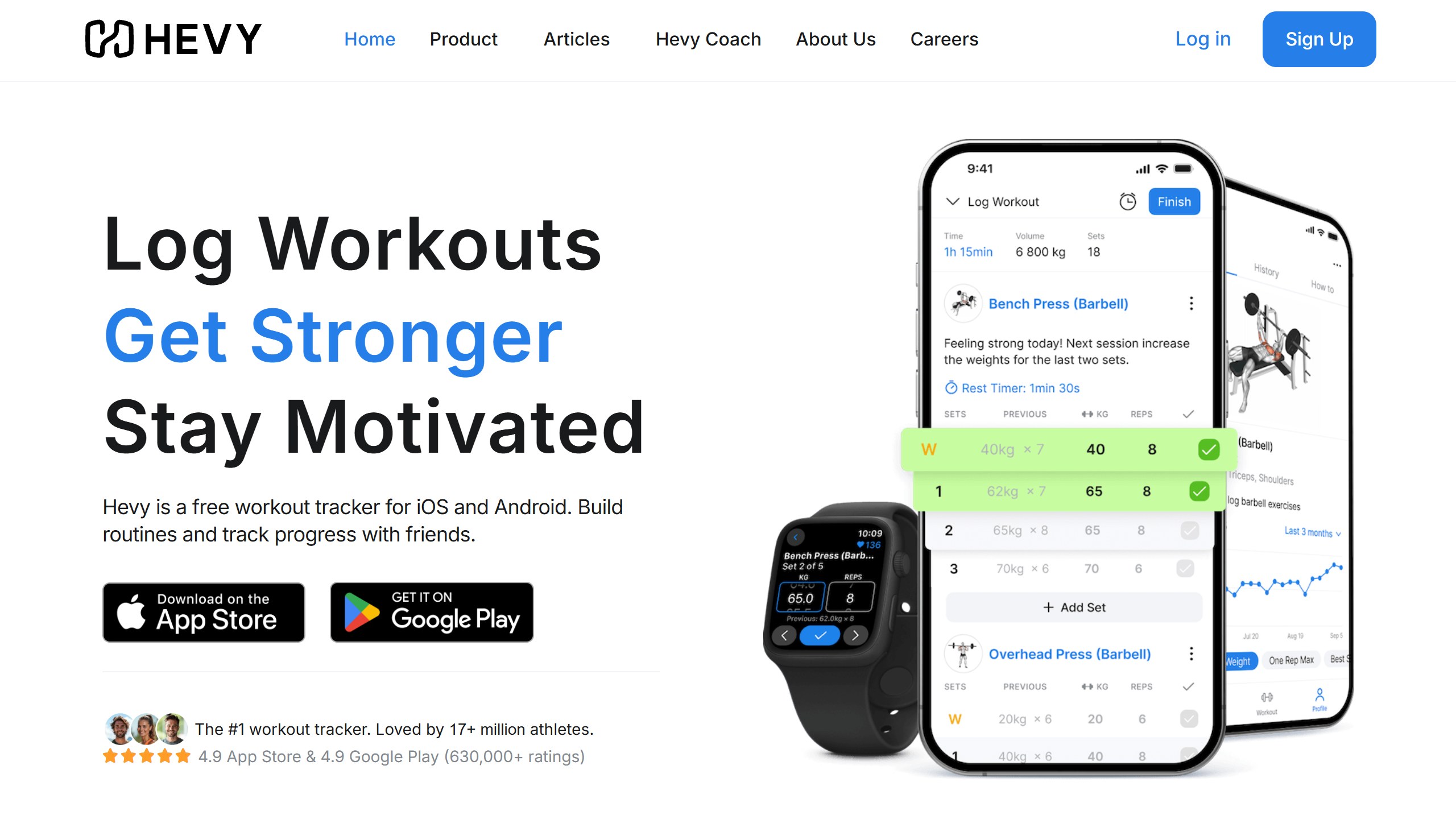
Free: unlimited workouts, 4 routines | Paid: Pro from $2.99/mo | Platforms: iPhone, Android, web, watches
Hevy is the most generous freemium logger. Its Free vs Pro table gives free users unlimited workouts but caps them at 4 routines, 7 custom exercises and 3 months of stats history; Pro, from $2.99 a month or $23.99 a year in the US, removes those limits. It runs on iPhone, Android, web, Apple Watch and Wear OS with no ads. Its programme builder, Hevy Trainer, is Pro only, and Hevy’s Trainer article says its programmes “do not rely on AI”. Our Hevy review covers it in full.
3. FitOn: best free workout classes
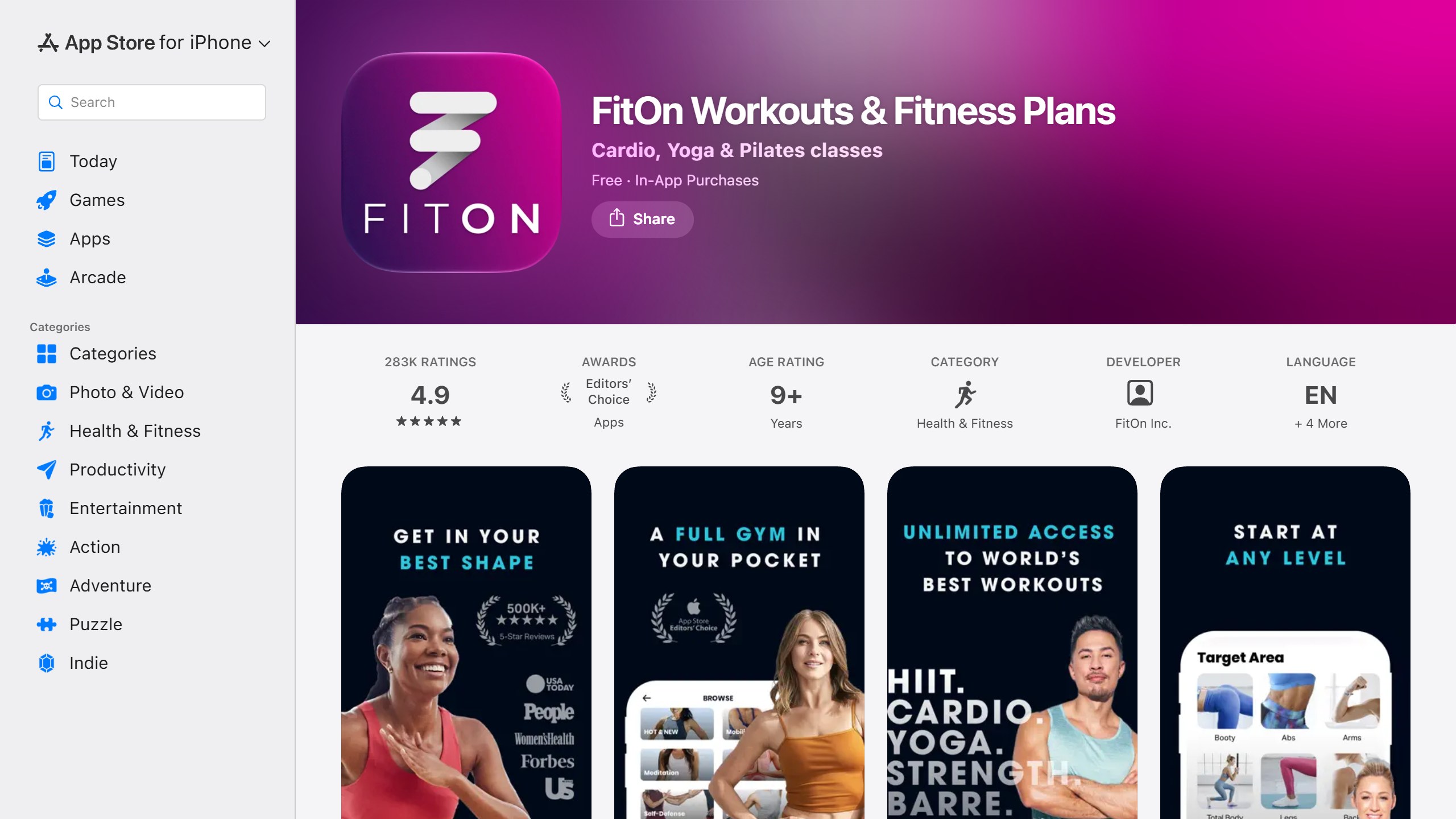
Free: the workouts | Paid: PRO for meal plans and downloads | Platforms: iPhone, Android, web, Apple TV
FitOn markets itself as free with unusual confidence: “No subscription required, no limits”. Its paid PRO tier adds meal plans, recipes, offline downloads, heart rate zones with Fitbit and Garmin, and premium music, but the workouts stay free. It runs on iPhone, iPad, Apple TV, Apple Watch, Android and the web. Ratings were 4.9 from about 283,000 on the App Store and 4.4 from about 97,000 on Google Play. Note that its in-app purchase list shows several PRO prices, from $19.99 to $39.99, which suggests varying offers.
4. Caliber: best free strength log with an AI connection
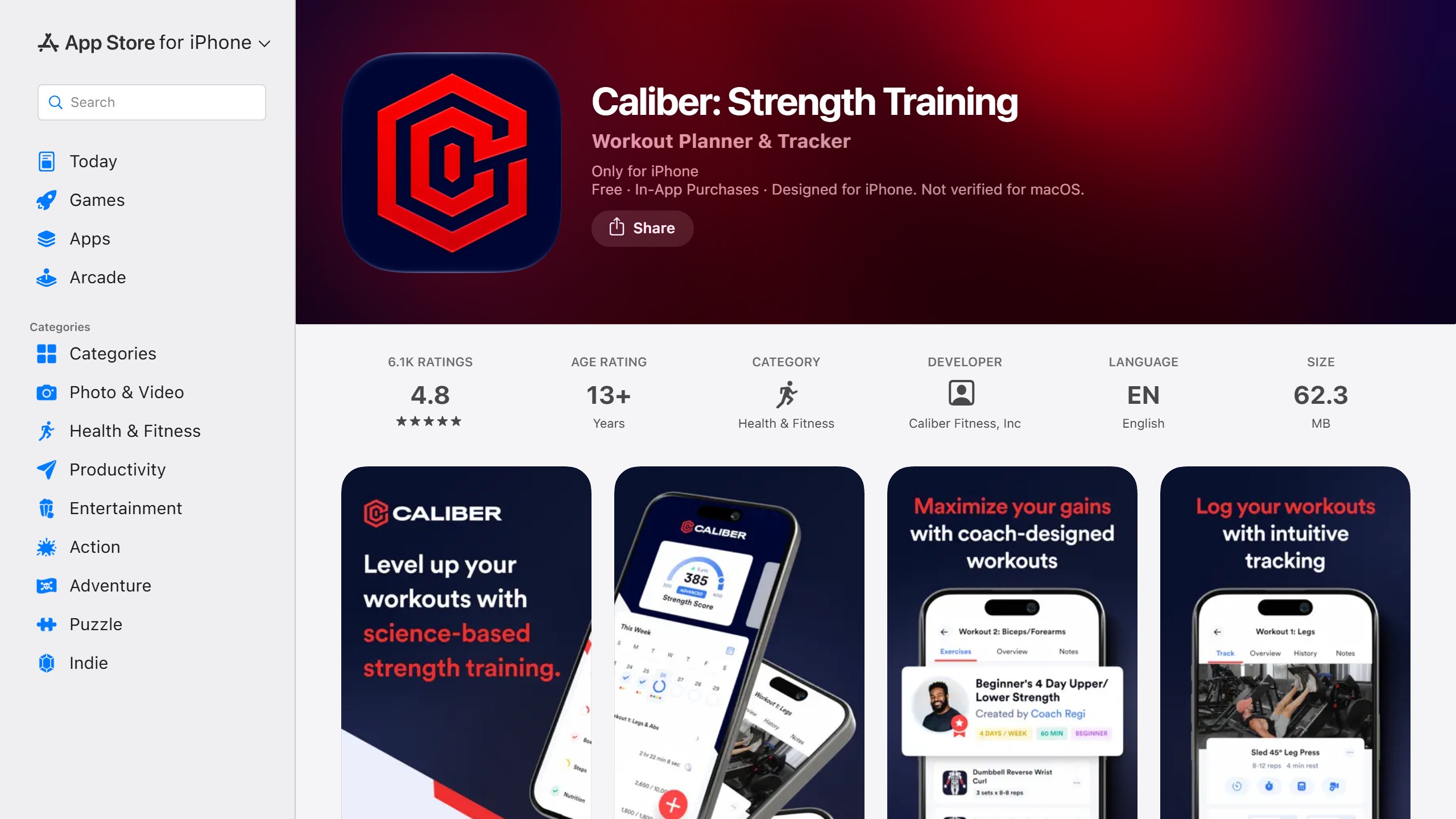
Free: unlimited workouts, 800+ exercises | Paid: Plus from $9/mo | Platforms: iPhone
Caliber‘s free version lets you “create and track unlimited workouts, access 800+ exercises, and train solo or with friends.” Its paid Caliber Plus adds 120+ coach-designed plans, a Strength Score and nutrition targets, from $9 to $12 a month or $36 to $72 a year on the US listing. What sets it apart is its free “Connect to AI” feature, which syncs your training data with ChatGPT and Claude for analysis; an August 2026 update added an MCP server for both. On the App Store it is listed for iPhone only. It is the one app we found where an AI feature is clearly on the free tier.
5. Boostcamp: best free programme library
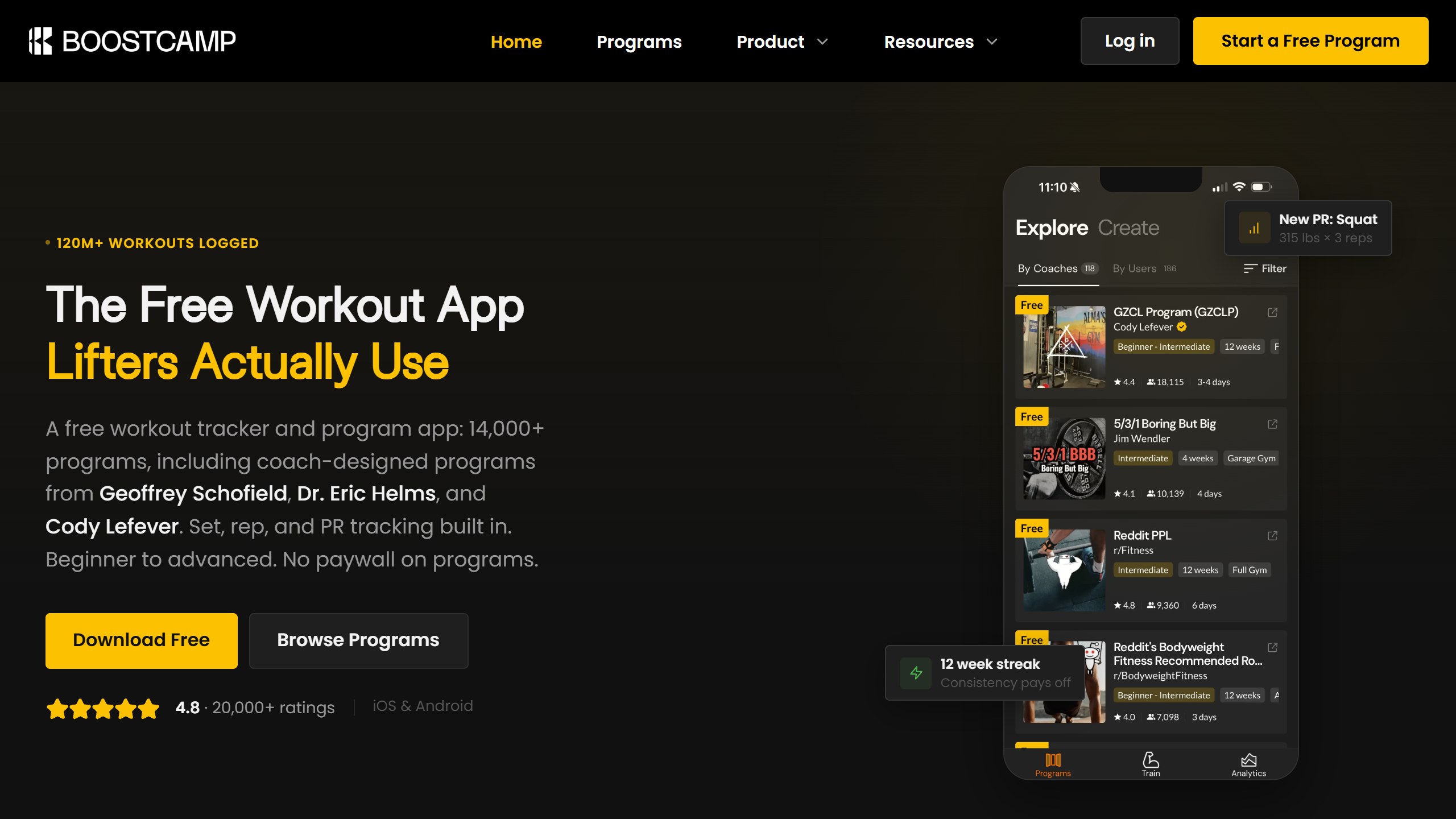
Free: the full programme library | Paid: Pro for Strength Score and heatmap | Platforms: iPhone, Android
Boostcamp gives away the thing most apps charge for: programmes. Its listing says “The library is free. No ads.”, and its homepage says “No paywall on programs.” Pro adds a Strength Score and a per-muscle volume heatmap. The listing also describes an AI coach that builds a plan from your goal, schedule and equipment, without saying whether that is free or Pro, so check before relying on it. Ratings were 4.8 on the App Store and 4.7 on Google Play.
6. Strong: best free private log on iPhone
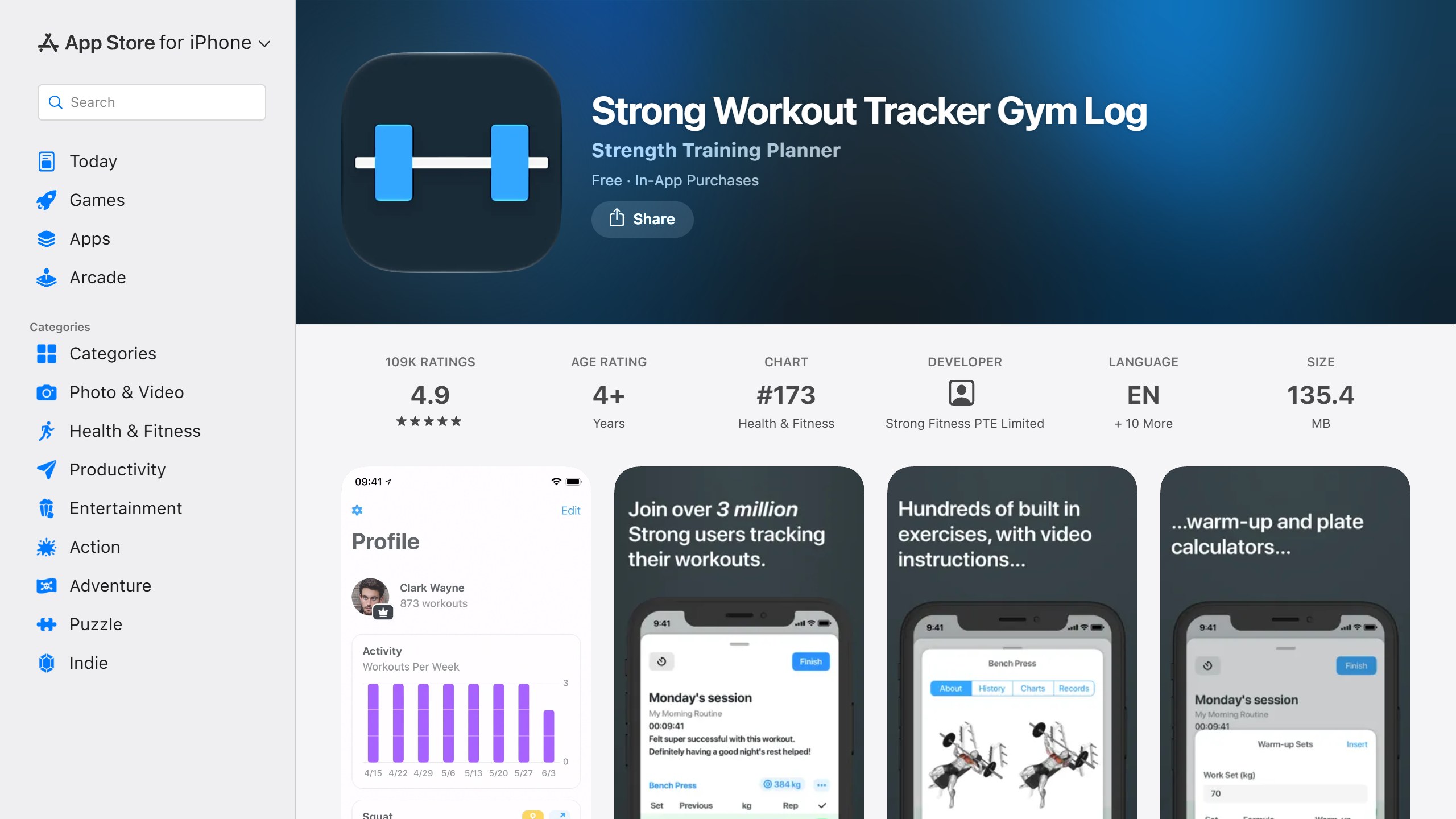
Free: unlimited workouts, 3 routines | Paid: PRO from $3.99/mo | Platforms: iPhone, Apple Watch, Android
Strong saves unlimited workouts on its free version but “is limited to 3 custom routines.” There are no ads and no social feed. PRO runs from $3.99 to $4.99 a month in the US. It is strongest on iPhone and Apple Watch; its Google Play rating of 4.3 trails its 4.9 on the App Store. Our Strong app review and Hevy vs Strong comparison go deeper.
7. Planet Fitness: free, with a gym upsell
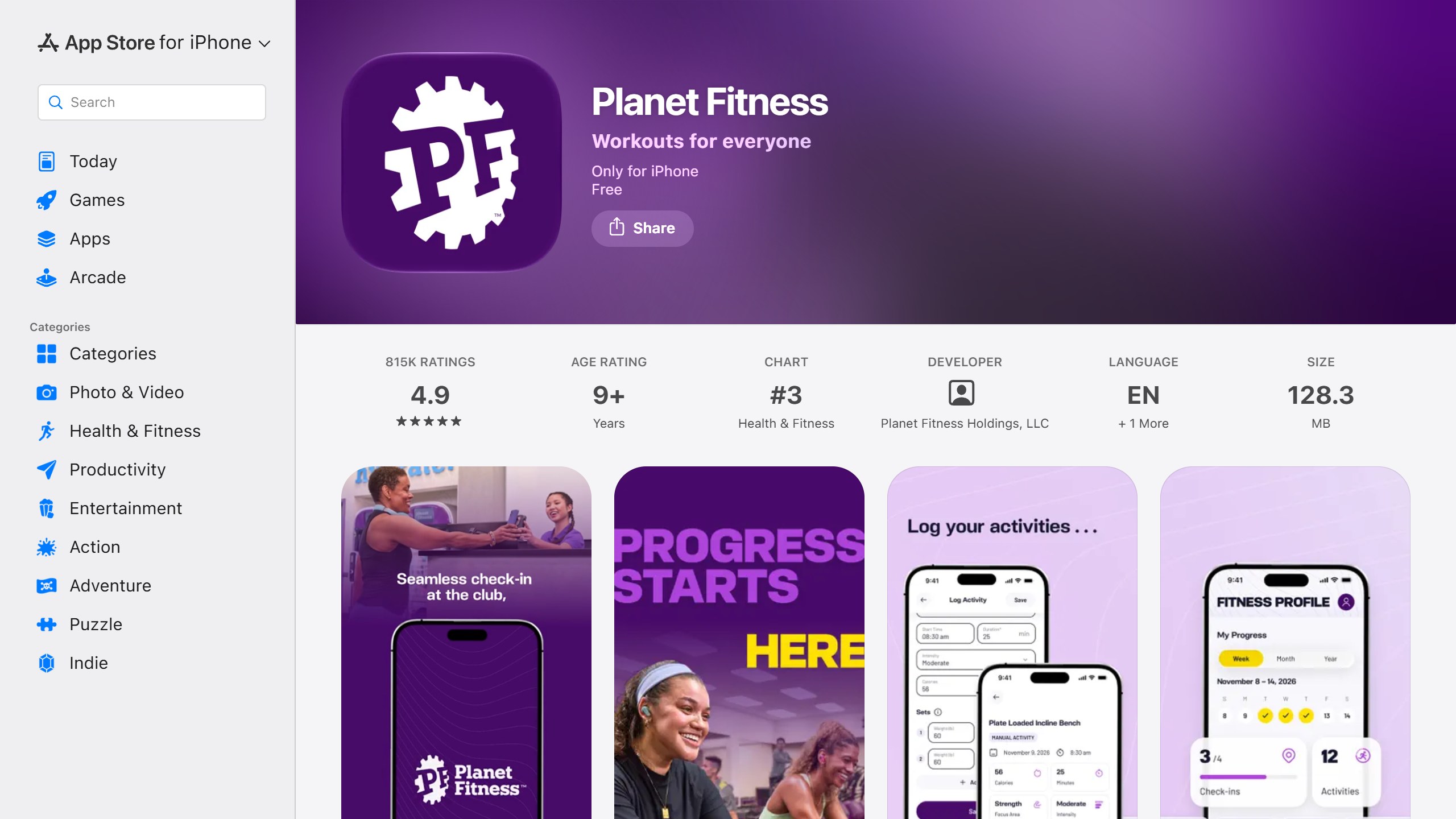
Free: on-demand workouts and tracking | Paid: gym membership extras | Platforms: iPhone, Android (ads)
The Planet Fitness app gives “both non-members and members” access to on-demand routines, workout videos, exercise tutorials and activity tracking, and its activity tracker needs “no membership required!” It shows no in-app purchases on iOS, where it is listed for iPhone only, but its Google Play listing carries a “Contains ads” label. The app exists to bring you into the gym, and member extras such as the Crowd Meter and check-in need a membership.
8. Seven: best free short workouts
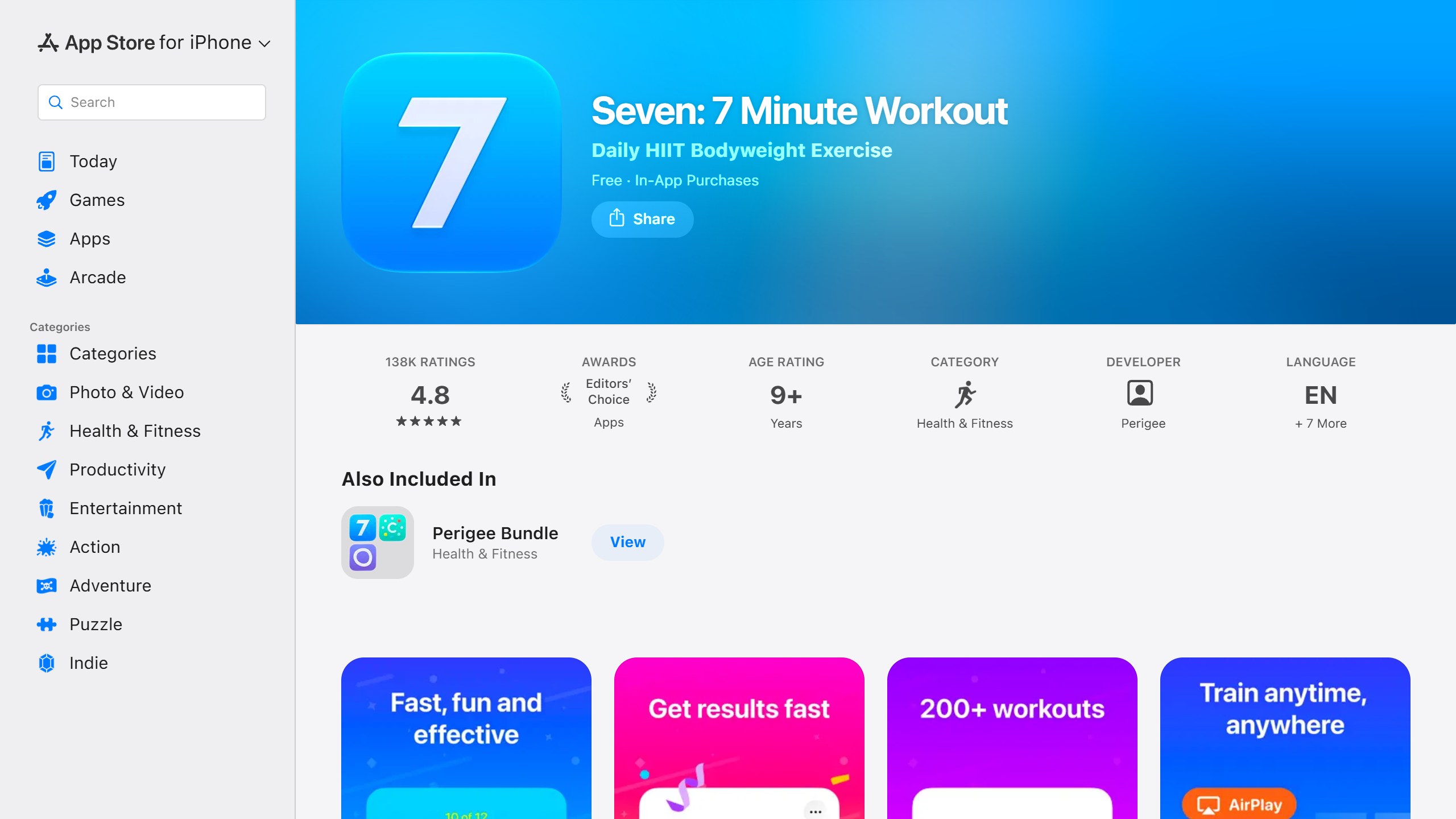
Free: a set of short workouts | Paid: 7 Club for personal plans | Platforms: iPhone, Android
Seven is built around seven-minute, no-equipment sessions. The free version includes a set of workouts and lets you create your own; its 7 Club subscription adds “personal workout plans adapted to your fitness level” and the full library of over 200 exercises. It is freemium in the usual sense: useful for free, better if you pay.
9. Freeletics: a free taste of HIIT
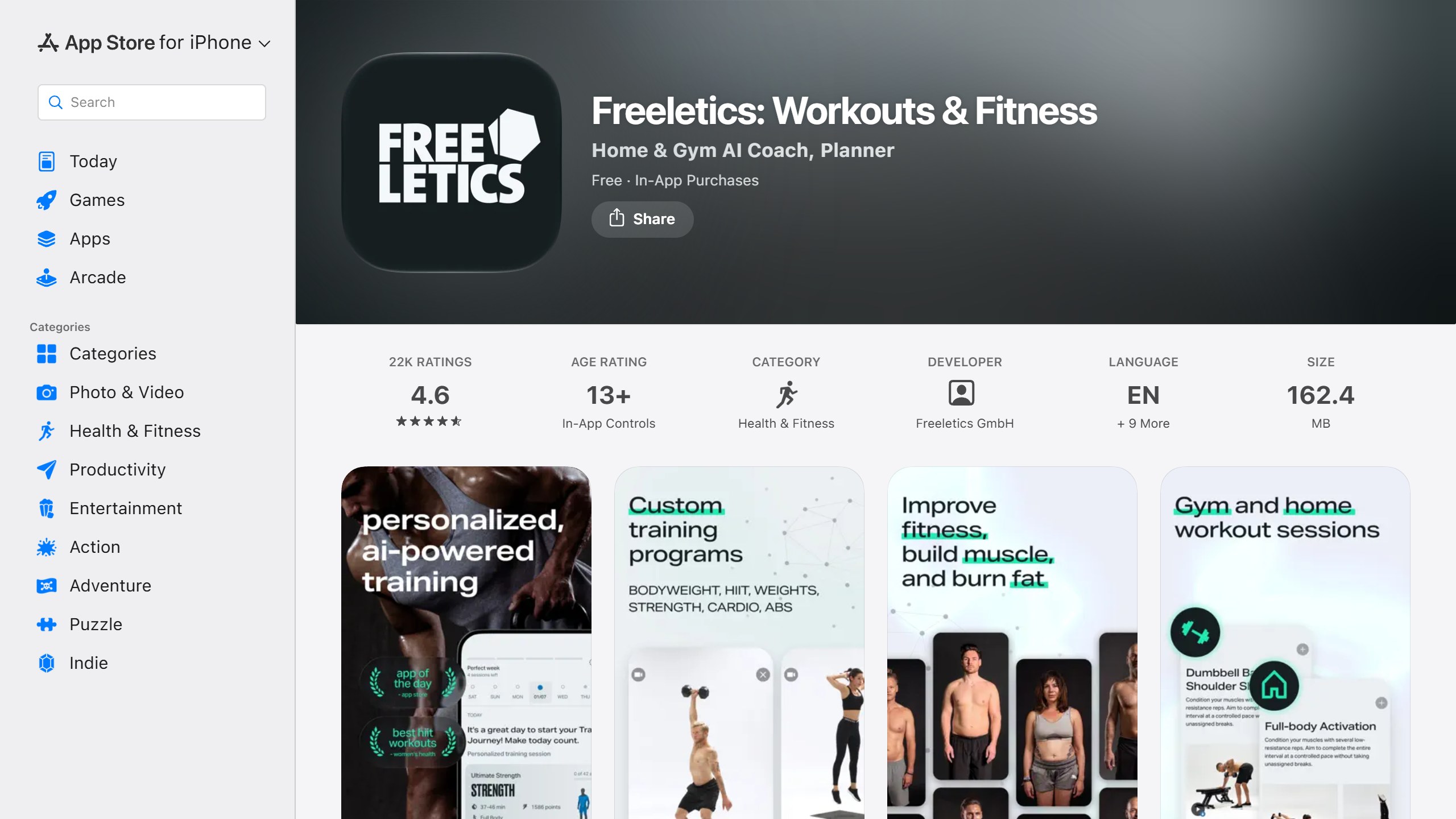
Free: 34 workouts on iPhone, 20 on Android | Paid: the AI Coach | Platforms: iPhone, Android (ads)
Freeletics‘s free version contains “34 HIIT bodyweight workouts, 100+ exercises” on iPhone, but its Google Play listing says “20 HIIT bodyweight workouts, 25 exercises” and carries a “Contains ads” label. The product Freeletics is known for, its AI Coach, is paid; the Play listing says it is “available in all subscriptions”. Treat free Freeletics as a sampler.
10. FitNotes: best fully free log on Android
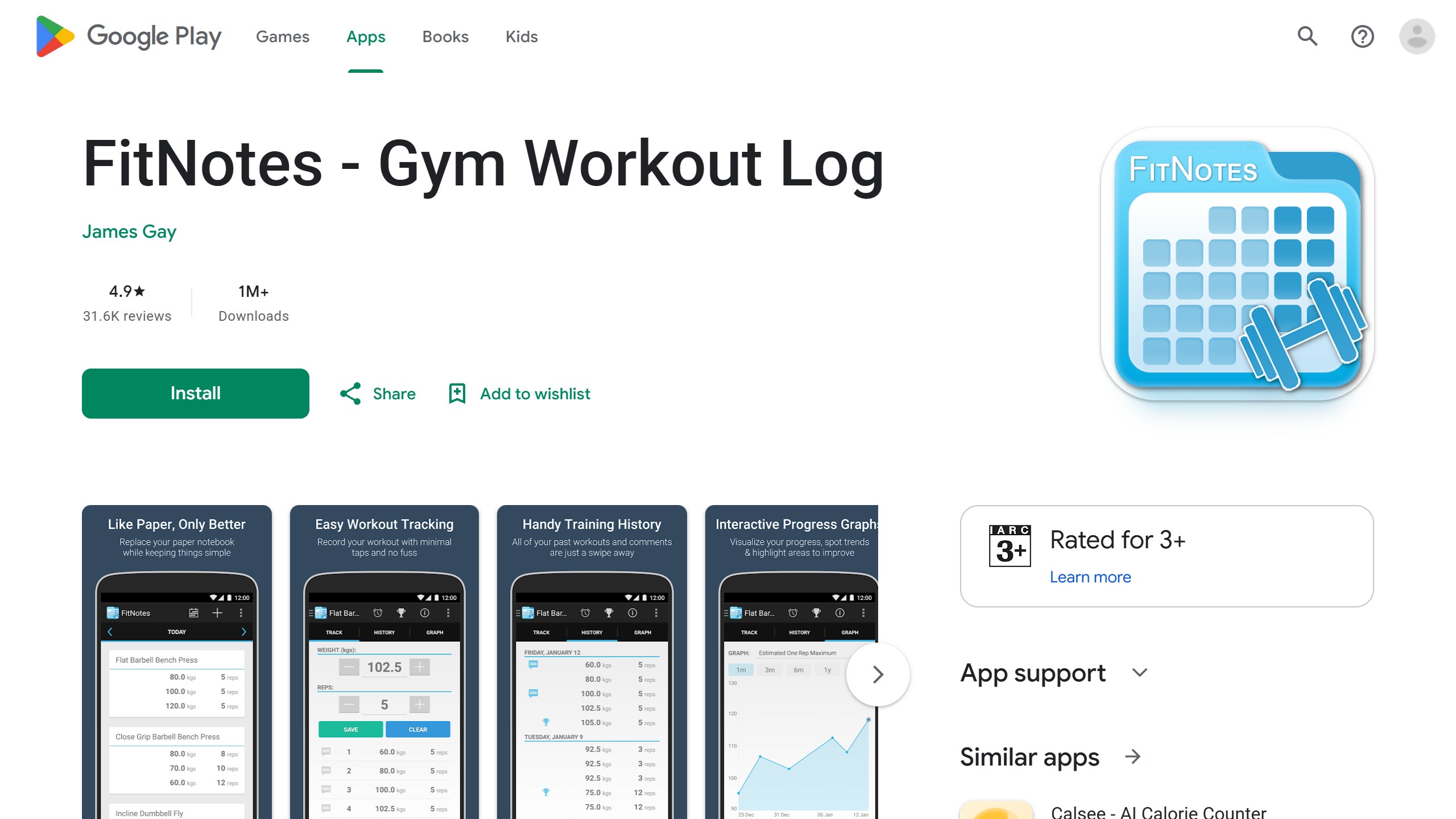
Free: everything, no in-app purchases | Platforms: Android only
FitNotes is an Android-only lifting log that describes itself as “Ad Free!”, with CSV export and backup to Dropbox or Google Drive. Its last update was in October 2025, so it moves slowly, but it remains free in the fullest sense.
11. DAREBEE: best free workouts with no app or account
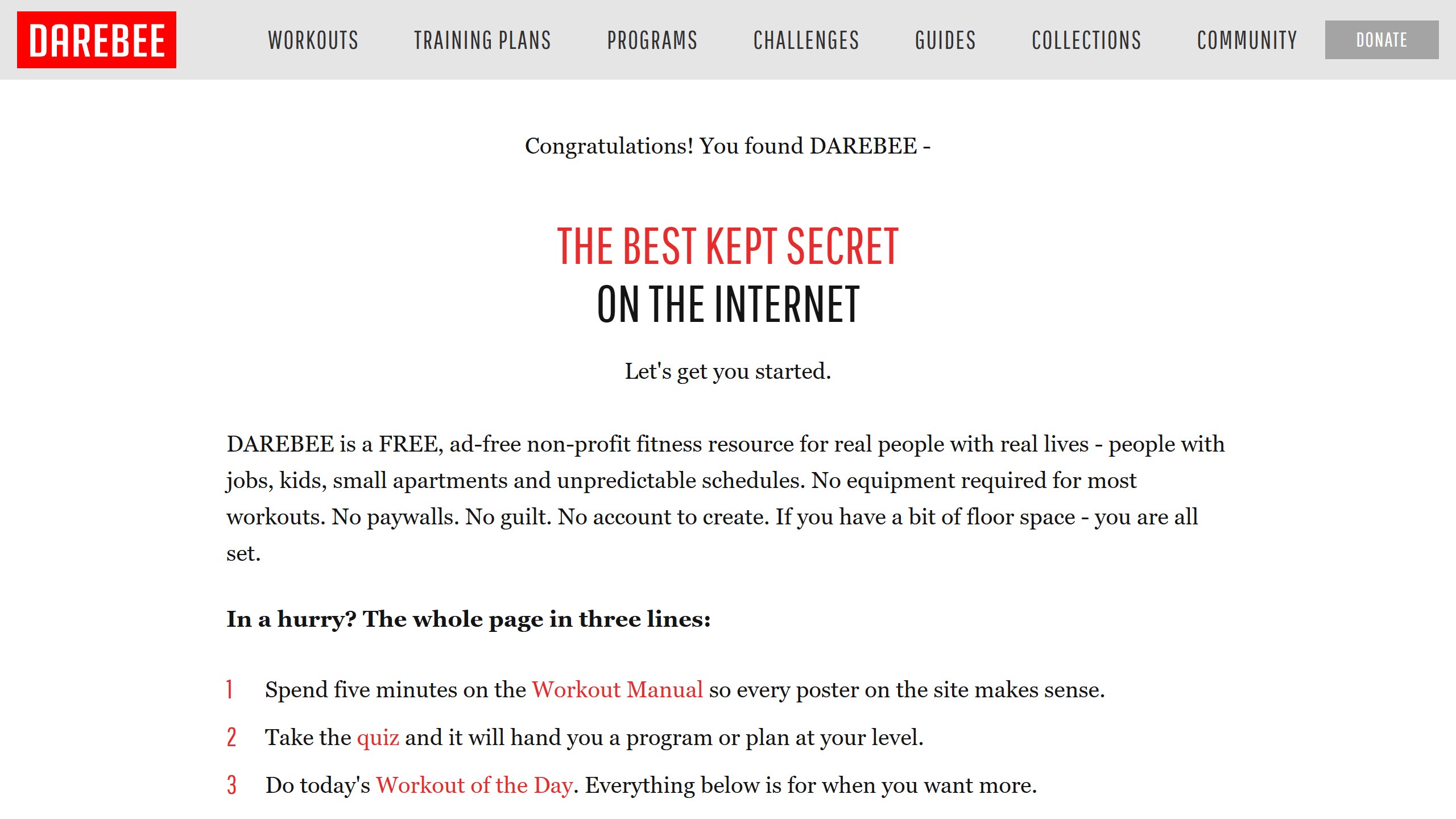
Free: everything, funded by donations | Platforms: any browser
DAREBEE is a website rather than an app: “a FREE, ad-free non-profit fitness resource” with “No paywalls” and “No account to create”. It suits people with a bit of floor space and no equipment.
12. RIRLift: best free tracker with no account
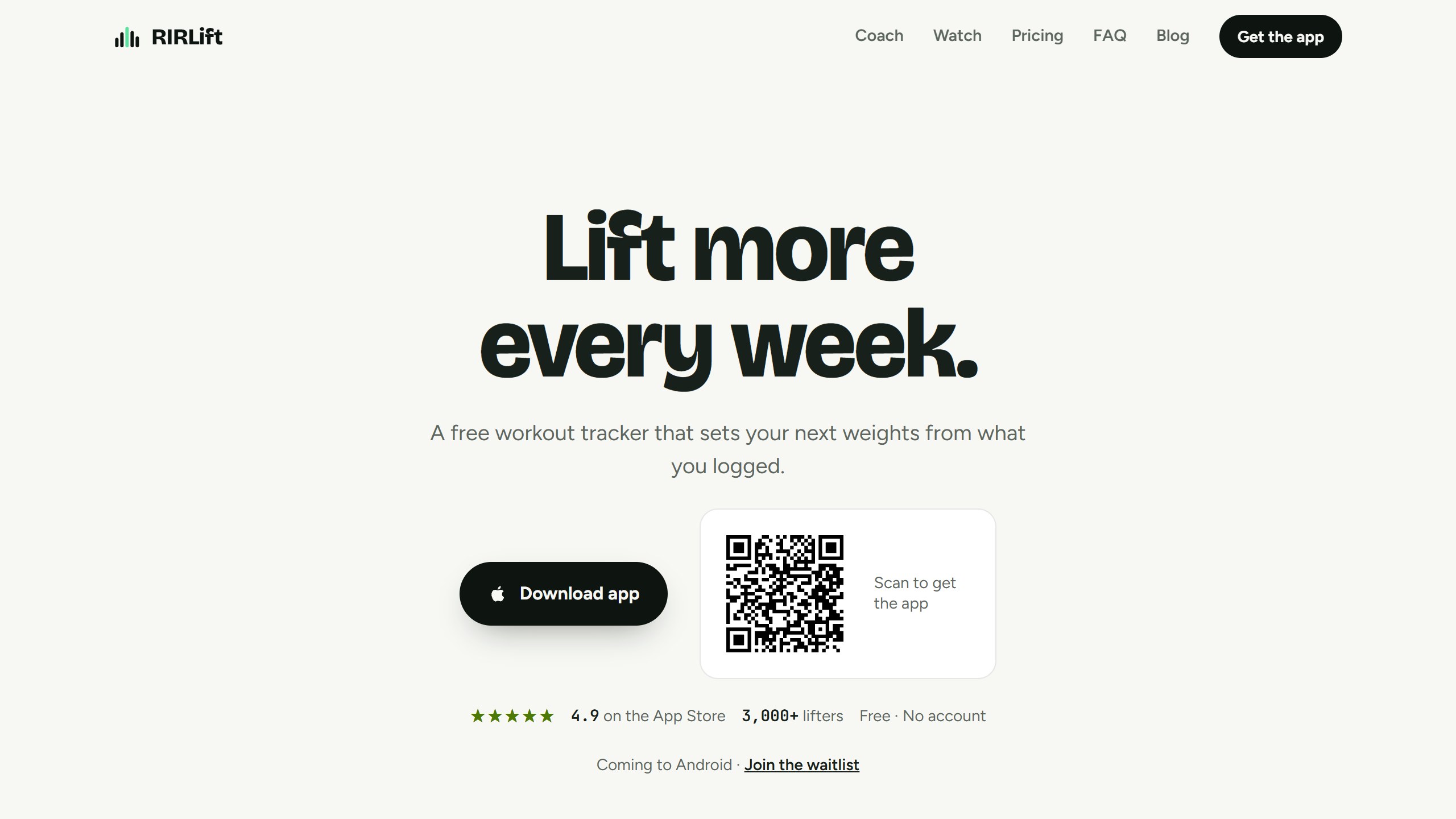
Free: unlimited workouts, 4 routines, Coach loads | Paid: Pro $9.99/mo or $79.99/yr (US) | Platforms: iPhone, Apple Watch
RIRLift is an iPhone and Apple Watch tracker that sets your next weights from what you logged, and it stands out by asking for no account at all. The free plan is listed as “Free forever”, with unlimited workouts, 4 active routines, Coach loads, a weekly Coach chat, and the weekly muscle map. Pro is $9.99 a month or $79.99 a year in the US, and adds more Coach conversations, unlimited routines, all-time analytics and CSV export. It also imports from Hevy, Strong and FitNotes, so moving your history is straightforward. It rates 4.9 on the App Store by its own site. Android is still on a waitlist, and we have not trained with it ourselves.
Also worth knowing: JEFIT
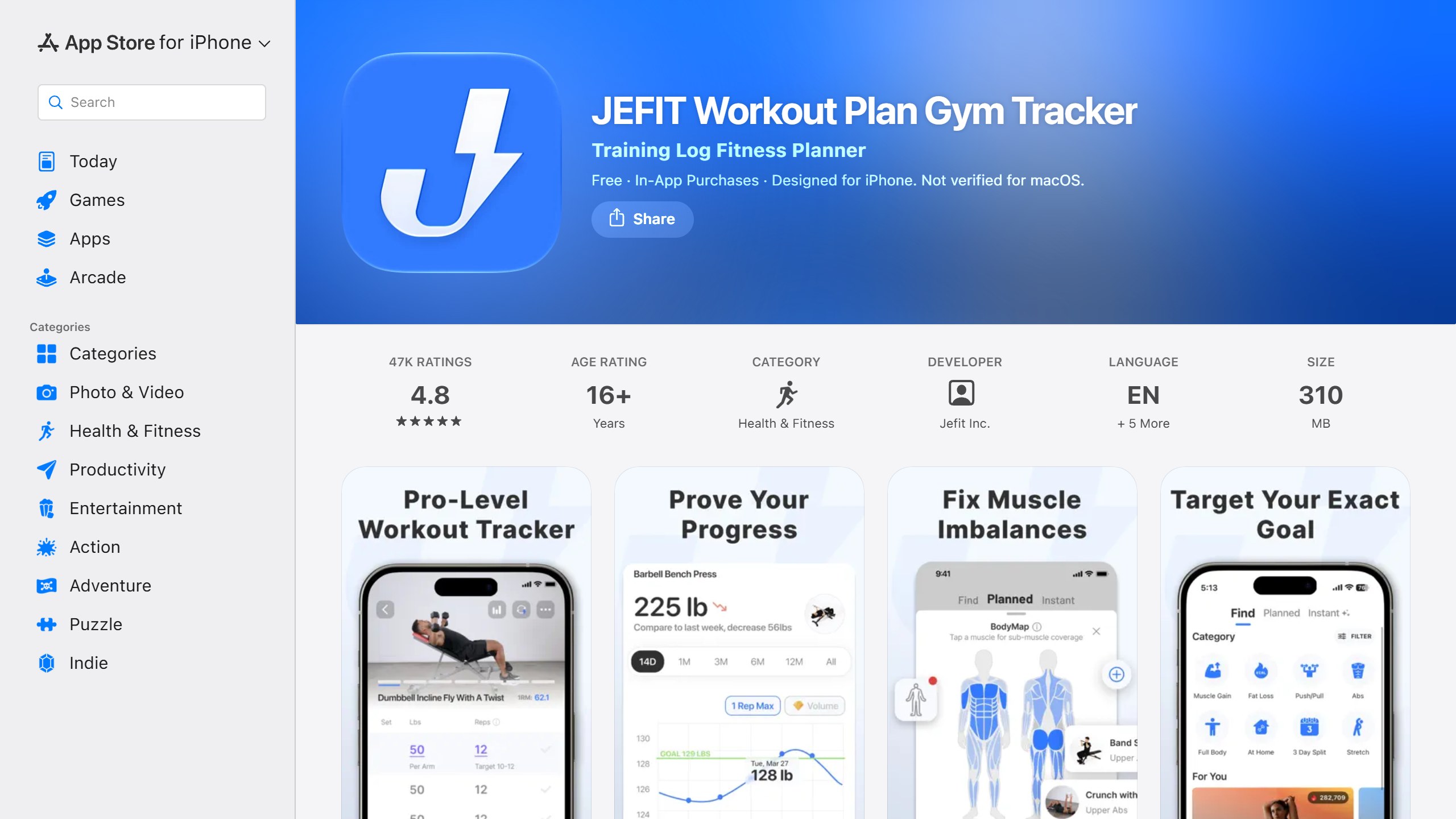
Free: a limited tier | Paid: Elite $12.99/mo or $69.99/yr | Platforms: iPhone, Android
JEFIT has a free tier and a paid Elite plan at $12.99 a month or $69.99 a year on the US listing. Its FAQ says Elite provides “premium routines and exercises not available to free users” and that free users get “a limited number of Instant Workouts”. The listing names an “Adaptive AI Coach” under Elite, while also describing AI-powered progressive overload in its core features, so which AI parts are free is not clear from the listing. Some competitors say free JEFIT shows ads; its Google Play listing had no “Contains ads” label when we checked.
Apps that look free but are not
These appear in “free” lists, carry a “Free” badge in the store, and stop being free quickly.
- Fitbod. Its help centre says “New Fitbod users receive a 7-day free trial”, and its trial article says you must opt into a plan to start it and that after it ends “logging new workouts will require a paid subscription.” Plans are $15.99 a month or $95.99 a year. Our Fitbod review covers what you get.
- StrongLifts 5×5. Both store listings say: “StrongLifts is free to download, but requires a subscription to use.” New users get a 7-day trial on the yearly plan only. Its US listing prices Pro from $4.99 a week to $59.99 a year.
- Sworkit. Its listing says “Sworkit offers a free 7-day trial. All Kids content is 100% free. Other workouts require an active subscription.”
- Down Dog. Its FAQ says it moved in 2018 to “a brief free trial with full access to all features, and after that a subscription is required”, across all its apps.
- Peloton App. Its membership page offers “a 30-day free trial” and requires a payment method on file. The app’s free tier ended in 2024.
- Apple Fitness+. Apple gives new subscribers one month free, then $9.99 a month or $79.99 a year.
Where the AI actually sits
AI is the headline feature in most fitness app marketing, and it is almost never the free part. Fitbod’s AI-generated workouts sit behind its trial. Freeletics’s AI Coach is paid. JEFIT lists its Adaptive AI Coach under Elite. Google’s AI coach, built with Gemini, needs Google Health Premium, which Google said in May 2026 costs $9.99 a month, with its app (the Fitbit app, now renamed Google Health) listing Premium at $79.99 a year and Google’s blog saying $99, so check the current price. Hevy’s programme builder is Pro only and, by Hevy’s own account, not AI at all.
The free AI on offer is a different kind: sending your workout log to a general chatbot. Caliber lets free users sync training data to ChatGPT and Claude, and Hevy added sending finished workouts to both in September 2026. If you want AI analysis for free, that is currently the route. If you want an app whose AI builds your programme, budget for a subscription; our guide to the best AI workout apps compares the paid options.
Ratings compared
Store ratings are a rough signal, and the gap between an app’s App Store and Google Play scores is often more telling than either number. These were read on 21 September 2026 and move daily.
| App | US App Store | Google Play |
|---|---|---|
| Nike Training Club | 4.8 (about 282,000) | 4.3 (about 373,000) |
| Hevy | 4.9 (about 94,000) | 4.9 (about 268,000) |
| FitOn | 4.9 (about 283,000) | 4.4 (about 97,000) |
| Caliber | 4.8 (about 6,000) | 4.6 (about 4,100) |
| Boostcamp | 4.8 (about 10,000) | 4.7 (about 13,000) |
| Strong | 4.9 (about 109,000) | 4.3 (about 43,000) |
| Planet Fitness | 4.9 (about 812,000) | 4.6 (about 93,000) |
| Seven | 4.8 (about 138,000) | 4.5 (about 121,000) |
| Freeletics | 4.6 (about 22,000) | 4.2 (about 260,000) |
| JEFIT | 4.8 (about 47,000) | 4.4 (about 90,000) |
| FitNotes | Not on iPhone | 4.8 (about 31,000) |
| RIRLift | 4.9 by its own site | Not on Android yet |
Trial terms compared
For the apps that are really trials, the terms differ more than the word “free” suggests. From each vendor’s own listing or help page:
| App | Trial | Catch | After the trial |
|---|---|---|---|
| Fitbod | 7 days | You opt into a monthly or yearly plan to start it | $15.99 a month or $95.99 a year; past workouts stay viewable |
| StrongLifts 5×5 | 7 days | Yearly plan only; monthly and quarterly have no trial | Pro from $4.99 a week to $59.99 a year |
| Sworkit | 7 days | Kids content stays free | Subscription for other workouts |
| Down Dog | “a brief free trial” | Applies across all Down Dog apps | Subscription; its FAQ says web purchases usually get the best price |
| Peloton App | 30 days | Payment method on file | App One from $15.99 a month on the US App Store |
| Apple Fitness+ | 1 month, or 3 months with an eligible new device | New subscribers only | $9.99 a month or $79.99 a year |
Apps that have gone or changed
- Peloton’s free tier ended in 2024; the app now starts with a trial.
- The Fitbit app is now Google Health. Its App Store listing reads “The Fitbit app is now Google Health”, and its AI coach needs Premium.
- adidas Training still appears in some free lists, but we could not find it on the US App Store or Google Play when we checked.
- FitNotes is still available and free, but its last Google Play update was in October 2025.
Free workout apps by platform
Platform support is another thing free lists rarely spell out, and it rules options in or out quickly. These are taken from each app’s store listings.
- iPhone and Android: Nike Training Club, Hevy, Strong, FitOn, Boostcamp, Seven, Freeletics, Planet Fitness and JEFIT all have both. Caliber and Planet Fitness are listed for iPhone only on the App Store, so no iPad app.
- Android only: FitNotes.
- Apple Watch: Nike Training Club, Hevy, Strong, FitOn and RIRLift list Apple Watch support.
- Wear OS: Hevy lists Wear OS support, available on its free plan.
- Any browser: DAREBEE is a website, and FitOn and Hevy also have web apps.
- Television: FitOn has an Apple TV app for following classes on a bigger screen.
Five questions to ask before you download
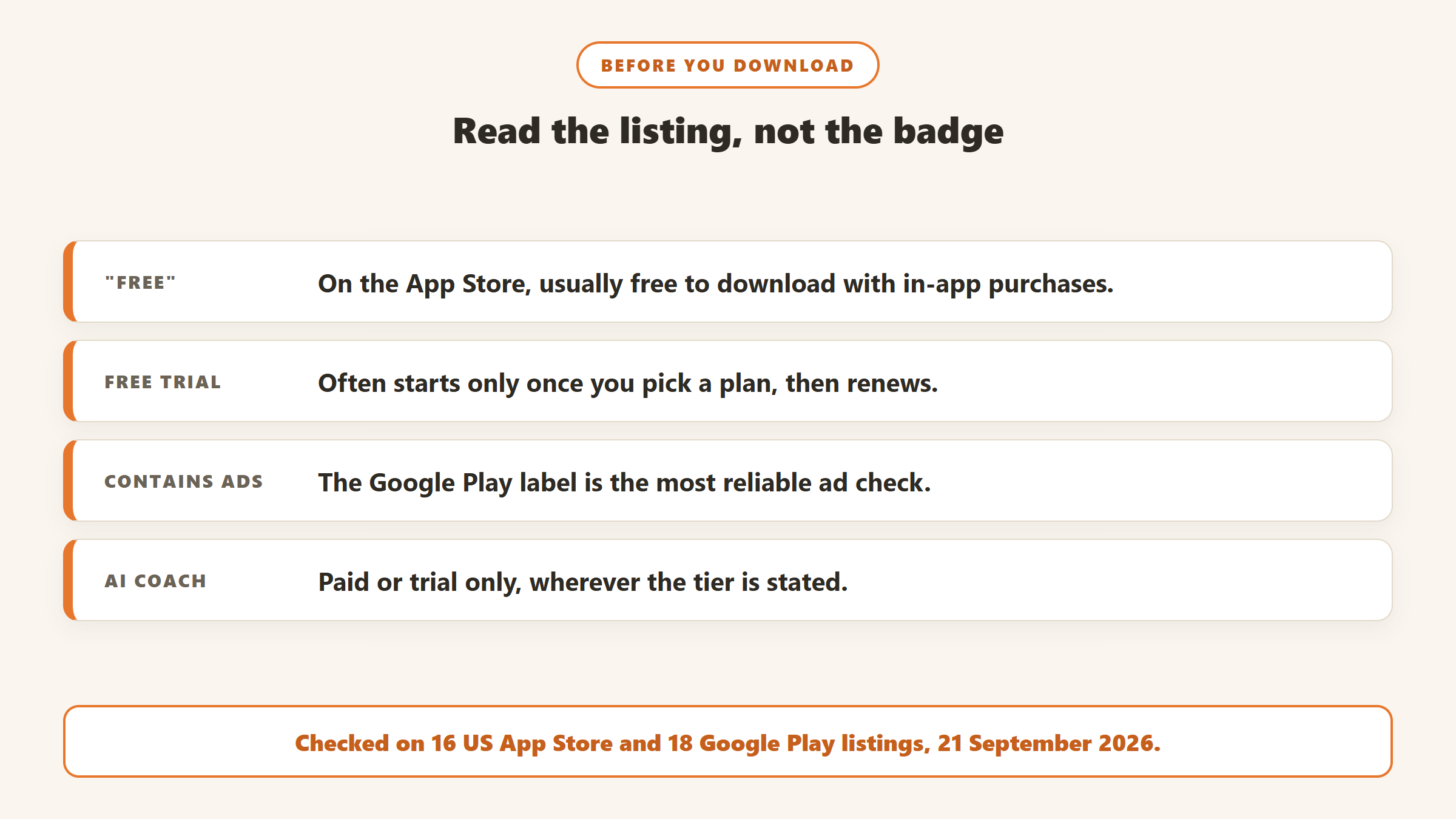
- Does the store badge say “In-App Purchases”? If so, read the listing’s description for what is actually free.
- Is it a free tier or a trial? Look for phrases such as “free trial”, “requires a subscription” or “after your free trial has ended”.
- Does the trial need a plan selected? Fitbod, StrongLifts and Peloton all tie their trials to a paid plan, which renews unless you cancel.
- Does Google Play say “Contains ads”? It is the most reliable ad label we found.
- Can you export your data? Hevy, Strong and FitNotes all offer exports, which matters if you later switch.
Common mistakes with free fitness apps
- Trusting the “Free” badge. On the App Store it usually means free to download.
- Forgetting a trial. Set a reminder a day before a trial ends if you started one by choosing a plan.
- Paying for AI you do not need. A logger plus a sensible programme covers most people; AI programming is worth paying for when you want the app to decide your sessions.
- Relying on an old list. Apps change. Peloton ended its free tier, the Fitbit app is now Google Health, and some lists still include apps we could not find on the US stores at all.
Where the facts on this page come from
- US App Store listings for 16 apps and Google Play listings for 18, read 21 September 2026: prices, in-app purchase labels, ad labels, ratings and descriptions.
- Help centres and FAQs from Hevy, Fitbod, JEFIT and Down Dog; vendor pages from Boostcamp, DAREBEE, Peloton and Apple; Google’s May 2026 Google Health Coach announcement.
- Nine ranking “free workout apps” pages, read 21 September 2026.
Verdict
You can train well without paying. Nike Training Club, FitNotes and DAREBEE are free outright; Hevy, Strong, FitOn, Caliber, Boostcamp and RIRLift have free tiers generous enough for most people. What you will rarely get free is an app whose AI plans your training, and several of the apps most often called free, including Fitbod, StrongLifts and Peloton, are trials. Read the listing’s own words before you download, not the badge.

Written by
FazFaz is the founder of AIToolsBakery. Some tools here are tested hands on. Others are assessed from vendor documentation and pricing verified on the live page, and every review says which one it is. Sponsors can buy a position in a guide. They cannot buy the score, the criticism, or silence about a better option.
How we test and how we make money →