Most "best AI tools for math teachers" lists are written by companies selling one of the tools. This one is not. AIToolsBakery does not make a math tool, so what follows is the shortlist as we would give it to a colleague: organized by the jobs you actually need done, and sorted by the one thing the vendor lists never mention: which of these tools you can trust, and which one will hand you a wrong answer with total confidence.
The math AI tools at a glance
One table, sorted by the only distinction that changes how you use a tool.
| Tool | What it does | Trustworthy or verify | Free tier |
|---|---|---|---|
| Wolfram Alpha | Computes, solves, integrates, checks answer keys | Trustworthy (deterministic) | Yes; step-by-step view is Pro (from ~$5/mo) |
| Desmos | Graphing calculator plus interactive classroom activities | Trustworthy (deterministic) | Yes, fully free |
| GeoGebra | Graphing, geometry, 3D, dynamic constructions, CAS | Trustworthy (deterministic) | Yes, fully free |
| Microsoft Math Solver | Camera and typed step-by-step solving | Trustworthy (deterministic) | Yes, fully free, no account |
| Photomath | Camera-based step-by-step solving | Trustworthy for supported types | Yes; richer explanations are paid |
| Khanmigo | Socratic AI tutor with curriculum guardrails | Verify (LLM-based, but guarded) | Free for teachers |
| MagicSchool AI | Form-driven worksheet and quiz generation | Verify every answer key (LLM-based) | Yes; Plus ~$8.33/mo annual |
| ChatGPT / Claude / Gemini | Flexible drafting of problems and explanations | Verify every answer key (LLM-based) | Yes; paid tiers ~$20/mo |
Because here is the uncomfortable part. Math is the single subject where AI gets things wrong most often. A large language model will write you a worksheet in fifteen seconds and quietly put an error in the answer key. So this guide is built around that reality, not around it.
The 30-second answer: For reliable computation and graphing, use deterministic tools like Wolfram Alpha, Desmos, and GeoGebra. For drafting worksheets and explanations fast, use LLM tools (a general model or a teacher platform like MagicSchool), but verify every answer before it reaches a student. Never put an AI-generated answer key in front of a class unchecked.
The one rule that should shape every choice
AI tools for math split into two groups, and the difference matters more than any feature.
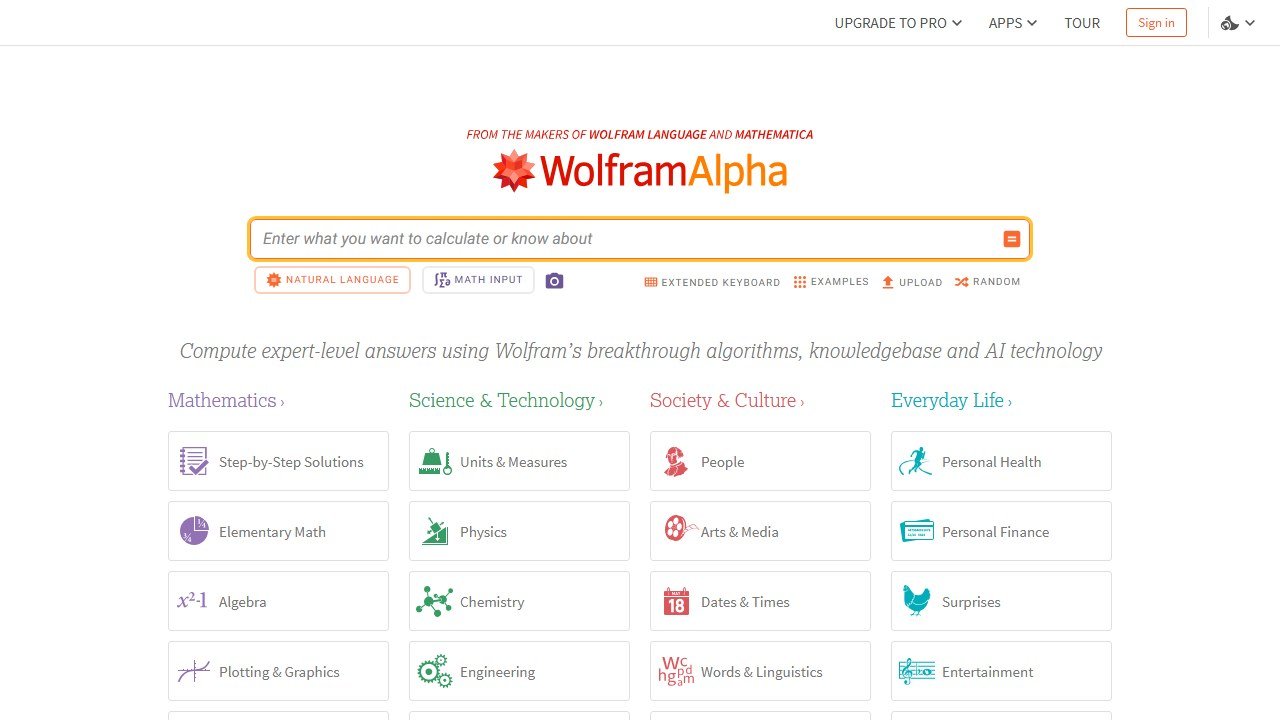
Deterministic tools compute. They follow fixed mathematical rules. When Wolfram Alpha or a graphing calculator gives you an answer, it is correct, the same way a calculator is correct. They do not guess.
LLM-based tools predict. ChatGPT, Claude, Gemini, and the teacher platforms built on top of them generate text that looks like a worked solution. Often it is right. Sometimes it is confidently, fluently wrong: a sign error, a dropped term, an answer key that does not match the questions.
Every tool below is tagged as one or the other. That tag is not trivia. It tells you whether you can hand the output straight to a student or whether it needs a teacher's eyes first.
It also explains a pattern you may have noticed yourself. Newer reasoning models are better at math than the models of two years ago, and some now offload calculation to a built-in code tool, which helps. But "better" is not "reliable." A model that is right on ninety-five out of a hundred problems still seeds five errors into your week, and you cannot predict which five. Deterministic tools do not have a failure rate to manage. That is the whole reason the two groups deserve different treatment.
Job one: generating worksheets, problem sets, and quizzes
This is the biggest time saver and the biggest trap. Generating practice material is genuinely fast with AI. Trusting the answer key it generates is the mistake.
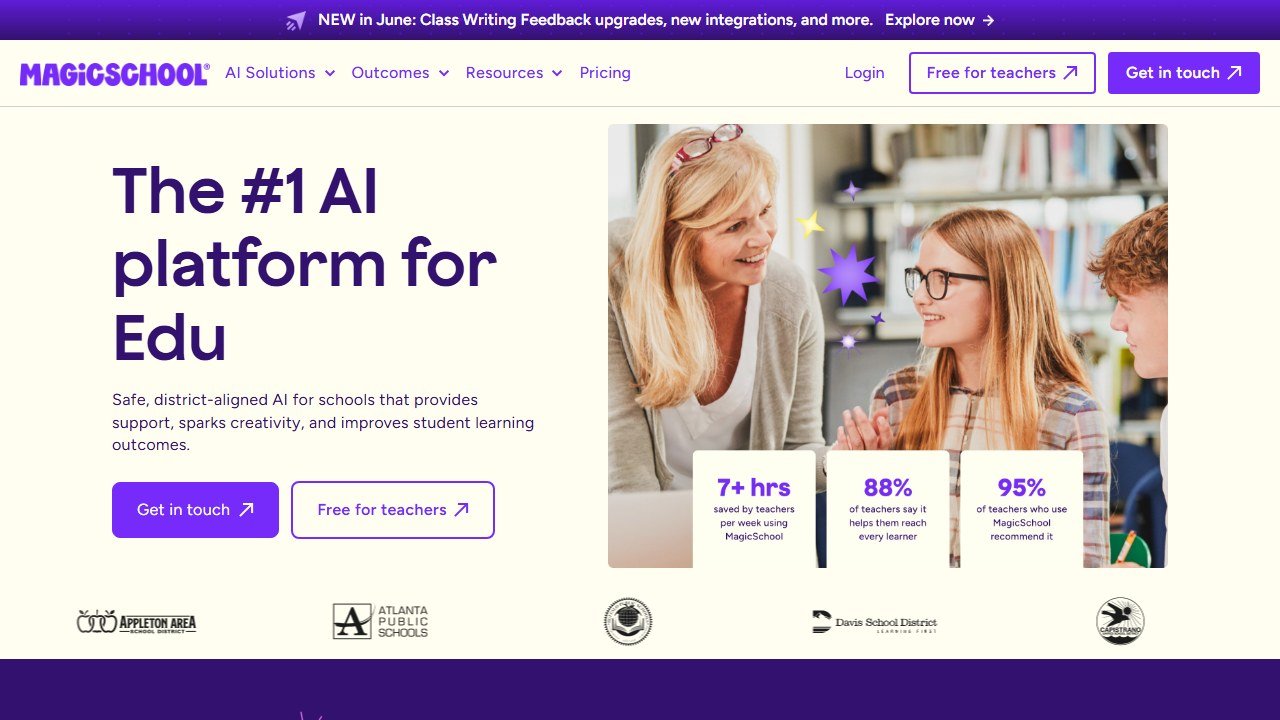
The teacher platforms do this with the least friction. MagicSchool AI has dozens of form-driven generators, including math-specific ones for word problems, practice sets, and exit tickets, where you pick the grade and standard and it produces a structured draft. The free plan gives an individual teacher access to every tool with standard usage limits, which is enough for most people; the Plus plan runs about $8.33 per month billed annually if you hit those limits often. We cover the full platform in our MagicSchool review. Khan Academy's teacher tools and the broader Diffit approach overlap here too, and there are similar education platforms appearing every few months.
General models do the same job with more flexibility once you learn to prompt them. ChatGPT has a free tier and a Plus tier around $20 per month; its reasoning modes are noticeably stronger on multi-step problems than the standard chat mode. Claude is strong at producing clearly explained worked solutions and structured worksheets, also with a free tier and a paid tier near $20 per month. Gemini is free for core use and integrates with Google Workspace, which matters if your school is a Google district; its recent reasoning models handle multi-step math better than earlier versions. The trade-off against a platform like MagicSchool is real: a general model gives you more control and a blank-page problem, while the platform gives you a guided form and less to think about.
All of these are LLM-based. They will produce a clean worksheet and a clean-looking answer key, and the answer key is the part that fails. The failure rate is low enough to lull you and high enough to embarrass you. A few prompt habits cut the damage. Ask the model to solve each problem step by step before writing the answer key, rather than producing the key directly, because the working surfaces its own mistakes. Ask it to flag any problem it is unsure about. And keep generated problem sets short enough that checking them is quick.
The reliable workflow: generate the problems with an LLM tool, then check every answer with a deterministic one. Paste the problem into Wolfram Alpha, or graph it in Desmos, and confirm. Generation is the LLM's job. Verification is not.
For taking one worksheet and reshaping it for different readers in your class (a simplified version, a version with sentence frames, a translated version), a differentiation tool is faster than redoing it by hand. Diffit is the most focused option, covered in our Diffit review. It works best on the word-problem and explanation parts of math, less so on pure computation.
Job two: step-by-step solving and student-facing tutoring
Here the deterministic tools shine, because a student copying a wrong "worked solution" learns the wrong method.

Photomath lets a student point a phone camera at a problem and get a step-by-step solution. It is now part of Google, and it is largely deterministic for the problem types it handles, since the steps are generated from a math engine, not improvised. The app is free for solutions, with an optional subscription for richer explanations. Microsoft Math Solver does the same thing, fully free, with no account required, and covers a wide range from arithmetic through algebra, trigonometry, and calculus. For a teacher who wants a no-cost tool a student can use on a school device, Microsoft Math Solver is the easiest recommendation in this guide.
Wolfram Alpha is the computational engine the others wish they were. It will solve, factor, integrate, and check almost anything you set below early college level, and for accuracy it is the gold standard. The basic query result is free; the "step-by-step solution" view is a Pro feature, with plans from roughly $5 per month billed annually and a dedicated educator plan that adds printable worksheets and extended computation time. If you only adopt one tool from this guide, and accuracy is what you care about, this is it.
GeoGebra also has a free computer algebra and graphing engine that solves and shows steps, which is worth knowing if you already use it for visualization and would rather not add another tab.
For genuine tutoring rather than answer-fetching, Khanmigo is the most considered option. It is Khan Academy's AI tutor, and it is deliberately built not to hand over answers. It asks questions back and walks a student toward the solution. It is LLM-based, so it is not immune to error, but the Socratic design and Khan's curriculum guardrails make it the safest student-facing AI we have reviewed. It is free for teachers, with a low-cost subscription for families. Our Khanmigo review covers where it works and where students get frustrated with it.
The pattern in that table is the guide in miniature. Everything labelled trustworthy computes from fixed rules. Everything labelled verify predicts text. Reach for the first group whenever an answer has to be correct, and the second group whenever you need drafting speed and have a checking step lined up.
Job three: checking your own answer keys
This job barely gets mentioned in other guides, and it is the one that protects you.
Before any generated problem set goes to a class, run the answers through a deterministic tool. Wolfram Alpha handles almost anything you will set below early college level. Desmos confirms anything graph-related or equation-related in seconds. For a full worksheet, this is five minutes of paste-and-check, and it is the difference between a smooth lesson and a class-wide argument over a wrong answer.
A worked example shows how short the loop really is. Say you asked an LLM tool for ten quadratic-equation problems with a key, and problem six is "solve x squared minus 5x plus 6 equals 0." The generated key says the solutions are 2 and 4. You paste the equation into Wolfram Alpha; it returns 2 and 3. The model dropped a root. Thirty seconds caught an error that would have cost ten minutes of class time and a small dent in your credibility. Do that for all ten problems and you have spent five minutes total.
Make it a fixed step, not a "when I have time" step. The teachers who use AI well are not the ones who trust it. They are the ones who built the verification habit so it costs them almost nothing. A simple discipline helps: keep the deterministic checker open in a pinned tab whenever a generation tool is open in another. The two belong together, the way a draft belongs with a proofreader.
Job four: visualization and interactive math
This is where AI-era tools genuinely change what you can do in a lesson, and where the tools are reliably trustworthy because they are deterministic.
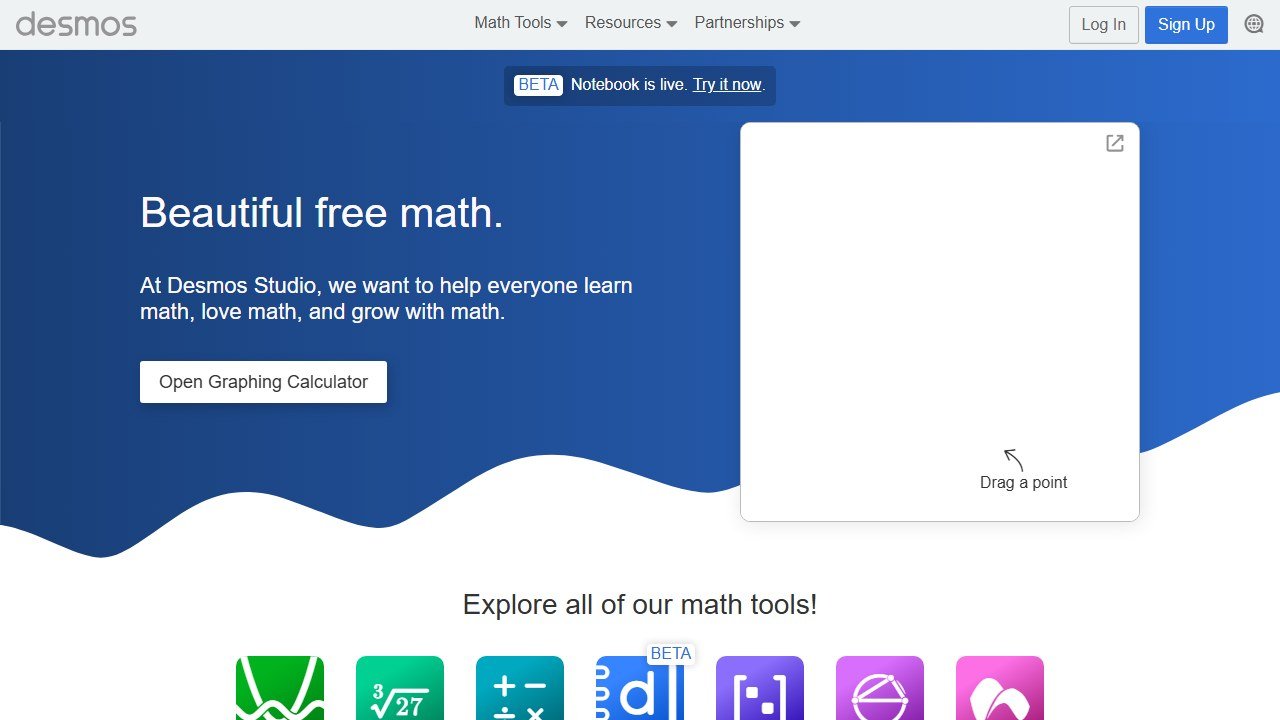
Desmos is a free graphing calculator that has quietly become standard in math classrooms, plus Desmos Classroom activities that let students explore a concept interactively while you watch their thinking on a dashboard. Sliders that animate a parameter, a function and its derivative side by side, a geometric locus traced live: these turn an abstract definition into something a class can see move. It is free, including the classroom activity tools.
GeoGebra covers the same space with more reach into geometry, 3D, and dynamic constructions, where students build, measure, and manipulate figures rather than just looking at them. For a geometry unit, GeoGebra is the stronger pick; for function-heavy algebra and calculus, Desmos is usually faster to set up. Many teachers use both, and since both are free there is no cost reason to choose only one.
Neither is "new AI," and that is the point. They compute correctly, every time, and the recent additions of AI-assisted features sit on top of a deterministic core. For visualization, trust is not a question. Where AI does help here is at the planning stage: ask a general model to suggest three Desmos activities for a specific standard, then build them yourself in the trustworthy tool. Idea generation is the LLM job; the math itself stays with the deterministic engine.
Job five: differentiation, feedback, and grading
Grading math with AI is harder than grading essays, and most tools are honest enough not to overpromise it. A multiple-choice or numeric-answer quiz can be auto-graded reliably. A worked-solution problem, where partial credit depends on method, is something AI assists with rather than does. If you explore AI grading, treat the score as a first-pass draft and read the work yourself. The same rule from our roundup of AI grading tools applies, only more so for math.
There is a specific failure mode worth naming. An AI grader reading a photographed worked solution can misread handwriting, miss a correct step written out of the expected order, or mark a valid alternative method as wrong because it does not match the model solution. None of those are exotic; they are routine. So the safe use is narrow: AI grading for objective-answer math, human eyes for anything where method earns marks.
Where AI genuinely helps a math teacher on feedback is volume of explanation. Ask a general model to generate three different ways to explain why a common mistake is a mistake, and you have differentiated re-teaching material in a minute. That is an LLM job, and because it is explanation rather than computation, the verification burden is lighter, though a quick read still matters. The same applies to producing hint ladders, a worked example at an easier difficulty, or a real-world context for an abstract problem. These are language tasks, and language is what LLM tools are actually built for.
A 20-minute setup that covers most of it
You do not need all ten tools. A working math-teacher AI stack is small:
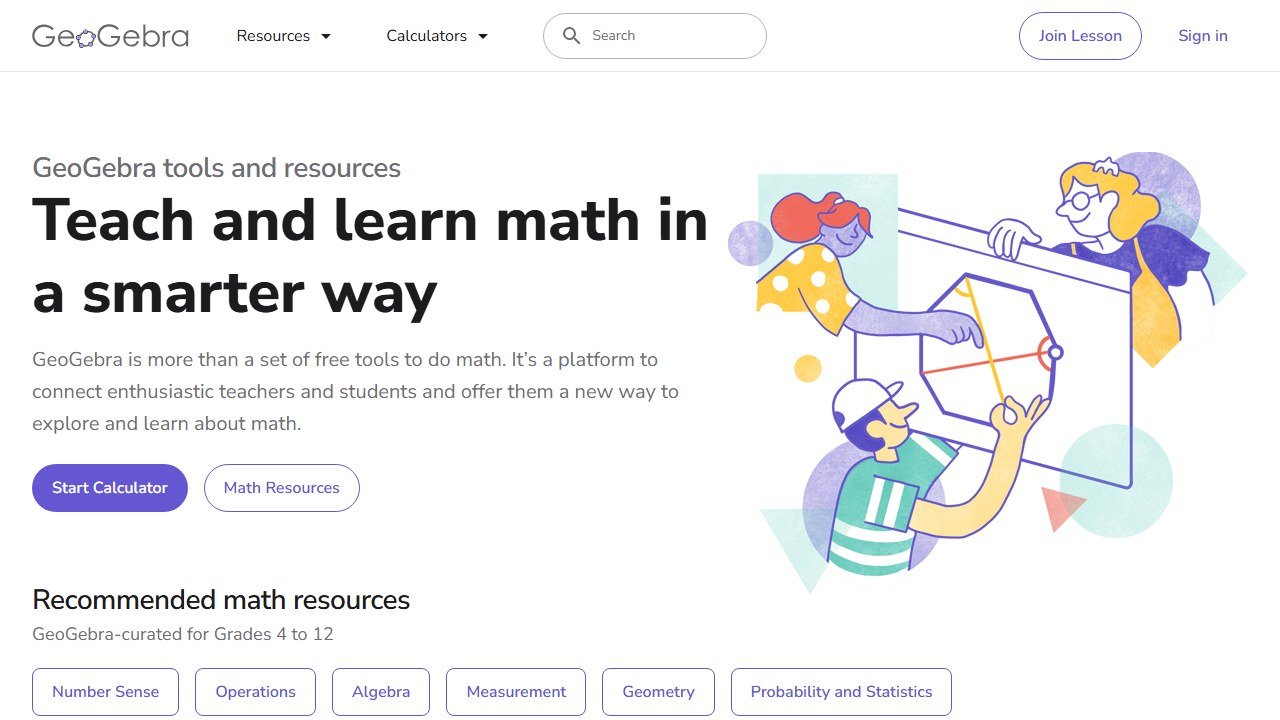
- Desmos or GeoGebra for visualization and interactive lessons. Free. Trustworthy. Start here.
- Wolfram Alpha as your answer-key checker and computation backstop. Free for most of what you need.
- One generation tool (MagicSchool or a general model) for drafting worksheets, quizzes, and explanations fast.
- Optionally, one student-facing tool (Khanmigo) piloted by you first before any class uses it.
That is four tools, three of them free, and it covers planning, computation, visualization, and practice generation. Add anything else only when a specific job is not covered.
The first week with this stack is the one that matters. Pick one upcoming lesson and build a single Desmos or GeoGebra activity for it. Generate one worksheet, check the key in Wolfram Alpha, note how long the check actually took. That is enough to feel where the tools save time and where they need watching, without betting a whole unit on an unfamiliar workflow. Expand only after the verification habit feels automatic.
Most of that setup costs nothing. Our guide to the best free AI tools for teachers lists the exact free-tier limits, so you know when a paywall will actually hit.
What AI still cannot do for a math teacher
It cannot watch a student's face and know the exact moment the idea clicked, or did not. It cannot decide that today's class needs the concrete manipulative instead of the abstract notation. It cannot tell that a student who got the answer wrong actually used a more sophisticated method than the one you taught, and deserves to hear that. It cannot hold the room.
It also cannot judge whether a problem set is pitched right for the particular class in front of you, or sense that a topic needs another day. Those calls depend on knowing thirty specific students, and that knowledge lives with the teacher, not the tool.
And it cannot be trusted with arithmetic the way a calculator can, which is the strange truth at the center of teaching math with AI in 2026. The tools are powerful and they are worth your time. They are also the reason a math teacher, more than any other teacher, has to keep one hand on the verification step. Use them for everything they are good at. Check everything they compute. That is the whole method.
For the wider picture beyond math specifically, our guide to the best AI tools for teachers covers planning, feedback, and classroom tools across every subject.
This is part of our series of honest, profession-specific AI guides. See also: AI tools for yoga instructors, AI tools for volunteer coordinators, AI tools for wedding planners.
For the student side of math help, see the best AI math solver apps and our head-to-head Photomath vs Gauth comparison.
Student data, and the questions a school has to ask before anything is switched on
This is the part of education technology where getting it wrong has consequences beyond a wasted subscription, and it is mostly answerable in writing before adoption.
Know which law you are under before you evaluate
In the United States, student education records sit under FERPA, and services aimed at under-13s bring COPPA into scope, which requires verifiable parental consent for personal information collected from children. Schools outside the US will have their own regime. The practical effect is the same: the school, not the vendor, carries the obligation, so the vendor questions exist to let you meet it.
Ask whether student work trains the model
This is the single question to get in writing. Ask whether student inputs and outputs are used to train or improve any model, including in aggregated or anonymised form, and whether that binds subprocessors too. “We do not train on your data” and “we do not train foundation models on your data” are different sentences. Get it as a contract term, because a sales assurance does not survive a change of ownership.
Ask who else touches the data
Most tools here are built on a model provider they did not write, so student work reaches a third party. Ask for the current subprocessor list, where each processes data, and how you are notified when it changes. A vendor that cannot produce that list within a day does not have one, which tells you enough about the rest of their programme.
Ask what happens at the end of a school year
Retention and deletion, stated in days rather than described as a process. What is deleted when a student leaves, when a class is archived, when the contract ends. Ask whether deletion means removed from live systems, removed from backups, or flagged. A vendor that will commit to a number in the contract is a different proposition from one that describes an approach.
The one many schools miss: inferences about a child
If a tool generates a reading level, a predicted grade, a behaviour flag or an ability estimate, that is data about a student the student never supplied. Ask whether those inferences are covered by your export, your deletion request and your access request, because a parent asking what the school holds on their child is asking about those too.

Written by
FazFaz is the founder of AIToolsBakery. Some tools here are tested hands on. Others are assessed from vendor documentation and pricing verified on the live page, and every review says which one it is. Sponsors can buy a position in a guide. They cannot buy the score, the criticism, or silence about a better option.
How we test and how we make money →