Paralegals carry the document-heavy load of a legal team. Research, cite-checking, discovery responses, summarizing records, and case prep all land on your desk, and every one of them eats hours. AI tools are genuinely good at that drudge work now. They can pull a first-draft answer from a stack of case law, flag a citation that does not check out, or turn a thousand pages of medical records into a usable timeline in minutes instead of days. Used well, they give you back the time that made this job feel like data entry.
What AI does not do is own the outcome. A paralegal still verifies every fact, every cite, and every summary before it leaves the desk, because the model will state something confidently that is simply wrong. AI also cannot give legal advice or otherwise practice law: that boundary is the attorney’s, and no tool changes it. So the honest way to pick software is by task. The best research assistant is not the best cite-checker, and the best discovery drafter is not the best free summarizer. This ranking sorts tools by the job they do best, with real pricing notes as of 2026.
Top pick: CoCounsel is the best all-round AI assistant for paralegals in 2026, handling research, document review, and summarizing inside Thomson Reuters’ Westlaw. Paxton AI is the best affordable research and drafting option, and Clearbrief is the best for cite-checking and tables of authorities inside Word.
Faz says: Pick tools by the task that eats your day, not by the flashiest demo. If discovery responses swallow your week, get a discovery drafter. If it is cite-checking, get a cite-checker. If it is summarizing records, get a summarizer. Buying one giant “does everything” platform when your real bottleneck is one task is how firms waste money. And whatever you buy, treat its output as a first draft only. The model will invent a case or misread a date now and then, and if that reaches a filing it is your name on the certificate. Verify before it leaves your desk, every time.
Saru says: These picks are grounded in each tool’s documented capabilities and current 2026 pricing, checked against vendor pages and independent reviews. Legal AI pricing is often quote-based and moves, so confirm current numbers with the vendor. One caveat that applies to every tool here: AI augments a paralegal’s work, it does not replace attorney review, and it does not authorize the practice of law. Every research result, summary, and draft still needs human verification and, where it matters, a supervising attorney’s sign-off.
How We Ranked These
Legal work is unforgiving about errors, so a tool that is fast but sloppy is worse than useless. We weighted five things:
1. Task fit. The tools that own one paralegal task, research, discovery, cite-checking, records review, beat generalists at that job. We ranked by the task each does best.
2. Accuracy and grounding. Tools that ground answers in real legal sources and cite back to them, rather than free-generating text, are far safer. Grounding is the single biggest accuracy separator.
3. Ease of use and workflow fit. A tool that lives inside Word or your practice management system gets used. One that forces a separate portal and copy-paste often does not.
4. Price and honesty about it. Legal AI runs from free to four figures a month. We flag the model and note where pricing is quote-only, so you know what you are walking into.
5. Verification support. The best tools make it easy to check their work: citations you can click, source documents you can open, audit trails you can hand a partner. That is what makes AI safe to use.
Comparison Table
| Tool | Best for task | Starting price as of 2026 |
|---|---|---|
| CoCounsel | All-round assistant, research, review, summaries | Roughly $104 to $639/user/mo, config-based |
| Paxton AI | Affordable research and drafting | Around $199 to $499/user/mo |
| Spellbook | Contract drafting and review in Word | Quote-based, per seat |
| Clearbrief | Cite-checking and tables of authorities | Quote-based, one simple price |
| Briefpoint | Discovery requests and responses | Custom quote, from about $89/mo cited |
| EvenUp | Personal-injury case prep | Quote-based, enterprise |
| Clio | Case and document organization | Clio Duo AI add-on to Clio plans |
| NotebookLM | Free summarizing and querying documents | Free, paid tier available |
Pricing is quote-based for several of these tools and changes often, so treat these as directional and confirm current numbers with the vendor.
1. CoCounsel (Thomson Reuters): Best All-Round AI Assistant
CoCounsel is the closest thing to a general-purpose AI assistant a paralegal can hand real work to. It runs research, document review, summarizing, timeline building, and deposition prep, and it is grounded in Thomson Reuters’ Westlaw and Practical Law, so answers come with citations you can verify rather than free-generated text. For the paralegal whose week is a mix of everything, one tool that covers research, review, and summaries in one place is a genuine time saver.
Pricing is configurator-based and not a flat list. Thomson Reuters generates a quote from your firm size, jurisdiction, and contract term, with per-user prices that have ranged from roughly $104 to about $639 per month depending on plan and coverage, checked in 2026. “All States and Federal” coverage sits at the top of that range, and multi-jurisdiction practices pay more. It is the priciest pick here for full coverage, but for an all-round assistant grounded in Westlaw, it is the strongest. See our full CoCounsel review for the detail.
Best for: paralegals who need one assistant across research, review, and summarizing.
Watch out for: configurator pricing climbs fast with wider jurisdiction coverage.
2. Paxton AI: Best Affordable Research and Drafting
Paxton AI is the value pick for research and drafting. It handles legal research, document analysis, and drafting with citations across U.S. federal regulations, state laws, and case law in all 50 states, and it is priced to be reachable for a solo or small firm rather than only an enterprise. That combination, broad research coverage at a mid-market price, is what makes it a strong paralegal tool when CoCounsel’s full configuration is out of budget.
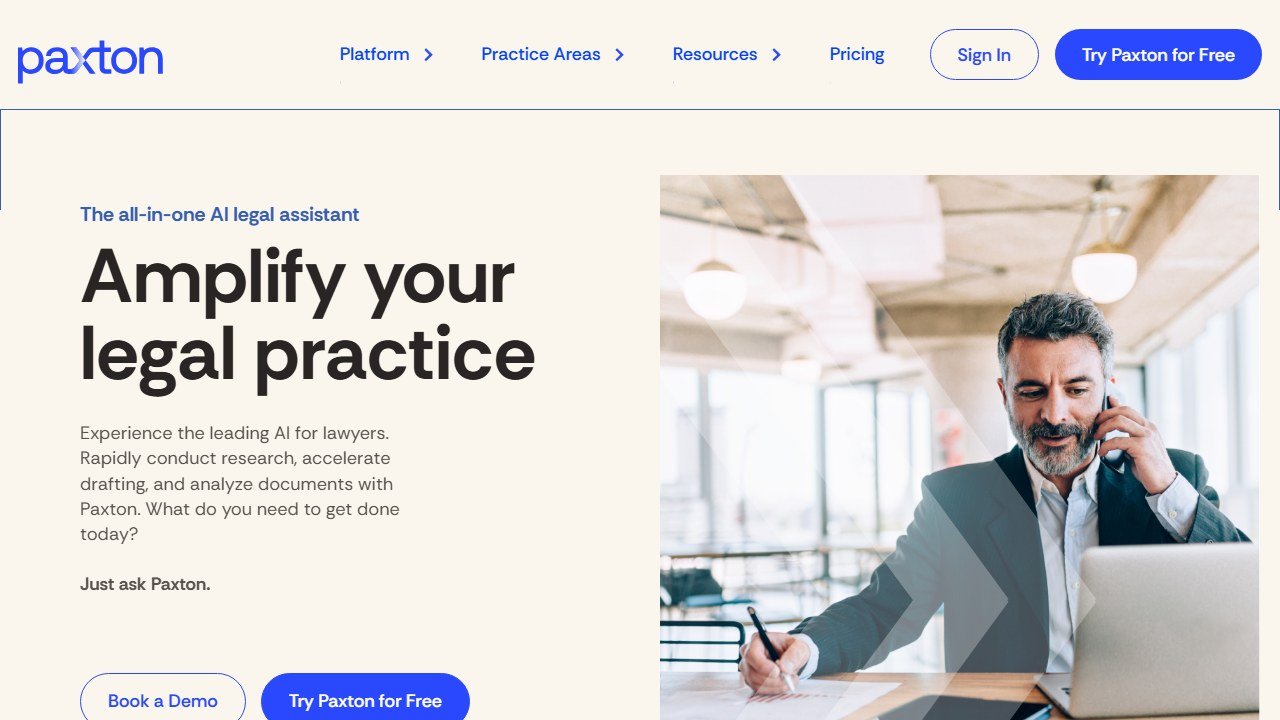
Pricing has moved up over time and varies by source, landing around $199 to $499 per user per month as of 2026, with a free trial available. Confirm the current tier before you commit, since legal AI pricing shifts. For paralegals who mostly need research and first-draft documents with real citations, and who want to check the model’s cites the same way, Paxton delivers most of the value at a fraction of a full research suite.
Best for: paralegals who need solid research and drafting without enterprise pricing.
Watch out for: pricing has crept up, so verify the current tier before buying.
3. Spellbook: Best for Contract Drafting and Review Support
Spellbook works where contract work already happens: inside Microsoft Word. It drafts clauses, suggests redlines, flags missing or aggressive terms, and reviews contracts against your standards, all in the document rather than a separate portal. For a paralegal supporting transactional work, that in-Word workflow means less copy-paste and a faster path from markup to a clean draft an attorney can review.
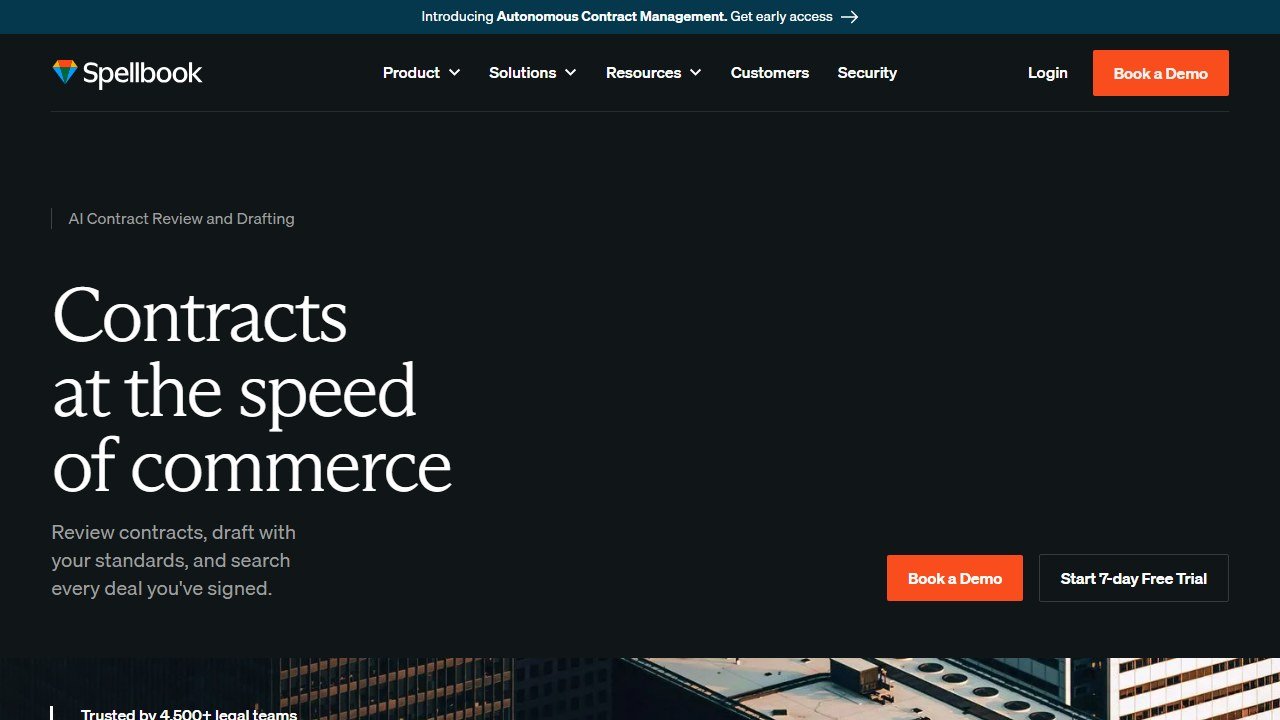
Pricing is quote-based and sold per seat, so you will get a number after a demo rather than off a public page. Spellbook is drafting support, not a substitute for legal judgment: it produces suggestions a paralegal reviews and an attorney approves, which is exactly the right division of labor for contract work.
Best for: paralegals supporting contract drafting and review who live in Word.
Watch out for: pricing is quote-only, and output is a draft to be reviewed, not final.
If Spellbook makes your shortlist, check our Spellbook pricing guide first. It covers what per-seat costs look like at small-team scale, including the plans firms actually end up on.
4. Clearbrief: Best for Cite-Checking
Clearbrief does one high-stakes job better than the generalists: it verifies citations. Working inside Microsoft Word, it checks every citation in a document against verified legal databases, including a LexisNexis integration, to catch fabricated or inaccurate cases, and it builds tables of authorities automatically. Its Cite Check Report produces an audit trail showing every citation was systematically verified, which is exactly the kind of paper trail a partner wants against AI hallucinations. Notably, the citation-checking features are not generative AI, so they are checking rather than inventing.
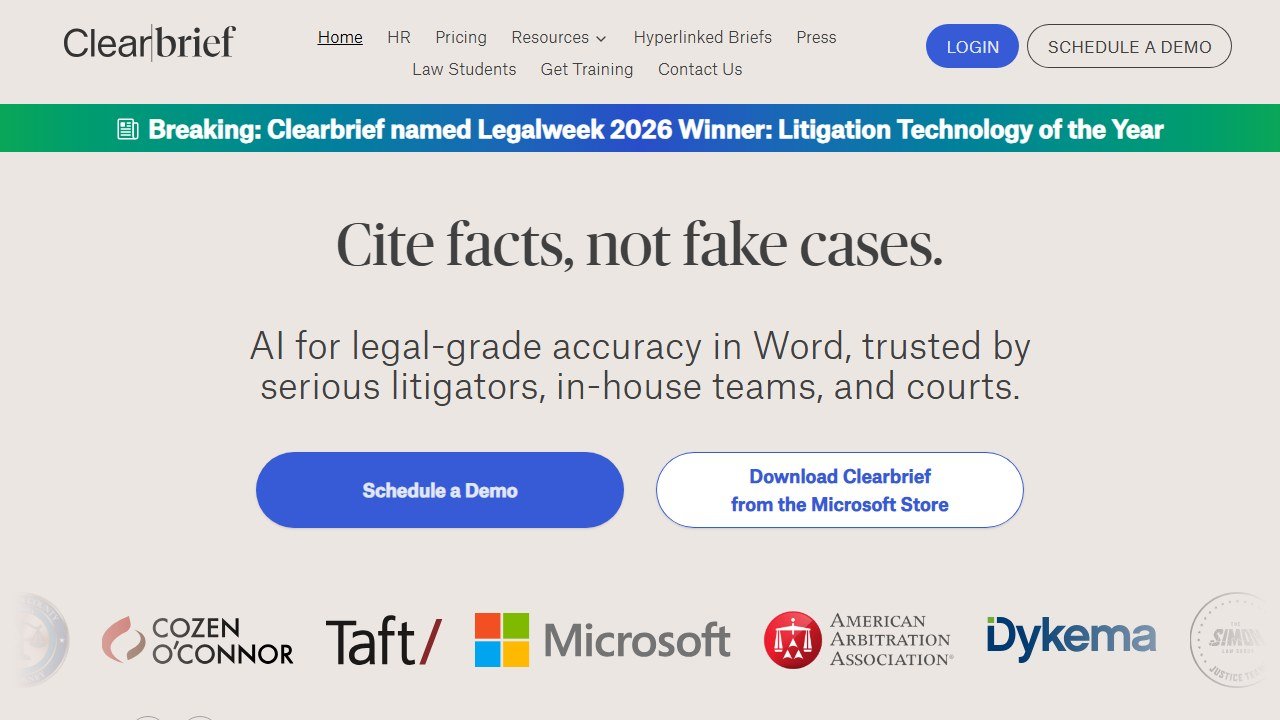
Pricing is quote-based, marketed as “one simple price,” with multi-year options for solos who want a lower rate. For a paralegal whose nightmare is a bad cite reaching a filing, a dedicated verifier that lives in Word and builds your table of authorities is worth more than a general assistant that can cite-check as an afterthought.
Best for: paralegals responsible for cite-checking and tables of authorities.
Watch out for: pricing is quote-only, so you will need a demo for a number.
5. Briefpoint: Best for Discovery
Briefpoint targets the task that quietly swallows litigation paralegals’ weeks: discovery. It drafts discovery requests, interrogatories, requests for production, and requests for admission, and it generates responses to opposing counsel’s discovery. Its Autodoc feature turns a document production into a ready-to-serve response with Bates citations, which is the tedious part done in minutes rather than hours. For a litigation team drowning in discovery, that is the highest-leverage automation on this list.
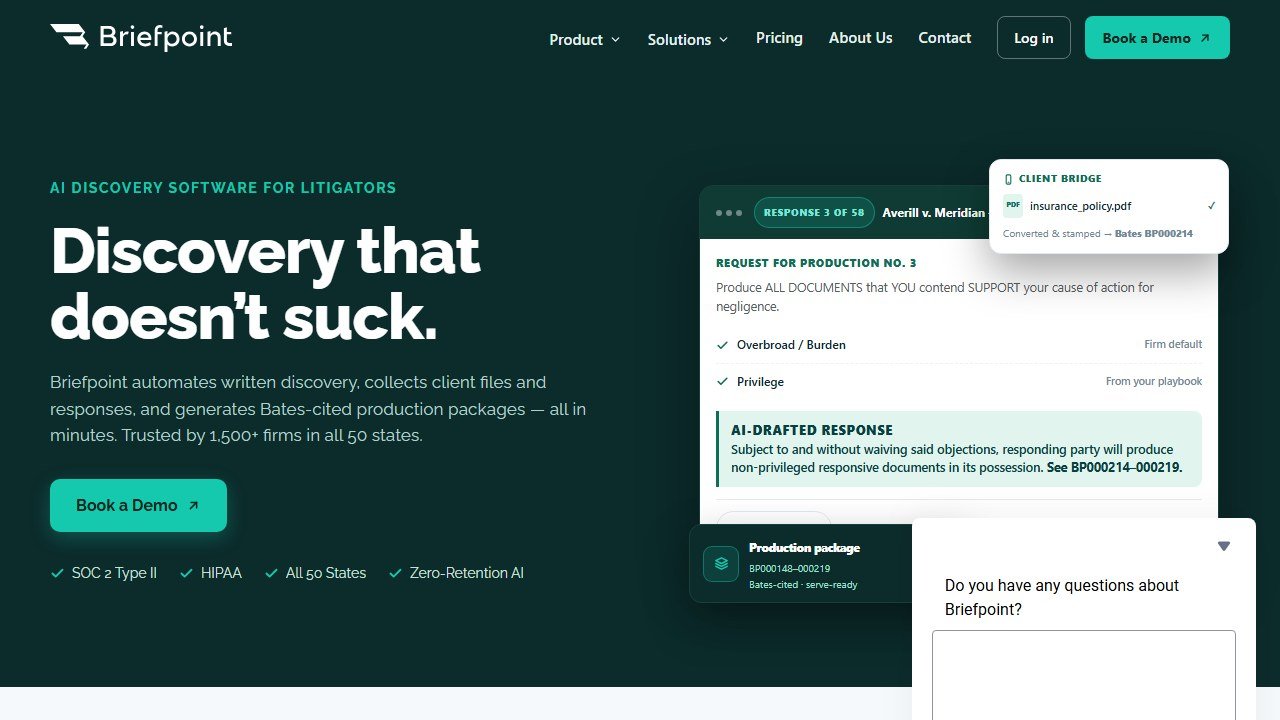
Pricing is described as custom, scaling with users and firm size after a demo, though one source cites a figure around $89 per month. Confirm current pricing directly. As with every tool here, a paralegal reviews the drafted responses and an attorney signs off before anything is served: Briefpoint speeds the drafting, it does not remove the review.
Best for: litigation paralegals buried in discovery requests and responses.
Watch out for: pricing is largely quote-based, and drafted responses still need review.
6. EvenUp: Best for Personal-Injury Case Prep
EvenUp is purpose-built for plaintiff personal-injury work. It reviews medical records, its MedChrons product processes the underlying records into usable chronologies, and it drafts AI-generated demand packages, the full document a firm sends to an insurer. For a PI paralegal, that attacks the two most time-consuming tasks in the practice, wading through medical records and assembling the demand, in one tool built for exactly that workflow.
Pricing is not published and is enterprise-style: estimates from firm reviews suggest a wide monthly range depending on case volume, negotiated as an annual contract with a sales team rather than a credit-card signup. That makes it a fit for PI firms with real volume rather than a solo dabbling. The demand is the deliverable, and a paralegal and attorney still review it, but for PI case prep specifically, nothing else here is as focused.
Best for: personal-injury paralegals handling medical records and demand letters.
Watch out for: enterprise pricing and sales-led contracts, best for firms with volume.
EvenUp is just the start of what AI can do for injury practices. Our full guide to the best AI tools for personal injury law firms covers the whole PI stack, from intake to settlement.
7. Clio: Best for Case and Document Organization
Clio is not an AI tool first, it is practice management, but its Clio Duo AI works inside that system to organize matters, surface documents, summarize activity, and answer questions about your cases. The value for a paralegal is that the AI sits on top of the case data you already keep in Clio, so organizing and finding things happens where the work already lives, not in a disconnected app. If your firm runs on Clio, Duo is the lowest-friction way to add AI to daily case and document management.
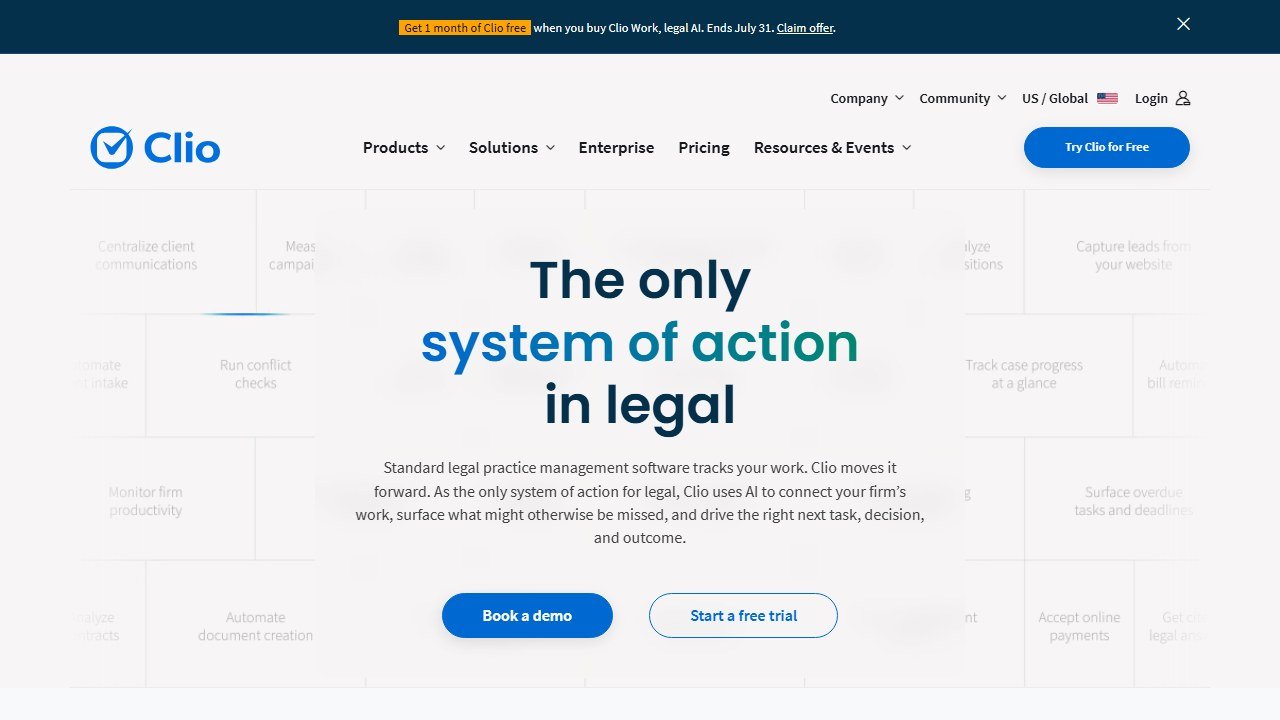
Clio Duo is an AI capability layered onto Clio’s practice management plans rather than a standalone purchase, so cost depends on your Clio plan and tier. For firms already on Clio, that is the appeal: you are adding intelligence to a system you already pay for. See our full Clio review for how the platform fits together.
Best for: paralegals at firms already running on Clio for practice management.
Watch out for: the AI is tied to Clio, so it only makes sense if you use the platform.
8. NotebookLM (Google): Best Free Option
NotebookLM is the strongest free tool for summarizing and querying case documents. Upload your sources and it answers questions grounded in only those documents, with citations back to the exact passage, so you can verify every claim against the source. For summarizing a deposition, querying a set of exhibits, or getting oriented in an unfamiliar file, it is genuinely useful and costs nothing on the free tier, with a paid tier for more capacity.
The caveat matters more here than anywhere else on this list: NotebookLM is a consumer Google product, not a legal tool with a firm-grade data agreement by default. Do not upload privileged or confidential client material without checking Google’s current terms, your firm’s policy, and any applicable confidentiality obligations. Used on non-privileged or properly cleared documents, it is the best free summarizer here. Used carelessly with client data, it is a confidentiality problem.
Best for: paralegals who need free document summarizing and querying with citations.
Watch out for: confidentiality, do not upload privileged client data without clearing it first.
A Word on Ethics and UPL
Three rules keep AI safe in a paralegal’s hands. First, verify everything. Every research result, summary, citation, and draft is a starting point that you check against the source before it goes anywhere, because these tools will state wrong things confidently. Second, protect client data. Do not upload privileged or confidential client documents into consumer tools without first checking the tool’s terms, your firm’s policy, and your confidentiality obligations. Enterprise legal tools typically offer stronger data protections than free consumer apps, but confirm rather than assume. Third, respect the line. AI does not authorize the unauthorized practice of law, and it does not replace an attorney’s review or judgment. A paralegal using AI to work faster is exactly right. A tool giving legal advice, or work going out without attorney oversight where oversight is required, is not.
How to Choose
Start with the task that dominates your week, because that is where a specialized tool pays off. If you are all over the place across research, review, and summaries, CoCounsel is the best all-round assistant. If research and drafting on a budget is the need, Paxton AI. If discovery responses eat your time, Briefpoint. If your job is cite-checking and tables of authorities, Clearbrief. If it is contracts, Spellbook. If it is personal-injury records and demands, EvenUp. If you just need to summarize and query documents for free, NotebookLM.
Then factor in the tools you already have. If your firm runs on Clio, Clio Duo is the low-friction add. If you already pay for Westlaw, CoCounsel folds in naturally. Match the AI to your existing stack before adding a disconnected app. After that, weigh budget honestly: several of these are quote-based and land in the hundreds or thousands per month, so the free and mid-market options matter for solos and small firms. Finally, weigh confidentiality: the more sensitive the client data a tool will touch, the more its data terms and your firm’s policy should drive the decision. The right tool is the one that fits your biggest task, your existing systems, your budget, and your duty to protect the client, in that order.
Paralegals at small firms usually wear three other hats too. Our guide to the best AI tools for small law firms covers the tools that make a lean team punch above its weight.
Verdict
CoCounsel is the best all-round AI tool for paralegals in 2026, because it covers research, document review, and summarizing in one assistant grounded in Westlaw, with citations you can verify. For most paralegals whose week spans many tasks, it is the strongest single pick.
The rest win by task: Paxton AI for affordable research and drafting, Clearbrief for cite-checking, Briefpoint for discovery, EvenUp for personal-injury case prep, Spellbook for contracts, Clio for case organization, and NotebookLM as the best free summarizer. Pick by the job that eats your day, match it to the tools you already have, and verify every output before it leaves your desk.
For the wider picture, see our best AI tools for lawyers pillar, our best AI legal research tools roundup, and our best AI contract review software guide.

Written by
FazFaz is the founder of AIToolsBakery. Some tools here are tested hands on. Others are assessed from vendor documentation and pricing verified on the live page, and every review says which one it is. Sponsors can buy a position in a guide. They cannot buy the score, the criticism, or silence about a better option.
How we test and how we make money →