It is 6:40 a.m. The first family arrives in twenty minutes, two teachers have called out, your waitlist inbox has nine unanswered tour requests, and three invoices are thirty days late. The work of running a daycare center is not the cute part. It is operations, compliance, ratios, and a thousand small messages, all while you are legally and morally responsible for other people’s children.
AIToolsBakery is independent. We do not sell daycare software, we take no commissions, and we are not one of the vendors whose blog probably sits at the top of your search results. Almost every “best AI for childcare” list you will find is written by a platform that wants you to buy its platform. That is the difference here: we will tell you where these tools genuinely save a director hours, and where they are oversold or where you should not let them anywhere near a child’s data.
One thing we will repeat, because it matters more than any feature: children’s information is among the most sensitive data you will ever handle. Use AI carefully, and never in place of a trained adult watching a child.
The 30-second answer: Use a real childcare platform (Brightwheel, Procare, Lillio, Illumine, or Famly) for enrollment, daily reports, and billing. Use general AI (ChatGPT, Claude, Canva) only for admin writing and marketing, never with a child’s name, photo, or record pasted in. AI assists adults. It never supervises children.
Enrollment, waitlists, and answering parents fast
The leads you lose are usually the ones you answered too slowly. A tour request that sits for a day often books somewhere else.
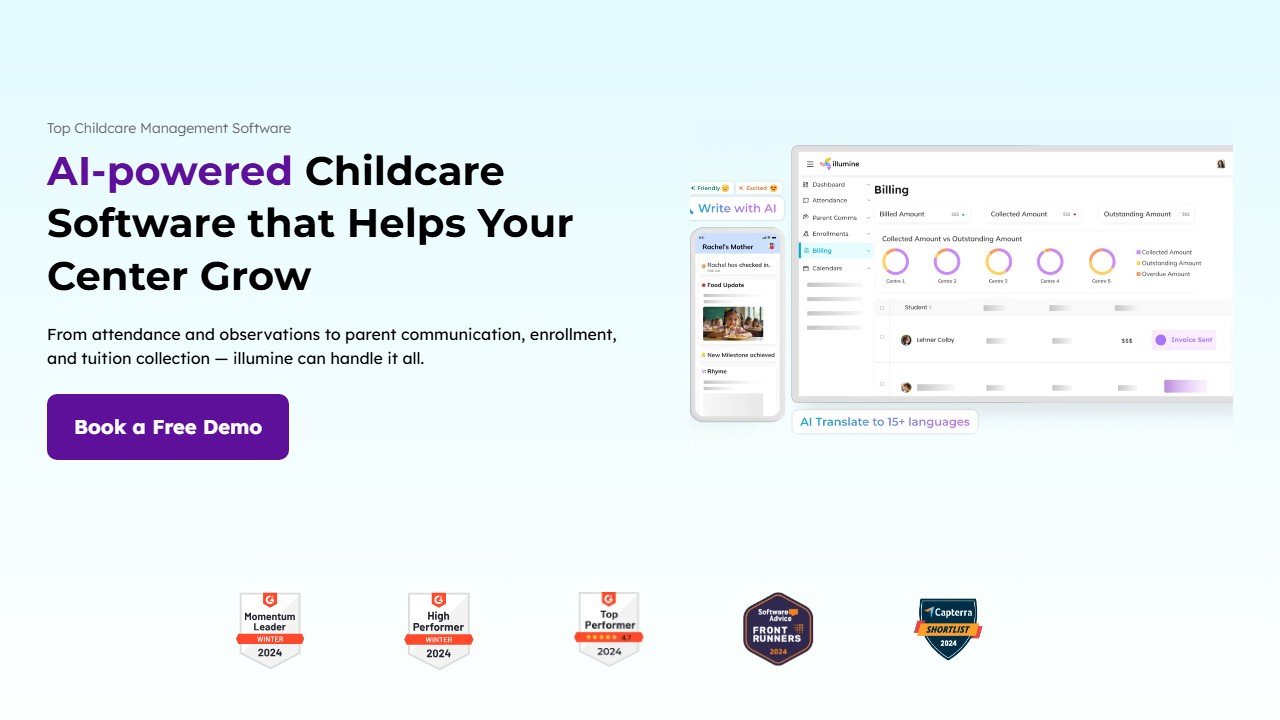
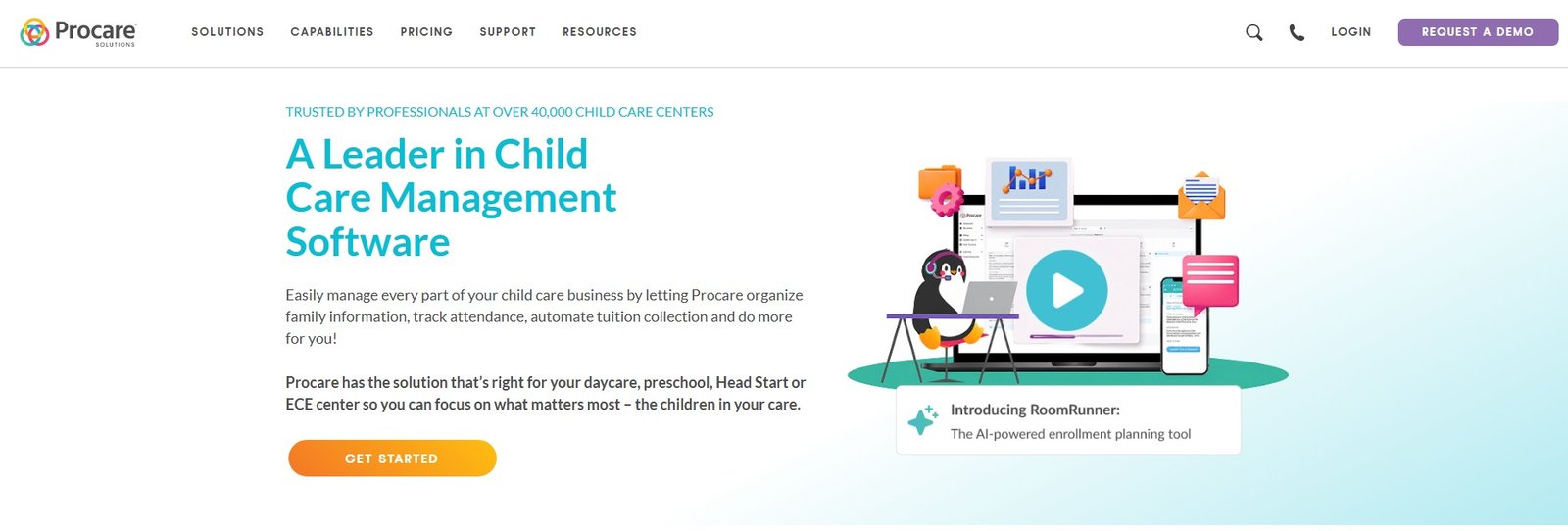
Most full childcare platforms now handle the enrollment funnel: lead capture, tour scheduling, digital forms, and waitlist management. Brightwheel is the largest by adoption and runs lead-to-enrollment tracking plus paperless registration. Procare layers in newer AI-assisted enrollment planning that projects classroom capacity and room transitions months ahead, which is genuinely useful when you are juggling age cutoffs and ratios. Illumine takes a similar approach, pairing lead capture and digital enrollment forms with waitlist tracking and AI-assisted parent replies.
A newer category is the AI voice receptionist, such as the one inside Playground, which answers inbound calls after hours, qualifies the family, and books a tour. For a center that loses evening and weekend calls to voicemail, this can recover real enrollments. Honest limitation: an AI answering your phone is a real liability if it gives a wrong answer about allergies, ratios, or licensing. Treat it as a message-taker and tour-scheduler, not as someone who speaks for your policies. Always have the director confirm anything that matters, and review the AI’s call logs weekly so you catch a bad answer before a family does.
Whichever platform you choose, the enrollment funnel is one place where a little automation compounds. A fast, accurate auto-reply, a self-serve tour calendar, and digital forms that parents can sign from a phone remove most of the friction that quietly costs you families. The waitlist itself benefits too: a system that tracks age progression and expected openings beats a spreadsheet you forget to update.
Parent communication and daily reports
Daily reports, photos, nap and meal logs, and the steady stream of “did she eat lunch?” messages eat a shocking amount of staff time. This is where childcare platforms earn their keep, and where AI features are actually maturing.
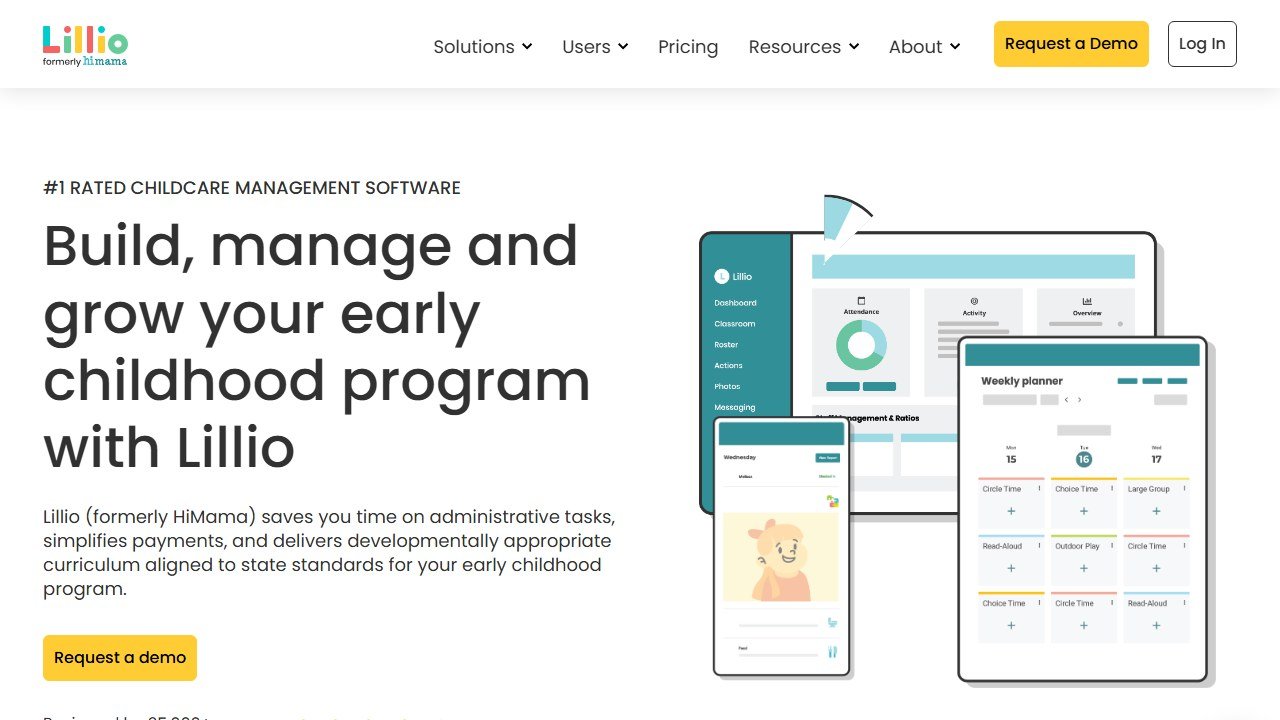
Lillio (formerly HiMama) is built around documentation and daily reports, with developmental tracking that many directors like. Illumine and Famly cover the same ground: in-app messaging, photo sharing, and digital check-in. The new AI layer across several platforms can draft a daily report from a teacher’s quick notes, suggest a caption for a photo, or rewrite a tense message to a parent in a calmer tone.
Used well, this turns a teacher’s three rushed bullet points into a warm, readable update without keeping them off the floor. The honest limit: AI-generated reports can drift into generic, samey language, and parents notice when every child’s day sounds identical. Keep the specific, true detail (who he played with, what she finally tried at lunch) and let AI handle the wording around it. If you also lead a classroom, our guide to AI tools for preschool teachers goes deeper on the documentation side.
Crucially, these AI features live inside a platform that already holds the child’s record under a vendor agreement. That is very different from pasting a child’s name into a public chatbot, which you should never do.
Scheduling and staff rostering
Ratios are the whole game. A schedule that quietly drops you out of compliance for an hour is a licensing problem, not an inconvenience.
The strongest scheduling tools for centers are ratio-aware. Some childcare-specific schedulers will generate a weekly roster, flag when a room is about to go out of ratio, and automatically text available substitutes when someone calls out. That callout-to-substitute loop is the feature most directors underestimate and most need, because the 6 a.m. scramble to cover a sick teacher is exactly when a human is least able to do the math under pressure.
AI can also help with the planning that surrounds the schedule: forecasting which days run heavy, spotting overtime before it happens, and balancing experienced staff across rooms. Treat these as suggestions to review, not orders to follow. A model does not know that one teacher is new and should not be alone with infants, or that two staff members work better apart. That context lives in your head, and it has to stay in the final decision.
If you prefer general staff-scheduling software, fine, but you then carry the ratio math yourself. Centers that also place in-home caregivers may find our notes on AI tools for nannies useful for that side of the operation. For centers, a childcare-aware tool that understands age-group ratios is worth more than a slicker generic app. Whatever you use, the director still signs off. AI suggesting a schedule is fine. AI deciding who supervises which infant room without a human check is not.
Billing, tuition, and chasing late payments
Collections are awkward and they are where small centers bleed cash. Automating the unpleasant follow-up is one of the cleanest wins available.

Illumine and the billing modules in Brightwheel, Procare, and Famly handle recurring invoices, autopay, subsidy and discount handling, late-fee rules, and automatic reminder sequences. You set the rules once: due date, grace period, reminder cadence, late fee. The software then chases payment so you do not have to send the uncomfortable text yourself.
This is bookkeeping automation, not really “AI,” and that is a feature. You want billing to be boringly deterministic and auditable, not a model improvising about someone’s money. Confirm the platform integrates with your accounting (many connect to QuickBooks and common payment processors) before you commit, and reconcile monthly anyway.
Two practical cautions. First, subsidy and split-family billing is where these systems get messy, so test your exact scenarios during the trial rather than trusting the demo. Second, automatic late fees are powerful but blunt: set a sensible grace period and consider a human review step for families you know are going through a rough patch. The goal is steadier cash flow, not a tool that picks fights with parents on your behalf.
Marketing, admin writing, and policy drafts
Here is where general-purpose AI actually shines for a director, because none of it needs to touch a child’s data.
ChatGPT and Claude are excellent first-draft engines for the writing that piles up: the weekly newsletter, a snow-day policy, a sick-child exclusion policy, a job ad for a lead teacher, a thank-you note to families, a draft section of your parent handbook. A newsletter that took two hours can become a fifteen-minute edit. The model gives you a structured draft. You bring the judgment, your local licensing rules, and your center’s voice.
Canva covers the visual side: flyers, social posts, enrollment graphics, and printables, with AI-assisted design built in. For a small center with no marketing budget, the free tier goes a long way. Many of these same writing and design habits carry over to classroom staff, which we cover in our roundup of the best AI tools for teachers.
Two firm rules for any general AI tool. First, never paste a child’s name, photo, medical detail, family contact, or incident record into a consumer chatbot. Use placeholders like “[child]” and “[parent]” and fill the real details in yourself afterward. Second, anything legal or licensing-related (your actual handbook, your real exclusion policy) gets reviewed by a human who knows your state’s regulations before it goes out. AI does not know your licensing rules. It guesses confidently.
Daycare AI tools compared
| Tool | What it does | Best for | Free tier or trial |
|---|---|---|---|
| Brightwheel | Full platform: enrollment, daily reports, billing | Largest ecosystem, broad adoption | Demo, quote-based pricing |
| Procare | Full platform with AI enrollment planning | Multi-room centers managing capacity ahead | Demo, quote-based pricing |
| Lillio | Daily reports, documentation, dev tracking | Documentation-heavy programs | Free trial available |
| Illumine | Management plus strong automated billing | Centers focused on billing and collections | Free trial available |
| Famly | All-in-one management and parent comms | Centers wanting a modern, clean app | Demo available |
| Playground | Management plus AI voice receptionist | Capturing after-hours tour leads | Free trial available |
| ChatGPT / Claude | General AI writing assistant | Newsletters, policies, job ads (no child data) | Free tiers; paid around 20 USD/mo |
| Canva | Design and marketing graphics | Flyers, social, enrollment printables | Generous free tier |
A note on pricing: the major platforms are mostly quote-based, not published. Real-world costs commonly land somewhere from roughly 85 USD per month for smaller setups up to several hundred per month for a mid-sized center, depending on enrollment and modules. Get two or three quotes and ask each vendor to put per-child pricing in writing.
A lean starter stack for one center
You do not need everything. For a single center, this gets you most of the benefit:
- One childcare platform for enrollment, daily reports, and billing. Pick from Brightwheel, Procare, Lillio, Illumine, or Famly based on which job hurts most. Do not run two platforms in parallel.
- One general AI assistant (ChatGPT or Claude) for admin writing, used only with placeholders and never with child data.
- Canva for marketing and printables.
- A ratio-aware scheduling approach, whether built into your platform or a childcare-specific scheduler, with the director approving every roster.
- A written AI-use policy in your staff handbook before anyone uses these tools, plus a plain disclosure to families that you use AI for administrative work and never for decisions about their child.
That is it. Add the voice receptionist or fancier AI features later, once the basics are saving you real time.
A word on data privacy and compliance, because it is the whole job
Read this even if you skim the rest.
Children’s data is highly sensitive and, in the United States, often touches COPPA and FERPA-adjacent obligations along with your state licensing rules. Before you trust any vendor with names, photos, health records, or family contacts, ask them directly: where is the data stored, who can see it, is it used to train AI models, can you delete it on request, and will they sign an agreement that says so. A vendor who cannot answer clearly is a vendor you skip. Get the privacy terms in writing.
For general consumer AI, the rule is simpler: keep children out of it entirely. No names, no faces, no medical notes, no incident reports, no custody details. These tools can be a brilliant writing partner for the adult work of running a center. They are not a place for a child’s life to live.
What AI still cannot do for a daycare center
AI cannot supervise a child. It cannot watch a toddler near the stairs, read a feverish two-year-old’s face, or notice the quiet kid who is suddenly flinching. It cannot make a judgment call about a child’s safety, and it must never be allowed to try. A camera with AI alerts is an extra set of eyes for an adult, never a replacement for one.
It cannot build the trust that fills your rooms. Parents hand you the most precious thing they have because a human looked them in the eye and earned it. AI does not do tours that calm a nervous mother, does not comfort a crying child on the third day, and does not catch the developmental flag that comes from years of watching real kids.
And it cannot carry the responsibility. When something goes wrong, the license, the liability, and the moral weight sit with you and your staff. AI can take the newsletter, the invoice reminders, and the first draft of the policy off your plate. It gives you back the hours. What you do with those hours, the presence, the warmth, the watching, is the actual job. Keep AI on the paperwork, and keep yourself with the children.

Written by
FazFaz is the founder of AIToolsBakery. Some tools here are tested hands on. Others are assessed from vendor documentation and pricing verified on the live page, and every review says which one it is. Sponsors can buy a position in a guide. They cannot buy the score, the criticism, or silence about a better option.
How we test and how we make money →