80+ tools. Free for teachers. Sounds too good to be true. It mostly isn’t.
Quick Answer: MagicSchool AI is a free all-in-one AI platform for K-12 teachers with 80+ tools covering lesson planning, writing feedback, rubric generation, quiz creation, IEP writing, and more. It also includes 50+ student-facing tools. FERPA, COPPA, and SOC 2 compliant. Best for teachers who want a single platform for everything rather than juggling multiple specialized tools.
[Faz] MagicSchool is the Swiss Army knife of teacher AI. Lesson plans, rubrics, quizzes, IEP drafts, report card comments, writing feedback, presentation outlines. Name a teaching task and there’s probably a MagicSchool tool for it. The question isn’t whether it can do what you need. The question is whether doing everything means doing anything well enough. We put it through its paces alongside the specialists in our best AI tools for teachers roundup. Here’s the honest breakdown.
What MagicSchool Does
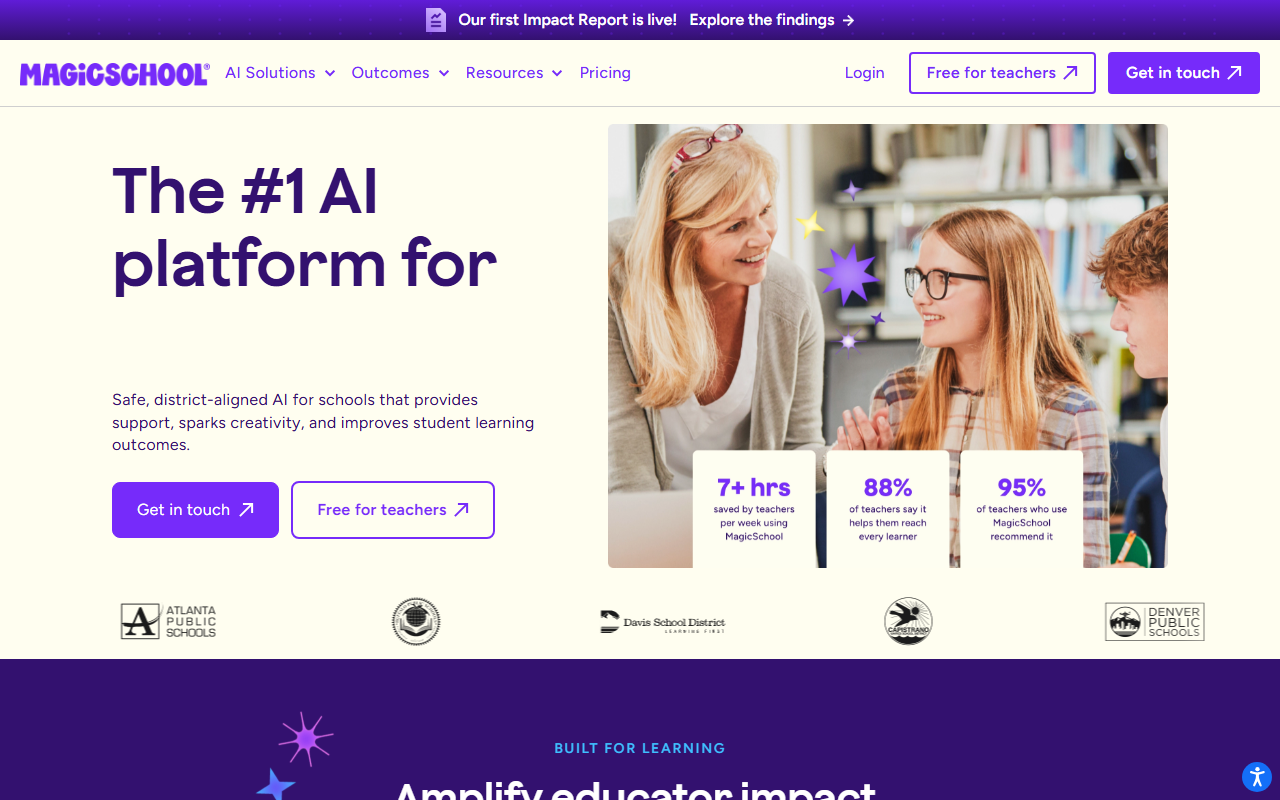
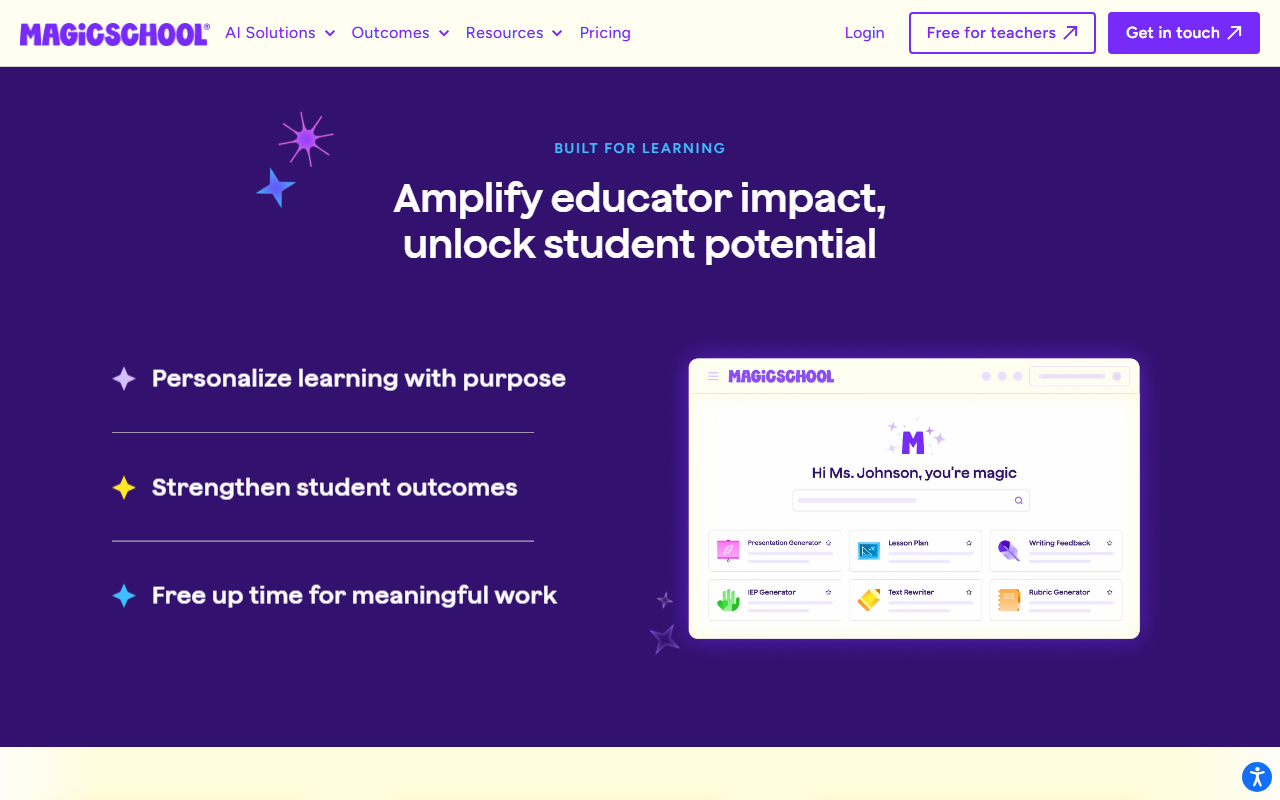
MagicSchool AI is a web-based platform that gives teachers access to 80+ AI-powered tools and students access to 50+ learning tools, all in one place. You sign up (free for individual teachers), pick a tool from the dashboard, enter your parameters, and get AI-generated output.
The platform covers the full teaching workflow: planning, creating materials, assessing student work, writing administrative documents, and providing student feedback. It’s not a Chrome extension like Brisk or a differentiation specialist like Diffit. It’s a destination platform that tries to handle everything under one roof.
Key Features
Lesson Plan Generator
Enter your subject, grade level, topic, and standards. MagicSchool generates a complete lesson plan with learning objectives, warm-up activities, direct instruction, guided practice, independent work, and assessment. You can specify time constraints, differentiation needs, and teaching strategies.
The output is solid as a starting framework. Most teachers treat it as a first draft that needs 10-15 minutes of customization rather than a finished product.
Writing Feedback Tool
Paste a student’s essay and MagicSchool generates detailed feedback. You can set the rubric, tone (encouraging vs direct), and focus areas. The feedback references specific parts of the text and provides actionable suggestions for improvement.
This overlaps with Brisk’s in-Docs feedback, but MagicSchool’s version runs on its own platform rather than inside Google Docs. You copy the essay in, get feedback, and copy it back. More steps, but it works without a Chrome extension.
Rubric Generator
Describe your assignment and MagicSchool creates a detailed rubric with performance levels, criteria, and descriptors. You can specify the format (single-point, holistic, analytic) and the number of performance levels. Useful for teachers who know what they want to assess but struggle with rubric language.
Quiz and Assessment Maker
Generate multiple-choice, short answer, or essay questions from a topic, article, or standard. Questions include answer keys and can be exported to Google Forms or printed. You control the difficulty level, question count, and cognitive complexity (recall vs analysis vs synthesis).
IEP Generator
One of MagicSchool’s standout tools for special education teachers. Enter a student’s disability category, present levels, and goals. MagicSchool drafts IEP sections with appropriate language, measurable objectives, and accommodation suggestions. Special ed teachers who spend 2-3 hours per IEP report significant time savings.
Report Card Comments
Enter a student’s grades, strengths, and areas for growth. MagicSchool generates personalized report card comments in the tone you specify. For teachers writing 30+ report cards per quarter, this turns a weekend task into an hour.
Student-Facing Tools (50+)
MagicSchool isn’t just for teachers. Students get access to:
- AI Tutor (guided problem-solving, doesn’t give answers)
- Teacher-led activities (controlled AI interactions during class)
- Safe, supervised settings with teacher oversight
The student tools run in a managed environment where teachers set boundaries and monitor usage.
AI Instructional Coach
A newer addition that acts as a professional development partner. Teachers can ask for help with teaching strategies, classroom management techniques, curriculum questions, and instructional design. Think of it as having a mentor available 24/7.
Additional Tools
The 80+ tool count includes generators for:
- Presentations and slide outlines
- Vocabulary lists
- Text dependent questions
- Accommodation suggestions
- Letter/email drafts (to parents, admin)
- Science lab procedures
- Math word problems
- Reading comprehension passages
- And dozens more
Pricing Breakdown
| Plan | Price | What You Get |
|---|---|---|
| Free (Individual Teacher) | $0 | Access to 80+ teacher tools, 50+ student tools, core features |
| School/District Plan | Contact for pricing | Admin dashboard, usage analytics, professional development, custom tools, enterprise security |
What you need to know:
- The free individual plan is genuinely free. No trial period, no credit card. Teachers sign up and get access to the core platform.
- MagicSchool’s business model is built around district licensing, not individual subscriptions. The free teacher tier drives adoption, and districts pay for admin features, analytics, and support.
- There may be usage limits on the free plan (generation caps per day/month), but these aren’t prominently documented. Most individual teachers report not hitting them during normal use.
- If your district has a MagicSchool license, you may get enhanced features. Check with your admin.
Free Plan: What You Actually Get
MagicSchool’s free plan is one of the most generous in teacher AI:
- Full access to 80+ teacher tools
- Full access to 50+ student tools
- Lesson planning, rubric generation, quiz creation
- Writing feedback, IEP drafting, report card comments
- No expiration, no credit card
What the free plan likely doesn’t include: admin dashboards, district-level analytics, custom tool configuration, dedicated support, and professional development resources. These are the features districts pay for.
Verdict on the free plan: Exceptional. For individual teachers, the free plan covers virtually everything you’d need. The paid tier is aimed at administrators who want oversight and data across their schools, not at individual classroom teachers.
Privacy and Compliance
MagicSchool has one of the strongest compliance profiles in the education AI space:
- FERPA compliant
- COPPA compliant
- SOC 2 certified
- GDPR compliant
- CCPA compliant
- Common Sense Privacy Verified
- ESSA Level IV evidence-rated
- TrustEd Apps Certified
MagicSchool explicitly states: “We don’t use student or teacher data to train AI.” This is a critical point. Many general-purpose AI tools (ChatGPT, Claude) use conversation data for model improvement unless you opt out. MagicSchool’s data policy is designed specifically for the education context where student data protection is non-negotiable.
Integrations
| Platform | Supported |
|---|---|
| Google Workspace | Yes |
| Google Classroom | Yes |
| Canvas | Yes |
| Schoology | Yes |
| ClassLink | Yes |
| Clever | Yes |
| Microsoft tools | Yes |
MagicSchool integrates with the major LMS platforms and SSO providers. The integration is at the authentication and export level rather than the in-app level (unlike Brisk, which lives inside Google Docs). You use MagicSchool on its own site and export results to your preferred platform.
Who This Is For
Use MagicSchool if you:
- Want one platform that covers lesson planning, grading, feedback, IEPs, and more
- Are a special education teacher (the IEP generator is a standout)
- Prefer a free tool with no usage anxiety
- Need a platform that meets strict district compliance requirements
- Want student-facing AI tools with teacher controls
Skip MagicSchool if you:
- Want AI tools that live inside Google Docs rather than on a separate site (look at Brisk AI)
- Need deep differentiation features specifically (look at Diffit AI)
- Prefer specialized tools that do one thing exceptionally well
- Find 80+ tools overwhelming and want a simpler experience
- Need essay grading with rubric-aligned state assessment support (look at CoGrader)
Pros
- Free for individual teachers with no expiration
- 80+ tools covers virtually every teaching task
- Strong compliance stack (FERPA, COPPA, SOC 2, ESSA Level IV)
- Student-facing tools with teacher oversight and controls
- IEP generator is a genuine time-saver for special ed
- Evidence-rated results: 28% literacy improvement, 7-10 hours saved weekly
Cons
- 80+ tools means none go as deep as specialized competitors
- Runs on its own site, not inside your existing workflow (unlike Brisk)
- District pricing not publicly listed
- Can feel overwhelming on first use (which tool do I start with?)
- Writing feedback requires copy-pasting text rather than working in-document
- Individual tools may produce generic output that needs significant editing
[Faz’s Take] MagicSchool is the right first AI tool for any teacher who hasn’t tried AI yet. It’s free, it’s safe, and it covers enough ground that you’ll find something useful within your first 10 minutes. But here’s the honest part: once you figure out which teaching tasks AI helps with most, you’ll probably graduate to a specialist. If grading is your pain point, Brisk or CoGrader will serve you better. If differentiation is the challenge, Diffit is sharper. MagicSchool’s strength is breadth. Its weakness is also breadth. It’s the tool that shows you what’s possible. Then you go deeper with the tools that match your specific needs.
[Saru’s Verdict] 4/5. MagicSchool AI is the most widely adopted teacher AI platform with evidence-backed outcomes (28% literacy improvement in implementation studies, 7-10 hours saved per week on average). The free tier for individual teachers is the most generous in the space. The compliance stack (FERPA, COPPA, SOC 2, ESSA Level IV) meets the strictest district requirements. The 0.5-point deduction reflects the breadth-over-depth tradeoff: specialized tools like Diffit (differentiation) and Brisk (in-workflow feedback) outperform MagicSchool in their respective niches.
FAQ
Is MagicSchool AI free for teachers?
Yes. MagicSchool is free for individual teachers. You sign up with your email, get access to 80+ teacher tools and 50+ student tools. No credit card, no trial period, no expiration. The paid tier is aimed at school districts that want admin dashboards, usage analytics, and professional development support. Individual teachers get the full core platform for free.
How many tools does MagicSchool have?
MagicSchool has 80+ tools for teachers and 50+ tools for students. Teacher tools cover lesson planning, rubric generation, quiz creation, writing feedback, IEP drafting, report card comments, presentation outlines, vocabulary lists, email drafts, and more. Student tools include an AI tutor, guided activities, and supervised AI interactions. New tools are added regularly.
Is MagicSchool FERPA compliant?
Yes. MagicSchool holds FERPA, COPPA, SOC 2, GDPR, CCPA, and Common Sense Privacy Verified certifications. It’s also ESSA Level IV evidence-rated and TrustEd Apps Certified. MagicSchool explicitly states that student and teacher data is not used to train AI models. This makes it one of the most compliance-ready AI platforms for education.
How does MagicSchool compare to Brisk AI?
MagicSchool is a standalone platform with 80+ tools. Brisk is a Chrome extension with 30+ tools that lives inside Google Docs and Classroom. MagicSchool offers more breadth (IEP writing, report cards, student tools). Brisk offers deeper integration with your existing workflow and unique features like Inspect Writing. We compare them in detail in our MagicSchool AI vs Brisk AI comparison.
Does MagicSchool work with Google Classroom?
Yes. MagicSchool integrates with Google Classroom, Canvas, Schoology, ClassLink, and Clever. You can authenticate with your school’s SSO and export generated content to your LMS. The integration is at the export level rather than in-app (you generate content on MagicSchool’s site, then push it to your platform).
Can students use MagicSchool?
Yes. MagicSchool includes 50+ student-facing tools including an AI tutor that guides learning without giving direct answers. Teachers control which tools students can access, set boundaries on usage, and monitor activity. The student environment is designed to be safe and supervised, with teacher oversight built into the platform.
How much time does MagicSchool save?
MagicSchool reports that teachers save 7-10 hours per week on average. The biggest time savings come from lesson planning (30-60 minutes per lesson plan), IEP drafting (1-2 hours per IEP), report card comments (several hours per quarter), and assessment creation. Individual savings depend on which tools you use most and how much of the AI output you accept versus customize.
Is MagicSchool better than ChatGPT for teachers?
For teaching tasks specifically, yes. MagicSchool is purpose-built for education with pre-configured prompts, safety guardrails, compliance certifications, and student data protection. ChatGPT is more flexible but requires prompt engineering, doesn’t guarantee FERPA compliance, and uses conversation data for model training by default. If you’re a teacher looking for AI that’s ready to use in a classroom context without setup or privacy concerns, MagicSchool is the safer and faster option.
Final Verdict
MagicSchool AI is the best starting point for any teacher exploring AI. The free plan is genuinely generous, the compliance certifications satisfy even the most cautious administrators, and the 80+ tool library guarantees you’ll find something useful for your workflow. It won’t be the deepest tool in any single category. Brisk is better for essay feedback in Google Docs. Diffit is better for differentiation. CoGrader is better for state-aligned essay grading. But nothing else gives you this much under one roof, for free, with this level of data protection. Install it today, explore for a week, then decide which specialist tools to add alongside it.
Rating: 4/5

Written by
FazFaz is the founder of AIToolsBakery. Every tool on this site is personally tested with real-world writing tasks before a single word gets published. No sponsored rankings, no recycled press releases.
Read more about how we test →