MagicSchool gives you everything. Brisk gives you everything where you already are. That’s the decision.
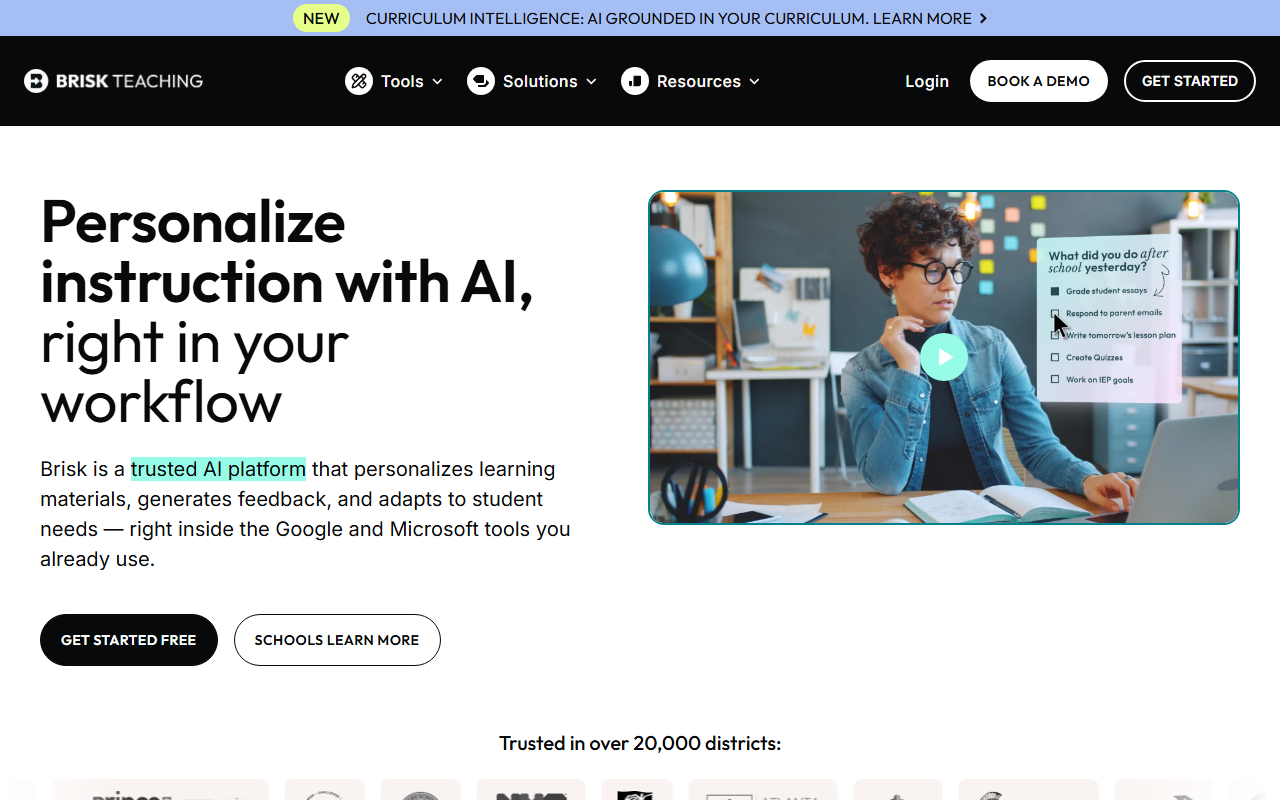
Quick Answer: MagicSchool AI is a standalone platform with 80+ teacher tools (free, FERPA/COPPA/SOC 2). Brisk AI is a Chrome extension with 30+ tools that lives inside Google Docs and Classroom (FERPA/COPPA/SOC 2/ISTE Seal). MagicSchool wins on breadth (IEPs, report cards, student tools). Brisk wins on workflow integration and unique features (Inspect Writing, Curriculum Intelligence). Both are free to start. Pick MagicSchool if you want one platform for everything. Pick Brisk if you live in Google Workspace.
[Faz] This is the comparison every teacher lands on eventually. MagicSchool and Brisk are the two most widely adopted AI tools for teachers, and they take completely different approaches to the same problem. MagicSchool builds a destination. Brisk builds a layer. Both work. The right choice depends on how you already work.
Head-to-Head Comparison
| Feature | MagicSchool AI | Brisk AI |
|---|---|---|
| Type | Standalone web platform | Chrome/Edge extension |
| Tools | 80+ teacher, 50+ student | 30+ teacher |
| Rating | 4/5 | 4.5/5 |
| Free plan | Full access, no expiration | Core features, limits unclear |
| Paid | District pricing (contact) | Contact for pricing |
| FERPA | Yes | Yes |
| COPPA | Yes | Yes |
| SOC 2 | Yes | Yes |
| Extra certs | ESSA Level IV, Common Sense Privacy, TrustEd Apps | ISTE Seal, EdSafe AI, 93% Common Sense Privacy Rating |
| Google Classroom | Yes | Yes |
| Canvas | Yes | Yes |
| Works inside Google Docs | No | Yes |
| Lesson planning | Yes | Yes |
| Writing feedback | Yes (copy-paste) | Yes (in-document) |
| Quiz generation | Yes | Yes (in Google Forms) |
| IEP generator | Yes | No |
| Report card comments | Yes | No |
| Student tools | 50+ | No |
| Inspect Writing | No | Yes |
| Batch feedback | No | Yes |
| Curriculum Intelligence | No | Yes |
| Scale | Used across districts nationwide | 20,000+ districts, NYC DOE |
| User reviews | Evidence-rated (ESSA Level IV) | 4.7 stars, 700+ reviews |
Feature-by-Feature Breakdown
Lesson Planning
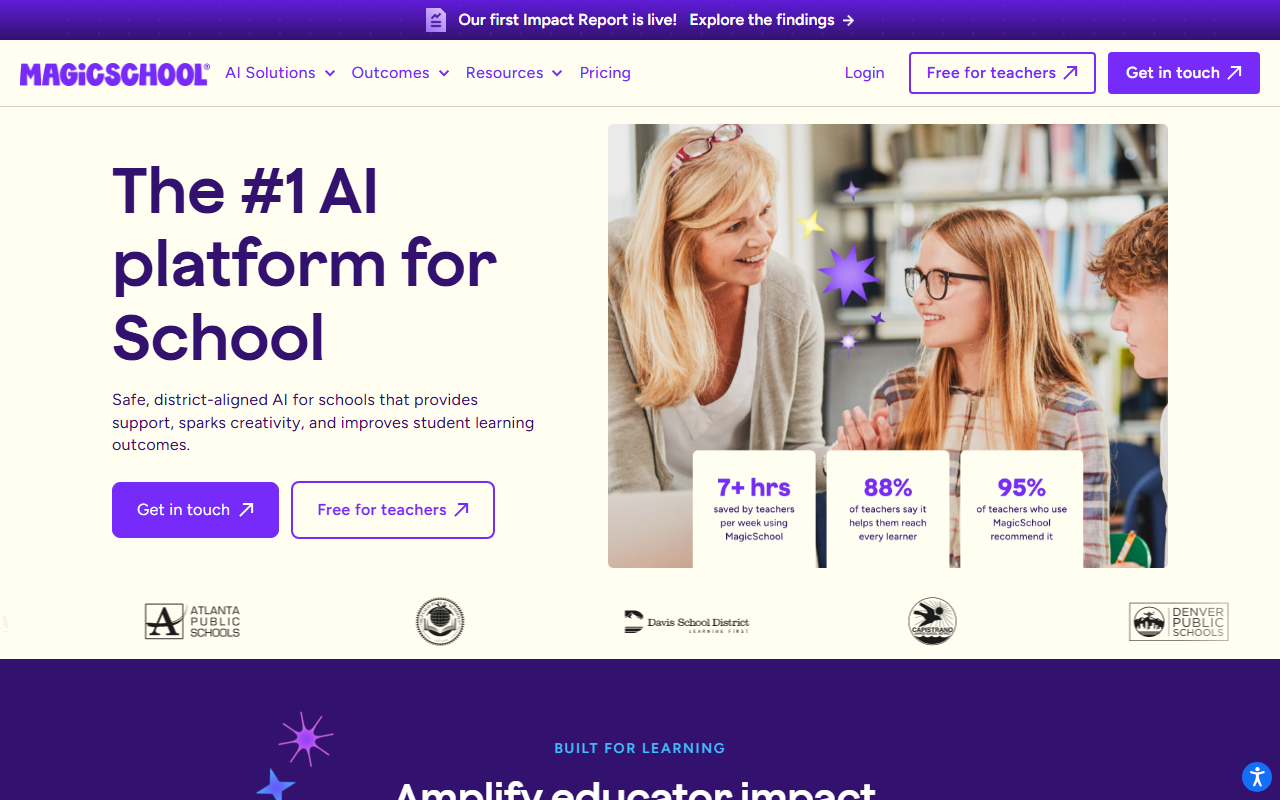
MagicSchool: Enter subject, grade, topic, and standards. Get a complete lesson plan on MagicSchool’s platform. Copy the output to your planning tool.
Brisk: Enter the same parameters. Get a lesson plan directly inside Google Docs. No copying needed. Curriculum Intelligence can ground the plan in your actual teaching materials.
Winner: Brisk. The in-document generation and Curriculum Intelligence grounding give Brisk the edge for lesson planning specifically.
Writing Feedback and Grading
MagicSchool: Paste a student’s essay into MagicSchool’s tool. Get feedback. Copy it back to the student’s document.
Brisk: Open the student’s essay in Google Docs. Brisk generates feedback right there. Batch feedback processes an entire class set at once. Inspect Writing shows a video replay of how the student wrote the document.
Winner: Brisk. In-document feedback, batch processing, and Inspect Writing make Brisk clearly stronger for grading.
Breadth of Tools
MagicSchool: 80+ tools covering lesson plans, rubrics, quizzes, IEPs, report card comments, presentation outlines, vocabulary lists, email drafts, science lab procedures, math word problems, and more.
Brisk: 30+ tools covering lesson plans, writing feedback, quizzes, presentations, newsletters, rubrics, reading level adjustment, and language translation.
Winner: MagicSchool. 80+ tools vs 30+. MagicSchool covers IEP writing, report cards, and dozens of specialized tools Brisk doesn’t offer.
Student-Facing Tools
MagicSchool: 50+ student tools including AI Tutor, teacher-led activities, and supervised learning environments.
Brisk: No dedicated student-facing tools.
Winner: MagicSchool. Brisk is teacher-facing only.
Compliance and Privacy
MagicSchool: FERPA, COPPA, SOC 2, GDPR, CCPA, Common Sense Privacy Verified, ESSA Level IV, TrustEd Apps.
Brisk: FERPA, COPPA, SOC 2, GDPR, EdSafe AI, ISTE Seal, 93% Common Sense Privacy Rating (highest among AI tools).
Winner: Tie. Both have excellent compliance stacks. Brisk has the highest Common Sense Privacy Rating. MagicSchool has ESSA Level IV evidence rating.
Free Plan
MagicSchool: Full access to all 80+ tools. No credit card. No expiration. No catches.
Brisk: Core features free. Exact limits not documented. Premium features available at undisclosed pricing.
Winner: MagicSchool. The free plan is unambiguously generous. Brisk’s free plan limits are unclear.
Pricing Transparency
MagicSchool: Free for teachers. District plans require contacting sales.
Brisk: Nothing publicly listed. Free tier exists but limits aren’t documented. Premium requires contacting sales.
Winner: MagicSchool. At least the individual teacher experience is clearly free.
Real-World Scenarios: Which Tool Wins?
Scenario 1: You’re Planning Tomorrow’s Lesson at 9 PM
MagicSchool: Open magicschool.ai. Select the lesson plan generator. Enter “8th grade, photosynthesis, NGSS, 45 minutes.” Get a complete lesson plan with objectives, warm-up, activities, and assessment. Copy it to your planning document.
Brisk: Open a blank Google Doc (or your existing planning template). Click the Brisk extension. Enter the same parameters. The lesson plan generates directly in your document. If you’ve configured Curriculum Intelligence, it references your actual textbook chapters and pacing guide.
Better choice: Brisk, if you plan in Google Docs. MagicSchool, if you plan on paper or use a non-Google platform.
Scenario 2: You Have 30 Essays to Grade This Weekend
MagicSchool: Open each essay, copy the text, paste into MagicSchool’s feedback tool, generate feedback, copy it back, paste it into the student’s document. Repeat 30 times.
Brisk: Open the first essay in Google Docs. Click Brisk. Generate feedback. Move to the next document. Or use batch feedback to process all 30 at once against the same rubric. If you suspect AI-generated content, use Inspect Writing to watch a video replay of how the student wrote their essay.
Better choice: Brisk. The batch feedback and in-document workflow saves an hour or more over MagicSchool’s copy-paste process.
Scenario 3: You Need to Write 15 IEP Progress Reports
MagicSchool: Use the IEP generator. Enter disability category, present levels, and goals. Get draft IEP sections with measurable objectives. Each report takes 20-30 minutes instead of 2-3 hours.
Brisk: No IEP tools. You’d need to use ChatGPT or write from scratch.
Better choice: MagicSchool. IEP writing is one of its standout features that Brisk simply doesn’t offer.
Scenario 4: Your District Requires Compliance Documentation
MagicSchool: Hand your IT department a list: FERPA, COPPA, SOC 2, GDPR, CCPA, Common Sense Privacy Verified, ESSA Level IV, TrustEd Apps. Done.
Brisk: Hand them: FERPA, COPPA, SOC 2, GDPR, EdSafe AI, ISTE Seal, 93% Common Sense Privacy Rating. Also done.
Better choice: Tie. Both satisfy the strictest compliance reviews. Brisk’s 93% Common Sense Privacy Rating might give extra confidence. MagicSchool’s ESSA Level IV evidence rating shows outcome data.
Scenario 5: You Want Students to Use AI Safely in Class
MagicSchool: 50+ student tools with teacher oversight. AI tutor, teacher-led activities, and supervised learning environments. Students work within MagicSchool’s platform.
Brisk: No student-facing tools. Brisk is for teachers only.
Better choice: MagicSchool. If student AI interaction is a priority, MagicSchool is the only option between these two. (For dedicated student AI monitoring, see our SchoolAI review.)
Pricing Comparison
| MagicSchool AI | Brisk AI | |
|---|---|---|
| Individual teacher | Free (full access, no limits) | Free (core features, limits unclear) |
| Premium/paid | N/A for individuals | Not publicly listed |
| School/district | Custom (contact sales) | Custom (contact sales) |
| Credit card required | No | No |
| Trial period | No (it’s free forever) | No (free tier is permanent) |
The pricing story is simple: MagicSchool is free for individual teachers with zero ambiguity. Brisk is free with unclear limits. Neither tool publicly lists school/district pricing.
If you’re a teacher paying out of pocket: both are free. If you’re an admin comparing district contracts: you’ll need to contact both for quotes.
The Real Decision
[Faz] Here’s how to choose in 30 seconds:
Pick MagicSchool if:
- You want one platform that covers everything (lesson plans, IEPs, report cards, quizzes, student tools)
- You’re a special education teacher (IEP generator is a standout)
- You want a clearly free plan with no ambiguity
- You don’t mind working on a separate website
Pick Brisk if:
- Your school runs on Google Workspace
- Writing feedback and essay grading is your biggest time sink
- You want AI tools without leaving Google Docs
- You need Inspect Writing for academic integrity
- You value workflow integration over feature count
Pick both if:
- You want MagicSchool’s breadth for planning and admin tasks
- Plus Brisk’s in-document workflow for grading and feedback
- Many teachers use both. They’re not mutually exclusive.
FAQ
Is MagicSchool AI better than Brisk AI?
It depends on your priorities. MagicSchool has more tools (80+ vs 30+) and a more generous free plan. Brisk integrates into Google Docs where teachers already work and has unique features like Inspect Writing. MagicSchool is better for breadth and variety. Brisk is better for workflow integration and writing feedback. Many teachers use both.
Which is more FERPA compliant, MagicSchool or Brisk?
Both are FERPA, COPPA, and SOC 2 compliant. Brisk has the highest Common Sense Privacy Rating (93%) among AI tools and holds ISTE Seal and EdSafe AI certifications. MagicSchool has ESSA Level IV evidence rating and TrustEd Apps certification. Both meet strict district compliance requirements.
Can I use both MagicSchool and Brisk together?
Yes. Many teachers use MagicSchool for lesson planning, IEPs, report cards, and student tools, then use Brisk for in-document essay feedback and grading inside Google Docs. The tools don’t conflict and cover different parts of the teaching workflow.
Which has a better free plan?
MagicSchool. The free plan gives full access to all 80+ tools with no credit card and no expiration. Brisk’s free plan includes core features but exact limits aren’t publicly documented.
Which is better for essay grading?
Brisk. Writing feedback happens inside Google Docs where the essay lives. Batch feedback processes entire class sets. Inspect Writing provides visual evidence of the writing process. MagicSchool’s writing feedback requires copying text to a separate platform. For dedicated essay grading with state rubric alignment, see our CoGrader review.
Which is better for special education teachers?
MagicSchool. The IEP generator is one of MagicSchool’s standout features that Brisk doesn’t offer. Enter disability category, present levels, and goals, and MagicSchool drafts IEP sections with measurable objectives and accommodation suggestions. Combined with report card comments and differentiated lesson planning, MagicSchool covers more of the special ed workflow.
Do either of these tools work with Canvas?
Yes, both integrate with Canvas. MagicSchool connects to Canvas alongside Google Classroom and Schoology. Brisk works with Canvas LMS in addition to its core Google Workspace integration. If your school uses Canvas, either tool will fit your workflow.
Can I get my school to pay for these?
Both tools offer school and district plans with admin dashboards, usage analytics, and dedicated support at custom pricing. MagicSchool is already free for individual teachers, so a school plan adds admin oversight rather than unlocking features. Brisk’s school plan may unlock premium features beyond the free tier. Contact both for quotes and ask your IT department if either is already approved in your district.
Final Verdict
[Saru] MagicSchool AI wins on breadth: 80+ tools, generous free plan, student-facing features, and IEP/report card capabilities Brisk doesn’t offer. Brisk AI wins on integration: AI inside Google Docs, Inspect Writing, batch feedback, and Curriculum Intelligence. For district-wide deployment, the choice depends on whether your priority is tool variety (MagicSchool) or workflow integration (Brisk). For individual teachers, start with MagicSchool (free, comprehensive) and add Brisk when you need in-document grading.
| MagicSchool AI | Brisk AI | |
|---|---|---|
| Rating | 4/5 | 4.5/5 |
| Best for | Everything under one roof | Google Workspace teachers |
Read our full reviews: MagicSchool AI review | Brisk AI review

Written by
FazFaz is the founder of AIToolsBakery. Every tool on this site is personally tested with real-world writing tasks before a single word gets published. No sponsored rankings, no recycled press releases.
Read more about how we test →