Last updated: April 22, 2026.
Related: Neighborbrite review | DreamzAR review | Best AI landscaping tools | Best AI garden design tools
Faz says:Neighborbrite gave me a photorealistic redesign in about 12 seconds. DreamzAR gave me the same, and then let me walk through it in AR from my phone. Both produced genuinely useful results. The question is what you need to do after you see the render. If you are showing a friend what you want to do with your yard, Neighborbrite is fine. If you are actually choosing plants and planning what to buy, DreamzAR’s depth matters.
Quick Comparison Table
| Feature | Neighborbrite | DreamzAR |
|---|---|---|
| Free plan | Yes, unlimited | No (paid only) |
| Paid plan | $15/mo (Pro) | $19.99/mo (iOS) |
| Garden styles | 16+ | 38+ |
| AR walkthrough | No | Yes |
| Plant library | Basic (Pro: location-based) | 2,000+ with USDA zones |
| Natural language editing | No | Yes (chat-based refinement) |
| Cost estimates | No | Yes (by ZIP code) |
| Shadow simulation | Yes (Pro) | Yes |
| Magic Edit | Yes (Pro) | Chat-based |
| Platform | Web (desktop + mobile browser) | iOS app (Android limited) |
| App Store rating | N/A (web) | 3.1/5 |
| Best for | Quick visualization, budget users | Serious planners, AR fans |
Pricing
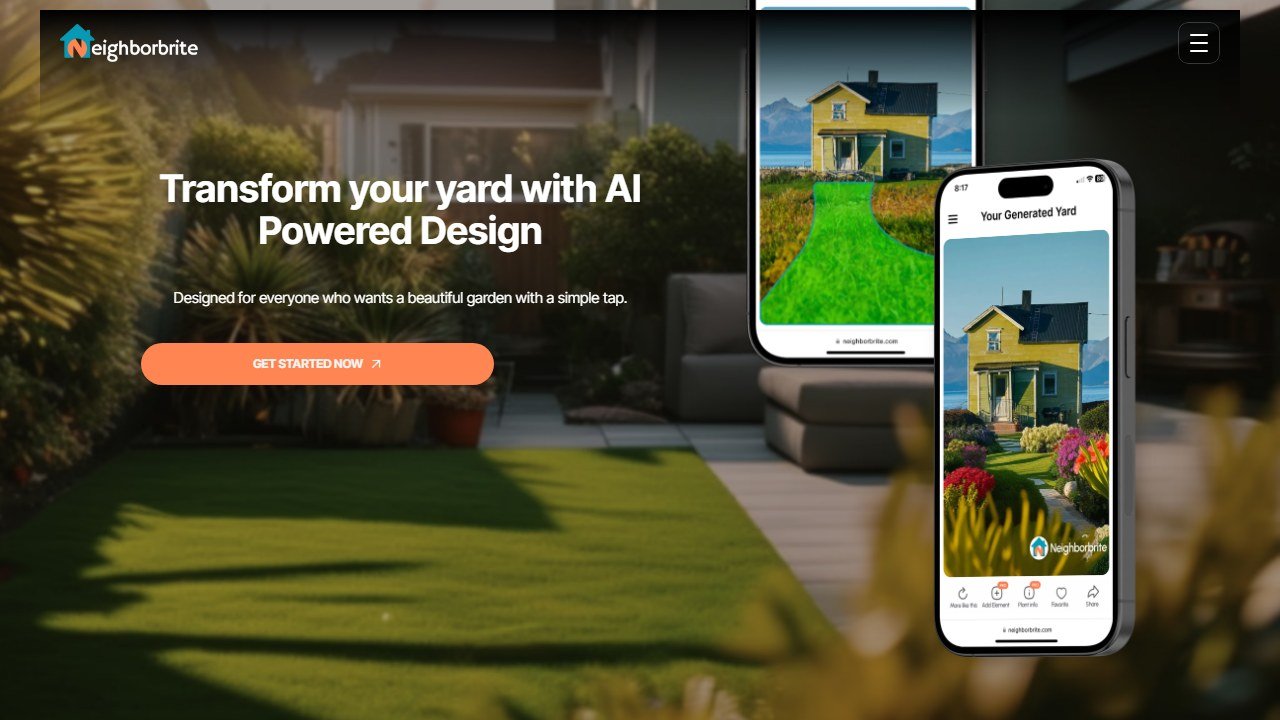
Neighborbrite has the simplest pricing model in the AI landscaping space: free forever with unlimited designs, no account required. The Pro plan at $15/mo adds Magic Edit (targeted element changes), a 60+ element library, plant list generation with regional recommendations, and sunlight filters. Most homeowners can get everything they need from the free plan without ever upgrading.
DreamzAR does not have a free plan. The iOS app costs $19.99/mo or $119.99/yr. There is no free trial. You pay before you know whether the AR experience works well on your device and your specific yard.
That pricing gap is meaningful. Neighborbrite’s free plan is genuinely functional, not a stripped demo. DreamzAR requires a commitment before you test it.
Verdict: Neighborbrite wins on pricing for any homeowner who is not sure they need the advanced features.
Design Quality
Both tools generate photorealistic renders from a single yard photo. The quality depends heavily on the photo you supply: clear photos with obvious boundaries produce better results from both tools.
Neighborbrite: Fast and generally accurate within the selected area. The most common complaint is the AI redesigning areas outside the selection boundary. The output is clean and convincing enough for visualization purposes.
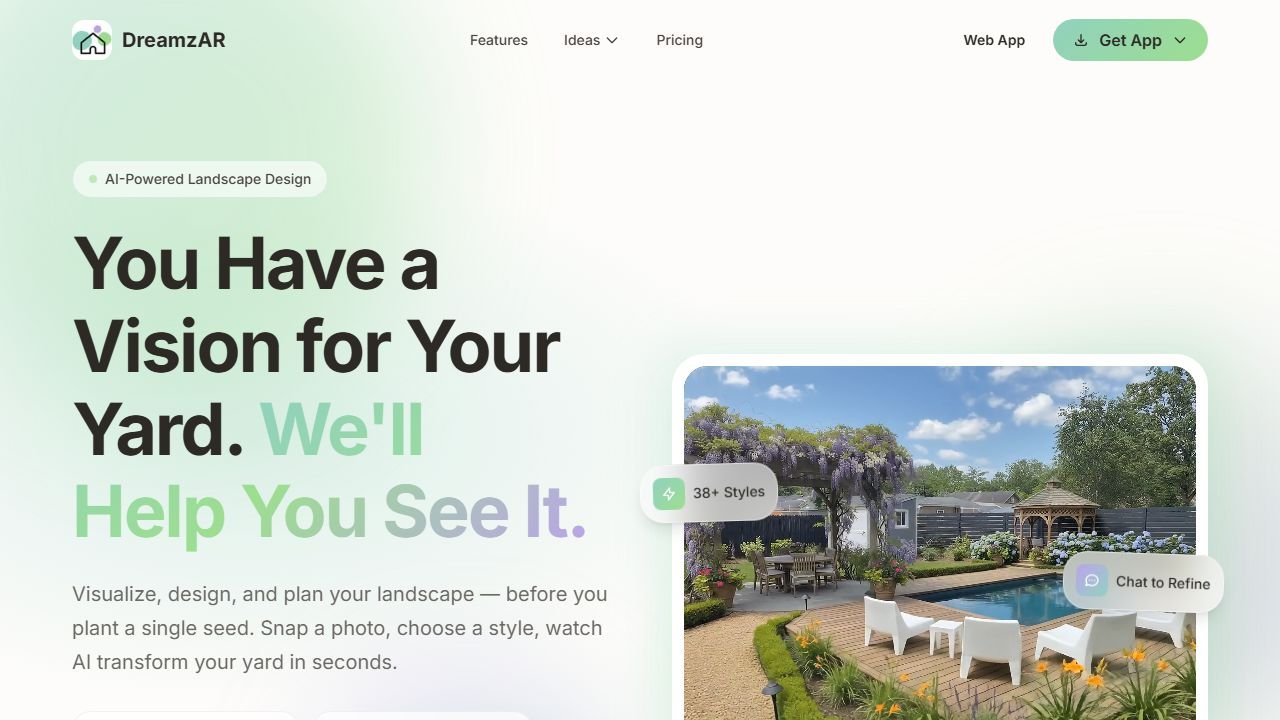
DreamzAR: Comparable photo-to-render quality, with the added option to refine using natural language. If the first render puts a tree in the wrong place, you can type “move the tree to the left corner” rather than regenerating the whole design from scratch. This iterative editing is more efficient than Neighborbrite’s Magic Edit for substantial changes.
Style variety: DreamzAR’s 38+ styles beat Neighborbrite’s 16+. For users who want to compare a Japanese Zen garden against a Coastal style against a French Country design, DreamzAR gives more to work with.
Verdict: DreamzAR for style variety and iterative editing. Neighborbrite for fast, no-friction generation.
The AR Walkthrough: DreamzAR’s Differentiator
This is the feature that has no equivalent in Neighborbrite or any other AI landscaping tool.
After generating a design in DreamzAR, you can enter AR mode and point your phone camera at your actual yard. The design overlays on the real space at real-world scale. You can walk around, see how tall the plants will be relative to your fence, check sightlines from different angles, and experience the spatial layout before buying a single plant.
This is genuinely different from looking at a rendered image. The most common mistake in garden planning is misjudging scale. A hedge that looks tidy in a render can look overwhelming at six feet tall in your actual yard. AR solves that by letting you see the height before you commit.
The caveat: AR quality depends heavily on device capability. The 3.1/5 App Store rating reflects early bugs and AR tracking issues on older phones. The experience works well on recent iPhones and high-end Android devices. On older hardware, it can be frustrating.
Plant Intelligence
Neighborbrite (Pro): After generating a design, Pro users can request a plant list tailored to their geographic location. The recommendations account for your climate region and suggest plants that will survive in your zone. The feature is useful but not deeply technical: it does not explicitly show USDA hardiness zone tags.
DreamzAR: The 2,000+ plant library is tagged with USDA hardiness zones, light requirements, water needs, mature height, and care instructions for every species. When you are placing plants, you filter by what actually grows in your zone. If you are in Zone 5 and want something that handles -20F winters, DreamzAR shows you exactly what qualifies. Neighborbrite does not work at that level of botanical specificity.
Verdict: DreamzAR by a wide margin for serious planners. The USDA tagging and plant depth are in a different category from Neighborbrite’s location-based recommendations.
Ease of Use
Neighborbrite: Upload a photo, draw a mask over the area you want redesigned, pick a style, get a result. The workflow takes about 60 seconds and requires no sign-up on the free plan. It is the most accessible AI landscaping tool available.
DreamzAR: App-based, which means it requires a download and an account. The feature set is deeper but requires more time to explore. AR mode specifically has a learning curve: getting good AR tracking requires good lighting and a stable camera hold.
Verdict: Neighborbrite is significantly easier to get started with. DreamzAR rewards users who invest time in learning the platform.
Saru says: The data point that stands out to me is DreamzAR’s 3.1/5 App Store rating against Neighborbrite’s much cleaner user satisfaction. A lot of the DreamzAR reviews reference AR tracking bugs and the lack of a free trial as their main complaints. The users who give it 5 stars are almost always talking about the AR walkthrough specifically. That tells me the product delivers on its core differentiator but the execution around everything else is still catching up. If you buy DreamzAR, buy it specifically for the AR and the plant library. Do not buy it expecting Neighborbrite’s smoothness.
Who Should Choose Each
Choose Neighborbrite if:
You want to visualize landscaping ideas quickly without paying anything
You are exploring options before committing to a landscaper
You want to show a contractor or family member what you have in mind
You are not planning to choose plants yourself and do not need botanical data
You want the fastest, simplest tool with zero friction to get started
Choose DreamzAR if:
You want to walk through your future garden in AR at real scale before planting
You are actually choosing and sourcing plants and need USDA hardiness zone data
You want to iterate on a design with natural language edits rather than regenerating from scratch
You have a modern iPhone or high-end Android device that will handle AR well
You are doing a substantial garden project and need cost estimates by ZIP code
The Verdict
Neighborbrite is the right default for most homeowners. It is free, fast, and gives you a realistic visualization with zero commitment. For casual planning, showing contractors ideas, or exploring styles, it does everything most people need.
DreamzAR is the right choice when you move from visualization to planning. The AR walkthrough, 2,000-plant library, USDA zone data, and chat-based refinement are built for users who are about to spend real money on their garden and want to be certain before they do.
They are not really competing for the same user at the point of purchase. Neighborbrite is where you start. DreamzAR is where you go when you are ready to plan seriously.
Final pick by buyer type
Homeowners doing DIY landscape exploration: pick Neighborbrite. The free tier covers most needs and the output is good for personal use. Contractors selling residential redesigns: pick Dreamzar (paid). The slightly better rendering quality and unlimited generations pay for themselves with one closed job. Both are credible 2026 picks; Neighborbrite is the budget choice for homeowners, Dreamzar is the contractor choice for sales work.
For serious design firms producing buildable plans, neither tool is enough on its own. Pair with Vectorworks Landmark or DynaSCAPE for documentation. AI landscape tools occupy the sales and ideation slot; traditional landscape architecture software occupies the documentation slot.
Sources
- EPA: water-efficient landscaping guidance
- USDA Plant Hardiness Zone Map
- American Society of Landscape Architects
Tools mentioned in this guide
How we reached this verdict: this guide is research-based. We compare each tool against its published documentation, pricing pages and terms, and we do not claim hands-on testing we have not done.

Written by
FazFaz is the founder of AIToolsBakery. Some tools here are tested hands on. Others are assessed from vendor documentation and pricing verified on the live page, and every review says which one it is. Sponsors can buy a position in a guide. They cannot buy the score, the criticism, or silence about a better option.
How we test and how we make money →