Last updated: April 22, 2026.
Related: FitBudd review | Trainerize review | TrueCoach vs Trainerize | Best AI tools for personal trainers
.
Faz says: I have spoken to enough personal trainers to know that most of them get sold on one tool and then discover its limitations six months in when they are already locked into a client workflow. FitBudd and Trainerize are both mature platforms with real user bases, and they genuinely suit different types of coaches. The mistake is buying either based on the headline price without mapping the full add-on cost to your actual use case. I will break down what you are actually paying at each scale.
.
Quick Comparison Table
| Feature | FitBudd | Trainerize |
|---|---|---|
| Starting price | $15/mo (2 clients) | Free (1 client) |
| 20 clients | $79/mo | $60/mo base |
| 50 clients | $149/mo base | $120/mo base |
| Branded app | Yes (Super Pro, ~$149-233/mo effective) | Yes (add-on, +$45/mo + setup) |
| Website builder | Included from Pro | Not included |
| Scheduling/appointments | Add-on ($50/mo) | Included |
| Nutrition coaching | Basic food logging | Add-on ($20-45/mo, Evolution Nutrition) |
| Android client app | Yes | Yes |
| Automation | Basic + Smart Flow add-on ($20/mo) | Best in category, included |
| Wearable sync | Apple Watch, Garmin | Apple Watch, Fitbit, Garmin |
| Multi-trainer management | Add-on ($50/mo) | Included on higher tiers |
| G2 rating | 4.7/5 | 4.6/5 |
| Best for | Brand-building coaches, influencers | High-volume, multi-trainer operations |
.
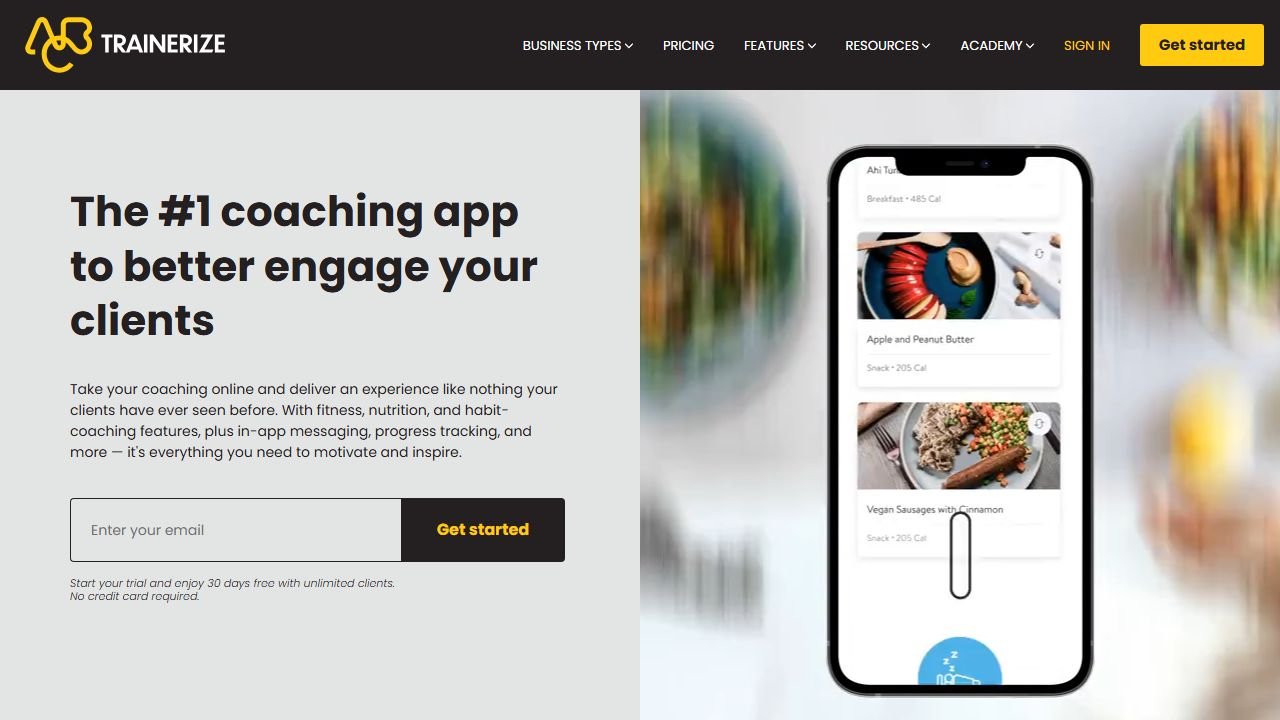
Pricing: What You Actually Pay
Both tools use tiered pricing that looks reasonable at first and gets more complex once you add the features a real coaching business needs.
FitBudd Pricing
| Plan | Monthly | Clients |
|---|---|---|
| Starter | $15 | 2 |
| Pro | $79 | 20 |
| Super Pro | $149 + $75 setup | 20 (white-label app) |
| Elite | Custom | Unlimited |
The headline prices do not tell the full story. Here is what add-ons cost:
- Appointments and scheduling: $50/mo
- Team management (multiple trainers): $50/mo
- Smart Flow automation: $20/mo + $1/client over 20
- On-demand video content: $50/mo
A coach on the Pro plan who wants scheduling and basic automation is looking at $149/mo before any other extras. That is close to Super Pro pricing without the branded app.
The branded app math: Super Pro at $149/mo + $75 setup + Apple Developer ($99/yr) + Google Play ($25 one-time) = roughly $233/mo effective in year one. For a coach with 30+ clients who wants a real branded app, that works. For a coach with 10 clients hoping a branded app drives growth, that is a lot to absorb before the clients justify it.
Trainerize Pricing
| Plan | Monthly | Clients |
|---|---|---|
| Grow 1 | Free | 1 |
| Grow 5 | $22 | 5 |
| Build 10 | $40 | 10 |
| Build 20 | $60 | 20 |
| Build 50 | $120 | 50 |
| Studio | Custom | Unlimited |
Add-ons:
- Nutrition (Evolution Nutrition): $20-45/mo
- Branded app: $169 one-time setup + $5-45/mo ongoing
- Apple Developer account: $99/yr
A coach with 50 clients who wants nutrition tracking and a branded app pays $120 + $45 + $45 = $210/mo plus the setup fees. That is post-acquisition Trainerize: capable, but expensive once you layer in what a growing coaching business actually needs.
Saru says: The pricing comparison shifts depending on what you are optimising for. If you specifically need automation (onboarding sequences, re-engagement flows, automated check-ins), Trainerize includes those on the base plan. FitBudd charges an extra $20/mo for Smart Flow automation on top of the base plan. For a 20-client coach who runs systematic automated follow-up, Trainerize is $60/mo with automation built in. FitBudd is $79 + $20 = $99/mo for the same capability. That is a real difference at small scale.
.
Workout Builder
FitBudd: The workout creation workflow requires three separate steps: exercise library, build workout, add to schedule. For coaches building large program libraries this adds up. Multiple Capterra reviewers flag this as the platform’s most consistent friction point. The exercise library is solid and the client-facing workout display is clean, but the build experience is slower than it needs to be.
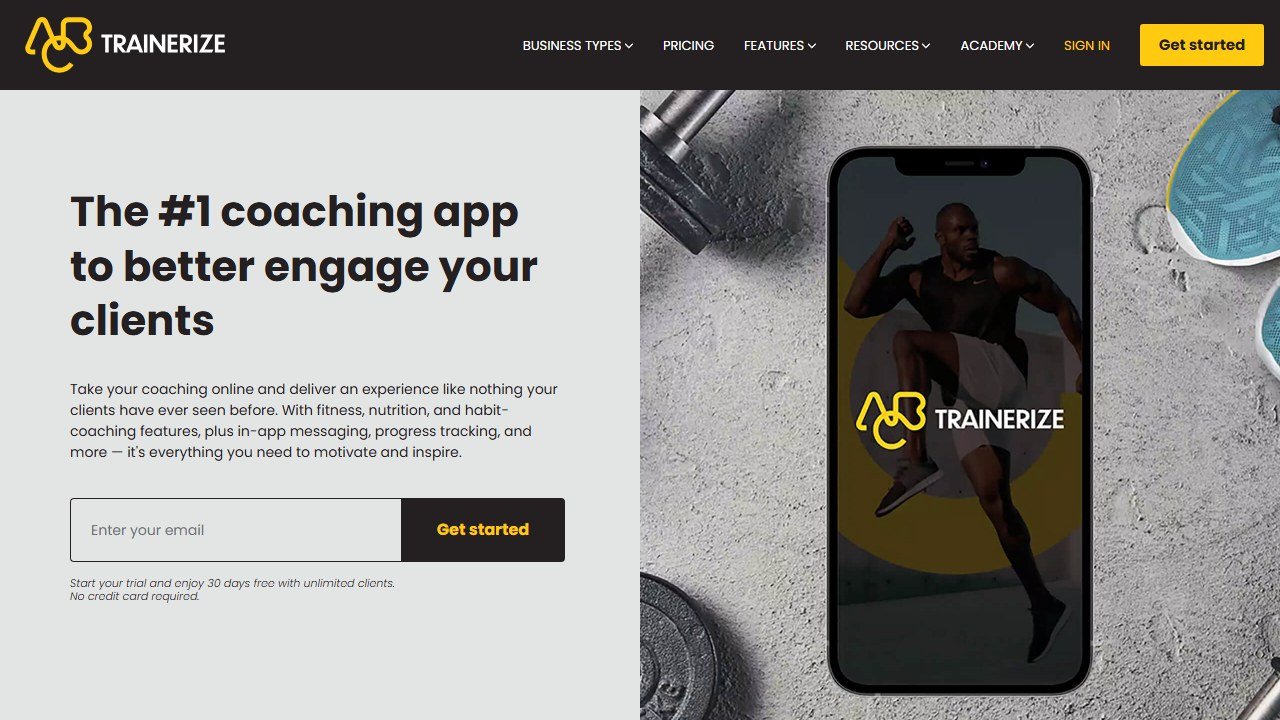
Trainerize: Calendar-based program builder with phased programs, master templates, group challenges, and multi-trainer assignment. More features and more learning curve. The depth is genuinely useful for coaches managing complex, multi-phase programs across large client rosters. It is not the fastest tool for building individual programs quickly.
Verdict: Neither tool has the fastest workout builder in the category (that distinction goes to TrueCoach). Between these two, Trainerize handles program complexity better. FitBudd handles simpler program delivery more cleanly.
.
Client-Facing App
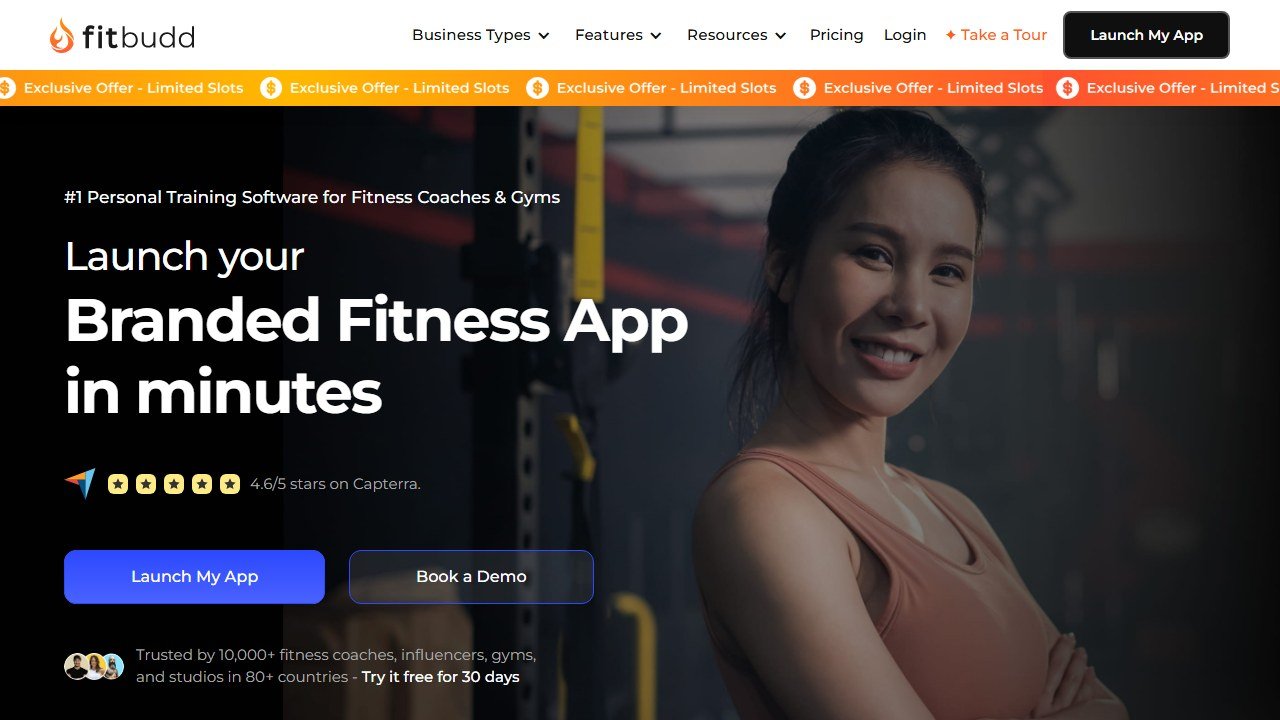
FitBudd: Clean, well-reviewed client app on iOS and Android. Clients get workout delivery, nutrition tracking, progress photos, check-ins, and messaging in one place. The design is consistently praised in user reviews. The white-label option means clients download an app with your brand, not FitBudd’s.
Trainerize: iOS and Android apps, both functional. The client experience includes habit tracking, nutrition, challenges, and leaderboards in addition to workout delivery. More features means more complexity, and clients need slightly more onboarding to use it fully.
Verdict: FitBudd’s client-facing app is better designed for a clean, premium experience. Trainerize’s offers more features but more complexity. If the client experience is your primary differentiator as a coach, FitBudd wins.
.
Automation
FitBudd: Basic automation on the base plan. The Smart Flow add-on ($20/mo) unlocks automated sequences, but it is an extra cost and the automation depth is still below Trainerize’s built-in capabilities.
Trainerize: Best automation in the personal trainer software category. Automated messages triggered by workout completions or non-completions, multi-step onboarding sequences, re-engagement flows, habit reminders, group challenge automations. Coaches who run systematic follow-up workflows built around automation get genuine value here that FitBudd cannot match at the same cost.
Verdict: Trainerize. Not close. If automation is central to your coaching system, this is not a decision.
.
Website and Business Tools
FitBudd: Includes a website builder from the Pro plan upward. No extra cost, no third-party integration needed. For coaches paying separately for Squarespace or Webflow, consolidating into one tool saves money and reduces complexity. The website builder is functional but not as flexible as a dedicated website platform.
Trainerize: No website builder. Coaches who want a business website pay for it separately.
Verdict: FitBudd. If you need both coaching software and a business website, FitBudd is genuinely cheaper than managing two subscriptions.
.
Reliability
FitBudd: Generally stable. The main documented reliability issue is automated messages being sent to deactivated clients when they share a start-date group with active clients. This is a real edge case that has caught coaches off guard.
Trainerize: Post-acquisition bugs are documented across G2 and Capterra. Program delivery errors, billing mistakes (multiple users report being charged incorrectly after downgrading or cancelling), and slower support response times compared to pre-2022. The platform is not broken but the quality has regressed.
Verdict: FitBudd is more stable in 2026. Trainerize has accumulated real reliability complaints since the ABC Fitness acquisition.
.
Who Should Choose Each
Choose FitBudd if:
- You want a white-label branded app with your name on the App Store
- You are building a fitness brand rather than just running a coaching operation
- You want an included website builder without paying for a separate platform
- You sell on-demand workout content or manage a fitness influencer business
- Clean client UX matters more than automation depth
- You have 10-40 clients and do not need complex multi-trainer management
Choose Trainerize if:
- Automation, meaning onboarding sequences, re-engagement flows, and automated follow-up, is core to how you coach
- You manage multiple trainers and need staff permissions and client assignment at scale
- A significant portion of your clients are on Android (FitBudd works on Android but Trainerize’s app is more established there)
- You are already on Trainerize with a complex system built in (migration cost is real)
- You have 50+ clients and need the volume management tools
.
The Verdict
FitBudd and Trainerize are not in direct competition for the same coach.
FitBudd is for coaches who want a platform that supports their brand as much as their coaching workflow. The white-label app, included website builder, and clean client experience are built for coaches who see their software as part of how they present themselves to clients.
Trainerize is for coaches who need operational depth: automation, multi-trainer management, and the largest ecosystem in the category. The post-acquisition quality regression is real and worth factoring in, but the capability ceiling is still higher than FitBudd’s.
If you do not specifically need automation depth or multi-trainer management, FitBudd gives you a better product experience at a price that is easier to understand upfront.
| Best for | Brand-building, influencers, clean UX | High-volume, automation, multi-trainer |
|---|---|---|
| 20 clients | $79/mo | $60/mo |
| 50 clients (full setup) | ~$199/mo | ~$210+/mo |
| Branded app | Best in category | Add-on, functional |
| Website builder | Included | Not included |
| Automation | Add-on | Built in, best in category |
| Stability | Good | Declined post-acquisition |
| Rating | 4.7/5 | 4.6/5 |
| Verdict | Best for brand-focused coaches | Best for operational depth |
.
Related personal trainer & fitness AI guides
Other tools and comparisons we have reviewed in this category:
- best AI tools for personal trainers. category overview
- FitBudd review (full). standalone deep-dive
- Trainerize review (full). standalone deep-dive
References & further reading
For deeper context on programming, periodization, and training science behind the tools we evaluate:
- NSCA: peer-reviewed strength and conditioning research. evidence-backed programming principles from the National Strength and Conditioning Association
- ACSM physical activity guidelines. official exercise prescription standards from the American College of Sports Medicine
- PubMed sports science database. searchable archive of peer-reviewed studies on resistance training, hypertrophy, and recovery
When to choose Fitbudd over Trainerize
Picking between Fitbudd and Trainerize comes down to four factors: team size, budget, integration needs, and how much customization you want. Use the framework below to map your situation to the right tool.
Pick Fitbudd if:
- You’re an individual operator or a small team and you want the fastest setup path.
- Your budget favors a lower entry tier or a strong free plan over premium features you may never use.
- Your existing stack is light, and you prefer a tool that works well out of the box.
- You value simplicity over feature breadth.
Pick Trainerize if:
- You’re a growing or mid-sized team and you need room to scale without switching platforms.
- You’re willing to pay more upfront for advanced features, integrations, or higher usage limits.
- You already have a mature stack and you need a tool that plugs into it cleanly.
- You’d rather have power and configurability than the simplest possible setup.
What we’d switch for
The most common reasons we see teams move between tools in this category: (1) pricing changes that push the cheaper option out of reach, (2) a missing integration that becomes a daily friction, (3) hitting a usage cap on the lower tier, (4) a feature ship from the alternative that closes a gap users had been working around.
If you can avoid those four switching triggers with your initial pick, you’ve made the right call. If any of them are likely in your first 12 months, plan for them now and pick accordingly.
Bottom line
Fitbudd is the more accessible starting point. Trainerize is built for the stage after you’ve outgrown a simpler tool. Most teams should start with the tool that matches today’s needs and move when (and if) they hit a real wall, not based on what they think they might need in two years.
What software should cost as a share of coaching revenue
The useful test is not whether a platform is cheap but whether it is a sane fraction of what it helps you earn, and that arithmetic is straightforward in this business.
Work it out per client, per month
At 20 clients on Everfit billed annually you are paying $41 a month, which is about $2.05 per client. If your average client pays $150 a month, software is roughly 1.4% of revenue. At the same roster on FitBudd’s $79 tier it is $3.95 a client, or 2.6%. Both are defensible. What is not defensible is paying a per client rate that approaches a meaningful share of what each client pays you, and that happens most often on the entry tiers where marginal rates are highest.
The branded app question is a business decision, not a software one
My PT Hub publishes a custom branded app at $95 one-time and a white label app at $145 a month. FitBudd’s own-app tier is $149 for 20 clients with a $100 setup fee. A branded app is worth it if you are selling to your own audience at scale and the app is part of the product you charge for. It is not worth it if you have 15 clients who already message you on WhatsApp, however good it looks.
Price the tier you will be on in six months
Coaching rosters grow in steps rather than smoothly, usually after a launch or a referral run. Buying for today’s client count and re-evaluating quarterly is fine; buying an enterprise tier for a roster you hope to have is how coaches end up paying for capacity they never use. The published ladders in this category make it easy to model both, so model both.
What the platform does not fix
Software does not sell coaching. If your constraint is that you have twelve clients and want thirty, no feature on any of these pages changes that, and the money is better spent on whatever actually brings people in. Buy a platform when delivery is the bottleneck, not when demand is.
Client retention, and the small number of things that actually move it
Coaching businesses live and die on retention rather than acquisition, and this is where software genuinely helps, though not in the way the feature lists suggest.
The check-in is the product
Clients renew because they feel seen, and the single highest leverage feature in any of these platforms is whatever makes a consistent, personal check-in easy to deliver at scale. Everything else is secondary. When evaluating, time how long it takes you to review a week of one client’s data and send something meaningful back, then multiply by your roster. That number is your real capacity.
Automation helps until it is noticed
Automated messaging is the standard feature here and it works right up to the moment a client realises the encouraging note arrives every Monday regardless of what they did. Use automation for logistics, reminders and structure. Keep anything that reads as personal actually personal, because the cost of being caught is the relationship rather than the message.
Watch the first six weeks
Most coaching churn happens early, before habit forms and before results arrive. If your platform gives you an activity view, the one report worth opening weekly is the list of clients who have not logged anything in seven days, filtered to those in their first six weeks. Acting on that list is worth more than any feature comparison.
Measure retention before you change anything
Take your current three month and twelve month retention rates from your own records before switching platforms, because you cannot reconstruct them afterwards and every vendor conversation will otherwise be about features. If retention does not move within two full client cycles, the platform was not the constraint.
Tools mentioned in this guide

Written by
FazFaz is the founder of AIToolsBakery. Some tools here are tested hands on. Others are assessed from vendor documentation and pricing verified on the live page, and every review says which one it is. Sponsors can buy a position in a guide. They cannot buy the score, the criticism, or silence about a better option.
How we test and how we make money →