
Ask in any Facebook group for pet sitters and dog walkers which software to use, and one name comes up again and again: Time To Pet. It is the recommendation that gets the most thumbs-up, the one experienced owners hand to anyone tired of running a service business out of a spreadsheet, a text thread, and a shoebox of paper invoices. When that many real operators keep pointing at the same tool, it is worth understanding exactly what they are pointing at, and where the praise stops being useful for your specific business.
Here is the part most pages will not tell you. Search “Time To Pet review” and you mostly get the vendor’s own marketing, plus a wall of software-directory listings that earn a commission when you sign up through their link. We are neither. AIToolsBakery is independent, we sell none of these tools, and nobody pays us to push you toward a plan. What follows is the verdict we would give a friend who walks dogs for a living and wants to stop drowning in admin.
We spent time with Time To Pet’s current product, its pricing page, and the patterns in how real pet-care businesses use it. The short version: it is genuinely good, and for most in-home pet-care operations it is the safe default. But the per-staff pricing model means the math changes the moment you grow a team, and there are a couple of fits it is not built for.
The 30-second verdict: Time To Pet is the strongest all-in-one for in-home pet sitting and dog walking, with excellent scheduling, client apps, GPS, and support people actually praise. Best for solo operators and small teams. The per-active-staff fee scales with headcount, so large rosters should price it carefully.
Quick facts
- Best for: in-home pet sitters and dog walkers, solo owners through small and mid-size teams
- Pricing model: tiered monthly plans, plus a per-active-staff fee on the Team plan; month-to-month, no contract
- Standout: the combination of polished client and staff apps, GPS-tracked visits, and support staffed by former pet-care pros
- Biggest drawback: cost scales with your team because you pay per active staff member each billing period
What Time To Pet is
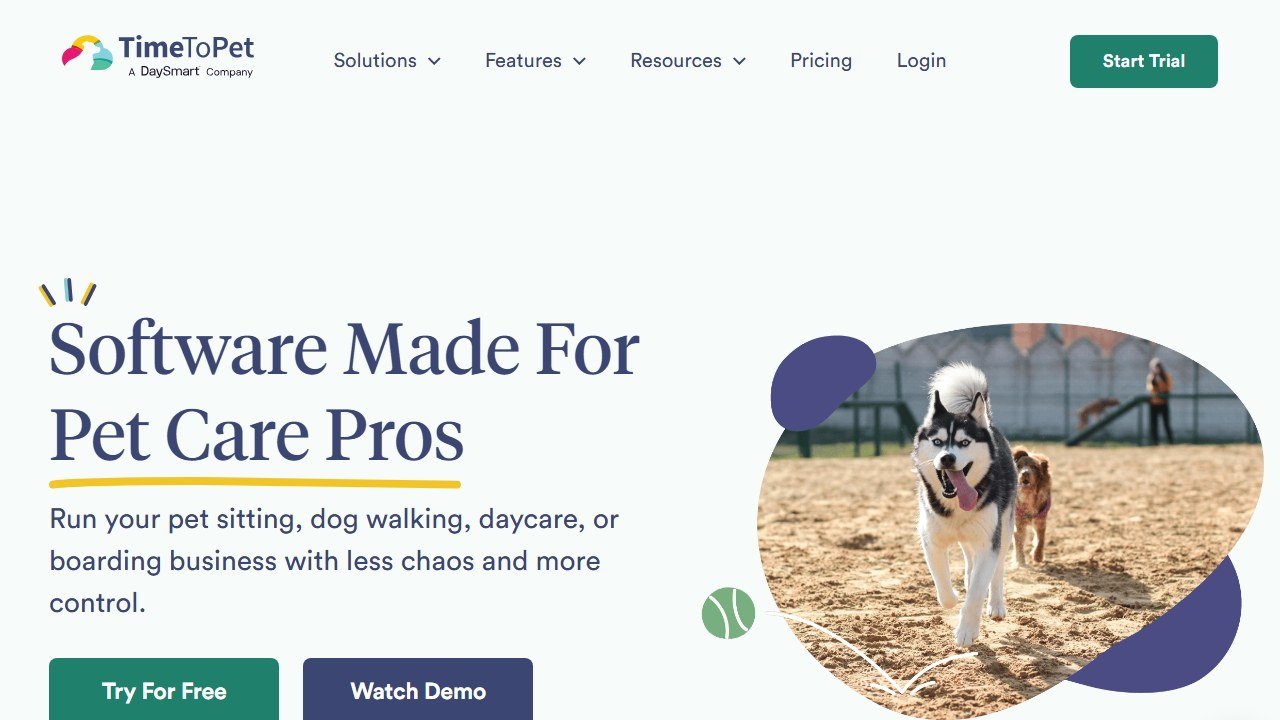
Website: Time To Pet
Time To Pet is business-management software built specifically for pet-care companies. It is now part of the DaySmart family of software, but it still operates as its own dedicated product rather than a generic appointment tool with a pet skin on top. That focus shows. Everything is organized around the way a pet-sitting or dog-walking business actually runs, from recurring midday walks to multi-day vacation sits.
The core covers the full loop: clients book or request services through a portal, you schedule and assign visits to staff, sitters complete those visits in a mobile app, and the system handles invoicing and online payments at the end. Around that core sit the features that separate it from a calendar and a payment link.
Sitters and walkers get a dedicated mobile app to see their schedule, navigate to a client’s home, complete a GPS-tracked visit, and send a visit report card with photos and videos. Clients get their own app and portal to request services, view those report cards, update their pet’s details, and pay invoices. Owners get the dashboard: scheduling, staff management, automatic charging, pay reports, and the configuration tools to make the whole thing fit your service menu.
On the money side, it processes credit card payments through the client portal or directly from the dashboard, and invoices can sync with QuickBooks if you connect it. The platform also exposes features like front-desk mode, scheduled and recurring services, time-off requests, and permissions, which is where a real team starts to need software instead of a shared calendar. If you are still mapping the broader category, our overview of AI tools for pet sitters puts Time To Pet in context against lighter alternatives.
Who it is for
The clearest fit is in-home pet care. If your business is built on visits to a client’s house, dog walks, cat sitting, overnight stays, or a pooper-scooper route, Time To Pet was designed around exactly that workflow, and it shows in details like the GPS visit verification and the report cards clients have come to expect.
Solo operators do well here. The Lite and Solo plans give a one-person business real scheduling, invoicing, and a professional client portal without the per-staff cost, and the jump in how clients perceive you is immediate. There is a reason the recommendation spreads so fast among people just going full-time.
Small and growing teams are the heart of the customer base. Once you have walkers or sitters working under you, the staff app, permissions, pay reports, and time-off handling stop being nice-to-haves. This is the band where Time To Pet earns the loyalty you see in the groups. Our guides to AI tools for dog walkers cover the adjacent automation a growing team layers on top.
It also has a Facility product for daycare and boarding businesses. That said, if your business is primarily a brick-and-mortar facility, this is the area to scrutinize hardest, because the platform’s center of gravity is in-home service, and facility-first competitors exist that we touch on below.
What stands out
The first thing is polish where it counts. The client and staff apps are not afterthoughts. Clients can self-serve their requests and pay without you playing phone tag, and sitters can run their whole day from a phone. That two-sided app experience is the single biggest reason owners say it makes them look more professional.
The second is the GPS-tracked visit and the report card. Completing a visit logs that it happened, where, and when, and sends the client a card with photos or video. For a service built entirely on trust while someone is away from home, that proof is worth more than any feature list. It quietly reduces “did you actually come today” questions to near zero.
The third, and the one people get emotional about, is support. It is staffed by people who came from the pet-care industry, it is included unlimited on every plan, and onboarding help is part of the deal rather than an upsell. Most businesses get fully set up and live in a few hours, with help importing data from whatever they used before. In a category where switching software feels terrifying, that hand-holding is a real differentiator.
Two more practical wins: it is month-to-month with no contract, so you are never locked in, and the active-staff billing means you only pay for staff who actually worked a service in the period. That is a fairer model than flat per-seat pricing for businesses with seasonal or part-time help.
Where it falls short
The honest catch is the pricing model, not the price. The Team plan charges a base fee plus a per-active-staff amount every billing period. For a handful of walkers that is trivial. For a roster of fifteen or twenty seasonal sitters in a busy summer, the monthly bill grows in a way a flat-rate tool would not. It never becomes unreasonable for what you get, but you should run your own numbers at your real headcount before assuming it stays cheap.
Facility-first businesses are the second soft spot. The Facility product exists, but daycare and boarding operations with complex kennel layouts, capacity management, and retail may find purpose-built facility software a closer fit. If you run a clinic-adjacent or veterinary operation, this is the wrong category entirely, and our look at AI tools for veterinary practices is the better starting point.
It is also not a grooming-first or training-first platform. Groomers can technically use it, but tools built around grooming workflows, intake forms, and salon or mobile-route logic tend to fit better, which is why we steer those readers to our AI tools for pet groomers and AI tools for dog trainers guides instead. Use the right tool for the actual job.
One note on data privacy, because this software holds sensitive client information. You are storing clients’ home addresses, the location of their hidden keys or lockbox codes, their pets’ medical details, and their stored payment data. Treat that like the liability it is: use strong unique passwords, limit staff permissions to only what each role needs, never paste key codes into casual chat threads, and confirm on the vendor’s site how payment data is handled and secured before you onboard. The GPS and visit logs are a feature, but they are also a record, so be deliberate about who on your team can see what.
Pricing
Time To Pet uses tiered monthly plans, and the structure rewards solo operators while scaling cost with team size. Treat the figures below as the current published shape rather than a quote, because pricing changes, and you should confirm the live numbers on the official Time To Pet pricing page before deciding.
As of this writing, the published tiers run roughly like this. A Lite plan sits near the bottom for a true one-person company with basic scheduling and invoicing. A Solo plan steps up for a growing solo business and adds advanced functionality like visit videos, integrations, and email marketing. A Team plan introduces a base monthly fee plus a per-active-staff charge, unlocking staff management, permissions, time-off requests, and pay reports. A Facility plan targets daycare and boarding operations. Above 25 active staff, you move to custom Large Team pricing and talk to sales.
The headline to internalize is the Team math. Because you pay a base fee plus a recurring amount per active staff member, your bill tracks your team’s size and seasonality. The upside is fairness: an “active” staff member is defined as someone with at least one scheduled service in the billing period, so a sitter who sat out the slow season does not cost you. The downside is that a busy stretch with everyone working pushes the bill up exactly when you have more staff active.
There is a free trial with no credit card required, and everything is month-to-month with no contract and no cancellation fees, with prorating if you leave mid-cycle. Standard payment-processor fees apply on card transactions, as they do everywhere. For most in-home businesses the value is clearly there. The discipline is simply to price it at your real, peak-season headcount, not your slow-month one.
How it compares and alternatives
Time To Pet is not the only modern option, and the honest answer for some businesses is a different tool. The main names you will weigh against it are Scout, a clean modern all-in-one for pet-care businesses, plus established players like Pet Sitter Plus, Easy Busy Pets, and Precise Petcare. If grooming is your core service rather than sitting or walking, MoeGo is the more natural fit, and our MoeGo review covers that case in depth.
The closest head-to-head, and the one most owners actually deliberate over, is against Scout. Both are modern, app-forward, and built for this industry, and the right pick comes down to team size, budget, and how much feature depth you need. We break that decision down fully in our Time To Pet vs Scout comparison.
Time To Pet vs the main alternatives
| Tool | Best for | Pricing shape | Standout | Watch-out |
|---|---|---|---|---|
| Time To Pet | In-home sitting and walking, solo to mid teams | Tiered, base plus per-active-staff on Team | Two-sided apps, GPS visits, expert support | Cost scales with team size |
| Scout | Modern pet-care businesses wanting clean UX | Quote or tiered, confirm on vendor | Sleek all-in-one, easy onboarding | Younger, less feature-deep in places |
| Pet Sitter Plus | Established sitting and walking operations | Tiered, confirm on vendor | Mature, deep scheduling | Interface feels dated to some |
| Easy Busy Pets | Multi-service pet businesses | Tiered, confirm on vendor | Broad feature range, automation | Breadth can mean a learning curve |
| Precise Petcare | Sitting and walking teams on a budget | Tiered, confirm on vendor | Cost-effective core feature set | Lighter polish than top tier |
| MoeGo | Grooming salons and mobile groomers | Tiered or quote, confirm on vendor | Grooming-specific workflows and routing | Built for grooming, not sitting |
All pricing above is qualitative and moves often. Confirm current figures on each vendor’s own site before you commit.
Our verdict
Buy it if you run an in-home pet-sitting or dog-walking business, especially as a solo operator or a small-to-mid team. The reasons owners keep recommending Time To Pet are real: the client and staff apps make you look professional, GPS visits and report cards build the trust your business depends on, and the support is the kind people rarely say nice things about elsewhere. The month-to-month, no-contract terms and the free trial mean trying it costs you nothing but an afternoon.
Look elsewhere in two cases. If you run a large roster where the per-active-staff fee will balloon in peak season, price it carefully against flatter-rate competitors first, and you may still choose it on quality, just go in with eyes open. And if your core business is a boarding facility, grooming salon, training practice, or veterinary clinic, a purpose-built tool for that job will serve you better than bending an in-home platform to fit.
For the businesses it is built for, though, the crowd is right. Time To Pet is the recommendation that holds up.

Written by
FazFaz is the founder of AIToolsBakery. Some tools here are tested hands on. Others are assessed from vendor documentation and pricing verified on the live page, and every review says which one it is. Sponsors can buy a position in a guide. They cannot buy the score, the criticism, or silence about a better option.
How we test and how we make money →

